
Payton 3D
From "what if..." to "whoa, I just built that" — in Python.
A batteries-included 3D graphics toolkit for rapid prototyping, creative coding, simulation, data visualization, and play. Real 3D, sane defaults, zero ceremony. AI-ready — every wheel ships its own docs, API catalog, and examples, so assistants get it right the first time.






Three lines to 3D · What's inside · AI-ready · Showcase · Examples · Install
https://github.com/user-attachments/assets/3904c4a3-d683-4816-a31d-3af958e42813
⚡ Three lines to 3D
from payton.scene import Scene

scene = Scene()
scene.run()
That is a live, interactive 3D scene: a camera you can orbit, lighting, shadows, a ground grid, and a render loop — all configured for you. Want a spinning cube on top of that? Add four more lines:
from payton.scene import Scene
from payton.scene.geometry import Cube

scene = Scene()
cube = Cube(width=2, depth=2, height=2)
cube.position = [0, 0, 1]
scene.add_object("cube", cube)
scene.run()
No engine bootstrapping. No asset pipeline. No 300-line "hello world". Just Python, and something beautiful on screen before your coffee gets cold.
🧭 Why Payton?
Python 3D libraries usually live at two extremes: too low-level (you hand-build cameras, lighting, materials, and scene management before you see a single triangle) or too heavy (you fight a production engine's learning curve for a weekend before you see results). Payton sits deliberately in the sweet spot between them.
| The usual story | The Payton story | |
|---|---|---|
| First render | Hours of setup | Three lines |
| Camera + lighting + shadows | Build it yourself | Included |
| Materials, GUI, physics, audio | Glue five libraries together | Included, optional |
| Learning curve | Engine-specific patterns | Plain, Pythonic API |
| AI assistants | Guess APIs, hallucinate signatures | Docs, API catalog & examples ship in the wheel |
| Best for | Shipping a AAA title | Seeing your idea right now |
vs Pygame: Pygame is a 2D library. The moment you want true 3D you must build camera orbit, lighting, shadows, materials, hierarchies, collision, and UI from scratch. Payton ships all of it, so you write your idea instead of your boilerplate.
vs Panda3D: Panda3D is a production engine with a C++-rooted architecture and a steep deployment curve. Payton is the opposite — three lines to a window, zero-config defaults, and a purely Pythonic feel. It's built for prototyping, tool-building, visualization, simulation, and education, where results in minutes beat polish in weeks. If your project outgrows Payton, moving on to Panda3D, Ursina, or Unity is the natural next step.
Payton bridges the gap between "I need to see my 3D idea right now" and "I'm building a commercial game." It shines when speed-to-visual matters most.
📦 What's inside
Everything is optional and off until you need it — but it's all there, waiting.
|
🎨 Rendering & scene
🧊 Geometry
|
🛠️ Mesh toolkit
🕹️ Interaction & systems
|
🚀 Install
Requirements
- Python 3.11+
- A GPU with OpenGL 3.3+
- LibSDL2 —
sudo apt install libsdl2-dev(Debian/Ubuntu) - ImageMagick —
sudo apt install imagemagick(Debian/Ubuntu)
For other platforms, use your preferred package manager.
Install with pip
pip install payton
If you hit permission errors, you're installing system-wide — use a virtualenv, or run sudo pip3 install payton.
Upgrade
Payton is under active maintenance:
pip3 install payton --upgrade
Physics
Payton includes a small, dependency-free physics engine that is used
automatically when PyBullet is not installed. Both engines read the same object
parameters, so no scene code changes are needed to switch. Force the built-in
engine with Scene(use_internal_physics=True).
Note — accuracy & performance. The built-in engine is a deliberately small, pure-Python implementation: keeping Payton dependency-free was a conscious design choice. Because of that it will fall short of a native engine for anything demanding — large scenes, fast collisions/tunnelling, joints, and long stacking chains. Solid sequential-impulse contacts and warm starting are implemented, but Python's per-operation overhead caps how many iterations it can afford, and it has no continuous collision detection. For the best physics accuracy and performance, use PyBullet (below) and let Payton select it automatically.
Optional: Bullet Physics
pip install pybullet
Installed in the same environment, Payton detects and activates it automatically.
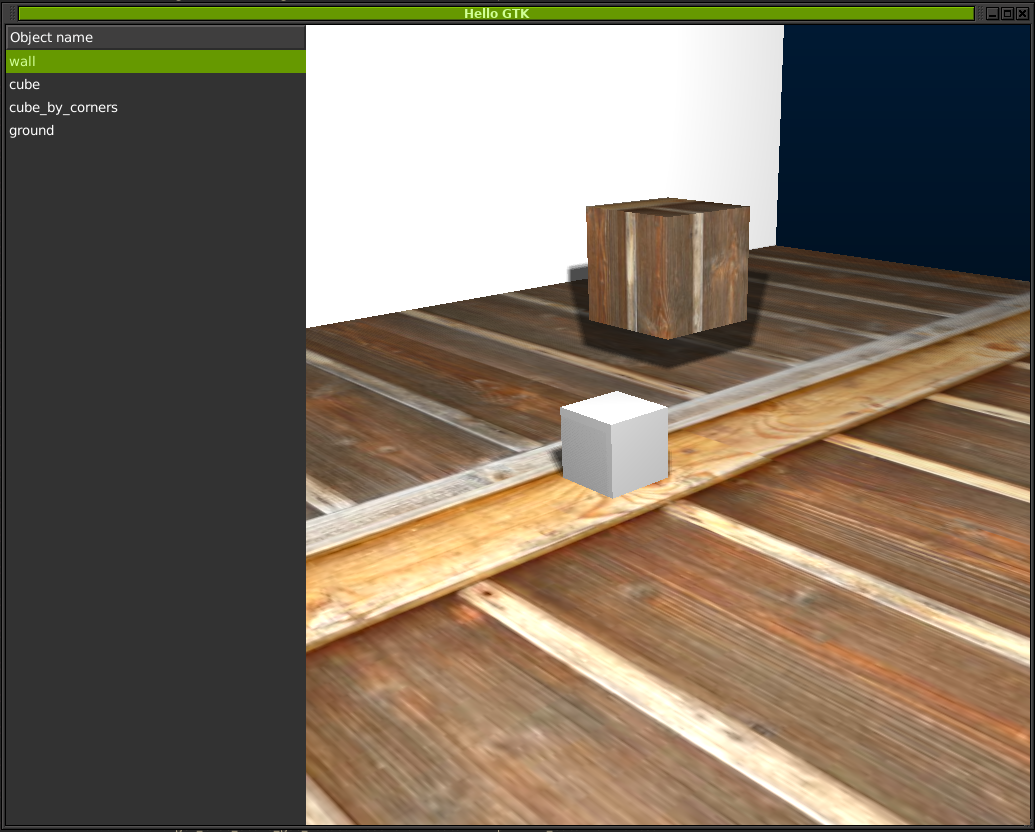
Optional: GTK3 instead of SDL2
Use Payton with native GTK3 widgets. Install the Python GTK3 bindings, then use the GTK integration.
Using Payton with Anaconda
Since 0.0.10, Payton installs cleanly on Anaconda — just pip install payton from the Anaconda Prompt. It's then available in Spyder and JupyterLab locally.

AWP3D format & Blender exporter
AWP3D is a ZIP of one Wavefront OBJ per animation frame. The Blender add-on for exporting animated meshes lives in plugins/.
🎮 Controls
The default scene is immediately explorable — no setup required.
| Key / Action | Description |
|---|---|
| Mouse Wheel | Zoom in / out |
| Right Mouse Drag | Rotate scene |
| Middle Mouse Drag | Pan scene |
| Escape | Quit |
| C | Toggle camera mode (perspective / orthographic) |
| Space | Pause / resume scene clocks |
| G | Show / hide grid |
| W | Cycle display mode (solid / wireframe / points) |
| P | Cycle profiler (FPS → details → verbose → hide) |
| F2 / F3 | Previous / next camera |
| F12 | Screenshot (saves PNG in the current directory) |
| H | Open / close help window |
Environment variables
SDL_WINDOW_WIDTH— window widthSDL_WINDOW_HEIGHT— window heightGL_MULTISAMPLEBUFFERS— multisample buffer count for antialiasing (usually 1–2)GL_MULTISAMPLESAMPLES— multisample sample count for antialiasing (usually 1–16)
Set both GL_MULTISAMPLEBUFFERS and GL_MULTISAMPLESAMPLES, or graphics can look pixelated. There are no defaults because the ideal values vary by GPU.
🖼️ Showcase
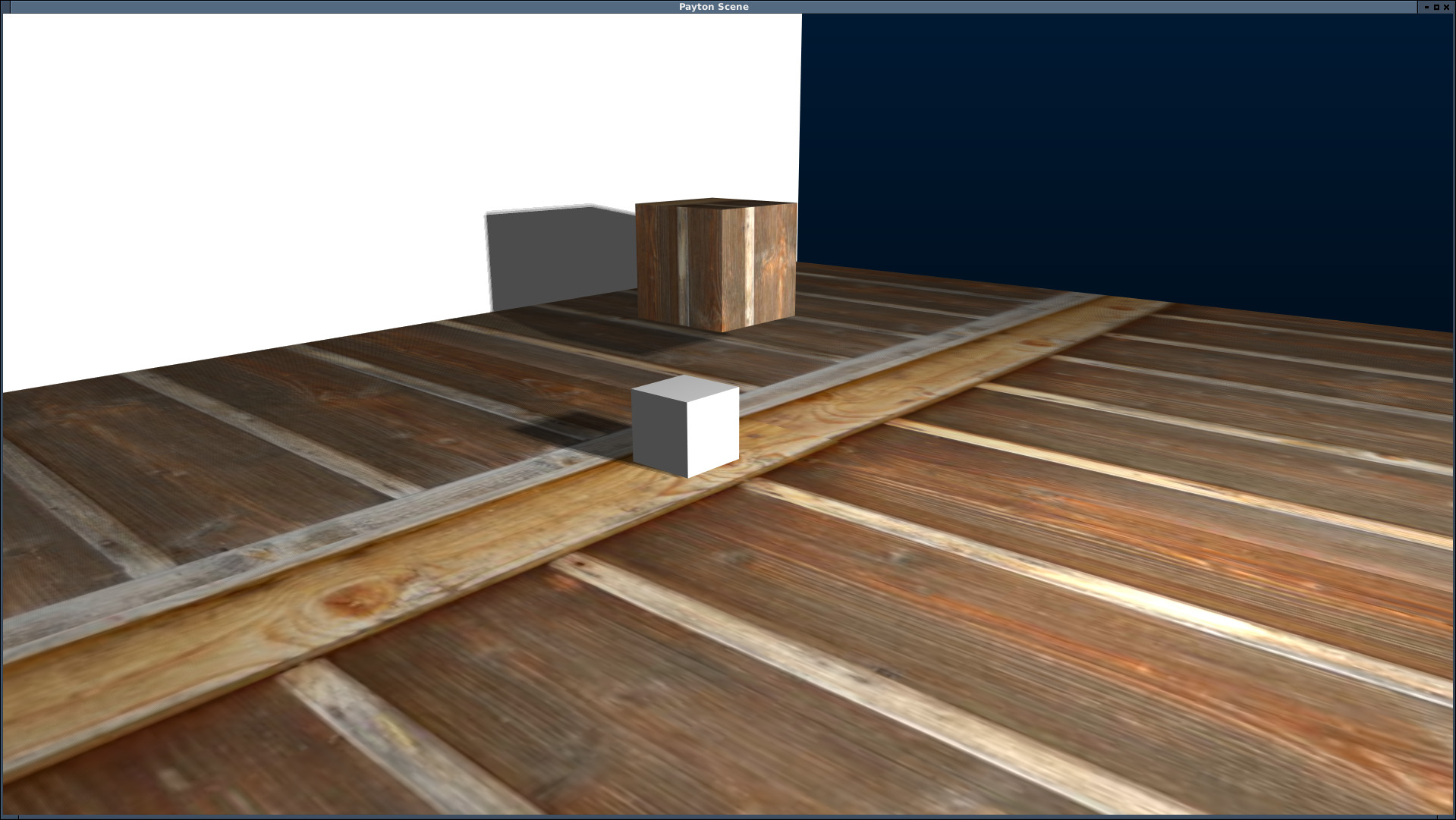
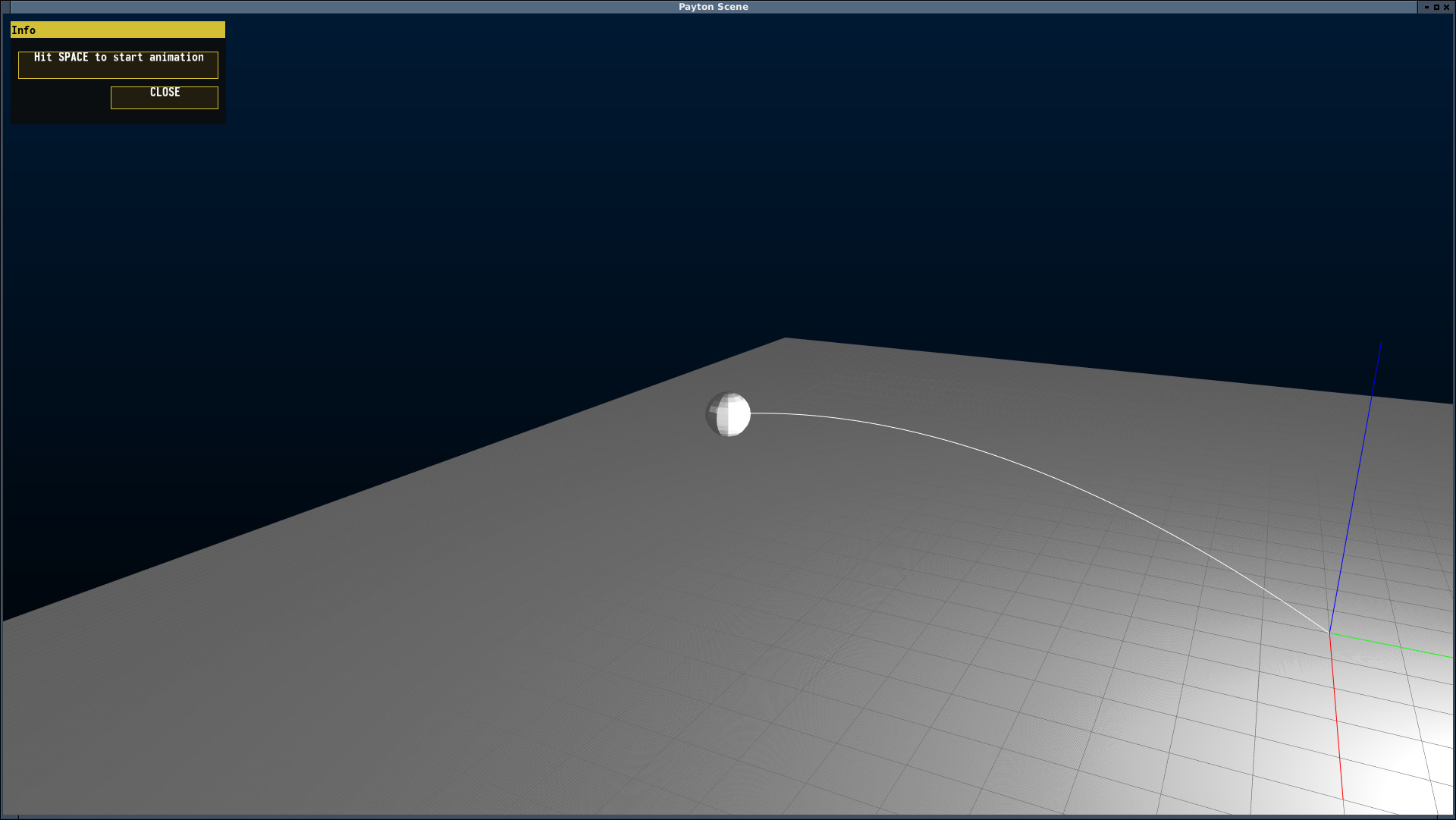
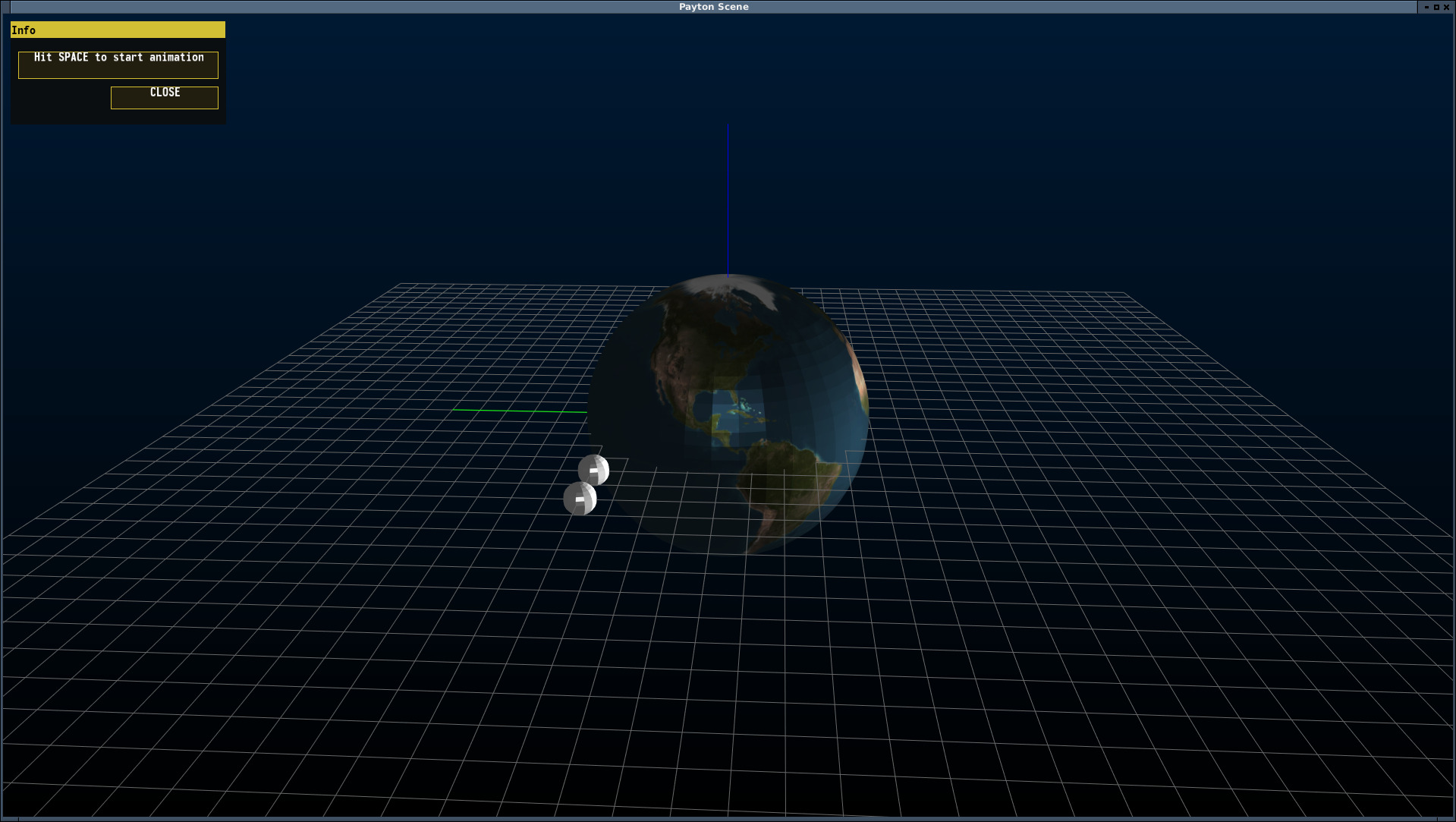
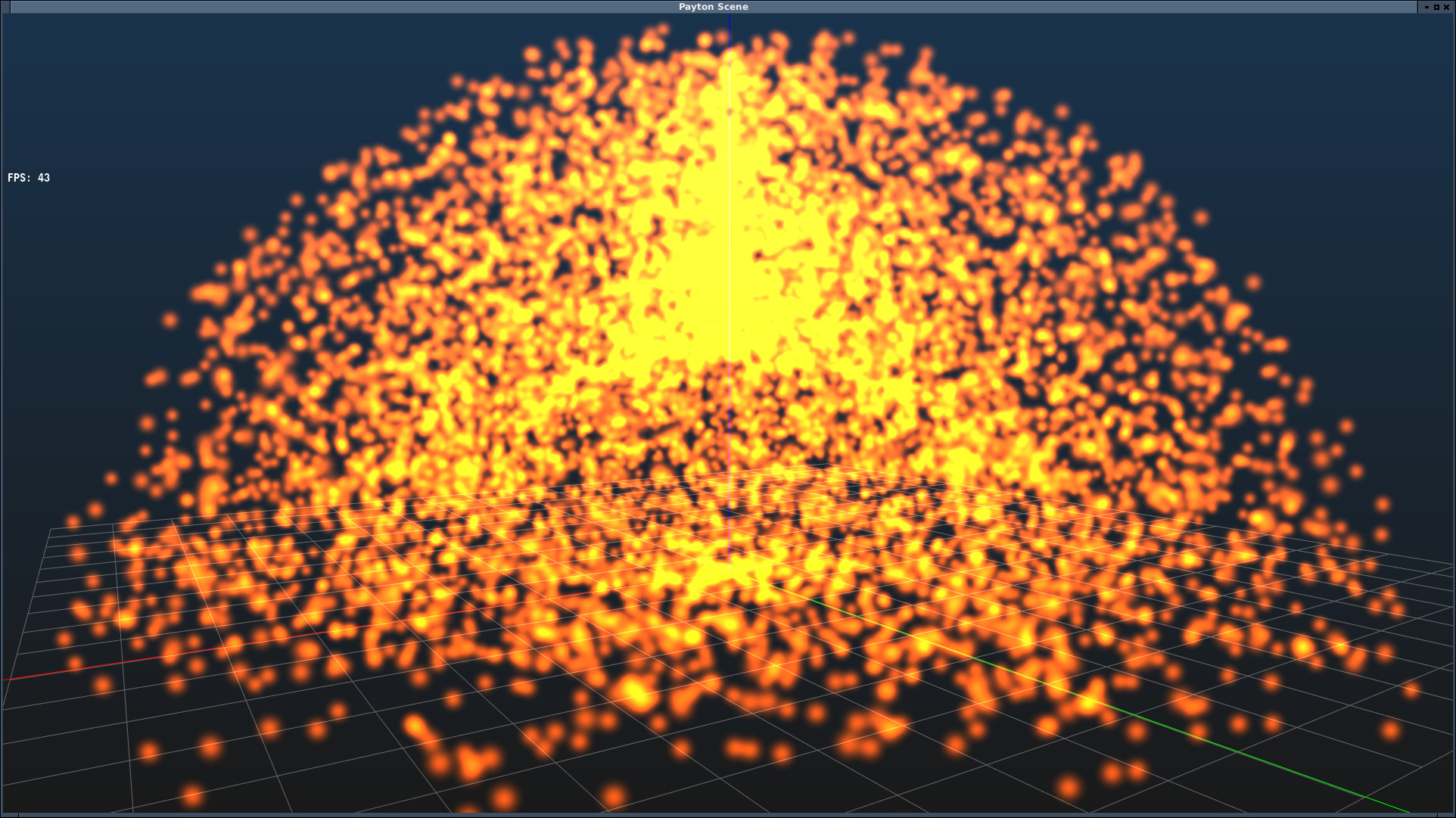
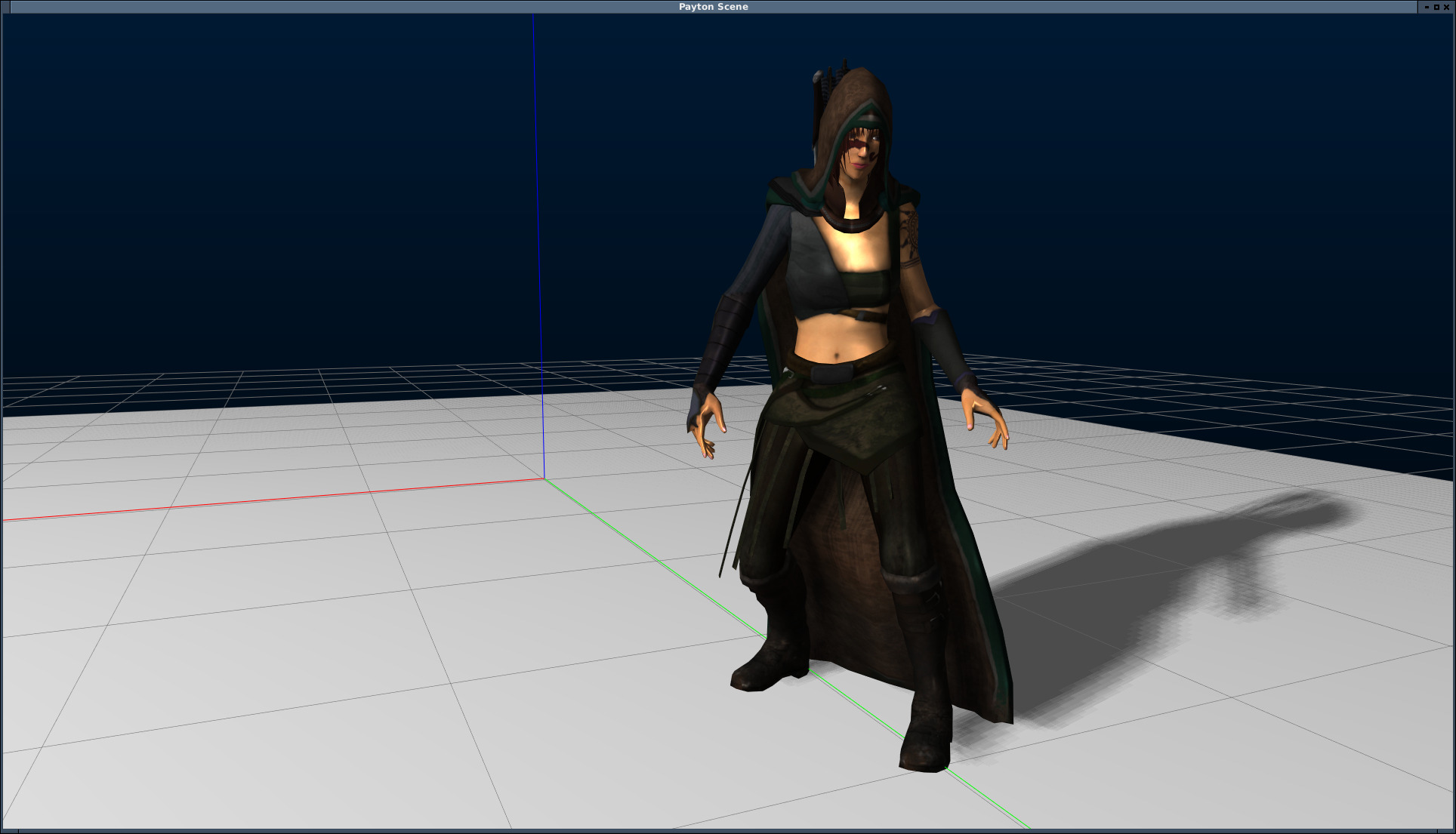
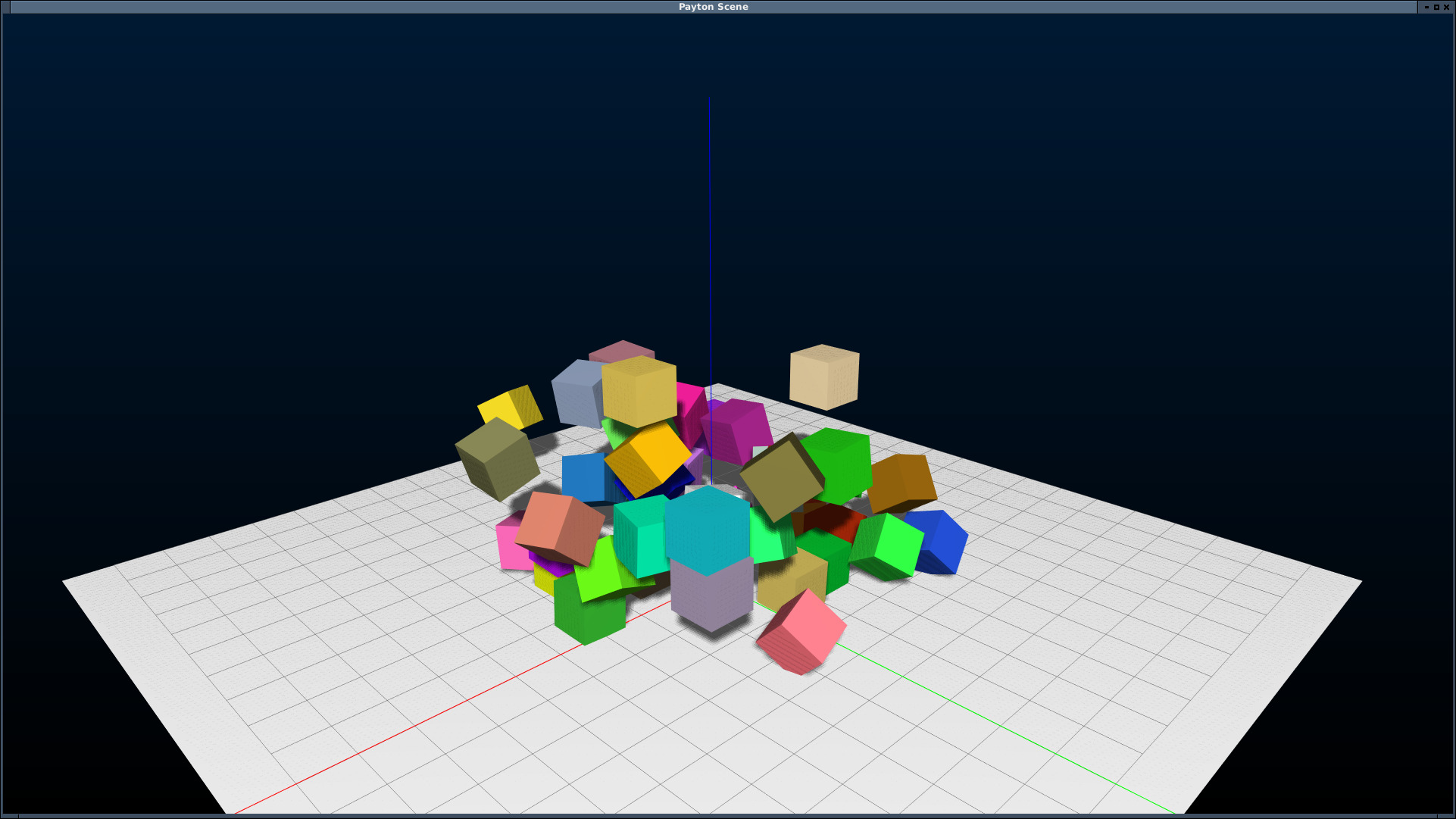
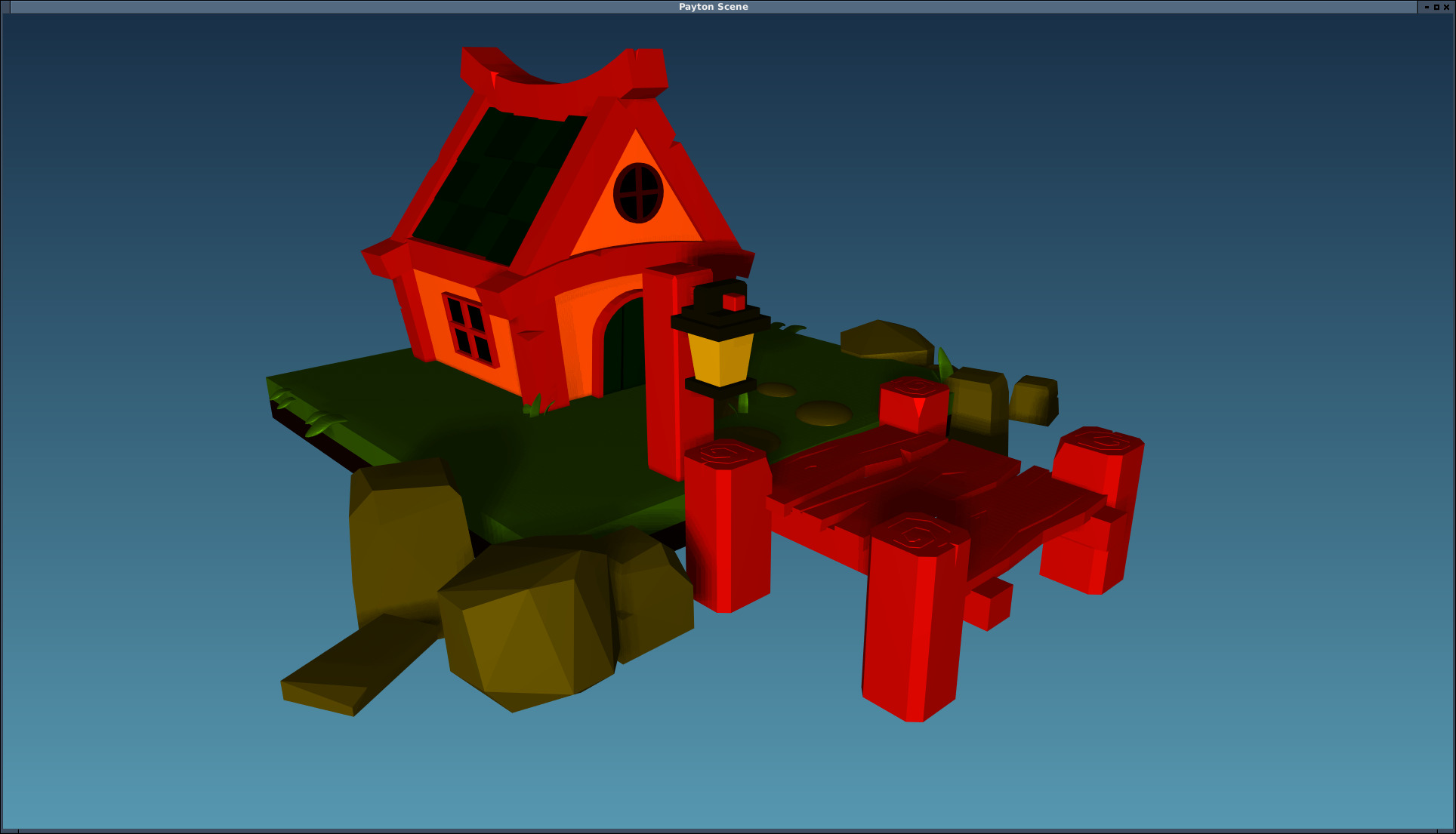
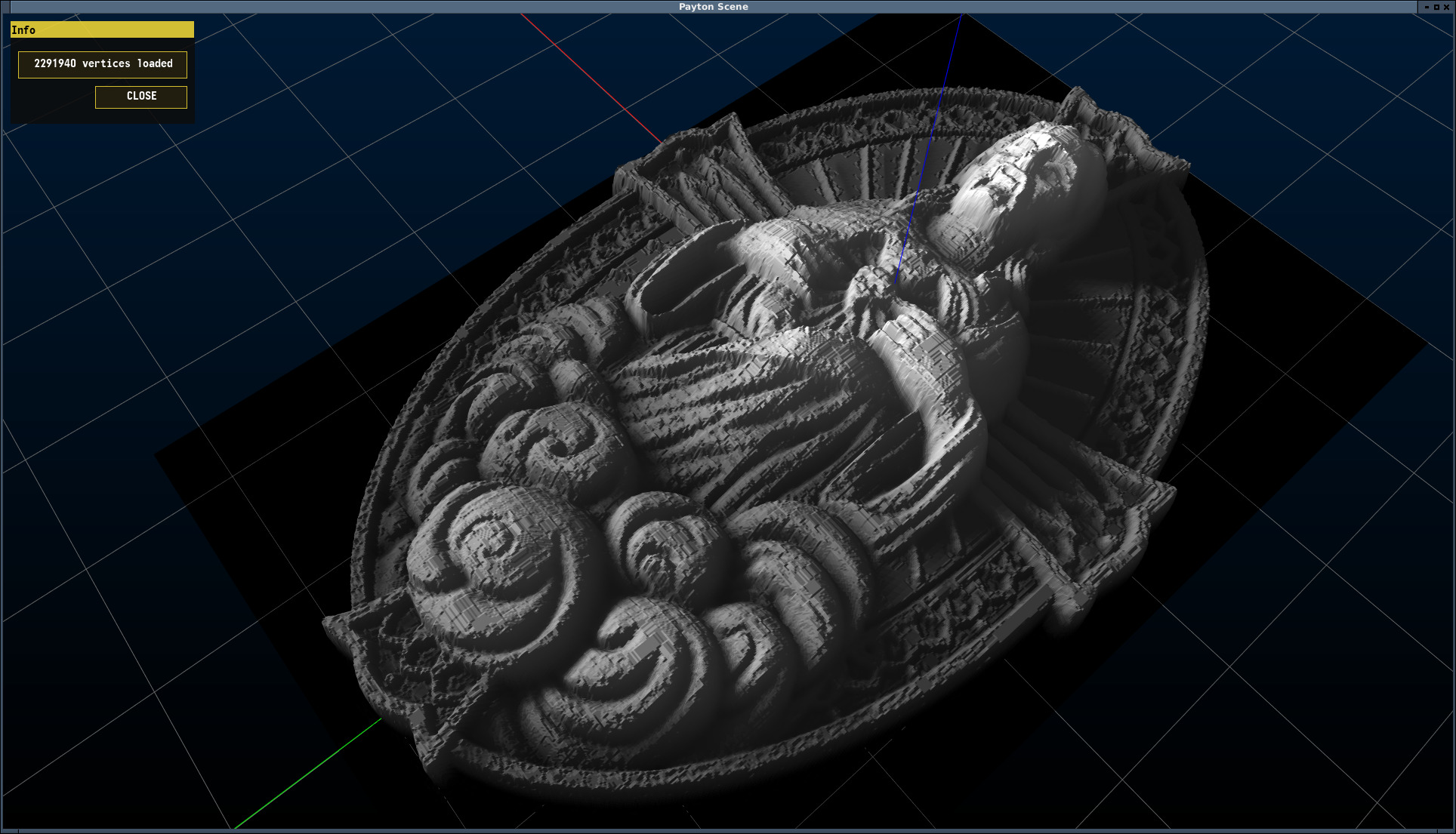
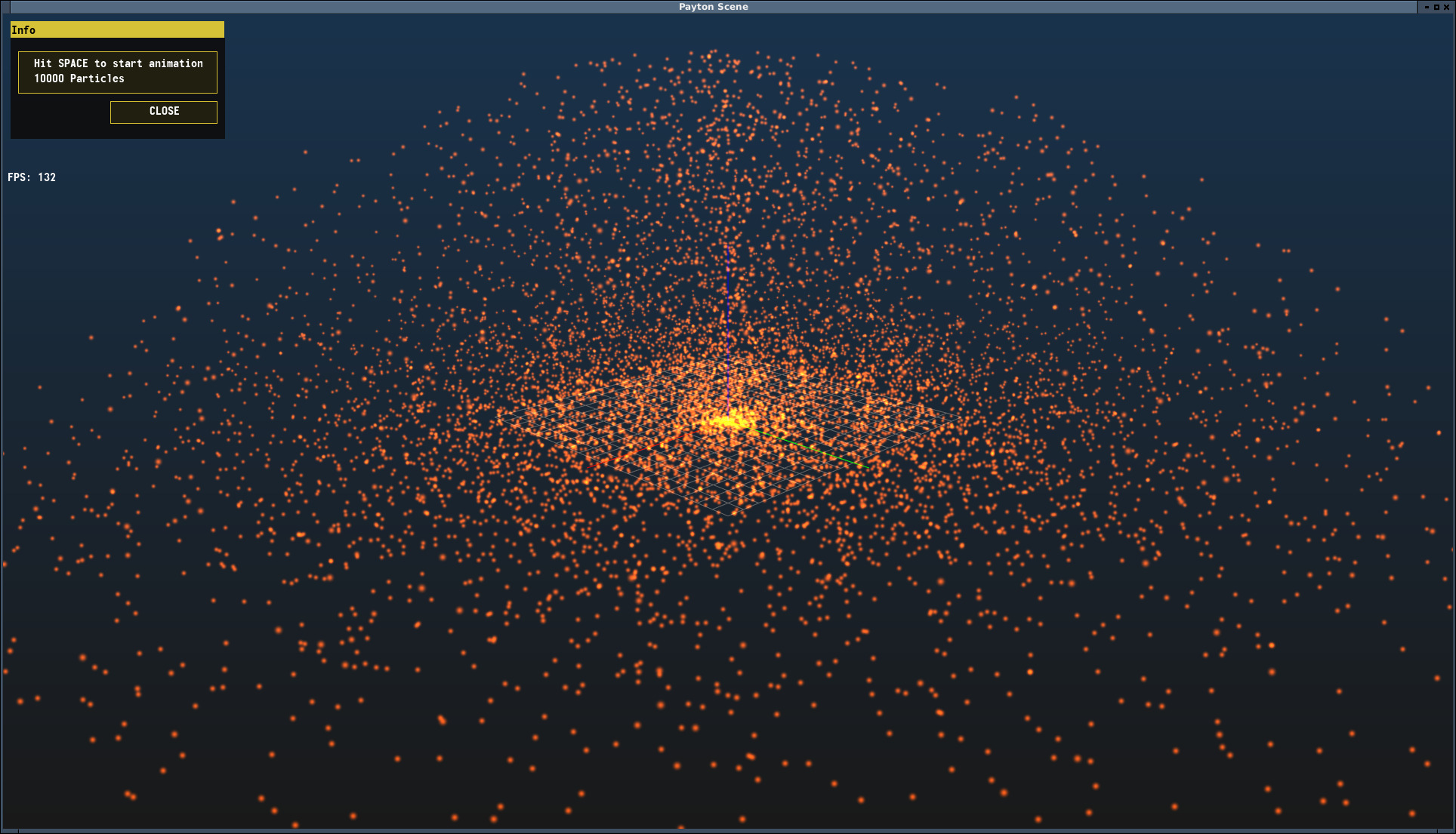
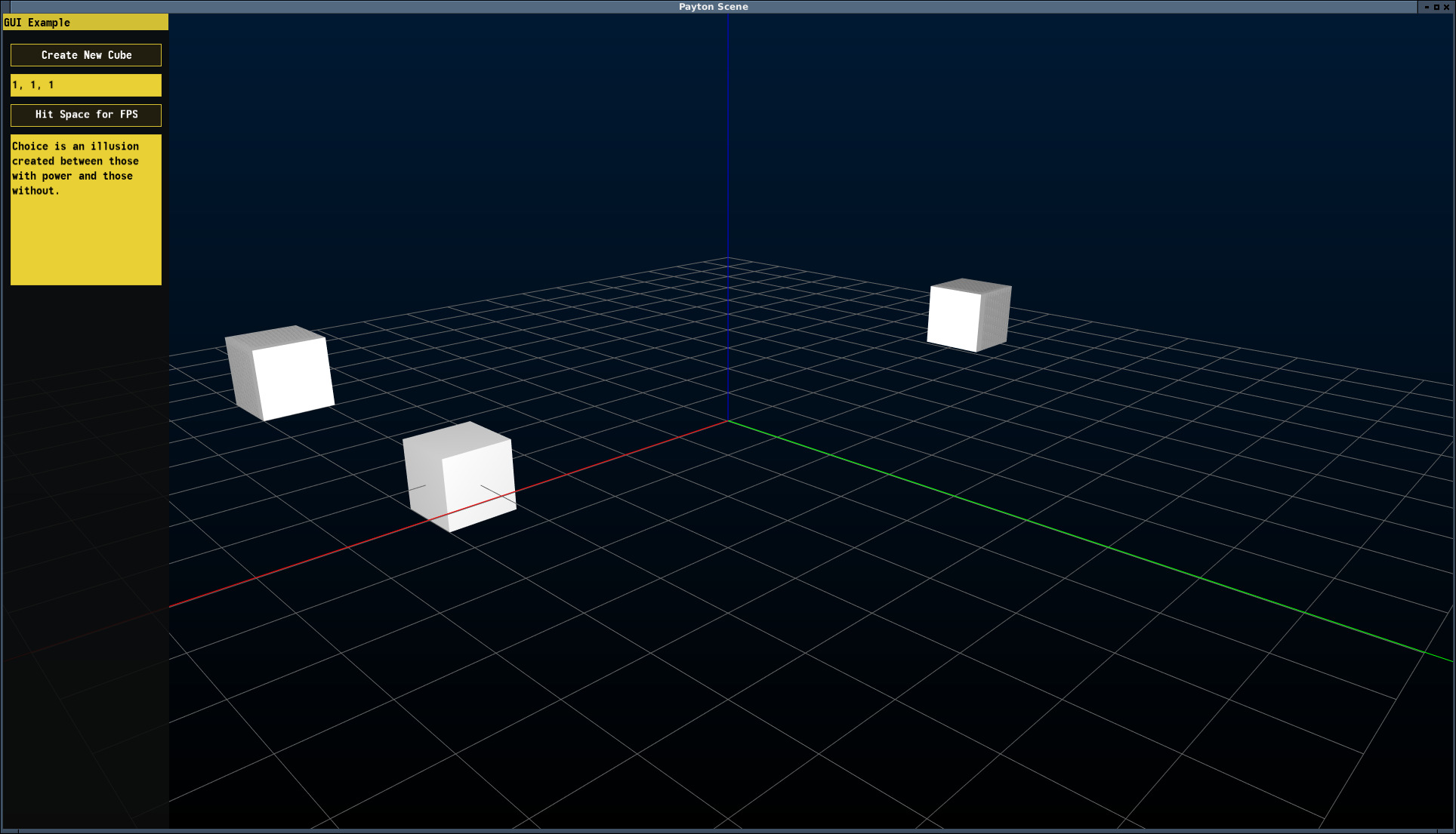
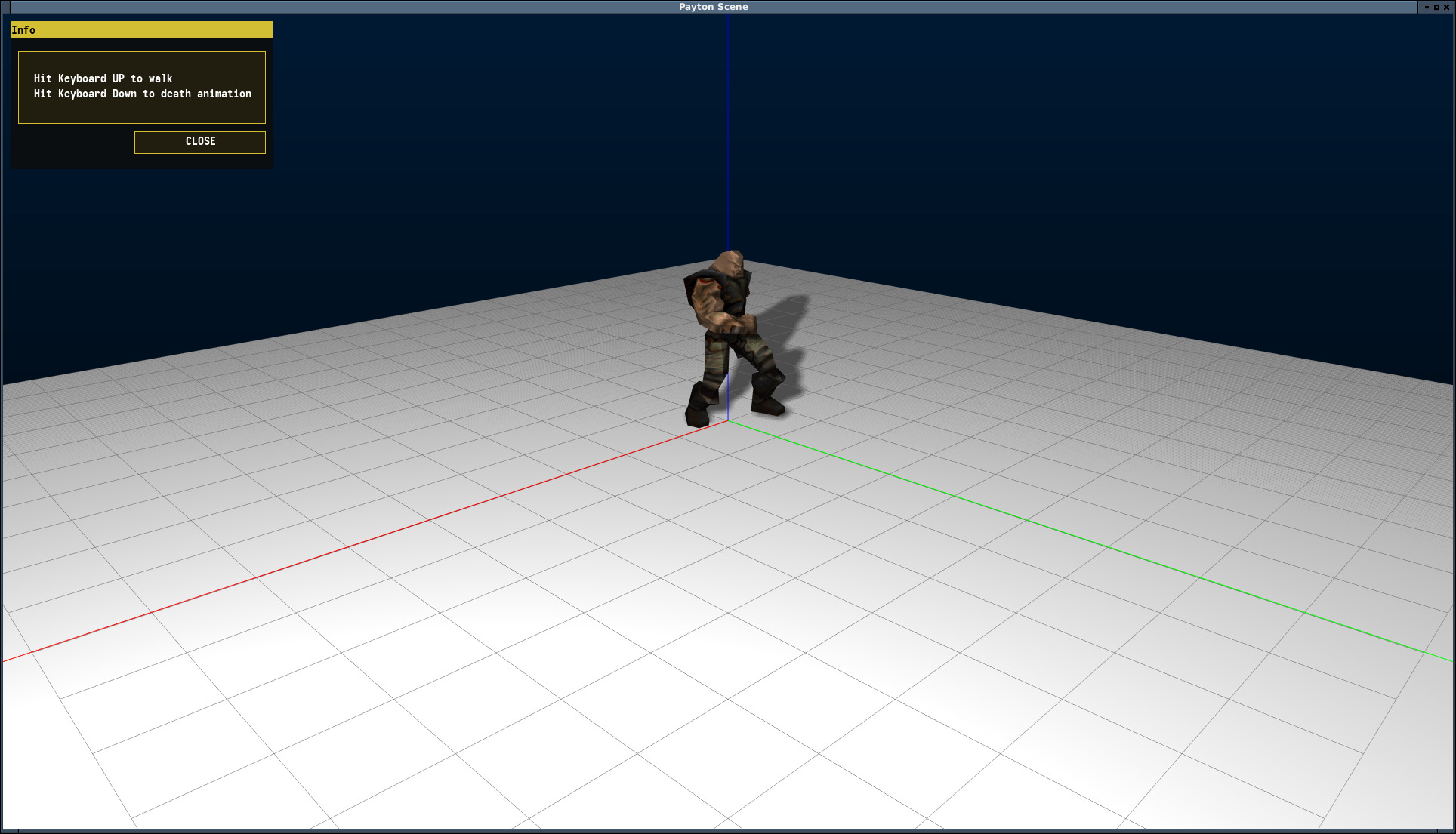
A tiny sample of what falls out of this toolkit:
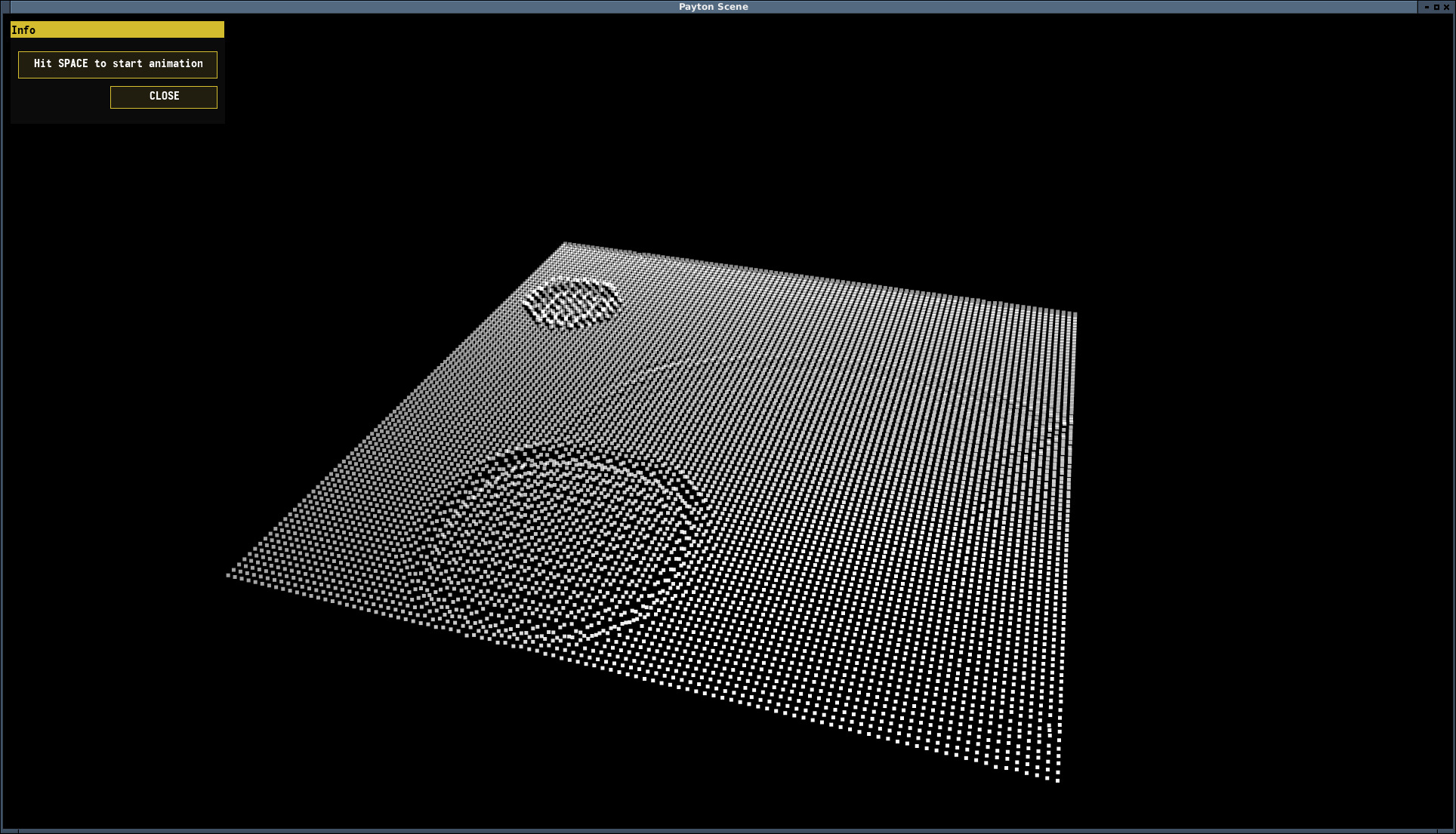
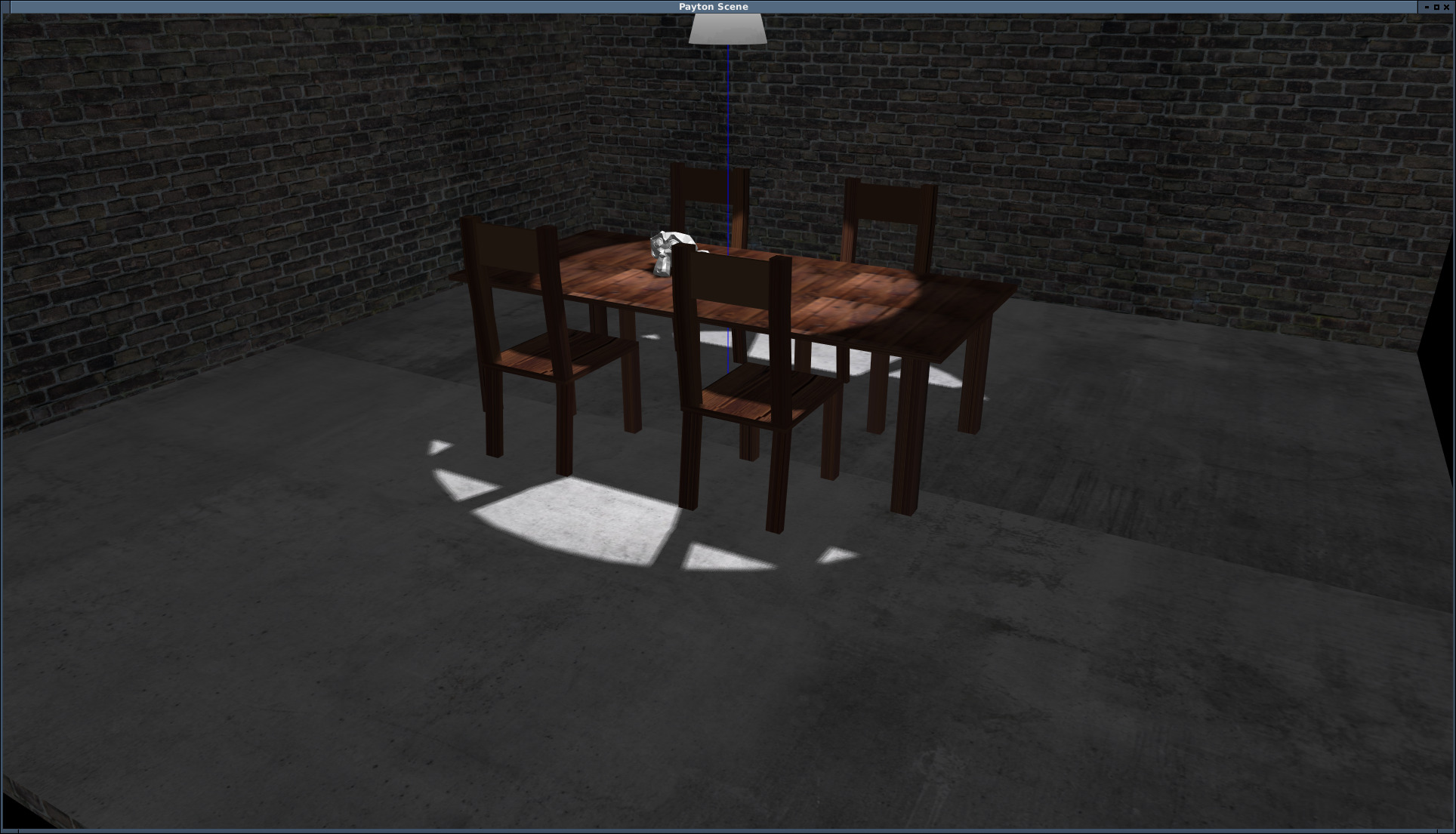
Watch it in motion:

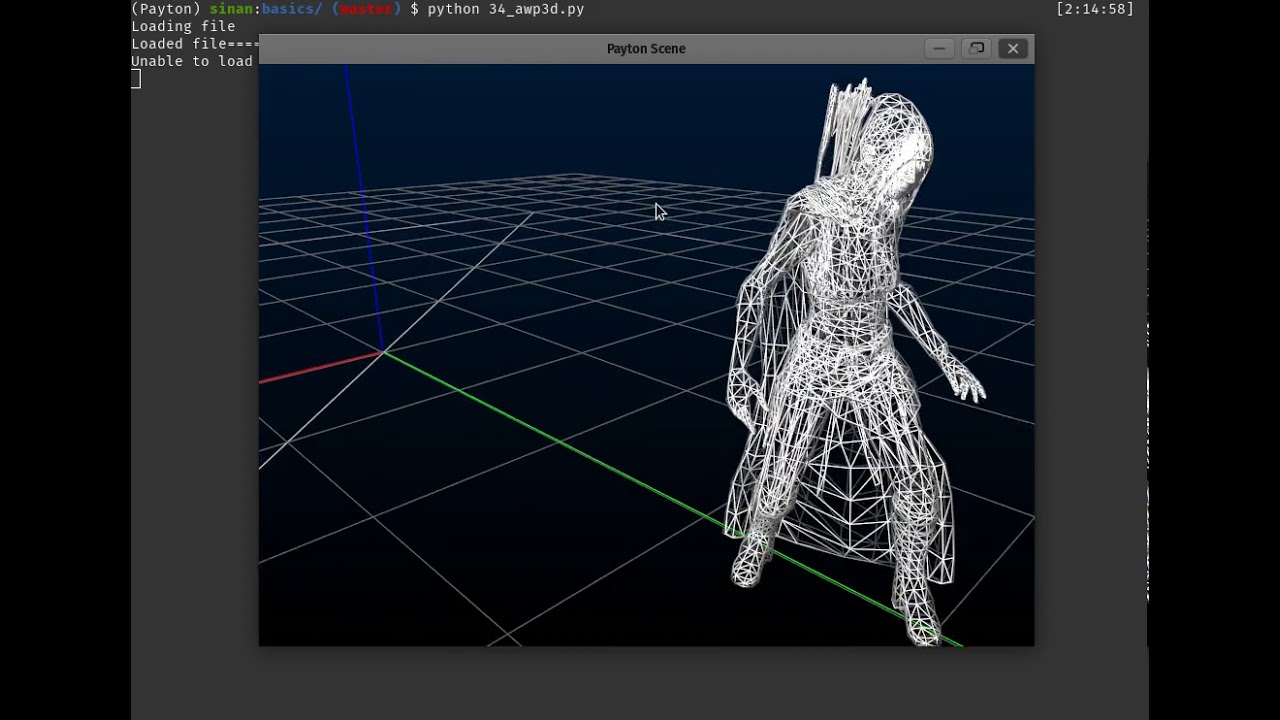

Tested on Windows 10 (Paperspace) — works as expected.
🤖 AI-ready by design
Most libraries expect an AI to guess. Payton teaches it. Every wheel ships a machine-readable description of the library inside the package, so assistants like Claude, Cursor, Copilot and Codex get the API right the first time — no cloning, no scraping, no guessing.
Your assistant can read the whole library offline:
python -m payton            # a concise, task-oriented Markdown primer
python -m payton --catalog  # the public API (signatures + summaries) as JSON
python -m payton --examples # 29 curated, self-contained examples
import payton.ai
print(payton.ai.context())                     # the primer
api = payton.ai.catalog()                      # {module: {symbol: {signature, summary}}}
print(payton.ai.example("basics_04_clock"))    # full, runnable example source
What makes it AI-ready
- 📦 Docs in the wheel —
payton/llms.txtandpayton/AGENTS.mdship with the package, so context survivespip install payton. - 🔎 Machine-readable API catalog — every public class, function and constant
with real signatures and summaries (
payton/ai/api.json). - 🧩 Curated examples inside the wheel — self-contained programs, readable as
plain text via
payton.ai.example(...). - ✅ PEP 561 typed — inline type hints (
py.typed) flow straight into autocompletion and type checkers. - 🗣️ Agent-friendly API — predictable, Pythonic names (
Scene,Object,Cube,material.color) and zero-config defaults.
Give your assistant permanent context — add one line to your project's
AGENTS.md (or CLAUDE.md, .cursorrules, …):
For Payton APIs, run
python -m payton,python -m payton --catalogandpython -m payton --examples.
📖 Examples
I don't read long descriptive documentation unless I have to. I like things simple and self-explanatory. So instead of writing walls of docs, I write simple, runnable examples for every feature — ready to tweak, break, and learn from.
Grab them from the examples folder, or clone the whole repository as a zip:
git clone https://github.com/sinanislekdemir/payton.git
cd payton && pip install -e .
python examples/basics/01_scene.py
🗂️ Example Index
Basics
- Scene — your first window
- Objects
- Clocks (timed animation)
- Object picking with the mouse
- Loading textures
- Vertex colors
- Collision detection
- Physics engine
- Built-in engine (no dependencies)
- Bullet hello world
- Point-to-point joint
- Bullet cubes
- Bouncing ball
- GTK3 + Payton integration
- Rotating objects
- Graphical User Interface (GUI)
- Custom keyboard shortcuts
- Multiple cameras
- Changing the background
- Click plane (cursor in world coordinates)
- Object motion history
- Motion capture (BVH)
- BVH viewer
- Object-oriented approach
- Materials
- Export / import a scene to JSON
- Changing time of day
- Near and far planes
- Spotlight
- AWP3D
- AWP3D animation ranges
- World-to-screen projection
- Fog effect
- Minecraft-like voxel scene
- Multi-shadow
- NavMesh pathfinding
- NavMesh maze
- 3D spatial audio
- 2-D side-view scene (Scene2D, platformer camera)
- 2-D side-view bullet physics (Scene2D)
Mesh tools
- Extrude line
- Rotate line
- Lines to mesh
- Merge mesh
- Subdivide mesh
- Sweep
- Loft
- Tube
- Mirror
- Extrude face
- Laplacian smooth
- Decimate
- CSG operations
Mid-level
- Popping balloons (game)
- Build a mesh from a heightmap
- A more complex Quake scene
- Ripple (mesh grid)
- RPG-like controls
- Custom shader
High-level
- Multiplayer
- Heightmap terrain
- Cyberarena
- 3D object designer tool
🎭 Motion capture data
Payton reads BVH (Biovision Hierarchy) files. For extensive datasets, the Bandai Namco Research Motion Dataset offers thousands of BVH files — the bundled example files come from there.
🧪 Troubleshooting
On older systems or machines without proper GPU drivers, try running under MESA. It works fine with some performance cost — usually unnoticeable for simple scenes:
MESA_GL_VERSION_OVERRIDE=3.3 python <path-to-your-payton-code>
🙏 Acknowledgements
- The built-in physics engine (
payton/scene/internal_physics.py) adapts the algorithms of qu3e by Randy Gaul (zlib licence) and the sequential-impulse method of Erin Catto / Box2D. SeeTHIRD_PARTY_NOTICES.mdfor the full notices. - The math helpers (
payton/math/) adapt parts of GLScene by Mike Lischke / Eric Grange (Mozilla Public License). - The bundled BVH motion-capture samples come from the Bandai Namco Research Motion Dataset.
🤝 Contributing
Contributions are welcome. A few house rules keep the codebase consistent:
- Use type hints throughout the main library; examples are exempt.
- Keep example code plain and simple.
- Every new feature needs sensible defaults and an example.
- Run
make checkbefore pushing. isort .is encouraged but not mandatory.- Some methods are intentionally longer and more complex — to reduce code jumps / stack switches and run faster.
🧠 Some free thoughts and decisions
I chose List[float] for vectors because:
- I needed something mutable. Otherwise the number of memory copies and swaps would be excessive — so
TupleandNamedTuplewere out. dataclassadds overhead when converting to C-type floats and arrays in memory.
To gain performance, the core library accepts the (small) risk of non-strict vector lengths. It's a deliberate trade: speed over ceremony.
Payton is also pure Python on purpose — no Cython, no C extensions, no build
step. pip install payton must never require a compiler (gcc/g++/MSVC) or a
toolchain, because setting one up is one of the hardest things for a newcomer.
The built-in physics engine is pure Python for the same reason; the price is
performance, so for demanding physics install PyBullet, which ships prebuilt
wheels.
1 maintainer

Metadata
1 maintainer
Release files for Payton 1.7.1
For a detailed explanation of source distributions (sdists) and built distributions (wheels), please see the package formats documentation.
Source distribution (sdist)
| File | Size | Uploaded | |
|---|---|---|---|
| payton-1.7.1.tar.gz | 317.6 kB | Details |
Built distribution (wheel)
| File | Interpreter | ABI | Platform | Reset |
|---|---|---|---|---|
| payton-1.7.1-py3-none-any.whl | Python 3 | none | any | Details |
Total release size: 653.0 kB
Release files / payton-1.7.1.tar.gz
| Download URL | payton-1.7.1.tar.gz |
|---|---|
| Size | 317.6 kB |
| Tags | Source |
|
SHA-256 checksum How to use checksums |
6f1ee6a4de1f89ef89f4dc14d13c7310cdb16c3ea492ef0dd03cba5a062fb15f
|
|
BLAKE2b-256 checksum How to use checksums |
9d7b7200c4512f1a07261acbbcb9470270bfcfcbaac64145d4fb04cbee60b049
|
| Upload date | |
|
Uploaded using Trusted Publishing? What is trusted publishing? |
No |
| Uploaded via |
twine/7.0.0 CPython/3.13.16
|
Release files / payton-1.7.1-py3-none-any.whl
| Download URL | payton-1.7.1-py3-none-any.whl |
|---|---|
| Size | 335.4 kB |
| Tags | Python 3 |
|
SHA-256 checksum How to use checksums |
2923bc24998def0194ef01e0719de9d4ee9357feb27fd07944da4de3b71fac6b
|
|
BLAKE2b-256 checksum How to use checksums |
b55b1037b40467b3e4b3a057b42d38f5d9c75d081ffbf3b8d4557001761373f9
|
| Upload date | |
|
Uploaded using Trusted Publishing? What is trusted publishing? |
No |
| Uploaded via |
twine/7.0.0 CPython/3.13.16
|














