








Here is Poutyne.
Poutyne is a simplified framework for PyTorch and handles much of the boilerplating code needed to train neural networks.
Use Poutyne to:
- Train models easily.
- Use callbacks to save your best model, perform early stopping and much more.
Read the documentation at Poutyne.org.
Poutyne is compatible with the latest version of PyTorch and Python >= 3.10.
Cite
@misc{Paradis_Poutyne_A_Simplified_2020,
    author = {Paradis, Frédérik and Beauchemin, David and Godbout, Mathieu and Alain, Mathieu and Garneau, Nicolas and Otte, Stefan and Tremblay, Alexis and Bélanger, Marc-Antoine and Laviolette, François},
    title  = {{Poutyne: A Simplified Framework for Deep Learning}},
    year   = {2020},
    url    = {https://poutyne.org}
}
Getting started: few seconds to Poutyne
The core data structure of Poutyne is a Model, a way to train your own PyTorch neural networks.
How Poutyne works is that you create your PyTorch module (neural network) as usual but when comes the time to train it you feed it into the Poutyne Model, which handles all the steps, stats and callbacks, similar to what Keras does.
Here is a simple example:
# Import the Poutyne Model and define a toy dataset
from poutyne import Model
import torch
import torch.nn as nn
import numpy as np
import torchmetrics

num_features = 20
num_classes = 5
hidden_state_size = 100

num_train_samples = 800
train_x = np.random.randn(num_train_samples, num_features).astype('float32')
train_y = np.random.randint(num_classes, size=num_train_samples).astype('int64')

num_valid_samples = 200
valid_x = np.random.randn(num_valid_samples, num_features).astype('float32')
valid_y = np.random.randint(num_classes, size=num_valid_samples).astype('int64')

num_test_samples = 200
test_x = np.random.randn(num_test_samples, num_features).astype('float32')
test_y = np.random.randint(num_classes, size=num_test_samples).astype('int64')
Select a PyTorch device so that it runs on GPU if you have one:
cuda_device = 0
device = torch.device("cuda:%d" % cuda_device if torch.cuda.is_available() else "cpu")
Create yourself a PyTorch network:
network = nn.Sequential(
    nn.Linear(num_features, hidden_state_size),
    nn.ReLU(),
    nn.Linear(hidden_state_size, num_classes)
)
You can now use Poutyne's model to train your network easily:
model = Model(
    network,
    'sgd',
    'cross_entropy',
    batch_metrics=['accuracy'],
    epoch_metrics=['f1', torchmetrics.AUROC(num_classes=num_classes, task="multiclass")],
    device=device
)
model.fit(
    train_x, train_y,
    validation_data=(valid_x, valid_y),
    epochs=5,
    batch_size=32
)
Since Poutyne is inspired by Keras, one might have notice that this is really similar to some of its functions.
You can evaluate the performances of your network using the evaluate method of Poutyne's model:
loss, (accuracy, f1score) = model.evaluate(test_x, test_y)
Or only predict on new data:
predictions = model.predict(test_x)
See the complete code here. Also, see this for an example for regression.
One of the strengths Poutyne are callbacks. They allow you to save checkpoints, log training statistics and more. See this notebook for an introduction to callbacks. In that vein, Poutyne also offers an ModelBundle class that offers automatic checkpointing, logging and more using callbacks under the hood. Here is an example of usage.
from poutyne import ModelBundle

# Everything is saved in ./saves/my_classification_network
model_bundle = ModelBundle.from_network(
    './saves/my_classification_network', network, optimizer='sgd', task='classif', device=device
)

model_bundle.train_data(train_x, train_y, validation_data=(valid_x, valid_y), epochs=5)

model_bundle.test_data(test_x, test_y)
See the complete code here. Also, see this for an example for regression.
Installation
Before installing Poutyne, you must have the latest version of PyTorch in your environment.
- Install the stable version of Poutyne:
pip install poutyne
# or with uv
uv add poutyne
- Install the latest development version of Poutyne:
pip install -U git+https://github.com/freud14/poutyne.git@dev
# or with uv
uv add git+https://github.com/freud14/poutyne.git@dev
- Install and develop on top of the provided Docker Image
docker pull ghcr.io/freud14/poutyne:latest
Learning Material
Blog posts
- Medium PyTorch post - Presentation of the basics of Poutyne and how it can help you be more efficient when developing neural networks with PyTorch.
Examples
Look at notebook files with full working examples:
- introduction.ipynb (tutorial version) - comparison of Poutyne with bare PyTorch and usage examples of Poutyne callbacks and the ModelBundle class.
- tips_and_tricks.ipynb - tips and tricks using Poutyne
- sequence_tagging.ipynb - Sequence tagging with an RNN
- transfer_learning.ipynb - transfer learning on
ResNet-18on the CUB-200 dataset. - policy_interface.ipynb - example of policies
- image_reconstruction.ipynb - example of image reconstruction
- classification_and_regression.ipynb - example of multitask learning with classification and regression
- semantic_segmentation.ipynb - example of semantic segmentation
or in Google Colab:
- introduction.ipynb (tutorial version) - comparison of Poutyne with bare PyTorch and usage examples of Poutyne callbacks and the ModelBundle class.
- tips_and_tricks.ipynb - tips and tricks using Poutyne
- sequence_tagging.ipynb - Sequence tagging with an RNN
- transfer_learning.ipynb - transfer learning on
ResNet-18on the CUB-200 dataset. - policy_interface.ipynb - example of policies
- image_reconstruction.ipynb - example of image reconstruction
- classification_and_regression.ipynb - example of multitask learning with classification and regression
- semantic_segmentation.ipynb - example of semantic segmentation
Videos
- Presentation on Poutyne given at one of the weekly presentations of the Institute Intelligence and Data (IID) of Université Laval. Slides and the associated Latex source code are also available.
Contributing to Poutyne
We welcome user input, whether it is regarding bugs found in the library or feature propositions ! Make sure to have a look at our contributing guidelines for more details on this matter.
Sponsors
This project supported by Frédérik Paradis and David Beauchemin. Join the sponsors - show your ❤️ and support, and appear on the list!
License
Poutyne is LGPLv3 licensed, as found in the LICENSE file.
Why this name, Poutyne?
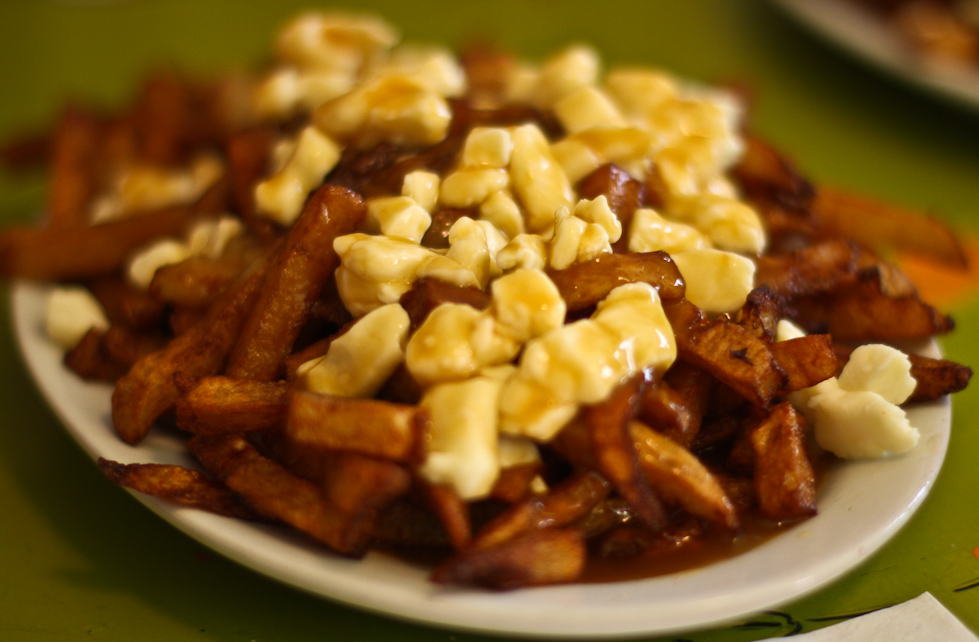
Poutyne's name comes from poutine, the well-known dish from Quebec. It is usually composed of French fries, squeaky cheese curds and brown gravy. However, in Quebec, poutine also has the meaning of something that is an "ordinary or common subject or activity". Thus, Poutyne will get rid of the ordinary boilerplate code that plain PyTorch training usually entails.
1 maintainer

Download files
Download the file for your platform. If you're not sure which to choose, learn more about installing packages.
Source Distribution
Built Distribution
Filter files by name, interpreter, ABI, and platform.
If you're not sure about the file name format, learn more about wheel file names.
Copy a direct link to the current filters
File details
Details for the file poutyne-1.19.0.tar.gz.
File metadata
- Download URL: poutyne-1.19.0.tar.gz
- Upload date:
- Size: 6.3 MB
- Tags: Source
- Uploaded using Trusted Publishing? No
- Uploaded via:
uv/0.11.19 {"installer":{"name":"uv","version":"0.11.19","subcommand":["publish"]},"python":null,"implementation":{"name":null,"version":null},"distro":{"name":"Ubuntu","version":"24.04","id":"noble","libc":null},"system":{"name":null,"release":null},"cpu":null,"openssl_version":null,"setuptools_version":null,"rustc_version":null,"ci":true}
File hashes
| Algorithm | Hash digest | |
|---|---|---|
| SHA256 |
6046a236a5b181ec89979606fb94abe3d420a55109c8b9b678868efbc43e1b37
|
|
| MD5 |
4eef7eed4c9316f43351416f62f1d9ab
|
|
| BLAKE2b-256 |
11f85ab7b2357b22ca9aff09411d968ecdb99eaedf4c9b393293d71e0def0b04
|
File details
Details for the file poutyne-1.19.0-py3-none-any.whl.
File metadata
- Download URL: poutyne-1.19.0-py3-none-any.whl
- Upload date:
- Size: 116.7 kB
- Tags: Python 3
- Uploaded using Trusted Publishing? No
- Uploaded via:
uv/0.11.19 {"installer":{"name":"uv","version":"0.11.19","subcommand":["publish"]},"python":null,"implementation":{"name":null,"version":null},"distro":{"name":"Ubuntu","version":"24.04","id":"noble","libc":null},"system":{"name":null,"release":null},"cpu":null,"openssl_version":null,"setuptools_version":null,"rustc_version":null,"ci":true}
File hashes
| Algorithm | Hash digest | |
|---|---|---|
| SHA256 |
141348c46636e0a923537ce54209328bfbb5652020a1db59aa353bb4e626096c
|
|
| MD5 |
245c692efd5478df4e490ad1e0c718f7
|
|
| BLAKE2b-256 |
92202a6b58590599d28bb508e1c269340f5ff9f197b416223ebd0e085a456f58
|














