
🐝 Agency Swarm
Overview
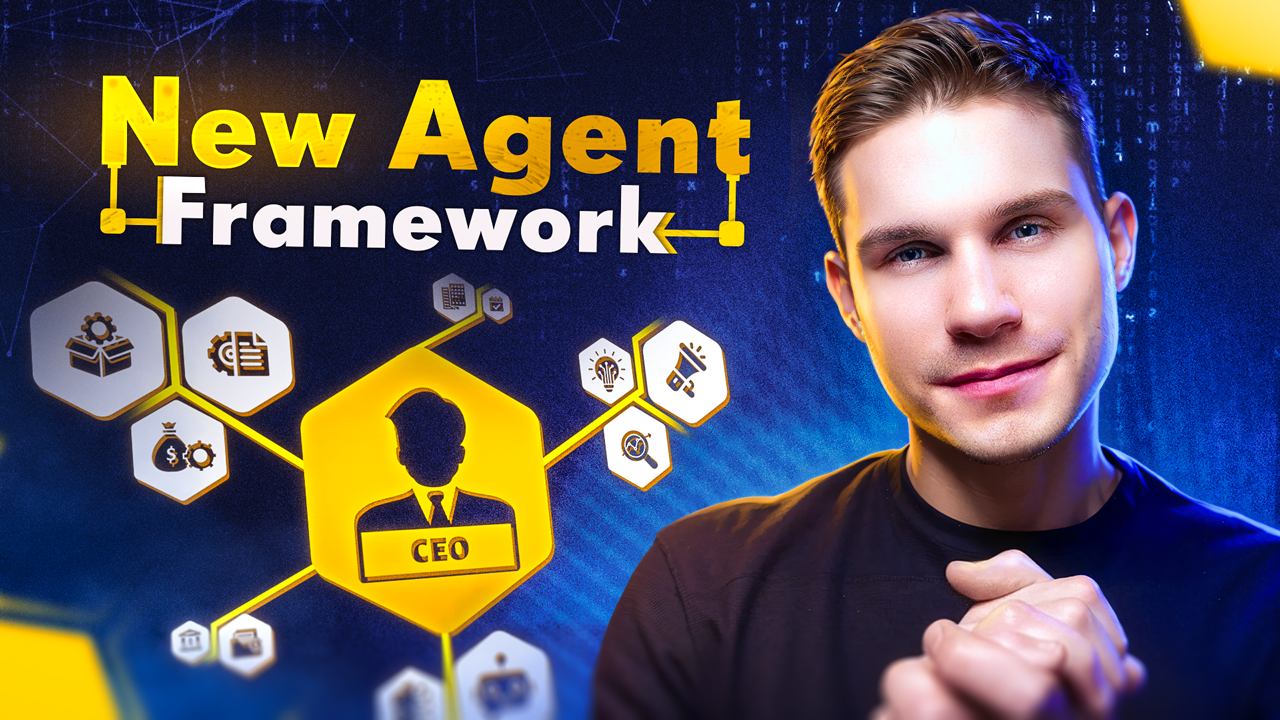
Agency Swarm is an open-source agent orchestration framework designed to automate and streamline AI development processes. Leveraging the power of the OpenAI Assistants API, it enables the creation of a collaborative swarm of agents (Agencies), each with distinct roles and capabilities. This framework aims to replace traditional AI development methodologies with a more dynamic, flexible, and efficient agent-based system.



Key Features
- Customizable Agent Roles: Define roles like CEO, virtual assistant, developer, etc., and customize their functionalities with Assistants API.
- Full Control Over Prompts: Avoid conflicts and restrictions of pre-defined prompts, allowing full customization.
- Tool Creation: Tools within Agency Swarm are created using Instructor, which provides a convenient interface and automatic type validation.
- Efficient Communication: Agents communicate through a specially designed "send message" tool based on their own descriptions.
- State Management: Agency Swarm efficiently manages the state of your assistants on OpenAI, maintaining it in a special
settings.jsonfile.
Installation
pip install agency-swarm
Getting Started
- Set Your OpenAI Key:
from agency_swarm import set_openai_key
set_openai_key("YOUR_API_KEY")
- Create Tools: Define your custom tools with Instructor:
from agency_swarm.tools import BaseTool
from pydantic import Field

class MyCustomTool(BaseTool):
    """
    A brief description of what the custom tool does.
    The docstring should clearly explain the tool's purpose and functionality.
    """

    # Define the fields with descriptions using Pydantic Field
    example_field: str = Field(
        ..., description="Description of the example field, explaining its purpose and usage."
    )

    # Additional fields as required
    # ...

    def run(self):
        """
        The implementation of the run method, where the tool's main functionality is executed.
        This method should utilize the fields defined above to perform its task.
        Doc string description is not required for this method.
        """

        # Your custom tool logic goes here
        do_something(self.example_field)

        # Return the result of the tool's operation
        return "Result of MyCustomTool operation"
Import in 1 line of code from Langchain:
from langchain.tools import YouTubeSearchTool
from agency_swarm.tools import ToolFactory

LangchainTool = ToolFactory.from_langchain_tool(YouTubeSearchTool)
or
from langchain.agents import load_tools

tools = load_tools(
    ["arxiv", "human"],
)

tools = ToolFactory.from_langchain_tools(tools)
NEW: Convert from OpenAPI schemas:
# using local file
with open("schemas/your_schema.json") as f:
    ToolFactory.from_openapi_schema(
        f.read(),
    )

# using requests
ToolFactory.from_openapi_schema(
    requests.get("https://api.example.com/openapi.json").json(),
)
- Define Agent Roles: Start by defining the roles of your agents. For example, a CEO agent for managing tasks and a developer agent for executing tasks.
from agency_swarm import Agent

ceo = Agent(name="CEO",
            description="Responsible for client communication, task planning and management.",
            instructions="You must converse with other agents to ensure complete task execution.", # can be a file like ./instructions.md
            files_folder="./files", # files to be uploaded to OpenAI
            schemas_folder="./schemas", # OpenAPI schemas to be converted into tools
            tools=[MyCustomTool, LangchainTool])
Import from existing agents:
from agency_swarm.agents.browsing import BrowsingAgent

browsing_agent = BrowsingAgent()

browsing_agent.instructions += "\n\nYou can add additional instructions here."
- Define Agency Communication Flows: Establish how your agents will communicate with each other.
from agency_swarm import Agency

agency = Agency([
    ceo,  # CEO will be the entry point for communication with the user
    [ceo, dev],  # CEO can initiate communication with Developer
    [ceo, va],   # CEO can initiate communication with Virtual Assistant
    [dev, va]    # Developer can initiate communication with Virtual Assistant
], shared_instructions='agency_manifesto.md') # shared instructions for all agents
In Agency Swarm, communication flows are directional, meaning they are established from left to right in the agency_chart definition. For instance, in the example above, the CEO can initiate a chat with the developer (dev), and the developer can respond in this chat. However, the developer cannot initiate a chat with the CEO. The developer can initiate a chat with the virtual assistant (va) and assign new tasks.
- Run Demo: Run the demo to see your agents in action!
agency.demo_gradio(height=900)
Terminal version:
agency.run_demo()
- Get Completion: Get completion from the agency:
completion_output = agency.get_completion("Please create a new website for our client.", yield_messages=False)
Creating Agent Templates Locally (CLI)
This CLI command simplifies the process of creating a structured environment for each agent.
Command Syntax:
agency-swarm create-agent-template --name "AgentName" --description "Agent Description" [--path "/path/to/directory"] [--use_txt]
Folder Structure
When you run the create-agent-template command, it creates the following folder structure for your agent:
/your-specified-path/
│
├── agency_manifesto.md or .txt # Agency's guiding principles (created if not exists)
└── AgentName/                  # Directory for the specific agent
    ├── files/                  # Directory for files that will be uploaded to openai
    ├── schemas/                # Directory for OpenAPI schemas to be converted into tools
    ├── AgentName.py            # The main agent class file
    ├── __init__.py             # Initializes the agent folder as a Python package
    ├── instructions.md or .txt # Instruction document for the agent
    └── tools.py                # Custom tools specific to the agent
This structure ensures that each agent has its dedicated space with all necessary files to start working on its specific tasks. The tools.py can be customized to include tools and functionalities specific to the agent's role.
Future Enhancements
- Creation of agencies that can autonomously create other agencies.
- Asynchronous communication and task handling.
- Inter-agency communication for a self-expanding system.
Contributing
For details on how to contribute you agents and tools to Agency Swarm, please refer to the Contributing Guide.
License
Agency Swarm is open-source and licensed under MIT.
Need Help?
If you require assistance in creating custom agent swarms or have any specific queries related to Agency Swarm, feel free to reach out through my website: vrsen.ai or schedule a consultation at https://calendly.com/vrsen/ai-project-consultation
1 maintainer

Metadata
1 maintainer
Release files for agency-swarm 0.1.1
For a detailed explanation of source distributions (sdists) and built distributions (wheels), please see the package formats documentation.
Source distribution (sdist)
| File | Size | Uploaded | Provenance | Actions |
|---|---|---|---|---|
| agency-swarm-0.1.1.tar.gz | 176.3 kB | Without provenance | Details for agency-swarm-0.1.1.tar.gz |
Built distribution (wheel)
| File | Interpreter | ABI | Platform | Actions Reset |
|---|---|---|---|---|
| agency_swarm-0.1.1-py3-none-any.whl | Python 3 | none | any | Details for agency_swarm-0.1.1-py3-none-any.whl |
Total release size: 365.5 kB
Release files / agency-swarm-0.1.1.tar.gz
| Download URL | agency-swarm-0.1.1.tar.gz |
|---|---|
| Size | 176.3 kB |
| Tags | Source |
|
SHA-256 checksum How to use checksums |
2979aa127cda11d5ee4296565b65065c3b4042e241311fd8d608b899956bfcfa
|
|
BLAKE2b-256 checksum How to use checksums |
31192615977e8b2d9bc537866a950f2fcc7fcc864f2dbbd7e5eccb563f989222
|
| Upload date | |
|
Uploaded using Trusted Publishing? What is trusted publishing? |
No |
| Uploaded via |
twine/4.0.2 CPython/3.11.7
|
Release files / agency_swarm-0.1.1-py3-none-any.whl
| Download URL | agency_swarm-0.1.1-py3-none-any.whl |
|---|---|
| Size | 189.2 kB |
| Tags | Python 3 |
|
SHA-256 checksum How to use checksums |
30c61465212bb8506fe5970032fe6ec638e53c485d0b5f9127af57be920585d4
|
|
BLAKE2b-256 checksum How to use checksums |
28f0d3c9850e5f655b137c759ca3d9204038e444ff815749c838325c15d1691e
|
| Upload date | |
|
Uploaded using Trusted Publishing? What is trusted publishing? |
No |
| Uploaded via |
twine/4.0.2 CPython/3.11.7
|
Security for agency-swarm 0.1.1
Provenance
Provenance describes where a file came from. On PyPI, provenance is shared via attestations, which provide a verifiable record of the build or publishing details. View details, limitations and caveats.
No provenance found
None of the files in this release were uploaded with provenance metadata.
A note on package security
PyPI is a repository for distributing packages, not a service for auditing them. While third-party security researchers and our staff do their best to detect and remove malicious packages, PyPI cannot guarantee the quality, security or suitability of any given package.
To learn more about protecting yourself from malicious actors, visit our package security documentation.














