
Avalon
What is Avalon?
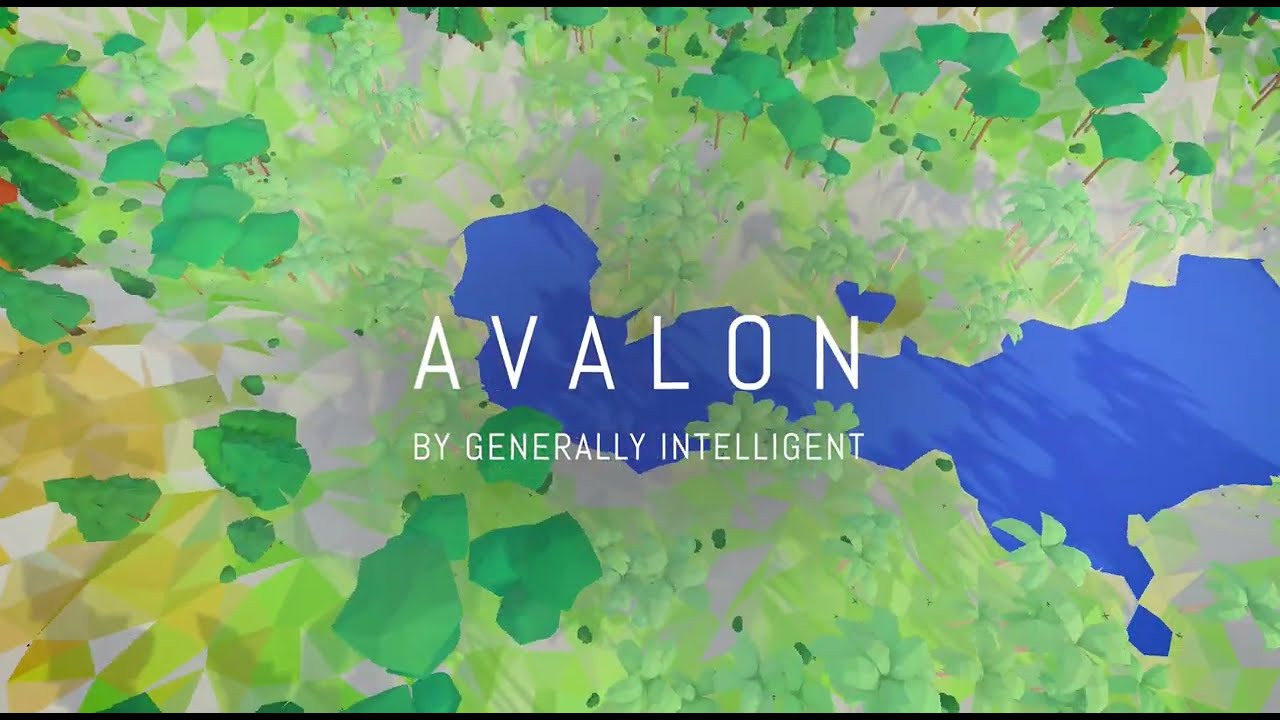
Avalon is a 3D video game environment and benchmark designed from scratch for reinforcement learning research. In Avalon, an embodied agent (human or computer) explores a procedurally generated 3D environment, attempting to solve a set of tasks that involve navigating terrain, hunting or gathering food, and avoiding hazards.
Avalon is unique among existing RL benchmarks in that the reward function, world dynamics, and action space are the same for every task, with tasks differentiated solely by altering the environment: its 20 tasks, ranging in complexity from eat and throw to hunt and navigate, each create worlds in which the agent must perform specific skills in order to survive. This setup enables investigations of generalization within tasks, between tasks, and to compositional tasks that require combining skills learned from previous tasks.
Avalon includes a highly efficient game engine, a library of baselines, and a benchmark with scoring metrics evaluated against hundreds of hours of human performance, all of which are open-source and publicly available. We find that standard RL baselines make progress on most tasks but are still far from human performance, suggesting Avalon is challenging enough to advance the quest for generalizable RL.
Check out our research paper for a deeper explanation of why we built Avalon.
Quickstart
Use Avalon just like you would any other gym environment.
from avalon.agent.godot.godot_gym import GodotEnvironmentParams
from avalon.agent.godot.godot_gym import TrainingProtocolChoice
from avalon.agent.godot.godot_gym import AvalonEnv
from avalon.common.log_utils import configure_local_logger
from avalon.datagen.env_helper import display_video

configure_local_logger()

env_params = GodotEnvironmentParams(
    resolution=256,
    training_protocol=TrainingProtocolChoice.SINGLE_TASK_FIGHT,
    initial_difficulty=1,
)
env = AvalonEnv(env_params)
env.reset()

def random_env_step():
    action = env.action_space.sample()
    obs, reward, done, info = env.step(action)
    if done:
        env.reset()
    return obs

observations = [random_env_step() for _ in range(50)]
display_video(observations, fps=10)

For a full example on how to create random worlds, take actions as an agent, and display the resulting observations, see gym_interface_example.
Installing
As Avalon is designed as a high-performance RL environment, it's tailored to running in the cloud on headless linux servers with Nvidia GPUs. However, it should also work on macOS.
Avalon relies on a custom Godot binary optimized for headless rendering and performance. If you intend to inspect, debug or build custom levels, you'll also want the accompanying editor:
pip install avalon-rl==1.0.0

# needed to actually run environments
python -m avalon.install_godot_binary
Note: the binary will be installed in the package under
avalon/bin/godotby default to avoid cluttering your system. Pure-pip binary packaging is a work-in-progress.
Ubuntu
On Linux, a Nvidia GPU is required, as the linux builds are set up for headless GPU rendering.
sudo apt install --no-install-recommends libegl-dev libglew-dev libglfw3-dev libnvidia-gl libopengl-dev libosmesa6 mesa-utils-extra
pip install avalon-rl
python -m avalon.install_godot_binary
python -m avalon.common.check_install
If you're looking to use our RL code, you'll need additionally:
- pytorch>=1.12.0 with CUDA
- the
avalon-rl[train]extras package:pip install avalon-rl[train]
Mac
On Mac, a Nvidia GPU is not required, but the environment rendering is not headless - you'll see a godot window pop up for each environment you have open.
brew install coreutils
pip install avalon-rl
python -m avalon.install_godot_binary
python -m avalon.common.check_install
Docker
We also have Docker images set up to run Avalon and train our RL baselines. They require a Nvidia GPU on the host.
Training image
docker build -f ./docker/Dockerfile . --target train --tag=avalon/train

# start the container with an interactive bash terminal
# to enable wandb, add `-e WANDB_API_KEY=<your wandb key>`
docker run -it --gpus 'all,"capabilities=compute,utility,graphics"' avalon/train bash

# in the container, try running
python -m avalon.common.check_install

# or launch eg a PPO training run with
python -m avalon.agent.train_ppo_avalon
Dev image
You can use the dev image to explore the bundled notebooks or to build on top of Avalon
docker build -f ./docker/Dockerfile . --target dev --tag=avalon/dev

# The default dev image command starts a jupyter notebook and exposes it on port 8888.
# A typical dev setup is to expose that notebook and map the local repo to the project repo as a volume:
docker run -it -p 8888:8888 -v $(pwd):/opt/projects/avalon --gpus 'all,"capabilities=compute,utility,graphics"' avalon/dev
Tutorials
Using Avalon in your own RL code:
- Using Avalon via the OpenAI Gym interface: an example of how to create random worlds, take actions as an agent, and display the resulting observations.
- Training a PPO Agent on Avalon using RLlib: an example of how to use Avalon with an external RL library/codebase.
- Inspecting Test Worlds:
Generate and view Avalon worlds using
env.debug_actand the godot editor.
Using our RL library:
- Training PPO and Dreamer Agents using the Avalon RL library: train RL agents using our own fast, tuned implementations!
- Reproducing the RL results from our paper
Building on Avalon or creating new tasks:
-
Running Avalon in VR: Generate and play worlds on an Oculus Quest.
-
Making an entirely custom non-Avalon RL environment using Godot
Resources
- Human scores
- Human observations
- Human normalized actions
- Human raw inputs
- Evaluation worlds
- Custom Godot engine build
Final baseline model weights can be found in the results notebook.
Citing Avalon
@inproceedings{avalon,
    title={Avalon: A Benchmark for {RL} Generalization Using Procedurally Generated Worlds},
    author={Joshua Albrecht and Abraham J Fetterman and Bryden Fogelman and Ellie Kitanidis and Bartosz Wr{\'o}blewski and Nicole Seo and Michael Rosenthal and Maksis Knutins and Zachary Polizzi and James B Simon and Kanjun Qiu},
    booktitle={Thirty-sixth Conference on Neural Information Processing Systems Datasets and Benchmarks Track},
    year={2022},
    url={https://openreview.net/forum?id=TzNuIdrHoU}
}
License
- Human rollout dataset: CC-BY-SA 4.0
- Modifications to the Godot engine: MIT
- All code in this repository and all other associated resources (model checkpoints, etc): GPLv3
About Generally Intelligent
Avalon was developed by Generally Intelligent, independent research company developing general-purpose AI agents with human-like intelligence that can be safely deployed in the real world. Check out our about page to learn more, or our careers page if you're interested in working with us!
4 maintainers


Metadata
4 maintainers
Release files for avalon-rl 1.0.2
For a detailed explanation of source distributions (sdists) and built distributions (wheels), please see the package formats documentation.
Source distribution (sdist)
| File | Size | Uploaded | Provenance | Actions |
|---|---|---|---|---|
| avalon-rl-1.0.2.tar.gz | 1.9 MB | Without provenance | Details for avalon-rl-1.0.2.tar.gz |
Built distribution (wheel)
| File | Interpreter | ABI | Platform | Actions Reset |
|---|---|---|---|---|
| avalon_rl-1.0.2-py3-none-any.whl | Python 3 | none | any | Details for avalon_rl-1.0.2-py3-none-any.whl |
Total release size: 4.2 MB
Release files / avalon-rl-1.0.2.tar.gz
| Download URL | avalon-rl-1.0.2.tar.gz |
|---|---|
| Size | 1.9 MB |
| Tags | Source |
|
SHA-256 checksum How to use checksums |
1fbec8381f704171eb2689a2e0201c25e5f18eca0d671c3869db45db2df591a7
|
|
BLAKE2b-256 checksum How to use checksums |
2937c3ce2b5127e5390789e57503717d3b05e553744a3df545686f82b403c27d
|
| Upload date | |
|
Uploaded using Trusted Publishing? What is trusted publishing? |
No |
| Uploaded via |
twine/4.0.2 CPython/3.9.5
|
Release files / avalon_rl-1.0.2-py3-none-any.whl
| Download URL | avalon_rl-1.0.2-py3-none-any.whl |
|---|---|
| Size | 2.3 MB |
| Tags | Python 3 |
|
SHA-256 checksum How to use checksums |
0080ad7c8fc0512170b0683f7cc7e856b26cb3d1ba7e27e40ec5793ca2d5c96f
|
|
BLAKE2b-256 checksum How to use checksums |
2642ca0e1b7711792eca22976ee5e72f19673fb6b2d52af0da4d77956ee1ace7
|
| Upload date | |
|
Uploaded using Trusted Publishing? What is trusted publishing? |
No |
| Uploaded via |
twine/4.0.2 CPython/3.9.5
|
Security for avalon-rl 1.0.2
Provenance
Provenance describes where a file came from. On PyPI, provenance is shared via attestations, which provide a verifiable record of the build or publishing details. View details, limitations and caveats.
No provenance found
None of the files in this release were uploaded with provenance metadata.
A note on package security
PyPI is a repository for distributing packages, not a service for auditing them. While third-party security researchers and our staff do their best to detect and remove malicious packages, PyPI cannot guarantee the quality, security or suitability of any given package.
To learn more about protecting yourself from malicious actors, visit our package security documentation.














