







BARK - a tool for Behavior benchmARKing
BARK is a semantic simulation framework for autonomous agents with a special focus on autonomous driving. Its behavior model-centric design allows for the rapid development, training and benchmarking of various decision-making algorithms. Due to its fast, semantic runtime, it is especially suited for computationally expensive tasks, such as reinforcement learning.
BARK Ecosystem
The BARK ecosystem is composed of multiple components that all share the common goal to develop and benchmark behavior models:
-
BARK-ML: Machine learning library for decision-making in autonomous driving.
-
BARK-MCTS: Integrates a template-based C++ Monte Carlo Tree Search Library into BARK to support development of both single- and multi-agent search methods.
-
BARK-Rules-MCTS: Integrates traffic rules within Monte Carlo Tree Search with lexicographic ordering.
-
BARK-DB: Provides a framework to integrate multiple BARK scenario sets into a database. The database module supports binary seriliazation of randomly generated scenarios to ensure exact reproducibility of behavior benchmarks accross systems.
-
BARK-Rule-Monitoring: Provides runtime verification of LTL Rules on simulated BARK traces.
-
CARLA-Interface: A two-way interface between CARLA and BARK. BARK behavior models can control CARLA vehicles. CARLA controlled vehicles are mirrored to BARK.
Quick Start
Pip-package
Bark is available as PIP-Package for Ubuntu and MacOS for Python>=3.7. You can install the latest version with
pip install bark-simulator. The Pip package supports full benchmarking functionality of existing behavior models and development of your models within python. The pip-package not yet includes MCTS and Carla interfaces.
After installing the package, you can have a look at the examples to check how to use BARK.
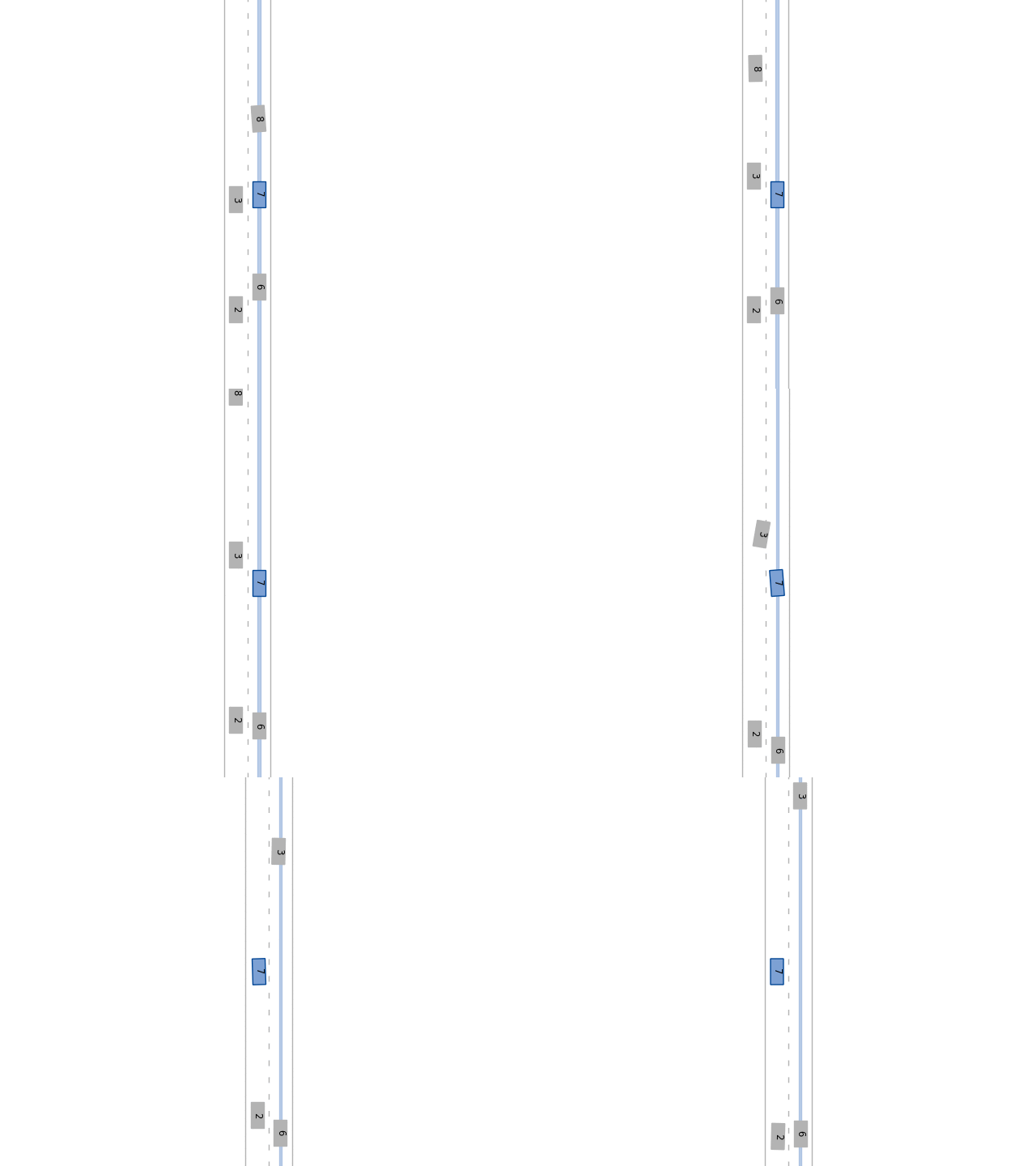
Highway: ' import bark.examples.highway:
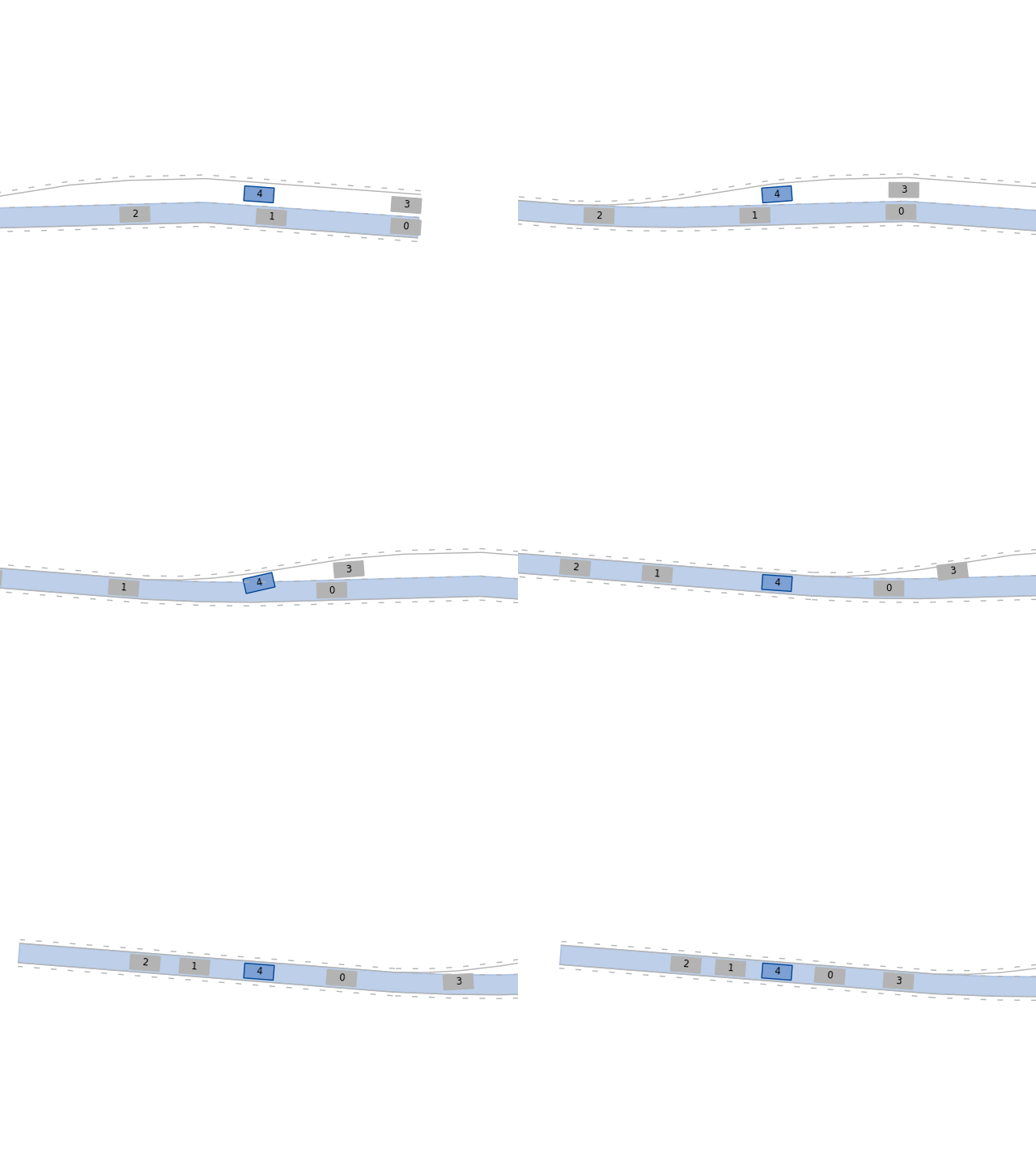
Merging: import bark.examples.merging:
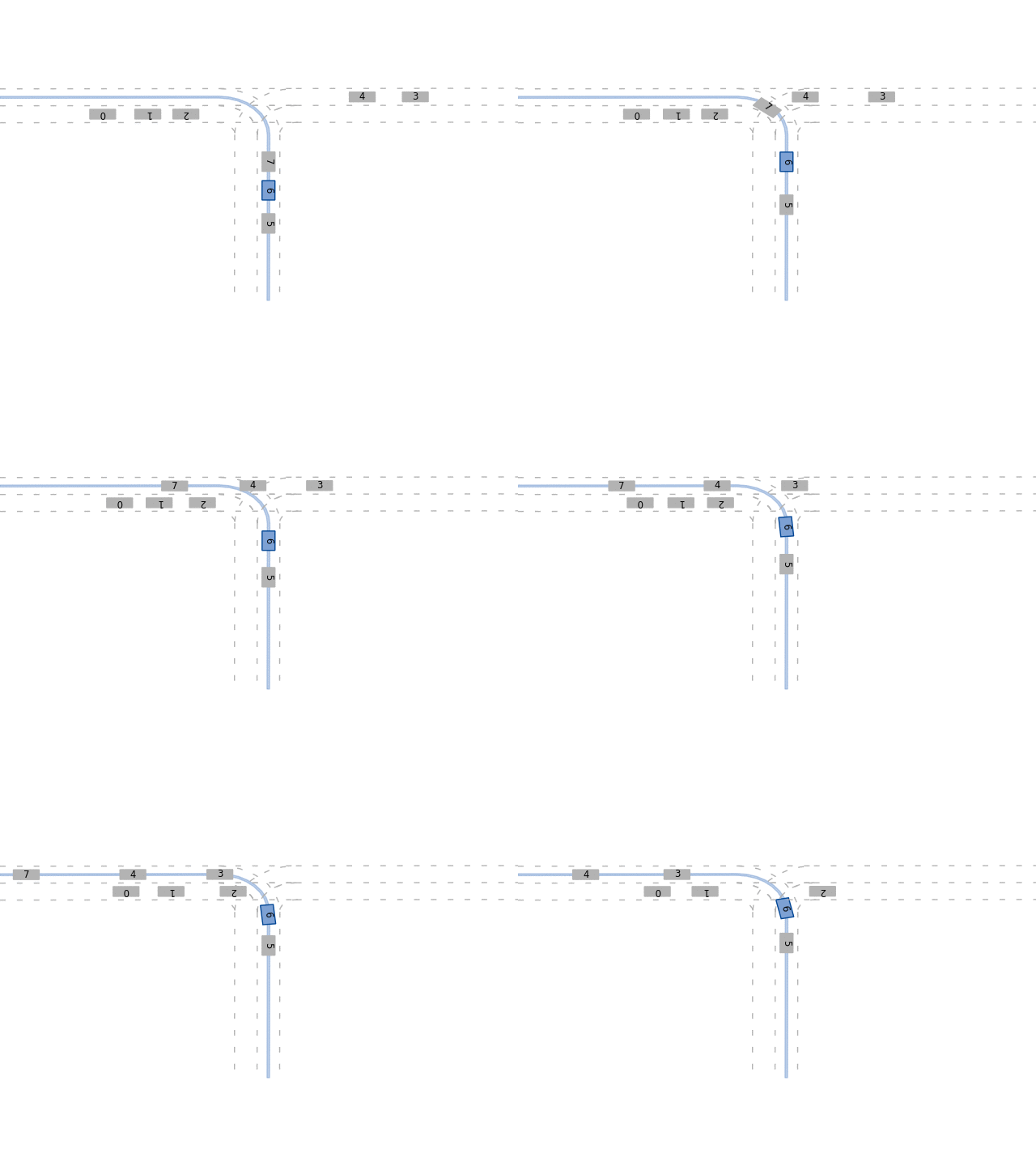
Intersection: import bark.examples.intersection:
Development setup
If you want to write own behavior models in C++ or contribute to the development of Bark. Use git clone https://github.com/bark-simulator/bark.git or download the repository from this page.
Then follow the instructions at How to Install BARK.
To get step-by-step instructions on how to use BARK, you can run our IPython Notebook tutorials using bazel run //docs/tutorials:run.
For a more detailed understanding of how BARK works, its concept and use cases have a look at our documentation.
Paper
If you use BARK, please cite us using the following paper:
@inproceedings{Bernhard2020,
    title = {BARK: Open Behavior Benchmarking in Multi-Agent Environments},
    author = {Bernhard, Julian and Esterle, Klemens and Hart, Patrick and Kessler, Tobias},
    booktitle = {2020 IEEE/RSJ International Conference on Intelligent Robots and Systems (IROS)},
    url = {https://arxiv.org/pdf/2003.02604.pdf},
    year = {2020}
}
License
BARK specific code is distributed under MIT License.
4 maintainers


Metadata
4 maintainers
Release files for bark-simulator 1.1.8
For a detailed explanation of source distributions (sdists) and built distributions (wheels), please see the package formats documentation.
Built distributions (wheels)
| File | Interpreter | ABI | Platform | Actions Reset |
|---|---|---|---|---|
| bark_simulator-1.1.8-cp39-cp39-manylinux2014_x86_64.whl | CPython 3.9 | CPython 3.9 | Linux glibc 2.17+ x86-64 | Details for bark_simulator-1.1.8-cp39-cp39-manylinux2014_x86_64.whl |
| bark_simulator-1.1.8-cp38-cp38-manylinux2014_x86_64.whl | CPython 3.8 | CPython 3.8 | Linux glibc 2.17+ x86-64 | Details for bark_simulator-1.1.8-cp38-cp38-manylinux2014_x86_64.whl |
| bark_simulator-1.1.8-cp37-cp37m-manylinux2014_x86_64.whl | CPython 3.7 | CPython 3.7 pymalloc | Linux glibc 2.17+ x86-64 | Details for bark_simulator-1.1.8-cp37-cp37m-manylinux2014_x86_64.whl |
Total release size: 6.3 MB
Release files / bark_simulator-1.1.8-cp39-cp39-manylinux2014_x86_64.whl
| Download URL | bark_simulator-1.1.8-cp39-cp39-manylinux2014_x86_64.whl |
|---|---|
| Size | 2.1 MB |
| Tags | CPython 3.9 Linux glibc 2.17+ x86-64 |
|
SHA-256 checksum How to use checksums |
6f32f4ab8910d0ffed27d0d95a0230ab51816f9cebabc9d21542afa73f96127f
|
|
BLAKE2b-256 checksum How to use checksums |
c2ae3f81f5317021a0b6fc9ba7a2eb3ce385b1c2916a30d263bed11986eff736
|
| Upload date | |
|
Uploaded using Trusted Publishing? What is trusted publishing? |
No |
| Uploaded via |
twine/3.4.1 importlib_metadata/4.3.0 pkginfo/1.7.0 requests/2.25.1 requests-toolbelt/0.9.1 tqdm/4.61.0 CPython/3.9.5
|
Release files / bark_simulator-1.1.8-cp38-cp38-manylinux2014_x86_64.whl
| Download URL | bark_simulator-1.1.8-cp38-cp38-manylinux2014_x86_64.whl |
|---|---|
| Size | 2.1 MB |
| Tags | CPython 3.8 Linux glibc 2.17+ x86-64 |
|
SHA-256 checksum How to use checksums |
8b8aea4ceddea6a9eeed5e1ee07c58542a051bfe32883acceaef194c95e02165
|
|
BLAKE2b-256 checksum How to use checksums |
842bb8cb6d41f1e2b227377abe9a0a2f092e853f8c94845299681eabe9106353
|
| Upload date | |
|
Uploaded using Trusted Publishing? What is trusted publishing? |
No |
| Uploaded via |
twine/3.4.1 importlib_metadata/4.3.0 pkginfo/1.7.0 requests/2.25.1 requests-toolbelt/0.9.1 tqdm/4.61.0 CPython/3.9.5
|
Release files / bark_simulator-1.1.8-cp37-cp37m-manylinux2014_x86_64.whl
| Download URL | bark_simulator-1.1.8-cp37-cp37m-manylinux2014_x86_64.whl |
|---|---|
| Size | 2.1 MB |
| Tags | CPython 3.7 CPython 3.7 pymalloc Linux glibc 2.17+ x86-64 |
|
SHA-256 checksum How to use checksums |
37ce52acd337ee60b8568a66461995dcd9c2f18aef7b868fd9d4b9b36a5f4c73
|
|
BLAKE2b-256 checksum How to use checksums |
a1b2fba662e47a427e88cb87fe5fb433493203a709c12459f275b52fd6ada6c8
|
| Upload date | |
|
Uploaded using Trusted Publishing? What is trusted publishing? |
No |
| Uploaded via |
twine/3.4.1 importlib_metadata/4.3.0 pkginfo/1.7.0 requests/2.25.1 requests-toolbelt/0.9.1 tqdm/4.61.0 CPython/3.9.5
|
Security for bark-simulator 1.1.8
Provenance
Provenance describes where a file came from. On PyPI, provenance is shared via attestations, which provide a verifiable record of the build or publishing details. View details, limitations and caveats.
No provenance found
None of the files in this release were uploaded with provenance metadata.
A note on package security
PyPI is a repository for distributing packages, not a service for auditing them. While third-party security researchers and our staff do their best to detect and remove malicious packages, PyPI cannot guarantee the quality, security or suitability of any given package.
To learn more about protecting yourself from malicious actors, visit our package security documentation.














