
[!WARNING]
No more new features. While betanin will still be maintained in its current state, effort has shifted to wrtag

beets.io based man-in-the-middle of your torrent client and music player



workflow

notifiers
betanin uses apprise for notifications. so anything supported there will work. but some include
- discord
- telegram
- emby
installation
pip install --user betanin
usage
# start server
betanin
# a config file will be created, add your credentials to it
# start again
betanin [--host=<host>] [--port=<port>]
# ui will be available at port
# you may also use env vars instead, eg
BETANIN_HOST=0.0.0.0 betanin
BETANIN_PORT=4030 betanin

# optionally start cli (for db operations, debugging)
betanin-shell
# or if docker
docker exec -it <container_id> betanin-shell
screenshots
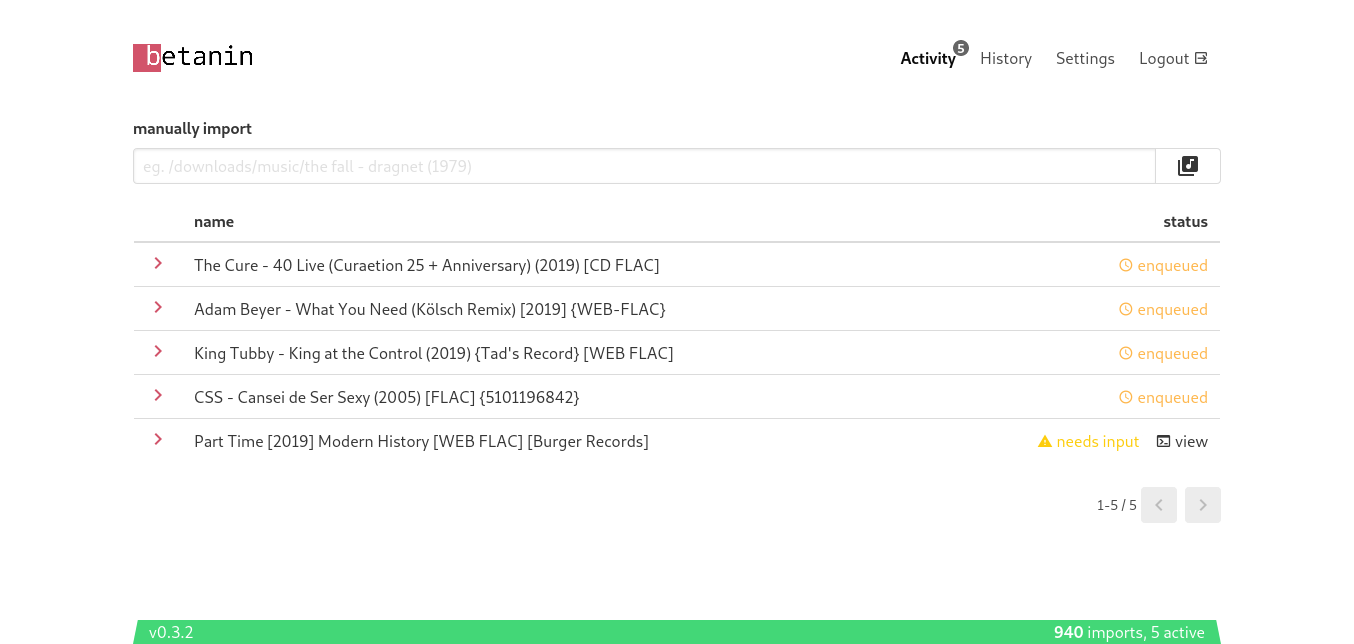
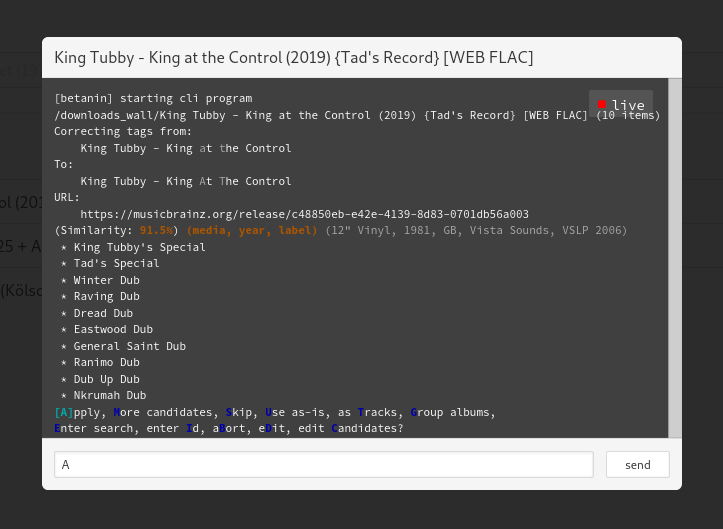
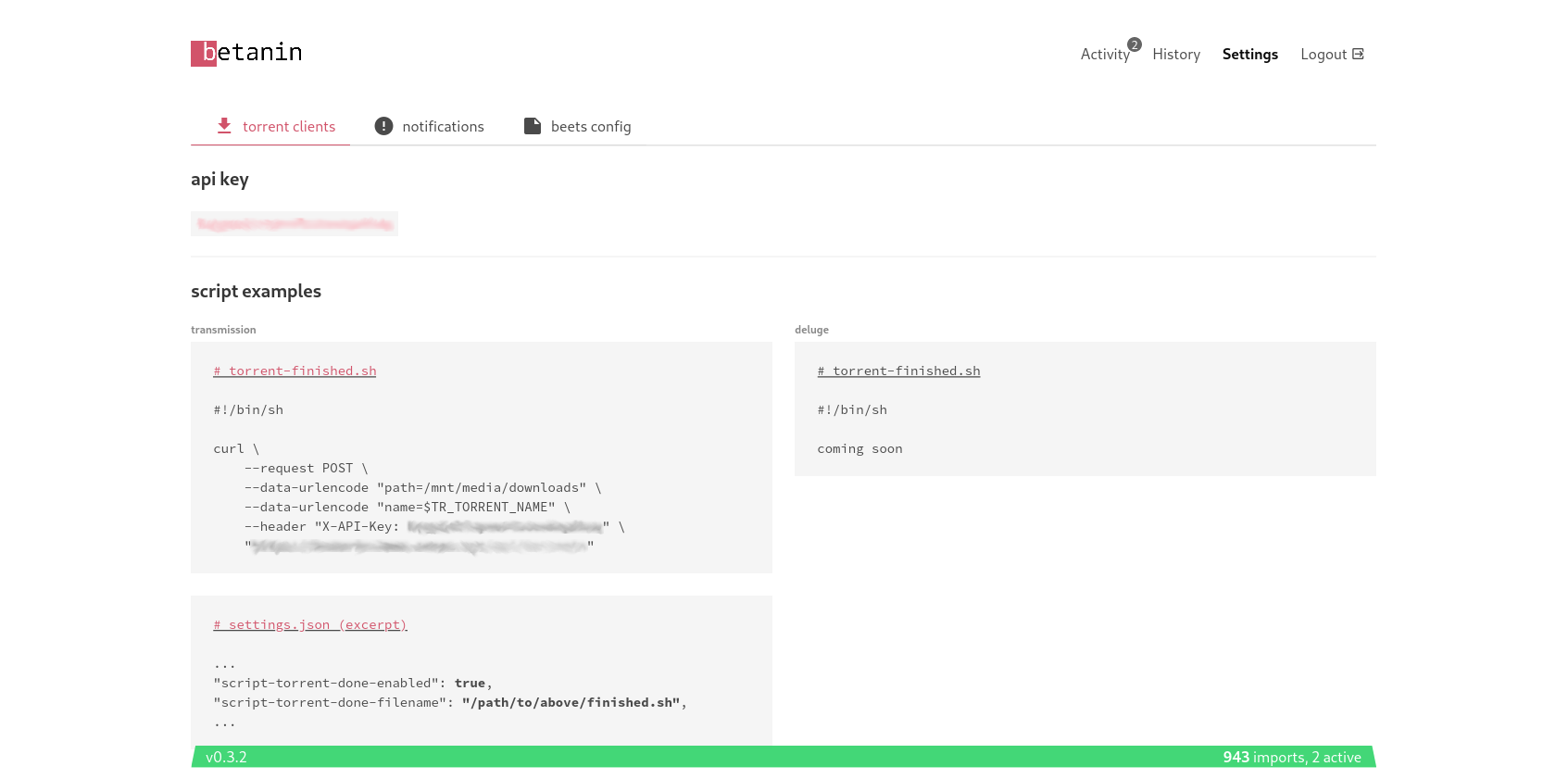
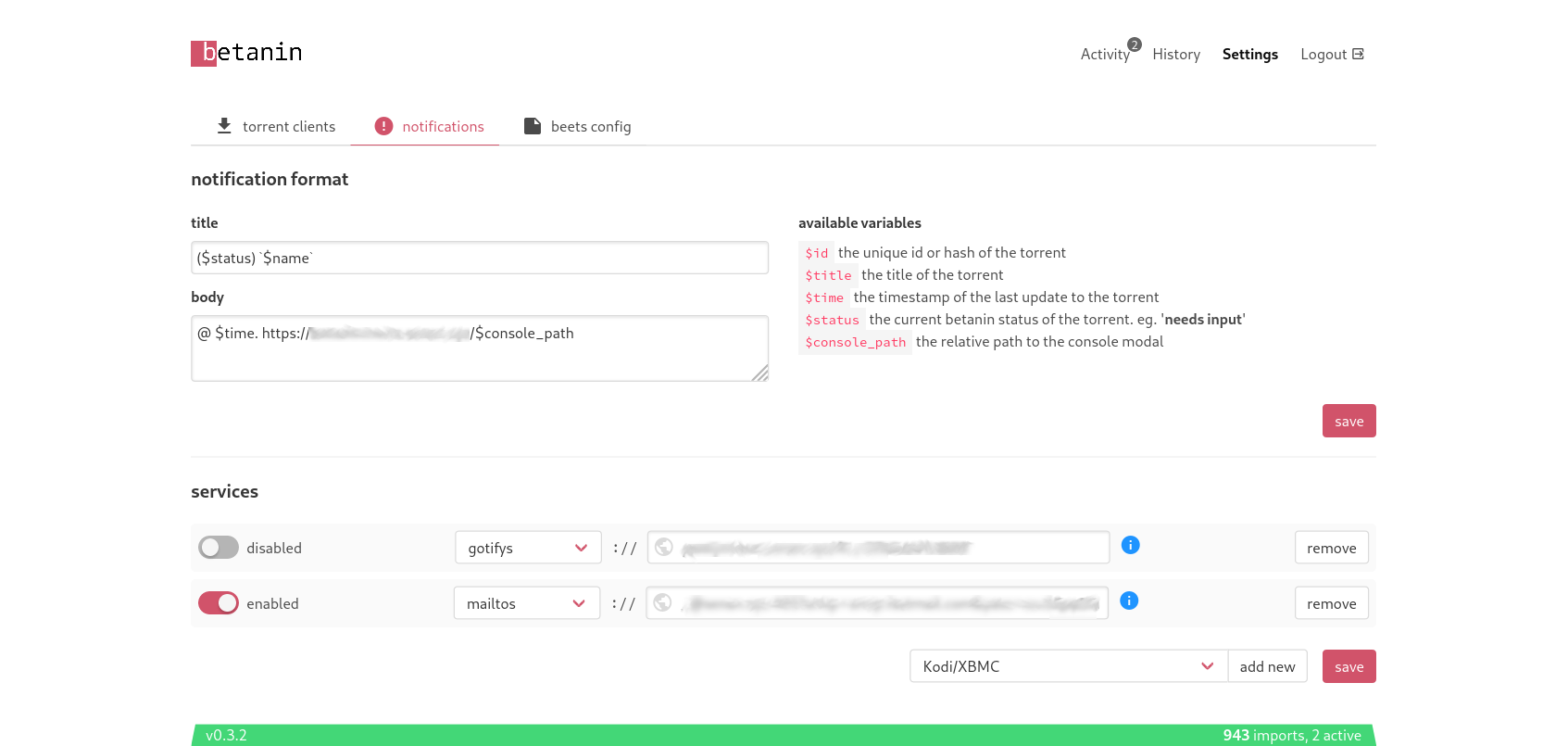
docker
image
docker pull sentriz/betanin
volumes /b/.local/share/betanin/ for a persistent database
/b/.config/betanin/ for a persistent betanin config
/b/.config/beets/ for a persistent beets home (point this to your
current beets home if you have one)
/music/ so beets can access your music
/downloads/ so beets can access your downloads
compose
betanin:
  image: sentriz/betanin
  ports:
    - 9393:9393
  restart: unless-stopped
  environment:
    - UID=1000 # (optionally) set user id
    - GID=1000 # (optionally) set group id
  volumes:
    - ${DATA}/betanin/data:/b/.local/share/betanin/
    - ${DATA}/betanin/config:/b/.config/betanin/
    - ${DATA}/betanin/beets:/b/.config/beets/
    - ${MEDIA}/music:/music/
    - ${MEDIA}/downloads:/downloads/
transmission
create a script named done.sh or anything you like, and make it
executable:
chmod +x done.sh
settings.json (example excerpt)
...
"script-torrent-done-enabled": true,
"script-torrent-done-filename": "/scripts/done.sh",
...
done script
#!/bin/sh

curl \
    --request POST \
    --data-urlencode "path=<path_to_transmission_downloads>" \
    --data-urlencode "name=$TR_TORRENT_NAME" \
    --header "X-API-Key: <your_api_key>" \
    "https://betanin.example.com/api/torrents"
transmission docker compose (excerpt)
volumes:
  - ${DATA}/transmission/config:/config
  - ${DATA}/transmission/scripts:/scripts
  - ${MEDIA}/download:/downloads
deluge
create a script named done.sh or anything you like, and make it
executable:
chmod +x done.sh
you must also be using the
Execute plugin,
set to the Torrent Complete event
done script
#!/bin/sh

curl \
    --request POST \
    --data-urlencode "path=<path_to_deluge_downloads>" \
    --data-urlencode "name=$2" \
    --header "X-API-Key: <your_api_key>" \
    "https://betanin.example.com/api/torrents"
qbittorrent
create a script named done.sh or anything you like, and make it
executable:
chmod +x done.sh
open qbittorrent Tools > Options > check Run external program on torrent completion
set the path to the above done.sh and arguments such as
/path/to/done.sh "%L" "%R"
done script
#!/bin/sh

echo "category: $1"
echo "path: $2"

[ "$1" != "music" ] && exit

curl \
    --request POST \
    --data-urlencode "both=$2" \
    --header "X-API-Key: <your_api_key>" \
    "https://betanin.example.com/api/torrents"
now any music downloaded to the music category will be imported by betanin
developing
working on the backend
there is not much else to do, write your code,
python -m betanin.entry.betanin, kill it, write your code, etc. the
webserver will be available at http://localhost:9393/. the static
frontend is served at /, and the api is served at /api. (there is a
swagger ui there too) also see python -m betanin.entry.shell.
if you need to do a manual migration do
env FLASK_APP='betanin.application:create' flask db migrate --directory betanin_migrations/
(then upgrades are automatically done on betanin start)
working on the frontend
start the backend with python -m betanin.entry.betanin, but don’t use
the static frontend served at http://localhost:9393/. Instead, in a
new shell, do npm --prefix betanin_client/ run serve and use the
frontend served at http://localhost:8081/. it will look for a backend
listening on port 9393 locally. after that you can edit anything in
betanin_client/src, it will be linted and automatically reflected in
your web browser.
1 maintainer

Metadata
1 maintainer
Release files for betanin 0.6.3
For a detailed explanation of source distributions (sdists) and built distributions (wheels), please see the package formats documentation.
Source distribution (sdist)
| File | Size | Uploaded | Provenance | Actions |
|---|---|---|---|---|
| betanin-0.6.3.tar.gz | 2.6 MB | Without provenance | Details for betanin-0.6.3.tar.gz |
Built distribution (wheel)
| File | Interpreter | ABI | Platform | Actions Reset |
|---|---|---|---|---|
| betanin-0.6.3-py3-none-any.whl | Python 3 | none | any | Details for betanin-0.6.3-py3-none-any.whl |
Total release size: 5.3 MB
Release files / betanin-0.6.3.tar.gz
| Download URL | betanin-0.6.3.tar.gz |
|---|---|
| Size | 2.6 MB |
| Tags | Source |
|
SHA-256 checksum How to use checksums |
f40a1d82779b2e3f0df8cb0c529b86a31f73345356375681b50598aa4787490d
|
|
BLAKE2b-256 checksum How to use checksums |
ccd2eaf96e93535c2583737a4fcf94d014c0ef8b62f28145dd123153ad6b0061
|
| Upload date | |
|
Uploaded using Trusted Publishing? What is trusted publishing? |
No |
| Uploaded via |
twine/6.2.0 CPython/3.12.3
|
Release files / betanin-0.6.3-py3-none-any.whl
| Download URL | betanin-0.6.3-py3-none-any.whl |
|---|---|
| Size | 2.7 MB |
| Tags | Python 3 |
|
SHA-256 checksum How to use checksums |
f2d2d6c1879960e3a62d91f9a1fe90291e45191a56d422858de6d21675c45ec7
|
|
BLAKE2b-256 checksum How to use checksums |
ea075729ce64ffe25f4a1fcacc60495afa922e81848094bc8fbf9c78fce09b23
|
| Upload date | |
|
Uploaded using Trusted Publishing? What is trusted publishing? |
No |
| Uploaded via |
twine/6.2.0 CPython/3.12.3
|
Security for betanin 0.6.3
Provenance
Provenance describes where a file came from. On PyPI, provenance is shared via attestations, which provide a verifiable record of the build or publishing details. View details, limitations and caveats.
No provenance found
None of the files in this release were uploaded with provenance metadata.
A note on package security
PyPI is a repository for distributing packages, not a service for auditing them. While third-party security researchers and our staff do their best to detect and remove malicious packages, PyPI cannot guarantee the quality, security or suitability of any given package.
To learn more about protecting yourself from malicious actors, visit our package security documentation.














