
cira
Cira algorithmic trading made easy. A Façade library for simpler interaction with alpaca-trade-API from Alpaca Markets.
Cira is available on pip. Please give it a star if you like it!
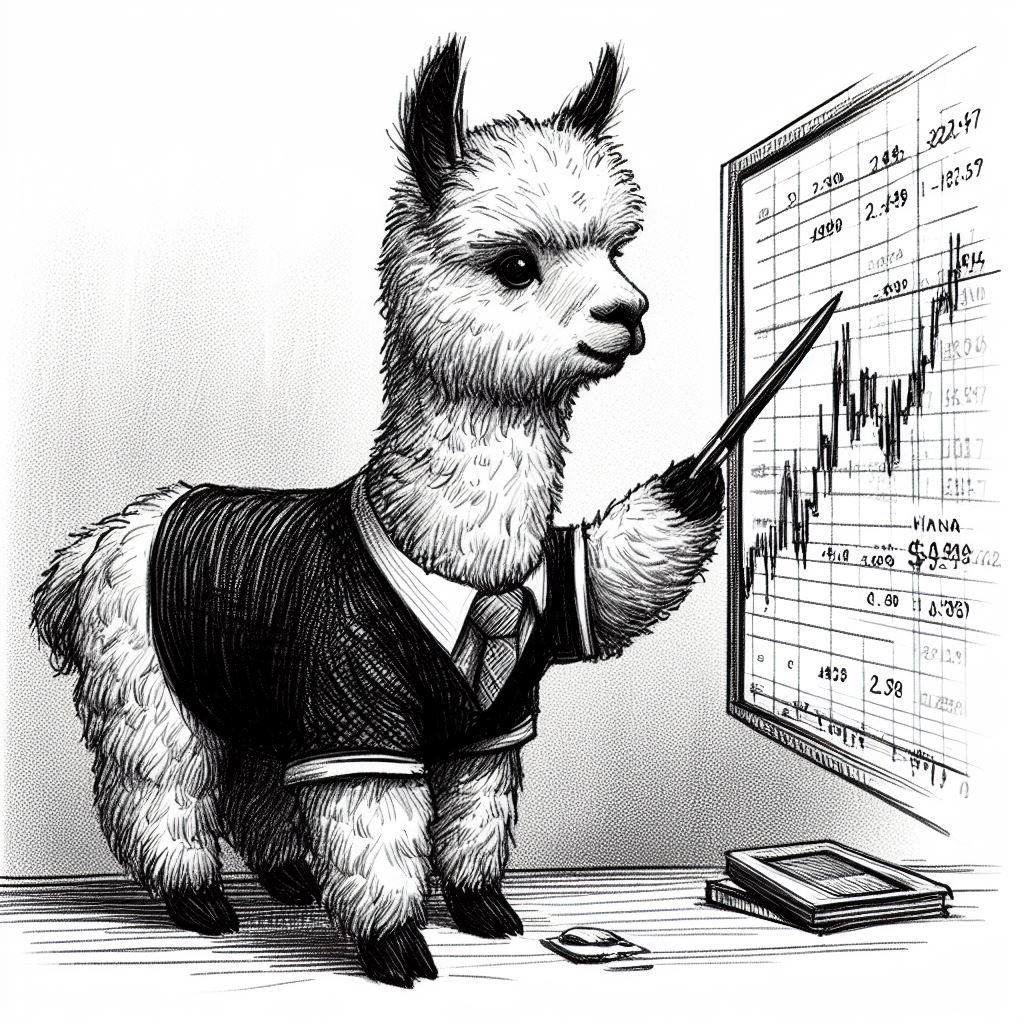



The name cira is a miss spelling of the word for a baby alpaca cria and because this is a simple and small lib I thought it would be a perfect fit.
Axel Gard is main developer for cira.
Getting Started
If you are new to cira checkout the tutorial. Or checkout an example.
Installation
You can install it using pip.
pip install cira
Usage
Since the Alpaca trade API need a API key, you need to generate your own key at alpaca markets website. If you want to play around with it you can try paper trading (recommended for beginners). I recommend keep it in a JSON file which cira needs the path to. You can also set the variables directly or use an environment variable, see the wiki for diffrent the ways. However, it is recommended that you store it in a file just make sure not to upload that file on any public repositories.
You can set the Alpaca keys directly
import cira

cira.auth.APCA_API_KEY_ID = "my key"
cira.auth.APCA_API_SECRET_KEY = "my secret key"

stock = cira.Stock("TSLA")
stock.buy(1) # buy 1 TSLA stock on alpaca
stock.sell(1) # sell 1 TSLA stock on alpaca
For interactons with alpaca you can:
portfolio = cira.Portfolio() # methods for your portfolio
exchange = cira.Exchange() # methods for exchange
stock = cira.Stock("TSLA") # a class for one stock
crypto = cira.Cryptocurrency("BTC/USD") # method for one cryptocurrency
DEMO, no keys needed
Crypto market data can be accessed without any alpaca keys. So there for you can try cira out with out needing to get alpaca keys. To put you model in production where you buy and sell you will need alpaca keys.
Needs cira>=3.2.2.
import cira
from datetime import datetime
import matplotlib.pyplot as plt

assert not cira.auth.check_keys() # No keys are needed

SYMBOL = "BTC/USD"
ast = cira.Cryptocurrency(SYMBOL)

print(f"The current asking price for {SYMBOL} is {ast.price()}")


# alpaca only have BTC data from 2021 and forward
data = ast.historical_data_df(datetime(2021, 1, 1), datetime.now().date())
print(data.head())

# All of strategies and backtesting works with out keys as well.
strat = cira.strategy.Randomness()
cira.strategy.back_test_against_buy_and_hold(strat, data, data["open"].to_frame(), 100_000).plot()
plt.savefig('./result.png')
you can find more examples on the examples repo and the wiki/tutorial for even more information.
Cira Stratergies
Cira have also support for strategies.
An full example of how to use the strategy is example/linear.
With strategies you can run a cira backtests.
from cira.strategy import Strategy
import numpy as np
import pandas as pd

class MyStrat(Strategy):
    def __init__(self) -> None:
        super().__init__(name="MyStrat")

    def iterate(self, feature_data: pd.DataFrame, prices: pd.DataFrame, portfolio: np.ndarray, cash:float) -> np.ndarray:
        # this mehod will be called for each row of data in the backtest
        # the function should return the change of your portfolio.
        # -1 means sell one stock, 0 means hold, 1 means buy one stock
        return np.array([ portfolio_change_as_int_or_float ])
Backtest
If your model is put into a strategy you can run a backtest on you own data. This is a backtest using some of the included strategy in cira. You can run a backtest aginst multiple strategies using the same data, this requires however that all features for all models are in the given data to the backtest. You should of course add your own strategy, but as an example.
import cira
from datetime import datetime
import matplotlib.pyplot as plt

assert not cira.auth.check_keys() # back testing against crypto do not need keys

SYMBOL = "ETH/USD"
ast = cira.Cryptocurrency(SYMBOL)

data = ast.historical_data_df(datetime(2021, 1, 1), datetime.now().date())

strats = [
            cira.strategy.ByAndHold(),
            cira.strategy.DollarCostAveraging(0.8),
            cira.strategy.Randomness(-100, 100, seed=None, use_float=True),
            # add your own strategy and compare your model against other models
        ]
cira.strategy.multi_strategy_backtest(strats, data, data["open"].to_frame(), 100_000).plot()
plt.savefig("./result.png")
If you want more full example of how to use the backtest checkout multiassets and linear.
Things to checkout
Wiki and docs
To see what more you can do check out the wiki.
Want the old version?
For backwards compatibility I made sure to fork cira in to cira-classic and cira-classic is also available on pypi with pip.
If you find bug plz let me know with a issue. If you know how to solve the problem then you can of course make a pull request and I will take a look at it.
Have a question?
If you have a question about cira, want to share what you built with cira or want to talk to others using cira, you can checkout the discussions page or make issue if that is more fitting.
History of cira
I was interested in using the Alpaca trade API for building a quantitative paper trader.
The project is available here.
However after working on this for alomst a year (off and on) I realized that I had alomst build a small library for using the Alpaca API.
So I thought that I would make this into a real library so that you can get started with quantitative paper trading as well.
Development
If you want to help develop cira you are more then welcome to do so. Feel free to make a pull request or issue. To install cira with all the dev req.
git clone git@github.com:AxelGard/cira.git
cd cira/
git checkout develop
and know you need to
python3 -m venv env
source env/bin/activate
pip install -e .
pip install -r requirements.txt
Run tests using pytest. Ensure that you are in the cira dir. But you will need a new key. This key should not only be used for testing or if you don't mind if all of the assets in the portfolio being sold.
pytest -rP
Coding style
I'm trying to follow the pep8 standard notation. I try to make the library to be so intuitive as possible for easy of use.
I enforce black formater when you commit code, by pre-commit githooks to keep it some what well formated.
License
This project is licensed under the MIT License - see the LICENSE file for details.
Acknowledgments
1 maintainer

Metadata
1 maintainer
Release files for cira 3.3.0
For a detailed explanation of source distributions (sdists) and built distributions (wheels), please see the package formats documentation.
Source distribution (sdist)
| File | Size | Uploaded | Provenance | Actions |
|---|---|---|---|---|
| cira-3.3.0.tar.gz | 17.3 kB | Without provenance | Details for cira-3.3.0.tar.gz |
Built distribution (wheel)
| File | Interpreter | ABI | Platform | Actions Reset |
|---|---|---|---|---|
| cira-3.3.0-py3-none-any.whl | Python 3 | none | any | Details for cira-3.3.0-py3-none-any.whl |
Total release size: 35.5 kB
Release files / cira-3.3.0.tar.gz
| Download URL | cira-3.3.0.tar.gz |
|---|---|
| Size | 17.3 kB |
| Tags | Source |
|
SHA-256 checksum How to use checksums |
126d2d8cfa460af45bcab519c242fce433207212f0ebcc38de80e6fe9145b13f
|
|
BLAKE2b-256 checksum How to use checksums |
5b4610759272ec83f0c6c474c1a4df412ceafb674fc9b89103ba585f47171d8d
|
| Upload date | |
|
Uploaded using Trusted Publishing? What is trusted publishing? |
No |
| Uploaded via |
twine/5.1.1 CPython/3.11.4
|
Release files / cira-3.3.0-py3-none-any.whl
| Download URL | cira-3.3.0-py3-none-any.whl |
|---|---|
| Size | 18.2 kB |
| Tags | Python 3 |
|
SHA-256 checksum How to use checksums |
212fadc16e83bd62fcf1c738174e8fac0d90e83ec14202951d4293509a72b53d
|
|
BLAKE2b-256 checksum How to use checksums |
1cf09f3af48a7056a6d5fdff1e0c37979663f1831fd125e28a23ecb3ecb19fc0
|
| Upload date | |
|
Uploaded using Trusted Publishing? What is trusted publishing? |
No |
| Uploaded via |
twine/5.1.1 CPython/3.11.4
|
Security for cira 3.3.0
Provenance
Provenance describes where a file came from. On PyPI, provenance is shared via attestations, which provide a verifiable record of the build or publishing details. View details, limitations and caveats.
No provenance found
None of the files in this release were uploaded with provenance metadata.
A note on package security
PyPI is a repository for distributing packages, not a service for auditing them. While third-party security researchers and our staff do their best to detect and remove malicious packages, PyPI cannot guarantee the quality, security or suitability of any given package.
To learn more about protecting yourself from malicious actors, visit our package security documentation.














