


Chat with your data by leveraging the power of LLMs and vector databases




ContextQA is a modern utility that provides a ready-to-use LLM-powered application. It is built on top of giants such as FastAPI, LangChain, and Hugging Face.
Key features include:
- Regular chat supporting knowledge expansion via internet access
- Conversational QA with relevant sources
- Streaming responses
- Ingestion of data sources used in QA sessions
- Data sources management
- LLM settings: Configure parameters such as provider, model, temperature, etc. Currently, the supported providers are OpenAI and Google
- Vector DB settings. Adjust parameters such as engine, chunk size, chunk overlap, etc. Currently, the supported engines are ChromaDB and Pinecone
- Other settings: Choose embedded or external LLM memory (Redis), media directory, database credentials, etc.
Installation
pip install contextqa
Usage
On installation contextqa provides a CLI tool
contextqa init
Check out the available parameters by running the following command
contextqa init --help
Example
Run it
$ contextqa init

2024-08-28 01:00:39,586 - INFO - Using SQLite
2024-08-28 01:00:47,850 - INFO - Use pytorch device_name: cpu
2024-08-28 01:00:47,850 - INFO - Load pretrained SentenceTransformer: sentence-transformers/all-mpnet-base-v2
INFO:     Started server process [20658]
INFO:     Waiting for application startup.
2024-08-28 01:00:47,850 - INFO - Running initial migrations...
2024-08-28 01:00:47,853 - INFO - Context impl SQLiteImpl.
2024-08-28 01:00:47,855 - INFO - Will assume non-transactional DDL.
2024-08-28 01:00:47,860 - INFO - Running upgrade  -> 0bb7d192c063, Initial migration
2024-08-28 01:00:47,862 - INFO - Running upgrade 0bb7d192c063 -> b7d862d599fe, Support for store types and related indexes
2024-08-28 01:00:47,864 - INFO - Running upgrade b7d862d599fe -> 3058bf204a05, unique index name
INFO:     Application startup complete.
INFO:     Uvicorn running on http://localhost:8080 (Press CTRL+C to quit)
Check it
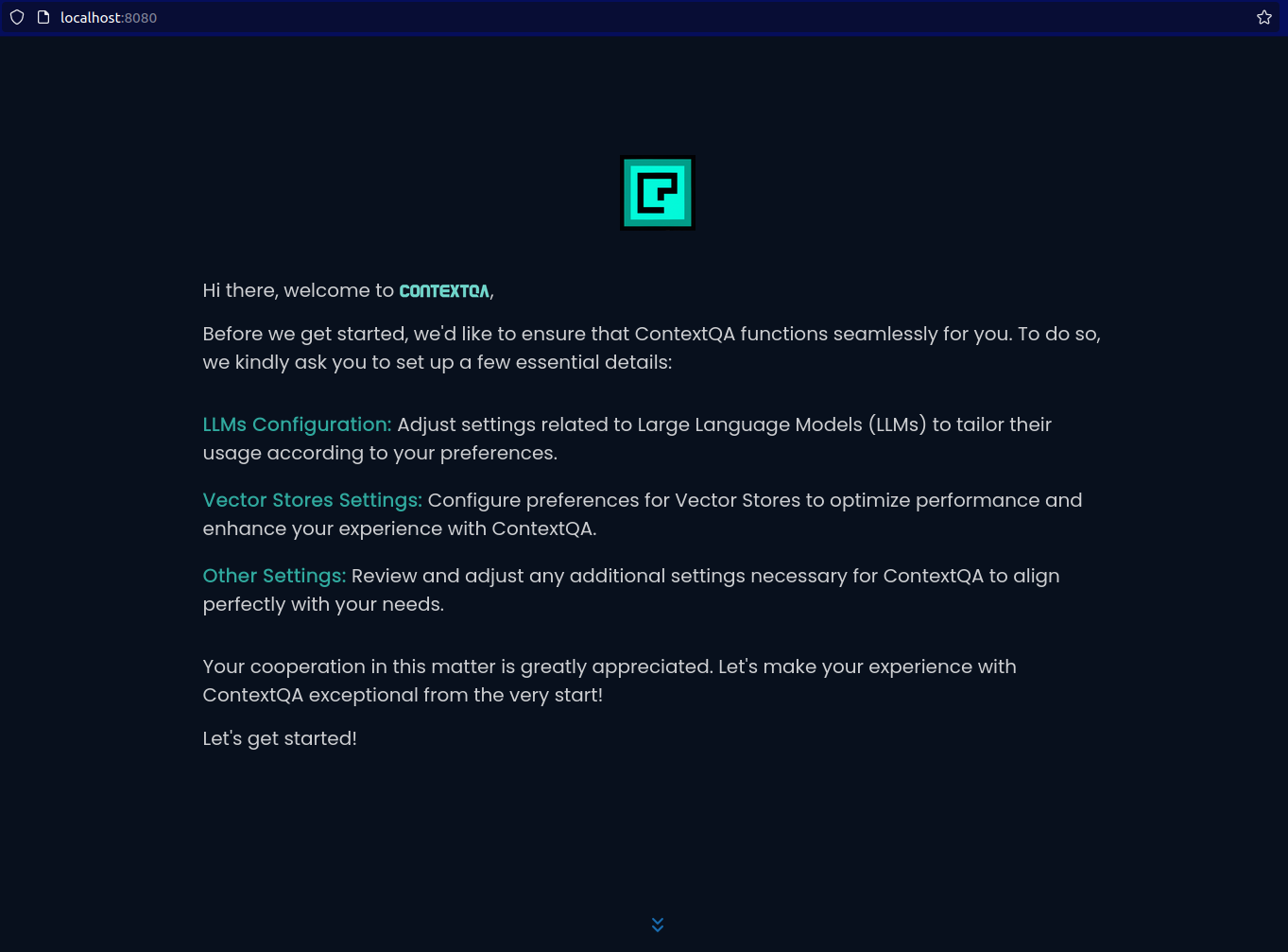
Open your browser at http://localhost:8080. You will see the initialization stepper which will guide you through the initial configurations
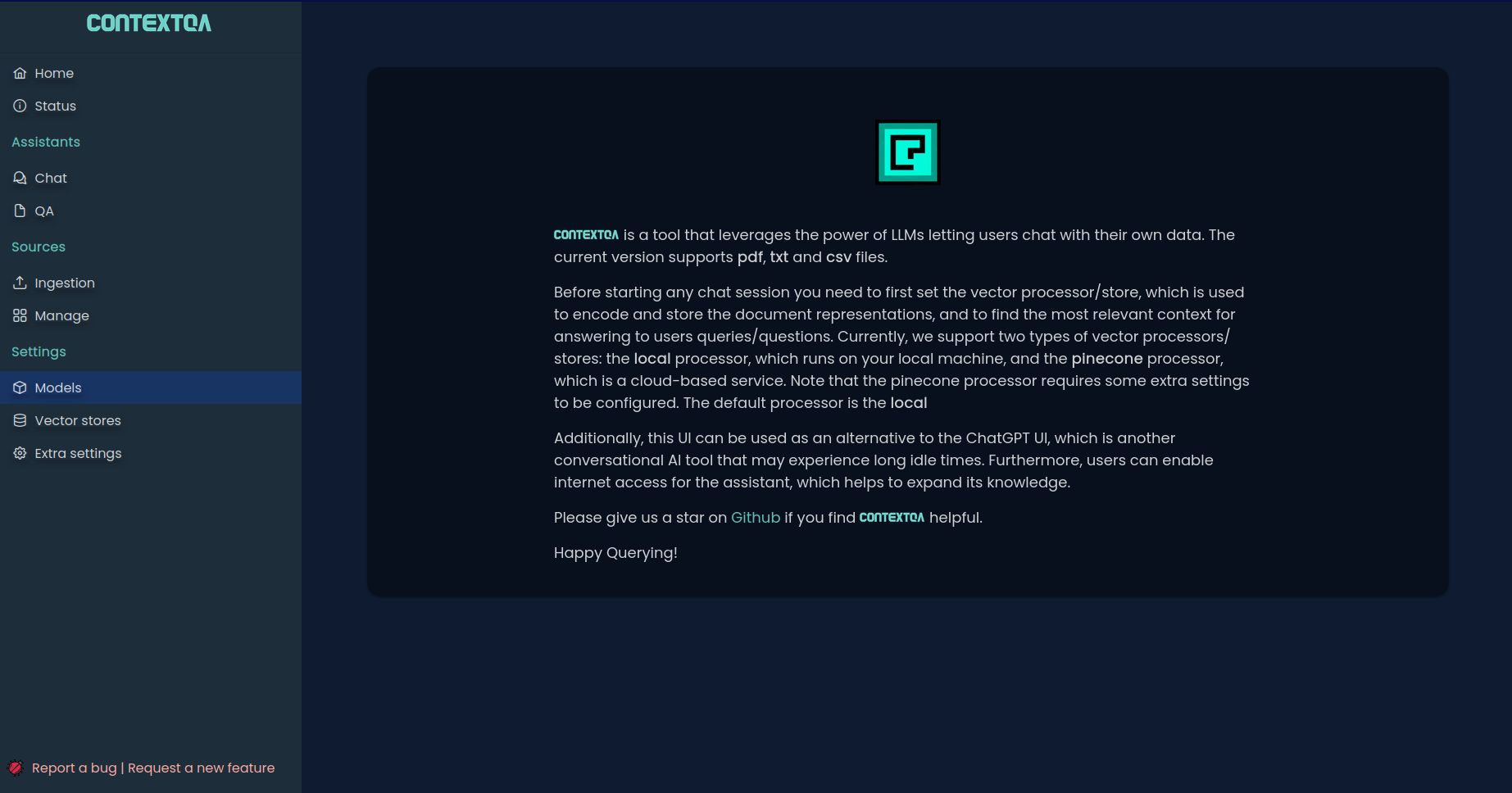
Or the main contextqa view - If the initial configuration has already been set
Guideline
For detailed usage instructions, please refer to the usage guidelines.
Contributing
We welcome contributions to ContextQA! To get started, please refer to our CONTRIBUTING.md file for guidelines on how to contribute. Your feedback and contributions help us improve and enhance the project. Thank you for your interest in contributing!
1 maintainer

Metadata
1 maintainer
Release files for contextqa 2.0.5
For a detailed explanation of source distributions (sdists) and built distributions (wheels), please see the package formats documentation.
Source distribution (sdist)
| File | Size | Uploaded | Provenance | Actions |
|---|---|---|---|---|
| contextqa-2.0.5.tar.gz | 2.7 MB | Without provenance | Details for contextqa-2.0.5.tar.gz |
Built distribution (wheel)
| File | Interpreter | ABI | Platform | Actions Reset |
|---|---|---|---|---|
| contextqa-2.0.5-py3-none-any.whl | Python 3 | none | any | Details for contextqa-2.0.5-py3-none-any.whl |
Total release size: 5.4 MB
Release files / contextqa-2.0.5.tar.gz
| Download URL | contextqa-2.0.5.tar.gz |
|---|---|
| Size | 2.7 MB |
| Tags | Source |
|
SHA-256 checksum How to use checksums |
27560f19c1e5d5df292de94f3046e30c39347bd826adf6a06690d0e3de218cbb
|
|
BLAKE2b-256 checksum How to use checksums |
d01f4dc1f10dfcc799e21b242b79e9ec4e11804c31a25458395d753a40afb772
|
| Upload date | |
|
Uploaded using Trusted Publishing? What is trusted publishing? |
No |
| Uploaded via |
twine/5.1.1 CPython/3.11.9
|
Release files / contextqa-2.0.5-py3-none-any.whl
| Download URL | contextqa-2.0.5-py3-none-any.whl |
|---|---|
| Size | 2.7 MB |
| Tags | Python 3 |
|
SHA-256 checksum How to use checksums |
61b02c688c7d5bbfc0534beab87802b6b44596acd28a8d24aab95a107034e811
|
|
BLAKE2b-256 checksum How to use checksums |
509fa4264bf2c6763c21243ee685ad35d26cce6cd999f9341a6c16a61bdc490a
|
| Upload date | |
|
Uploaded using Trusted Publishing? What is trusted publishing? |
No |
| Uploaded via |
twine/5.1.1 CPython/3.11.9
|
Security for contextqa 2.0.5
Provenance
Provenance describes where a file came from. On PyPI, provenance is shared via attestations, which provide a verifiable record of the build or publishing details. View details, limitations and caveats.
No provenance found
None of the files in this release were uploaded with provenance metadata.
A note on package security
PyPI is a repository for distributing packages, not a service for auditing them. While third-party security researchers and our staff do their best to detect and remove malicious packages, PyPI cannot guarantee the quality, security or suitability of any given package.
To learn more about protecting yourself from malicious actors, visit our package security documentation.














