


delog
Cloud Service for Centralized Logging
delog is a service or self-hosted logger.
delog is intended to be:
- centralized, single logging space for multi-project/multi-package software systems;
- log-based testing controller;
- warn/error notifier.
delog has clients for:
The delog-server uses plurid to explore information as a 3D structure.
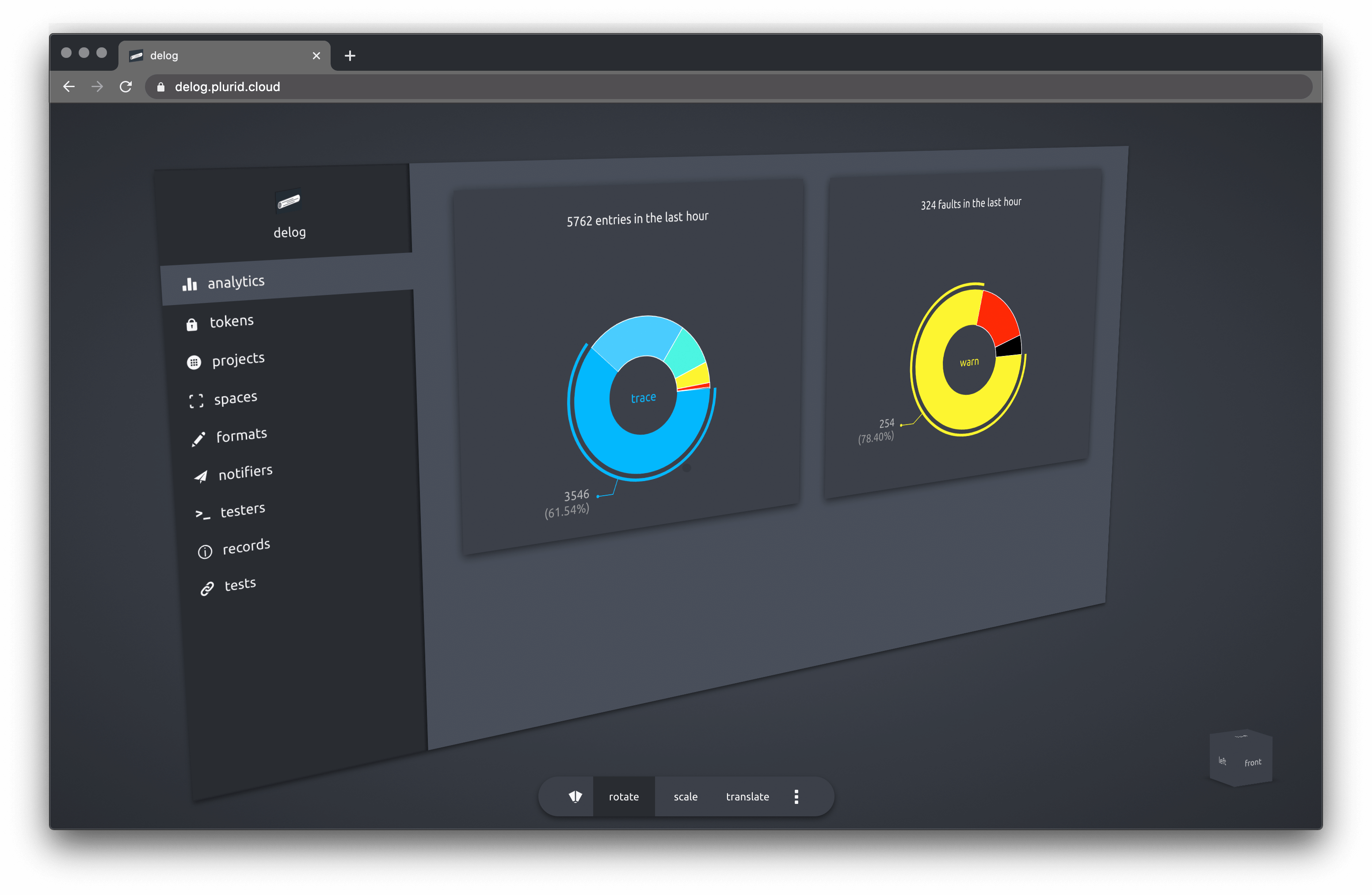
analytics
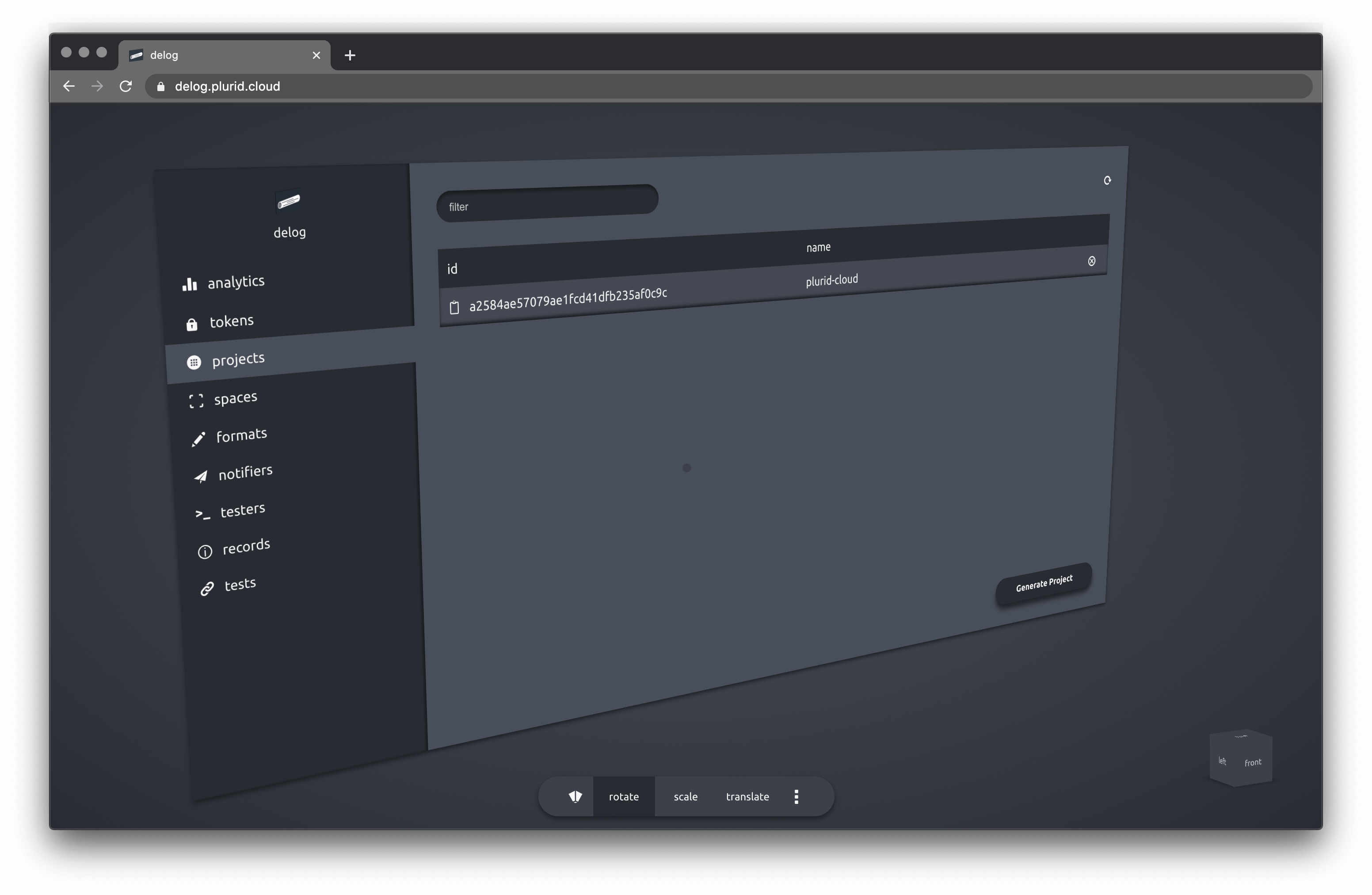
projects
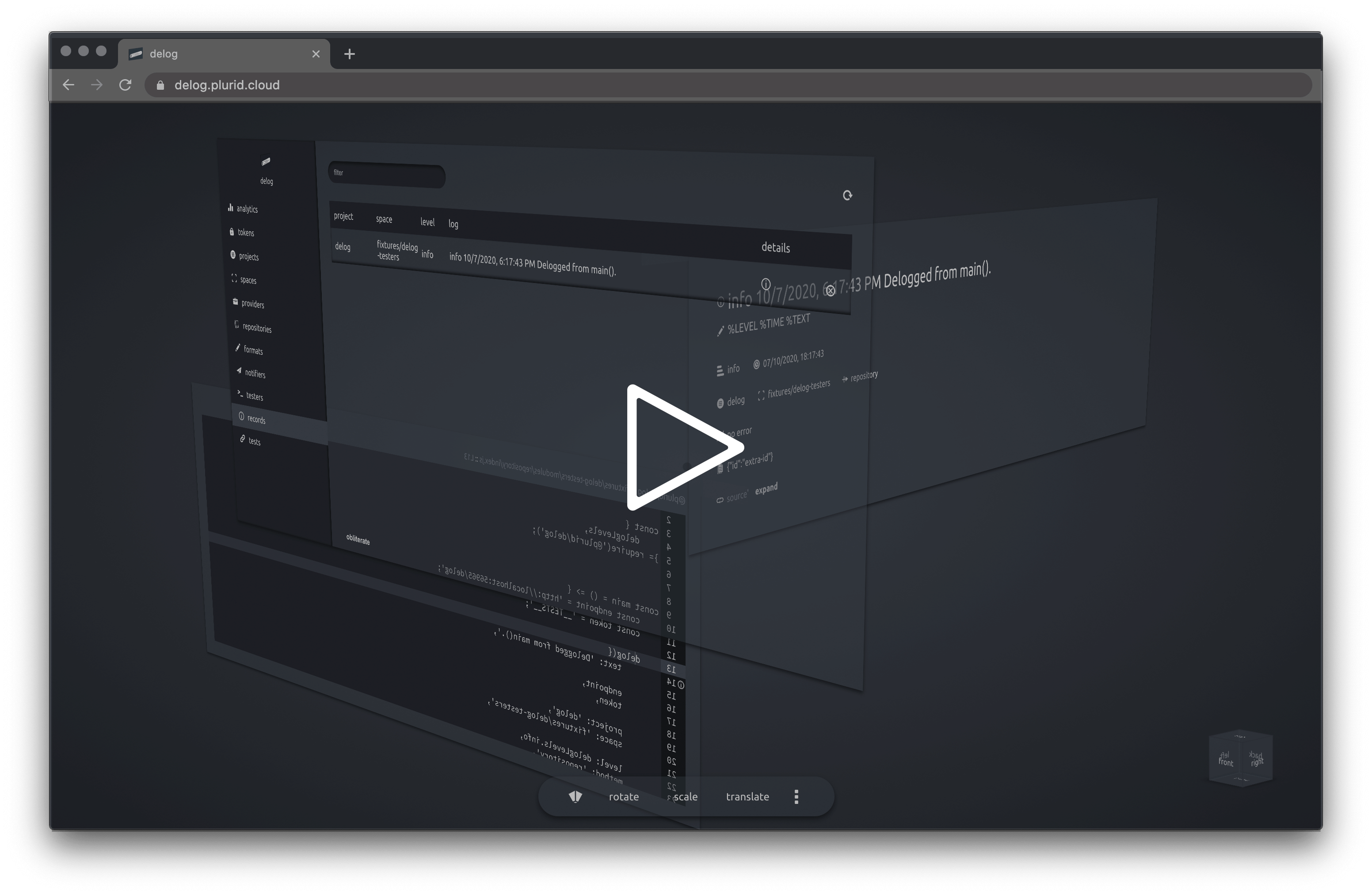
exploration to log source
Contents
About
delog acts as a central logging service. Once configured with a token, the delog client can point to the network endpoint, passing the token.
delog can also function as a log-based tester. The delog client is set in the testing mode and a delog client call will trigger a tester in the delog endpoint.
Client
Support
delog has client support for
Configuration
The following environment variables can be set
// quiets the delog's error reporting
DELOG_QUIET = true | false

// any delog will be checked against this level
DELOG_GROUND_LEVEL = 0-7 | trace-fatal

// format string, default '%TIME %TEXT'
DELOG_FORMAT = string

// delog server endpoint
DELOG_ENDPOINT = string
// delog server token
DELOG_TOKEN = string

// project name
DELOG_PROJECT = string
// space name
DELOG_SPACE = string


// calling details
DELOG_CALL_CONTEXT = true | false
DELOG_REPOSITORY_PROVIDER = string
DELOG_REPOSITORY_NAME = string
DELOG_REPOSITORY_COMMIT = string
DELOG_REPOSITORY_BRANCH = string
DELOG_REPOSITORY_BASEPATH = string
Server
Building
docker build \
    -t delog-server \
    -f ./configurations/production.dockerfile \
    --build-arg PORT=56965 \
    --build-arg DELOG_ENDPOINT_GRAPHQL=/ \
    --build-arg DELOG_DATABASE_TYPE=mongo \
    --build-arg DELOG_LOG_LEVEL=0 \
    --build-arg DELOG_QUIET=false \
    --build-arg DELOG_CUSTOM_LOGIC_USAGE=false \
    --build-arg DELOG_PRIVATE_USAGE=true \
    --build-arg DELOG_PRIVATE_OWNER_IDENTONYM=identonym \
    --build-arg DELOG_PRIVATE_OWNER_KEY=key \
    --build-arg DELOG_PRIVATE_TOKEN=secret-token \
    --build-arg DELOG_MONGO_USERNAME=admin \
    --build-arg DELOG_MONGO_PASSWORD=1234 \
    --build-arg DELOG_MONGO_ADDRESS=localhost:56966 \
    --build-arg DELOG_MONGO_CONNECTION_STRING= \
    --build-arg DELOG_TEST_MODE=true \
    --build-arg DELOG_OPTIMIZATION_BATCH_WRITE_SIZE=1000 \
    --build-arg DELOG_OPTIMIZATION_BATCH_WRITE_TIME=2000 \
    .
Run the container with --network="host" if running the database on the same host.
docker run \
    --network="host" \
    -d delog-server
Or run on a custom port (8855)
docker run \
    -d -p 8855:56965 \
    delog-server
Testing
The delog server can use MongoDB as a database. For testing purposes, mongo can run in a docker container.
docker pull mongo
docker run -d --name mongo-delog \
    -p 56966:27017 -e MONGO_INITDB_ROOT_USERNAME=admin \
    -e MONGO_INITDB_ROOT_PASSWORD=1234 mongo
Connect to the mongo instance with
mongodb://admin:1234@localhost:56966/?authSource=admin
to verify the connection.
Packages

@plurid/delog-server • the server application

@plurid/delog-client-cli • the Command-Line Interface client

@plurid/delog-client-javascript • the NodeJS client

@plurid/delog-client-python • the Python client
Codeophon
1 maintainer

Release files for delog 0.0.8
For a detailed explanation of source distributions (sdists) and built distributions (wheels), please see the package formats documentation.
Source distribution (sdist)
| File | Size | Uploaded | |
|---|---|---|---|
| delog-0.0.8.tar.gz | 5.7 kB | Details |
Release files / delog-0.0.8.tar.gz
| Download URL | delog-0.0.8.tar.gz |
|---|---|
| Size | 5.7 kB |
| Tags | Source |
|
SHA-256 checksum How to use checksums |
d1731609a2a096d4bd0cdb34e68fc2e76c8fd252d7de903924145fad35d86200
|
|
BLAKE2b-256 checksum How to use checksums |
c1a152e68c6aea49ff49b41c759950c4956fafbec183f342f9ae8796ccbb5c3e
|
| Upload date | |
|
Uploaded using Trusted Publishing? What is trusted publishing? |
No |
| Uploaded via |
twine/3.4.1 importlib_metadata/3.10.0 pkginfo/1.7.0 requests/2.25.1 requests-toolbelt/0.9.1 tqdm/4.60.0 CPython/3.9.3
|














