
Custom theme for devpi-server
This is a custom theme for devpi-server
Installation
devpi-theme-16 needs to be installed alongside devpi-server.
Simply install it with:
pip install devpi-theme-16
For devpi-server there is no configuration needed to activate the plugin, as it will automatically discover the plugin through calling hooks using the setuptools entry points mechanism.
Contribute
$ source <VIRTUALENV>/bin/activate
$ export THEME_16_ROOT=/tmp/theme-16
$ pip install devpi-server devpi-web
$ devpi-server init --serverdir $THEME_16_ROOT
$ pip install -e .
$ CHAMELEON_RELOAD=1 devpi-server --start --host 0.0.0.0 --port 9000 --serverdir $THEME_16_ROOT --threads=2 --debug ; tail -f $THEME_16_ROOT/.xproc/devpi-server/xprocess.log
open browser at http://127.0.0.1:9000.
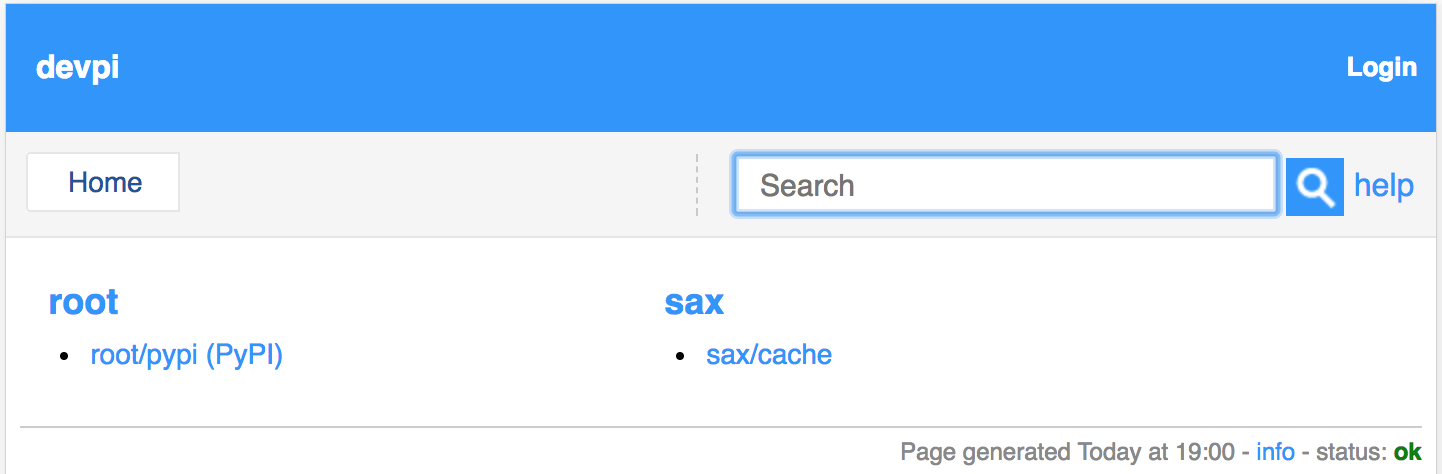
Screenshots
index
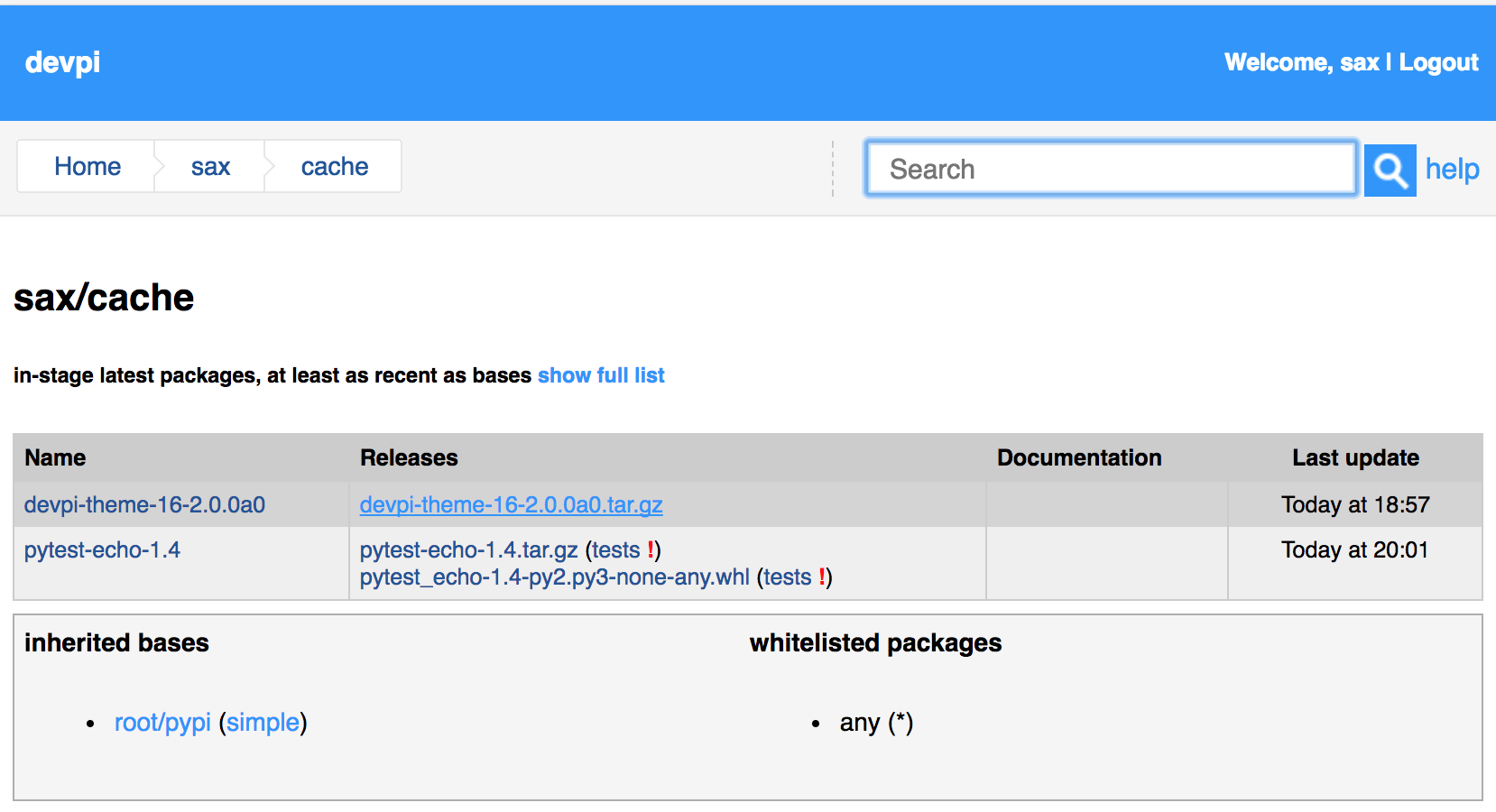
login
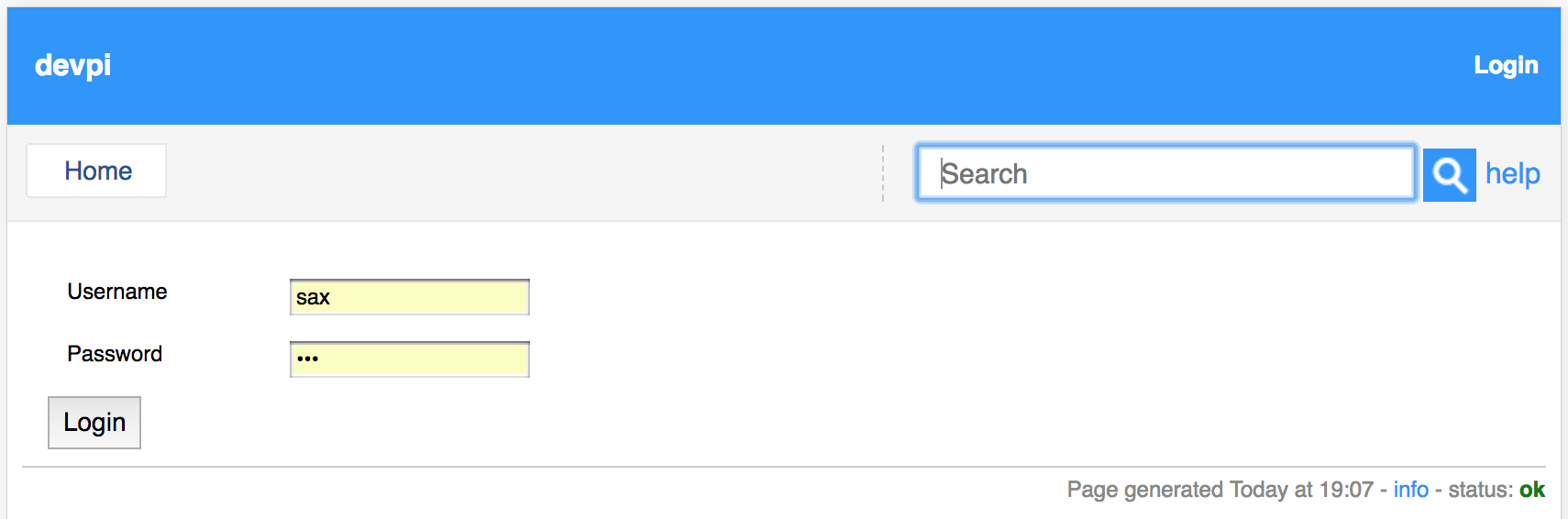
remove package
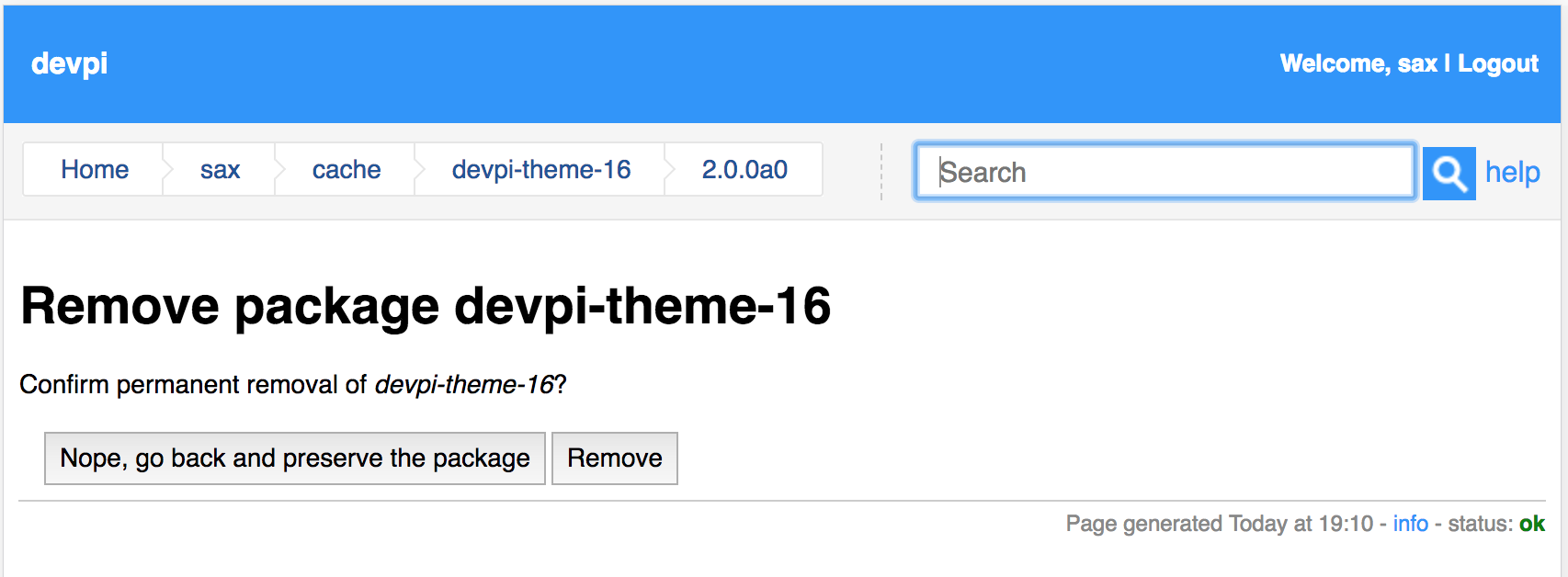
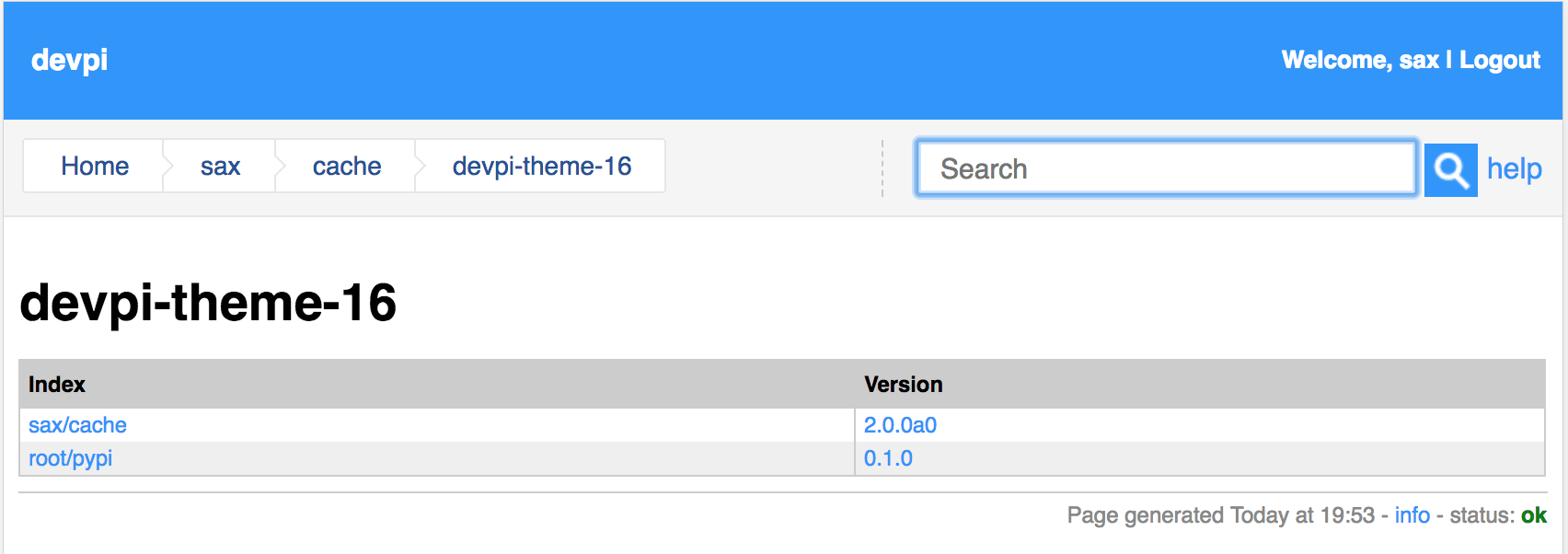
project version page
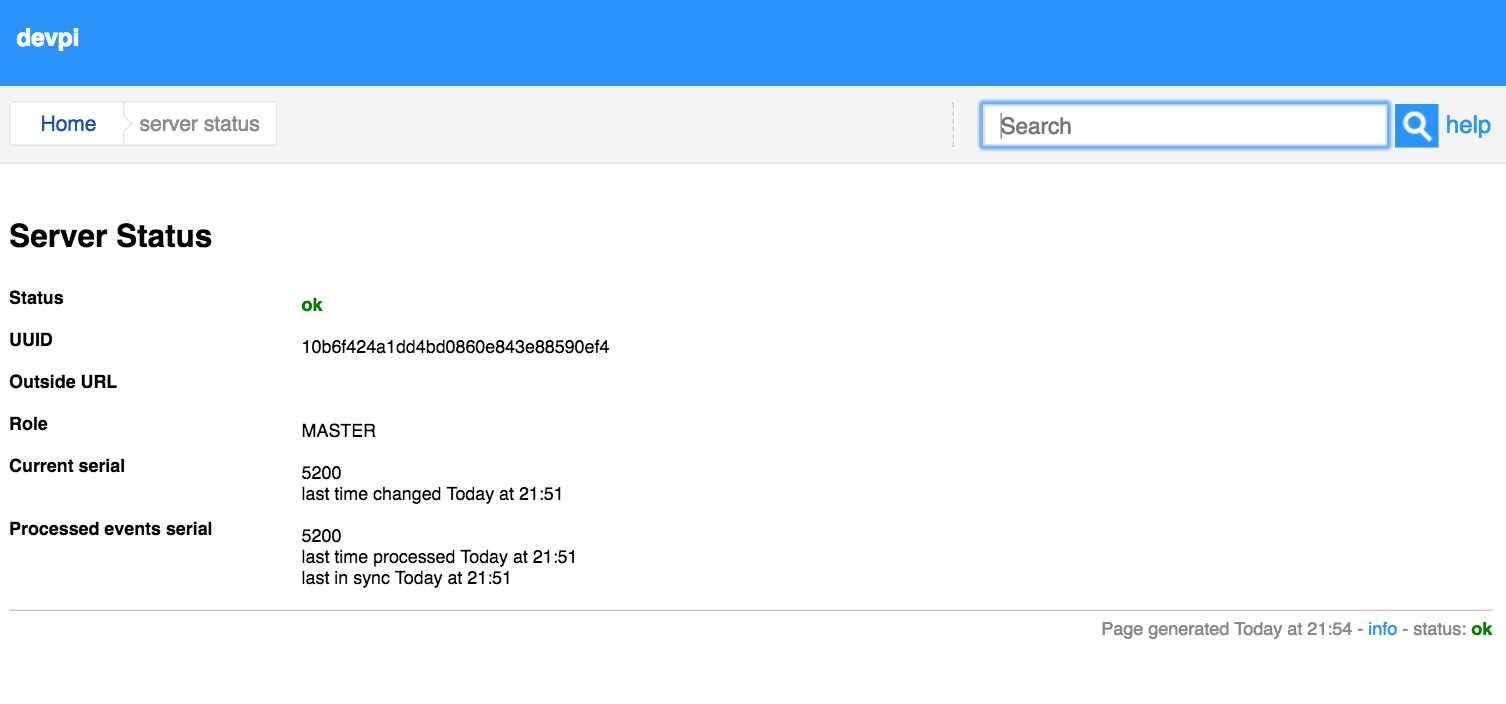
status page
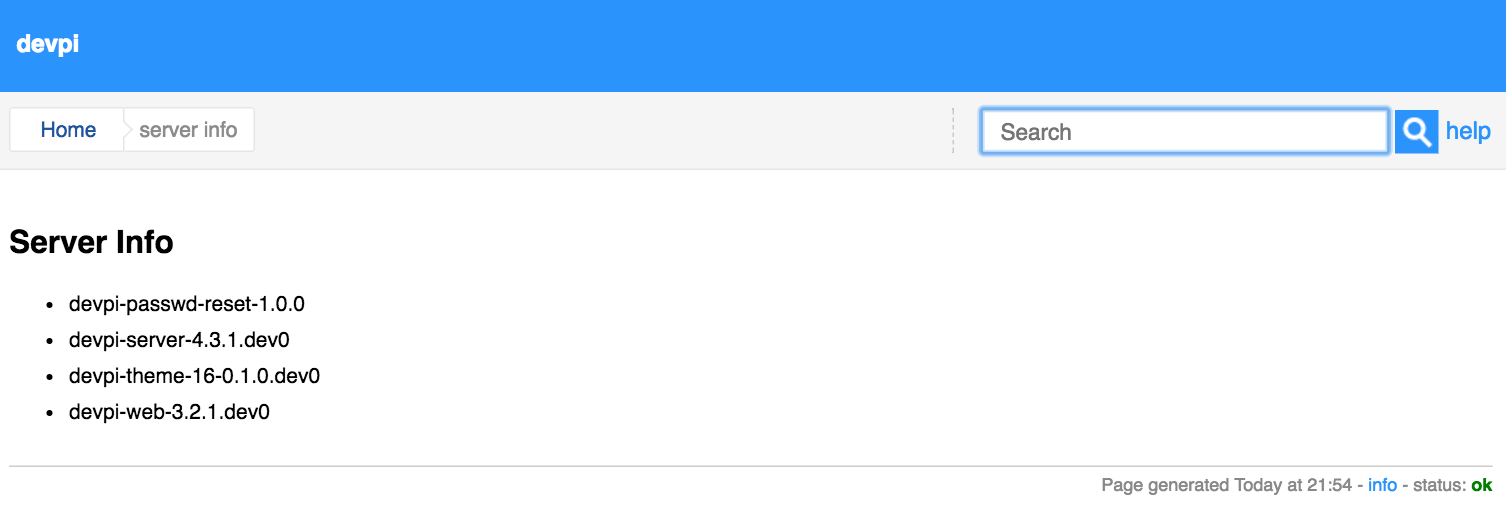
info page
Links
Stable |
|||
Development |
|||
Project home page: |
|||
Issue tracker: |
|||
Download: |
|||


1 maintainer

Metadata
1 maintainer
Release files for devpi-theme-16 2.1.0
For a detailed explanation of source distributions (sdists) and built distributions (wheels), please see the package formats documentation.
Source distribution (sdist)
| File | Size | Uploaded | |
|---|---|---|---|
| devpi-theme-16-2.1.0.tar.gz | 155.0 kB | Details |
Release files / devpi-theme-16-2.1.0.tar.gz
| Download URL | devpi-theme-16-2.1.0.tar.gz |
|---|---|
| Size | 155.0 kB |
| Tags | Source |
|
SHA-256 checksum How to use checksums |
561bf9d3317be2f333a9b24f8377562e0f1f35a1444b0157818cdec8a67edcfc
|
|
BLAKE2b-256 checksum How to use checksums |
4283c3383e590476d11f625a752f436bc1e1166af6aee0f6dad6222adaecb9a4
|
| Upload date | |
|
Uploaded using Trusted Publishing? What is trusted publishing? |
No |














