
dicom2jpg
Converts DICOM to JPG/PNG/BMP/TIFF and numpy.ndarray
Installation
pip install dicom2jpg
Introdunction
import dicom2jpg

dicom_img_01 = "/Users/user/Desktop/img01.dcm"
dicom_dir = "/Users/user/Desktop/Patient_01"
export_location = "/Users/user/Desktop/BMP_files"

# convert single DICOM file to jpg format
dicom2jpg.dicom2jpg(dicom_img_01)

# convert all DICOM files in dicom_dir folder to png format
dicom2jpg.dicom2png(dicom_dir)

# convert all DICOM files in dicom_dir folder to bmp, to a specified location
dicom2jpg.dicom2bmp(dicom_dir, target_root=export_location)

# convert single DICOM file to numpy.ndarray for further use
img_data = dicom2jpg.dicom2img(dicom_img_01)

# convert DICOM ByteIO to numpy.ndarray
img_data = dicom2jpg.io2img(dicomIO)
dicom2jpg
converts DICOM images to JPG/PNG/BMP/TIFF formats and to numpy.ndarray.
It applies window center(level) and window width adjustment, or VOI LUT function to the images, which makes output files looks like what we see on standard DICOM viewers.
dicom2jpg.dicom2jpg(origin, target_root=None, anonymous=False, multiprocessing=True)
dicom2jpg.dicom2png(origin, target_root=None, anonymous=False, multiprocessing=True)
dicom2jpg.dicom2bmp(origin, target_root=None, anonymous=False, multiprocessing=True)
dicom2jpg.dicom2tiff(origin, target_root=None, anonymous=False, multiprocessing=True)
-
origin can be a single DICOM file, a folder, or a list/tuple of file/folder
-
target_root would be the root folder of the first file/folder if not specified
-
exported files paths would be
target_root / Today / PatientID_Filetype / StudyDate_StudyTime_Modality_AccNum / Ser_Img.Filetype
-
anonymous files paths would be
target_root / Today / Patient_SerialNum / ModalitySerialNum_Modality / Ser_Img.Filetype
dicom2jpg.dicom2img(origin)
dicom2jpg.io2img(dicomIO)
- converting dicom files or ByteIO to ndarray
- ndarray is in 8 bit; RGB format if it's a color image
Image examples
| CT | MR | CXR |
|---|---|---|
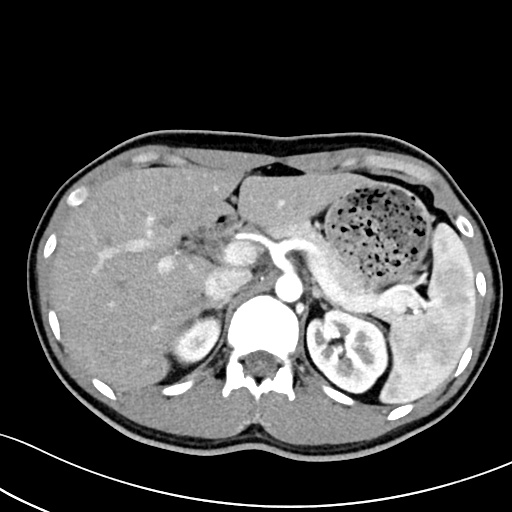 |
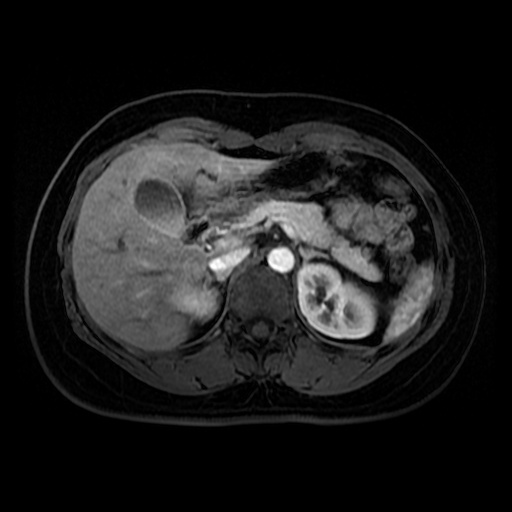 |
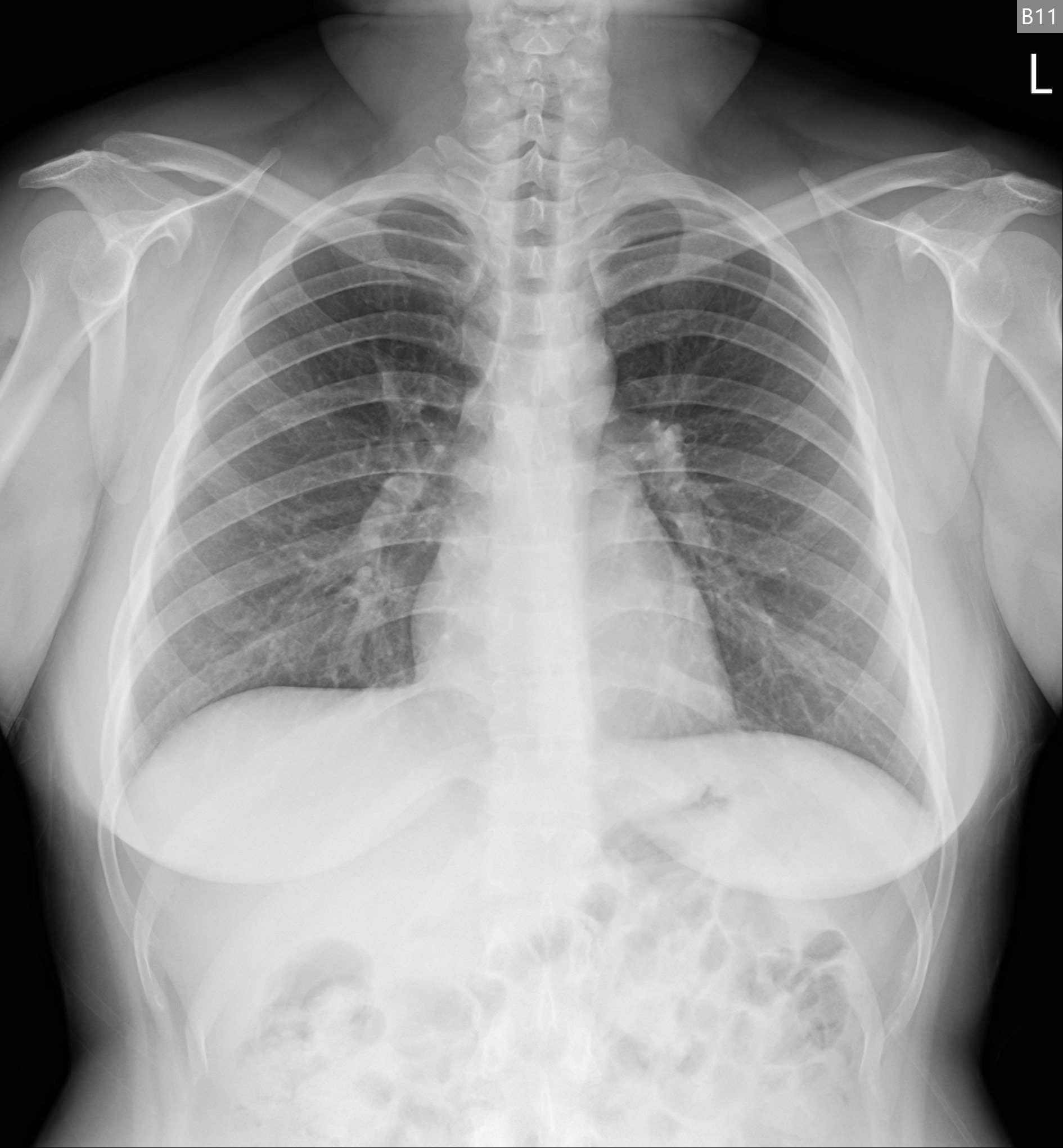 |
Todo
- Support multi-frame images
- Image compression
- Support overlays
Performance
- Environment: Windows10, Jupyter Notebook, Python 3.8.10
- 598MB 1873 files {'CT': 1528, 'CR': 52, 'MR': 174, 'DX': 36}
- Intel(R) Core(TM) i7-7700 CPU @ 3.60GHz. 4 Cores (hyper-threading off)
- Tested on Ramdisk (no physical HDD was tortured :P)
| multiprocessing | anonymous | duration (seconds) |
|---|---|---|
| False | True | 154.6-159.7 |
| True | True | 79.2-82.9 |
| False | False | 157.9-162.8 |
| True | False | 56-58.5 |
1 maintainer

Metadata
1 maintainer
Release files for dicom2jpg 0.1.7
For a detailed explanation of source distributions (sdists) and built distributions (wheels), please see the package formats documentation.
Source distribution (sdist)
| File | Size | Uploaded | Provenance | Actions |
|---|---|---|---|---|
| dicom2jpg-0.1.7.tar.gz | 10.8 kB | Without provenance | Details for dicom2jpg-0.1.7.tar.gz |
Built distribution (wheel)
| File | Interpreter | ABI | Platform | Actions Reset |
|---|---|---|---|---|
| dicom2jpg-0.1.7-py3-none-any.whl | Python 3 | none | any | Details for dicom2jpg-0.1.7-py3-none-any.whl |
Total release size: 21.1 kB
Release files / dicom2jpg-0.1.7.tar.gz
| Download URL | dicom2jpg-0.1.7.tar.gz |
|---|---|
| Size | 10.8 kB |
| Tags | Source |
|
SHA-256 checksum How to use checksums |
63c4a8b7965ee8842f33bd09c81e61692c8477bb343c77b4844b4a5c600d01d5
|
|
BLAKE2b-256 checksum How to use checksums |
f62062df4721c674c7b33284fc9fa108cb392f5f2371102751e66fdd192057d8
|
| Upload date | |
|
Uploaded using Trusted Publishing? What is trusted publishing? |
No |
| Uploaded via |
twine/3.4.1 importlib_metadata/3.10.0 pkginfo/1.7.0 requests/2.25.1 requests-toolbelt/0.9.1 tqdm/4.59.0 CPython/3.8.10
|
Release files / dicom2jpg-0.1.7-py3-none-any.whl
| Download URL | dicom2jpg-0.1.7-py3-none-any.whl |
|---|---|
| Size | 10.3 kB |
| Tags | Python 3 |
|
SHA-256 checksum How to use checksums |
bd4b9b08c9fbe22fdc73903a69b7d342da7be0eca811c399caedea1a252b7818
|
|
BLAKE2b-256 checksum How to use checksums |
df6e468496c1d94ee76f5813b0dbfd79bc9249b9ba6a7c122c01bd9fea83042a
|
| Upload date | |
|
Uploaded using Trusted Publishing? What is trusted publishing? |
No |
| Uploaded via |
twine/3.4.1 importlib_metadata/3.10.0 pkginfo/1.7.0 requests/2.25.1 requests-toolbelt/0.9.1 tqdm/4.59.0 CPython/3.8.10
|
Security for dicom2jpg 0.1.7
Provenance
Provenance describes where a file came from. On PyPI, provenance is shared via attestations, which provide a verifiable record of the build or publishing details. View details, limitations and caveats.
No provenance found
None of the files in this release were uploaded with provenance metadata.
A note on package security
PyPI is a repository for distributing packages, not a service for auditing them. While third-party security researchers and our staff do their best to detect and remove malicious packages, PyPI cannot guarantee the quality, security or suitability of any given package.
To learn more about protecting yourself from malicious actors, visit our package security documentation.














