
joplin-vieweb
A simple web viewer for Joplin app
View on github
Purpose
I'm going to use Joplin as a notes application (instead of OneNote).
It's a long time I wanted for something like Joplin: opensource, not coupled to a web giant, and without illimited storage: storage has a price, we should pay for it.
This quick dev is to provide an online view of my Joplin notes.
It's running on a "Django server", running beside a configured & running Joplin terminal app.
A screenshot
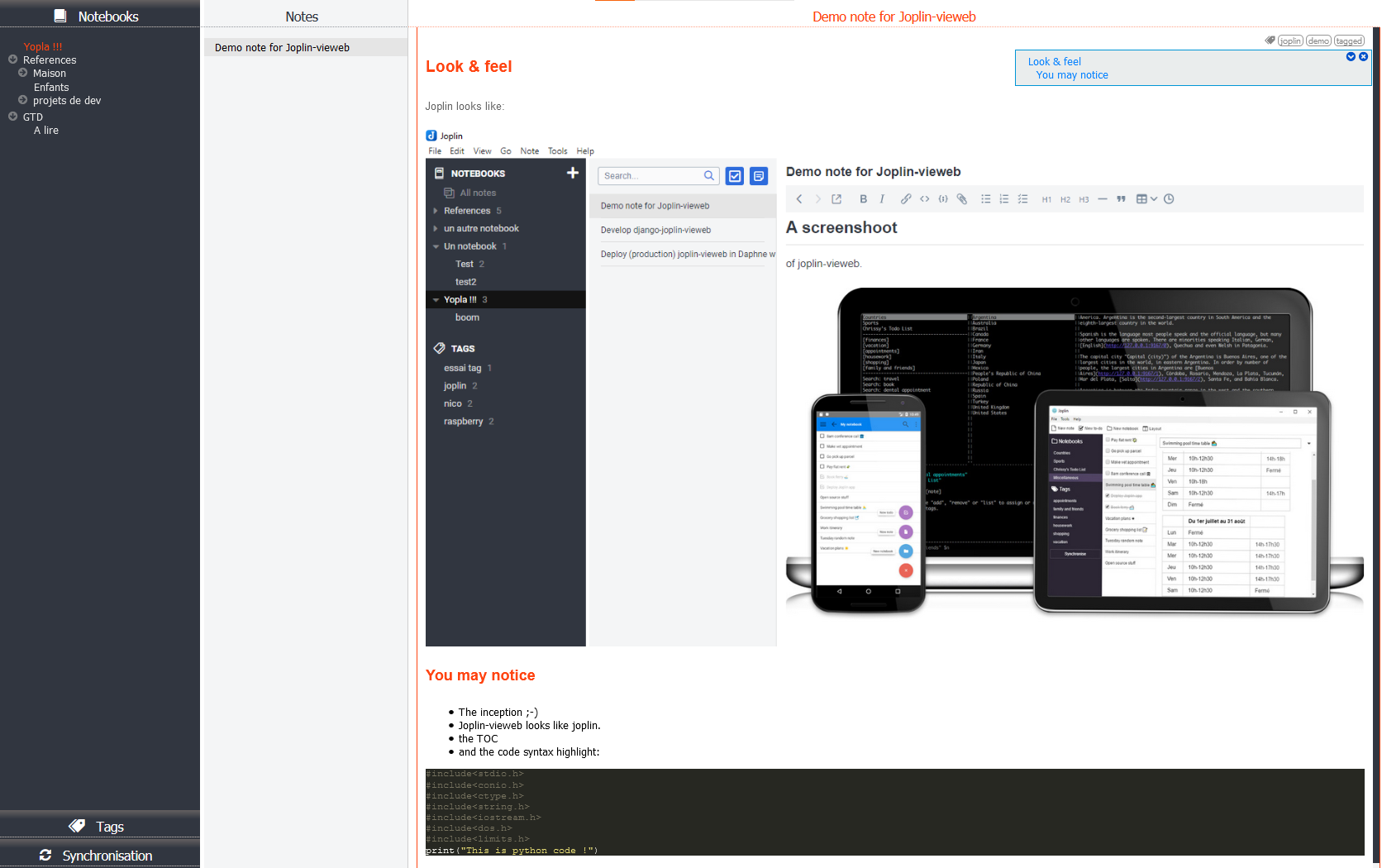
Features and not(-yet?) features
Yes it does ❤
- Protect joplin-vieweb access by login
- Display notebooks, and notes
- images
- attachments
- code syntax highlight
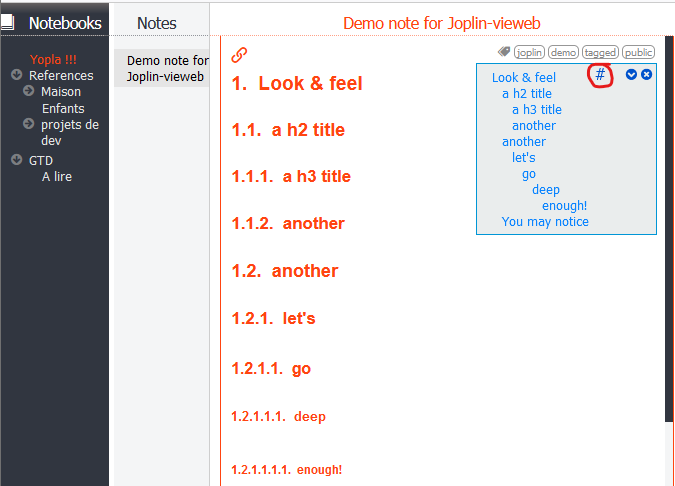
- Add a table of content if note contains headers
- Display tags, and notes linked.
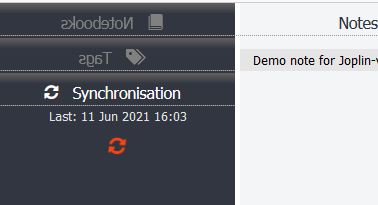
- Joplin sync:
- Background periodic joplin sync
- Manual trigged sync, with notebooks and tag refresh
- Public link if note has public tag
- Option to number (or not) header in notes:
- Tag edition: add / remove / create tags in notes:
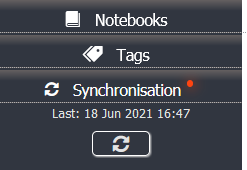
Once tags edited, a little reminder not to forget to synchronize Joplin:
- Checkbox list changes can be saved to notes. See this release note.
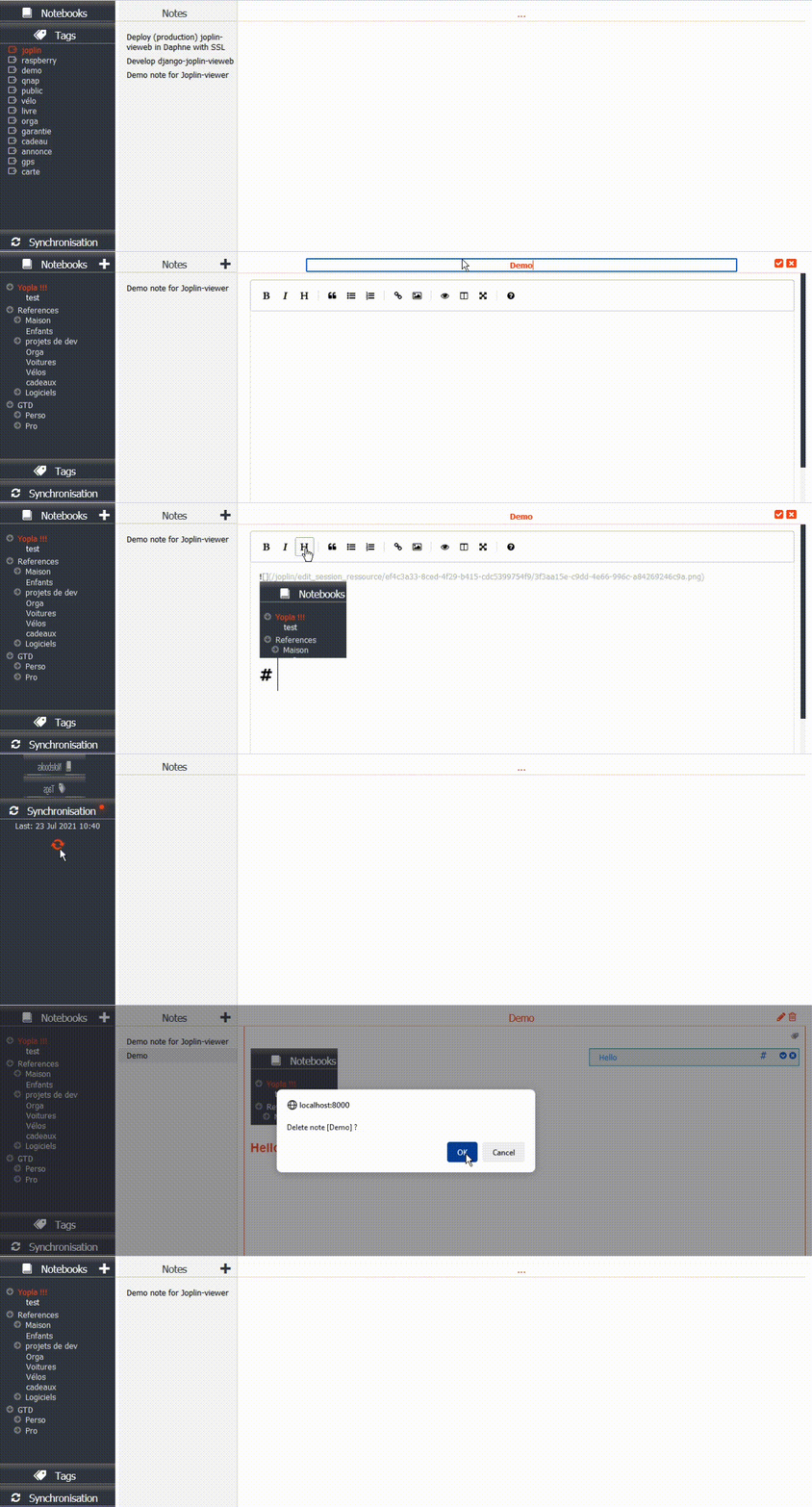
- Note edition / deletion, with support of image paste, and image / attachment drag&drop.


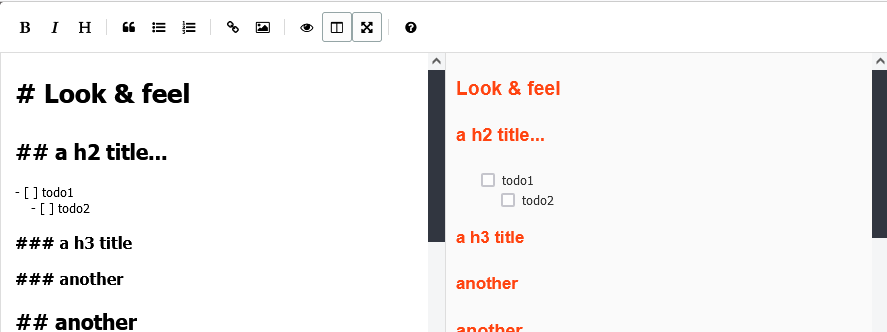
- Note creation
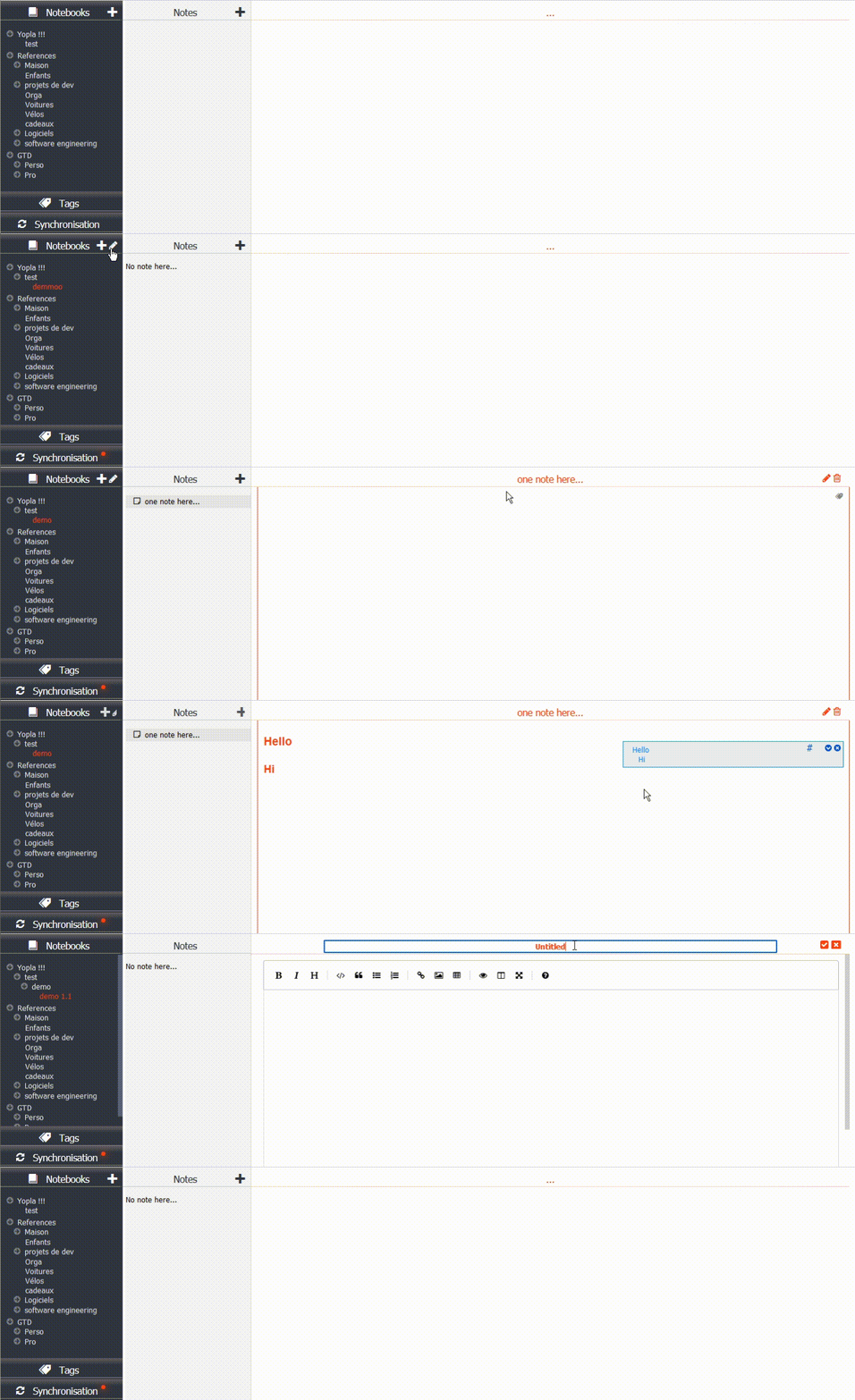
- Notebook edition: create / rename / delete
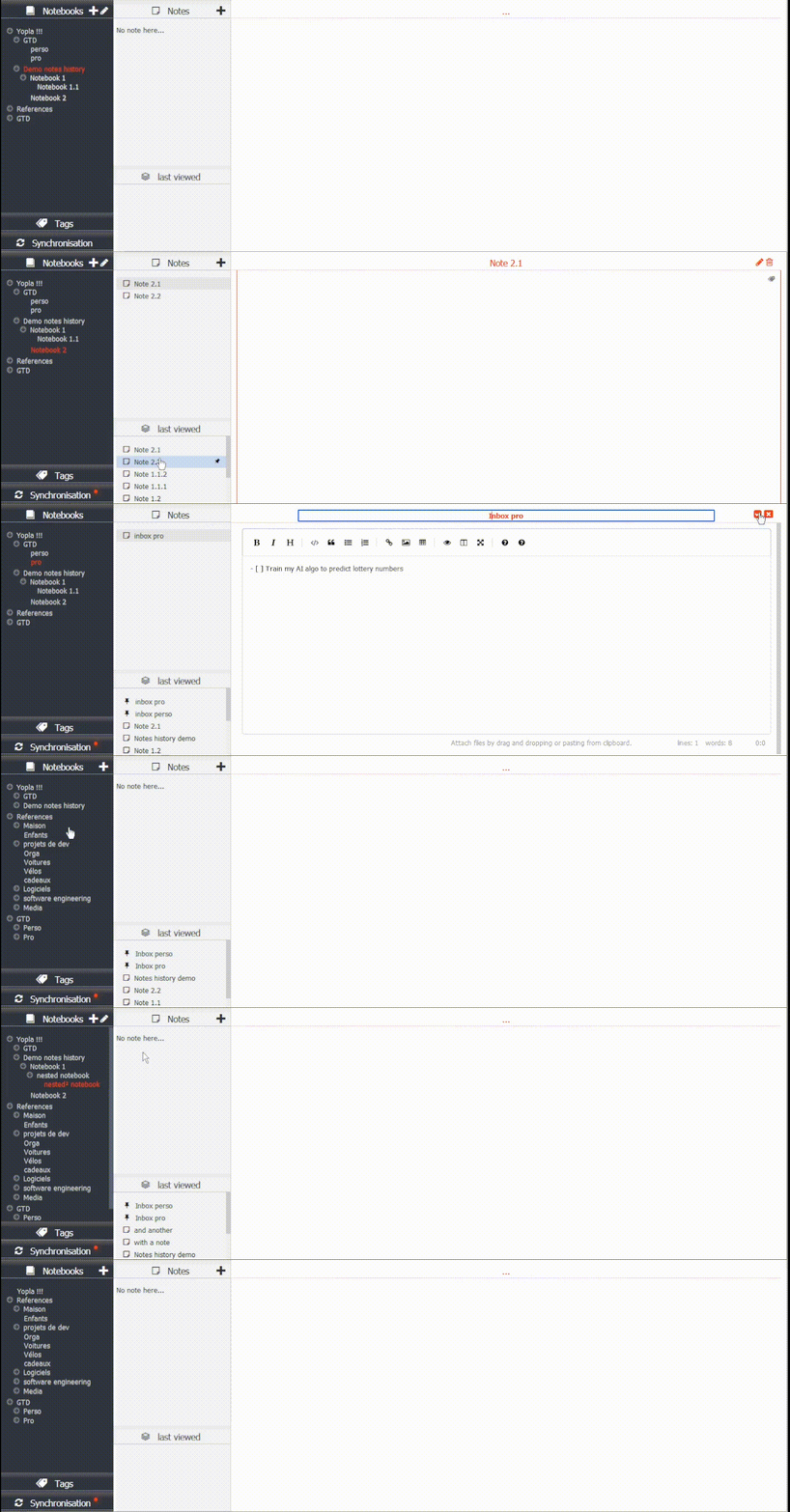
- Notes history: list of the latest notes consulted, to be able to open them quickly, or pin them:
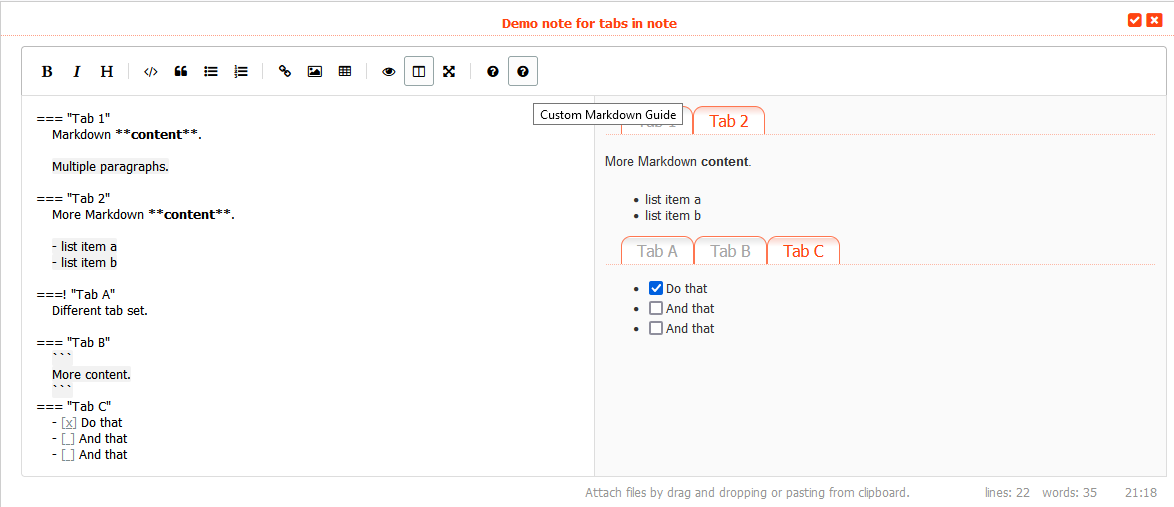
- Tabs in notes (not displayed in joplin applications). Syntax here.
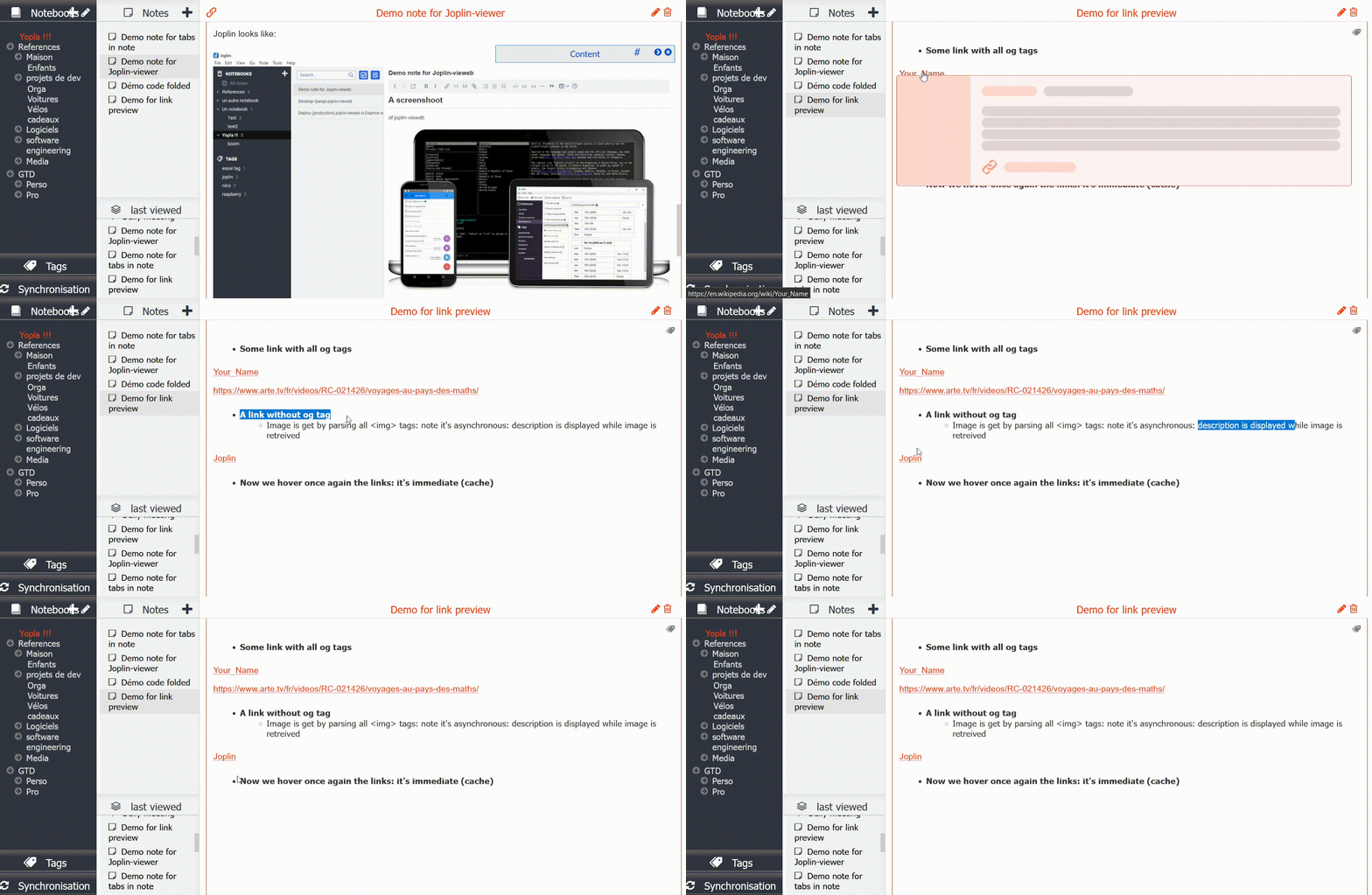
- Hyperlink preview in notes, on mouse hover:
No it doesn't (yet?) 💔
- Sort notebooks nor notes
- Move note or notebook from one notebook to another.
- No specific handling for todos.
- Search for notes or tags
Installation, configuration
-
Install Joplin terminal.
Configure it and start it. -
Install joplin-vieweb with
pip install django-joplin-vieweb -
Create a django project and configure it:
-
Add "joplin_vieweb" to your INSTALLED_APPS settings.py like this:
INSTALLED_APPS = [
    ...
    'joplin_vieweb',
    ...
]
-
Add some variable in your project settings.py:
# Joplin variables JOPLIN_SERVER_URL="http://127.0.0.1" JOPLIN_SERVER_PORT=41184 JOPLIN_SERVER_TOKEN="1234567890987654321" JOPLIN_RESSOURCES_PATH="/home/pi/.config/joplin/resources/" JOPLIN_LOGIN_REQUIRED=True # set to True only if you require a logged user for accessing the notes JOPLIN_SYNC_PERIOD_S=86400 # once a day JOPLIN_SYNC_INFO_FILE="/home/pi/.config/joplin/joplin_vieweb_sync_info" JOPLIN_NOTES_HISTORY_DEPTH = 10 -
If you set JOPLIN_LOGIN_REQUIRED=True
python manage.py migratepython manage.py createsuperuser- Add the 'accounts/' path in urls.py (see next point)
-
Include the joplin_vieweb URLconf in your project urls.py like this:
path('joplin/', include('joplin_vieweb.urls')), path('accounts/', include('django.contrib.auth.urls')), # only if JOPLIN_LOGIN_REQUIRED=True -
Start the development server and visit http://127.0.0.1:8000/joplin
More advanced guides
Why not joplin-web?
I tried for some hours to make it run. The master branch was easy to setup, but work is still in progress.
And the full featured "vuejs" branch: I just didn't succeed to set it up (neither with node nor with docker).... probably a matter of versions with my raspberry distribution.
➡ I decided to do my simple own product, for my simple need: view my notes online.
Thanks for joplin-api that helped me !
For dev: how to setup a dev server around this "package"
Execute script setup_dev_env.sh
Then: check joplin ressource path in dev_server/dev_server/settings.py (STATICFILES_DIRS), and ALLOWED_HOSTS.
If you choose JOPLIN_LOGIN_REQUIRED=True, then: :add
urlpatterns = [
    ...
    path('accounts/', include('django.contrib.auth.urls')),
]
Then:
. venv/bin/activate
cd dev_server
python manage.py migrate
python manage.py createsuperuser
python manage.py runserver 0:8000
Thanks to azure for free domain name

1 maintainer

Metadata
1 maintainer
Release files for django-joplin-vieweb 1.17.0
For a detailed explanation of source distributions (sdists) and built distributions (wheels), please see the package formats documentation.
Source distribution (sdist)
| File | Size | Uploaded | Provenance | Actions |
|---|---|---|---|---|
| django-joplin_vieweb-1.17.0.tar.gz | 366.8 kB | Without provenance | Details for django-joplin_vieweb-1.17.0.tar.gz |
Built distribution (wheel)
| File | Interpreter | ABI | Platform | Actions Reset |
|---|---|---|---|---|
| django_joplin_vieweb-1.17.0-py3-none-any.whl | Python 3 | none | any | Details for django_joplin_vieweb-1.17.0-py3-none-any.whl |
Total release size: 762.2 kB
Release files / django-joplin_vieweb-1.17.0.tar.gz
| Download URL | django-joplin_vieweb-1.17.0.tar.gz |
|---|---|
| Size | 366.8 kB |
| Tags | Source |
|
SHA-256 checksum How to use checksums |
9dfd107ff38275a48321539ffb4eda1bf58bde2acfc9cb557f40372858ce2729
|
|
BLAKE2b-256 checksum How to use checksums |
791e3526d3140c152b8d36108738ebe5afb95760962a6ba3ece6f0eb120b4b8f
|
| Upload date | |
|
Uploaded using Trusted Publishing? What is trusted publishing? |
No |
| Uploaded via |
twine/3.4.1 importlib_metadata/4.0.1 pkginfo/1.7.0 requests/2.27.1 requests-toolbelt/0.9.1 tqdm/4.61.0 CPython/3.9.10
|
Release files / django_joplin_vieweb-1.17.0-py3-none-any.whl
| Download URL | django_joplin_vieweb-1.17.0-py3-none-any.whl |
|---|---|
| Size | 395.4 kB |
| Tags | Python 3 |
|
SHA-256 checksum How to use checksums |
70c62bd05c1316f181ffce62dd935e7e170d8317513dd8f89f77da4d8cf7cc86
|
|
BLAKE2b-256 checksum How to use checksums |
97638a87ba252e416bb1c02758e8b45929b0a2b5646b05a798e42946275acd1d
|
| Upload date | |
|
Uploaded using Trusted Publishing? What is trusted publishing? |
No |
| Uploaded via |
twine/3.4.1 importlib_metadata/4.0.1 pkginfo/1.7.0 requests/2.27.1 requests-toolbelt/0.9.1 tqdm/4.61.0 CPython/3.9.10
|
Security for django-joplin-vieweb 1.17.0
Provenance
Provenance describes where a file came from. On PyPI, provenance is shared via attestations, which provide a verifiable record of the build or publishing details. View details, limitations and caveats.
No provenance found
None of the files in this release were uploaded with provenance metadata.
A note on package security
PyPI is a repository for distributing packages, not a service for auditing them. While third-party security researchers and our staff do their best to detect and remove malicious packages, PyPI cannot guarantee the quality, security or suitability of any given package.
To learn more about protecting yourself from malicious actors, visit our package security documentation.














