
Configurable and user-friendly map widgets for GeoDjango fields

Project description

Django Map Widgets
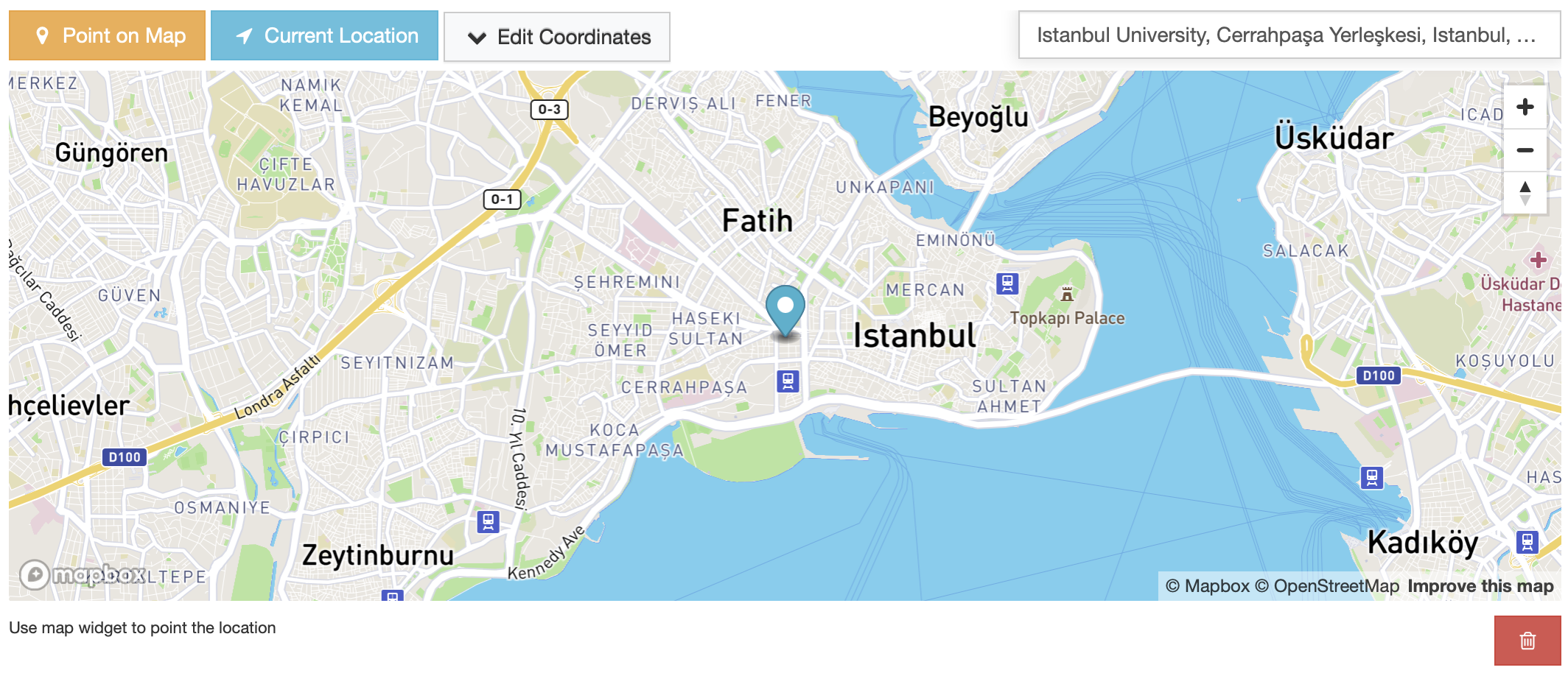
Django Map Widgets is a package that provides highly configurable, pluggable, and user-friendly map widgets for GeoDjango form fields. It simplifies the integration of interactive maps into GeoDjango applications, enhancing the overall development experience.
The primary goal of Django Map Widgets is to bridge the gap between powerful GeoDjango functionality and user-friendly map interactions, creating a more accessible and enjoyable experience for both developers and end-users of GeoDjango-powered applications. Currently, the package supports Google, Mapbox, and Leaflet mapping platforms.
Installation
pip install django-map-widgetsAdd ‘mapwidgets’ to your INSTALLED_APPS in settings.py
INSTALLED_APPS = [
    ...
    'django.contrib.sessions',
    'django.contrib.staticfiles',

    'mapwidgets',
]
Ensure collectstatic Django admin command is run before using the widgets in production.
python manage.py collectstaticUsage
Django Admin Usage
from django.contrib.gis.db import models
import mapwidgets


class CityAdmin(admin.ModelAdmin):
    formfield_overrides = {
        models.PointField: {"widget": mapwidgets.GoogleMapPointFieldWidget}
    }
Django Forms Usage
from mapwidgets.widgets import GoogleMapPointFieldWidget, MapboxPointFieldWidget


class CityForm(forms.ModelForm):
    class Meta:
        model = City
        fields = ("coordinates", "city_hall")
        widgets = {
            'coordinates': GoogleMapPointFieldWidget,
            'city_hall': MapboxPointFieldWidget,
        }
When the map widgets are used in Django web views with forms, Remember to include {{ form.media }} template tag in the view templates.
Settings
The JavaScript map rendering behavior of the widgets can be customized by providing MAP_WIDGETS config in the project’s settings file. For detailed guidance on map customization options, check the settings guide.
GOOGLE_MAP_API_KEY = os.getenv("GOOGLE_MAP_API_KEY")
MAPBOX_ACCESS_TOKEN = os.getenv("MAPBOX_ACCESS_TOKEN")

MAP_WIDGETS = {
    "GoogleMap": {
        "apiKey": GOOGLE_MAP_API_KEY,
        "PointField": {
            "interactive": {
                "mapOptions": {
                    "zoom": 15,  # set initial zoom
                    "streetViewControl": False,
                },
                "GooglePlaceAutocompleteOptions": {
                    "componentRestrictions": {"country": "uk"}
                },
            }
        }
    },
    "Mapbox": {
        "accessToken": MAPBOX_ACCESS_TOKEN,
        "PointField": {
            "interactive": {
                "mapOptions": {"zoom": 12, "center": (51.515618, -0.091998)},
                "markerFitZoom": 14,
            }
        },
    },
    "Leaflet": {
        "PointField": {
            "interactive": {
                "mapOptions": {
                    "zoom": 12,
                    "scrollWheelZoom": False
                }
            }
        },
        "markerFitZoom": 14,
    }
}
JQuery Requirement
jQuery is required for Django Map Widgets to function in regular Django views. However, if the widgets is being used within the Django Admin, jQuery does not need to be provided separately. Any map widget class can be configured as described in the documentation, and they will work out of the box.
Preferable jQuery version is 3.7-slim.
Support
Django Map Widgets offers two types of widgets:
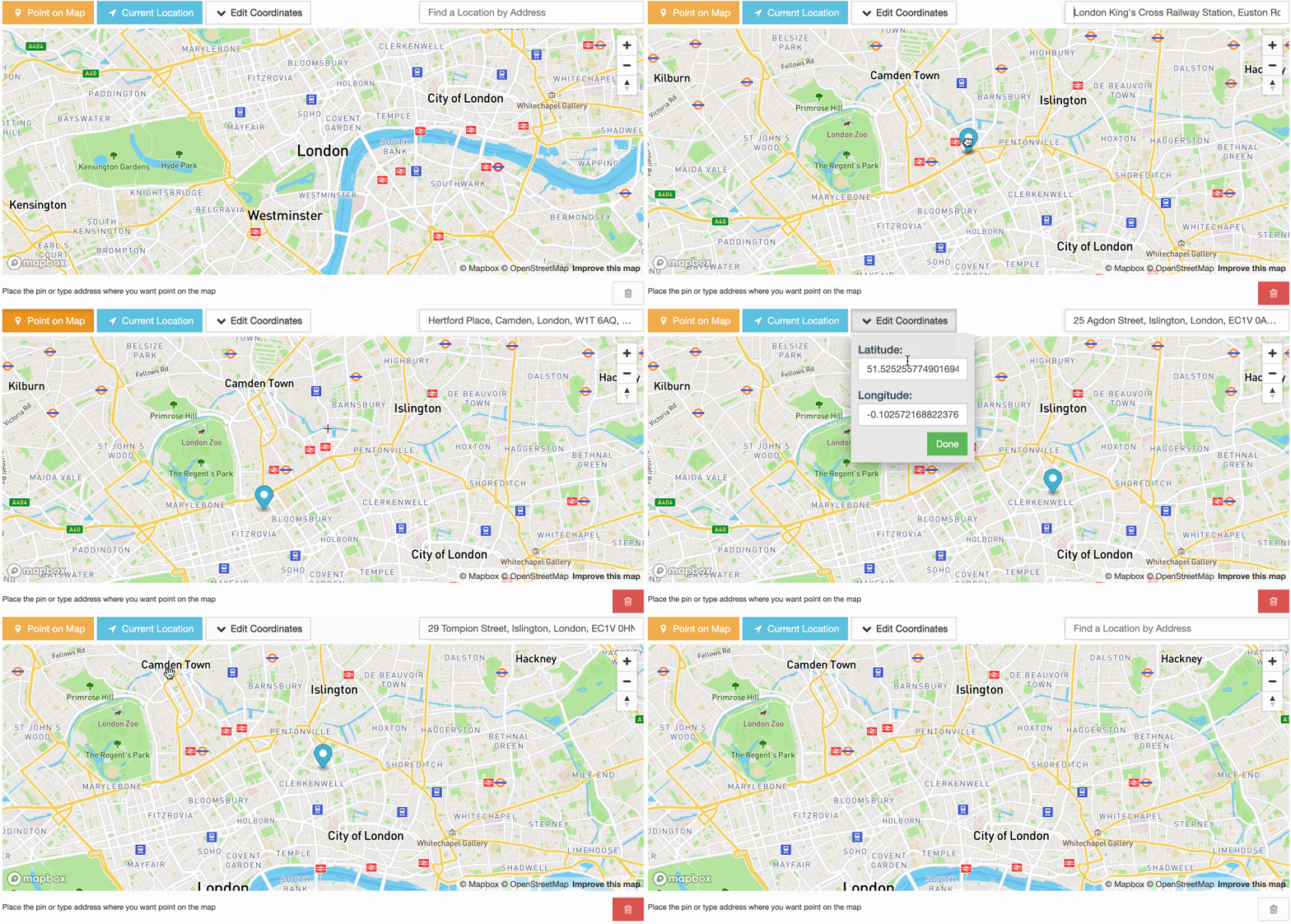
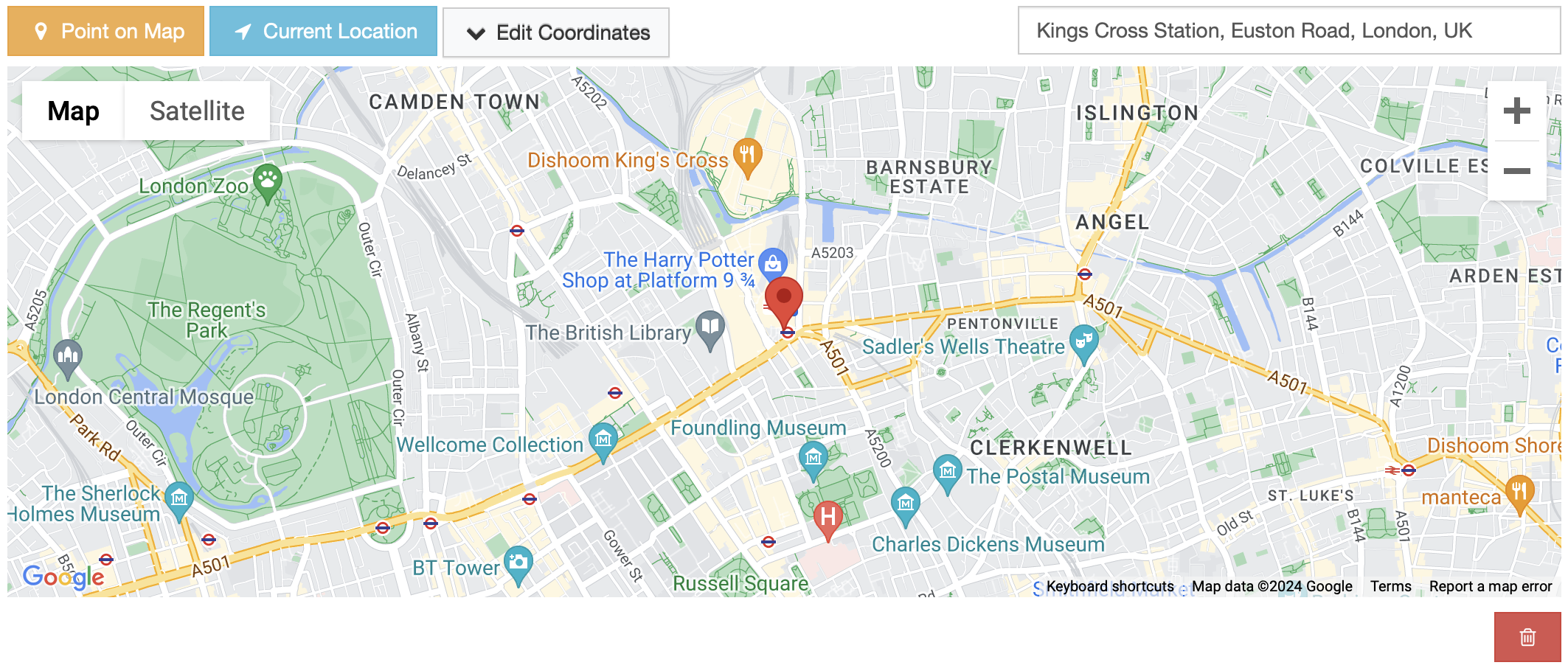
Interactive (Dynamic) Widgets: These widgets allow users to interact with the map, such as clicking to set a location or dragging a marker. They are ideal for data input and editing scenarios.
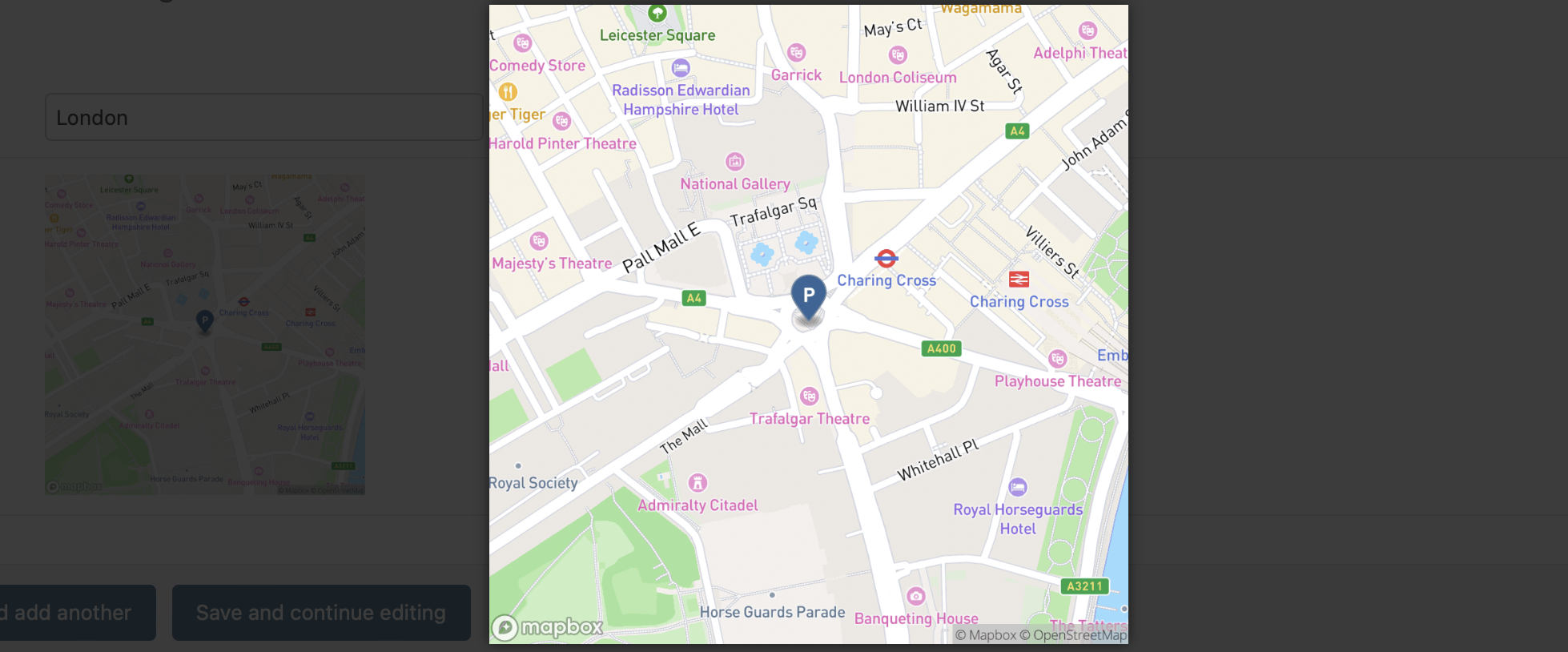
Static (Read-only) Widgets: These widgets display map data in a non-interactive format. They are useful for presenting location information without allowing modifications.
Widget Support Matrix
GeoDjango Field |
GoogleMap |
Mapbox |
Leaflet |
|||
|---|---|---|---|---|---|---|
Interactive |
Static |
Interactive |
Static |
Interactive |
Static |
|
PointField |
✅ |
✅ |
✅ |
✅ |
✅ |
N/A |
LineStringField |
✖️ |
✖️ |
✖️ |
✖️ |
✖️ |
N/A |
PolygonField |
✖️ |
✖️ |
✖️ |
✖️ |
✖️ |
N/A |
MultiPointField |
✖️ |
✖️ |
✖️ |
✖️ |
✖️ |
N/A |
MultiLineStringField |
✖️ |
✖️ |
✖️ |
✖️ |
✖️ |
N/A |
MultiPolygonField |
✖️ |
✖️ |
✖️ |
✖️ |
✖️ |
N/A |
Contribution
Currently, the package supports Google, Mapbox, and Leaflet mapping platforms. If you have ideas for additional map providers or new features, or even if you want to help extend support to other GeoDjango form fields, feel free to do so. We would be happy to review and merge your contributions.
For more info how to contribute, please check out the contribution guidelines.
Screenshots
MapBox Interactive Point Field Widget
MapBox Static Point Field Widget
GoogleMap Interactive Point Field Widget
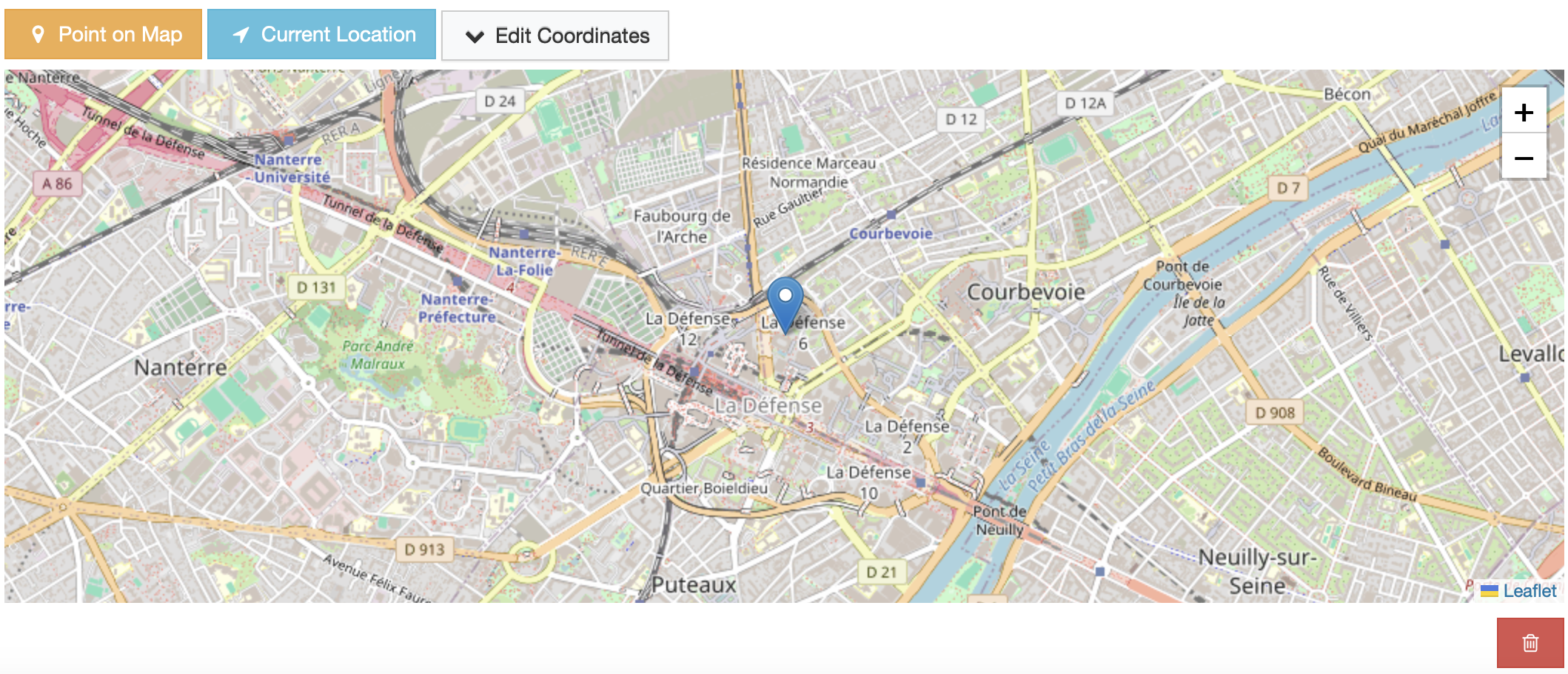
Leaflet Interactive Point Field Widget
and more…
Release history Release notifications | RSS feed


Download files
Download the file for your platform. If you're not sure which to choose, learn more about installing packages.
Source Distribution
Built Distribution
Filter files by name, interpreter, ABI, and platform.
If you're not sure about the file name format, learn more about wheel file names.
Copy a direct link to the current filters
File details
Details for the file django_map_widgets-0.5.2.tar.gz.
File metadata
- Download URL: django_map_widgets-0.5.2.tar.gz
- Upload date:
- Size: 158.2 kB
- Tags: Source
- Uploaded using Trusted Publishing? No
- Uploaded via: twine/6.2.0 CPython/3.14.3
File hashes
| Algorithm | Hash digest | |
|---|---|---|
| SHA256 |
08e20134c93c346d37b5ca9bf80b9a5cb3c76d450752dc31bb8932c3022d3221
|
|
| MD5 |
312dd0cdc3fa73869dda1f7a70c69783
|
|
| BLAKE2b-256 |
108e85ecfeb9fa18c026058cdb113cc9b7eca38ebcee2cf7a6d4ccf42f998b88
|
File details
Details for the file django_map_widgets-0.5.2-py3-none-any.whl.
File metadata
- Download URL: django_map_widgets-0.5.2-py3-none-any.whl
- Upload date:
- Size: 192.5 kB
- Tags: Python 3
- Uploaded using Trusted Publishing? No
- Uploaded via: twine/6.2.0 CPython/3.14.3
File hashes
| Algorithm | Hash digest | |
|---|---|---|
| SHA256 |
b694f013ccb86f8e48b6eeb19d33c322d01a085de559dd52ff7e73df1e62a3c9
|
|
| MD5 |
79c3c87eb7cc14107cf3a9115db9938d
|
|
| BLAKE2b-256 |
13ab1806797562ecbfcc5ad063dec707b888f68e69f6b06b19f718d5ae0f1900
|






