





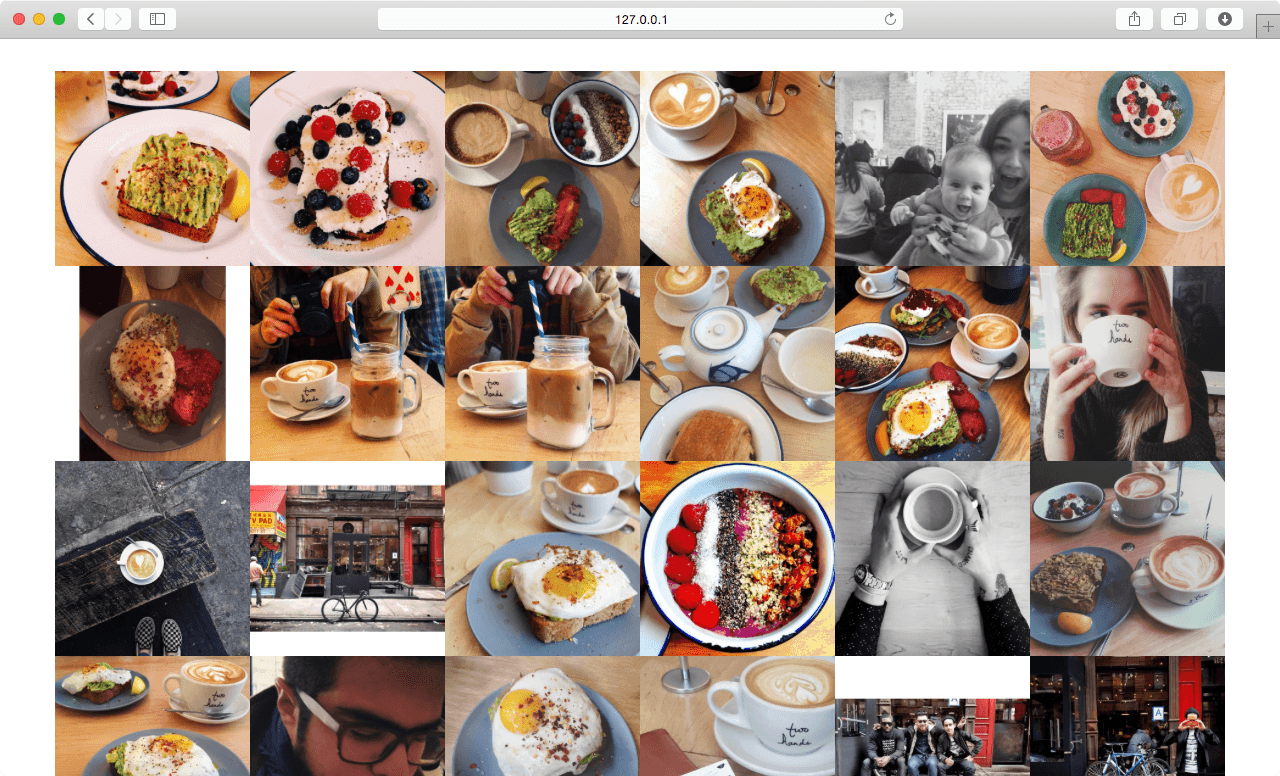
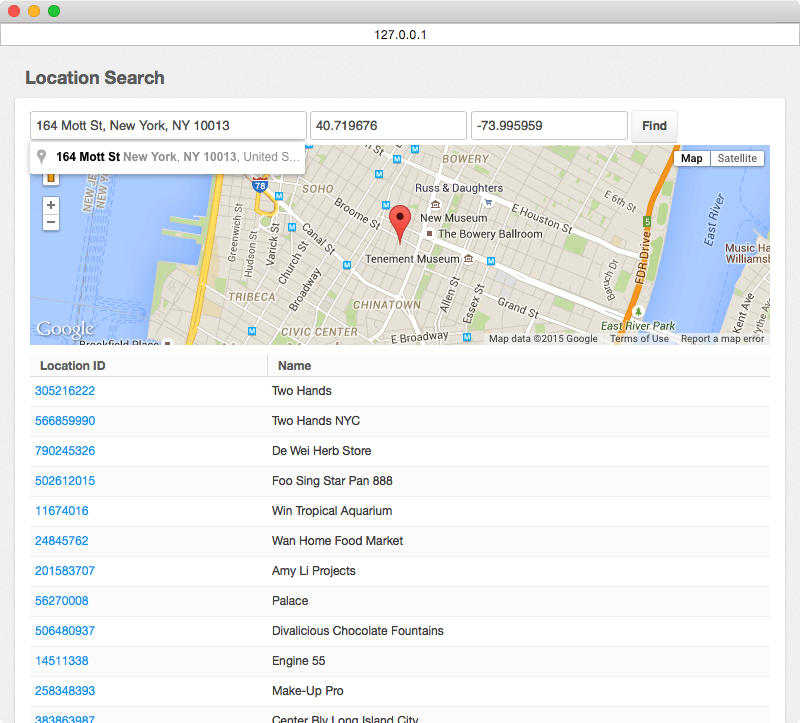
Use djangocms-instagram to display your latest photos or other users photos (from any non-private Instagram account), tagged photos, photos from a place or location or your liked photos.
This project requires django-connected and django-cms v3.0 or higher to be properly installed and configured. When installing the djangocms-instagram using pip, django-connected will also be installed automatically.
Preview

Quickstart
Install djangocms-instagram:
pip install djangocms-instagram
Add djangocms_instagram to INSTALLED_APPS:
INSTALLED_APPS = (
    ...
    'connected_accounts',
    'connected_accounts.providers',
    'djangocms_instagram',
    ...
)
To enable Instagram as a provider for django-connected:
CONNECTED_ACCOUNTS_INSTAGRAM_CONSUMER_KEY = '<instagram_client_id>'
CONNECTED_ACCOUNTS_INSTAGRAM_CONSUMER_SECRET = '<instagram_client_secret>'
Sync database (requires south>=1.0.1 if you are using Django 1.6.x):
python manage.py migrate
Configuration
Plugin(s) Module - If module is None, plugin is grouped Generic group:
DJANGOCMS_INSTAGRAM_PLUGIN_MODULE = _('Generic')
Name of the plugin:
DJANGOCMS_INSTAGRAM_PLUGIN_NAME = _('Instagram')
Can this plugin only be attached to a placeholder that is attached to a page:
DJANGOCMS_INSTAGRAM_PAGE_ONLY = False
A list of Plugin Class Names. If this is set, this plugin may only be added to plugins listed here:
DJANGOCMS_INSTAGRAM_PARENT_CLASSES = None
Is it required that this plugin is a child of another plugin? Or can it be added to any placeholder:
DJANGOCMS_INSTAGRAM_REQUIRE_PARENT = False
Whether this plugin can be used in text plugins or not:
DJANGOCMS_INSTAGRAM_TEXT_ENABLED = False
The path to the default template used to render the template:
DJANGOCMS_INSTAGRAM_DEFAULT_TEMPLATE = 'djangocms_instagram/default.html'
or override the Design dropdown choices to have different design options:
DJANGOCMS_INSTAGRAM_TEMPLATES = (
    ('djangocms_instagram/default.html', _('Default')),
)
You may also like…
djangocms-disqus - https://github.com/mishbahr/djangocms-disqus
djangocms-fbcomments - https://github.com/mishbahr/djangocms-fbcomments
djangocms-forms — https://github.com/mishbahr/djangocms-forms
djangocms-gmaps — https://github.com/mishbahr/djangocms-gmaps
djangocms-responsive-wrapper — https://github.com/mishbahr/djangocms-responsive-wrapper
djangocms-twitter2 — https://github.com/mishbahr/djangocms-twitter2
djangocms-youtube — https://github.com/mishbahr/djangocms-youtube
1 maintainer

Metadata
1 maintainer
Release files for djangocms-instagram 0.1.1
For a detailed explanation of source distributions (sdists) and built distributions (wheels), please see the package formats documentation.
Source distribution (sdist)
| File | Size | Uploaded | |
|---|---|---|---|
| djangocms-instagram-0.1.1.tar.gz | 116.9 kB | Details |
Release files / djangocms-instagram-0.1.1.tar.gz
| Download URL | djangocms-instagram-0.1.1.tar.gz |
|---|---|
| Size | 116.9 kB |
| Tags | Source |
|
SHA-256 checksum How to use checksums |
972ee4563cd62a2fe843d06c29874bb6724d84fea9f9a089b46a84a85fccf9a7
|
|
BLAKE2b-256 checksum How to use checksums |
ebe87981c427d6dcc8281a6f115c2b690b8e803370571f63ae1b024da2e76dd2
|
| Upload date | |
|
Uploaded using Trusted Publishing? What is trusted publishing? |
No |














