
fastprogress
A fast and simple progress bar for Jupyter Notebook and console.
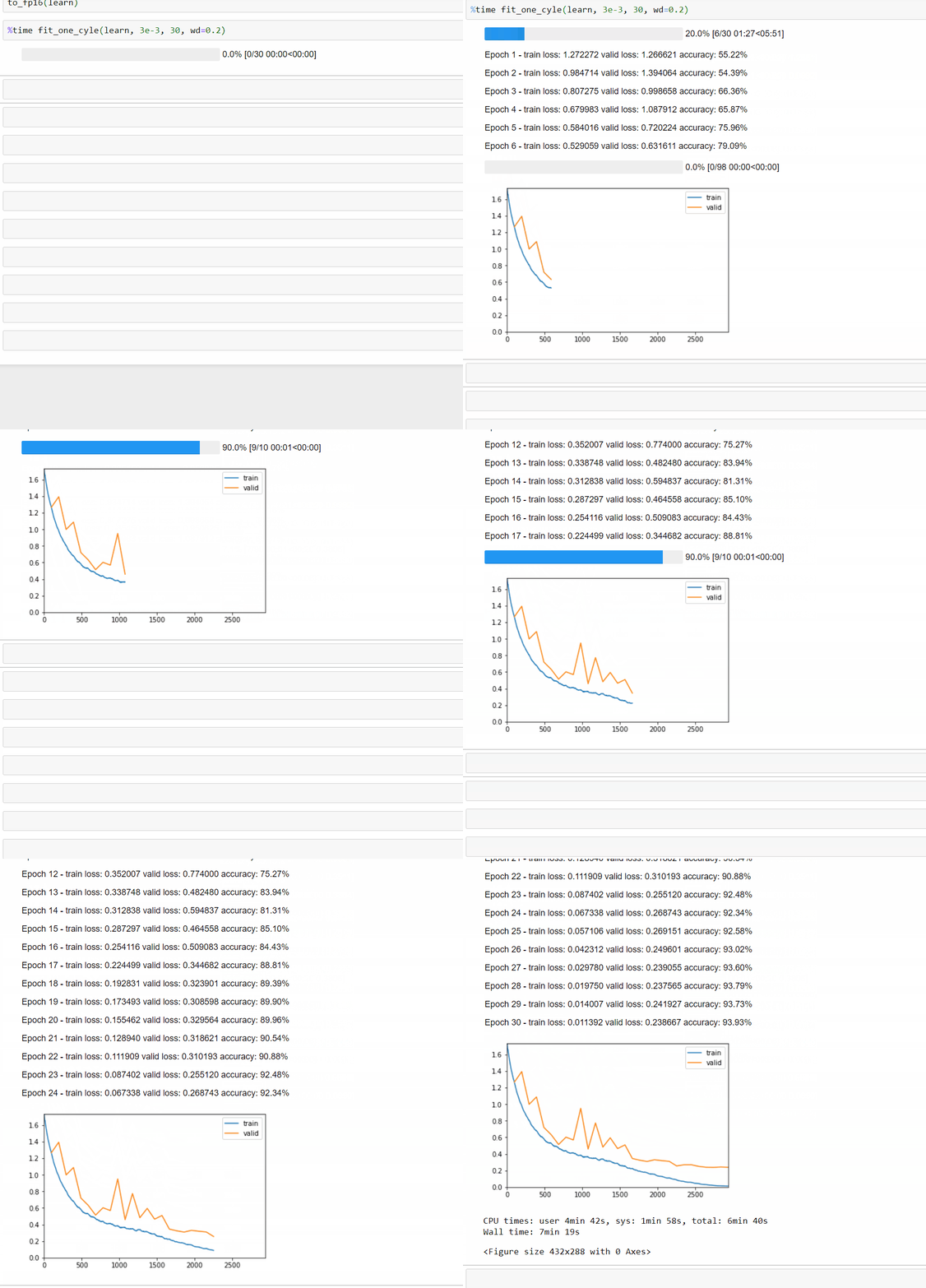
Install
To install simply use
pip install fastprogress
Usage
Example 1
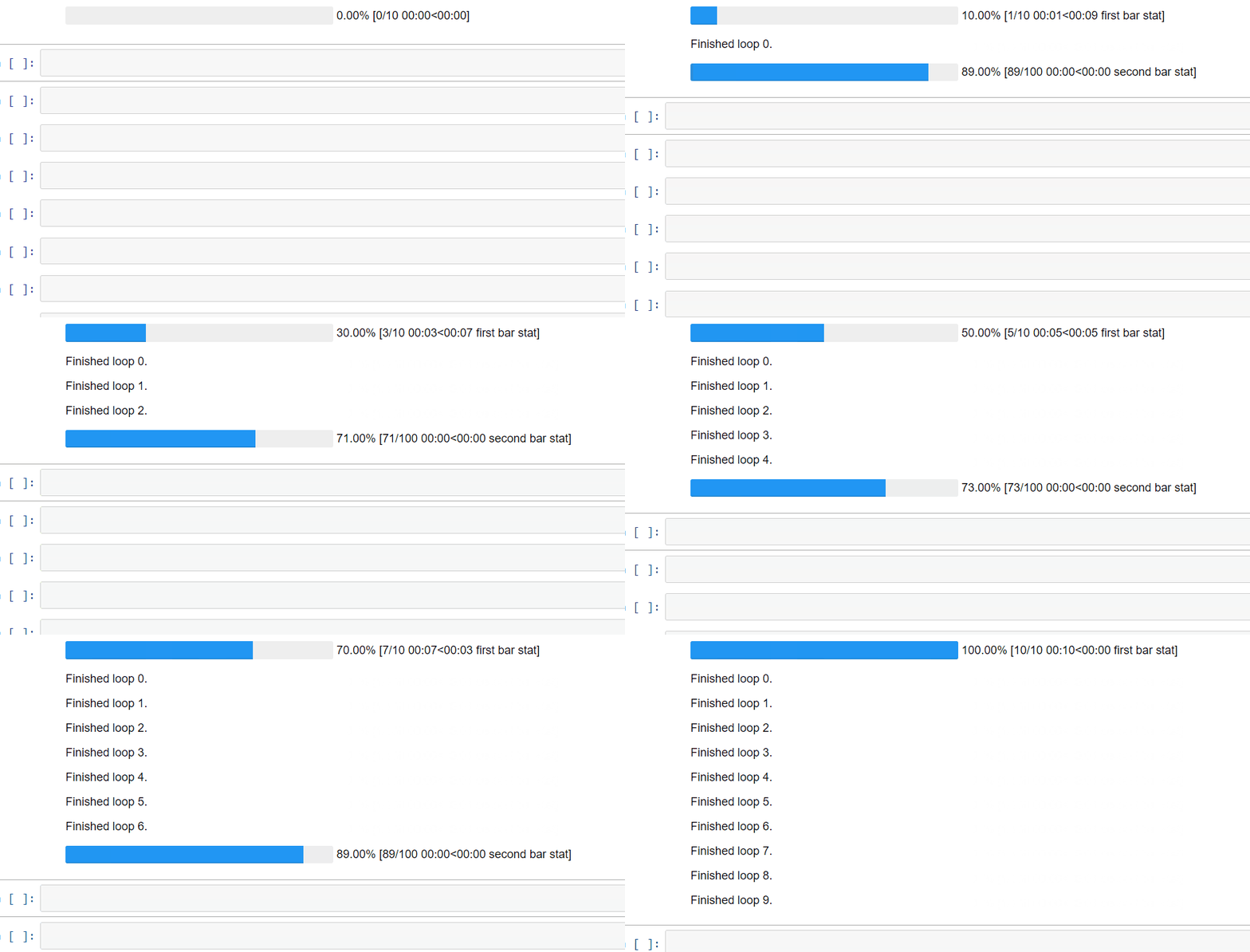
Here is a simple example. Each bar takes an iterator as a main argument, and we can specify the second bar is nested with the first by adding the argument parent=mb. We can then:
- add a comment in the first bar by changing the value of
mb.main_bar.comment - add a comment in the second bar by changing the value of
mb.child.comment - write a line between the two bars with
mb.write('message')
from fastprogress.fastprogress import *
from time import sleep

for i in (mb:=master_bar(range(10))):
    for j in mb.progress(range(100)):
        sleep(0.01)
        mb.child.comment = f'second bar stat'
    mb.main_bar.comment = f'first bar stat'
    mb.write(f'Finished loop {i}.')
Example 2
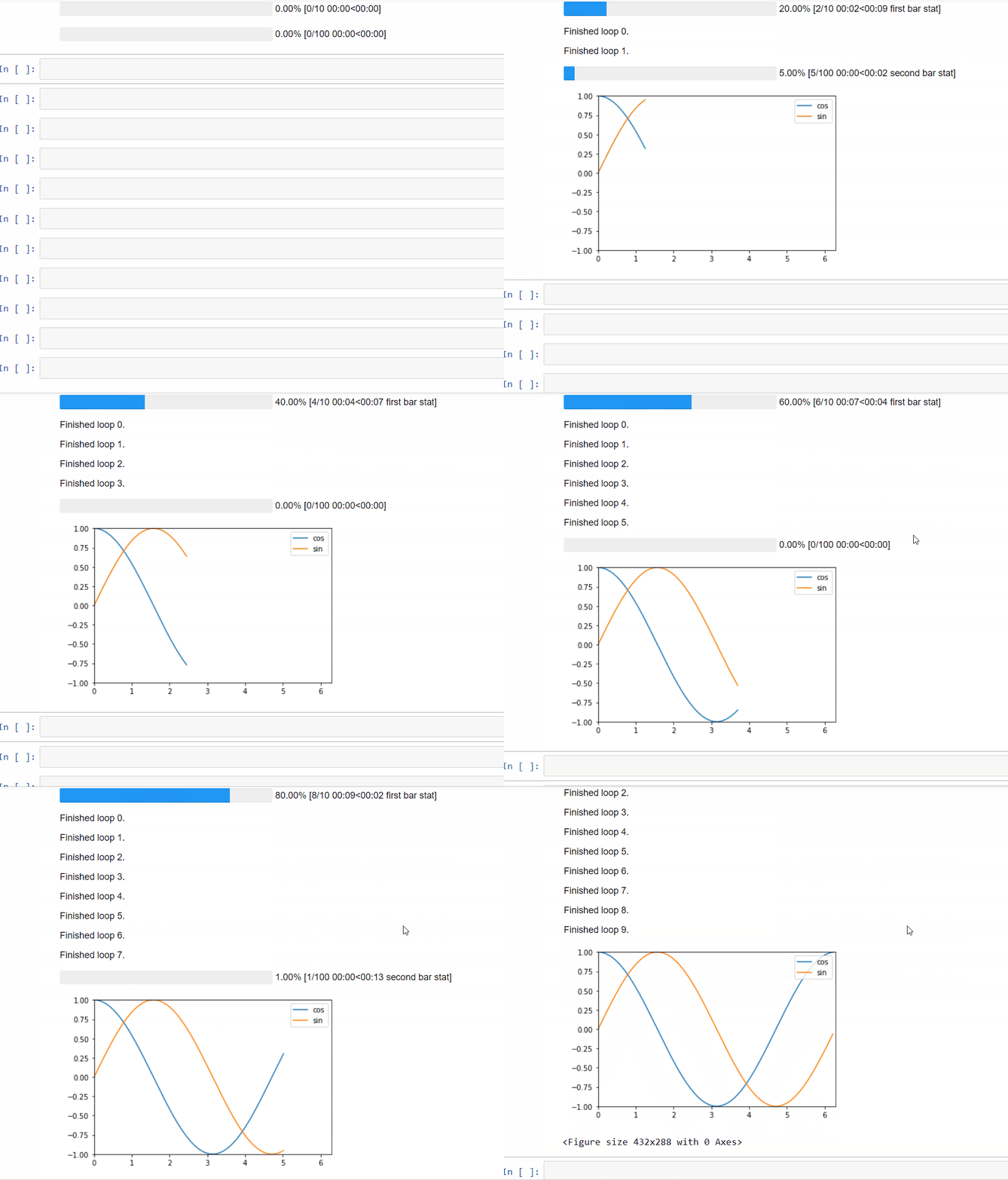
To add a graph that get plots as the training goes, just use the command mb.update_graphs. It will create the figure on its first use. Arguments are:
graphs: a list of graphs to be plotted (each of the form[x,y])x_bounds: the min and max values of the x axis (ifNone, it will those given by the graphs)y_bounds: the min and max values of the y axis (ifNone, it will those given by the graphs)
Note that it's best to specify x_bounds and y_bounds, otherwise the box will change as the loop progresses.
Additionally, we can give the label of each graph via the command mb.names (should have as many elements as the graphs argument).
import numpy as np
for i in mb:=master_bar(range(10), names=['cos', 'sin']):
    for j in mb.progress(range(100)):
        if j%10 == 0:
            k = 100 * i + j
            x = np.arange(0, 2*k*np.pi/1000, 0.01)
            y1, y2 = np.cos(x), np.sin(x)
            graphs = [[x,y1], [x,y2]]
            x_bounds = [0, 2*np.pi]
            y_bounds = [-1,1]
            mb.update_graph(graphs, x_bounds, y_bounds)
            mb.child.comment = f'second bar stat'
    mb.main_bar.comment = f'first bar stat'
    mb.write(f'Finished loop {i}.')
Here is the rendering in console:

If the script using this is executed with a redirect to a file, only the results of the .write method will be printed in that file.
Example 3
Here is an example that a typical machine learning training loop can use. It also demonstrates how to set y_bounds dynamically.
def plot_loss_update(epoch, epochs, mb, train_loss, valid_loss):
    """ dynamically print the loss plot during the training/validation loop.
        expects epoch to start from 1.
    """
    x = range(1, epoch+1)
    y = np.concatenate((train_loss, valid_loss))
    graphs = [[x,train_loss], [x,valid_loss]]
    x_margin = 0.2
    y_margin = 0.05
    x_bounds = [1-x_margin, epochs+x_margin]
    y_bounds = [np.min(y)-y_margin, np.max(y)+y_margin]

    mb.update_graph(graphs, x_bounds, y_bounds)
And here is an emulation of a training loop that uses this function:
import random

epochs = 5
train_loss, valid_loss = [], []
for epoch in (mb:=master_bar(range(1, epochs+1))):
    # emulate train sub-loop
    for batch in progress_bar(range(2), parent=mb): sleep(0.2)
    train_loss.append(0.5 - 0.06 * epoch + random.uniform(0, 0.04))

    # emulate validation sub-loop
    for batch in progress_bar(range(2), parent=mb): sleep(0.2)
    valid_loss.append(0.5 - 0.03 * epoch + random.uniform(0, 0.04))

    plot_loss_update(epoch, epochs, mb, train_loss, valid_loss)
And the output:

Copyright 2017 onwards, fast.ai.


Release files for fastprogress 1.1.6
For a detailed explanation of source distributions (sdists) and built distributions (wheels), please see the package formats documentation.
Source distribution (sdist)
| File | Size | Uploaded | Provenance | |
|---|---|---|---|---|
| fastprogress-1.1.6.tar.gz | 15.8 kB | Without provenance | Details |
Built distribution (wheel)
| File | Interpreter | ABI | Platform | Reset |
|---|---|---|---|---|
| fastprogress-1.1.6-py3-none-any.whl | Python 3 | none | any | Details |
Total release size: 30.6 kB
Release files / fastprogress-1.1.6.tar.gz
| Download URL | fastprogress-1.1.6.tar.gz |
|---|---|
| Size | 15.8 kB |
| Tags | Source |
|
SHA-256 checksum How to use checksums |
7de3a5b136fdf0a9763c19180d0bdfc1bb8c6172b09123c0e4ba272d0c092d0c
|
|
BLAKE2b-256 checksum How to use checksums |
401834a4c40ccc470bc97fe5d3339371384af924a8650b3924158f1222f87c5f
|
| Upload date | |
|
Uploaded using Trusted Publishing? What is trusted publishing? |
No |
| Uploaded via |
twine/6.2.0 CPython/3.12.0
|
Release files / fastprogress-1.1.6-py3-none-any.whl
| Download URL | fastprogress-1.1.6-py3-none-any.whl |
|---|---|
| Size | 14.9 kB |
| Tags | Python 3 |
|
SHA-256 checksum How to use checksums |
b8b5bf57ca4b28f6207c02960da21b8d939477ab47773d3fb7122f778b2a66d0
|
|
BLAKE2b-256 checksum How to use checksums |
a8767ad4eb6168bb2b494b402e87249ec2adda9adbf70f293a06dd84f94a688c
|
| Upload date | |
|
Uploaded using Trusted Publishing? What is trusted publishing? |
No |
| Uploaded via |
twine/6.2.0 CPython/3.12.0
|
Security for fastprogress 1.1.6
Provenance
Provenance describes where a file came from. On PyPI, provenance is shared via attestations, which provide a verifiable record of the build or publishing details. View details, limitations and caveats.
No provenance found
None of the files in this release were uploaded with provenance metadata.
A note on package security
PyPI is a repository for distributing packages, not a service for auditing them. While third-party security researchers and our staff do their best to detect and remove malicious packages, PyPI cannot guarantee the quality, security or suitability of any given package.
To learn more about protecting yourself from malicious actors, visit our package security documentation.














