

The fc_matplotlib4mesh Python package allows to display simplicial meshes or datas on simplicial meshes by using matplotlib (>= 2.0.0). The simplicial meshes must be given by two arrays : the vertices array and the connectivity array.
Introduction:
Simplicial meshes could be:
a triangular mesh in dimension 2, made with 2-simplices (ie. triangles),
a tetrahedral mesh in dimension 3, made with 3-simplices (ie. tetrahedron),
a triangular mesh in dimension 3 (surface mesh), made with 2-simplices,
a line mesh in dimension 2 or 3 made with 1-simplices (ie. lines).
A simplicial mesh is given by its vertices array q and its connectivity array me For demonstration purpose, some simplicial meshes are given in this package. They can be load by using the function getMesh2D, getMesh3D or getMesh3Ds of the fc_meshtools package.
Documentation is available on fc-matplotlib4mesh dedicated web page.
Installation:
The fc_matplotlib4mesh Python package is available from the Python Package Index, so to install/upgrade simply type
pip install fc_matplotlib4mesh -UThereafter, it’s possible to run one of the demo functions
import fc_matplotlib4mesh
fc_matplotlib4mesh.demos.plot3D()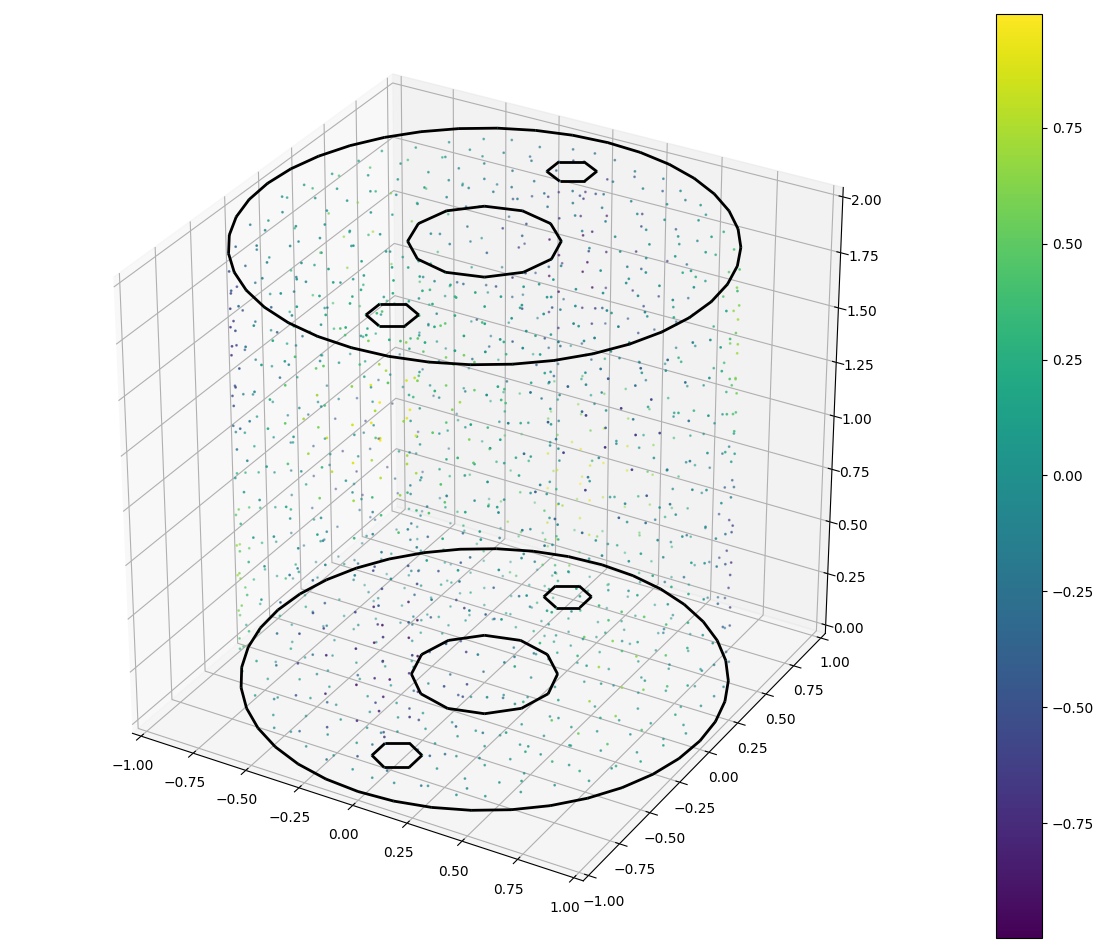
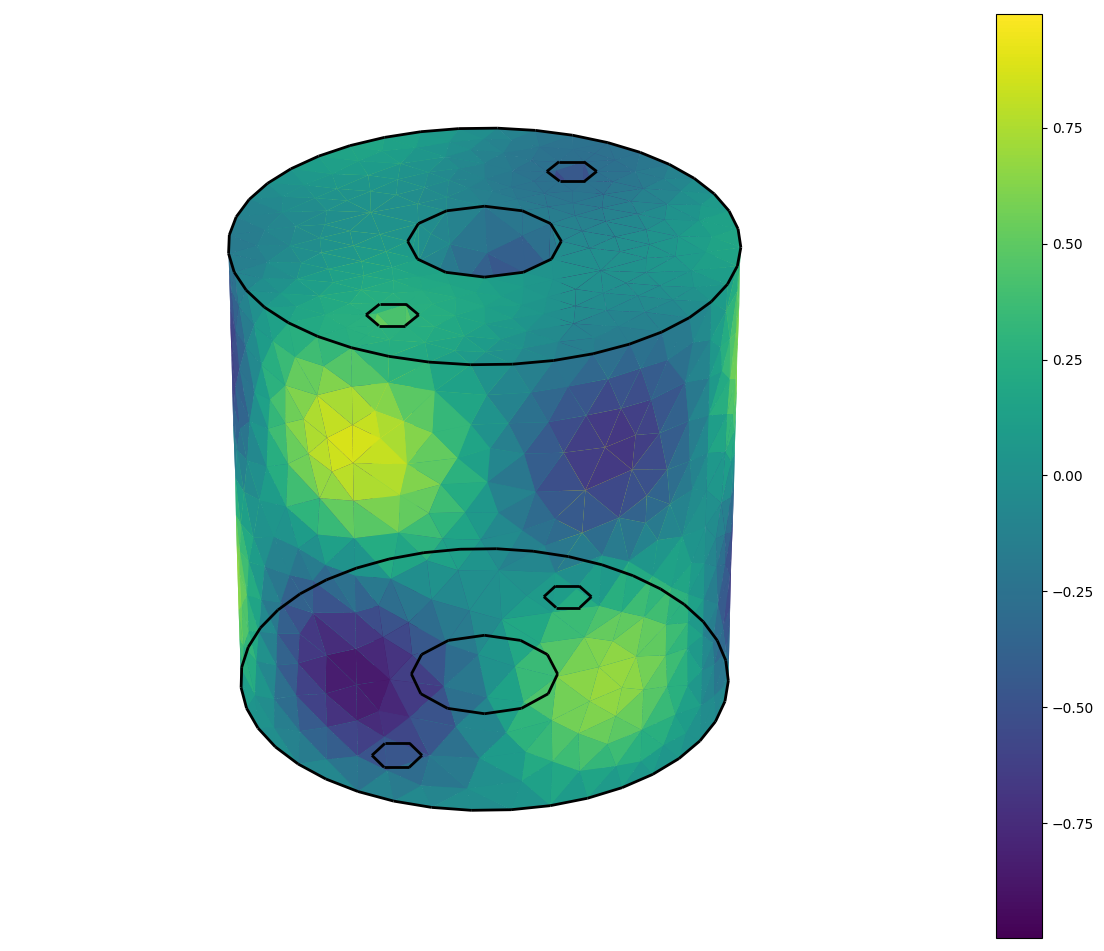
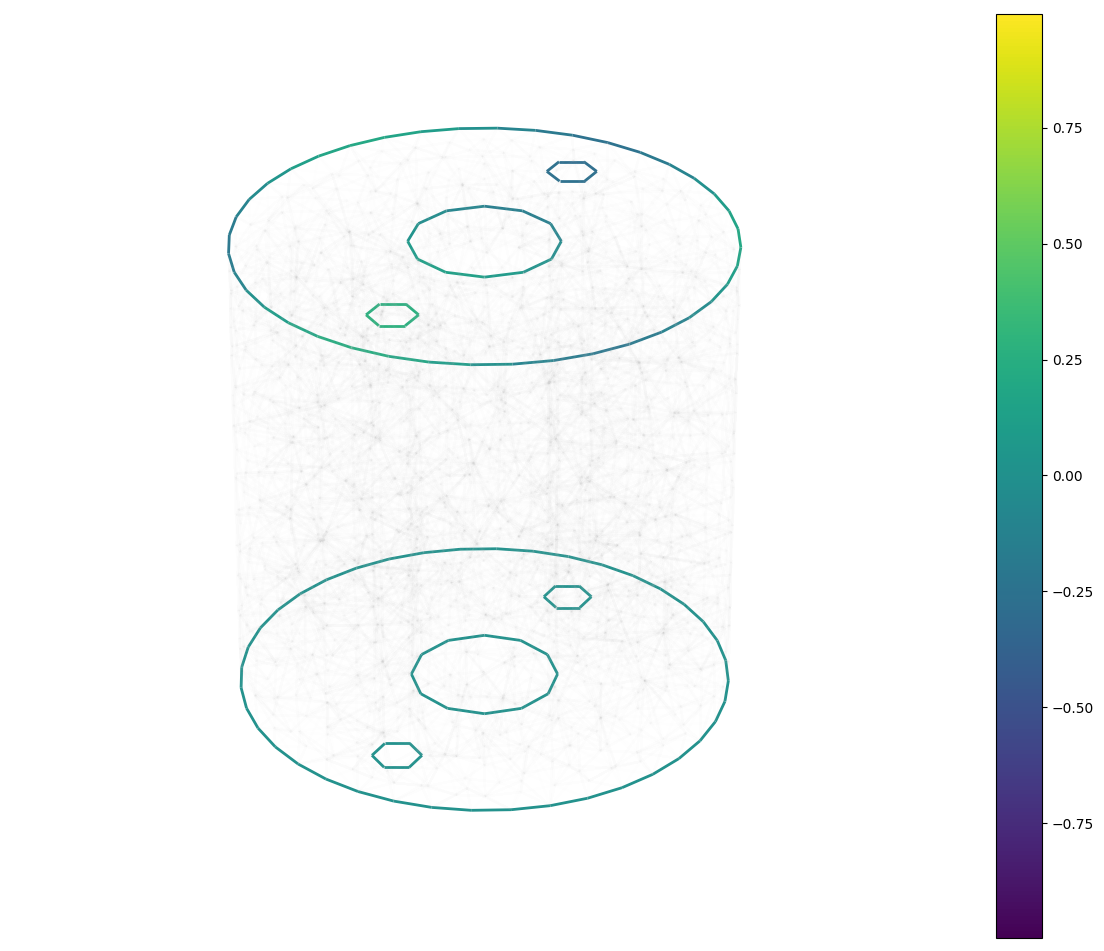
import fc_matplotlib4mesh
fc_matplotlib4mesh.demos.plot2D()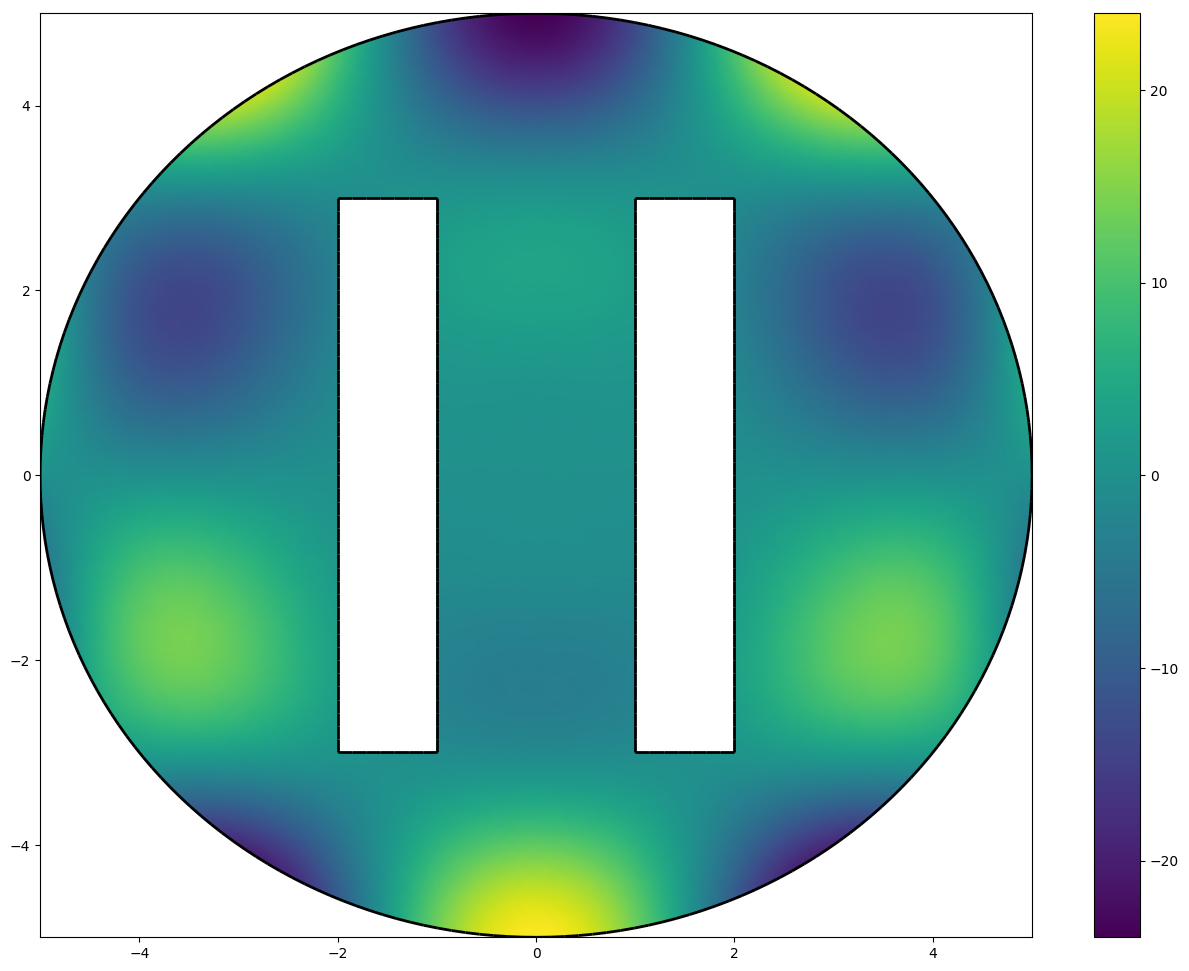
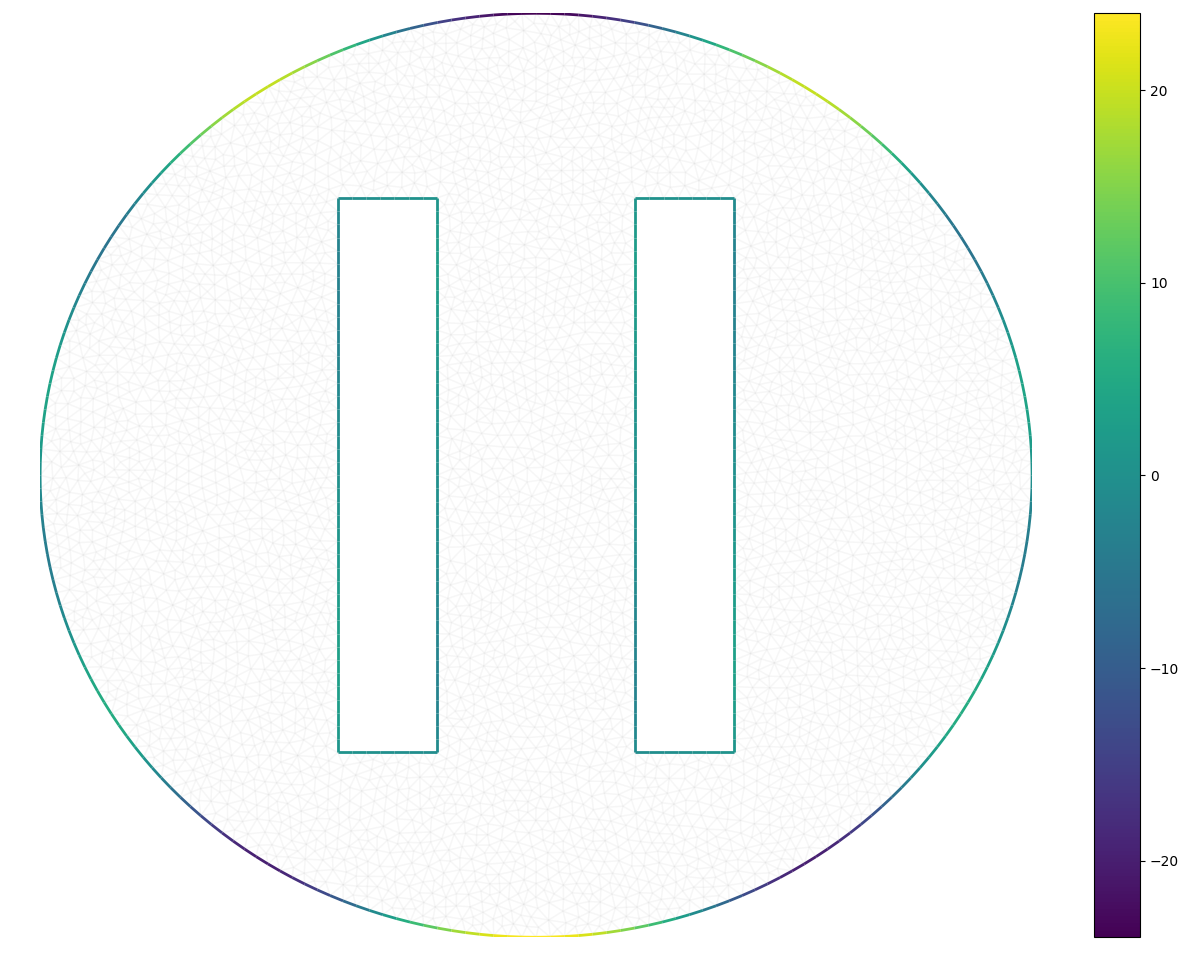
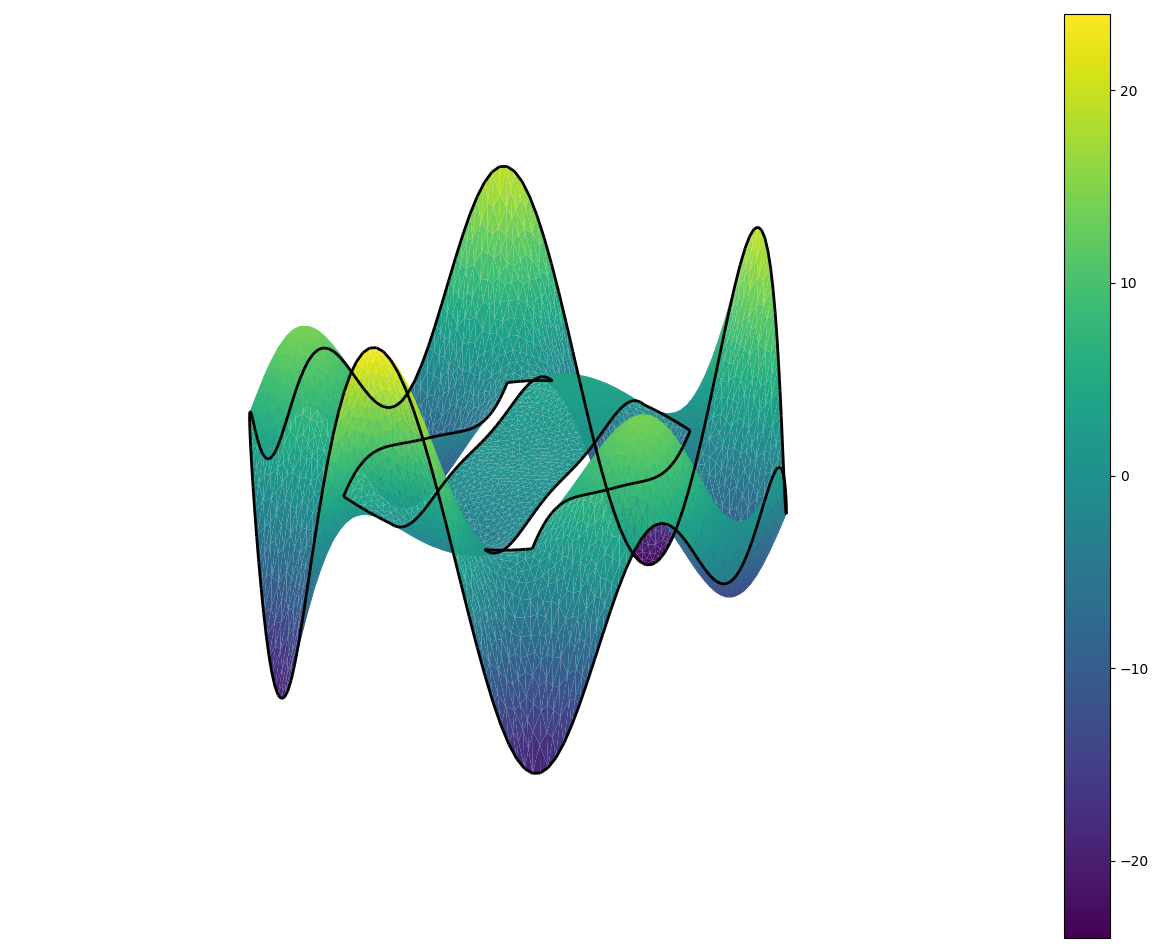
Example:
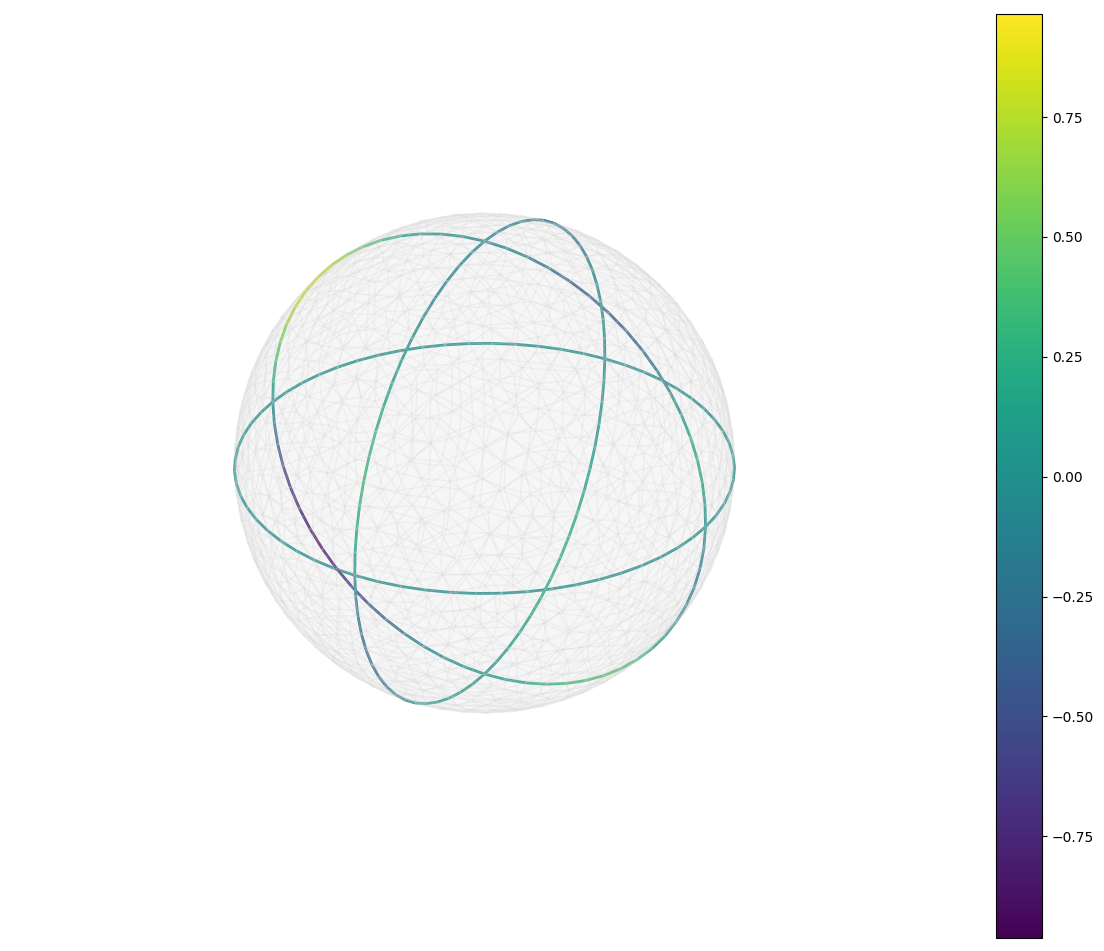
There is a complete source code used to represent a function on a sphere
import matplotlib.pyplot as plt
from fc_tools.Matplotlib import set_axes_equal
import fc_matplotlib4mesh as plt4sim
from fc_matplotlib4mesh.demos import getMesh3Ds
import numpy as np
q2,me2=getMesh3Ds(2)
q1,me1=getMesh3Ds(1)
f=lambda x,y,z: np.cos(3*x-1)*np.sin(2*y-2)*np.sin(3*z)
u2=f(q2[0],q2[1],q2[2])
u1=f(q1[0],q1[1],q1[2])
plt.ion()
plt.figure(1)
pp=plt4sim.plot(q2,me2,u2)
plt4sim.plotmesh(q1,me1,color='Black',linewidths=2)
plt.colorbar(pp)
plt.axis('off')
set_axes_equal()
plt.figure(2)
pp=plt4sim.plot(q1,me1,u1,linewidths=2,vmin=min(u2),vmax=max(u2))
plt4sim.plotmesh(q2,me2,color='LightGray',alpha=0.1)
plt.colorbar(pp)
plt.axis('off')
set_axes_equal()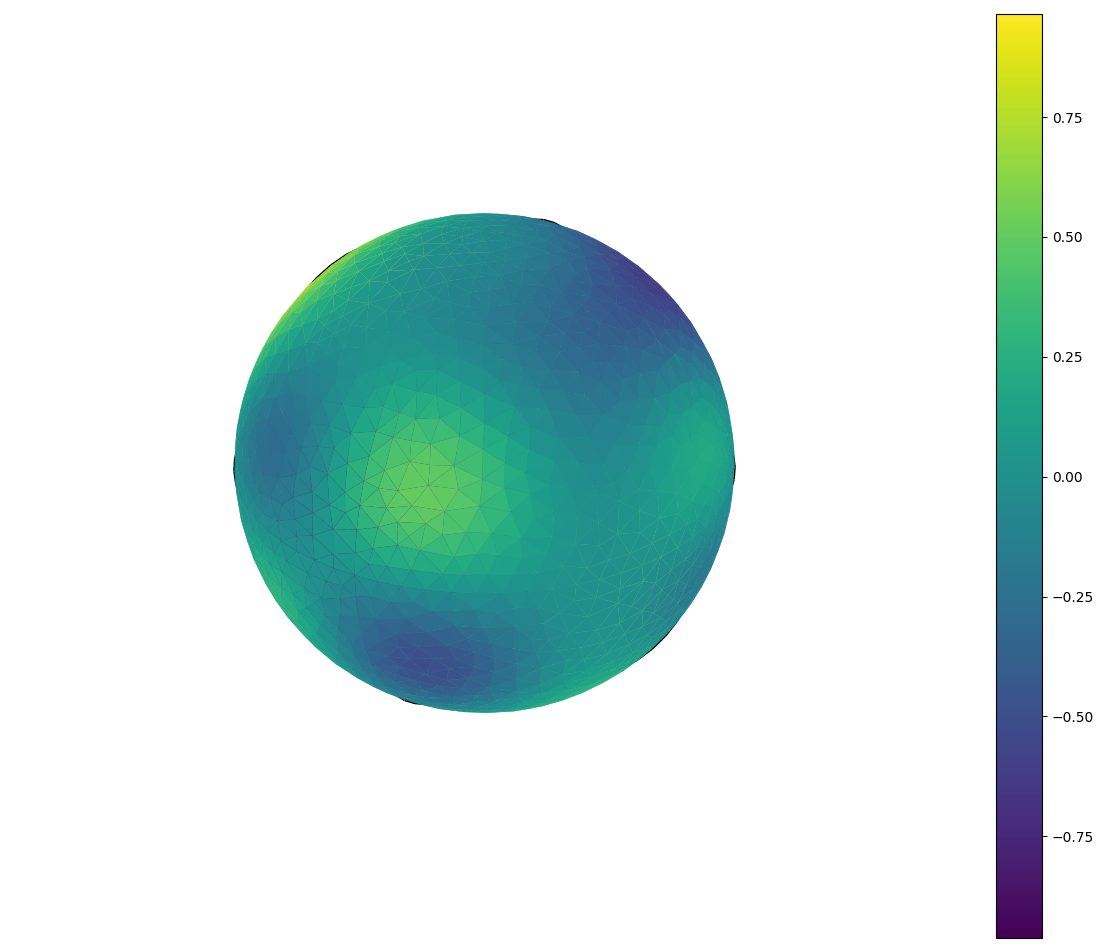
1 maintainer

Metadata
1 maintainer
Release files for fc-matplotlib4mesh 0.1.2
For a detailed explanation of source distributions (sdists) and built distributions (wheels), please see the package formats documentation.
Source distribution (sdist)
| File | Size | Uploaded | Provenance | Actions |
|---|---|---|---|---|
| fc_matplotlib4mesh-0.1.2.tar.gz | 8.8 kB | Without provenance | Details for fc_matplotlib4mesh-0.1.2.tar.gz |
Release files / fc_matplotlib4mesh-0.1.2.tar.gz
| Download URL | fc_matplotlib4mesh-0.1.2.tar.gz |
|---|---|
| Size | 8.8 kB |
| Tags | Source |
|
SHA-256 checksum How to use checksums |
0cb80c6bc11e7bd2efefb0ca9221f862661e3b6a1f3d01cdfc76b38580435538
|
|
BLAKE2b-256 checksum How to use checksums |
9db125449f0e47aad05ca1f8a0423ef89fcb726c478d8204a01b0efaf73ffe0f
|
| Upload date | |
|
Uploaded using Trusted Publishing? What is trusted publishing? |
No |
| Uploaded via |
twine/1.13.0 pkginfo/1.5.0.1 requests/2.18.4 setuptools/40.6.2 requests-toolbelt/0.9.1 tqdm/4.31.1 CPython/3.6.7
|
Security for fc-matplotlib4mesh 0.1.2
Provenance
Provenance describes where a file came from. On PyPI, provenance is shared via attestations, which provide a verifiable record of the build or publishing details. View details, limitations and caveats.
No provenance found
None of the files in this release were uploaded with provenance metadata.
A note on package security
PyPI is a repository for distributing packages, not a service for auditing them. While third-party security researchers and our staff do their best to detect and remove malicious packages, PyPI cannot guarantee the quality, security or suitability of any given package.
To learn more about protecting yourself from malicious actors, visit our package security documentation.














