

Google Fuzzy Search is a tool for fuzzy find for the result of searching with googler.
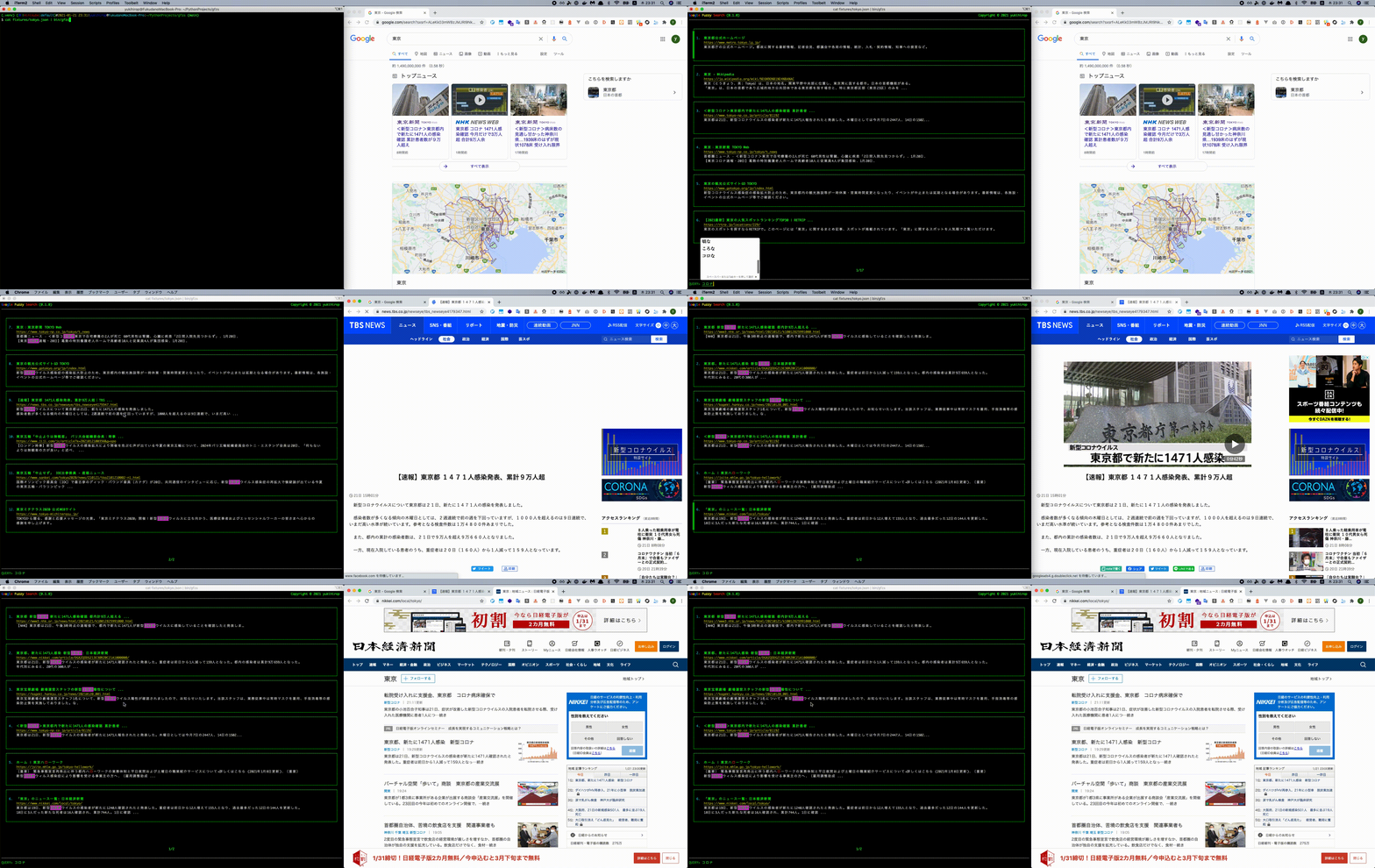
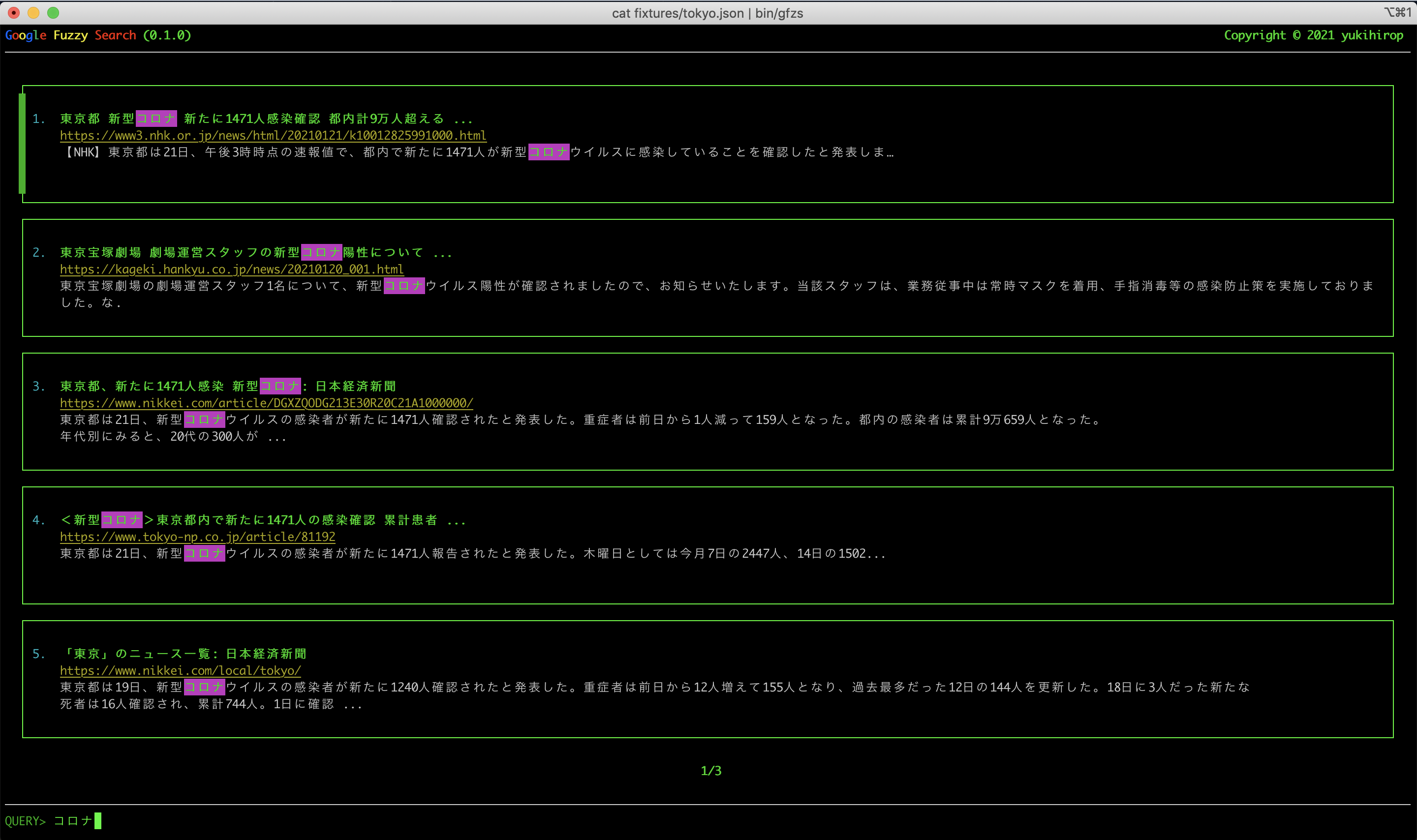
⚠ Warning

If you get the following response, stop using it.
This is an error from google. So you can't do anything with googler. Please use it after a while.
$ googler --json --count 100 python | gfzs
Error: Expecting value: line 1 column 2 (char 1)
Input data: [ERROR] Connection blocked due to unusual activity. THIS IS NOT A BUG, please do NOT report it as a bug unless you have specific information that may lead to the development of a workaround. You IP address is temporarily or permanently blocked by Google and requires reCAPTCHA-solving to use the service, which googler is not capable of. Possible causes include issuing too many queries in a short time frame, or operating from a shared / low reputation IP with a history of abuse. Please do NOT use googler for automated scraping.
To avoid such problems, it is better not to set googler's count option.
We are not responsible if you ignore the advice and block your IP. please note that.
🐍 Install
pip install gfzs
or
pipx instal gfzs
😎 Demo
seeing is believing.
You can easily try what kind of app it is.
gfzs demo
🌍 Environment
- python3 (over Python 3.6.1)
- poetry
📖 Usage
$ gfzs -h

usage: gfzs [-h] [--version] [--score SCORE] [--log-level LOG_LEVEL]
            [--log-path LOG_PATH]
            {init,edit,demo,valid} ...

Google Fuzzy Search. Pipe the search result(json) of googler and use it

optional arguments:
  -h, --help            show this help message and exit
  --version, -v         show program's version number and exit
  --score SCORE, -s SCORE
                        fuzzywuzzy's score (default: 30). please see
                        https://github.com/seatgeek/fuzzywuzzy
  --log-level LOG_LEVEL, -l LOG_LEVEL
                        Log Level (default: 1). [0: DEBUG, 1: INFO, 2: WARN,
                        3: ERROR, 4: FATAL, 5: UNKNOWN, 6: NULL]
  --log-path LOG_PATH, -p LOG_PATH
                        Log Path (default: ~/gfzs.log)

SubCommands:
  {init,edit,demo,valid}
    init                Initialize gfzs
    edit                Edit config
    demo                Play with Demo
    valid               Validate ~/.gfzsrc
Initialize first. A configuration file (.gfzsrc) is created in your home directory.
$ gfzs init
Initialize config in /Users/yukihirop/.gfzsrc
Next, Prepare json with title, url and abstract as keys and pass it.
For Example, Assuming that data.json is as follows.
data.json
[
  {
    "abstract": "Python is an interpreted, high-level and general-purpose programming language. Python's design philosophy emphasizes code readability with its notable use ...",
    "matches": [
      {
        "offset": 0,
        "phrase": "Python"
      },
      {
        "offset": 79,
        "phrase": "Python's"
      }
    ],
    "metadata": "Developer: Python Software Foundation | Designed by: Guido van Rossum | Filename extensions: .py,.pyi,.pyc,.pyd,.pyo ... | Typing discipline: Duck, dynamic, gradual (since ...",
    "title": "Python (programming language) - Wikipedia",
    "url": "https://en.wikipedia.org/wiki/Python_(programming_language)"
  },
  {
    "abstract": "プログラミング言語 Pythonの紹介・ダウンロードとインストール・Python入門講座など.",
    "matches": [
      {
        "offset": 10,
        "phrase": "Python"
      },
      {
        "offset": 34,
        "phrase": "Python"
      }
    ],
    "title": "プログラミング言語 Python - python.jp",
    "url": "https://www.python.jp/"
  }
]
Pipe as standard input
cat data.json | gfzs
🚀 Practical Example (using googler)
It is recommended to use alias to avoid accidentally passing the -n (--count) option to googler.
Search python articles on github.com
googler --json --site github.com python | gfzs
Display only those with a score of 50 or more in the search results
Please see here for score.
googler --json --site github.com python | gfzs -s 50
⚙ Configure
The default setting is the following file, and each key can enter the following values.
After changing the settings, you can check if the settings are correct with the valid command.
$ gfzs valid
Config is valid
~/.gfzsrc
{
  "view": {
    "footer": {
      "message": "QUERY>",
      "color": {
        "message": {
          "text": 2,
          "background": 0,
          "style": "normal"
        },
        "hline": {
          "text": 7,
          "background": 0,
          "style": "normal"
        }
      }
    },
    "header": {
      "color": {
        "hline": {
          "text": 7,
          "background": 0,
          "style": "normal"
        }
      }
    },
    "search_result": {
      "color": {
        "index": {
          "text": 6,
          "background": 0,
          "style": "normal"
        },
        "title": {
          "text": 2,
          "background": 0,
          "style": "bold"
        },
        "url": {
          "text": 3,
          "background": 0,
          "style": "link"
        },
        "abstract": {
          "text": 7,
          "background": 0,
          "style": "normal"
        },
        "markup_partial": {
          "text": 2,
          "background": 5,
          "style": "normal"
        },
        "markup_char": {
          "text": 1,
          "background": 0,
          "style": "normal"
        }
      }
    },
    "paging": {
      "color": {
        "common": {
          "text": 2,
          "background": 0,
          "style": "bold"
        }
      }
    }
  }
}
| key | description | value |
|---|---|---|
| text | curses color | 0〜7 |
| background | curses color | 0〜7 |
| style | text style | "normal", "link", "bold" |
curses color
| number | description |
|---|---|
0 |
curses.COLOR_BLACK |
1 |
curses.COLOR_RED |
2 |
curses.COLOR_GREEN |
3 |
curses.COLOR_YELLOW |
4 |
curses.COLOR_BLUE |
5 |
curses.COLOR_MAGENTA |
6 |
curses.COLOR_CYAN |
7 |
curses.COLOR_WHITE |
⚙ Environment Variable
| name | description |
|---|---|
DEBUG |
You will be able to use the debug module. |
EDITOR |
Set the command to open the editor. |
💌 Logging
By default, logs with a log level of INFO or higher will be sent to ~/gfzs.log.
| Log Level | value | desc |
|---|---|---|
DEBUG |
0 | |
INFO |
1 | default |
WARN |
2 | |
ERROR |
3 | |
FATAL |
4 | |
UNKNOWN |
5 | |
NULL |
6 |
🐛 Debug
When you want to know the details of the movement or identify the cause of the error, you can change the log level to DEBUG(0) and debug with the log.
$ cat fixtures/python.json | bin/gfzs --log-level 0
💪 Development
First, create a virtual environment.
$ python3 -m venv .venv
$ poetry shell
$ poetry install
$ python3 gfzs/controller.py
or
$ cat fixtures/python.json | python3 -m gfzs
or
$ cat fixtures/python.json | bin/gfzs
💪 Development (Check Each View)
header
$ python3 gfzs/views/header.py
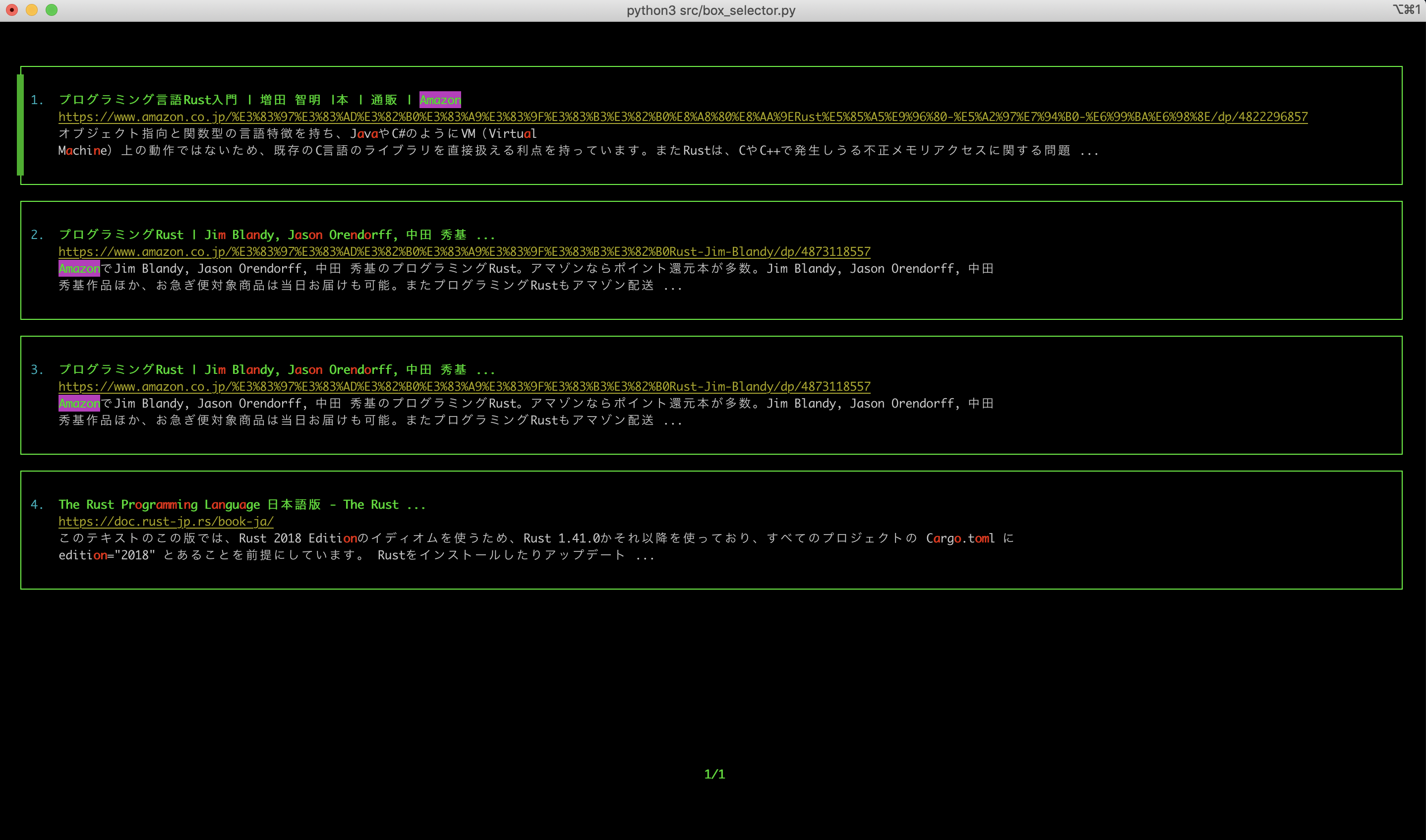
search_result
$ python3 gfzs/views/search_result.py
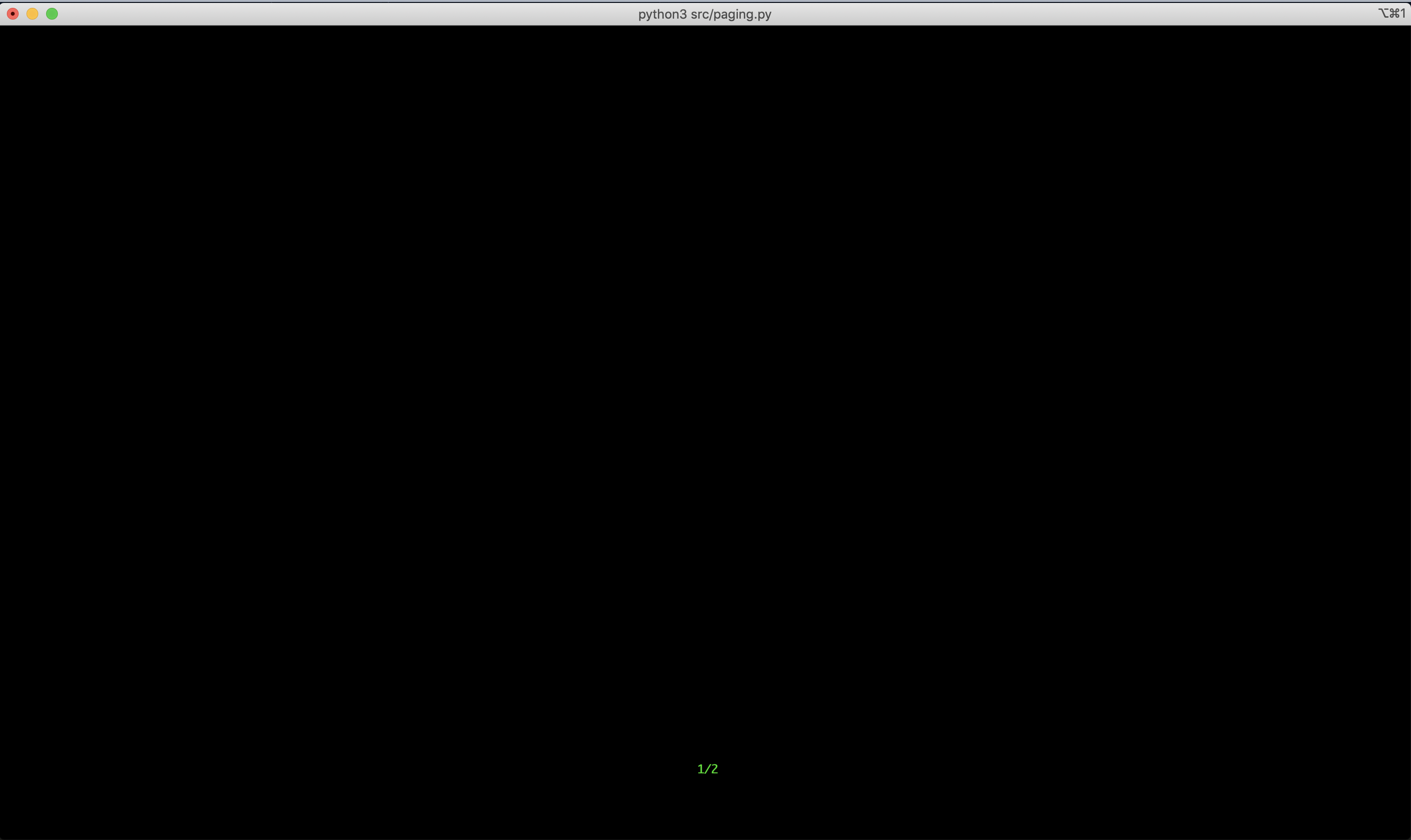
paging
$ python3 gfzs/views/paging.py
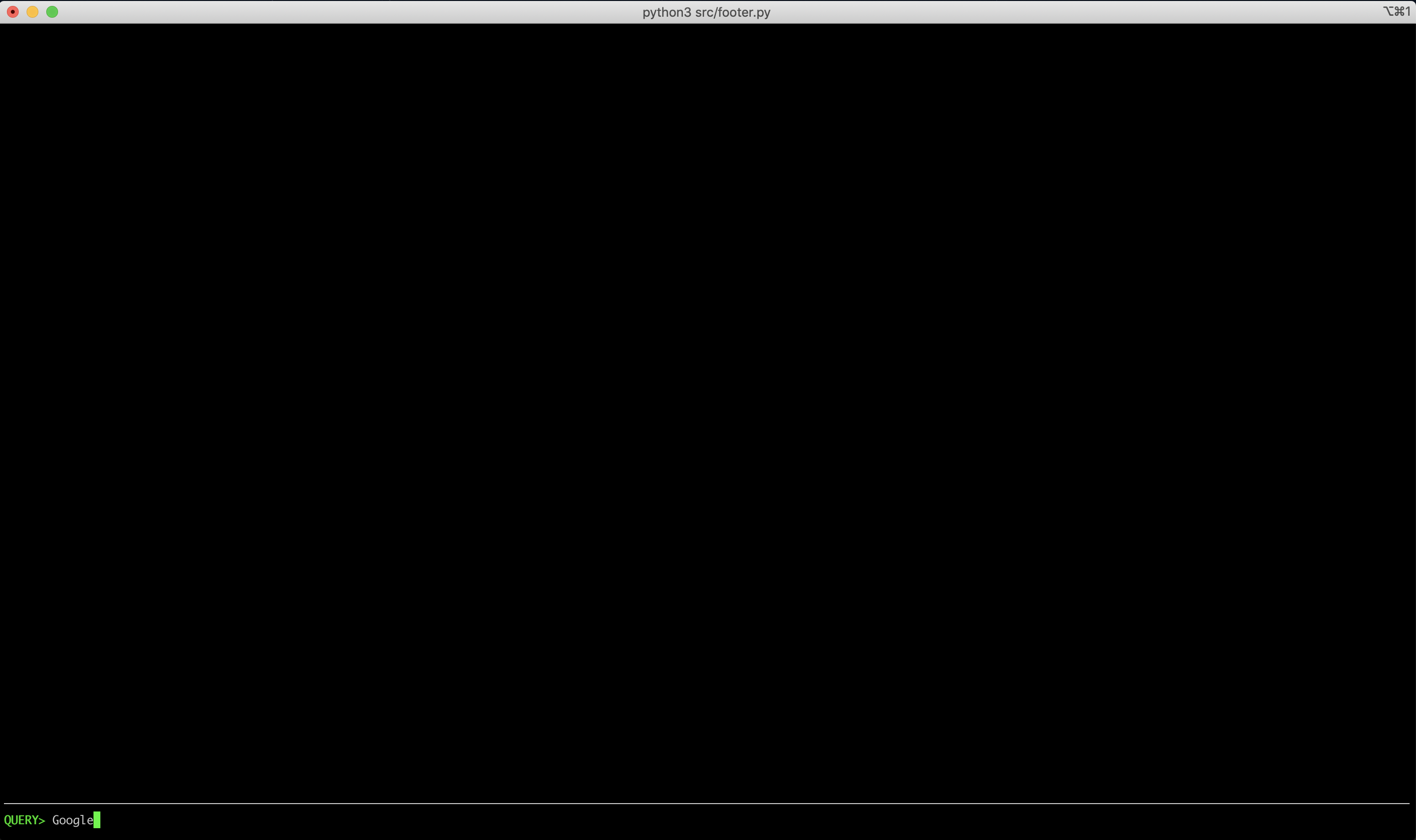
footer
$ python3 gfzs/views/footer.py
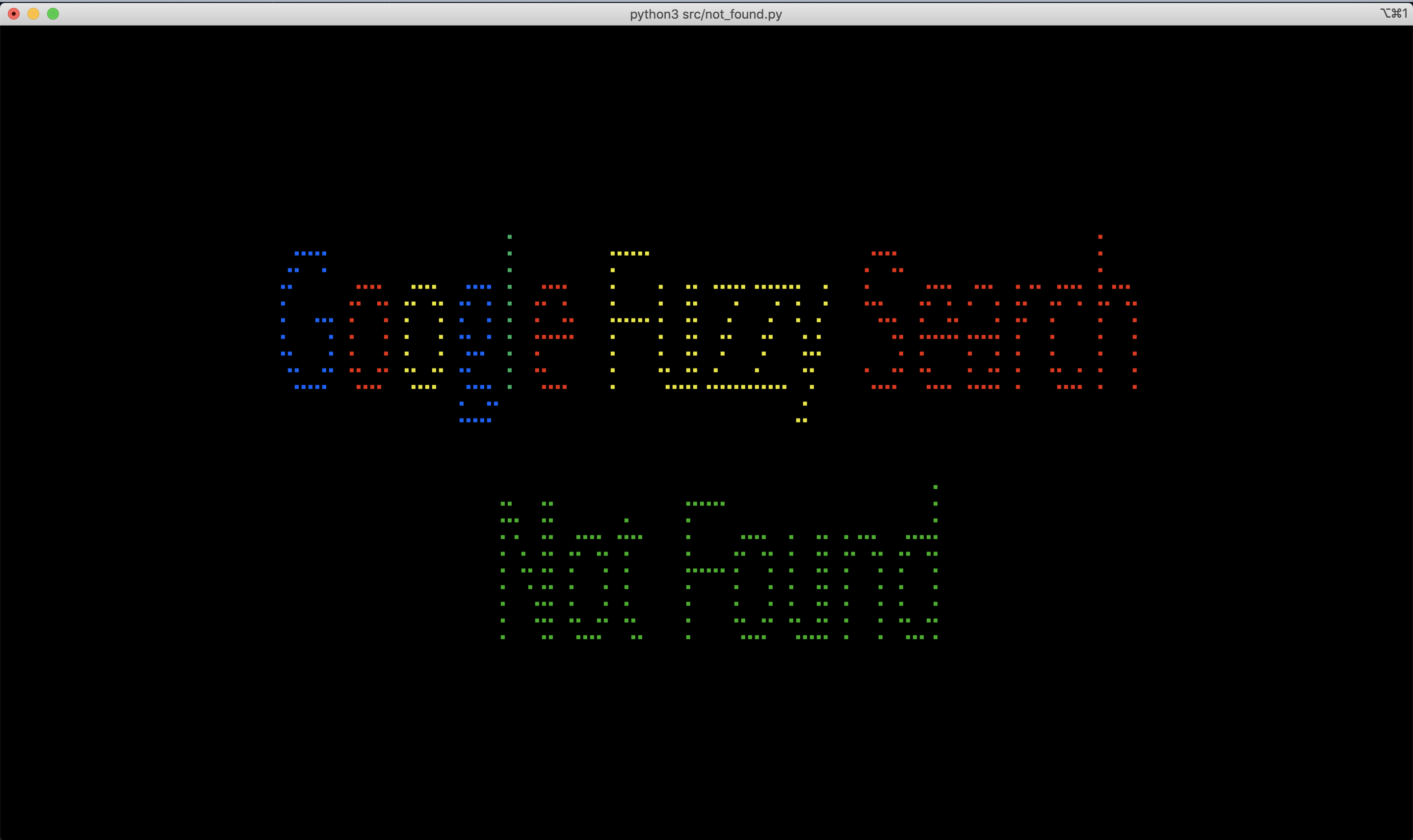
not_found
$ python3 gfzs/views/not_found.py
📚 Reference
I really referred to the implementation of the following repository.
1 maintainer

Metadata
1 maintainer
Release files for gfzs 0.2.3
For a detailed explanation of source distributions (sdists) and built distributions (wheels), please see the package formats documentation.
Source distribution (sdist)
| File | Size | Uploaded | |
|---|---|---|---|
| gfzs-0.2.3.tar.gz | 36.0 kB | Details |
Built distribution (wheel)
| File | Interpreter | ABI | Platform | Reset |
|---|---|---|---|---|
| gfzs-0.2.3-py3-none-any.whl | Python 3 | none | any | Details |
Total release size: 88.6 kB
Release files / gfzs-0.2.3.tar.gz
| Download URL | gfzs-0.2.3.tar.gz |
|---|---|
| Size | 36.0 kB |
| Tags | Source |
|
SHA-256 checksum How to use checksums |
51262650d1bcc46e9e342ad50bd9bd0d1c1362b0bd926fb65ede645a034cc4aa
|
|
BLAKE2b-256 checksum How to use checksums |
5708bfbd8536d25c5b4d07a8bf42014806bddf40c897d279ce76cacdc0d27a80
|
| Upload date | |
|
Uploaded using Trusted Publishing? What is trusted publishing? |
No |
| Uploaded via |
poetry/1.1.4 CPython/3.7.4 Darwin/18.2.0
|
Release files / gfzs-0.2.3-py3-none-any.whl
| Download URL | gfzs-0.2.3-py3-none-any.whl |
|---|---|
| Size | 52.6 kB |
| Tags | Python 3 |
|
SHA-256 checksum How to use checksums |
bfc7e0efadbfa124856cea53341a90a82d1aa955ab023ec03f8ab470439b707c
|
|
BLAKE2b-256 checksum How to use checksums |
b5c35ce925a43efffde46843cbce4bf753f96492ba612012214a817cb7924d97
|
| Upload date | |
|
Uploaded using Trusted Publishing? What is trusted publishing? |
No |
| Uploaded via |
poetry/1.1.4 CPython/3.7.4 Darwin/18.2.0
|














