
image2char
description
this module can change image to char[], can be printed at console beautiful
effect:

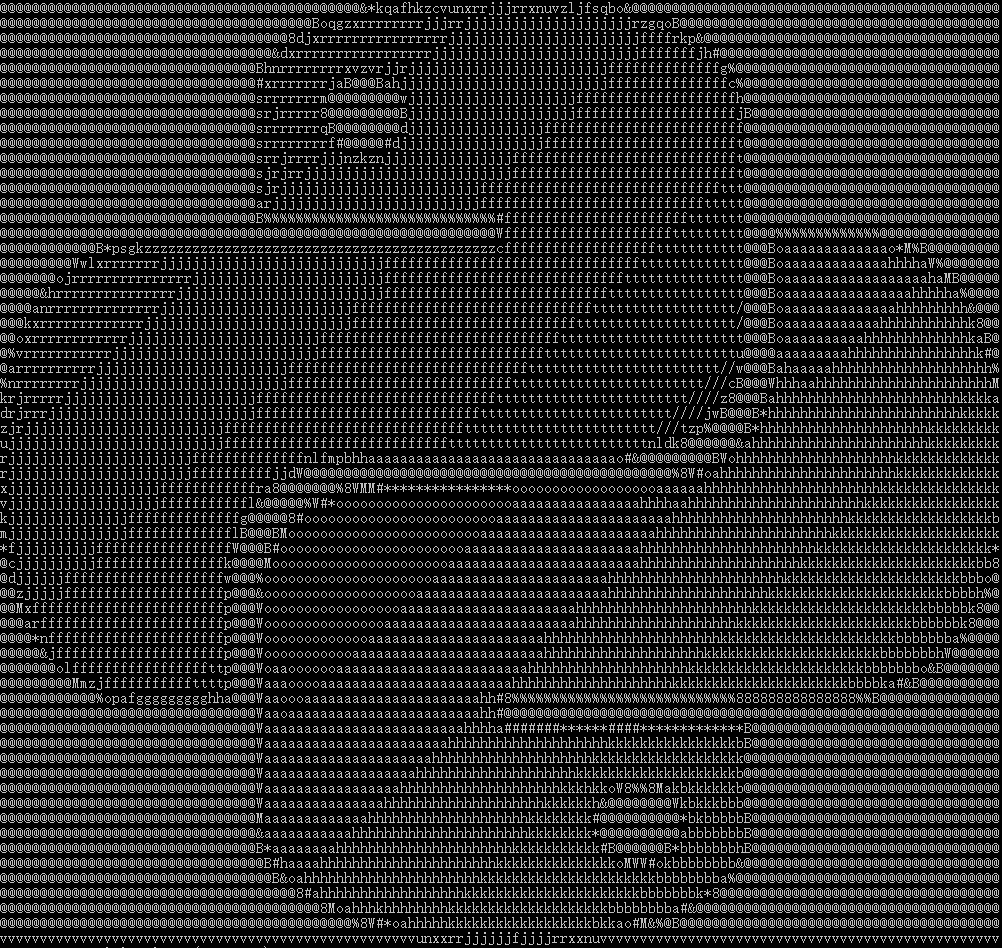
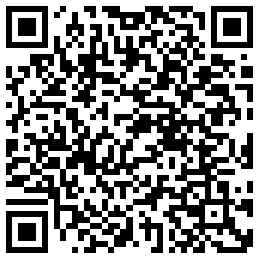
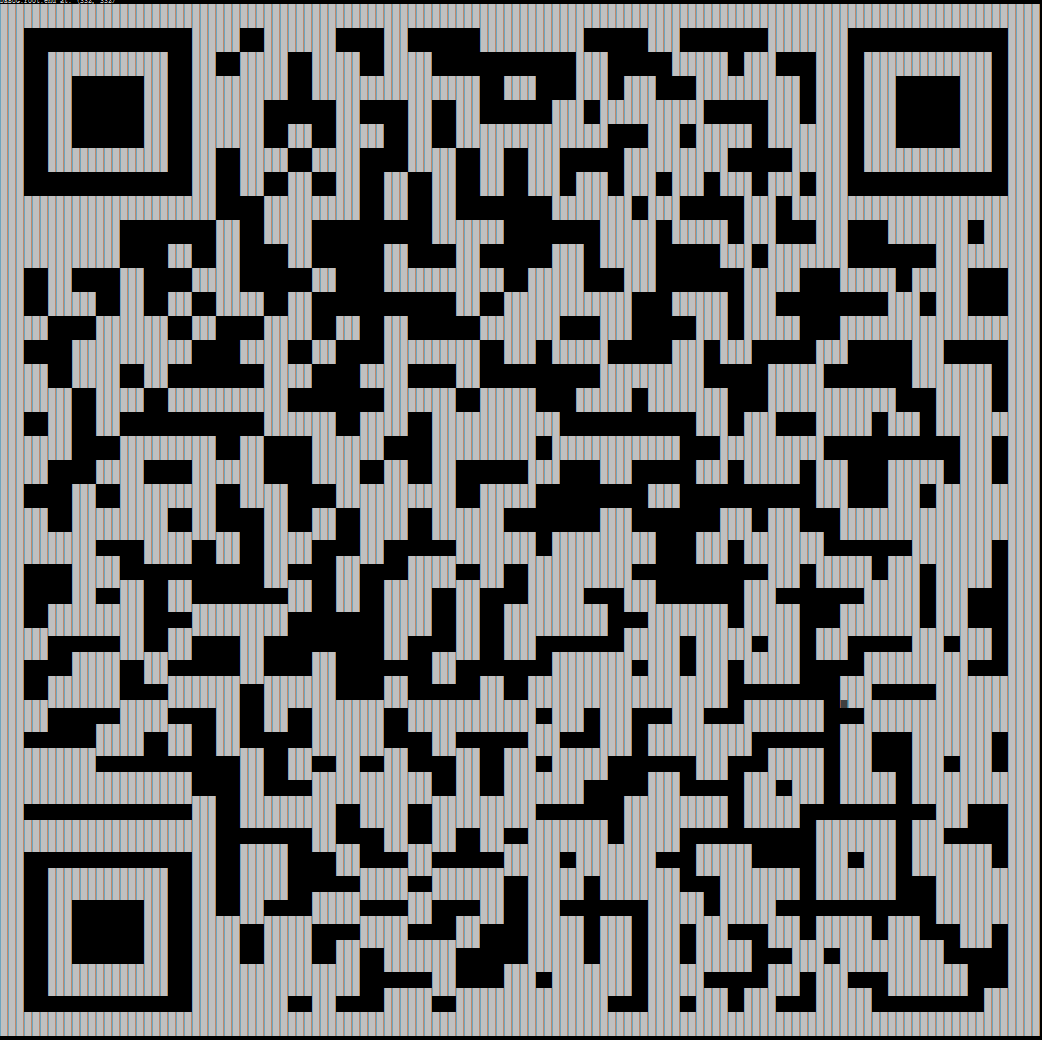
this QR Code can even be recognized when density>=0.6
console tool
right click the title bar of cmd, and choose properties, then you can change the size of the fonts in order to fully show the char image
install
pip install image2char
or
pip3 install image2char
input args and get chars
imagetochar -h

imagetochar input1.jpg

imagetochar input2.png -d 0.6 -r -s 1 -c "█ " //this is QR Code

imagetochar -u "https://raw.githubusercontent.com/cpak00/image2char/master/input1.jpg" -d 0.7 -w 300 -r //this is Url Image
help
usage: imagetochar.py [-h] [-d DENTISY] [-s SCALE] [-r] [-c CHARSET] [-u]
                     [-w WIDTH]
                     image

welcome to imagetochar cmd tool 你可以使用这个工具将本地/网络的图片转成字符画

positional arguments:
  image

optional arguments:
  -h, --help            show this help message and exit
  -d DENTISY, --dentisy DENTISY
                        dentisy, 分辨率, 取值0-1 默认为0.5
  -s SCALE, --scale SCALE
                        scale, 字符集高宽比, 默认为2
  -r, --reversed        reversed, 是否翻转黑白
  -c CHARSET, --charset CHARSET
                        charset, 字符集, 默认使用经典ascii字符集
  -u, --url             是否使用url, 将image_path路径设定为url
  -w WIDTH, --width WIDTH
                        改变图片的初始宽度
code
from image2char import tool
from PIL import Image
import logging

img_path1 = 'image2char/input1.jpg'
img_path2 = 'image2char/input2.png'

if __name__ == '__main__':
    logging.basicConfig(level=logging.DEBUG)

    img1 = Image.open(img_path1)
    img2 = Image.open(img_path2)

    matrix = tool.to_chars(img1, density=0.5, scale=2, reversed=True)
    logging.info('matrix: %d, %d' % (len(matrix), len(matrix[0])))
    for i in range(len(matrix)):
        print(''.join(matrix[i]))

    char_list = '''█ '''
    scanner = tool.get_scanner(density=0.6, scale=1)
    # reversed=True: in windows console, the char is white
    scanner.scan(img2, reversed=True, char_list=char_list)
    scanner.print_result()
1 maintainer

Release files for image2char 0.1.2
For a detailed explanation of source distributions (sdists) and built distributions (wheels), please see the package formats documentation.
Source distribution (sdist)
| File | Size | Uploaded | |
|---|---|---|---|
| image2char-0.1.2.tar.gz | 15.4 kB | Details |
Release files / image2char-0.1.2.tar.gz
| Download URL | image2char-0.1.2.tar.gz |
|---|---|
| Size | 15.4 kB |
| Tags | Source |
|
SHA-256 checksum How to use checksums |
ff6105f3a40a1e7b0f6d3a4019f112c80a0f413b730e666d4fe37f2af730ebbf
|
|
BLAKE2b-256 checksum How to use checksums |
af2152410dd8a31d93f66aa86154d18c0a4811bfa28273dca80bccdd2e41401a
|
| Upload date | |
|
Uploaded using Trusted Publishing? What is trusted publishing? |
No |
| Uploaded via |
twine/1.12.1 pkginfo/1.4.2 requests/2.18.4 setuptools/39.0.1 requests-toolbelt/0.8.0 tqdm/4.26.0 CPython/3.5.3
|














