

One command to host them all. Bring your search case into the cloud in minutes.
Tell us what you think: Survey


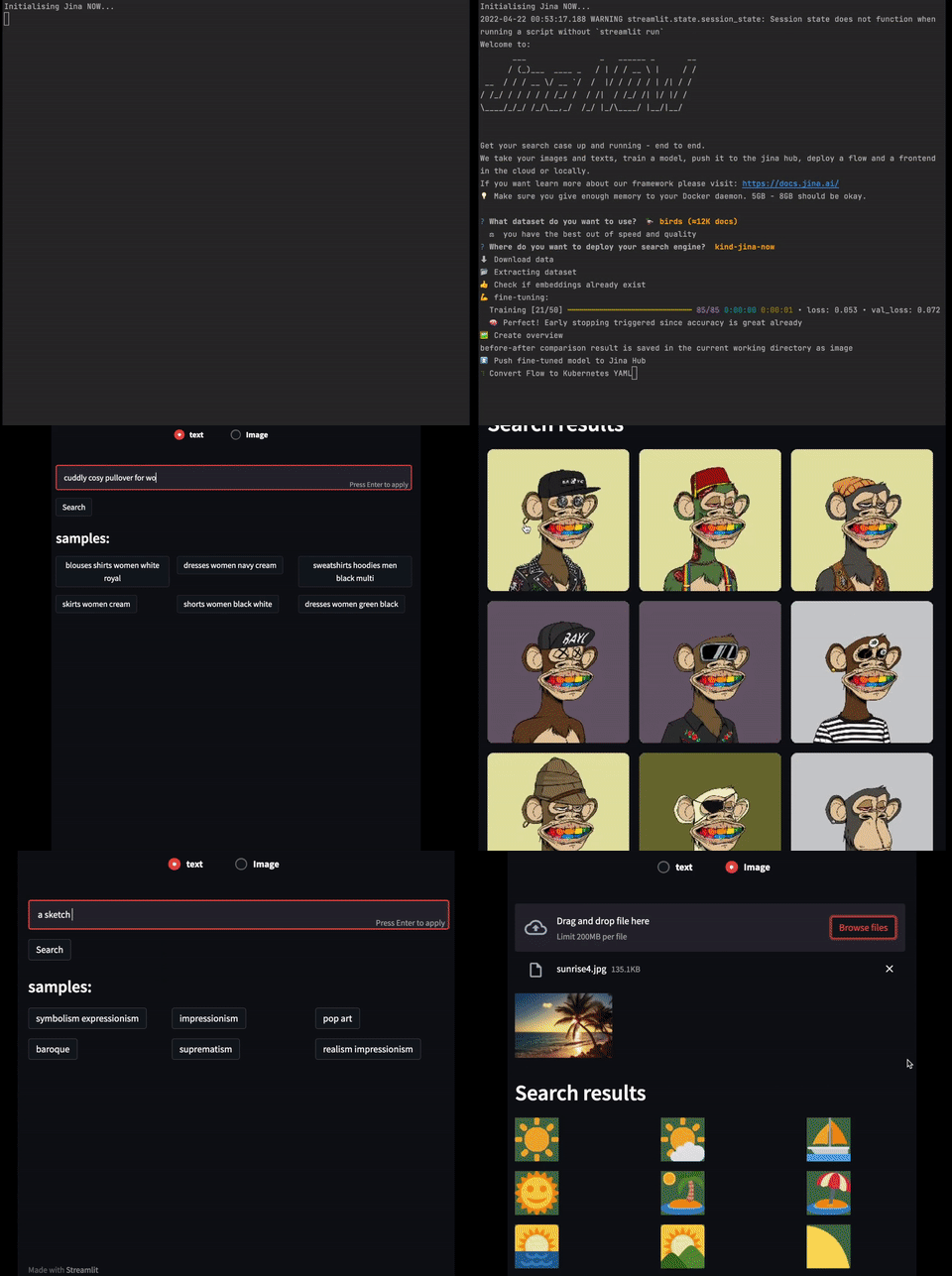
NOW gives the world access to multimodal neural search with just one command.
- ⛅ Cloud: We handle deployment and maintenance.
- 🐎 Fast and easy: Set up your search use case in minutes with minimal effort.
- 🌈 Quality: You provide the labels, NOW fine-tunes the model.
- ✨ Nocode: Non-technical people can deploy with ease.
Read how Jina NOW is production ready.
Install
pip install jina-now
If you need sudo to run Docker, use sudo to install and use Jina NOW as well.
Jina NOW is only available on Linux and macOS.
Mac M1
For the M1 we recommend using a Conda environment. In a new Conda environment:
- Run
conda install grpcio tokenizers protobuf - Run
pip install jina-now.
Quick start
jina now start
1. Choose your data source.
NOW supports various formats for uploading your dataset to your search application. Please see the guide to loading your data for the full details on this step.
You may either choose a demo dataset hosted by NOW, or use your own custom dataset, to build an application.
NOW can support your custom data in the form of a DocumentArray, as a path to a local folder, or S3 bucket.
? How do you want to provide input? (format: https://docarray.jina.ai/)  (Use arrow keys)
 ❯ Demo dataset
   DocumentArray name (recommended)
   Local folder
   S3 bucket
   - Elasticsearch (will be available in upcoming versions)
You can choose a demo dataset to get started quickly. The demo datasets are hosted by NOW which can be easily used to build a search application. There is a large variety of datasets, including images, text, and audio.
If you would like to use your own custom data, you can choose DocumentArray name in the CLI dialog. You will be asked to provide the
DocumentArray ID (or name) or URL of your dataset.
? Please enter your DocumentArray name:
You can also choose the local folder option to upload your data, in which case NOW asks for the path to the folder containing your data:
? Please enter the path to the local folder:
Perhaps your data is stored in an S3 bucket, which is an option NOW also supports. In this case, NOW asks for the URI to the S3 bucket, as well as the credentials and region thereof.
? Please enter the S3 URI to the folder:
? Please enter the AWS access key ID:
? Please enter the AWS secret access key:
? Please enter the AWS region:
A final step in loading your data is to choose the fields of your data that you would like to use for search and filter respectively. You can choose from the fields that are available in your dataset.
2. Follow the links. After NOW finishes processing, you'll see two links:
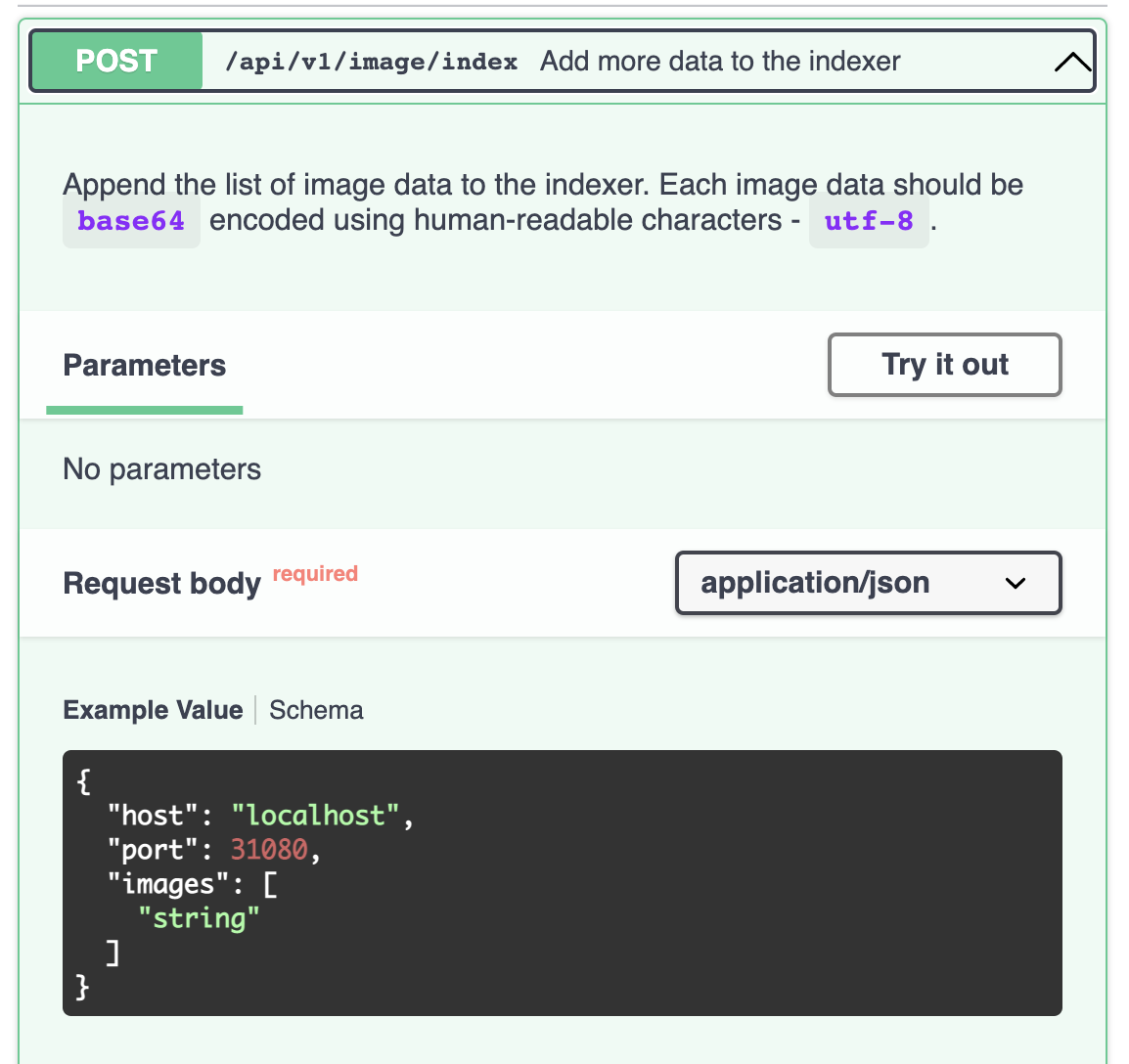
- The Swagger UI is useful for frontend integration.
- The "playground" lets you run example queries and experiment with your search use case.
🚀 Deploy playground and BFF

BFF docs are accessible at:
http://localhost:30090/api/docs

Playground is accessible at:
http://localhost:30080/?host=gateway&search_field=image&data=best-artworks&port=8080
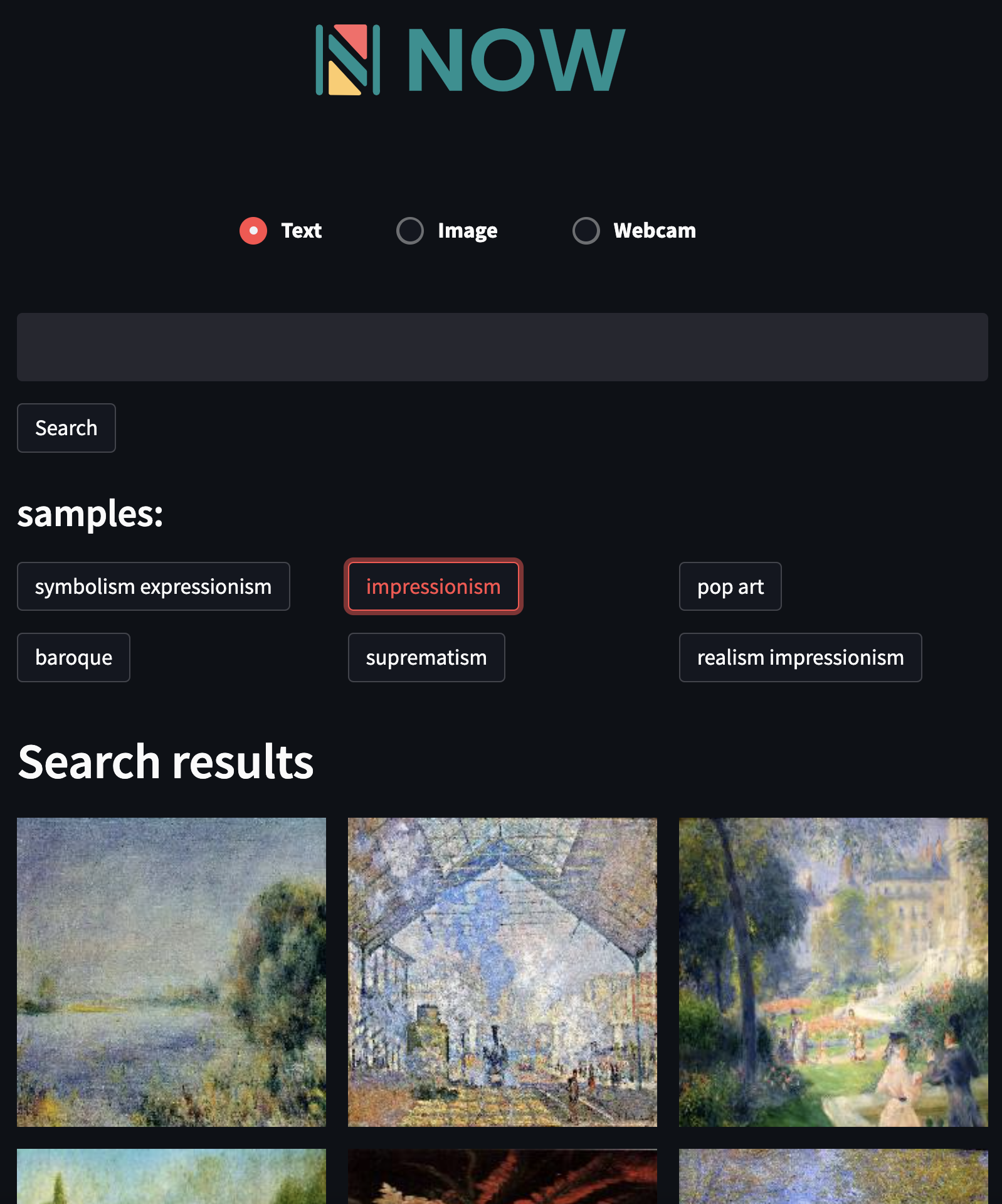
Example of the playground.
Example of the Swagger UI.
More information on using Jina NOW CLI and API
Supported modalities (more coming soon)
- 📝 Text
- 🏞 Image
- 🥁 Music
- 🎥 Video (for GIFs)
- 🧊 3D Mesh (coming soon)
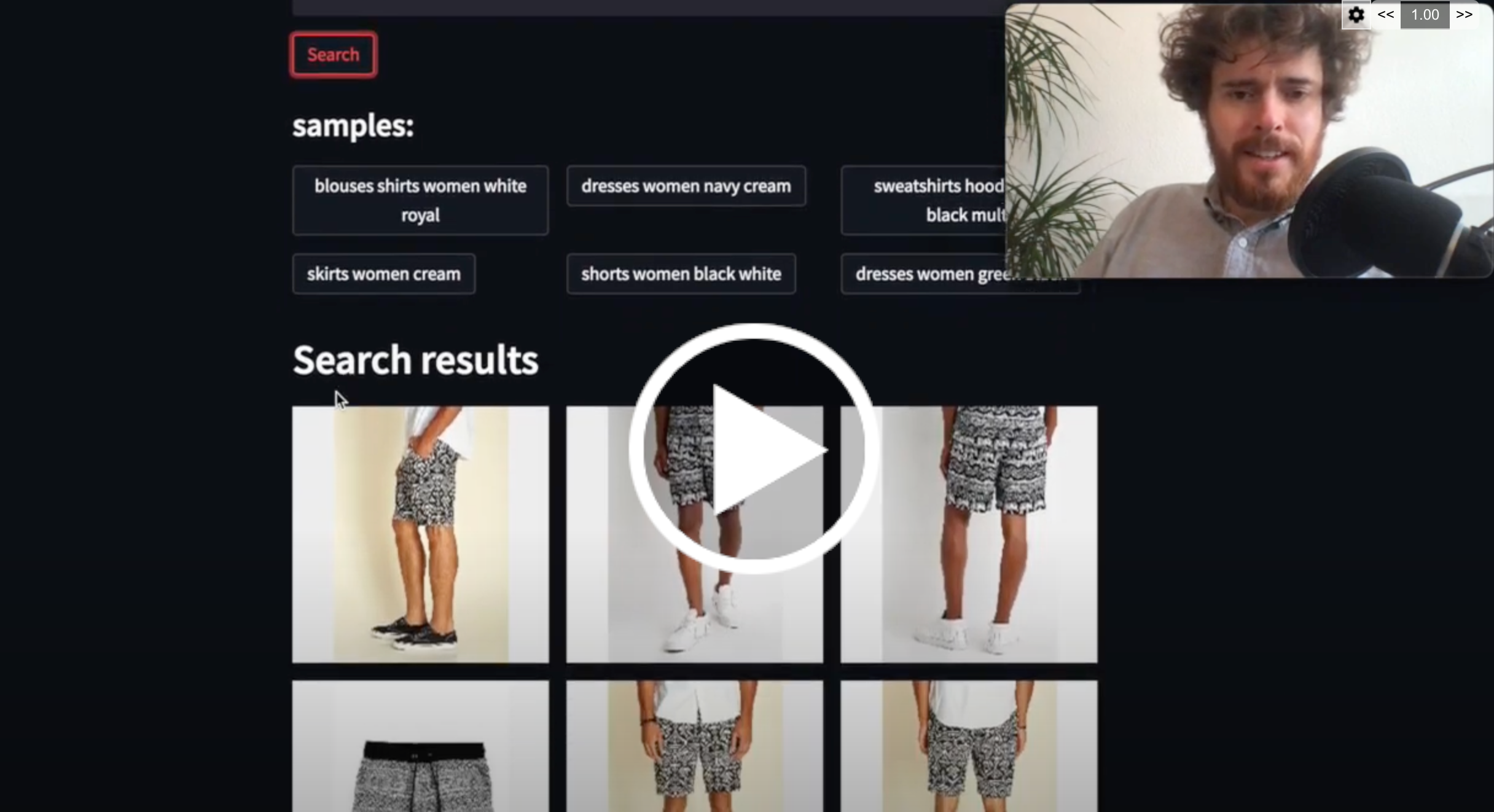
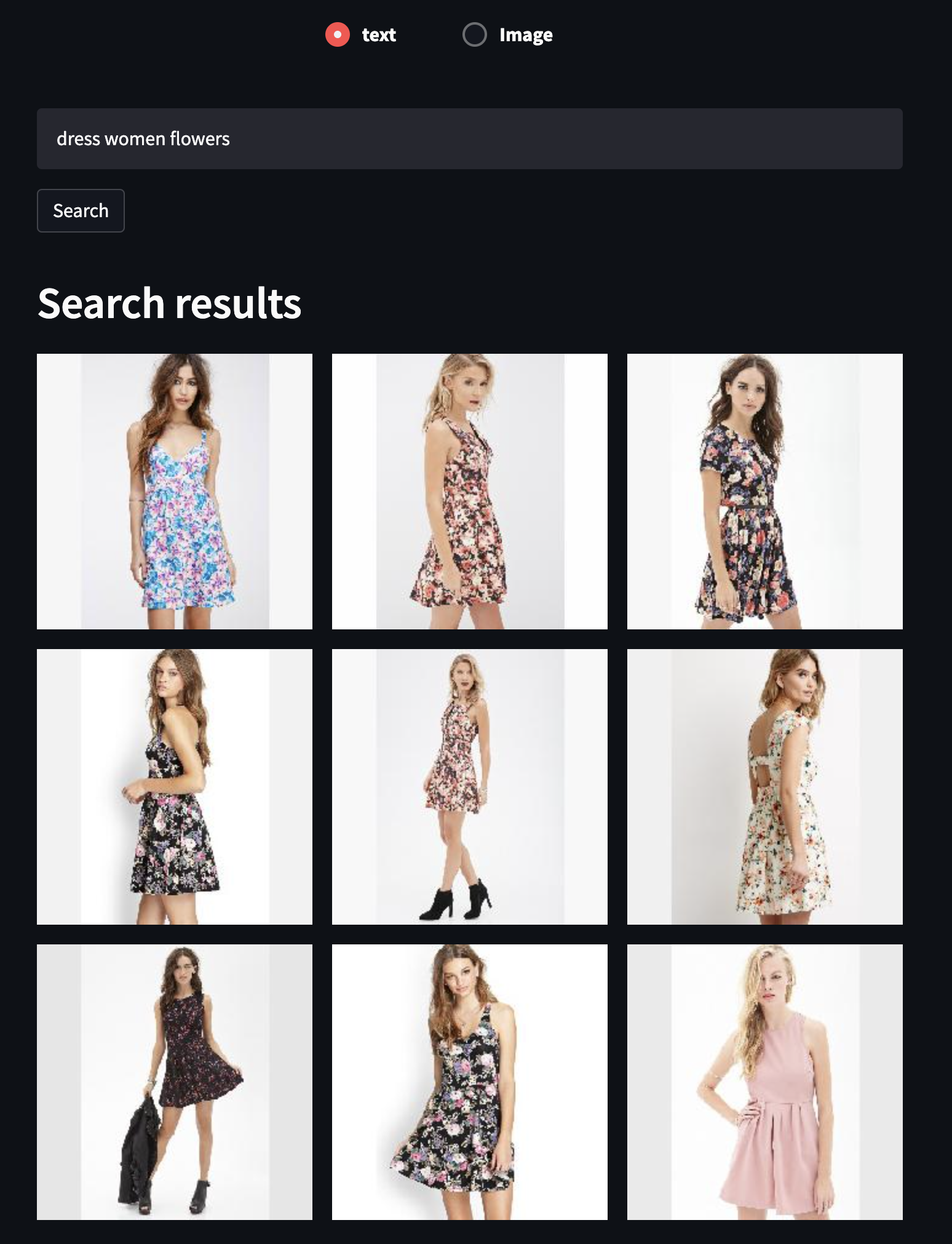
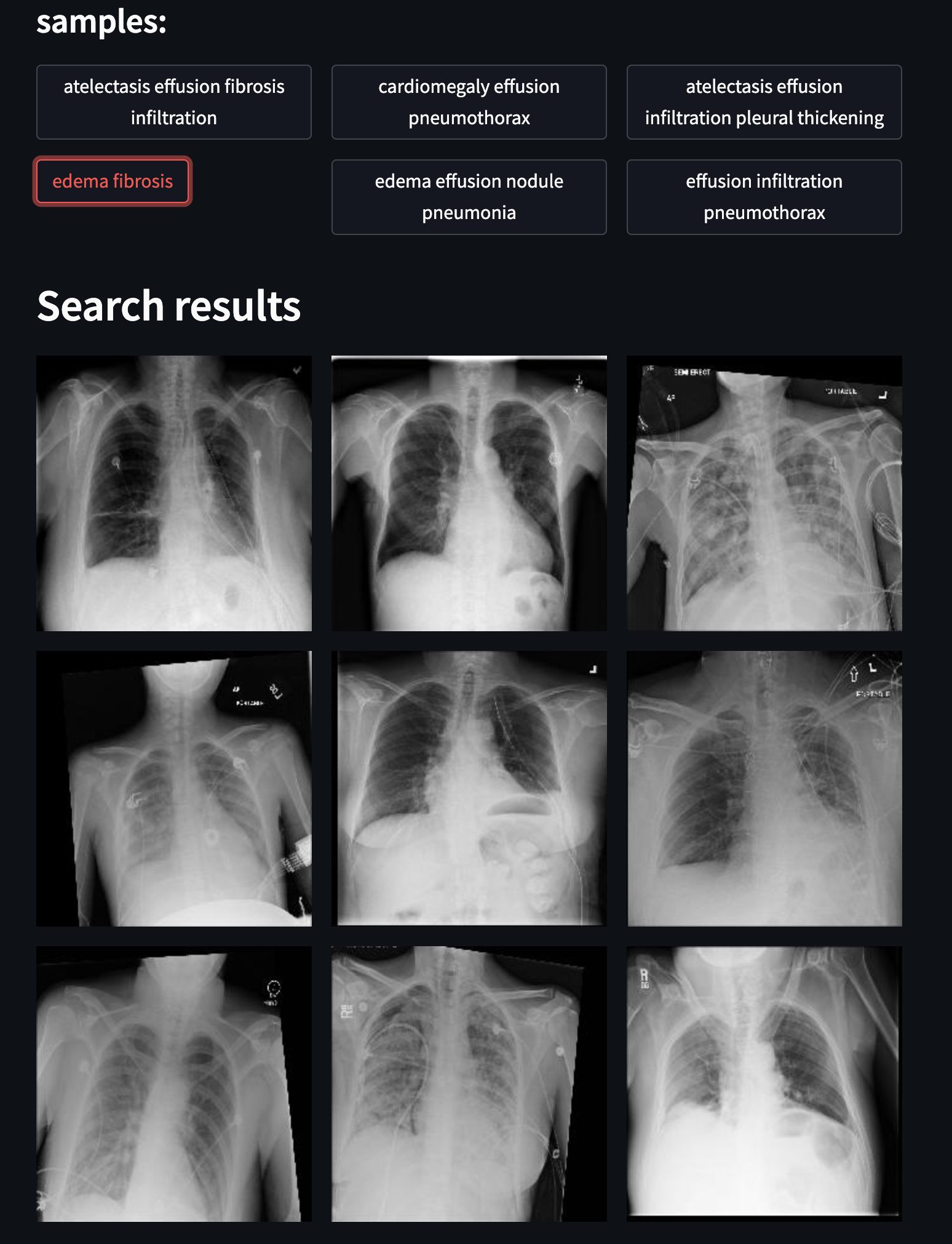
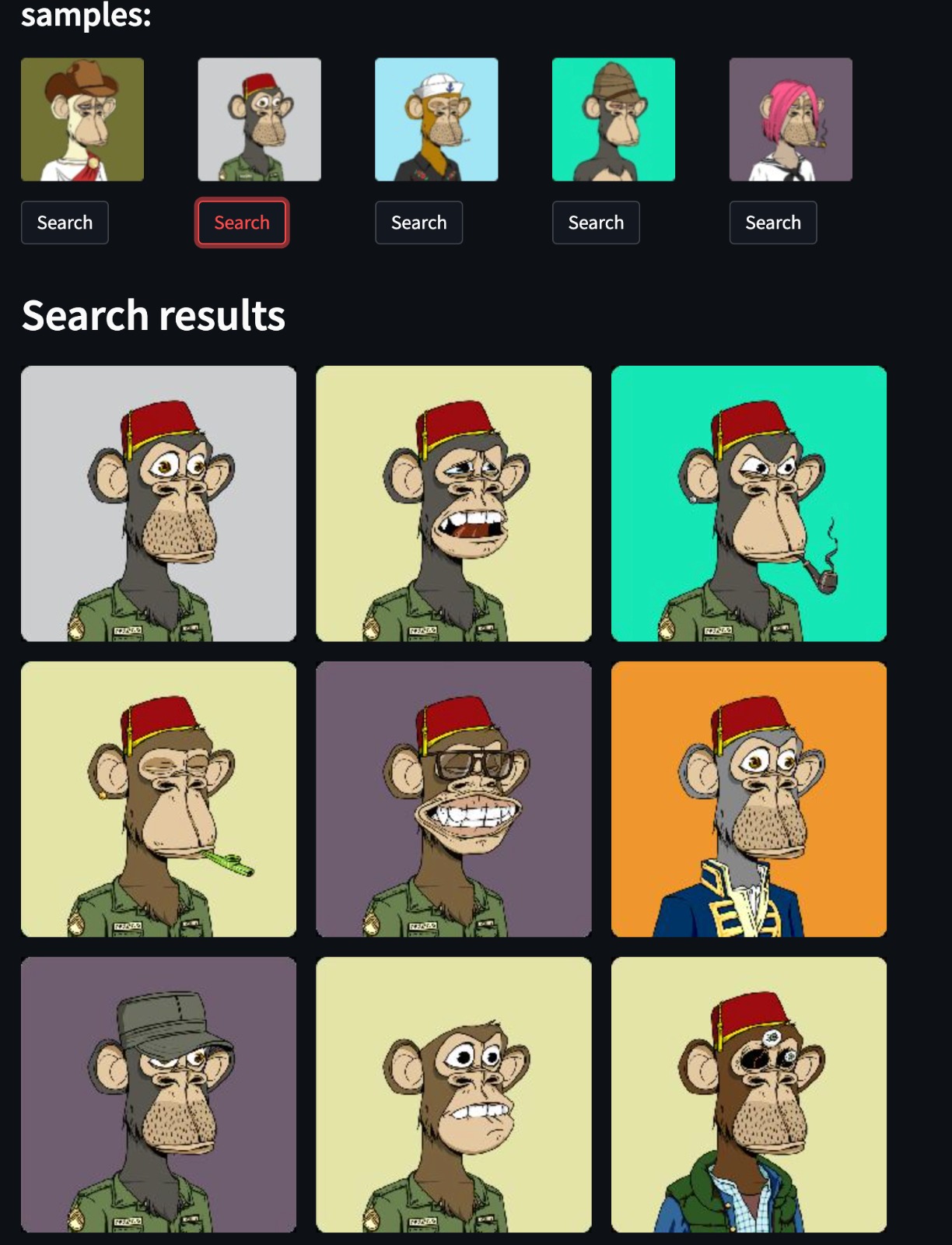
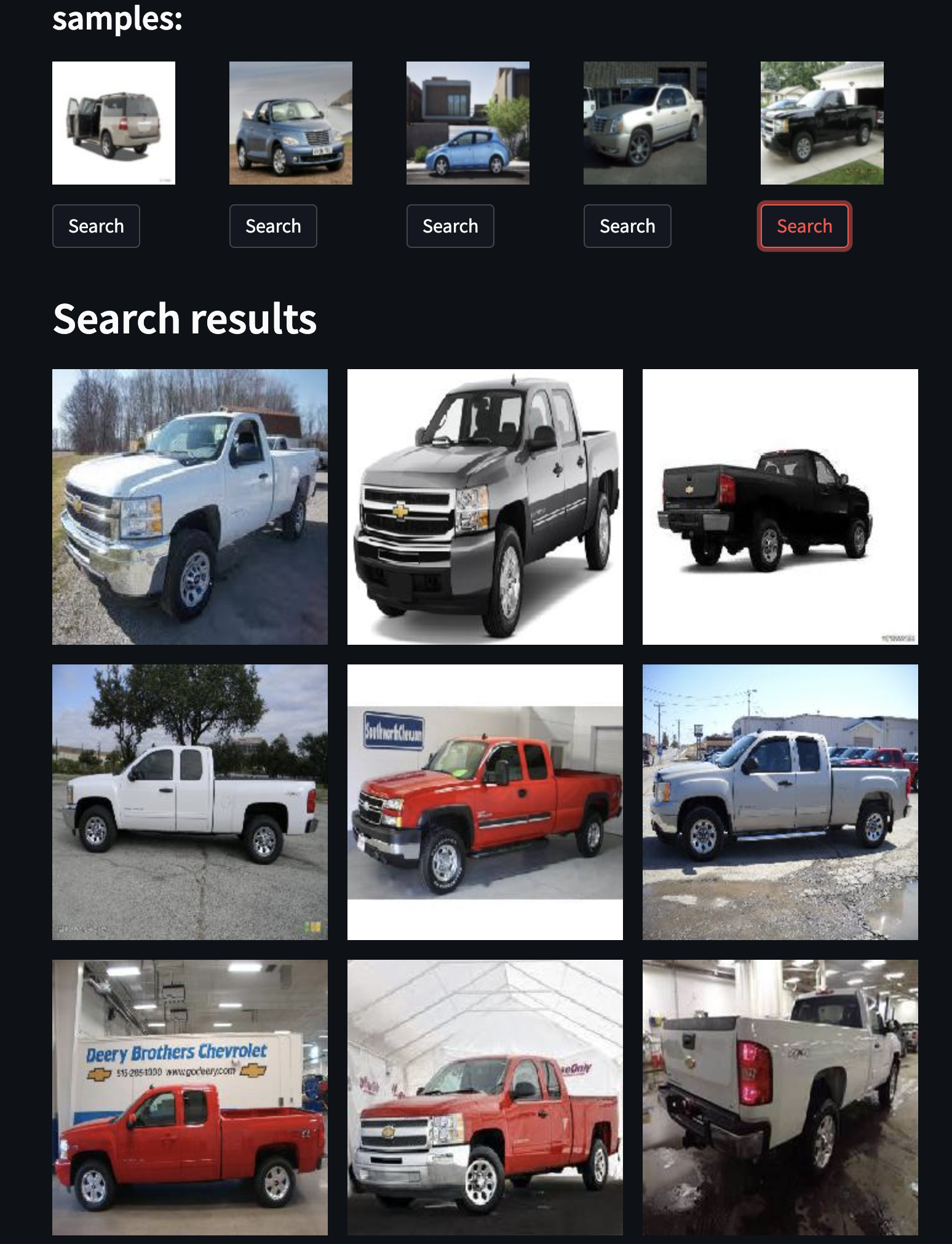
Example datasets
👕 Fashion
☢️ Chest X-Ray
💰 NFT - bored apes
🖼 Art

🚗 Cars
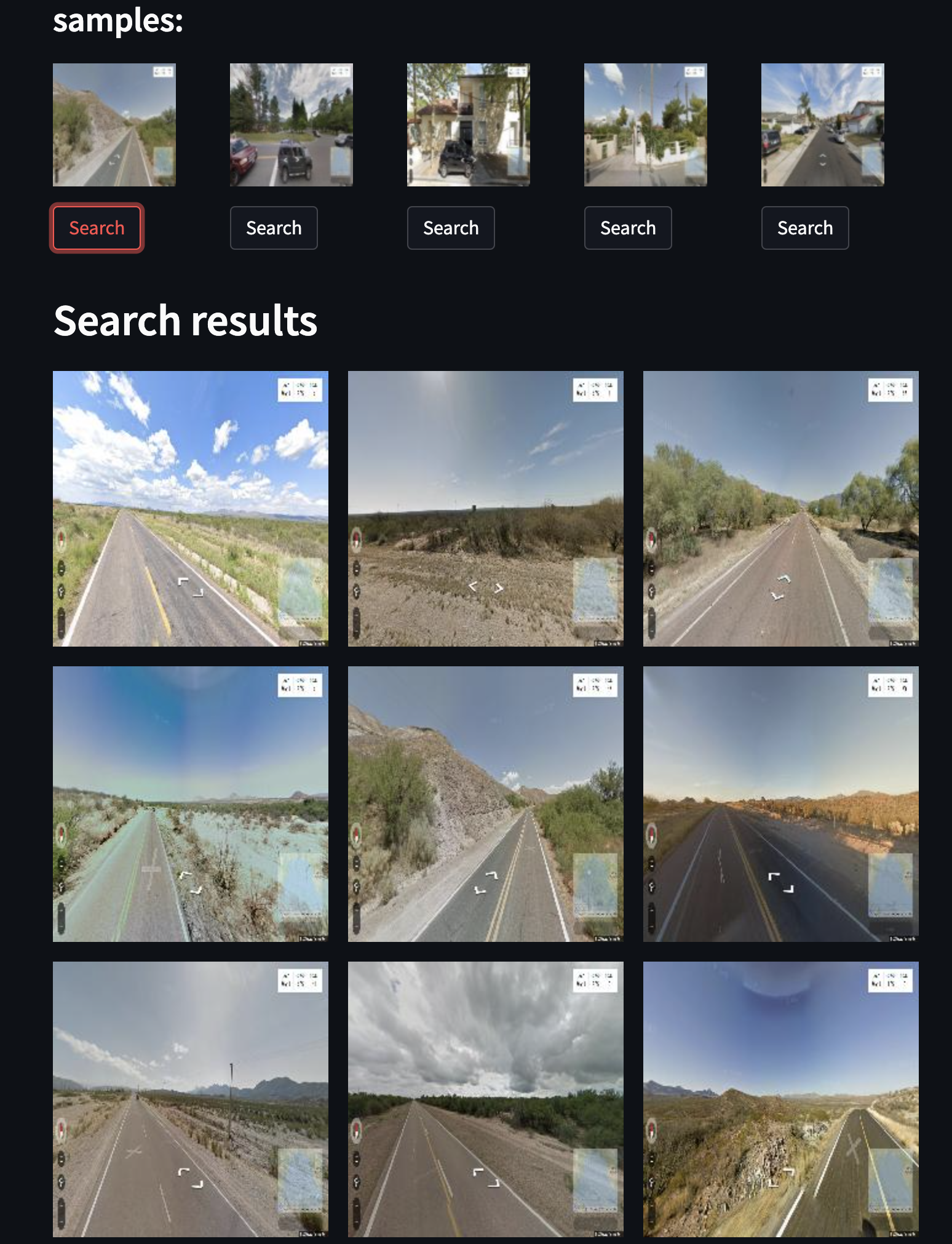
🏞 Street view
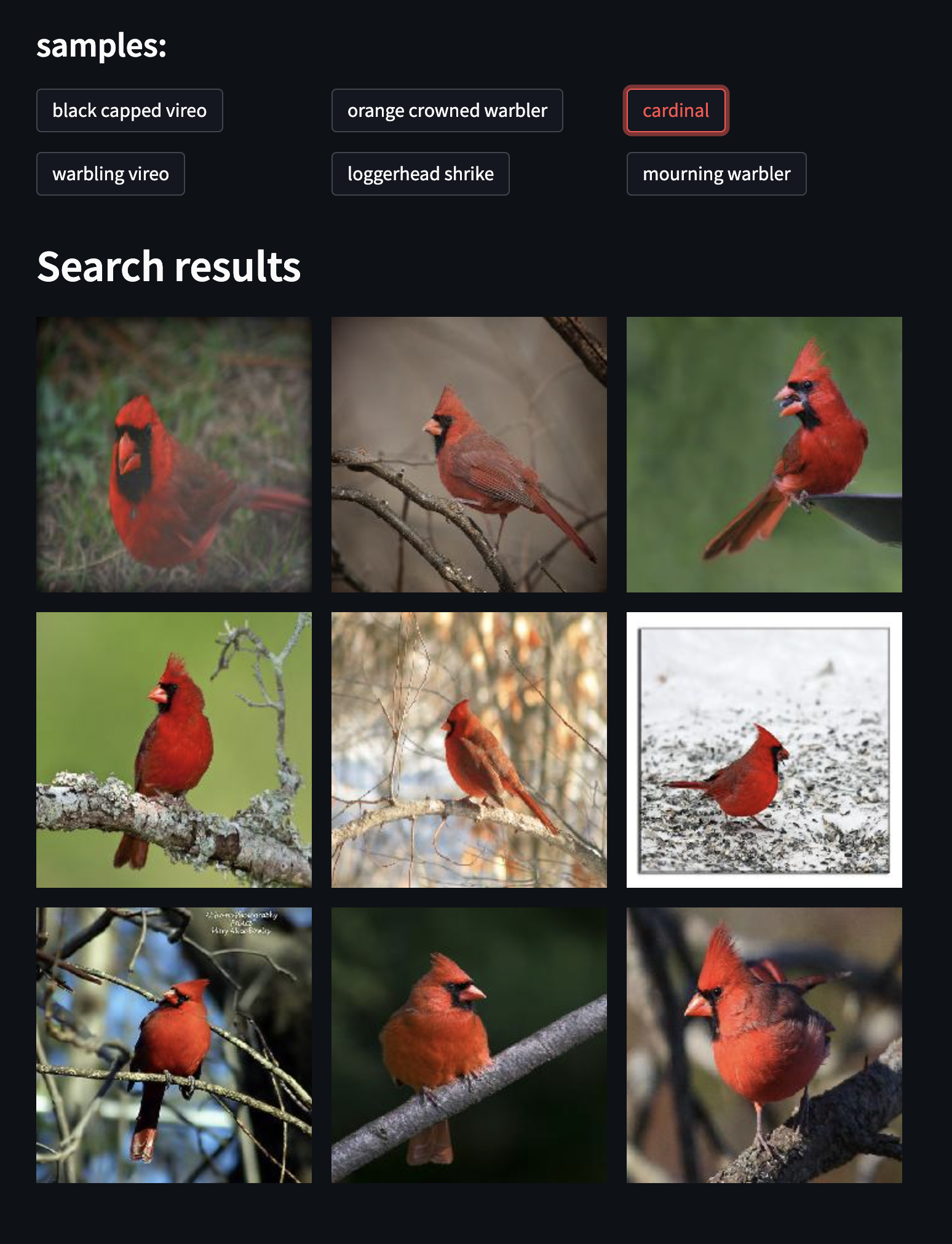
🦆 Birds
1 maintainer

Metadata
1 maintainer
Release files for jina-now 0.0.52
For a detailed explanation of source distributions (sdists) and built distributions (wheels), please see the package formats documentation.
Source distribution (sdist)
| File | Size | Uploaded | |
|---|---|---|---|
| jina-now-0.0.52.tar.gz | 106.4 kB | Details |
Release files / jina-now-0.0.52.tar.gz
| Download URL | jina-now-0.0.52.tar.gz |
|---|---|
| Size | 106.4 kB |
| Tags | Source |
|
SHA-256 checksum How to use checksums |
85f6f7a785057f69400abd58715297dffb11b4dffe57d0c3d13114ba5d2127e2
|
|
BLAKE2b-256 checksum How to use checksums |
ad26dcb1a50660992e31ee6f9b9845e24f3750150849bd31e94945ad86bc525a
|
| Upload date | |
|
Uploaded using Trusted Publishing? What is trusted publishing? |
No |
| Uploaded via |
twine/4.0.2 CPython/3.7.16
|














