
jupyterlab_commands
Support for arbitrary python commands in the command palette.






About
This code lets you inject arbitrary commands into the JLab frontend. There are a variety of reasons why one might want to execute python commands outside of a notebook and a console:
- a predefined NBConvert function that you dont want included in the converted result
- interacting with VCS without including that interaction in the notebook
- etc...
Installation
pip install jupyterlab_commands
jupyter labextension install jupyterlab_commands
jupyter serverextension enable --py jupyterlab_commands
Example
jupyter_lab_config.py
def convertMe(request, *args, **kwargs):
    import subprocess, tornado, os, os.path, json
    data = json.loads(tornado.escape.json_decode(request.body))
    path = os.path.join(os.getcwd(), data['path'])
    subprocess.run(["jupyter", "nbconvert", path, '--to', 'html'])
    return {'body': 'ok'}

c.JupyterLabCommands.commands = {'sample_command': convertMe}
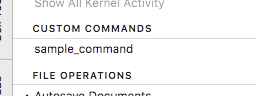
command palette
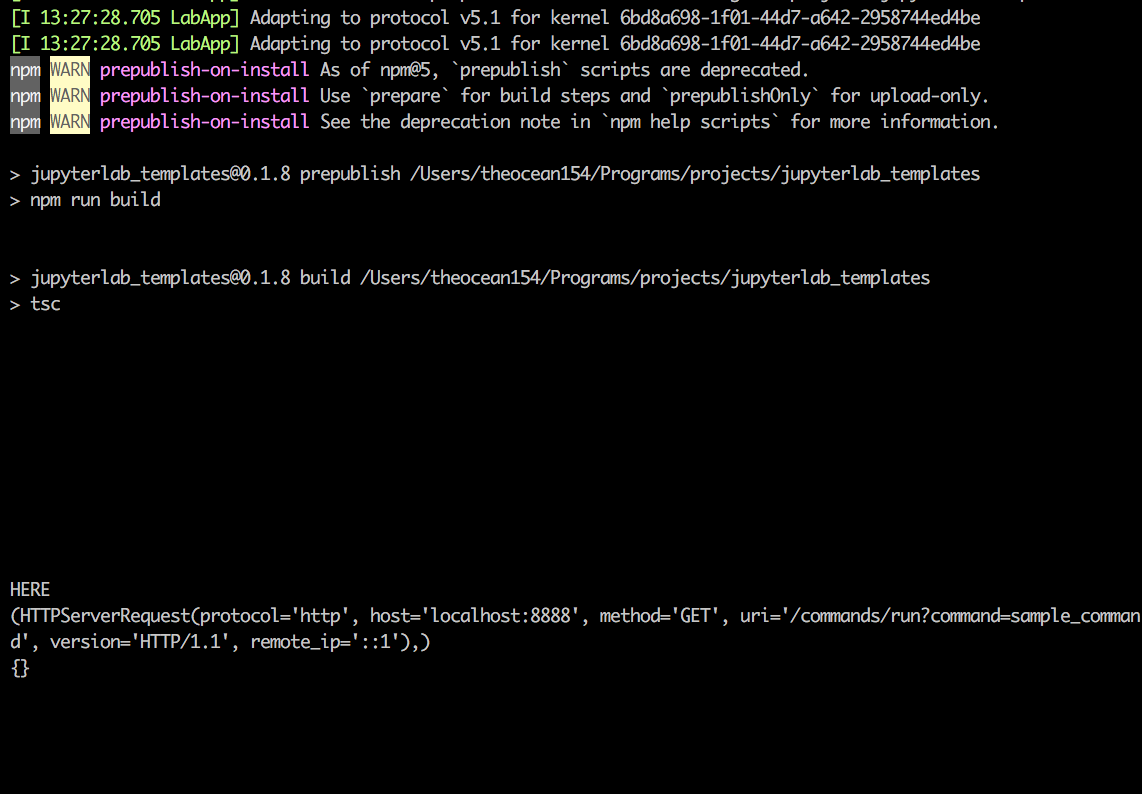
terminal log
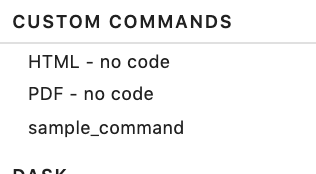
No Code
Moved to jupyterlab_nbconvert_nocode
Install
pip install jupyterlab_commands
jupyter labextension install jupyterlab_commands
jupyter serverextension enable --py jupyterlab_commands
Adding commands
install the server extension, and add the following to jupyter_notebook_config.py
c.JupyterLabCommands.commands = {'command display name': python_function, ...}
1 maintainer

Metadata
1 maintainer
Release files for jupyterlab-commands 0.4.0
For a detailed explanation of source distributions (sdists) and built distributions (wheels), please see the package formats documentation.
Source distribution (sdist)
| File | Size | Uploaded | |
|---|---|---|---|
| jupyterlab_commands-0.4.0.tar.gz | 160.9 kB | Details |
Built distribution (wheel)
| File | Interpreter | ABI | Platform | Reset |
|---|---|---|---|---|
| jupyterlab_commands-0.4.0-py3-none-any.whl | Python 3 | none | any | Details |
Total release size: 204.9 kB
Release files / jupyterlab_commands-0.4.0.tar.gz
| Download URL | jupyterlab_commands-0.4.0.tar.gz |
|---|---|
| Size | 160.9 kB |
| Tags | Source |
|
SHA-256 checksum How to use checksums |
210c851ee4c7439ac593018542c599a9085e459bc1bc1fb3ea92d2a9bf3e11ff
|
|
BLAKE2b-256 checksum How to use checksums |
02ba992cd163d9474bc40986fee3ebe3adddb32bdc3de58dd35677eb473dfcb1
|
| Upload date | |
|
Uploaded using Trusted Publishing? What is trusted publishing? |
No |
| Uploaded via |
twine/4.0.2 CPython/3.11.4
|
Release files / jupyterlab_commands-0.4.0-py3-none-any.whl
| Download URL | jupyterlab_commands-0.4.0-py3-none-any.whl |
|---|---|
| Size | 44.0 kB |
| Tags | Python 3 |
|
SHA-256 checksum How to use checksums |
3382bf4062ea0c6f001976403ee3c45a477cc0fb7abd146fd86ef7e079b50ef3
|
|
BLAKE2b-256 checksum How to use checksums |
dac8e01f31d1d27b2e114bb6fea834f1e18952d04136871f5dc07720153cf65a
|
| Upload date | |
|
Uploaded using Trusted Publishing? What is trusted publishing? |
No |
| Uploaded via |
twine/4.0.2 CPython/3.11.4
|














