
JupyterLab NVdashboard
NVDashboard is a JupyterLab extension for displaying GPU usage dashboards. It enables JupyterLab users to visualize system hardware metrics within the same interactive environment they use for development. Supported metrics include:
- GPU-compute utilization
- GPU-memory consumption
- PCIe throughput
- NVLink throughput
Demo
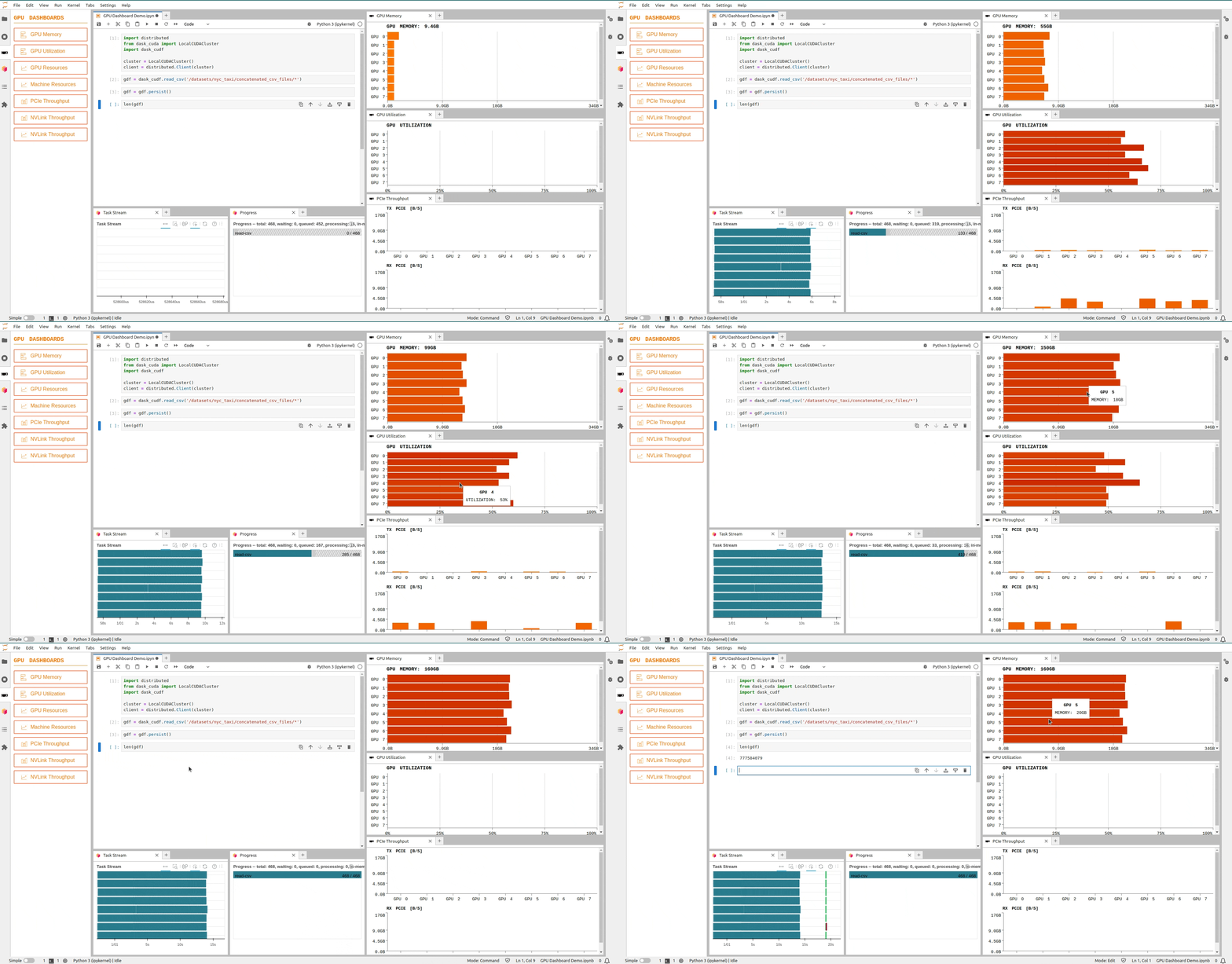
Table of Contents
- New Features
- Version Compatibility
- Requirements
- Installation
- Troubleshoot
- Contributing
- Future Improvements
New Features
JupyterLab-nvdashboard v4 brings a host of new features, improved backend architecture, and enhanced frontend components for an even better user experience. Explore the exciting updates below.
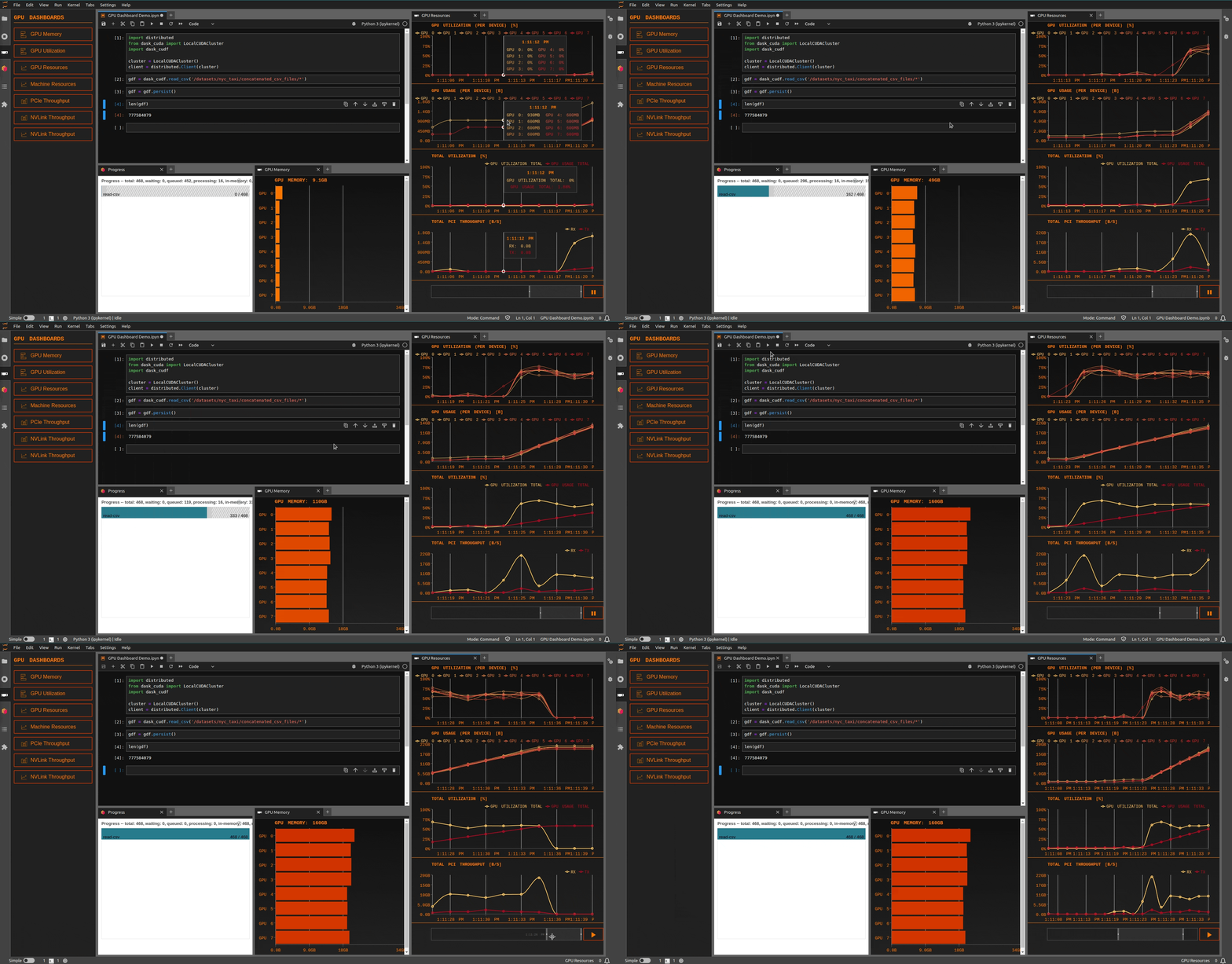
Brush for Time Series Charts
Introducing a powerful brushing feature for time series charts. Users can easily inspect past events by selecting a specific time range, providing more granular control over data exploration.
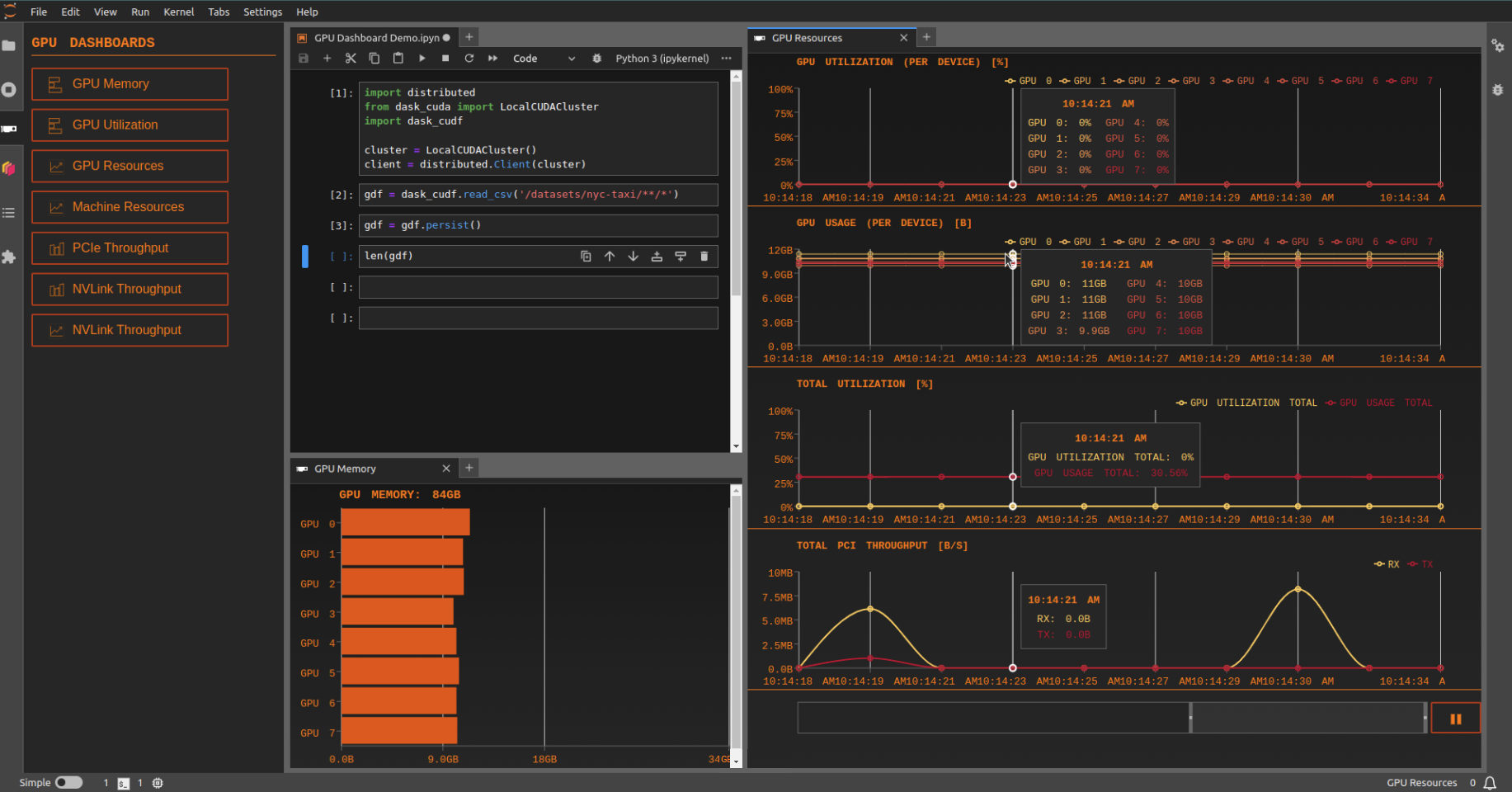
Synced Tooltips
For pages with multiple charts, JupyterLab-nvdashboard now offers synchronized tooltips for timestamps across all charts. This feature enhances the user's ability to analyze data cohesively and understand relationships between different data points.
Theme Compatibility
Seamless integration with JupyterLab themes is now a reality. The extension adapts its colors and aesthetics based on whether the user is in a light or dark theme, ensuring a consistent and visually appealing experience.
Light Theme
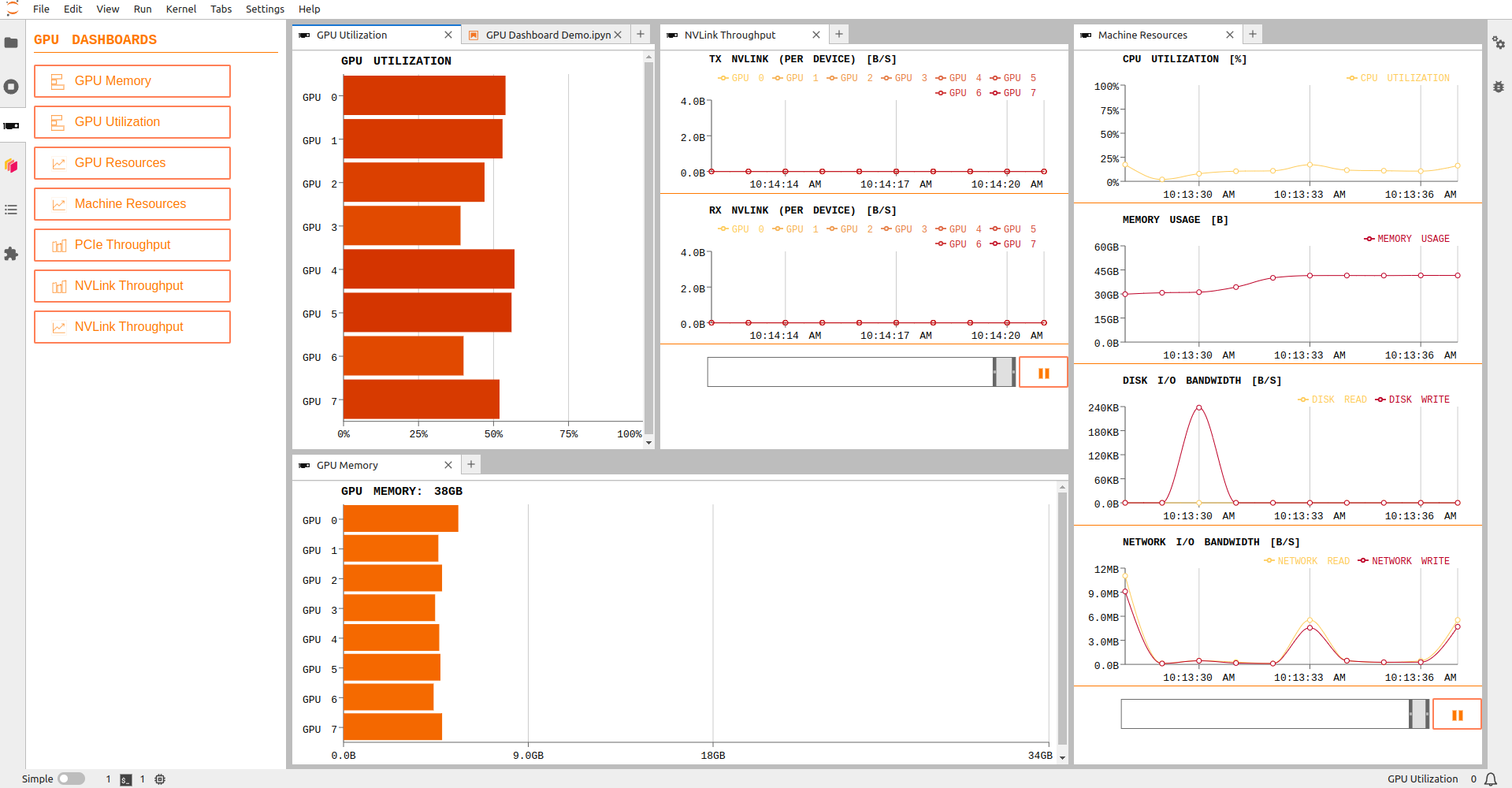
Dark Theme

GPU Accelerators
A GPU accelerator activator button that lets you enable GPU-backed execution with zero code changes. When active, your existing pandas code runs on the GPU (via cudf-pandas), and/or your scikit-learn code runs on the GPU (via cuml-accel). Accelerators are shown only when the corresponding dependencies are installed: cuDF for pandas acceleration and cuML for scikit-learn acceleration.
Version Compatibility
JupyterLab-nvdashboard v4 is designed exclusively for JupyterLab v4 and later versions.
Installation
Conda
Releases of the conda packages are first published to the rapidsai channel,
then generally land on conda-forge shortly after.
# nightly version
conda install -c rapidsai-nightly -c conda-forge jupyterlab-nvdashboard

# stable version
conda install -c rapidsai -c conda-forge jupyterlab-nvdashboard

# stable version (conda-forge only)
conda install -c conda-forge jupyterlab-nvdashboard
PyPI
# nightly version
pip install --extra-index-url https://pypi.anaconda.org/rapidsai-wheels-nightly/simple 'jupyterlab-nvdashboard>=0.14.0a0'

# stable version
pip install jupyterlab-nvdashboard
Troubleshoot
If you are seeing the frontend extension, but it is not working, check that the server extension is enabled:
jupyter server extension list
If the server extension is installed and enabled, but you are not seeing the frontend extension, check the frontend extension is installed:
jupyter labextension list
Contributing Developers Guide
For more details, check out the contributing guide.
1 maintainer

Release files for jupyterlab-nvdashboard 0.15.0
For a detailed explanation of source distributions (sdists) and built distributions (wheels), please see the package formats documentation.
Source distribution (sdist)
| File | Size | Uploaded | |
|---|---|---|---|
| jupyterlab_nvdashboard-0.15.0.tar.gz | 193.1 kB | Details |
Built distribution (wheel)
| File | Interpreter | ABI | Platform | Reset |
|---|---|---|---|---|
| jupyterlab_nvdashboard-0.15.0-py3-none-any.whl | Python 3 | none | any | Details |
Total release size: 400.9 kB
Release files / jupyterlab_nvdashboard-0.15.0.tar.gz
| Download URL | jupyterlab_nvdashboard-0.15.0.tar.gz |
|---|---|
| Size | 193.1 kB |
| Tags | Source |
|
SHA-256 checksum How to use checksums |
0e518de535454a385b124022b3393988bdeb11dd9f1ddf4d2b8ca5d33393a6dc
|
|
BLAKE2b-256 checksum How to use checksums |
72ff2a8f3b0b37420710c068588f2beda18a84c006447530537c2e5eaace1447
|
| Upload date | |
|
Uploaded using Trusted Publishing? What is trusted publishing? |
No |
| Uploaded via |
twine/6.2.0 CPython/3.14.6
|
Release files / jupyterlab_nvdashboard-0.15.0-py3-none-any.whl
| Download URL | jupyterlab_nvdashboard-0.15.0-py3-none-any.whl |
|---|---|
| Size | 207.8 kB |
| Tags | Python 3 |
|
SHA-256 checksum How to use checksums |
b7d7410ae0b996eee0bb73b28b5899dbef804fb6a3e1b88c7e41a08357af7b96
|
|
BLAKE2b-256 checksum How to use checksums |
420c38c48bc92b2803365a00a285a7d84b449b69f1349d4ff248c6a7a0e64af3
|
| Upload date | |
|
Uploaded using Trusted Publishing? What is trusted publishing? |
No |
| Uploaded via |
twine/6.2.0 CPython/3.14.6
|














