
Intro
This is a pipe compatiable tool for downloading m3u8.
- Fast download for m3u8.
- Auto decrpt the key.
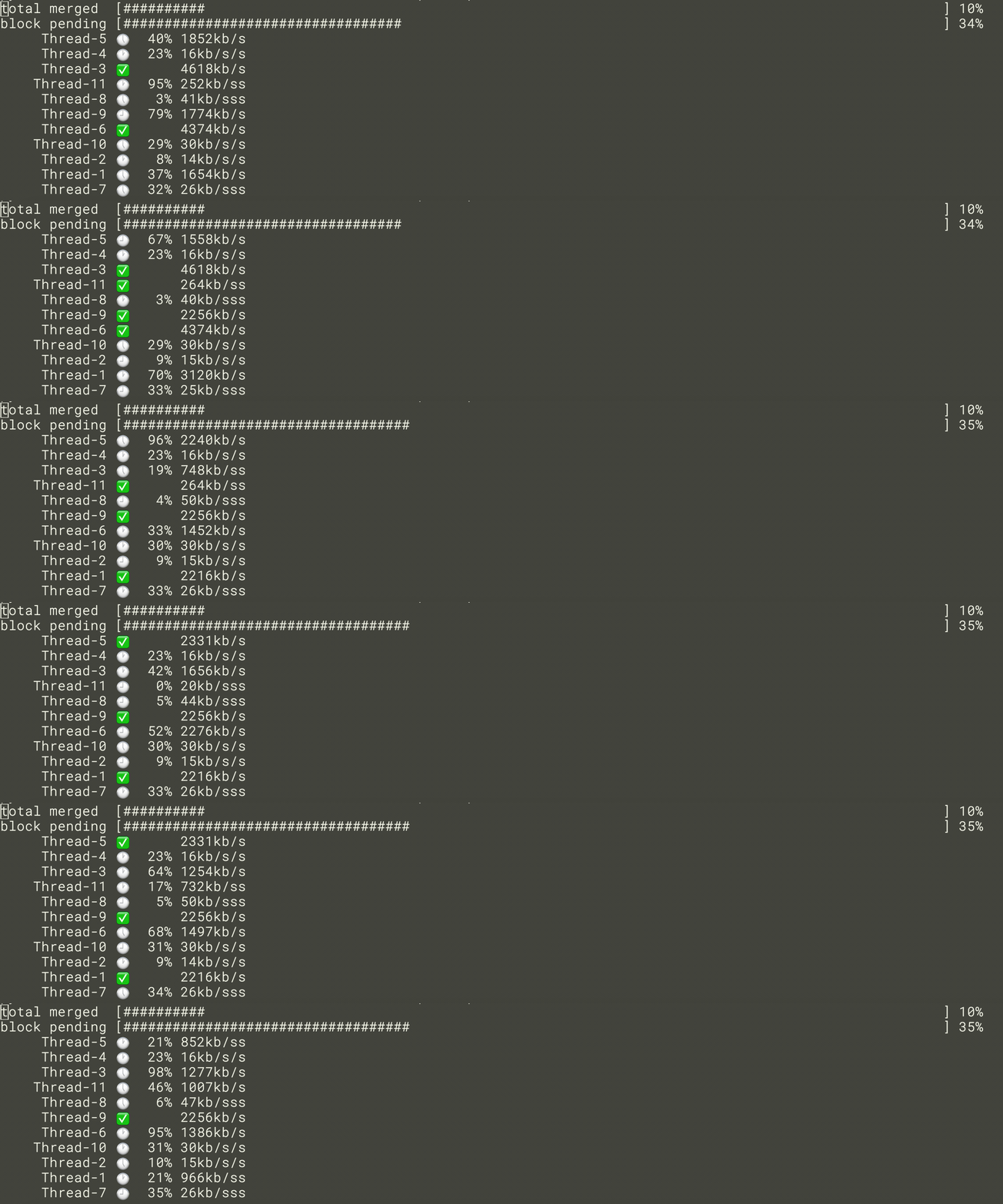
Install
since the name m3u8_dl is taken by other developer...
short it to m3_dl
pip3 install m3_dl
python version should be bigger than 3.7.1, my dev env is 3.7.1
Usage
m3_dl <m3u8_url> -o <dest>
ex:
# download to local file
m3_dl http://aaa.com/a.m3u8 -o ./a.mp4

# pipe it to mpv
m3_dl  https://you.tube-kuyun.com/20200210/1144_623a1fb3/index.m3u8 | mpv -

# pipe it to mpv and save to local
m3_dl  https://you.tube-kuyun.com/20200210/1144_623a1fb3/index.m3u8 | tee > ./a.mp4 | mpv -
Full Usage
usage: m3_dl [-h] [-o OUT_PATH] [-p PROXY] [-t THREADCOUNT] [-d] [-w] [-s]
             [--version] [-k]
             url

positional arguments:
  url                   url

optional arguments:
  -h, --help            show this help message and exit
  -o OUT_PATH, --out_path OUT_PATH
                        output path (default: None)
  -p PROXY, --proxy PROXY
                        for example: socks5h://127.0.0.1:5992 (default: None)

  -e KEY                custom decrypt key
  -t THREADCOUNT, --threadcount THREADCOUNT
                        thread count (default: 2)
  -d, --debug           debug info (default: False)
  -w, --overwrite       overwrite existed file (default: False)
  --version             show program's version number and exit
  -k, --ignore_certificate_verfication
                        ignore certificate verfication, don`t use this option
                        only if you know what you are doing! (default: False)
TODO
- enable redownlowd
- make it mitm compatiable
QA
Why still can't I download m3u8 even though I got the correct m3u8 content?
Sometimes m3u8 file is not enough for m3_dl to donwload, cause the key is protected by user credential or whatever.
You need to get the key somehow. and tell m3_dl by -e option.
1 maintainer

Metadata
1 maintainer
Release files for m3-dl 0.0.39
For a detailed explanation of source distributions (sdists) and built distributions (wheels), please see the package formats documentation.
Built distribution (wheel)
| File | Interpreter | ABI | Platform | Actions Reset |
|---|---|---|---|---|
| m3_dl-0.0.39-py2.py3-none-any.whl | Python 3, Python 2 | none | any | Details for m3_dl-0.0.39-py2.py3-none-any.whl |
Release files / m3_dl-0.0.39-py2.py3-none-any.whl
| Download URL | m3_dl-0.0.39-py2.py3-none-any.whl |
|---|---|
| Size | 10.9 kB |
| Tags | Python 2 Python 3 |
|
SHA-256 checksum How to use checksums |
f5bb318d1475828910e0d987997eef7df4fe9bee26afc794cb41c5536d9f5637
|
|
BLAKE2b-256 checksum How to use checksums |
c40dae3932f9574d461e27d598e41a14e703b07b28aa98871702d06ccd67da0b
|
| Upload date | |
|
Uploaded using Trusted Publishing? What is trusted publishing? |
No |
| Uploaded via |
twine/2.0.0 pkginfo/1.4.2 requests/2.23.0 setuptools/40.6.3 requests-toolbelt/0.9.1 tqdm/4.28.1 CPython/3.7.2
|
Security for m3-dl 0.0.39
Provenance
Provenance describes where a file came from. On PyPI, provenance is shared via attestations, which provide a verifiable record of the build or publishing details. View details, limitations and caveats.
No provenance found
None of the files in this release were uploaded with provenance metadata.
A note on package security
PyPI is a repository for distributing packages, not a service for auditing them. While third-party security researchers and our staff do their best to detect and remove malicious packages, PyPI cannot guarantee the quality, security or suitability of any given package.
To learn more about protecting yourself from malicious actors, visit our package security documentation.














