



Documentation: https://jorricks.github.io/macos-notifications/
Source Code: https://github.com/Jorricks/macos-notifications
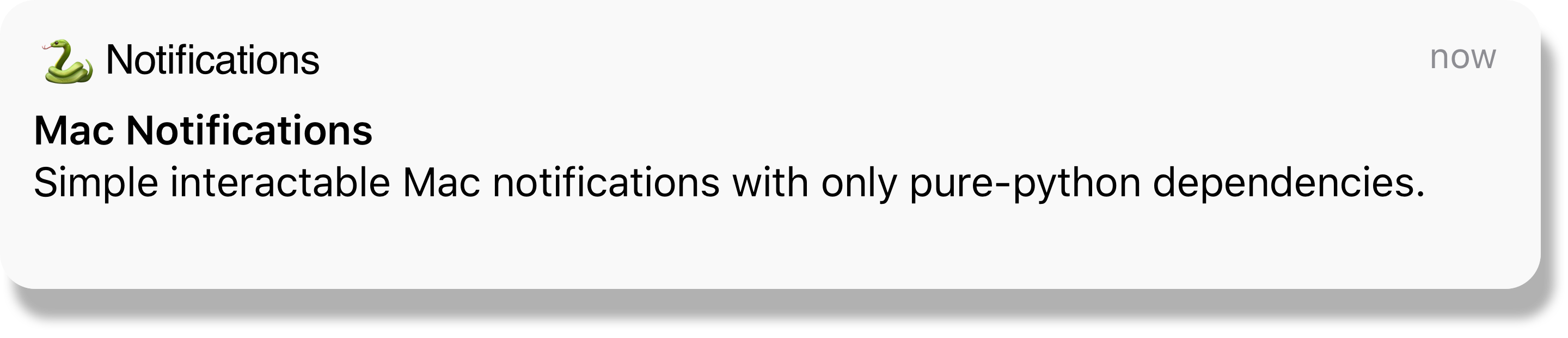
mac-notification is a Python library to make it as easy as possible to create interactable notifications.
Installation
To use macos-notifications, first install it using pip:
pip install macos-notifications
Features
- 🚀 Easy python interface. It's as simple as '
client.create_notification(title="Meeting starts now!", subtitle="Team Standup")' - 💥 Ability to add action buttons with callbacks!
- 📝 Ability to reply to notifications!
- ⌚ Delayed notifications.
- ⏱️ Automatically time out the notification listener.
- 📦 Just
pyobjcas a dependency.
Example
from functools import partial
from mac_notifications import client

if __name__ == "__main__":
    client.create_notification(
        title="Meeting starts now!",
        subtitle="Team Standup",
        icon="/Users/jorrick/zoom.png",
        sound="Frog",
        action_button_str="Join zoom meeting",
        action_callback=partial(join_zoom_meeting, conf_number=zoom_conf_number)
    )
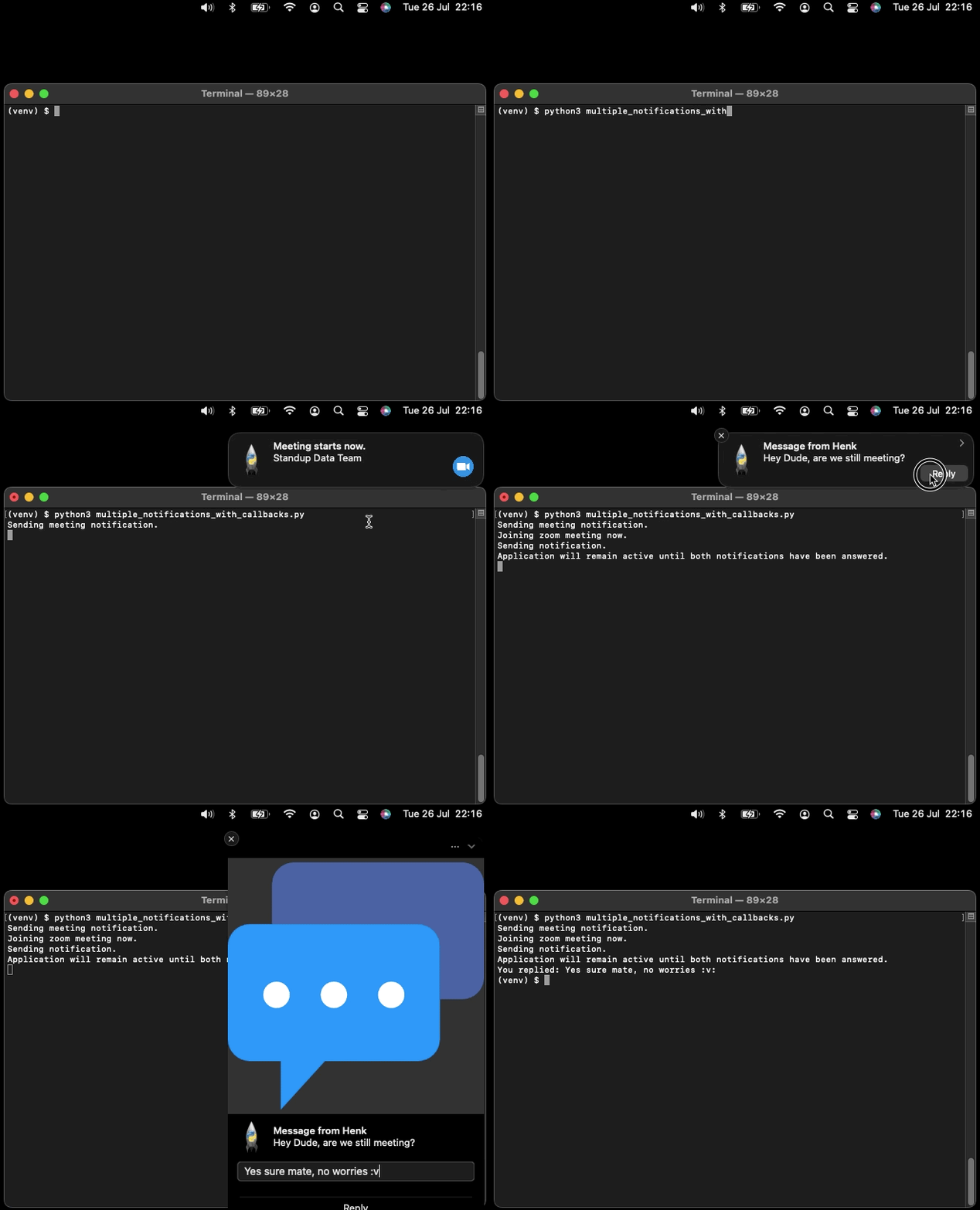
A simple example. Please look in the docs for more examples like this:
Why did you create this library?
I wanted a library that did not depend on any non-python tools (so you had to go around and install that). Instead, I wanted a library where you install the pip packages, and you are done. Later I realised how hard it was to integrate correctly with PyOBJC. Also, I had a hard time finding any examples on how to easily integrate this in a non-blocking fashion with my tool. Hence, I figured I should set it up to be as user-friendly as possible and share it with the world ;)!
Limitations
Although there are some limitations, there is no reason to not use it now :v:.
- You need to keep your application running while waiting for the callback to happen.
- We do not support raising notifications from anything but the main thread. If you wish to raise it from other threads, you need to set up a communication channel with the main thread, which in turn than raises the notification.
- Currently, we are only supporting the old deprecated user notifications. If you wish to use the new implementation, please feel free to propose an MR.
- You can not change the main image of the notification to be project specific. You can only change the Python interpreter image, but that would impact all notifications send by Python.
1 maintainer

Metadata
1 maintainer
Release files for macos-notifications 0.2.1
For a detailed explanation of source distributions (sdists) and built distributions (wheels), please see the package formats documentation.
Source distribution (sdist)
| File | Size | Uploaded | |
|---|---|---|---|
| macos_notifications-0.2.1.tar.gz | 619.2 kB | Details |
Built distribution (wheel)
| File | Interpreter | ABI | Platform | Reset |
|---|---|---|---|---|
| macos_notifications-0.2.1-py3-none-any.whl | Python 3 | none | any | Details |
Total release size: 630.9 kB
Release files / macos_notifications-0.2.1.tar.gz
| Download URL | macos_notifications-0.2.1.tar.gz |
|---|---|
| Size | 619.2 kB |
| Tags | Source |
|
SHA-256 checksum How to use checksums |
833cb4776f72c399cea303fd21748fafbe278e5555a3858121cc6fafcc363ee1
|
|
BLAKE2b-256 checksum How to use checksums |
72902f3c9d3f7674c6d0e4113b3cb5632870f5dfaff177846f5ea4e8ad795ad0
|
| Upload date | |
|
Uploaded using Trusted Publishing? What is trusted publishing? |
No |
| Uploaded via |
python-requests/2.32.3
|
Release files / macos_notifications-0.2.1-py3-none-any.whl
| Download URL | macos_notifications-0.2.1-py3-none-any.whl |
|---|---|
| Size | 11.7 kB |
| Tags | Python 3 |
|
SHA-256 checksum How to use checksums |
925df16126d861b0d78888e401c648e537ff89f334e8c8e899babf455f8b950c
|
|
BLAKE2b-256 checksum How to use checksums |
ba2e9d105211c1c4eb8d6f8fcfc0fc3ab2eaa6d6eaedf4868fb59c89a7e76e43
|
| Upload date | |
|
Uploaded using Trusted Publishing? What is trusted publishing? |
No |
| Uploaded via |
python-requests/2.32.3
|














