





Documentation | Tutorials | Gallery | llms.txt | Genome Biology
Marsilea: Declarative creation of composable visualization
Marsilea builds complex annotated heatmaps, oncoprints, UpSet plots, sequence logos and other composable visualizations in Python — declaratively, on top of Matplotlib.
Quickstart (8 lines)
import numpy as np
import marsilea as ma
import marsilea.plotter as mp

data = np.random.default_rng(0).standard_normal((10, 10))

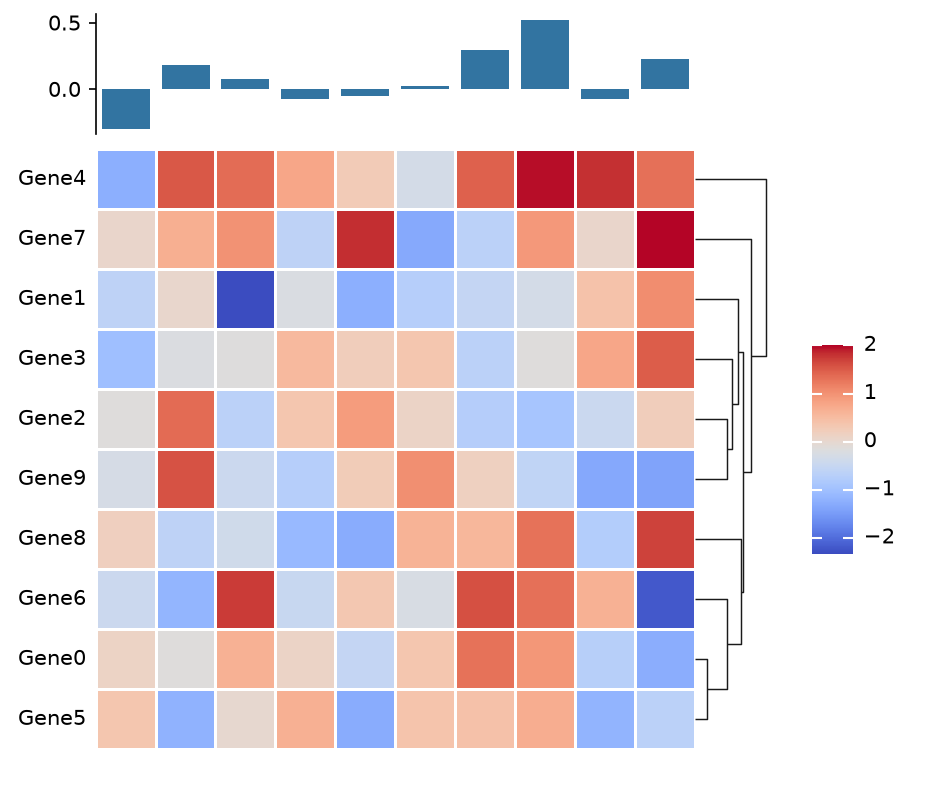
h = ma.Heatmap(data, linewidth=0.5, height=4, width=4)
h.add_top(mp.Bar(data.mean(axis=0)), size=0.8, pad=0.1)
h.add_left(mp.Labels([f"Gene{i}" for i in range(10)]), pad=0.05)
h.add_dendrogram("right")
h.add_legends()
h.render()
|
|
Add a bar chart on top, labels on the left, a dendrogram on the right. Each side is just another building block. → Full tutorial
Using scanpy/scverse? Marsilea has an official how-to in the scanpy documentation: Plotting with Marsilea
Installation
PyPI
pip install marsilea
Conda
conda install -c conda-forge marsilea
Use with Agents
Marsilea ships an official agentic skill:
Claude Code
/plugin marketplace add Marsilea-viz/marsilea-skill
/plugin install marsilea@marsilea-marketplace
For other agents, simply ask the agent to install the skill for you.
Once installed, the skill activates automatically whenever you ask Claude for a composable visualization. Marsilea itself still needs to be installed in your Python environment (see above). See the marsilea-skill repository, or Use Marsilea with AI assistants for other assistants and the machine-readable llms.txt.
What is Composable Visualization?

When we do visualization, we often need to combine multiple plots to show different aspects of the data. For example, we may need to create a heatmap to show the expression of genes in different cells, and then create a bar chart to show the expression of genes in different cell types. A visualization contains multiple plots is called a composable visualization. In Marsilea, we employ a declarative approach for user to create composable visualization incrementally.
Examples
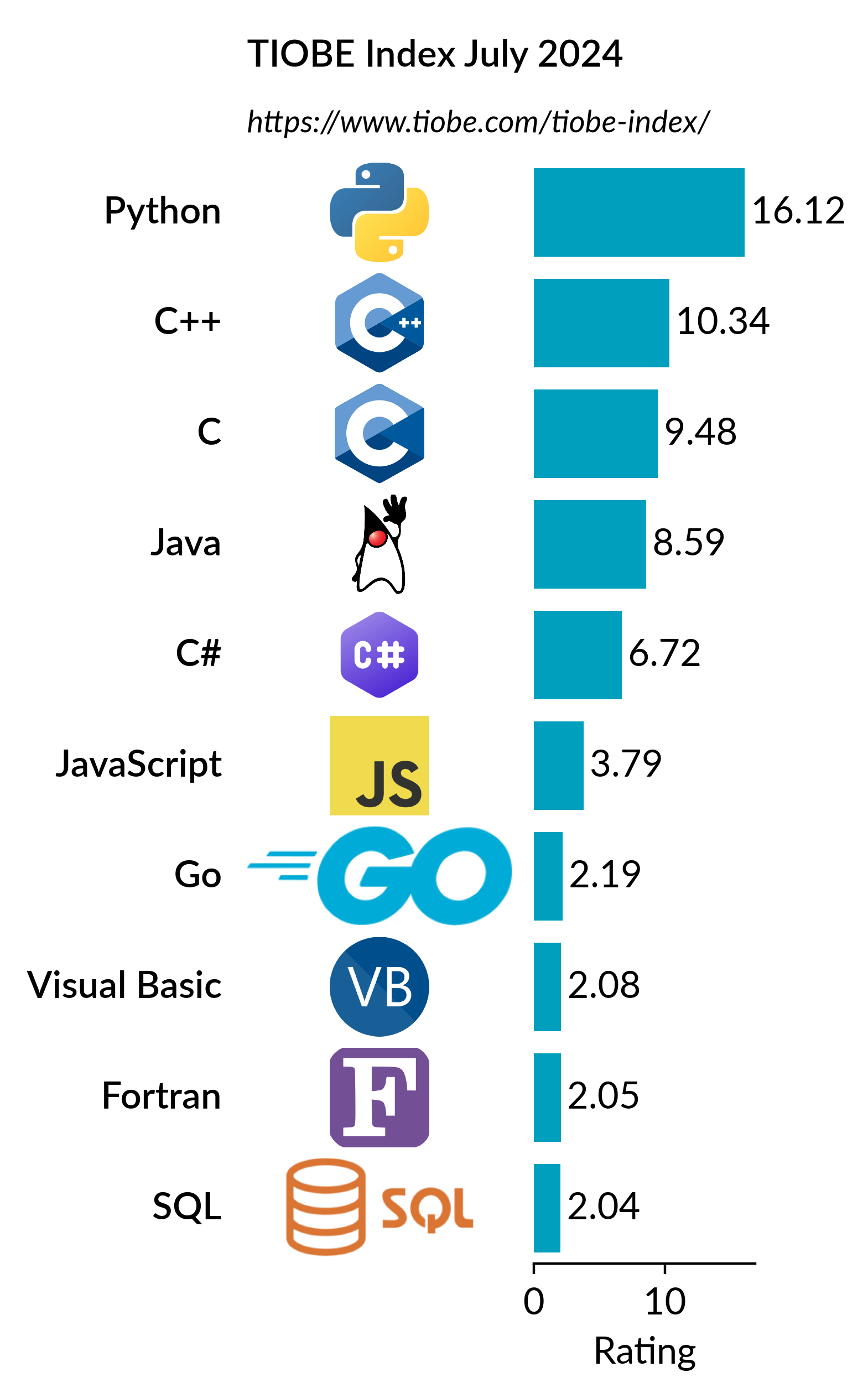
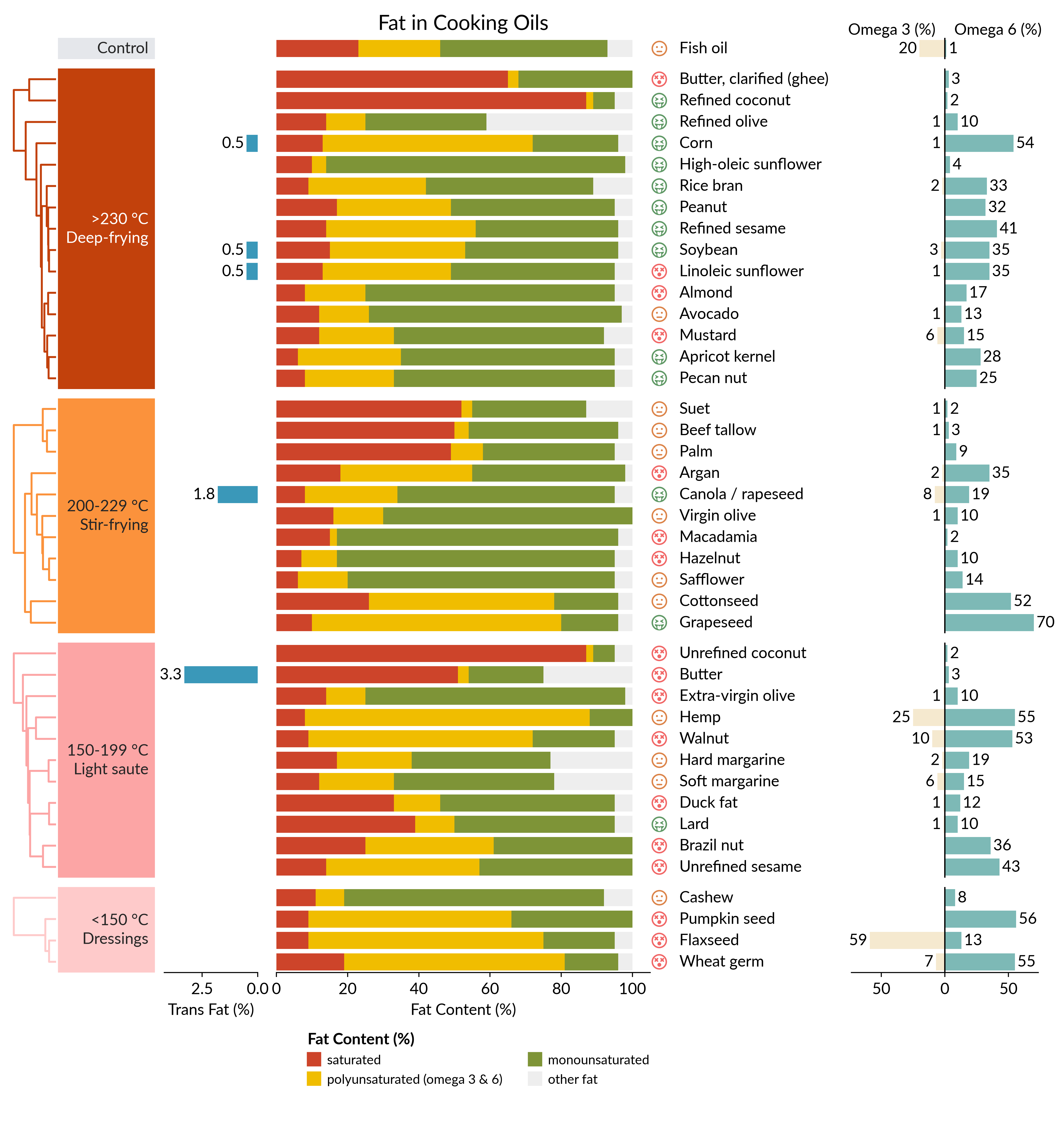
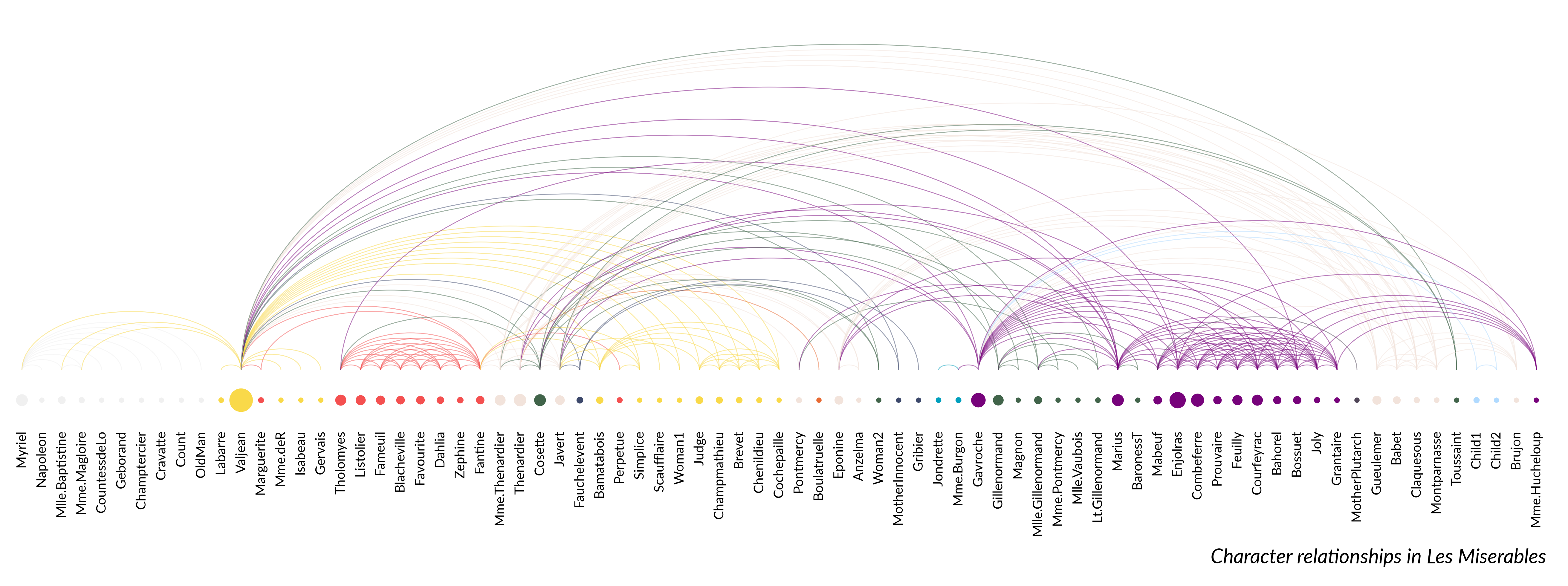
| Bar chart with images | Stacked bar chart | Arc diagram |
|---|---|---|
|
|
|
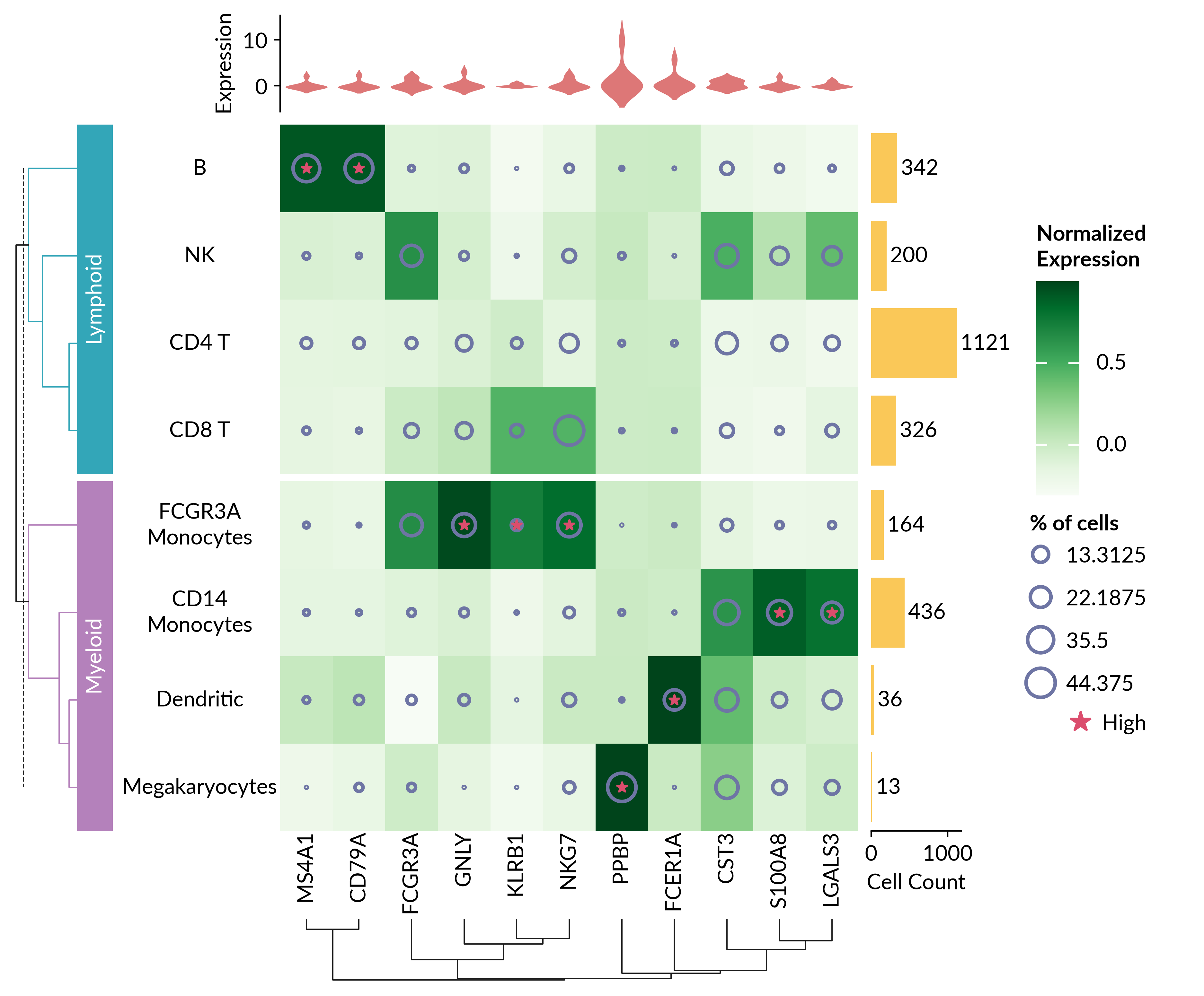
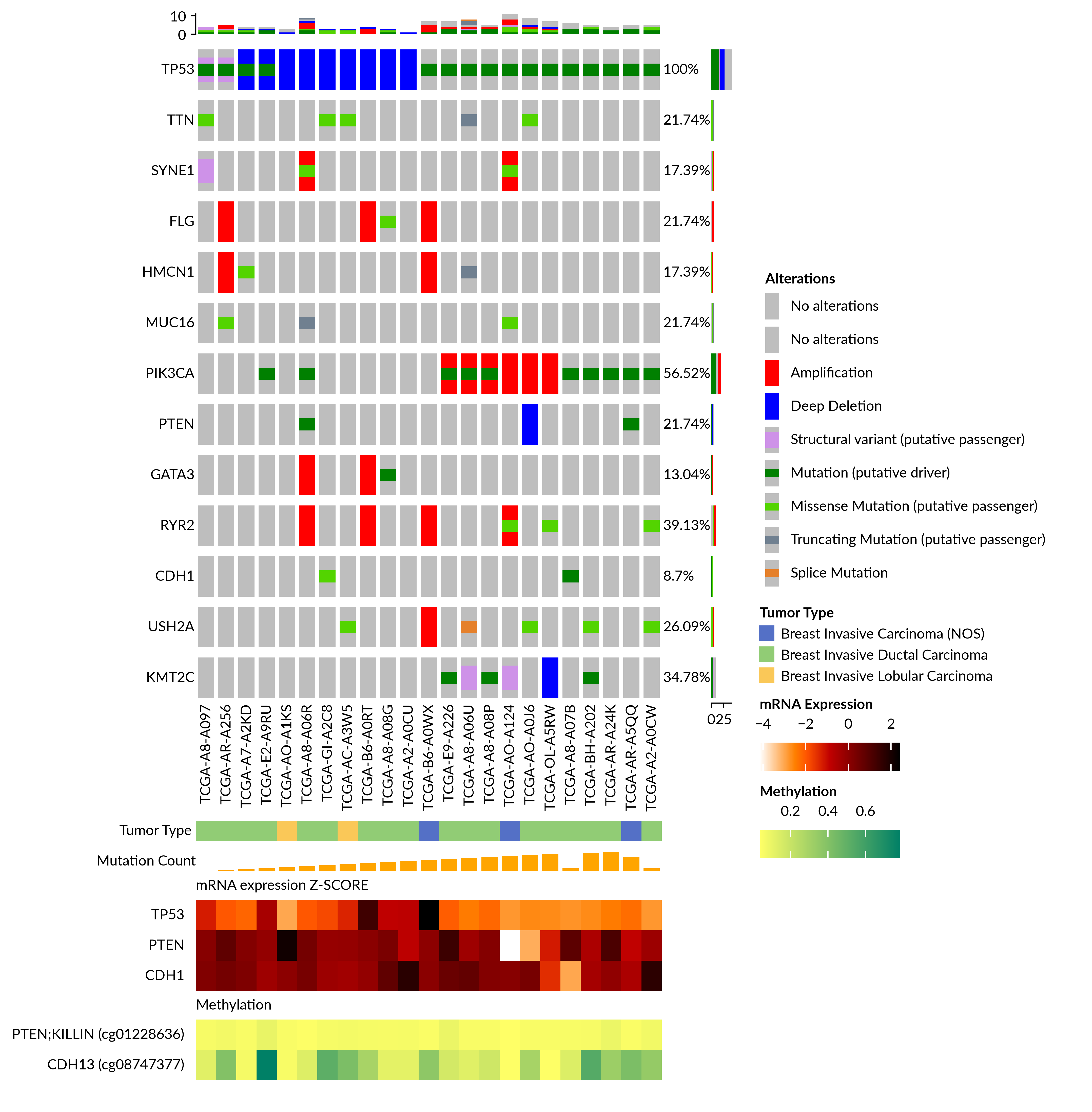
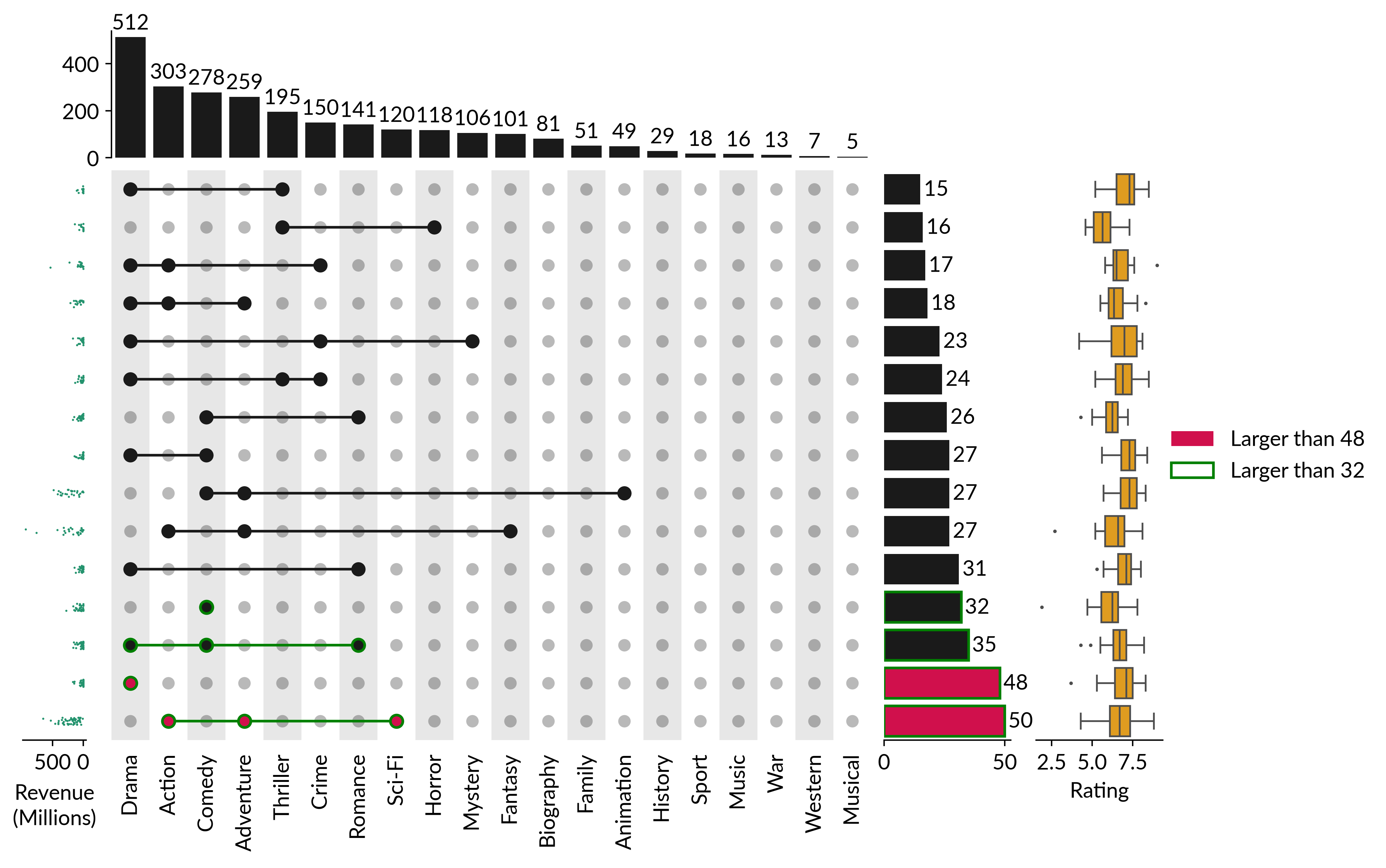
| Single-cell RNA-seq heatmap | Oncoprint | UpSet plot |
|---|---|---|
|
|
|
Citation
If you use Marsilea in your research, please cite the following:
Marsilea: an intuitive generalized paradigm for composable visualizations
Yimin Zheng, Zhihang Zheng, André F. Rendeiro & Edwin Cheung
Genome Biology 2025 Jan 06. DOI: 10.1186/s13059-024-03469-3
Getting help
Found a bug or have a question? Open an issue.
1 maintainer

Metadata
1 maintainer
Release files for marsilea 0.8.1
For a detailed explanation of source distributions (sdists) and built distributions (wheels), please see the package formats documentation.
Source distribution (sdist)
| File | Size | Uploaded | Provenance | Actions |
|---|---|---|---|---|
| marsilea-0.8.1.tar.gz | 110.5 kB | Without provenance | Details for marsilea-0.8.1.tar.gz |
Built distribution (wheel)
| File | Interpreter | ABI | Platform | Actions Reset |
|---|---|---|---|---|
| marsilea-0.8.1-py3-none-any.whl | Python 3 | none | any | Details for marsilea-0.8.1-py3-none-any.whl |
Total release size: 234.4 kB
Release files / marsilea-0.8.1.tar.gz
| Download URL | marsilea-0.8.1.tar.gz |
|---|---|
| Size | 110.5 kB |
| Tags | Source |
|
SHA-256 checksum How to use checksums |
9c717bbad18183e78bf912669b6743dfa4cfaa772687578b69af7d777dd53a61
|
|
BLAKE2b-256 checksum How to use checksums |
987d9f363524e27b64c185c3f0a2d510e386980affdde56a8a37ba3992ac5554
|
| Upload date | |
|
Uploaded using Trusted Publishing? What is trusted publishing? |
Yes |
| Uploaded via |
uv/0.12.5 {"installer":{"name":"uv","version":"0.12.5","subcommand":["publish"]},"python":null,"implementation":{"name":null,"version":null},"distro":{"name":"Ubuntu","version":"24.04","id":"noble","libc":null},"system":{"name":null,"release":null},"cpu":null,"openssl_version":null,"setuptools_version":null,"rustc_version":null,"ci":true}
|
Release files / marsilea-0.8.1-py3-none-any.whl
| Download URL | marsilea-0.8.1-py3-none-any.whl |
|---|---|
| Size | 123.9 kB |
| Tags | Python 3 |
|
SHA-256 checksum How to use checksums |
5a941b5d5fd293af664b7807f399b6b72db7a6fcd40eea315aadd6f6b5753a91
|
|
BLAKE2b-256 checksum How to use checksums |
99e0f0ca9b23581803ca7f67a56b48e5f40e9dfeb6df3f6260cfc74012be3169
|
| Upload date | |
|
Uploaded using Trusted Publishing? What is trusted publishing? |
Yes |
| Uploaded via |
uv/0.12.5 {"installer":{"name":"uv","version":"0.12.5","subcommand":["publish"]},"python":null,"implementation":{"name":null,"version":null},"distro":{"name":"Ubuntu","version":"24.04","id":"noble","libc":null},"system":{"name":null,"release":null},"cpu":null,"openssl_version":null,"setuptools_version":null,"rustc_version":null,"ci":true}
|
Security for marsilea 0.8.1
Provenance
Provenance describes where a file came from. On PyPI, provenance is shared via attestations, which provide a verifiable record of the build or publishing details. View details, limitations and caveats.
No provenance found
None of the files in this release were uploaded with provenance metadata.
A note on package security
PyPI is a repository for distributing packages, not a service for auditing them. While third-party security researchers and our staff do their best to detect and remove malicious packages, PyPI cannot guarantee the quality, security or suitability of any given package.
To learn more about protecting yourself from malicious actors, visit our package security documentation.














