
MDCraft
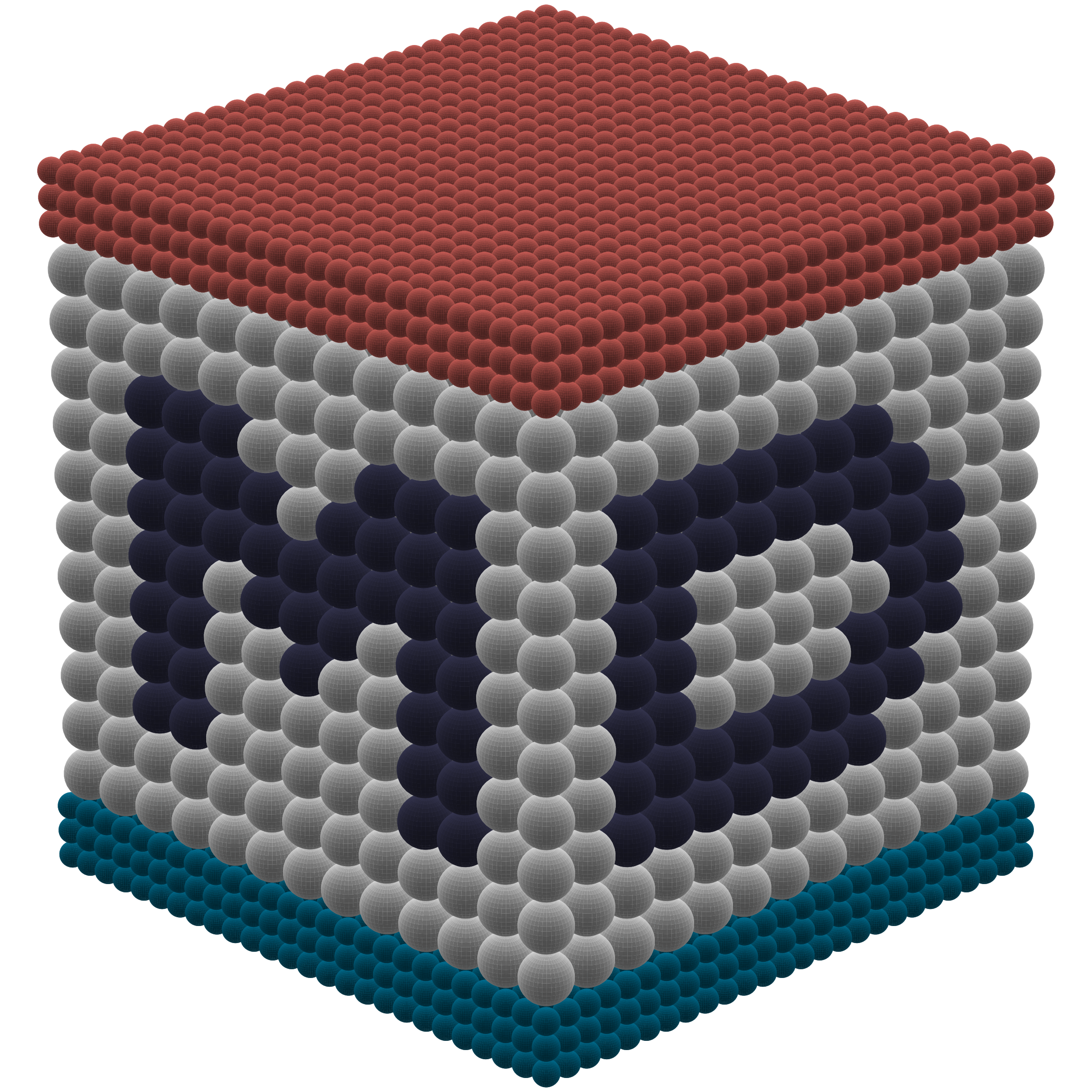



MDCraft is a toolkit of analysis modules and helper functions for molecular dynamics (MD) simulations.
- Documentation: https://mdcraft.readthedocs.io/
- Conda: https://anaconda.org/bbye98/mdcraft
- Python Package Index (PyPI): https://pypi.org/project/mdcraft/
Features
algorithm: Efficient Numba, NumPy, and SciPy algorithms for data wrangling and evaluating structural and dynamical properties.analysis: Serial and parallel data analysis tools built on top of the MDAnalysis framework.fit: Two-dimensional curve fitting models for use with SciPy.lammps: Helper functions for setting up LAMMPS simulations.openmm: Extensions to the high-performance OpenMM toolkit, such as custom bond/pair potentials, support for NetCDF trajectories, and much more.plot: Settings and additional functionality for Matplotlib figures.
Benchmarks
The novel forcefield provided by MDCraft, Gaussian Core Model with smeared electrostatics (GCMe), provides multiple benefits discussed in more detail within our recent publication. Of note is the computational speed-up obtained from GCMe, especially when used in OpenMM:

The codes used to generate these benchmarks are provided in the associated repository.
Getting started
Prerequisites
If you use pip to manage your Python packages and plan on using the OpenMM simulation toolkit, you must compile and install OpenMM manually since OpenMM is not available in PyPI. See the "Compiling OpenMM from Source Code" section of the OpenMM User Guide for more information.
If you use Conda, it is recommended that you use the conda-forge channel to install dependencies. To make conda-forge the default channel, use
conda config --add channels conda-forge
Installation
MDCraft requires Python 3.9 or later.
For the most up-to-date version of MDCraft, clone the repository and install the package using pip:
git clone https://github.com/bbye98/mdcraft.git
cd mdcraft
python3 -m pip install -e .
Alternatively, MDCraft is available on Conda:
conda install bbye98::mdcraft
and PyPI:
python3 -m pip install mdcraft
Postrequisites
To use the method of image charges
(mdcraft.openmm.system.add_image_charges()) in your OpenMM
simulations, you must compile and install constvplugin or openmm-ic-plugin.
Tests
After installing, to run the MDCraft tests locally, use pytest:
pip install pytest
cd mdcraft
pytest
2 maintainers


Metadata
2 maintainers
Release files for mdcraft 1.3.2
For a detailed explanation of source distributions (sdists) and built distributions (wheels), please see the package formats documentation.
Source distribution (sdist)
| File | Size | Uploaded | |
|---|---|---|---|
| mdcraft-1.3.2.tar.gz | 181.9 kB | Details |
Built distribution (wheel)
| File | Interpreter | ABI | Platform | Reset |
|---|---|---|---|---|
| mdcraft-1.3.2-py3-none-any.whl | Python 3 | none | any | Details |
Total release size: 356.8 kB
Release files / mdcraft-1.3.2.tar.gz
| Download URL | mdcraft-1.3.2.tar.gz |
|---|---|
| Size | 181.9 kB |
| Tags | Source |
|
SHA-256 checksum How to use checksums |
4b0af2d36905ec8ae4169a78ebefbe3f026a5ef1698edfe94a579233784ff7f2
|
|
BLAKE2b-256 checksum How to use checksums |
f60de37fbdb4d6701530d58406c145cdd3b645a9e40ba49e62b1c7bab33cdf73
|
| Upload date | |
|
Uploaded using Trusted Publishing? What is trusted publishing? |
No |
| Uploaded via |
twine/6.0.1 CPython/3.10.12
|
Release files / mdcraft-1.3.2-py3-none-any.whl
| Download URL | mdcraft-1.3.2-py3-none-any.whl |
|---|---|
| Size | 175.0 kB |
| Tags | Python 3 |
|
SHA-256 checksum How to use checksums |
fb1b1365895898b5e20d07b1882e7c9ba4e5ead68a995b42810fc9170be8c54d
|
|
BLAKE2b-256 checksum How to use checksums |
f5177f49a9072f984a38b6e9bec5685de3116b6ea956a396f91f10f99a85c585
|
| Upload date | |
|
Uploaded using Trusted Publishing? What is trusted publishing? |
No |
| Uploaded via |
twine/6.0.1 CPython/3.10.12
|














