
This release is a pre-release and may not be stable for production use.
Nautobot Firewall Models Plugin
A plugin for Nautobot that is meant to model layer 4 firewall policies and/or extended access control lists.
Future development will include the ability to onboard an existing access list from a device and the ability to generate device configuration.
Installation
The plugin is available as a Python package in PyPI and can be installed with pip:
pip install nautobot-firewall-models
The plugin is compatible with Nautobot 1.3.0 and higher
To ensure Nautobot Firewall Models Plugin is automatically re-installed during future upgrades, create a file named local_requirements.txt (if not already existing) in the Nautobot root directory (alongside requirements.txt) and list the nautobot-firewall-models package:
# echo nautobot-firewall-models >> local_requirements.txt
Once installed, the plugin needs to be enabled in your nautobot_config.py
# In your nautobot_config.py
PLUGINS = ["nautobot_firewall_models"]
Optional Settings
Models provided by this plugin have a status attribute and the default status is set to use active. This corresponds to the pre-built Nautobot Active Status object.
Use the default_status plugin configuration setting to change the default value for the status attribute.
PLUGINS_CONFIG = {
    "nautobot_firewall_models": {
        "default_status": "active"
        "allowed_status": ["active"], # default shown, `[]` allows all
        "capirca_remark_pass": True,
        "capirca_os_map": {
            "cisco_ios": "cisco",
            "arista_eos": "arista",
        },
        # "custom_capirca": "my.custom.func", # provides ability to overide capirca logic
    }
}
The value assigned to default_status must match the slug of an existing Nautobot Status object. That Status object must have all of the Firewall Models listed in the Content Type associations. See examples below on selecting the Content Type(s) when creating/editing a Status object and the pre-built Active Status with firewall content types added.
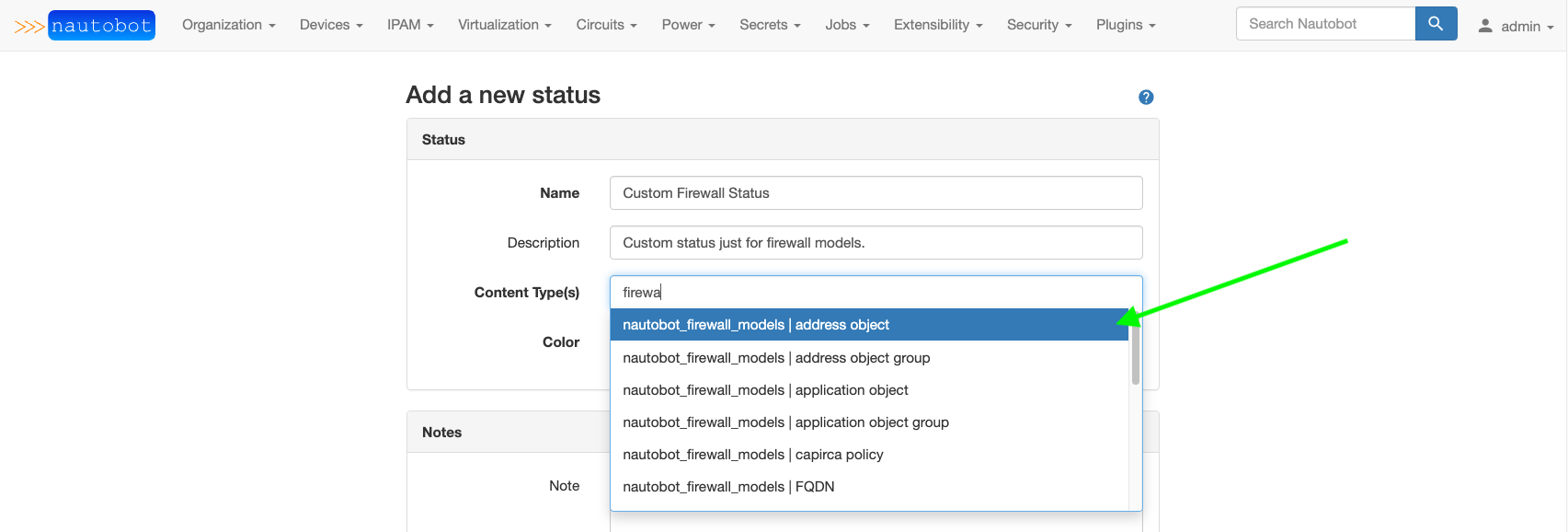
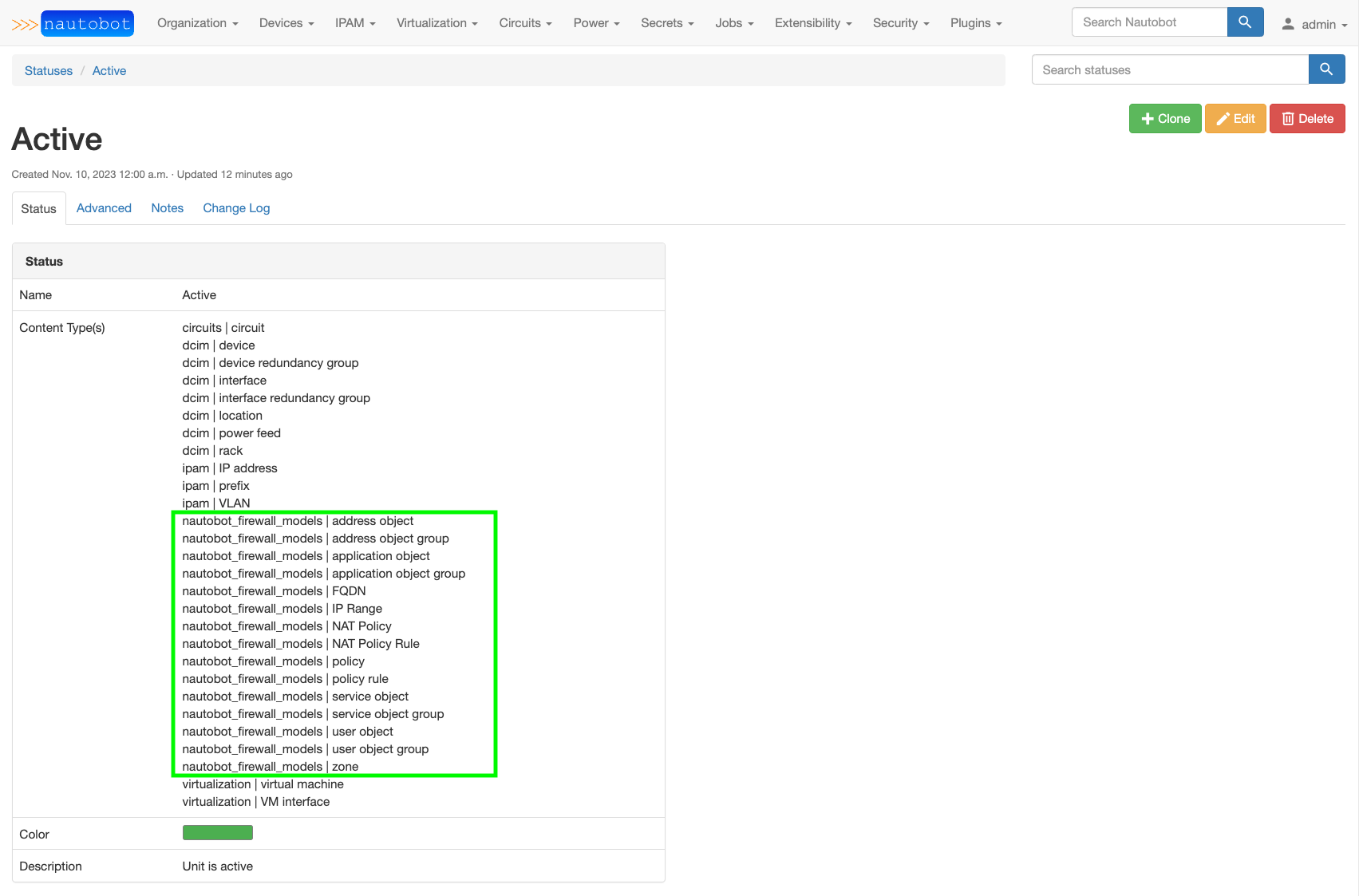
Screenshots
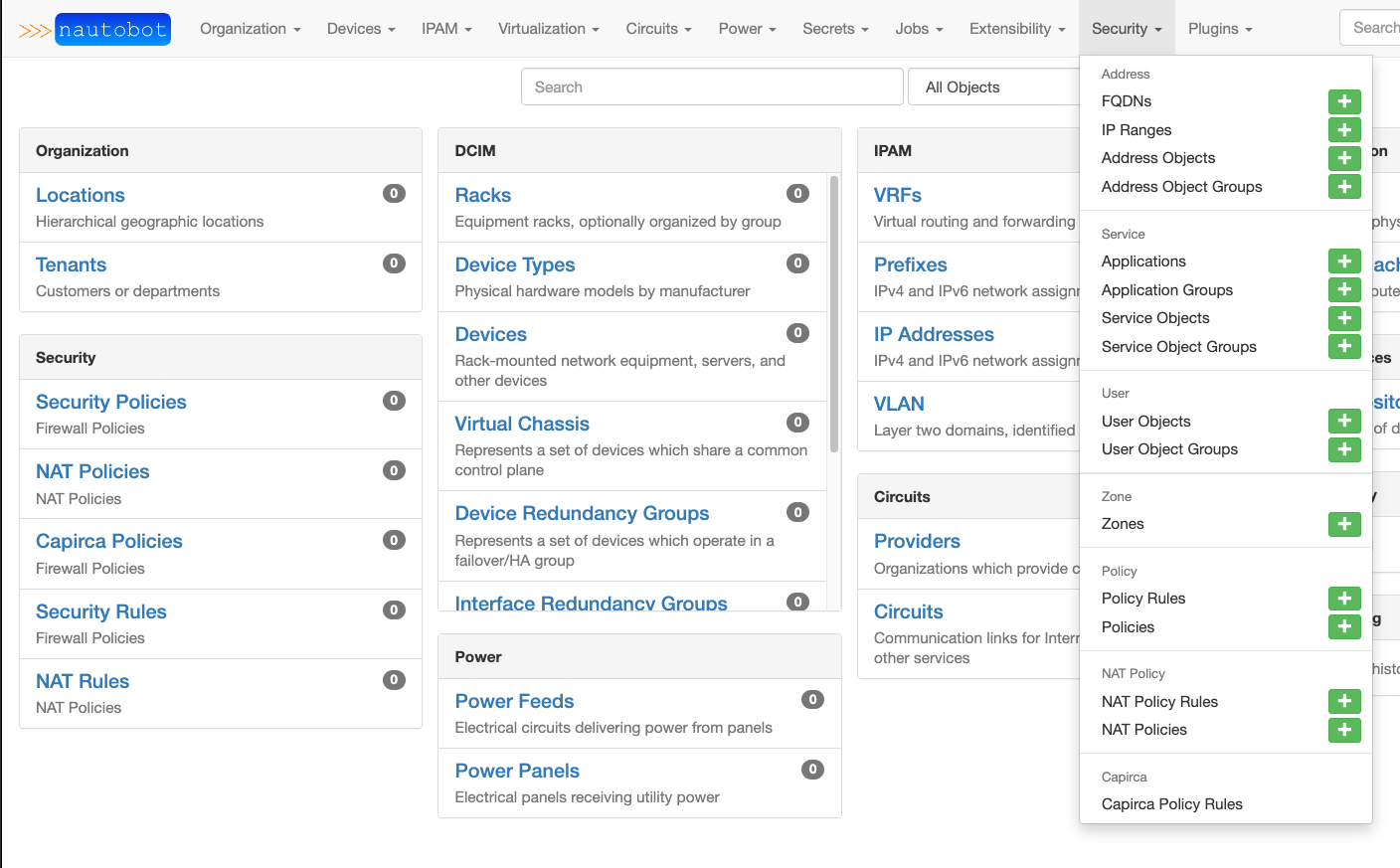
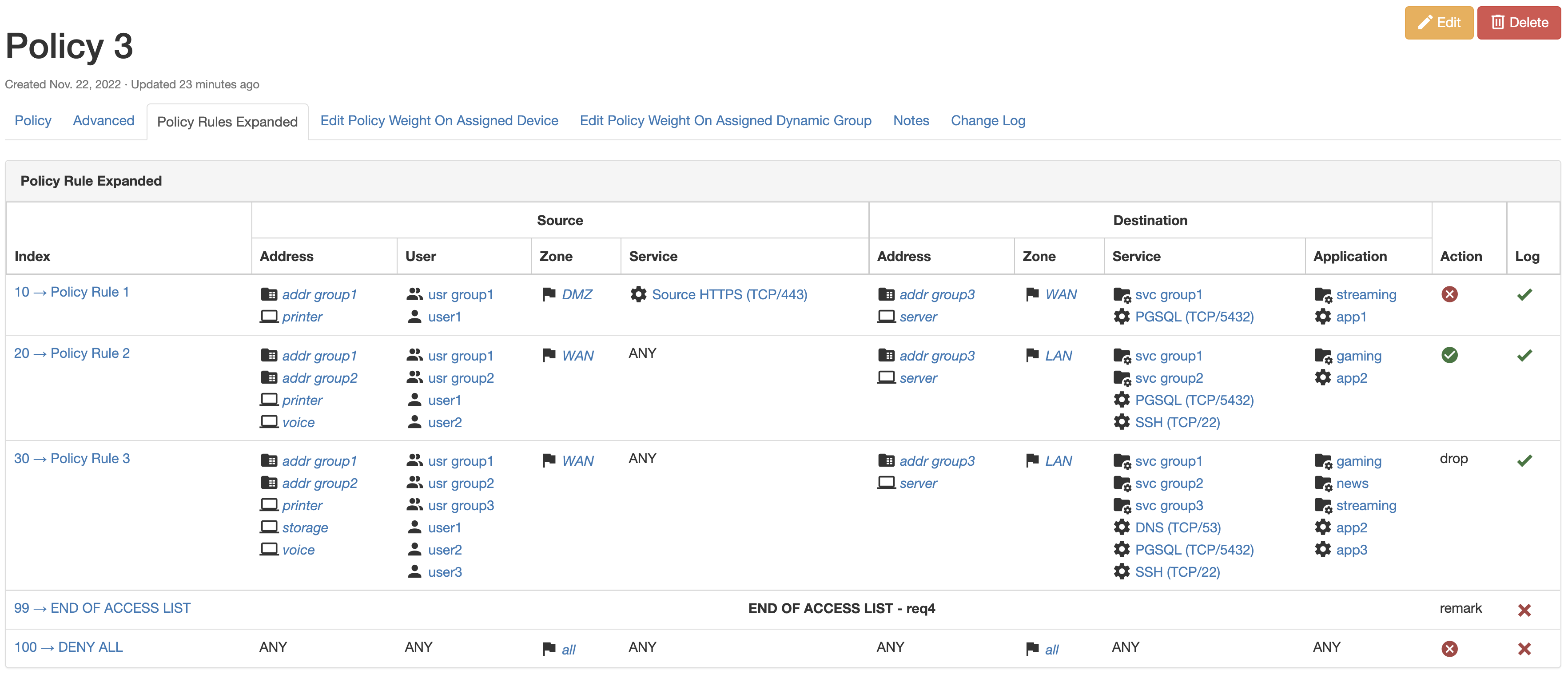
Documentation
Documentation is hosted on ReadTheDocs at Nautobot Firewall Models Plugin.
Contributing
Pull requests are welcomed and automatically built and tested against multiple version of Python and multiple version of Nautobot through TravisCI.
The project is packaged with a light development environment based on docker-compose to help with the local development of the project and to run the tests within TravisCI.
The project is following Network to Code software development guideline and is leveraging:
- Black, Pylint, Bandit and pydocstyle for Python linting and formatting.
- Django unit test to ensure the plugin is working properly.
Questions
For any questions or comments, please check the FAQ first and feel free to swing by the Network to Code slack channel (channel #networktocode). Sign up here
1 maintainer

Metadata
1 maintainer
Release files for nautobot-firewall-models 0.1.0b3
For a detailed explanation of source distributions (sdists) and built distributions (wheels), please see the package formats documentation.
Source distribution (sdist)
| File | Size | Uploaded | Provenance | Actions |
|---|---|---|---|---|
| nautobot-firewall-models-0.1.0b3.tar.gz | 52.8 kB | Without provenance | Details for nautobot-firewall-models-0.1.0b3.tar.gz |
Built distribution (wheel)
| File | Interpreter | ABI | Platform | Actions Reset |
|---|---|---|---|---|
| nautobot_firewall_models-0.1.0b3-py3-none-any.whl | Python 3 | none | any | Details for nautobot_firewall_models-0.1.0b3-py3-none-any.whl |
Total release size: 140.0 kB
Release files / nautobot-firewall-models-0.1.0b3.tar.gz
| Download URL | nautobot-firewall-models-0.1.0b3.tar.gz |
|---|---|
| Size | 52.8 kB |
| Tags | Source |
|
SHA-256 checksum How to use checksums |
158814380ab709d0cf2d7e436858157247f1172e7f2fa0f8a8cc07957dd516b6
|
|
BLAKE2b-256 checksum How to use checksums |
3c623126bb7498a5226a8755efa9c7401d9f6a981c90c61e146d7bdb329d233e
|
| Upload date | |
|
Uploaded using Trusted Publishing? What is trusted publishing? |
No |
| Uploaded via |
twine/4.0.1 CPython/3.9.13
|
Release files / nautobot_firewall_models-0.1.0b3-py3-none-any.whl
| Download URL | nautobot_firewall_models-0.1.0b3-py3-none-any.whl |
|---|---|
| Size | 87.2 kB |
| Tags | Python 3 |
|
SHA-256 checksum How to use checksums |
34314ae5a9bdf48ee4fabf1c2005accc6ab2cabf180b17de871ed5033fc69bb3
|
|
BLAKE2b-256 checksum How to use checksums |
9db455ebf9299ee3419c8fa0aea4d3f448b8a12c861cc5e2301b276b95ec9a16
|
| Upload date | |
|
Uploaded using Trusted Publishing? What is trusted publishing? |
No |
| Uploaded via |
twine/4.0.1 CPython/3.9.13
|
Security for nautobot-firewall-models 0.1.0b3
Provenance
Provenance describes where a file came from. On PyPI, provenance is shared via attestations, which provide a verifiable record of the build or publishing details. View details, limitations and caveats.
No provenance found
None of the files in this release were uploaded with provenance metadata.
A note on package security
PyPI is a repository for distributing packages, not a service for auditing them. While third-party security researchers and our staff do their best to detect and remove malicious packages, PyPI cannot guarantee the quality, security or suitability of any given package.
To learn more about protecting yourself from malicious actors, visit our package security documentation.














