
Welcome to Neurotech Development Kit



The Neurotech Development Kit (NDK) is an open-source, community-driven software library designed to lower the barrier of entry to the next generation of neurotechnology for current researchers and companies. It also enables software developers without access to hardware and human subjects to solve open problems in the field. The initial release of NDK provides support for transcranial focused ultrasound stimulation, along with comprehensive documentation, API flexibility, and 2D/3D visualizations. Future areas of interest may include photoacoustic and optical whole-brain imaging.
As a community-driven project, we encourage you to contribute code, feedback, and features to help accelerate the development of transformative neurotechnology.
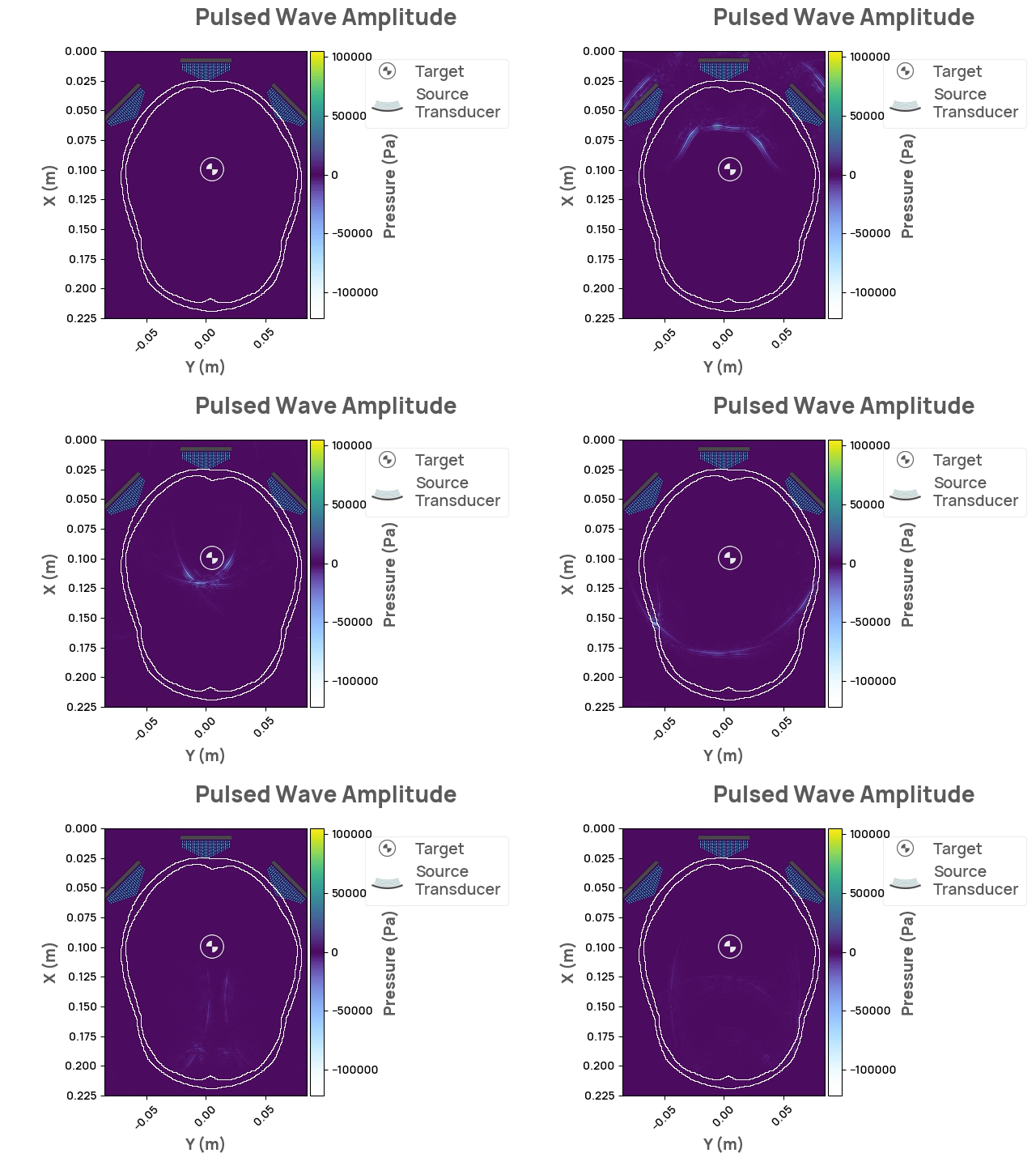
Check out the NDK documentation page.
Running
Docker
You can run neurotechdevkit inside a docker container with just a couple of steps:
-
Install docker
-
Run the following command:
docker run -p 8888:8888 -it ghcr.io/agencyenterprise/neurotechdevkit:latestThe command above will start a Jupyter notebook server with example notebooks you can use to explore
neurotechdevkit. Use the printed URL to open it in your browser or connect to it using your IDE.All changes you make to these files will be lost once you stop the docker container.
Note:
You can have persisting Jupyter notebooks by running
docker run -p 8888:8888 -v $(pwd)/notebooks:/ndk/notebooks -it ghcr.io/agencyenterprise/neurotechdevkit:latestThe command above will create a folder
notebooksin your current directory where you can put your jupyter notebooks.We recommend downloading the
.zipfile with example notebooks from this link, and extracting it into your localnotebooksfolder so you can access them from the docker.
Local installation
To install and run neurotechdevkit locally check the installation page.
Usage
import neurotechdevkit as ndk

scenario = ndk.scenarios.built_in.Scenario0()
scenario.make_grid()
scenario.compile_problem()
result = scenario.simulate_steady_state()
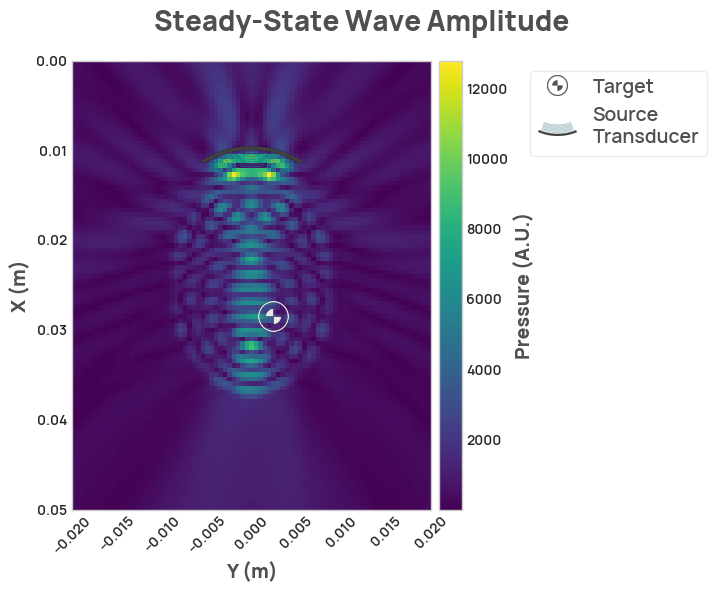
result.render_steady_state_amplitudes(show_material_outlines=False)
Acknowledgements
Thanks to Fred Ehrsam for supporting this project, Quintin Frerichs and Milan Cvitkovic for providing direction, and to Sumner Norman for his ultrasound and neuroscience expertise. Thanks to Stride for facilitating ultrasound simulations and providing an MIT license for usage within NDK, Devito for providing the backend solver, Napari for great 3D visualization, and to Jean-Francois Aubry, et al. for the basis of the simulation scenarios.
1 maintainer

Download files
Download the file for your platform. If you're not sure which to choose, learn more about installing packages.
Source Distribution
Built Distribution
Filter files by name, interpreter, ABI, and platform.
If you're not sure about the file name format, learn more about wheel file names.
Copy a direct link to the current filters
File details
Details for the file neurotechdevkit-0.6.11.tar.gz.
File metadata
- Download URL: neurotechdevkit-0.6.11.tar.gz
- Upload date:
- Size: 2.1 MB
- Tags: Source
- Uploaded using Trusted Publishing? No
- Uploaded via:
poetry/1.8.5 CPython/3.10.9 Linux/6.5.0-1025-azure
File hashes
| Algorithm | Hash digest | |
|---|---|---|
| SHA256 |
f01d06a0ed3f9eccf20a3a573daa8e4945b93f85d48fd1410598075835ed21ef
|
|
| MD5 |
4666337bed1a168269eaa66eaf49d18d
|
|
| BLAKE2b-256 |
0dbf8fced4982f0708e75812f2bae1b298f75b4a074f1cde8c8f889e1d7ffa07
|
File details
Details for the file neurotechdevkit-0.6.11-py3-none-any.whl.
File metadata
- Download URL: neurotechdevkit-0.6.11-py3-none-any.whl
- Upload date:
- Size: 2.2 MB
- Tags: Python 3
- Uploaded using Trusted Publishing? No
- Uploaded via:
poetry/1.8.5 CPython/3.10.9 Linux/6.5.0-1025-azure
File hashes
| Algorithm | Hash digest | |
|---|---|---|
| SHA256 |
6de1d64364c465453421a813323ddfe0b607d442f2bd7e56d247c2ccf8a30256
|
|
| MD5 |
bbd19199eec158fe26fd602f74db663b
|
|
| BLAKE2b-256 |
39a243bcc34d01ec838d5aaabd5f193ac1571e43bedc904da882c883e7f502d9
|














