
OSM2Rail
An open-source education tool for constructing modeling datasets of railway transportation
Authors: Jiawei Lu, Qian Fu, Zanyang Cui, Dr. Junhua Chen
Email: jiaweil9@asu.edu, q.fu@bham.ac.uk, zanyangcui@outlook.com, cjh@bjtu.edu.cn
Introduction
The python tool of OSM2Rail is an integrated and enhanced version of two python packages, namely OSM2GMNS and Pydriosm. The former aims to convert OpenStreetMap data to generic node and link files in GMNS format, and the latter aims to enable a batch process of downloading, reading and PostgreSQL-based I/O of OpenStreetMap data.
OSM2GMNS is currently developed and maintained by Jiawei Lu and Dr. Xuesong Zhou at Arizona State University. PyDriosm published by Dr. Qian Fu at Birmingham Centre for Railway Research and Education, University of Birmingham, is an open-source tool for researchers or practitioners to easily download and read OSM map data in popular file formats such as protocolbuffer binary format (PBF) and shapefile, which are available for free download from Geofabrik and BBBike. This package also provides a convenient way for PostgreSQL-based I/O and storage of parsed OSM data.
Integrating the data conversion and online data downloading capabilities from the above 2 packages, OSM2Rail allows users to rapidly obtain OSM data for a given set of areas and convert them to node, link, and poi files for further system modeling and optimization. Users are recommended to download OSM map data in .osm or .osm.pbf format and convert them to commonly used csv files.
Requirements
- bs4
- osmium
- shapely
- matplotlib
- fuzzywuzzy
- shapely
- pandas
- numpy
- requests
Features
- Download and parse OpenStreetMap (OSM) data in popular file formats such as protocolbuffer binary format (.osm.pbf) and XML format (.osm)
- Export railway elements from OSM data to node, link and poi files
- Support exporting railway elements with specified names
- Export railway elements as csv file in GMNS format
- Support QGIS to open output files
Installation
pip install osm2rail
Note For Windows users, the pip method might fail to install some dependencies. If errors occur when you try to install any of those dependencies, try instead to pip install their .whl files, which can be downloaded from the Unoffical Windows Binaries for Python Extension Packages.
Quick start
Step1: download OSM data from OSM
import osm2rail as orl
subarea_name = 'IHB Blue Island Yard'
download_dir = './osmfile'
osm_file=orl.download_osm_data_from_overpass(subarea_names=subarea_name,download_dir = download_dir,ret_download_path=True)
output:
The box of IHB_Blue_Island_Yard is ['41.6372039', '41.642362', '-87.6599743', '-87.6294597'] download progress:0.64 MB(0.64 MB) Done.
Step2: convert OSM data in .osm format to GMNS-rail network files
net=orl.get_network_from_file(filename=osm_file[0],POIs=True,check_boundary=True)
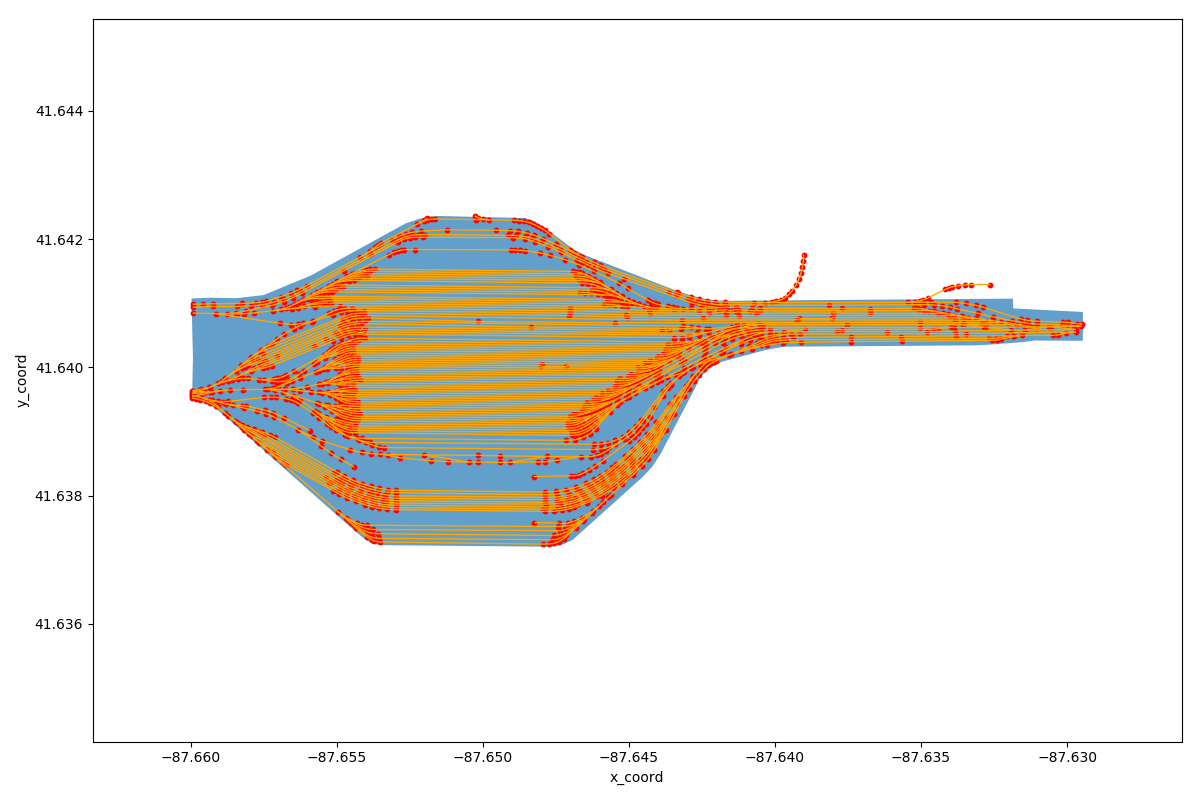
Step3: visualize rail network
orl.show_network(net)
output:
Step4: save rail network to CSV file
orl.save_network(net,output_folder='./csvfile')
Advance Usage
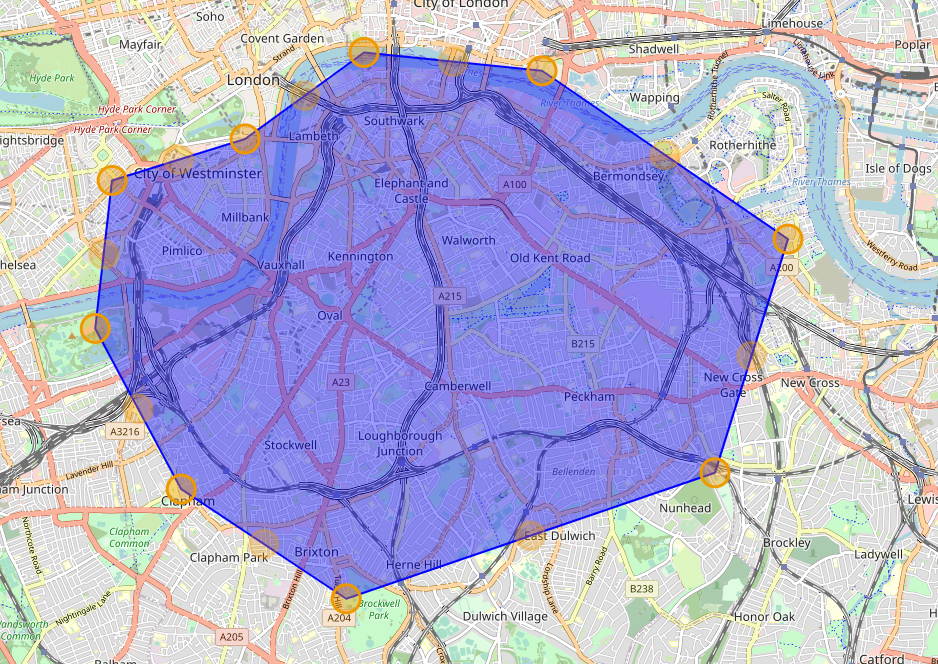
Step1: prepare an osm map file Here we manually downloaded the map file of the city of London through BBBike.
Step2: specify the railway element name and parse the railnetwork.
# net=orl.get_network_from_file(filename='./osmfile/London.osm',POIs=True)
# specify the railway element
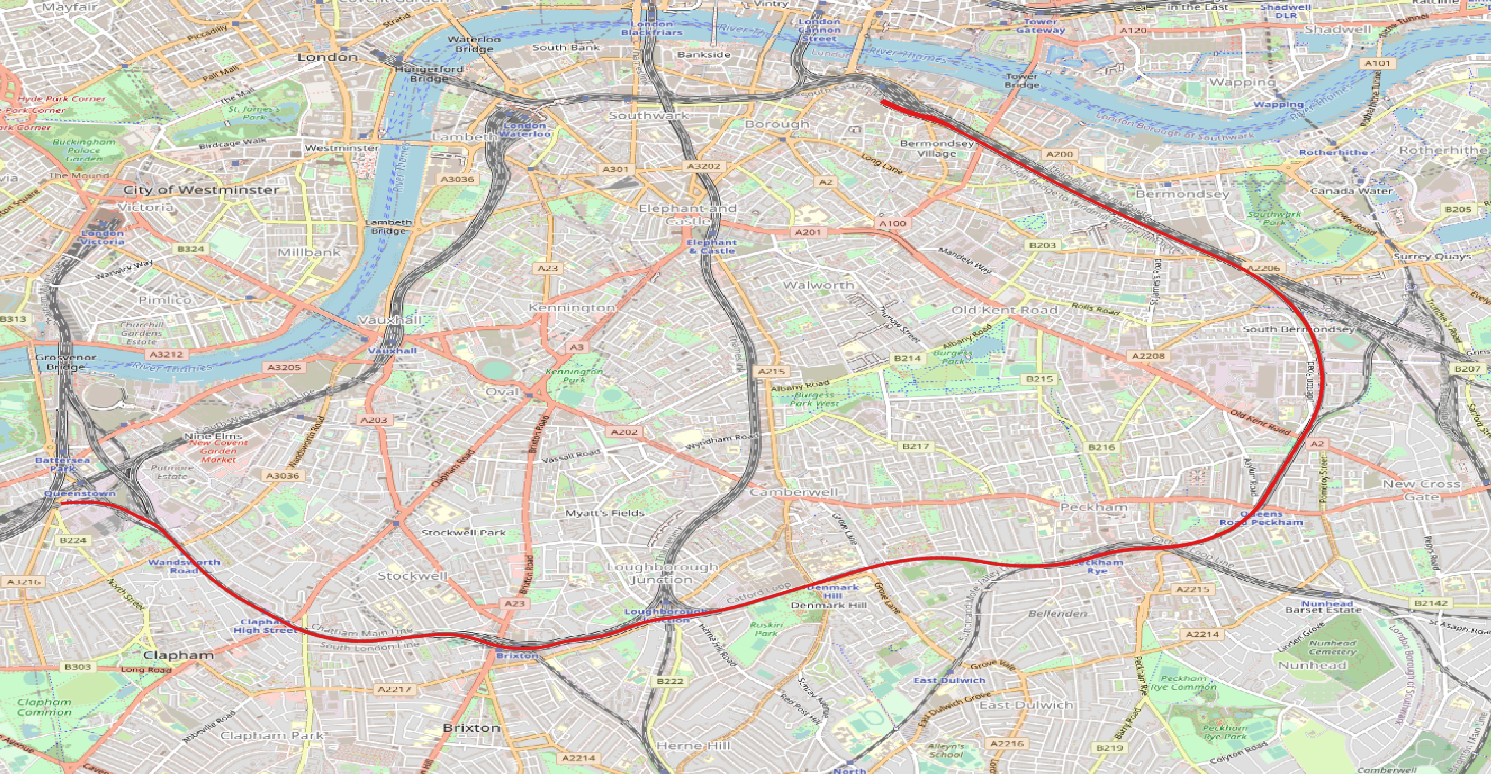
net=orl.get_network_from_file(filename='./osmfile/London.osm',POIs=True,target_elements=['South London Line'])
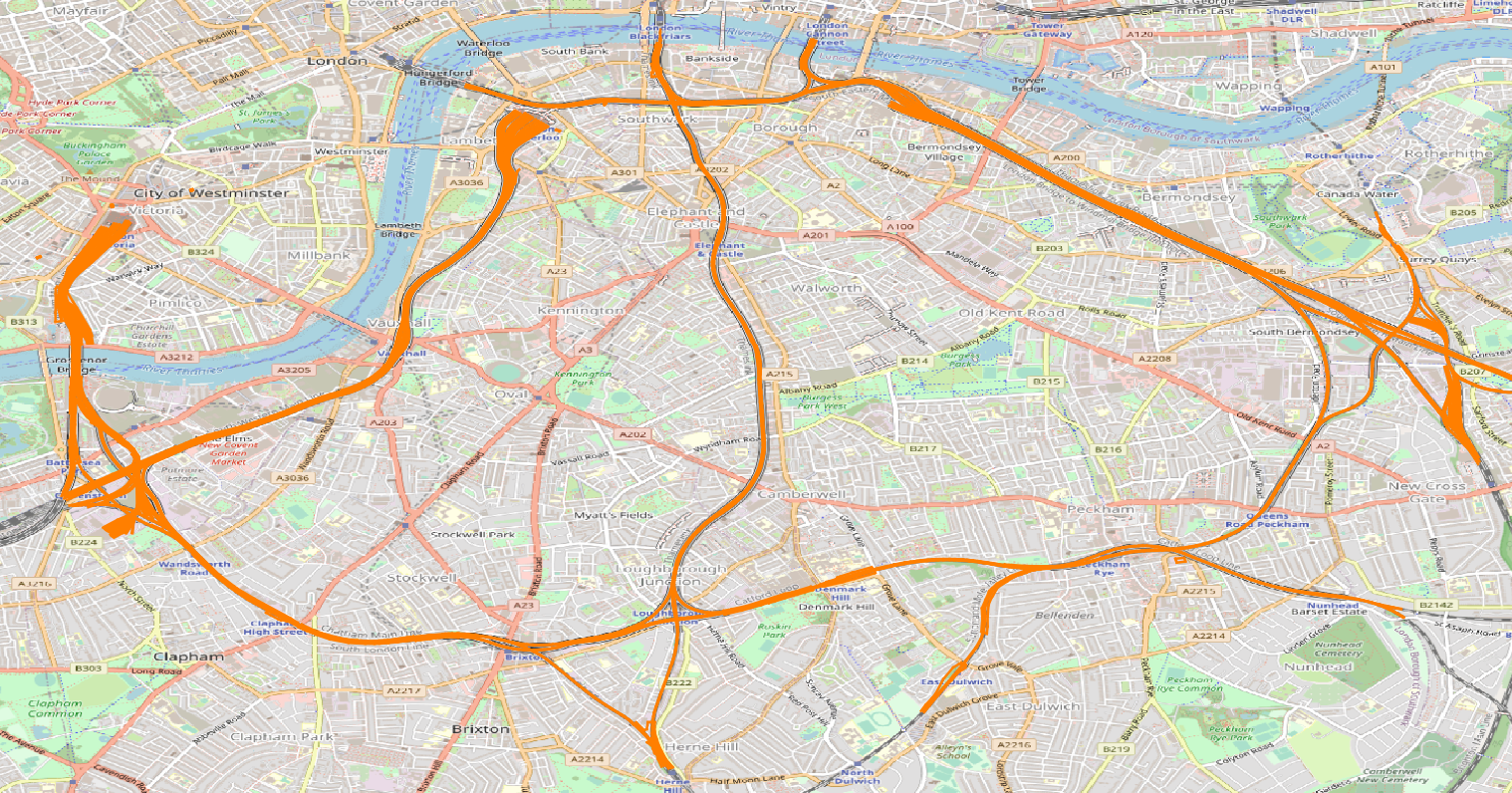
Step3: visualize rail network
orl.show_network(net)
output:
All rail lines:
South London Line:
orl.save_network(net,output_folder='./csvfile')
Sample Networks
Beijing-Tianjin Intercity Railway
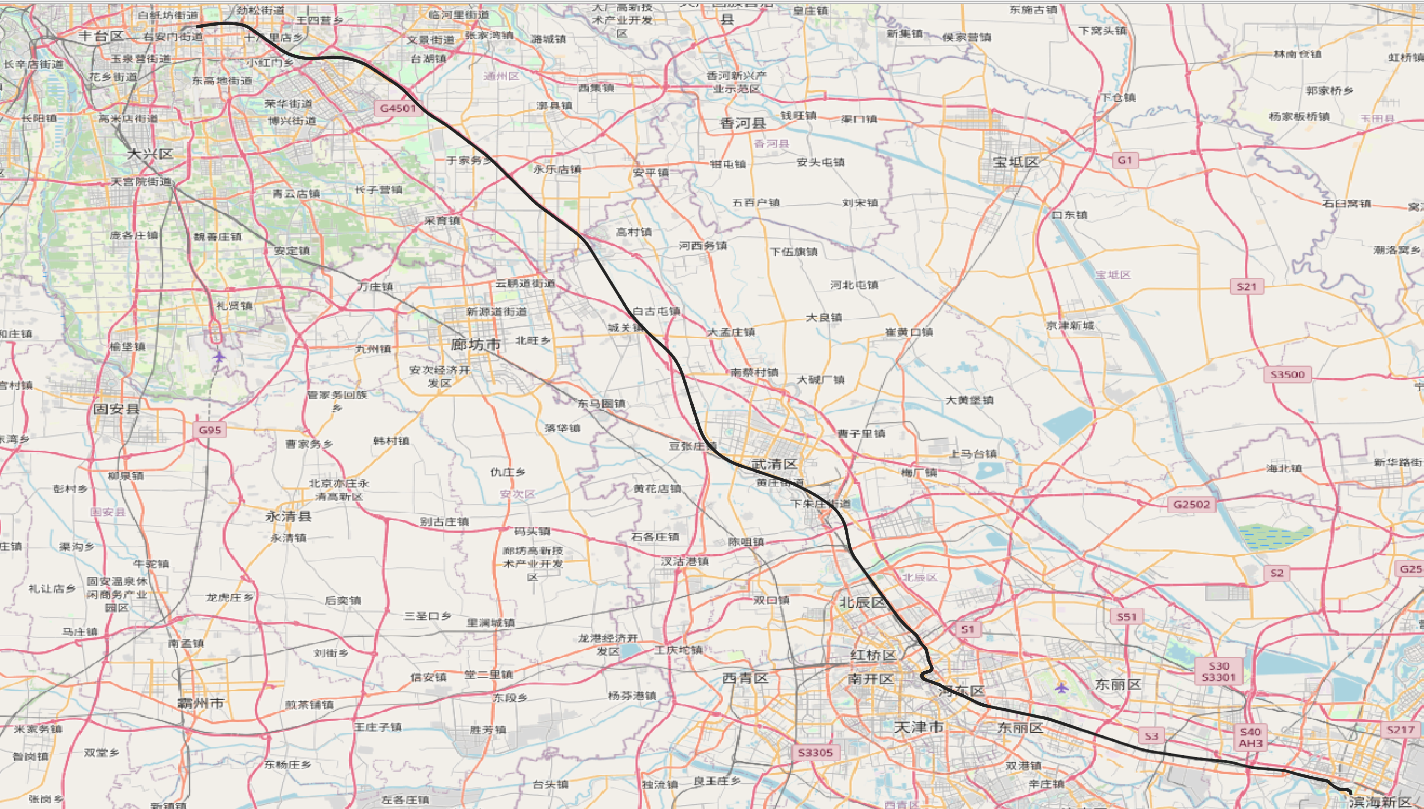
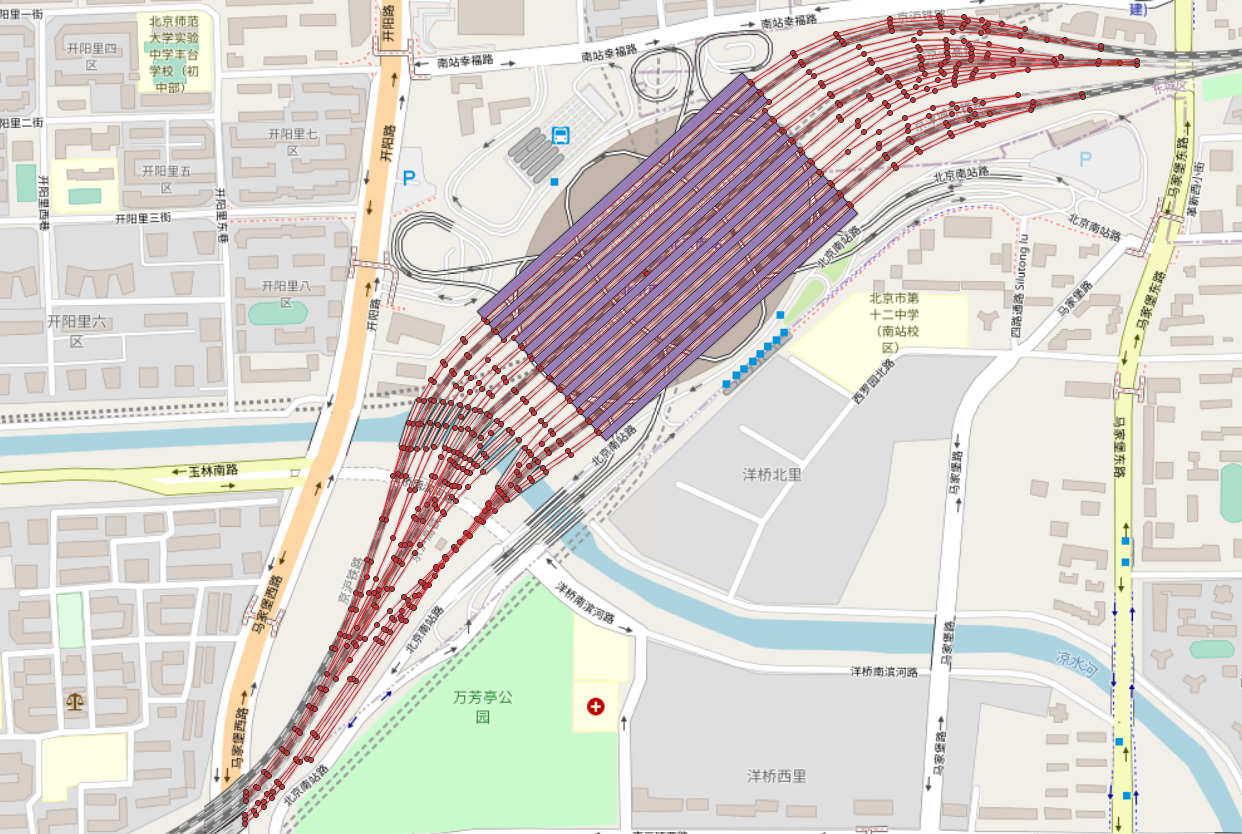
Beijing South Railway Station
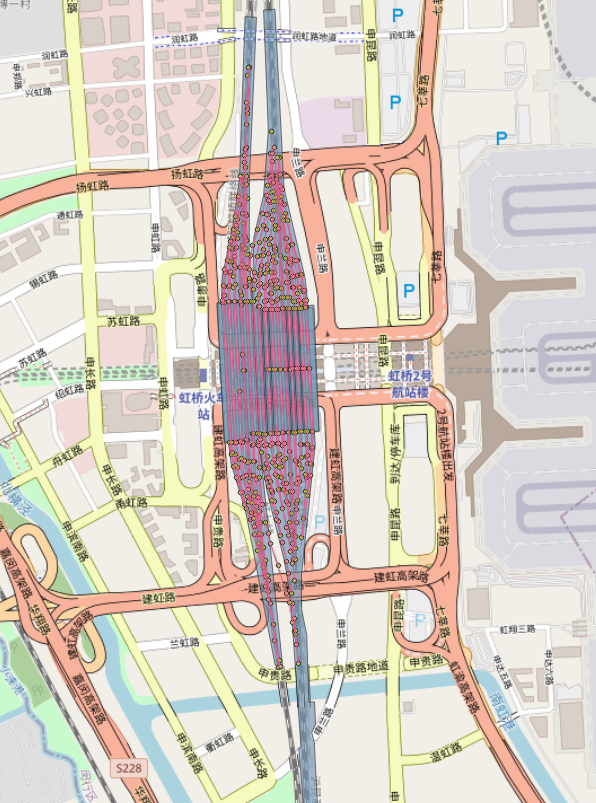
Shanghai Hongqiao Railway Station
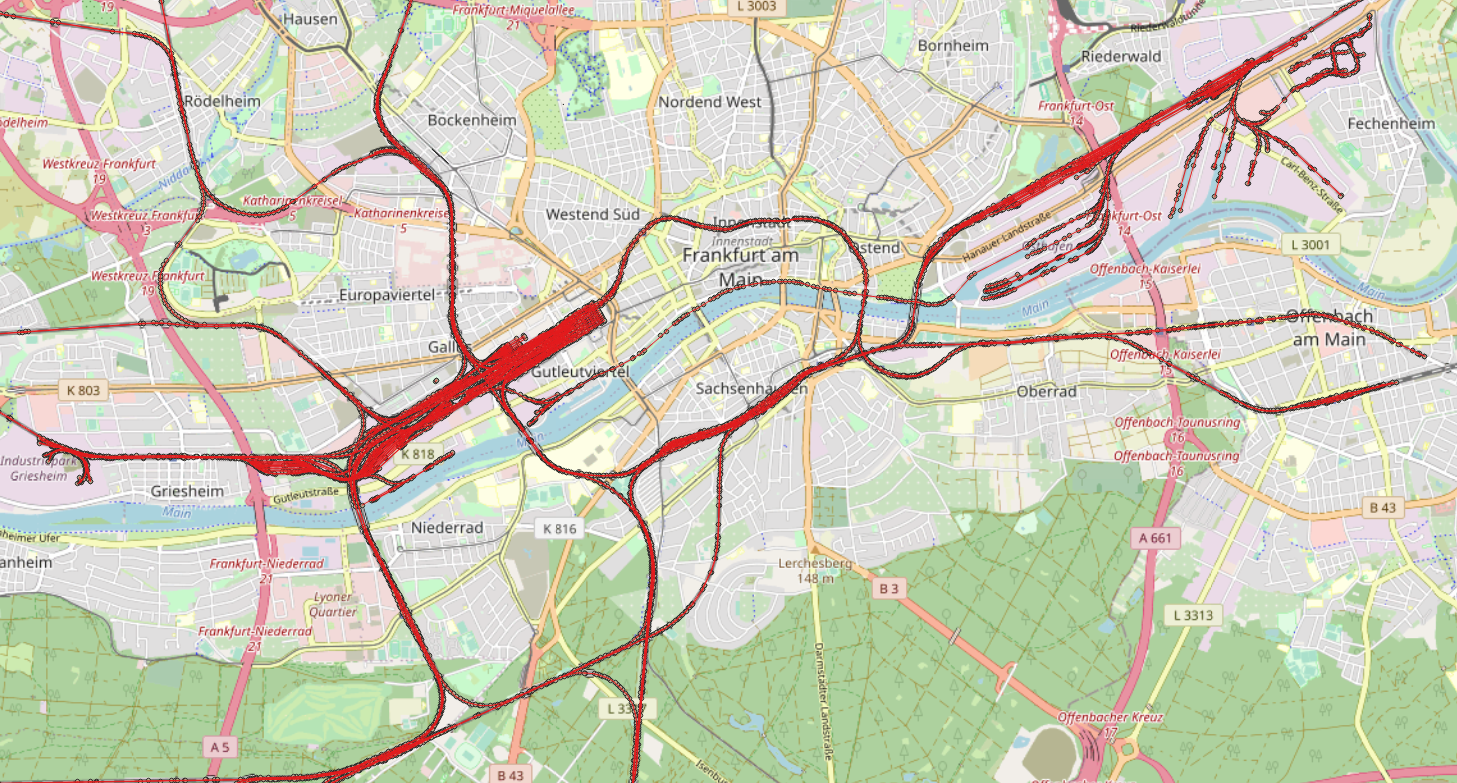
Frankfurt
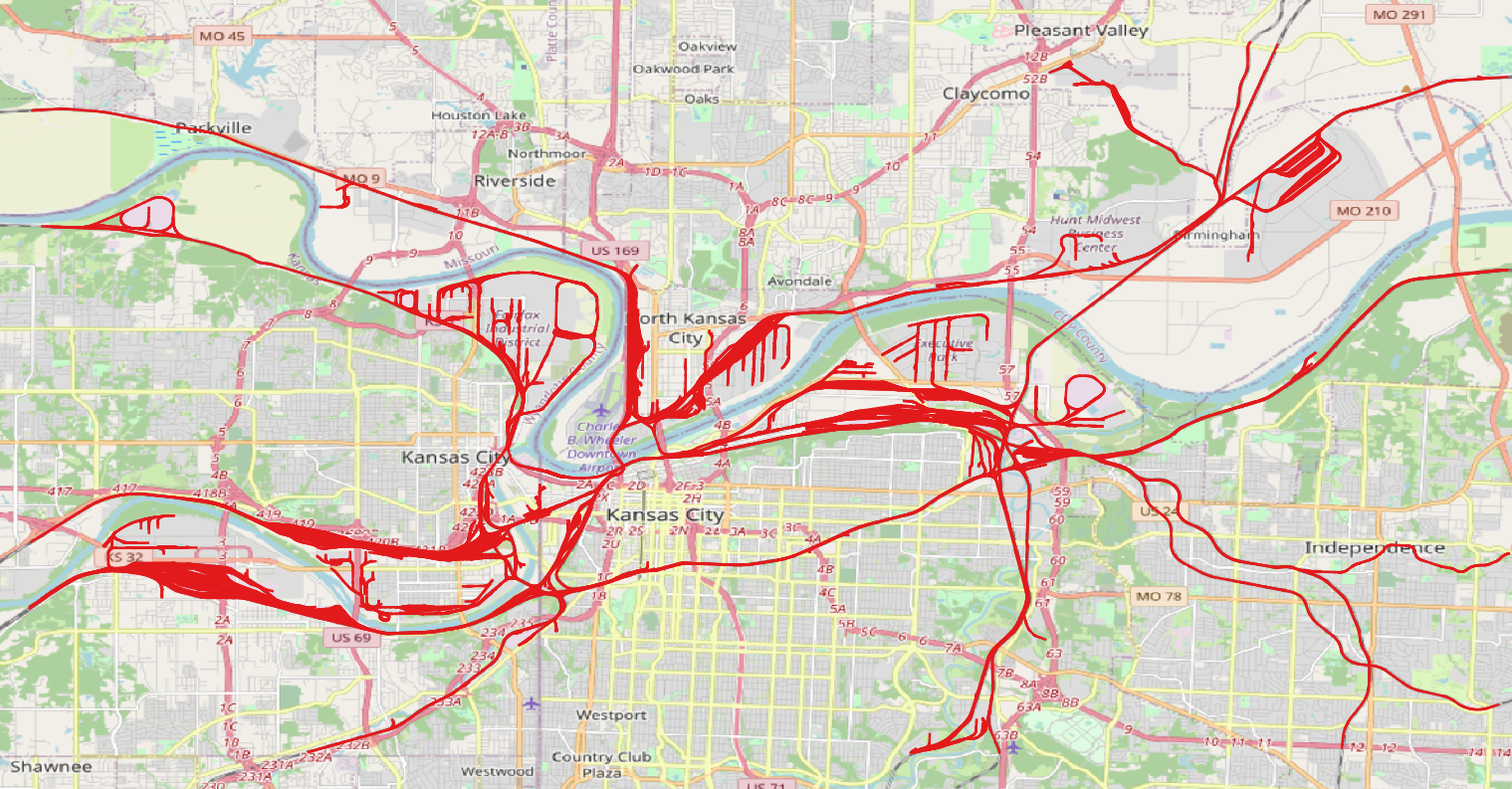
BNSF Argentine Yard
Update log
2022.04.06-v0.0.6
- Added: Add the 'target_elements' field to parse the rail network with the given names.
- Changed: Change 'strict_mode' to 'check_boundary'.
- Changed: Adjust railway key fields.
License
Apache Software License (Apache License 2.0).
1 maintainer

Metadata
1 maintainer
Release files for osm2rail 0.0.6
For a detailed explanation of source distributions (sdists) and built distributions (wheels), please see the package formats documentation.
Source distribution (sdist)
| File | Size | Uploaded | |
|---|---|---|---|
| osm2rail-0.0.6.tar.gz | 1.4 MB | Details |
Built distribution (wheel)
| File | Interpreter | ABI | Platform | Reset |
|---|---|---|---|---|
| osm2rail-0.0.6-py3-none-any.whl | Python 3 | none | any | Details |
Total release size: 2.8 MB
Release files / osm2rail-0.0.6.tar.gz
| Download URL | osm2rail-0.0.6.tar.gz |
|---|---|
| Size | 1.4 MB |
| Tags | Source |
|
SHA-256 checksum How to use checksums |
947c592573d2816b9b437072ea8cdc992399ab4a5a1fcb16d6fd91ea79c9e8e8
|
|
BLAKE2b-256 checksum How to use checksums |
3e0cbc27f28911e3aab084d7efff55247971243eb52f055637bc2ed51b380ac9
|
| Upload date | |
|
Uploaded using Trusted Publishing? What is trusted publishing? |
No |
| Uploaded via |
twine/3.8.0 pkginfo/1.8.2 readme-renderer/34.0 requests/2.27.1 requests-toolbelt/0.9.1 urllib3/1.26.9 tqdm/4.64.0 importlib-metadata/4.8.3 keyring/23.4.1 rfc3986/1.5.0 colorama/0.4.4 CPython/3.6.5
|
Release files / osm2rail-0.0.6-py3-none-any.whl
| Download URL | osm2rail-0.0.6-py3-none-any.whl |
|---|---|
| Size | 1.4 MB |
| Tags | Python 3 |
|
SHA-256 checksum How to use checksums |
f945b2d22b72bf125258a59e5127fc98166e291805705eaffd3efb86433261f4
|
|
BLAKE2b-256 checksum How to use checksums |
9b50284b1d4c84a989226952567b4850a6c6eb0f68a0cb650f1666f1ce0c983a
|
| Upload date | |
|
Uploaded using Trusted Publishing? What is trusted publishing? |
No |
| Uploaded via |
twine/3.8.0 pkginfo/1.8.2 readme-renderer/34.0 requests/2.27.1 requests-toolbelt/0.9.1 urllib3/1.26.9 tqdm/4.64.0 importlib-metadata/4.8.3 keyring/23.4.1 rfc3986/1.5.0 colorama/0.4.4 CPython/3.6.5
|














