
Description
This is a framework based on pygame that allows an easier process for making games. This is so much more than a tool kit. Tested in pygame2 not in pygame1.
Installation
pip install pygame-geometry
Quick examples:
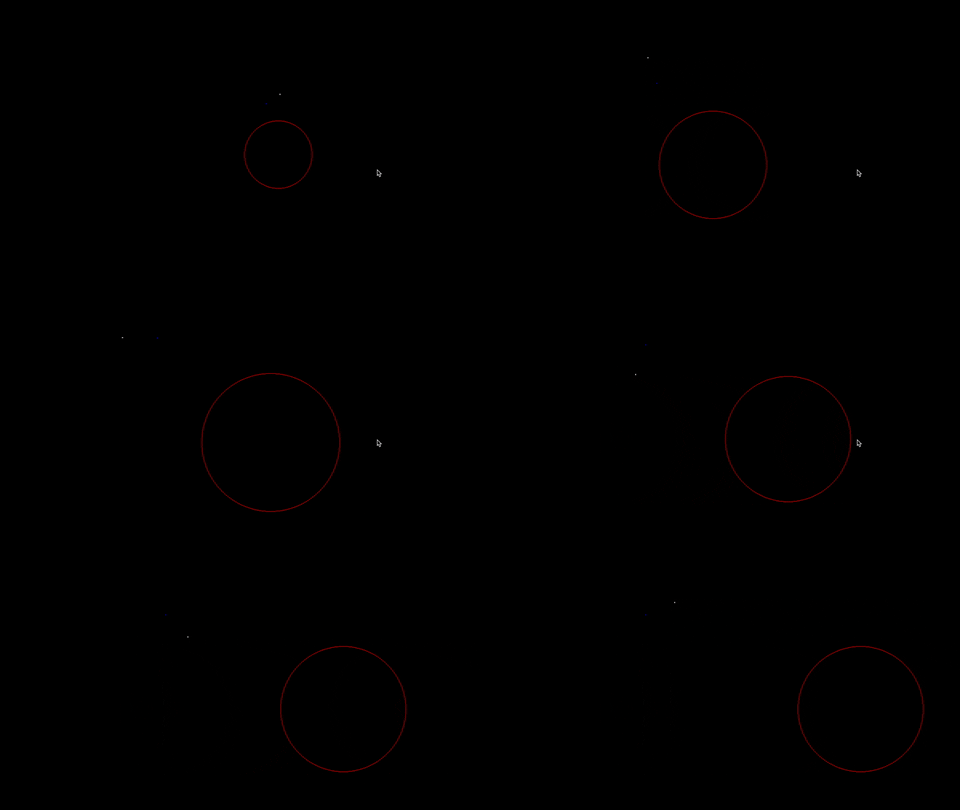
Draw some moving Points and a Circle
from pygame_geometry.abstract import Point, Circle
from pygame_geometry.context import Context
from pygame_geometry import colors

context = Context(name="title") # create a context similar to a pygame surface

p1 = Point(2,2)
p2 = Point(3,2, color=colors.BLUE)
c = Circle(0, -1, radius=2, color=colors.RED)

# main game loop
while context.open:
    # clear the window
    context.clear()
    # check quit event (empty pygame event buffer by doing so)
    context.check()
    # move and zoom around the scene
    context.control()

    # update objects
    p1.rotate(0.01, p2)
    c.x += 0.01

    # show objects
    p1.show(context)
    p2.show(context)
    c.show(context)

    # flip the screen
    context.flip()
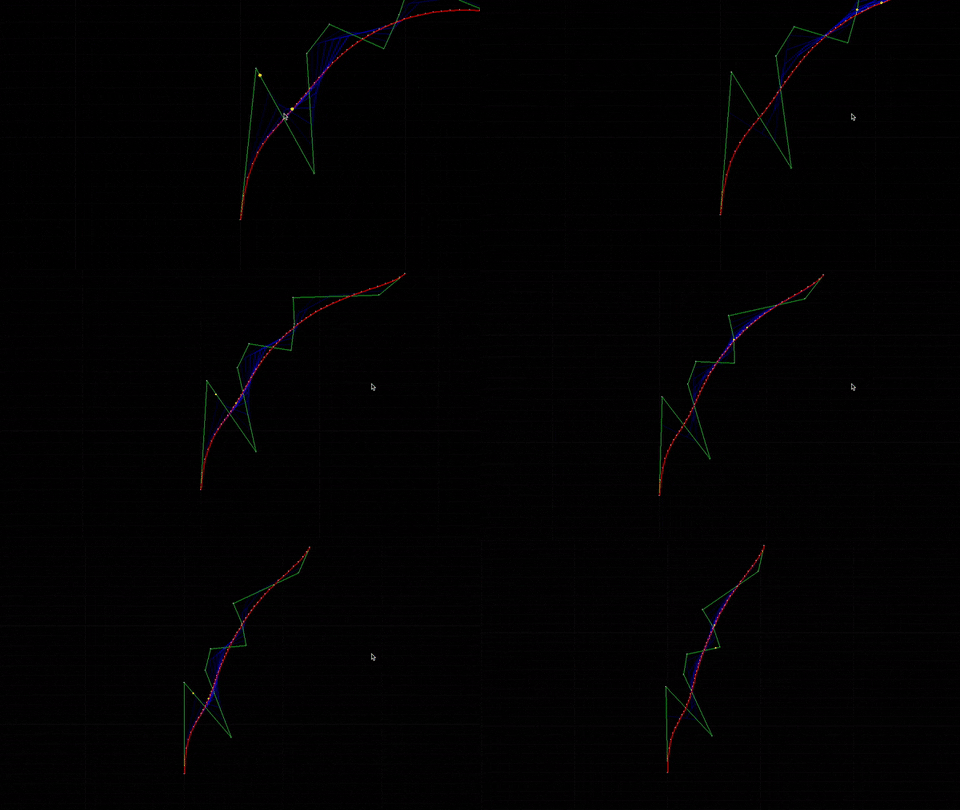
Draw Bezier Curves
from pygame_geometry.context import Surface
from pygame_geometry.curves import Trajectory, BezierCurve
from pygame_geometry.abstract import Point
from pygame_geometry import colors

import random

# create objects
surface=Surface(name="Curves demonstration")
l=10
points=[Point(2*x,random.randint(-5,5)) for x in range(l)]
t=Trajectory(points,segment_color=colors.GREEN)
b=BezierCurve(points,segment_color=colors.RED)
n=0
ncp=50 #number construction points

while surface.open:
    # surface stuff
    surface.check()
    surface.clear()
    surface.control()
    surface.show() # show a math grid in background

    # update
    Point.turnPoints([1/1000 for i in range(l)],points)
    n=(n+1)%(ncp+1)
    b.showConstruction(surface,n/ncp)
    p1=b(n/ncp)
    p2=Point(*t(n/ncp))

    # show
    t.show(surface)
    b.show(surface)
    p1.show(surface,color=colors.YELLOW,radius=0.1,fill=True)
    p2.show(surface,color=colors.YELLOW,radius=0.1,fill=True)

    # flip
    surface.flip()
Controls
- Space: Switch to next mode.
- Enter: Go back to the center.
- Up/Down/Right/Left Arrow: Move arround.
- Right/Left Shift: Zoom in or out.
- Quit/Escape: Quit.
Geometry objects
Geometry components added:
- point
- segment
- vector
- line
- halfline
But also:
- circle
- rectangle
- square
- polygon
- triangle
- bezier curve
- trajectory
Physics/Maths objects
- force
- motion
- body
- polynomial
- perlin noise
Game objects
- entity
- anatomy
- widget
- menu
- manager
More technical physics objects
- material
- material form
- material circle
- material formcollider
Enjoy!
1 maintainer

Metadata
1 maintainer
Release files for pygame-geometry 0.1.2
For a detailed explanation of source distributions (sdists) and built distributions (wheels), please see the package formats documentation.
Source distribution (sdist)
| File | Size | Uploaded | |
|---|---|---|---|
| pygame_geometry-0.1.2.tar.gz | 107.7 kB | Details |
Built distribution (wheel)
| File | Interpreter | ABI | Platform | Reset |
|---|---|---|---|---|
| pygame_geometry-0.1.2-py3-none-any.whl | Python 3 | none | any | Details |
Total release size: 239.3 kB
Release files / pygame_geometry-0.1.2.tar.gz
| Download URL | pygame_geometry-0.1.2.tar.gz |
|---|---|
| Size | 107.7 kB |
| Tags | Source |
|
SHA-256 checksum How to use checksums |
68a2fa6a3670e9d7d08f0ad5628332ed7f7d92f6102003e95dff26608386b852
|
|
BLAKE2b-256 checksum How to use checksums |
cf8bcf1b2b409fe5ee52e952f638b1b5ce87dc2e6929b1cc79e6f17afd473132
|
| Upload date | |
|
Uploaded using Trusted Publishing? What is trusted publishing? |
No |
| Uploaded via |
twine/3.2.0 pkginfo/1.5.0.1 requests/2.23.0 setuptools/47.3.1 requests-toolbelt/0.9.1 tqdm/4.46.1 CPython/3.8.3
|
Release files / pygame_geometry-0.1.2-py3-none-any.whl
| Download URL | pygame_geometry-0.1.2-py3-none-any.whl |
|---|---|
| Size | 131.6 kB |
| Tags | Python 3 |
|
SHA-256 checksum How to use checksums |
2e978e894d6908caf53322faddc03356ded63c4b1588fd46716a932c479cb075
|
|
BLAKE2b-256 checksum How to use checksums |
e64a10453fdf1511737a5301064545afe69e29c463c0e6ae400bff8ef5c10fc3
|
| Upload date | |
|
Uploaded using Trusted Publishing? What is trusted publishing? |
No |
| Uploaded via |
twine/3.2.0 pkginfo/1.5.0.1 requests/2.23.0 setuptools/47.3.1 requests-toolbelt/0.9.1 tqdm/4.46.1 CPython/3.8.3
|














