
Pylux is a program for creating and managing documentation for stage lighting.
Pylux currently has the capability to generate plaintext documentation from Jinja template files and create 2D plots in SVG although you will need to provide your own fixture vector files.
You can also import data from an Eos ASCII export, including the complete patch, groups, palettes, and cues.
Installation and Dependencies
Pylux is available on PyPI, so after installing Python and pip, you can simply run:
pip3 install pylux
The PyPI package does not include the content repository, which includes fixture templates, symbols and documentation templates. Pylux will search in ~/.pylux for this, so you can just clone the repository there:
git clone https://github.com/jackdpage/pylux-content.git ~/.pylux
Simply run pylux from the terminal to launch the program.
Screenshot
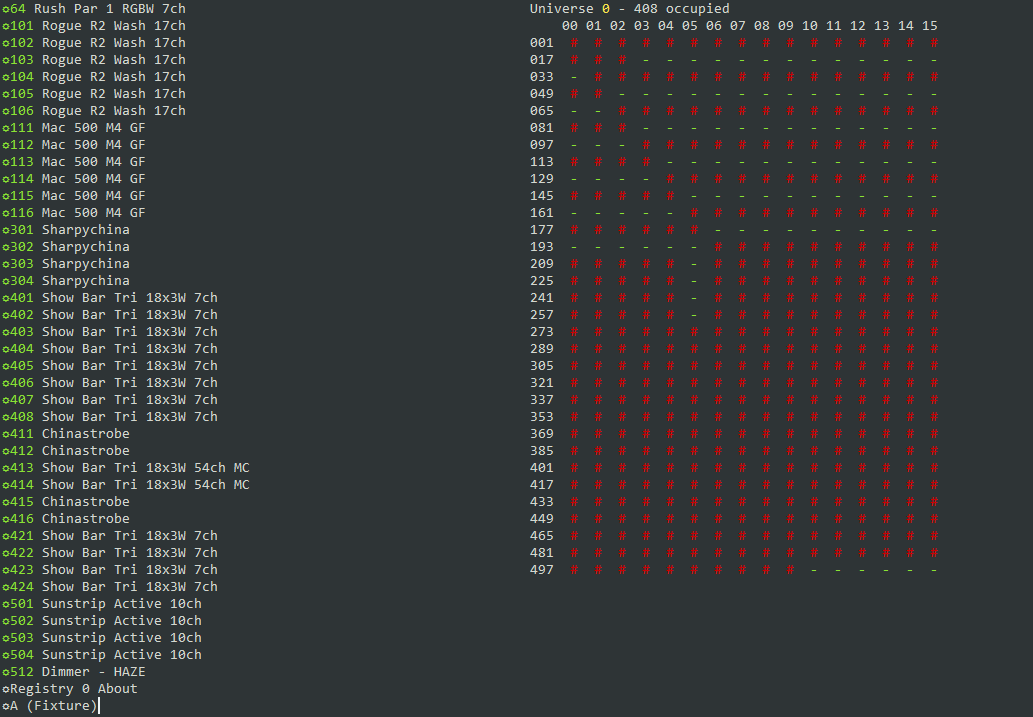
Screenshot of curses interface showing fixture list on the left and DMX universe summary on the right. Data imported directly from Eos ASCII export with no post-processing.
Sample Output
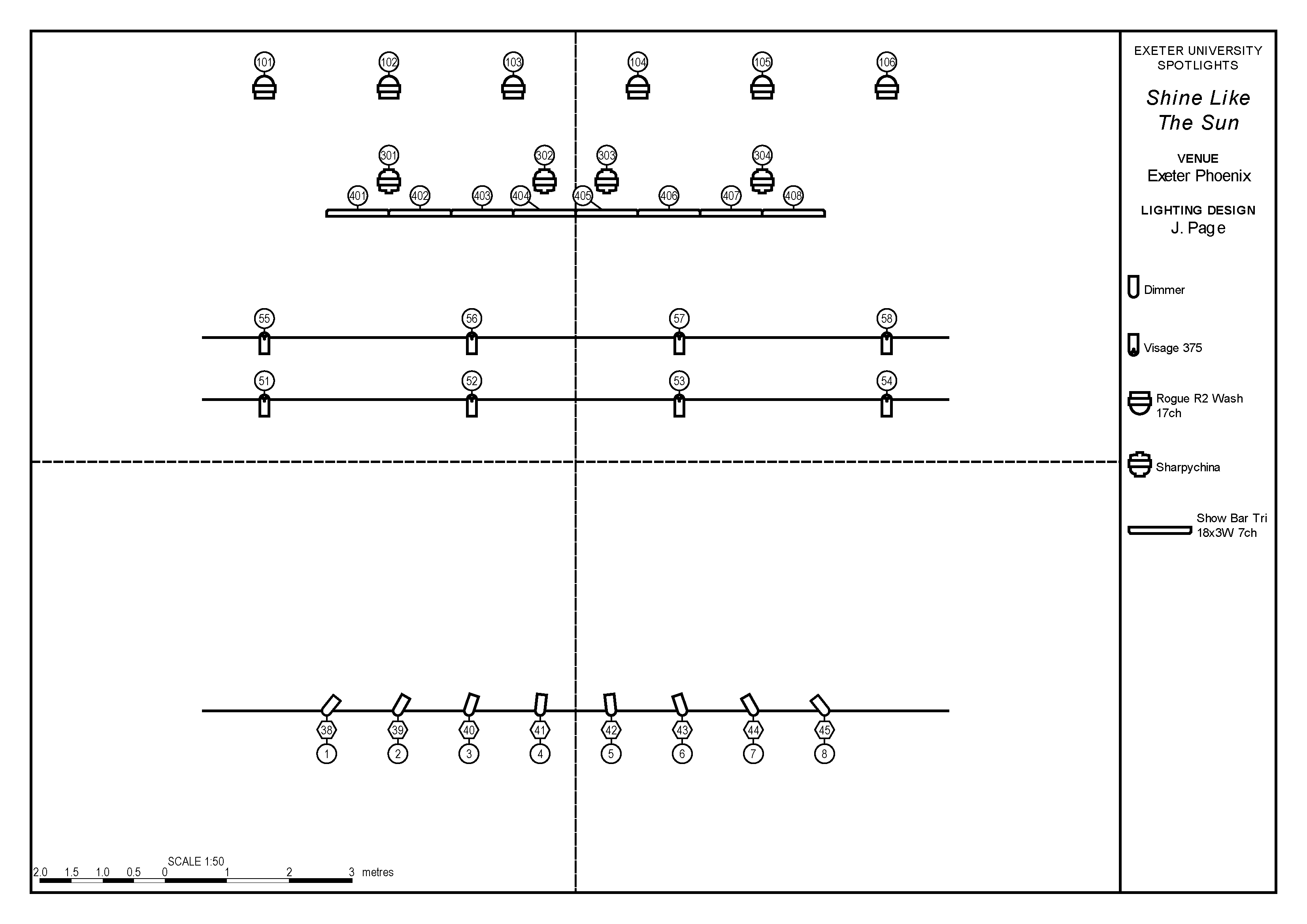
Rendered at 1:50 on A3
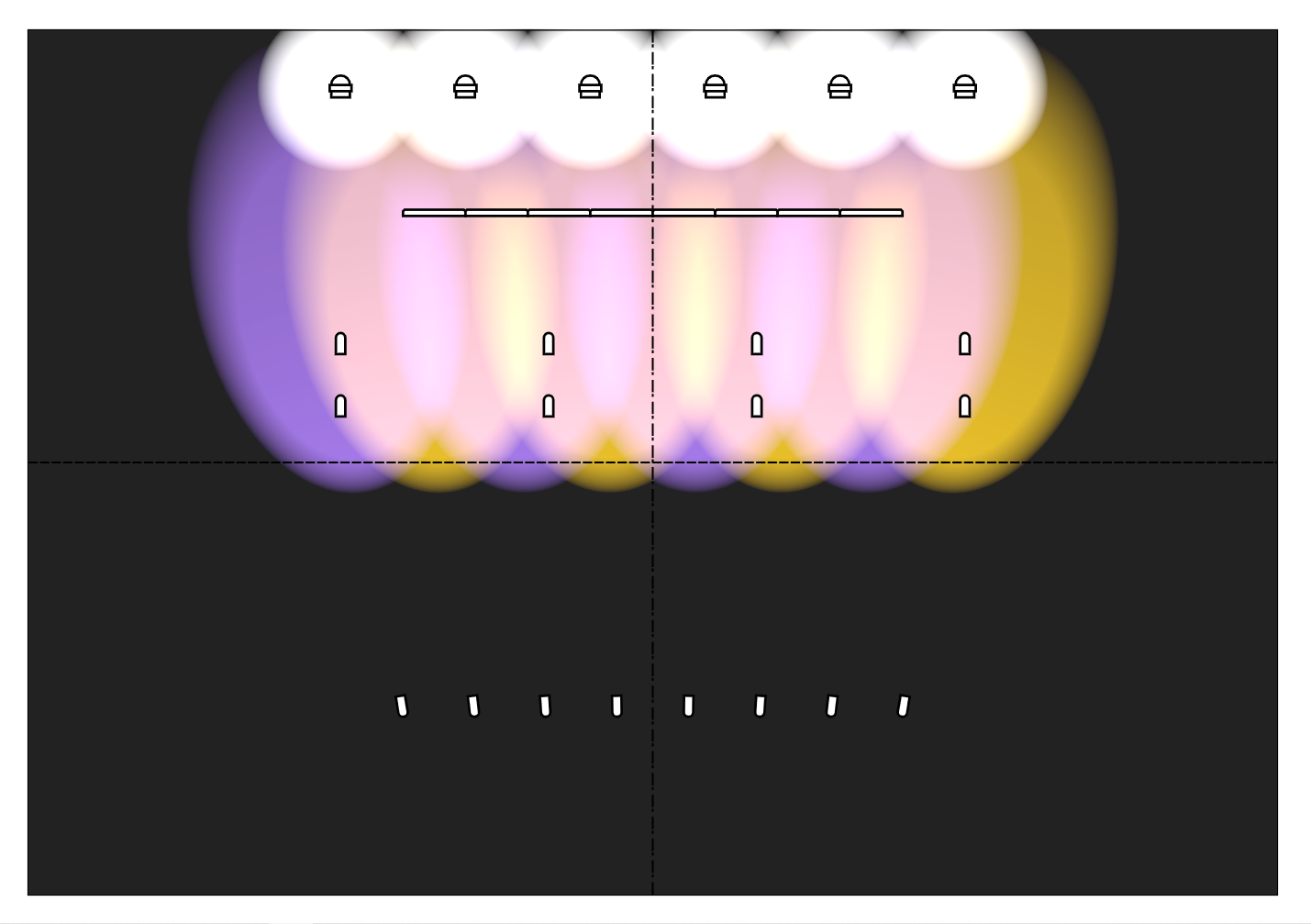
Visualisation enabled, titles and extra symbols disabled
Documentation
Documentation is available at Read the Docs.
License
Pylux is licensed under the GNU GPL v3.0. A full copy of the license is available in the file COPYING.
1 maintainer

Metadata
1 maintainer
Release files for pylux 1.1
For a detailed explanation of source distributions (sdists) and built distributions (wheels), please see the package formats documentation.
Source distribution (sdist)
| File | Size | Uploaded | |
|---|---|---|---|
| pylux-1.1.tar.gz | 60.7 kB | Details |
Release files / pylux-1.1.tar.gz
| Download URL | pylux-1.1.tar.gz |
|---|---|
| Size | 60.7 kB |
| Tags | Source |
|
SHA-256 checksum How to use checksums |
9e2a4f3c9deb411dc9519a43397b9fb35fb83e4d9aab8eef6880dcc185fd6f0d
|
|
BLAKE2b-256 checksum How to use checksums |
b8ba7224bfdb76c35703409e6b10cbe6b747110cfc9ef54a7a6bbb285ea72a85
|
| Upload date | |
|
Uploaded using Trusted Publishing? What is trusted publishing? |
No |
| Uploaded via |
twine/3.7.1 importlib_metadata/4.9.0 pkginfo/1.8.2 requests/2.26.0 requests-toolbelt/0.9.1 tqdm/4.62.3 CPython/3.8.5
|














