
pymatrix-rain
Matrix rain effect using python 3 and curses.
Support Python 3.8+
How to Download
pip install pymatrix-rain
To run: pymatrix-rain
NOTE:
not tested on Windows or Mac
Commands
- Q or q = Quits
- b = Bold on
- B = Bold all
- n = Bold off
- 0-9 = Delay speed 0-Fast, 4-Default, 9-Slow
- a = Asynchronous like scrolling (normal scrolling only)
- m = Multiple color mode
- M = Multiple random color mode (normal scrolling only)
- d = Reset to default
- c = Cycle through colors automatically
- l = Toggle double space lines
- e = Toggle extended characters
- E = Only extended characters if on
- k = Half width Katakana characters like those from the movies. If the correct font is installed.
- K = Half width Katakana characters only
- z = Zero and One Mode On
- Z = Zero and One Mode Off
- f = Freeze and unfreeze the matrix. Can still use Q to quit.
- v = Toggle the matrix to scroll up
- W = Toggle do not clear screen (normal scrolling only)
- w = Clear the screen, wait 2 seconds and start
- j = Toggle italic text
- s = Toggle old style matrix scrolling (down only)
- ctrl-d = Disable option keys. Can still use Q to quit.
- up arrow = Matrix scrolling up
- down arrow = Matrix scrolling down (Default)
- left arrow = Matrix scrolls from right to left
- right arrow = Matrix scrolls from left to right
- shift 0-9 = Cycle color delay
Rain Colors
- r = Red
- t = Green
- y = Blue
- u = Yellow
- i = Magenta
- o = Cyan
- p = White
- [ = Black
Lead Char Color
- R = Red
- T = Green
- Y = Blue
- U = Yellow
- I = Magenta
- O = Cyan
- P = White
- { = Black
Background Colors
- ctrl-r = Red
- ctrl-t = Green
- ctrl-y = Blue
- ctrl-u = Yellow
- ctrl-i = Magenta
- ctrl-o = Cyan
- ctrl-p = White
- ctrl-[ = Black
Screen Shots
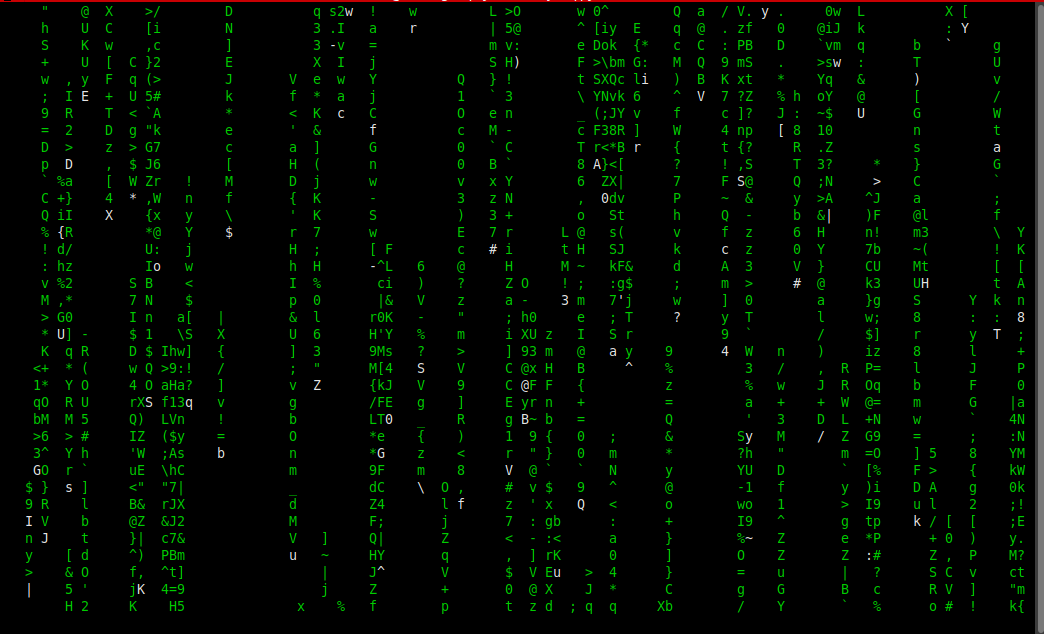
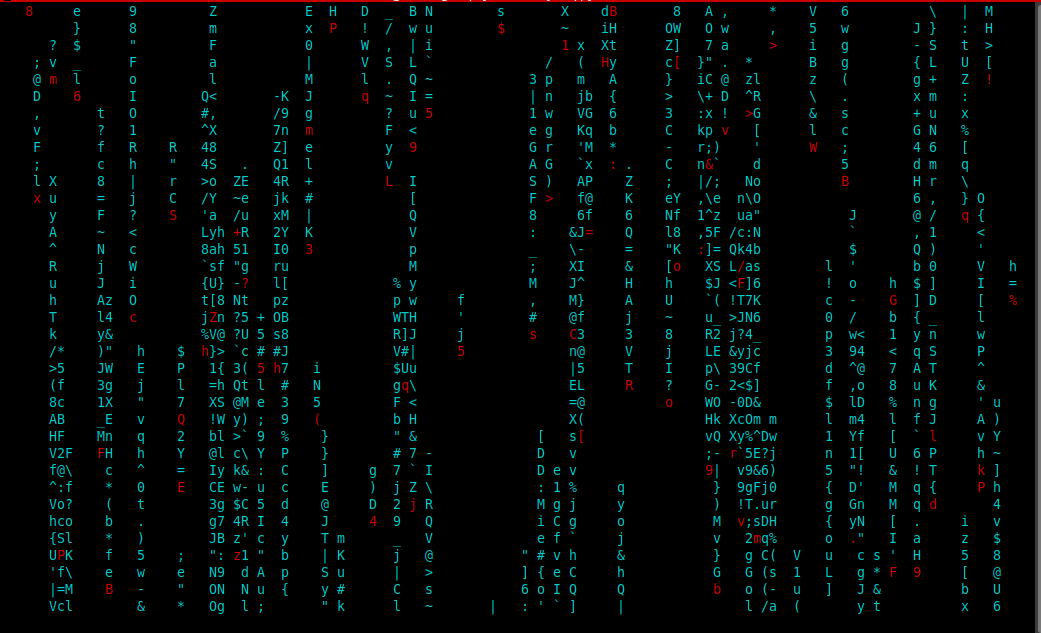
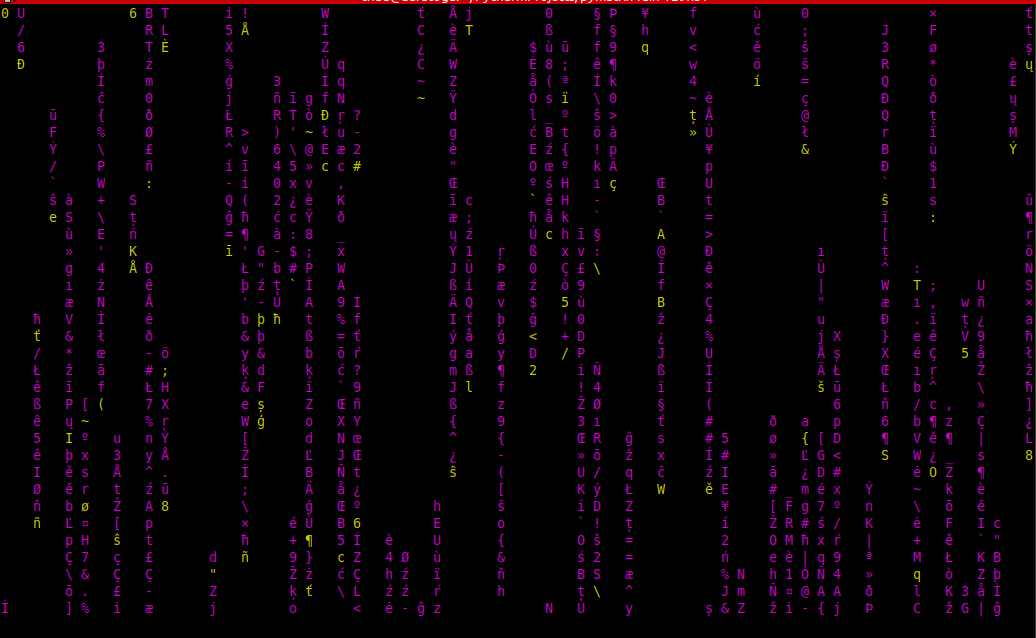
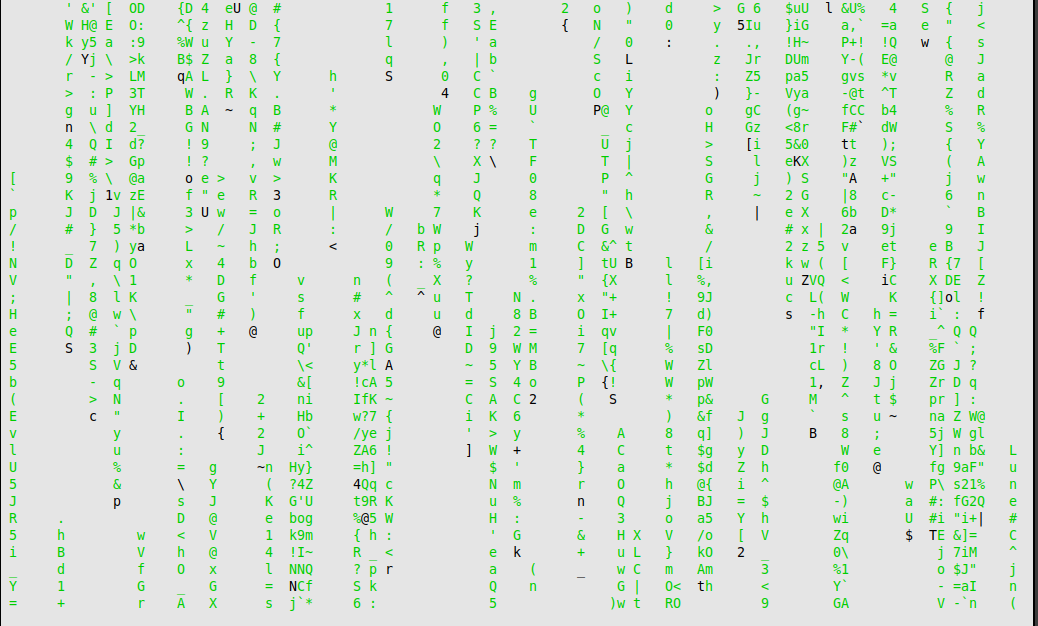
Scrolling Up
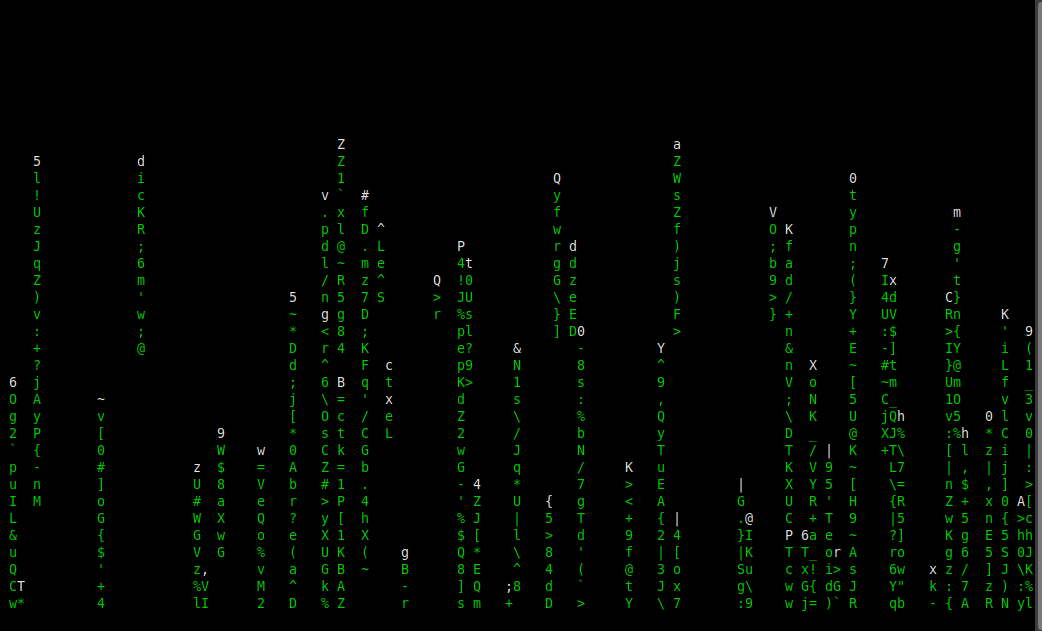
Scrolling right
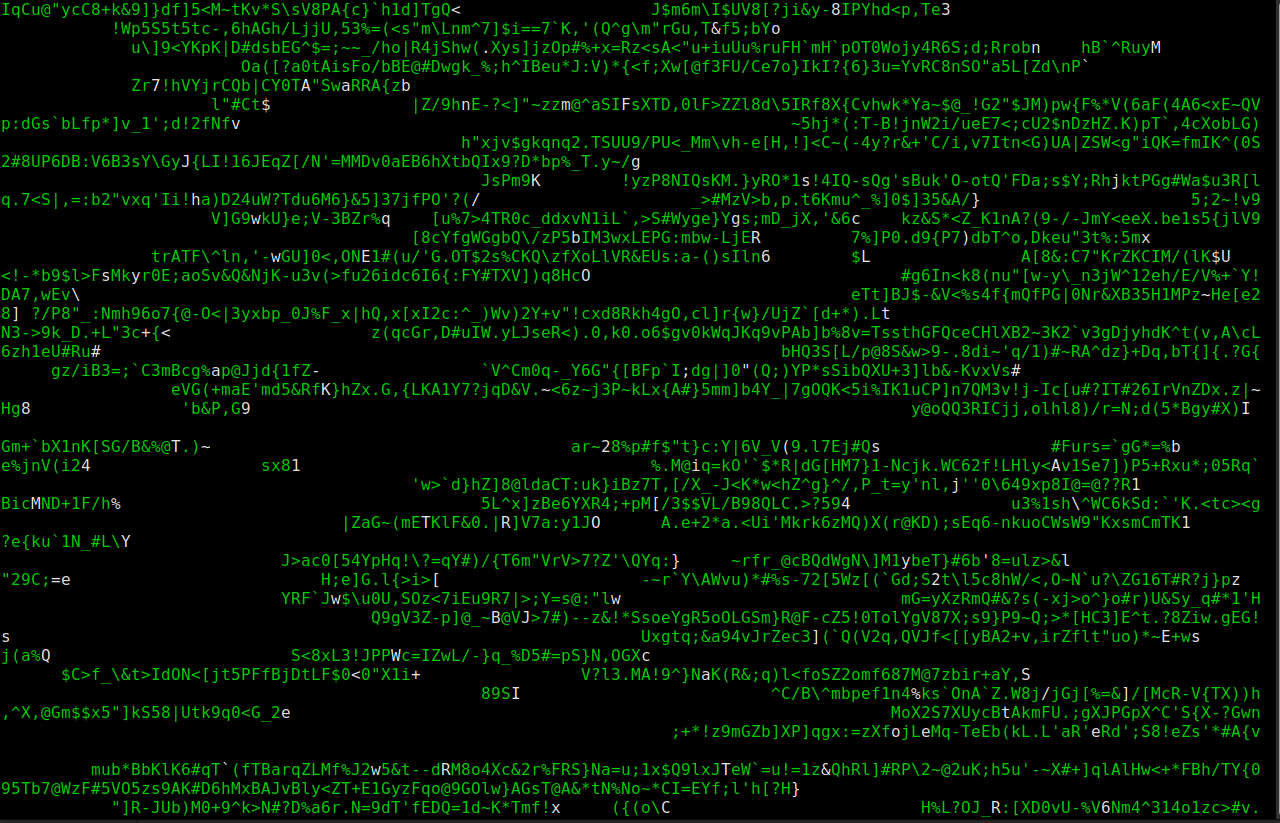
Katakana Characters
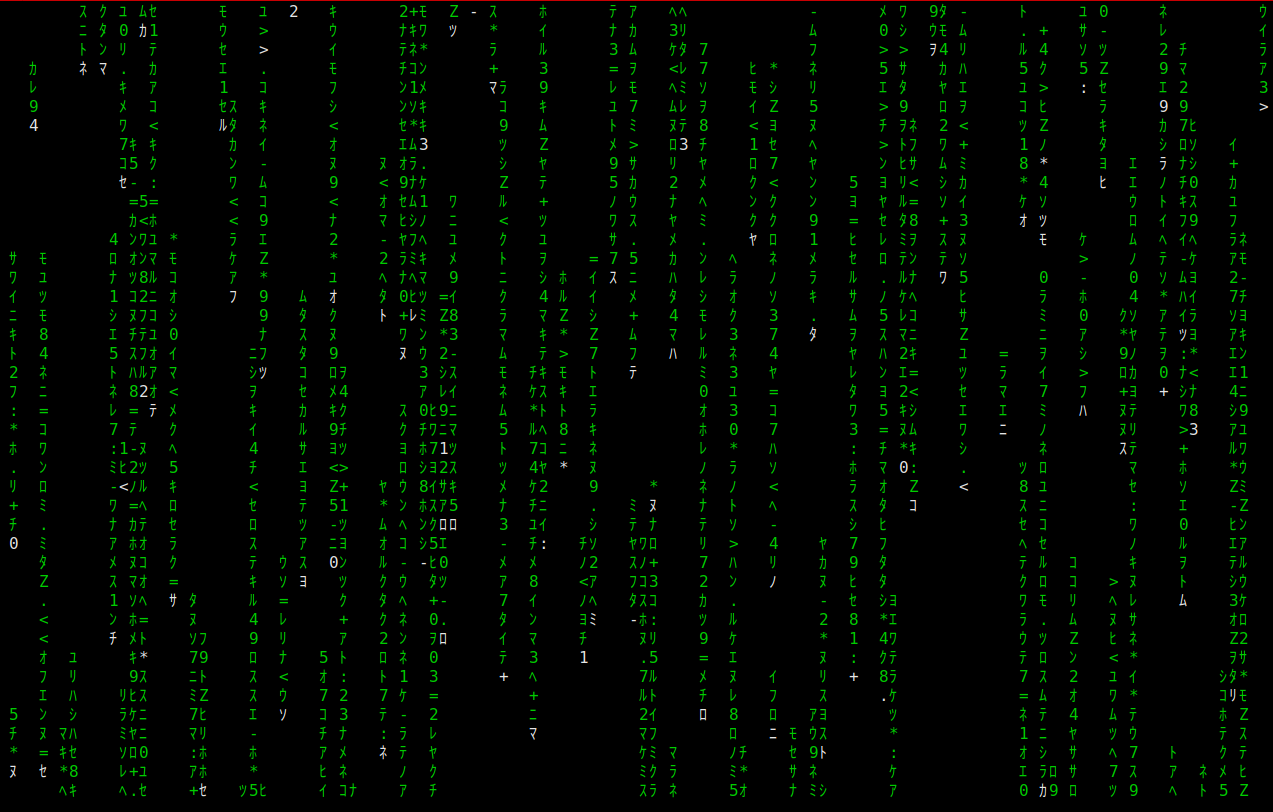
Zero and One Mode
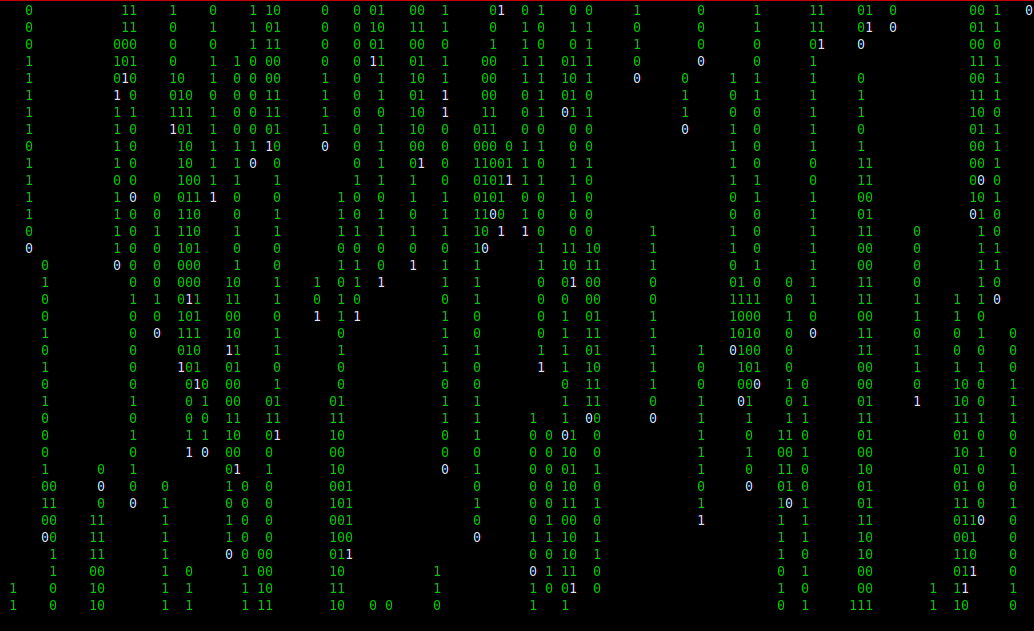
Extended Characters
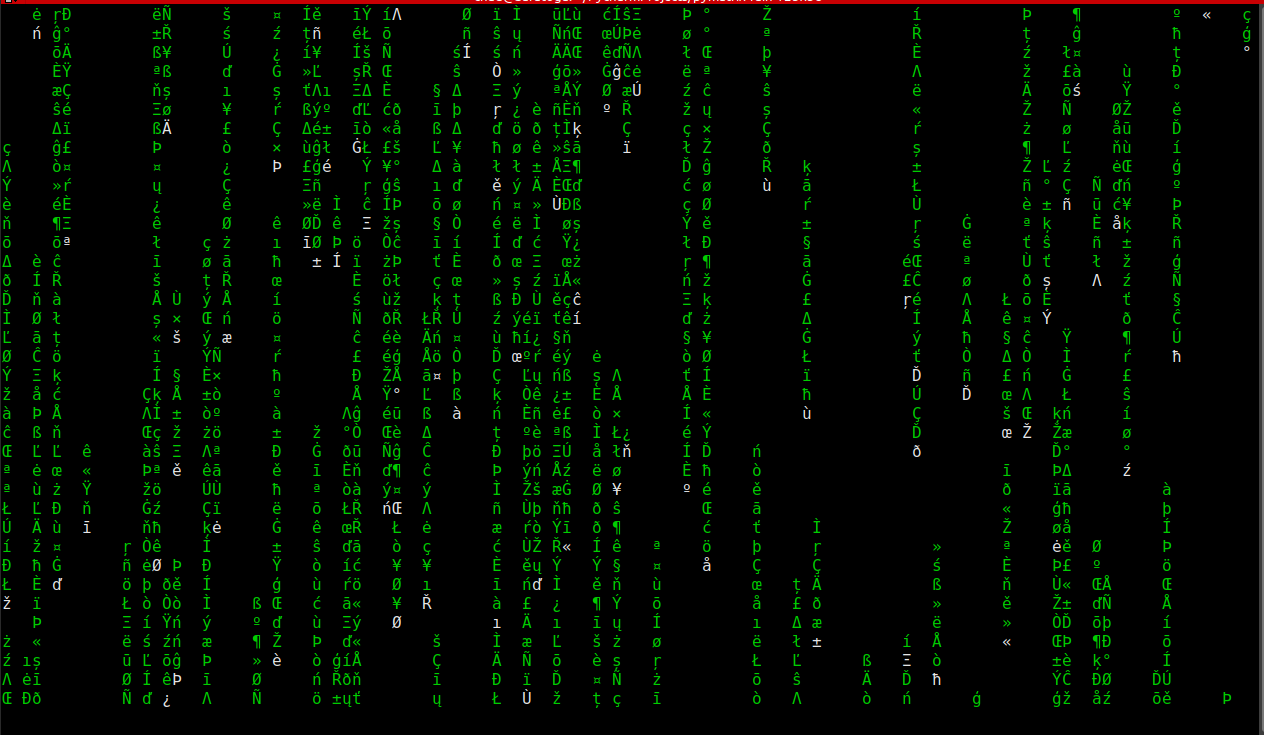
Italic Mode
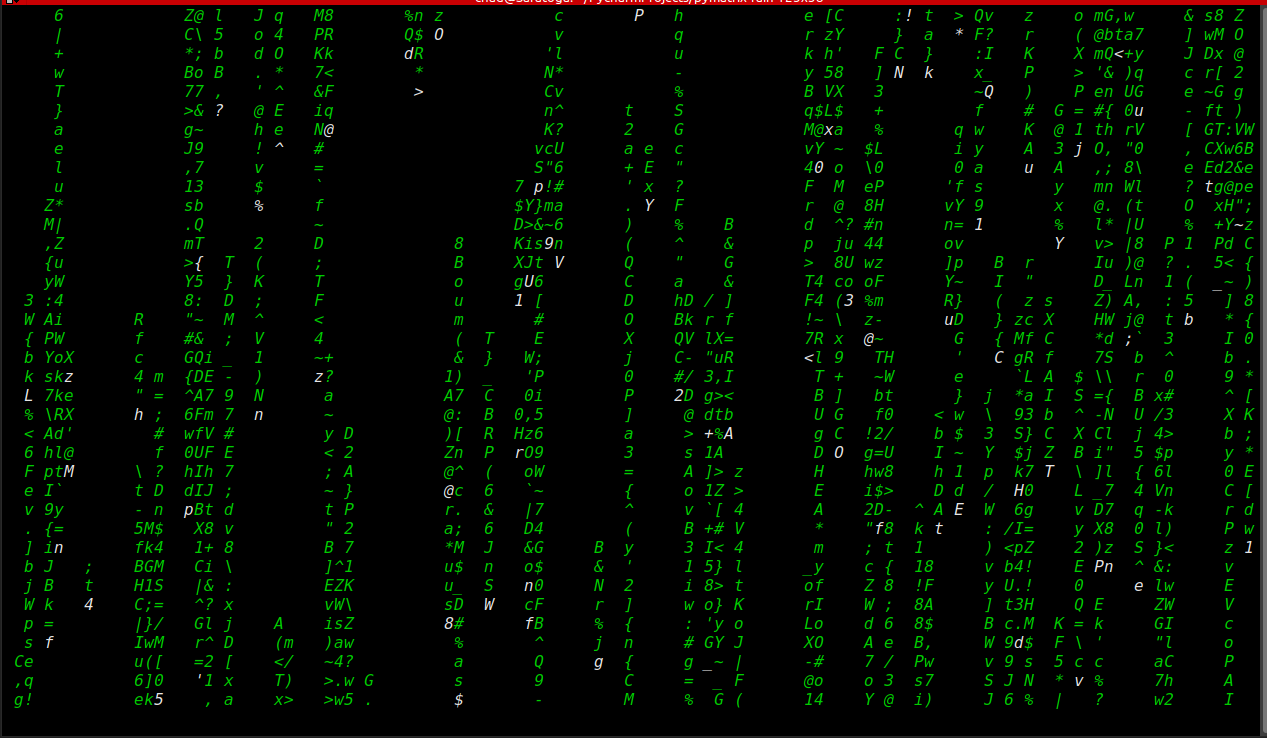
Custom background character
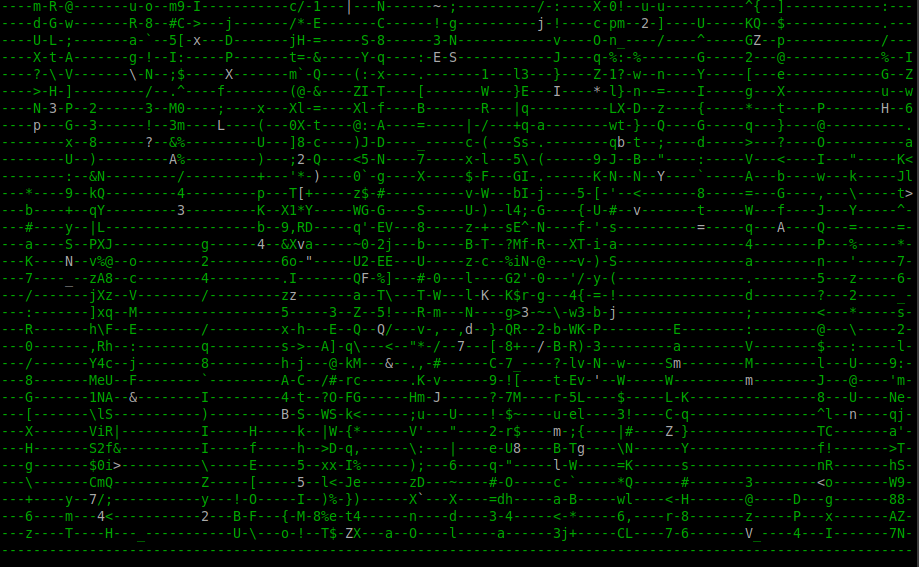
1 maintainer

Download files
Download the file for your platform. If you're not sure which to choose, learn more about installing packages.
Source Distribution
pymatrix_rain-1.4.0.tar.gz
(23.1 kB
view details)
Built Distribution
Filter files by name, interpreter, ABI, and platform.
If you're not sure about the file name format, learn more about wheel file names.
Copy a direct link to the current filters
File details
Details for the file pymatrix_rain-1.4.0.tar.gz.
File metadata
- Download URL: pymatrix_rain-1.4.0.tar.gz
- Upload date:
- Size: 23.1 kB
- Tags: Source
- Uploaded using Trusted Publishing? No
- Uploaded via:
twine/6.1.0 CPython/3.12.3
File hashes
| Algorithm | Hash digest | |
|---|---|---|
| SHA256 |
d3379942470e34776fba2ac55c84fba8a9e216c3652ef5078913a398f996359b
|
|
| MD5 |
06e2bff96d101d9346788803fa8ea55f
|
|
| BLAKE2b-256 |
561c89f42297857fef029f9cb64d1b275aee911c3fbea499eb45fc893218458d
|
File details
Details for the file pymatrix_rain-1.4.0-py2.py3-none-any.whl.
File metadata
- Download URL: pymatrix_rain-1.4.0-py2.py3-none-any.whl
- Upload date:
- Size: 12.5 kB
- Tags: Python 2, Python 3
- Uploaded using Trusted Publishing? No
- Uploaded via:
twine/6.1.0 CPython/3.12.3
File hashes
| Algorithm | Hash digest | |
|---|---|---|
| SHA256 |
50e7eb2d93497d9c3af099d563e9924abb6dad3d317bfe77c177237627eb8458
|
|
| MD5 |
d2f0c12988205d136506ec61544f8dd4
|
|
| BLAKE2b-256 |
1cf123394b7e3c98a59db6e378b414f486a920a958538f1bc08bc541a2cf8646
|














