
Pyreload CLI 🔄
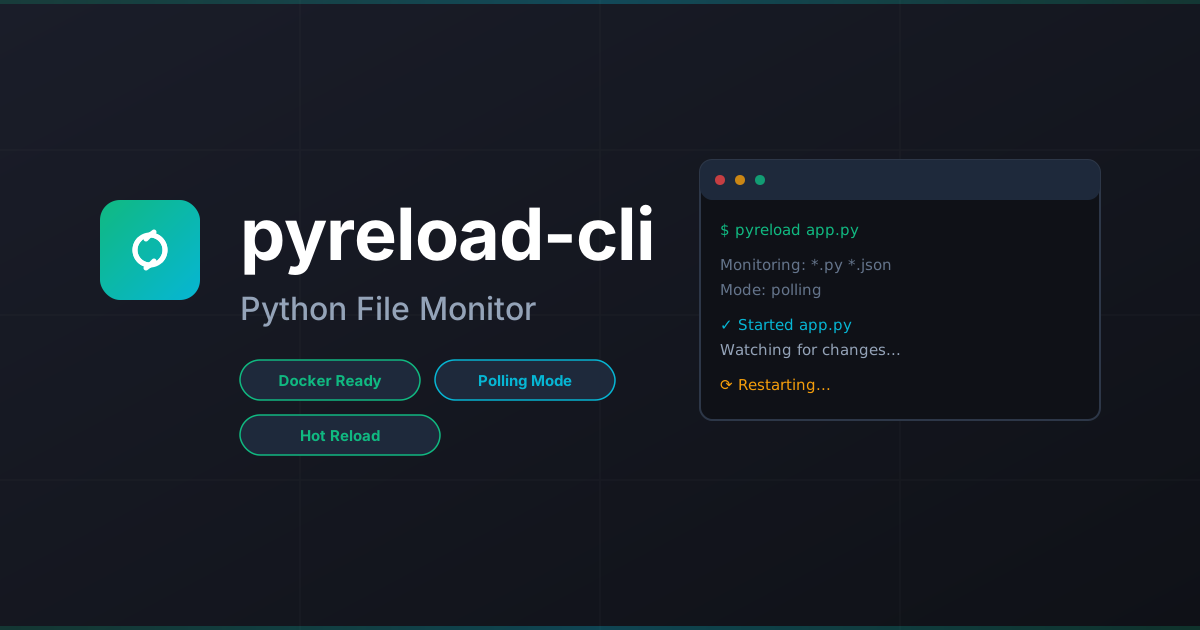





A modern, easy-to-use package to automatically restart Python applications when file changes are detected. Perfect for development workflows with full support for Docker, Vagrant, and mounted filesystems via polling mode.
✨ Features
- 🚀 Zero-config reloading - Works with Python files by default
- 📂 Polling mode - Solves mounted filesystem limitations (Docker, Vagrant, CIFS/NFS)
- 🎯 Flexible patterns - Watch and ignore patterns with glob support
- ⚙️ Config file support -
.pyreloadrcorpyreload.jsonfor team settings - 🧹 Clean mode - No logs, no prompts for production-like testing
- 🔧 Exec mode - Run any shell command, not just Python files
- ⌨️ Manual control - Type
rsto restart,stopto exit
🚀 Quickstart (30 seconds)
pip install pyreload-cli
pyreload app.py
That's it! Your app will restart automatically when Python files change.
Using with Docker/Vagrant
If you're developing inside Docker, Vagrant, or using mounted filesystems:
pyreload app.py --polling
The --polling flag enables filesystem polling, which works reliably with mounted volumes where OS-level file events don't propagate.
📖 Usage
Basic Examples
# Watch Python files (default)
pyreload app.py

# Watch multiple patterns
pyreload app.py -w "*.py" -w "*.yaml" -w "config/*.json"

# Ignore patterns
pyreload app.py -i "*__pycache__*" -i "*.log" -i ".git/*"

# Use polling for Docker/Vagrant
pyreload app.py --polling

# Execute shell command instead
pyreload -x "npm run dev"

# Debug mode - see file changes
pyreload app.py --debug

# Clean mode - no logs
pyreload app.py --clean
Interactive Commands
When pyreload is running, you can use these commands:
- Type
rsand press Enter to manually restart - Type
stopand press Enter to exit - Press
Ctrl+Cto exit immediately
Configuration File
Create a .pyreloadrc or pyreload.json in your project root:
{
  "watch": ["*.py", "config/*.yaml"],
  "ignore": ["*__pycache__*", "*.log", ".git/*"],
  "debug": false,
  "clean": false,
  "exec": false,
  "polling": false
}
Command-line arguments always override config file settings.
🐳 Docker & Vagrant Workflows
Why Polling Mode?
Standard file watching uses OS-level events (like inotify on Linux). These events don't propagate through mounted volumes. When you edit a file on your host machine and it syncs to a Docker container or Vagrant VM, the kernel inside the container/VM never receives the file change event.
Polling mode solves this by directly checking file modification times at regular intervals instead of relying on OS events.
Docker Example
# Dockerfile
FROM python:3.11-slim
WORKDIR /app
COPY requirements.txt .
RUN pip install -r requirements.txt
COPY . .
CMD ["pyreload", "app.py", "--polling"]
# docker-compose.yml
services:
  app:
    build: .
    volumes:
      - .:/app
    command: pyreload app.py --polling
Vagrant Example
# Vagrantfile
Vagrant.configure("2") do |config|
  config.vm.box = "ubuntu/jammy64"
  config.vm.synced_folder ".", "/vagrant"

  config.vm.provision "shell", inline: <<-SHELL
    pip install pyreload
    cd /vagrant
    pyreload app.py --polling
  SHELL
end
📋 Command-Line Options
| Option | Short | Description | Default |
|---|---|---|---|
--version |
-V |
Show version and exit | - |
--watch <pattern> |
-w |
Path/pattern to watch (can be used multiple times) | *.py |
--ignore <pattern> |
-i |
Pattern to ignore (can be used multiple times) | - |
--polling |
-p |
Use polling-based file watching | false |
--debug |
-d |
Log detected file changes | false |
--clean |
-c |
No logs, no commands (quiet mode) | false |
--exec |
-x |
Execute shell command instead of Python file | false |
🔍 Pattern Matching
Pyreload uses glob patterns for matching files:
*.py- All Python files in current directorysrc/*.py- Python files in src directorysrc/**/*.py- Python files in src and subdirectoriesconfig/*.{yaml,yml,json}- Config files (use multiple-wflags)*__pycache__*- Ignore Python cache (use with-i)
🆚 Comparison with Similar Tools
| Feature | Pyreload | py-mon | nodemon |
|---|---|---|---|
| Python-native | ✅ | ✅ | ❌ |
| Polling mode | ✅ | ❌ | ✅ |
| Config file | ✅ | ✅ | ✅ |
| Docker/Vagrant support | ✅ | ⚠️ Limited | ✅ |
| Zero dependencies* | ✅ | ✅ | ✅ |
| Exec mode | ✅ | ✅ | ✅ |
*Excluding watchdog and colorama
🤝 Contributing
Contributions are welcome! This project is open source.
Development Setup
git clone https://github.com/dotbrains/pyreload-cli-cli.git
cd pyreload-cli

# Quick setup (installs pre-commit hooks)
./setup-dev.sh

# Or manual setup
python3 -m venv .venv
source .venv/bin/activate  # On Windows: .venv\Scripts\activate
pip install -e ".[dev]"
pre-commit install
Run Tests
pytest
Format Code
Pre-commit hooks will automatically format on commit. To run manually:
pre-commit run --all-files
# Or manually:
black .
ruff check --fix .
📄 License
MIT License - see LICENSE file for details.
🔗 Links
- Documentation: https://dotbrains.github.io/pyreload-cli
- PyPI: https://pypi.org/project/pyreload-cli
- GitHub: https://github.com/dotbrains/pyreload-cli
- Issues: https://github.com/dotbrains/pyreload-cli/issues
💡 Inspiration
Inspired by py-mon and nodemon, built to solve the mounted filesystem limitation with polling support.
Made with ❤️ by dotbrains
1 maintainer

Metadata
1 maintainer
Release files for pyreload-cli 1.0.3
For a detailed explanation of source distributions (sdists) and built distributions (wheels), please see the package formats documentation.
Source distribution (sdist)
| File | Size | Uploaded | |
|---|---|---|---|
| pyreload_cli-1.0.3.tar.gz | 16.2 kB | Details |
Built distribution (wheel)
| File | Interpreter | ABI | Platform | Reset |
|---|---|---|---|---|
| pyreload_cli-1.0.3-py3-none-any.whl | Python 3 | none | any | Details |
Total release size: 26.4 kB
Release files / pyreload_cli-1.0.3.tar.gz
| Download URL | pyreload_cli-1.0.3.tar.gz |
|---|---|
| Size | 16.2 kB |
| Tags | Source |
|
SHA-256 checksum How to use checksums |
341fac654759e2f470c74919c4fbab06849aca6293a28f40f0fb6b7636dcc3bb
|
|
BLAKE2b-256 checksum How to use checksums |
f93e48835d220a49adbb288afd8d2f9e0c9eff65c2e5b9d8ef00dde139821cf2
|
| Upload date | |
|
Uploaded using Trusted Publishing? What is trusted publishing? |
No |
| Uploaded via |
twine/6.2.0 CPython/3.11.14
|
Release files / pyreload_cli-1.0.3-py3-none-any.whl
| Download URL | pyreload_cli-1.0.3-py3-none-any.whl |
|---|---|
| Size | 10.2 kB |
| Tags | Python 3 |
|
SHA-256 checksum How to use checksums |
0a09fc0e32b71b8ea6a3a55b6dcf928cb5a4c3538b939344f0829936e3b21725
|
|
BLAKE2b-256 checksum How to use checksums |
dc9438a8e94f8856dfc0ee6eb6ef905b0a2c144177a5127ba58e2e75dc35fe8a
|
| Upload date | |
|
Uploaded using Trusted Publishing? What is trusted publishing? |
No |
| Uploaded via |
twine/6.2.0 CPython/3.11.14
|














