
pyzoopla





A Python package to access functionality from the Zoopla website. Allows you to search for detailed information on properties currently for sale/to rent, as well as look up house prices and values.
Installation
$ pip install pyzoopla
Unit tests
To run the unit tests for this package:
$ python -m pytest tests/
Example usage
Look up house prices for a particular area and get a list of property ID's to use later.
>>> from pyzoopla.prices import PricesSearch
>>> results = PricesSearch(location='sw7')
>>> print(results)
https://www.zoopla.co.uk/house-prices/hp20/
>>> results.assumed_search_location
'SW7'
>>> results.total_properties
8944
>>> results.total_pages
224
>>> results.market_activity()
{'period': 20, 'property_type': 'all', 'average_price': 1139919, 'num_sales': 7229, 'average_value': 2609459, 'value_change': 1994923}
>>> results.market_activity(period=1, property_type='terraced')
{'period': 1, 'property_type': 'terraced', 'average_price': 4494545, 'num_sales': 22, 'average_value': 4347526, 'value_change': -319628}
>>> results.all_properties(page_end=1)
['23188074', '23188094', '23188099', '23188106', '23188193', '23188201', '23188221', '23188313', '23188342', '23188427', '23188464', '23188484', '23188503', '23188543', '23188575', '23188615', '23188657', '23188914', '23188966', '23188979', '23189038', '23189178', '23189398', '23189512', '23189584', '23189685', '23189699', '23189892', '23190158', '23190179', '23190216', '23190302', '23190337', '23190344', '23190382', '23190516', '23190549', '23190747', '23190786', '23191054']
Look up details for a particular property.
>>> from pyzoopla.properties import PropertyDetails
>>> prop = PropertyDetails(property_id='23191054')
>>> prop
https://www.zoopla.co.uk/property/1-kendrick-mews/london/sw7-3hg/23191054
>>> prop.details()
{'acorn_type': '16', 'activity': 'property_details', 'country_code': 'gb', 'incode': '3HG', 'listing_id': '23191054', 'location': 'SW73HG', 'num_baths': 'null', 'num_beds': 'null', 'outcode': 'SW7', 'page': '/property/details/', 'postal_area': 'SW', 'price': '2408399', 'price_estimate': '2408399', 'price_last_sale': '850000', 'price_temptme': 'null', 'property_type': '', 'rental_value': 'null', 'section': 'home-values'}
>>> prop.location()
{'is_approximate': False, 'latitude': 51.493346, 'longitude': -0.176681}
>>> prop.property_value()
{'buy': {'value': 2408000, 'lower_bound': 2047000, 'upper_bound': 2770000}, 'rent': {'value': nan, 'lower_bound': nan, 'upper_bound': nan}, 'confidence': nan}
>>> prop.value_change()
                 period    value  value_change  perc_change
0  last sold (Jul 2002)   850000       1558000        183.3
1           1 month ago  2403200          4000          0.2
2          3 months ago  2412850          5950         -0.2
3          6 months ago  2282450        124800          5.5
4            1 year ago  2434800         26800         -1.1
5           2 years ago  2427400         18900         -0.8
6           3 years ago  2197100        211150          9.6
7           4 years ago  2213250        194400          8.8
8           5 years ago  1887150        521000         27.6
>>> prop.sales_history()
{'date': ['Jul 2002', 'Feb 2000'], 'status': ['Sold', 'Sold'], 'price': [850000, 660000], 'listing_id': [nan, nan]}
pyzoopla can also be used on the command line. To scrape the property details for a given location (you can copy+paste the commands from the video):
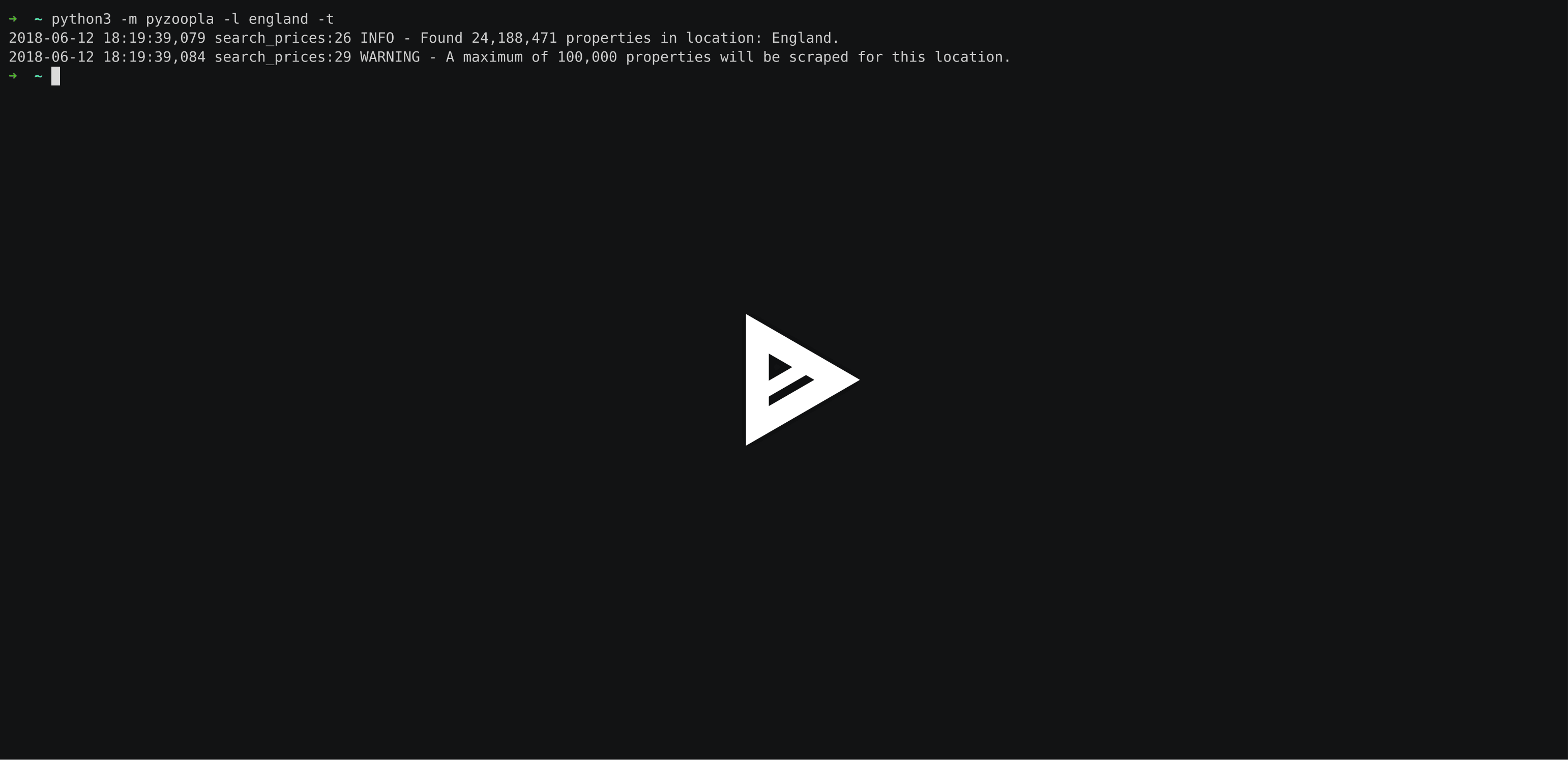
For full option details: python3 -m pyzoopla -h
1 maintainer

Metadata
1 maintainer
Release files for pyzoopla 0.2.0
For a detailed explanation of source distributions (sdists) and built distributions (wheels), please see the package formats documentation.
Source distribution (sdist)
| File | Size | Uploaded | |
|---|---|---|---|
| pyzoopla-0.2.0.tar.gz | 21.1 kB | Details |
Release files / pyzoopla-0.2.0.tar.gz
| Download URL | pyzoopla-0.2.0.tar.gz |
|---|---|
| Size | 21.1 kB |
| Tags | Source |
|
SHA-256 checksum How to use checksums |
1b7aa8498e9f4f27ca2874a3076b7ad22da7faa53db0511b6c73094c05a0a600
|
|
BLAKE2b-256 checksum How to use checksums |
4b1427b76e2468c628bc15d7e1f33921d8e8f4b356b40c0838a7617c23f2cc6e
|
| Upload date | |
|
Uploaded using Trusted Publishing? What is trusted publishing? |
No |
| Uploaded via |
twine/3.4.1 importlib_metadata/4.5.0 pkginfo/1.7.0 requests/2.25.1 requests-toolbelt/0.9.1 tqdm/4.61.0 CPython/3.8.6
|














