
Remove image background

Project description
Rembg






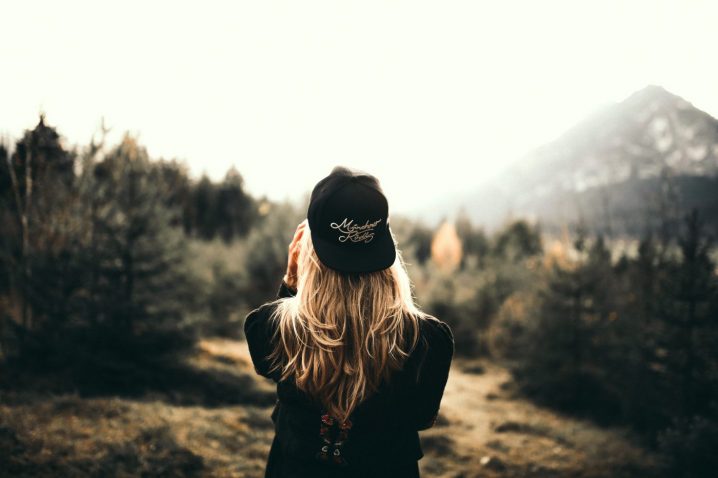
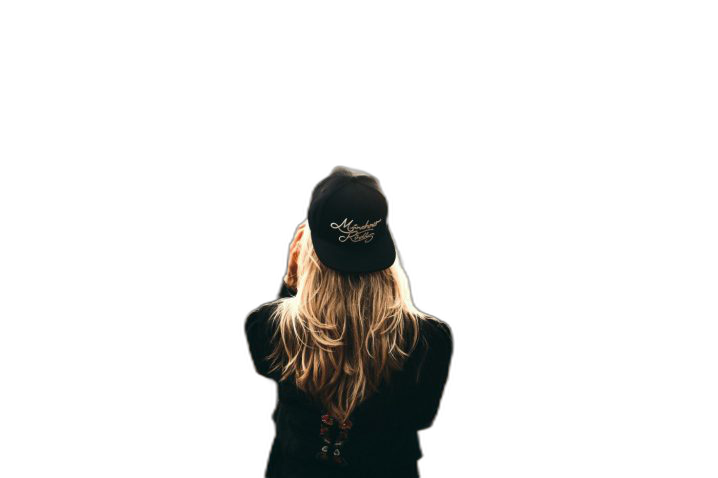
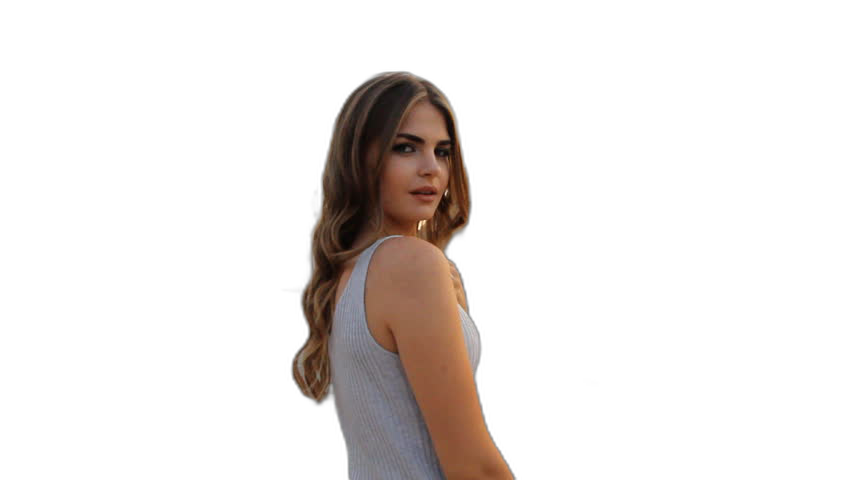
Rembg is a tool to remove images background.




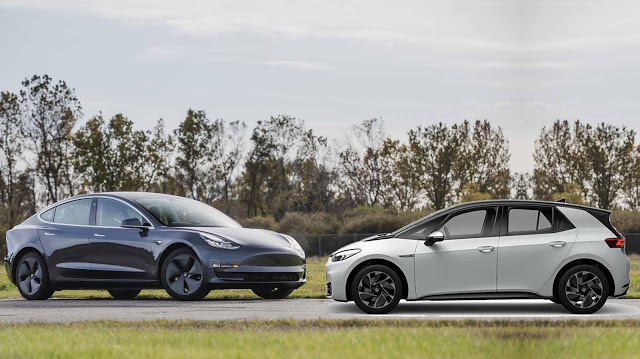

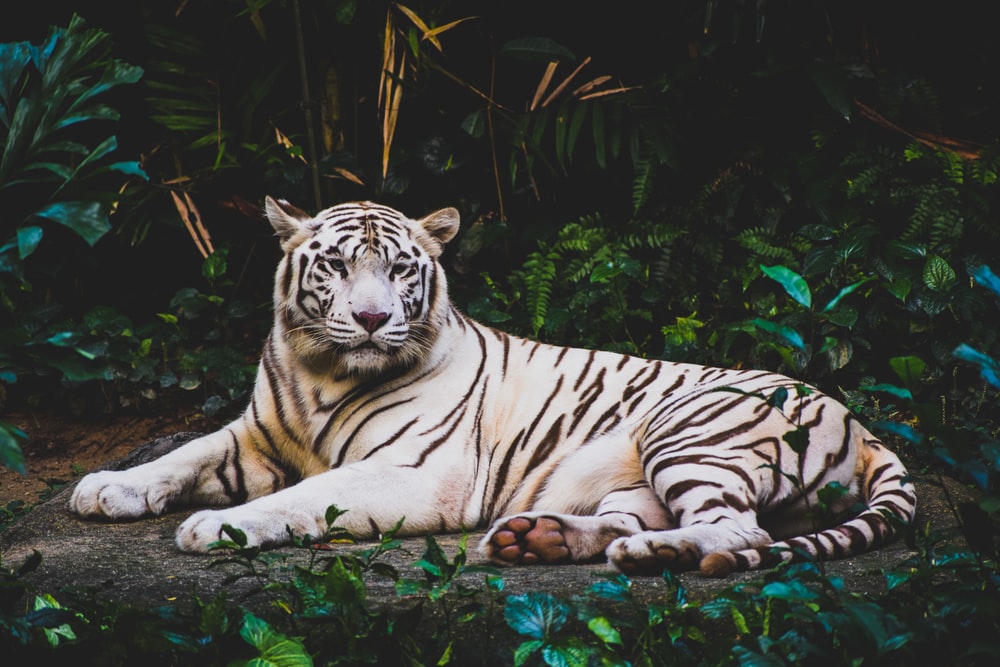
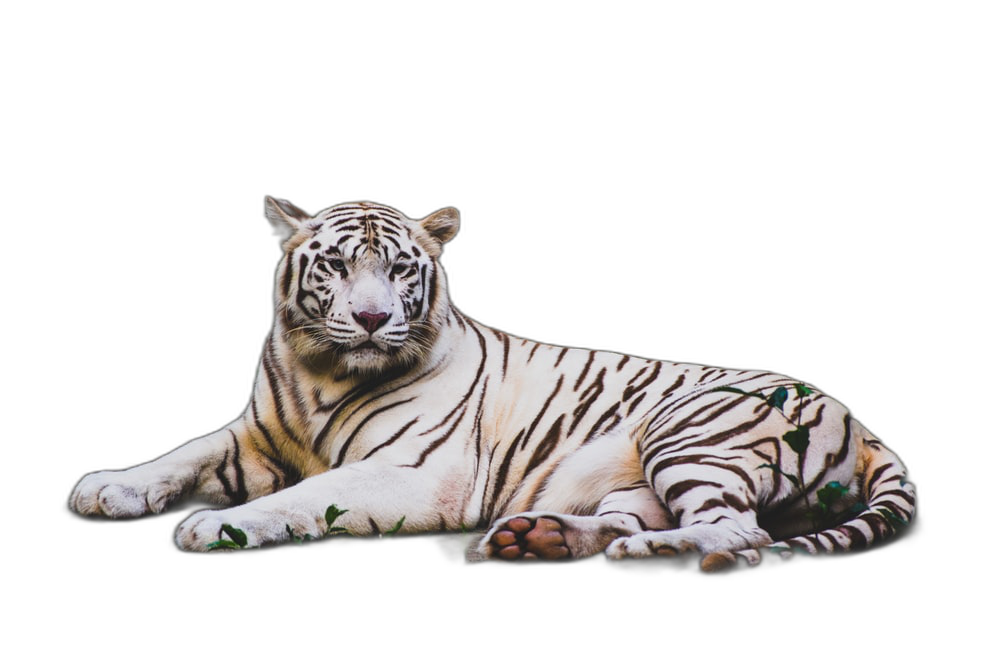
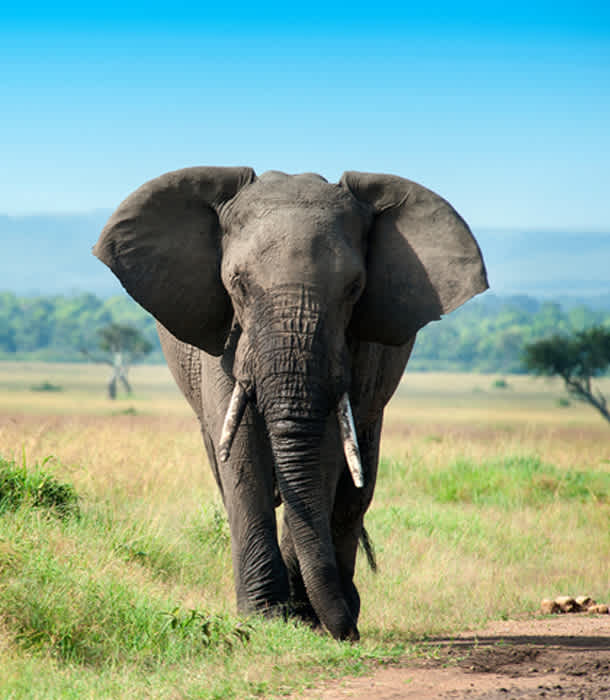
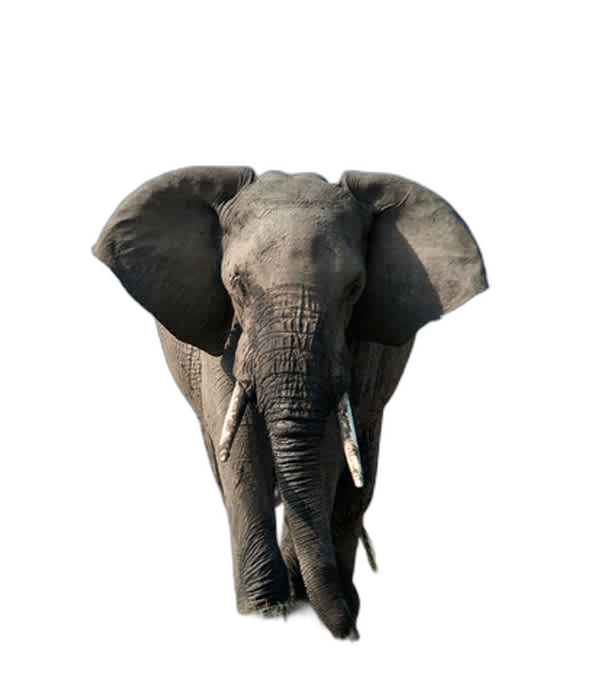
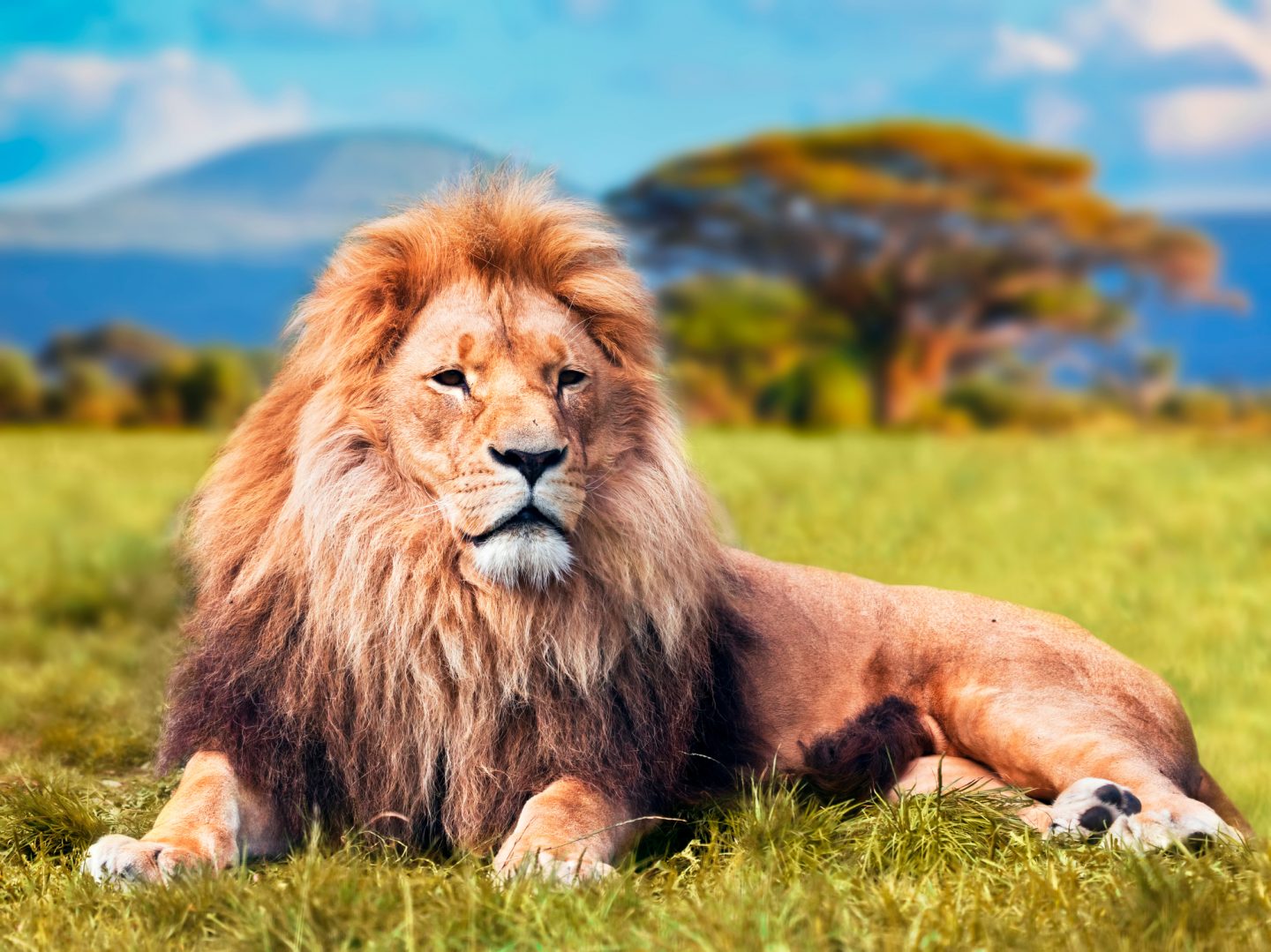
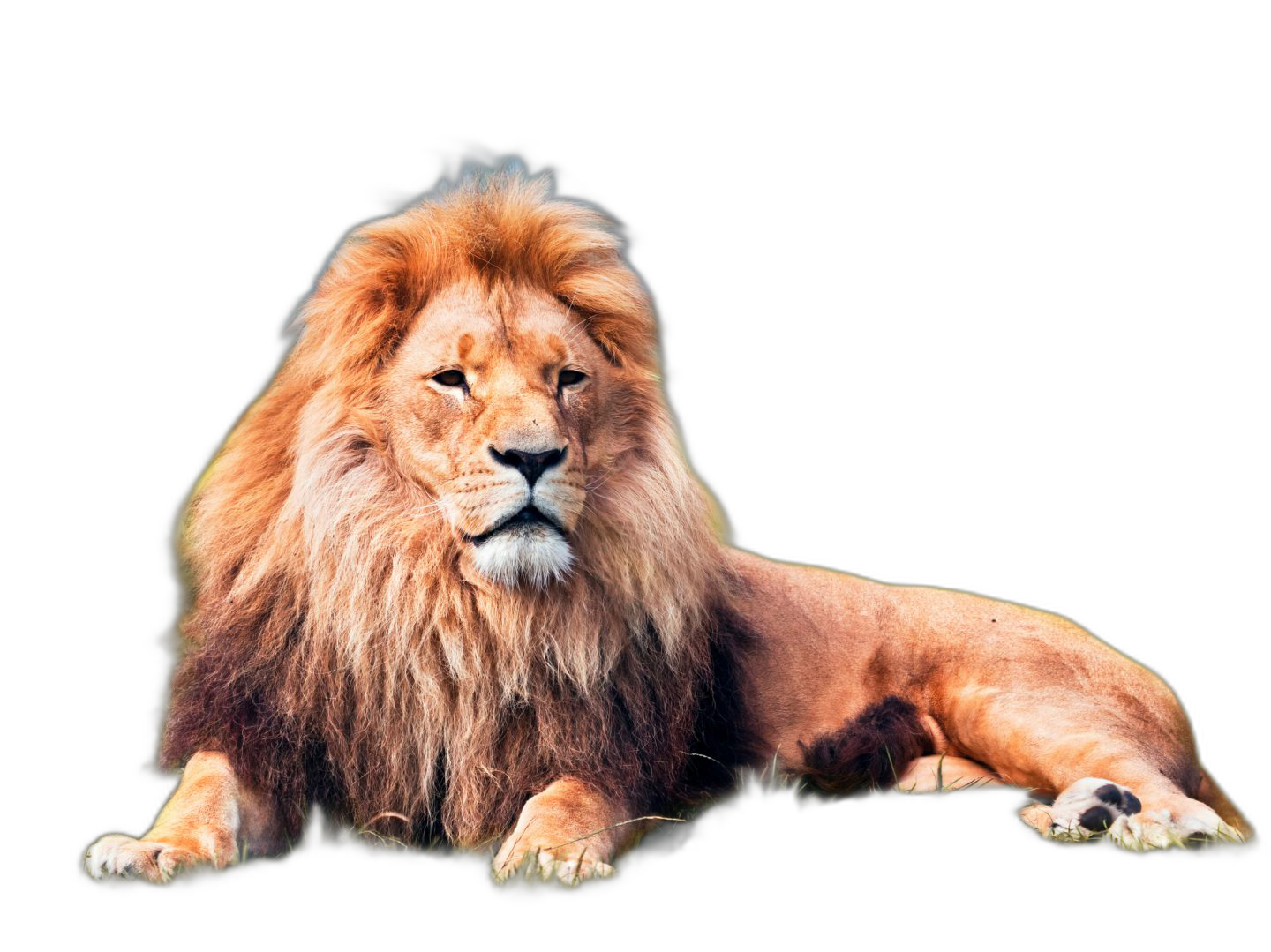

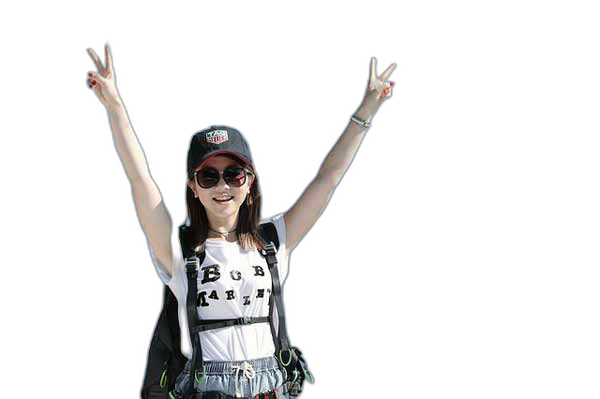

If this project has helped you, please consider making a donation.
Sponsor

|
PhotoRoom Remove Background API
https://photoroom.com/api
Fast and accurate background remover API |
Requirements
python: >3.7, <3.11
Installation
CPU support:
pip install rembg
GPU support:
First of all, you need to check if your system supports the onnxruntime-gpu.
Go to https://onnxruntime.ai and check the installation matrix.
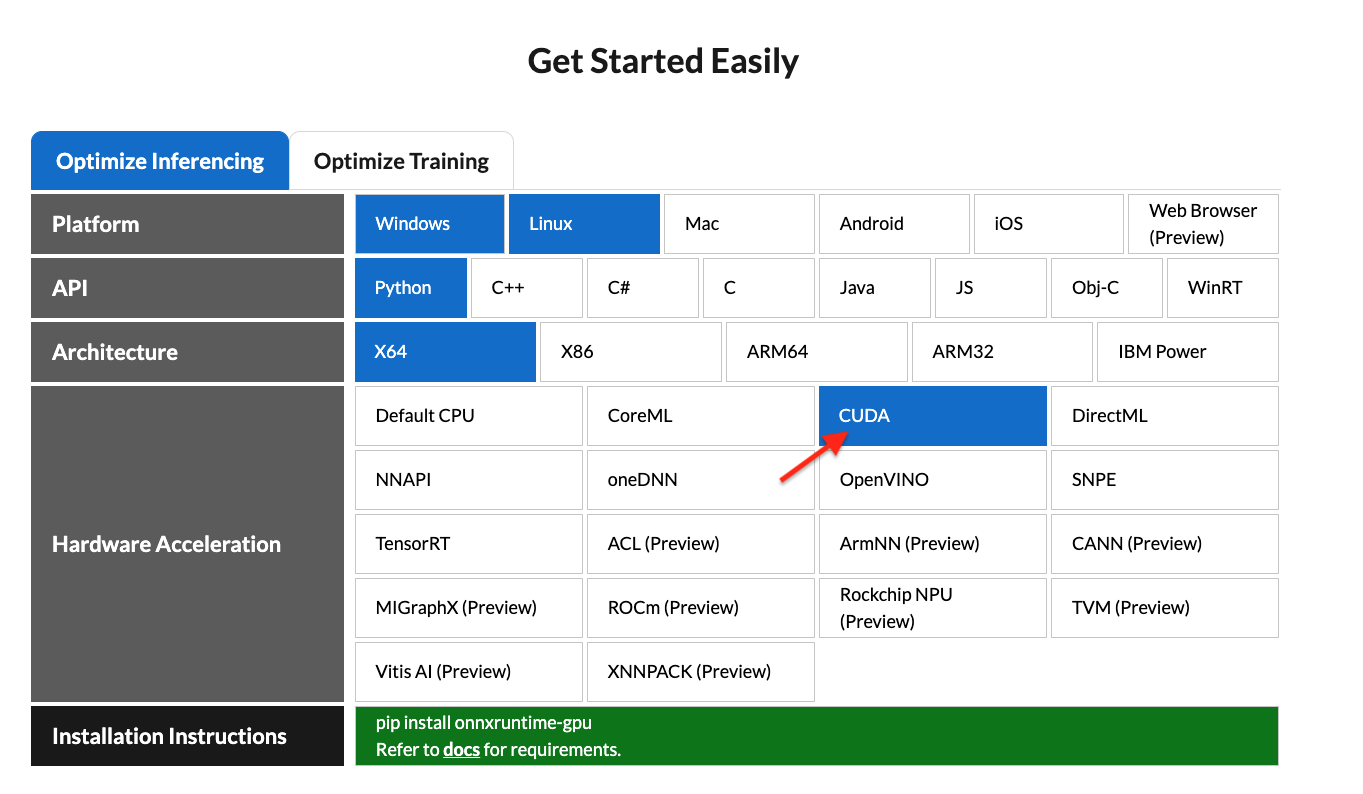
If yes, just run:
pip install rembg[gpu]
Usage as a cli
After the installation step you can use rembg just typing rembg in your terminal window.
The rembg command has 3 subcommands, one for each input type:
ifor filespfor folderssfor http server
You can get help about the main command using:
rembg --help
As well, about all the subcommands using:
rembg <COMMAND> --help
rembg i
Used when input and output are files.
Remove the background from a remote image
curl -s http://input.png | rembg i > output.png
Remove the background from a local file
rembg i path/to/input.png path/to/output.png
Remove the background specifying a model
rembg i -m u2netp path/to/input.png path/to/output.png
Remove the background returning only the mask
rembg i -om path/to/input.png path/to/output.png
Remove the background applying an alpha matting
rembg i -a path/to/input.png path/to/output.png
Passing extras parameters
rembg i -m sam -x '{"input_labels": [1], "input_points": [[100,100]]}' path/to/input.png path/to/output.png
rembg p
Used when input and output are folders.
Remove the background from all images in a folder
rembg p path/to/input path/to/output
Same as before, but watching for new/changed files to process
rembg p -w path/to/input path/to/output
rembg s
Used to start http server.
To see the complete endpoints documentation, go to: http://localhost:5000/docs.
Remove the background from an image url
curl -s "http://localhost:5000/?url=http://input.png" -o output.png
Remove the background from an uploaded image
curl -s -F file=@/path/to/input.jpg "http://localhost:5000" -o output.png
Usage as a library
Input and output as bytes
from rembg import remove

input_path = 'input.png'
output_path = 'output.png'

with open(input_path, 'rb') as i:
    with open(output_path, 'wb') as o:
        input = i.read()
        output = remove(input)
        o.write(output)
Input and output as a PIL image
from rembg import remove
from PIL import Image

input_path = 'input.png'
output_path = 'output.png'

input = Image.open(input_path)
output = remove(input)
output.save(output_path)
Input and output as a numpy array
from rembg import remove
import cv2

input_path = 'input.png'
output_path = 'output.png'

input = cv2.imread(input_path)
output = remove(input)
cv2.imwrite(output_path, output)
How to iterate over files in a performatic way
from pathlib import Path
from rembg import remove, new_session

session = new_session()

for file in Path('path/to/folder').glob('*.png'):
    input_path = str(file)
    output_path = str(file.parent / (file.stem + ".out.png"))

    with open(input_path, 'rb') as i:
        with open(output_path, 'wb') as o:
            input = i.read()
            output = remove(input, session=session)
            o.write(output)
To see a full list of examples on how to use rembg, go to the examples page.
Usage as a docker
Just replace the rembg command for docker run danielgatis/rembg.
Try this:
docker run danielgatis/rembg i path/to/input.png path/to/output.png
Models
All models are downloaded and saved in the user home folder in the .u2net directory.
The available models are:
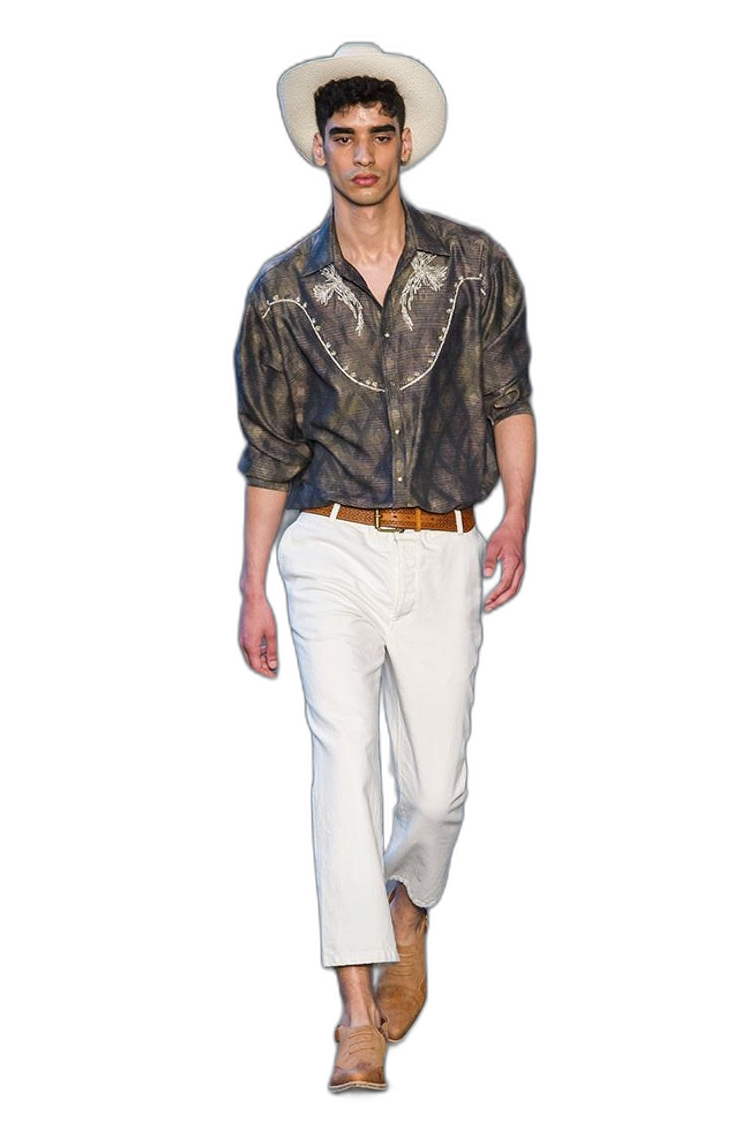
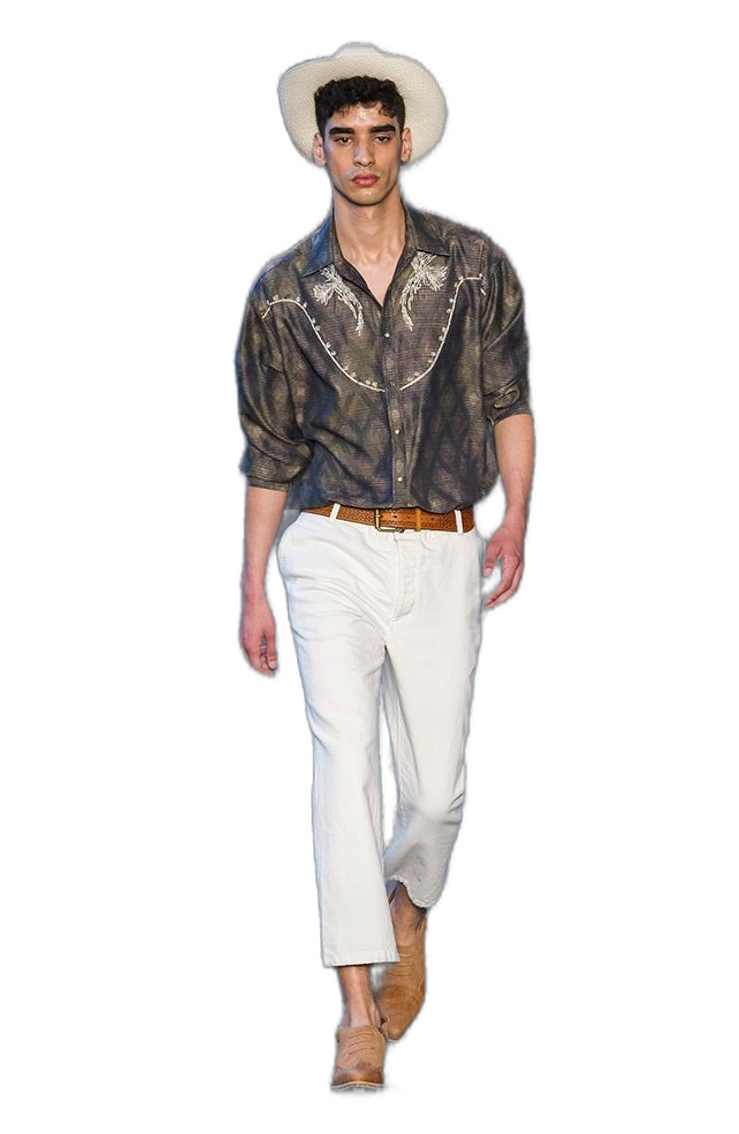
- u2net (download, source): A pre-trained model for general use cases.
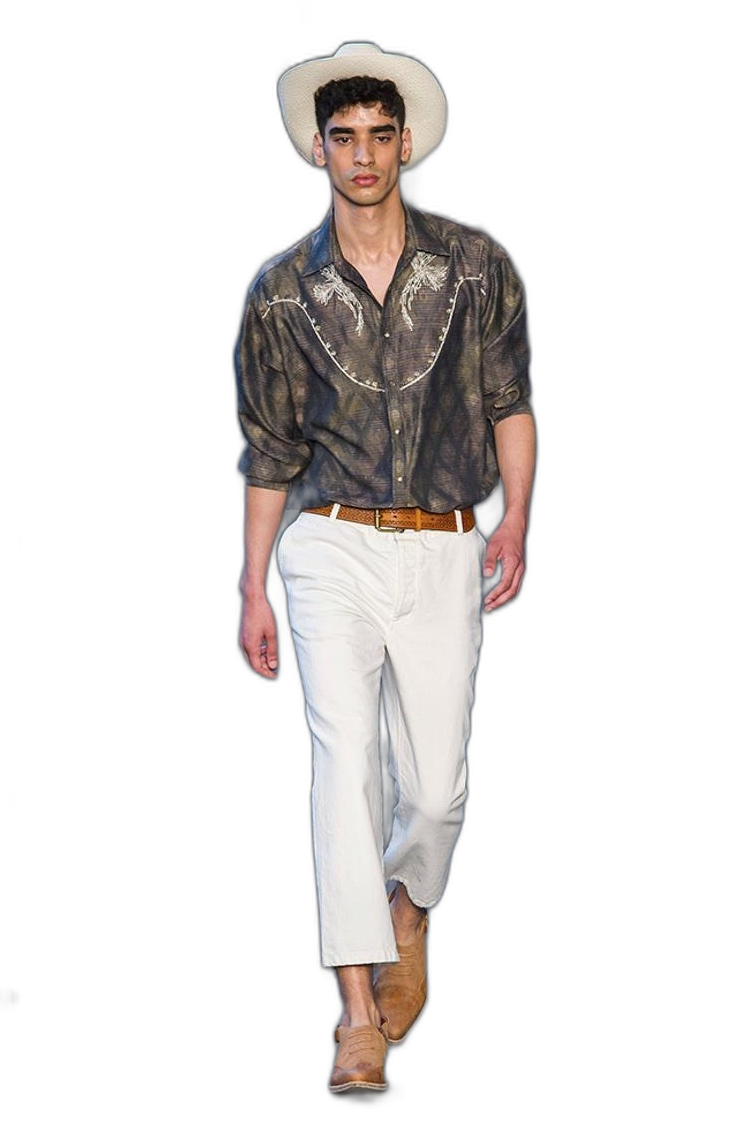
- u2netp (download, source): A lightweight version of u2net model.
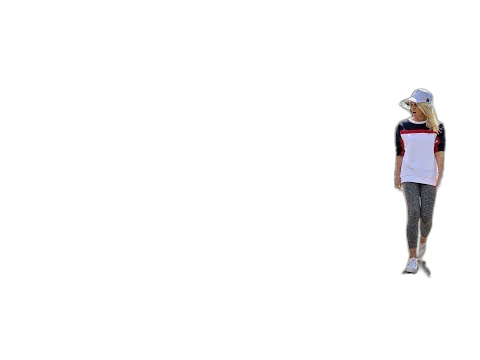
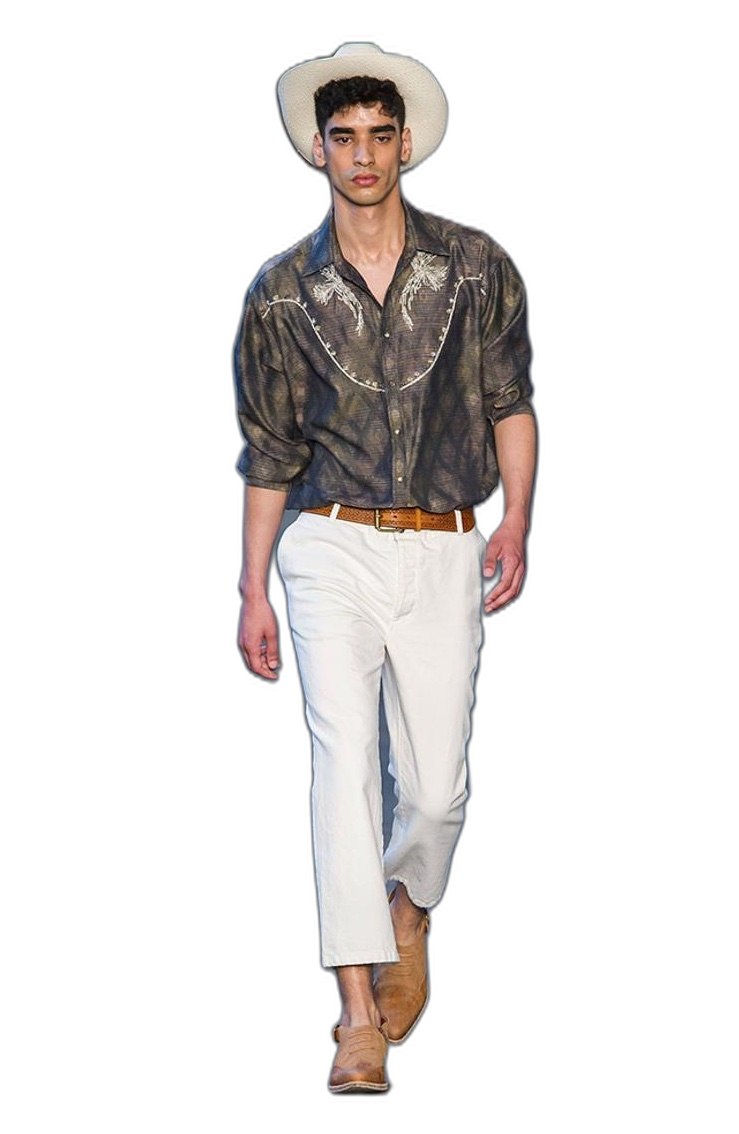
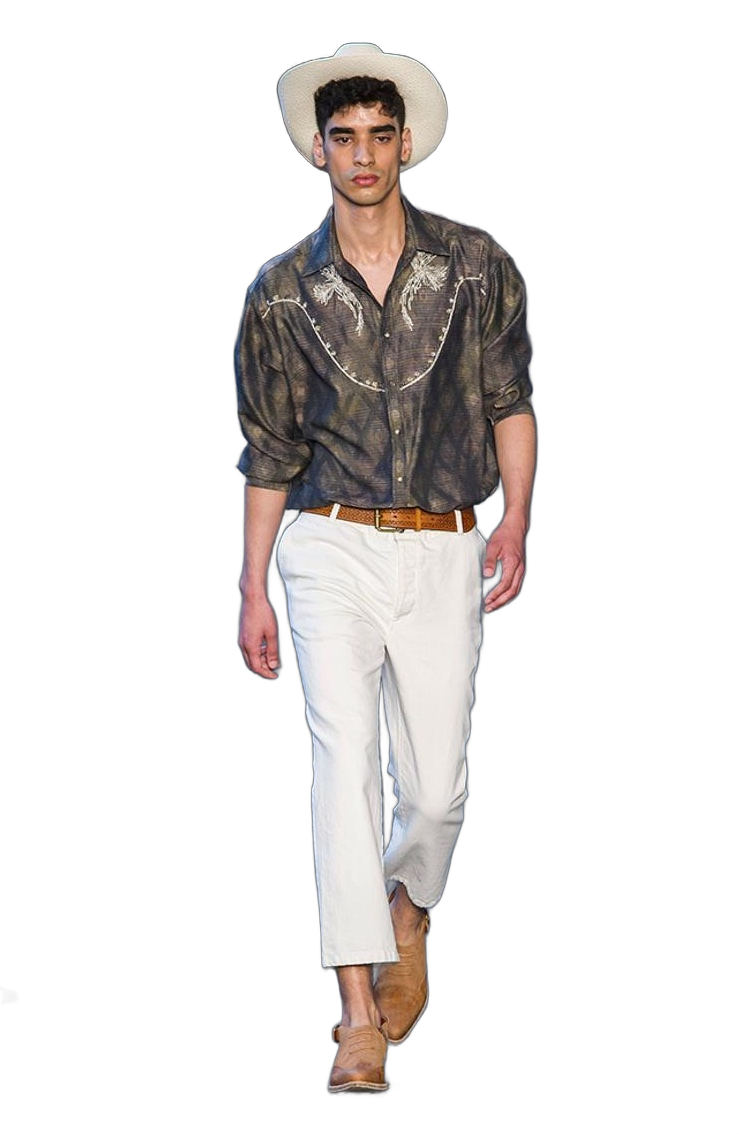
- u2net_human_seg (download, source): A pre-trained model for human segmentation.
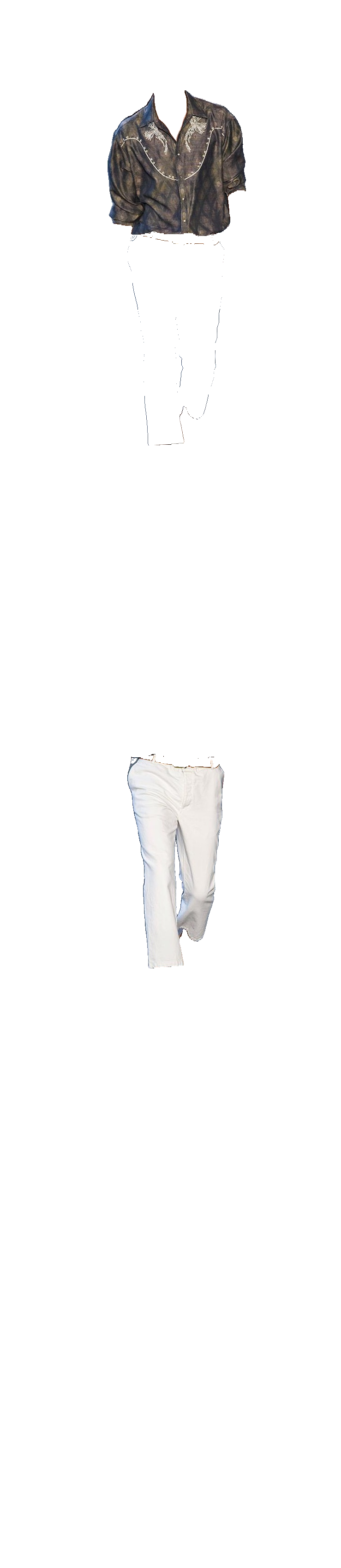
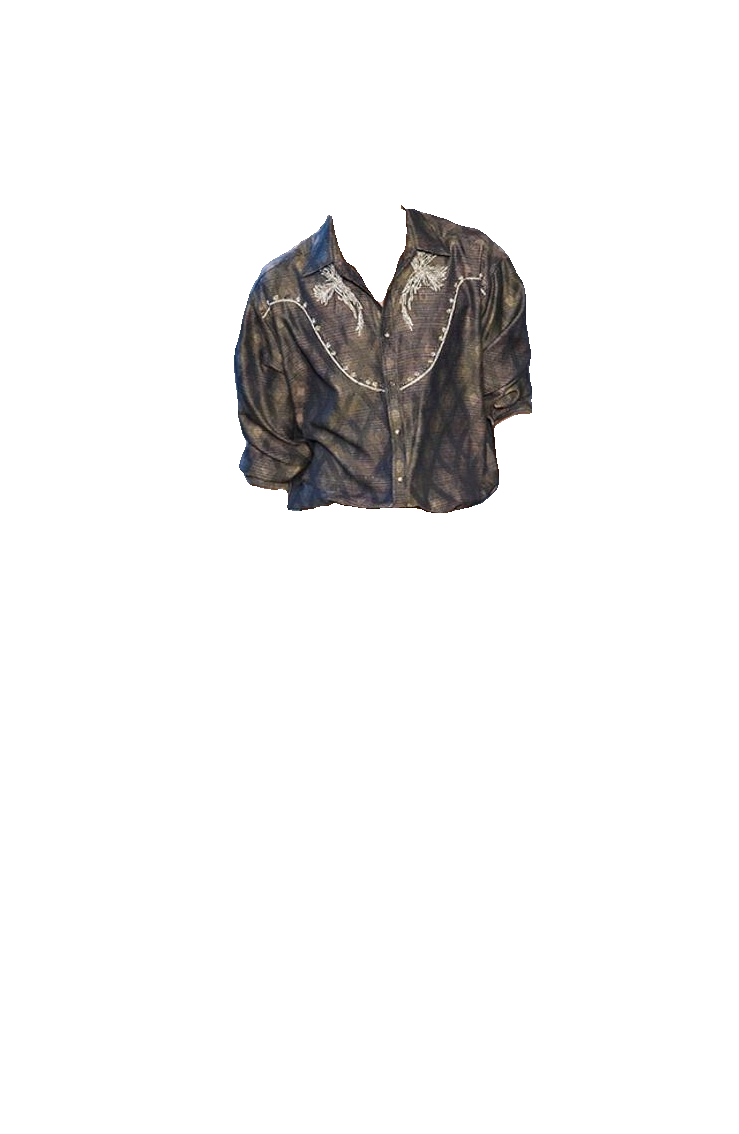
- u2net_cloth_seg (download, source): A pre-trained model for Cloths Parsing from human portrait. Here clothes are parsed into 3 category: Upper body, Lower body and Full body.
- silueta (download, source): Same as u2net but the size is reduced to 43Mb.
- isnet-general-use (download, source): A new pre-trained model for general use cases.
- sam (download encoder, download decoder, source): A pre-trained model for any use cases.
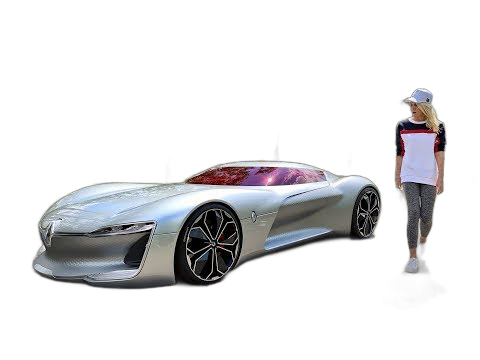
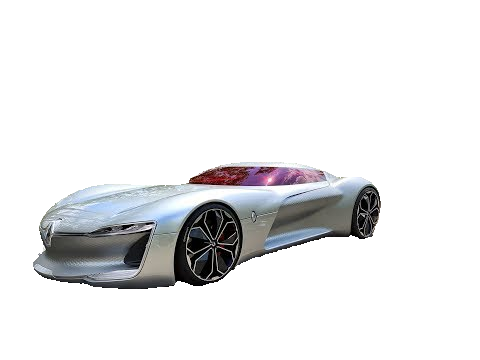
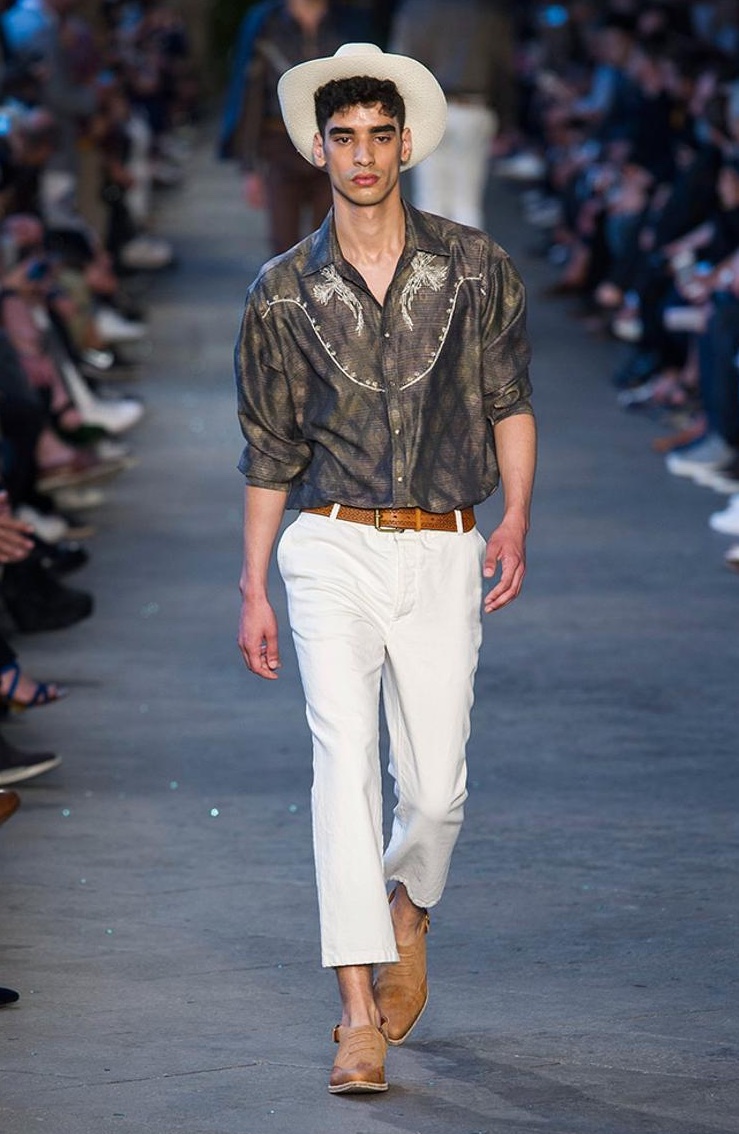
Some differences between the models result
| original | u2net | u2netp | u2net_human_seg | u2net_cloth_seg | silueta | isnet-general-use | sam |
|---|---|---|---|---|---|---|---|
 |
 |
 |
 |
 |
 |
 |
 |
 |
 |
 |
 |
 |
 |
 |
 |
How to train your own model
If You need more fine tunned models try this: https://github.com/danielgatis/rembg/issues/193#issuecomment-1055534289
Some video tutorials
- https://www.youtube.com/watch?v=3xqwpXjxyMQ
- https://www.youtube.com/watch?v=dFKRGXdkGJU
- https://www.youtube.com/watch?v=Ai-BS_T7yjE
- https://www.youtube.com/watch?v=dFKRGXdkGJU
- https://www.youtube.com/watch?v=D7W-C0urVcQ
References
- https://arxiv.org/pdf/2005.09007.pdf
- https://github.com/NathanUA/U-2-Net
- https://github.com/pymatting/pymatting
Buy me a coffee
Liked some of my work? Buy me a coffee (or more likely a beer)

License
Copyright (c) 2020-present Daniel Gatis
Licensed under MIT License
Release history Release notifications | RSS feed


Download files
Download the file for your platform. If you're not sure which to choose, learn more about installing packages.







