
$pip install site2hdd

from site2hdd import download_url_list,get_proxies,download_webpage
xlsxfile,pklfile = get_proxies(

  save_path_proxies_all_filtered='c:\\newfilepath\\myproxiefile\\proxy', #  path doesn't have to exist, it will be created, last

 # part (proxy) is the name of the file - pkl and xlsx will be added

 # important: There will be 2 files, in this case: c:\\newfilepath\\myproxiefile\\proxy.pkl and c:\\newfilepath\\myproxiefile\\proxy.xlsx


  http_check_timeout=4, # if proxy can't connect within 4 seconds to wikipedia, it is invalid


  threads_httpcheck=50, # threads to check if the http connection is working


  threads_ping=100 ,  # before the http test, there is a ping test to check if the server exists


  silent=False, # show results when a working server has been found


  max_proxies_to_check=2000, # stops the search at 2000

)
Downloading lists of free proxy servers
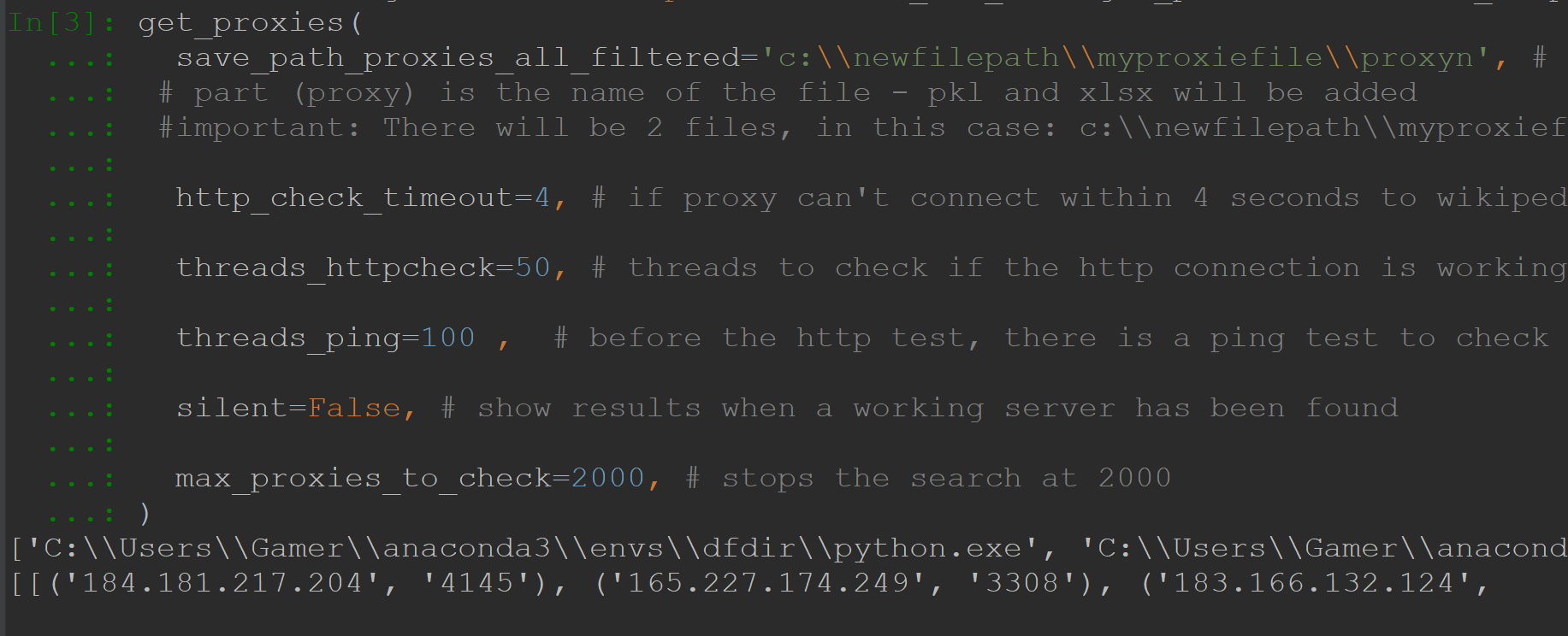
Checking if the ip exists
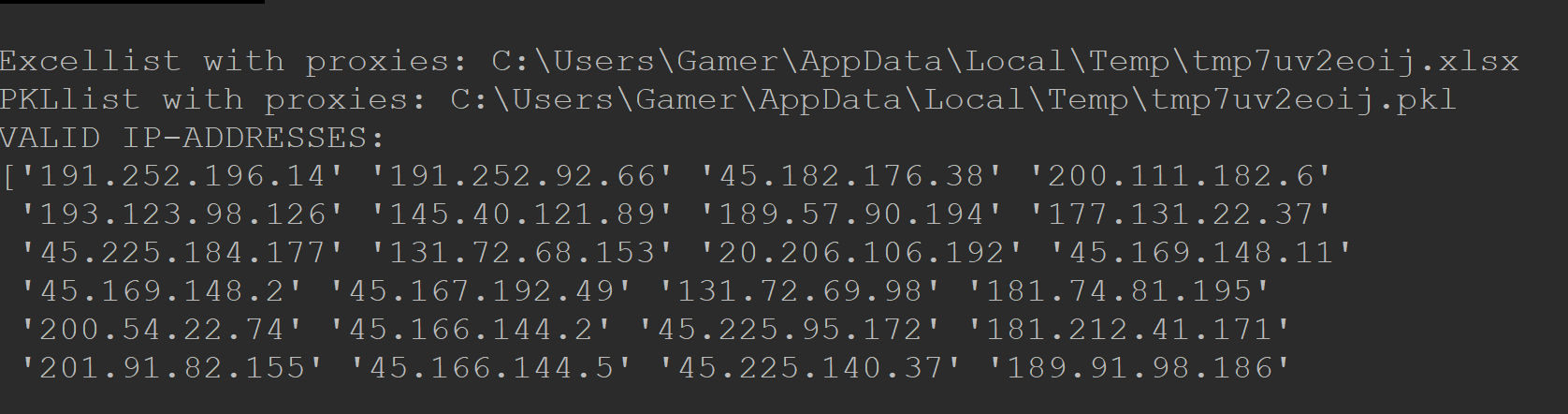
Checking if http works and own IP is hidden
urls = [r'''https://pandas.pydata.org/docs/#''', r'''https://pandas.pydata.org/docs/getting_started/index.html''',

       r'''https://pandas.pydata.org/docs/user_guide/index.html''',

       r'''https://pandas.pydata.org/docs/reference/index.html''',

       r'''https://pandas.pydata.org/docs/development/index.html''',

       r'''https://pandas.pydata.org/docs/whatsnew/index.html''', r'''https://pandas.pydata.org/docs/dev/index.html''',

       r'''https://pandas.pydata.org/docs/index.html''',

       r'''https://pandas.pydata.org/pandas-docs/version/1.4/index.html''',

       r'''https://pandas.pydata.org/pandas-docs/version/1.3/index.html''',

       r'''https://pandas.pydata.org/pandas-docs/version/1.2/index.html''',

       r'''https://pandas.pydata.org/pandas-docs/version/1.1/index.html''',

       r'''https://pandas.pydata.org/pandas-docs/version/1.0/index.html''',

       r'''https://github.com/pandas-dev/pandas''', r'''https://twitter.com/pandas_dev''',

       r'''https://pandas.pydata.org/docs/#pandas-documentation''', r'''https://pandas.pydata.org/docs/pandas.zip''',

       r'''https://pandas.pydata.org/''', r'''https://pypi.org/project/pandas''',

       r'''https://github.com/pandas-dev/pandas/issues''', r'''https://stackoverflow.com/questions/tagged/pandas''',

       r'''https://groups.google.com/g/pydata''', r'''https://pandas.pydata.org/docs/#module-pandas''',

       r'''https://www.python.org/''',

       r'''https://pandas.pydata.org/docs/getting_started/index.html#getting-started''',

       r'''https://pandas.pydata.org/docs/user_guide/index.html#user-guide''',

       r'''https://pandas.pydata.org/docs/reference/index.html#api''',

       r'''https://pandas.pydata.org/docs/development/index.html#development''',

       r'''https://pandas.pydata.org/docs/_sources/index.rst.txt''', r'''https://numfocus.org/''',

       r'''https://www.ovhcloud.com/''', r'''http://sphinx-doc.org/''', ]


download_url_list(urls, ProxyPickleFile='c:\\newfilepath\\myproxiefile\\proxyn.pkl',

   # The file you created using the function: get_proxies

   SaveFolder='f:\\testdlpandaslinks',  # where should the files be saved

   try_each_url_n_times=5,  # maximum retries for each url

   ProxyConfidenceLimit=10,

   # each link will be downloaded twice and then compared. If only one result is positive, it counts as a not successful download. But if     the ProxyConfidenceLimit is higher, then it will be accepted

   ThreadLimit=50,  # downloads at the same time

   RequestsTimeout=10,  # Timeout for requests

   ThreadTimeout=12,  # Should be a little higher than RequestsTimeout

   SleepAfterKillThread=0.1,  # Don't put 0.0 here - it will use too much CPU

   SleepAfterStartThread=0.1,  # Don't put 0.0 here - it will use too much CPU

   IgnoreExceptions=True, )
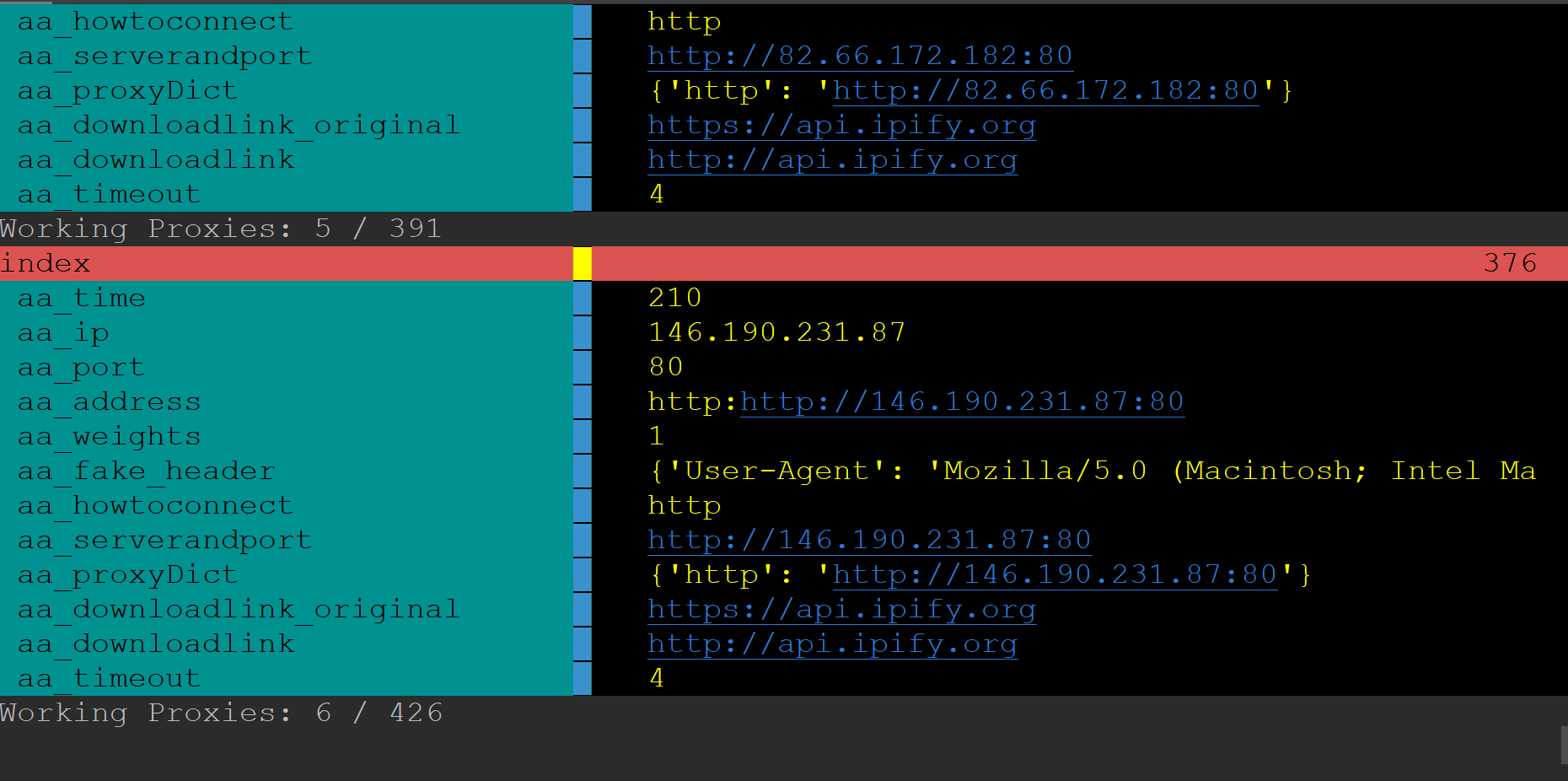
Downloading a url list
Never close the app when this is the last message that was printed: "Batch done - writing files to HDD ..."
# downloads only links from one domain! All others are ignored!

starturls=[r'''https://pydata.org/upcoming-events/''',  # if it can't find links on the starting page, pass a list of links from the site.

r'''https://pydata.org/past-events/''',

r'''https://pydata.org/organize-a-conference/''',

r'''https://pydata.org/start-a-meetup/''',

r'''https://pydata.org/volunteer/''',

r'''https://pydata.org/code-of-conduct/''',

r'''https://pydata.org/diversity-inclusion/''',

r'''https://pydata.org/wp-content/uploads/2022/03/PyData-2022-Sponsorship-Prospectus-v4-1.pdf''',

r'''https://pydata.org/sponsor-pydata/#''',

r'''https://pydata.org/faqs/''',

r'''https://pydata.org/''',

r'''https://pydata.org/about/''',

r'''https://pydata.org/sponsor-pydata/''',

r'''https://pydata.org/wp-content/uploads/2022/03/PyData-2022-Sponsorship-Prospectus-v4.pdf''',]

download_webpage(

      ProxyPickleFile='c:\\newfilepath\\myproxiefile\\proxyn.pkl',

      DomainName="pydata.org",

      DomainLink="https://pydata.org/",

      SaveFolder=r"f:\pandashomepagetest",

      ProxyConfidenceLimit=10,

      UrlsAtOnce=100,

      ThreadLimit=50,

      RequestsTimeout=10,

      ThreadTimeout=12,

      SleepAfterKillThread=0.1,

      SleepAfterStartThread=0.1,

      IgnoreExceptions=True,

      proxy_http_check_timeout=4,

      proxy_threads_httpcheck=65,

      proxy_threads_ping=100,

      proxy_silent=False,

      proxy_max_proxies_to_check=1000,

      starturls=starturls,

  )
Downloading a whole page
# Command line also works, but you can't use starturls, and the proxy.pkl has to exist already!

# Best usage is to continue a download that hasn't been finished yet.

# Existing files won't be downloaded again!


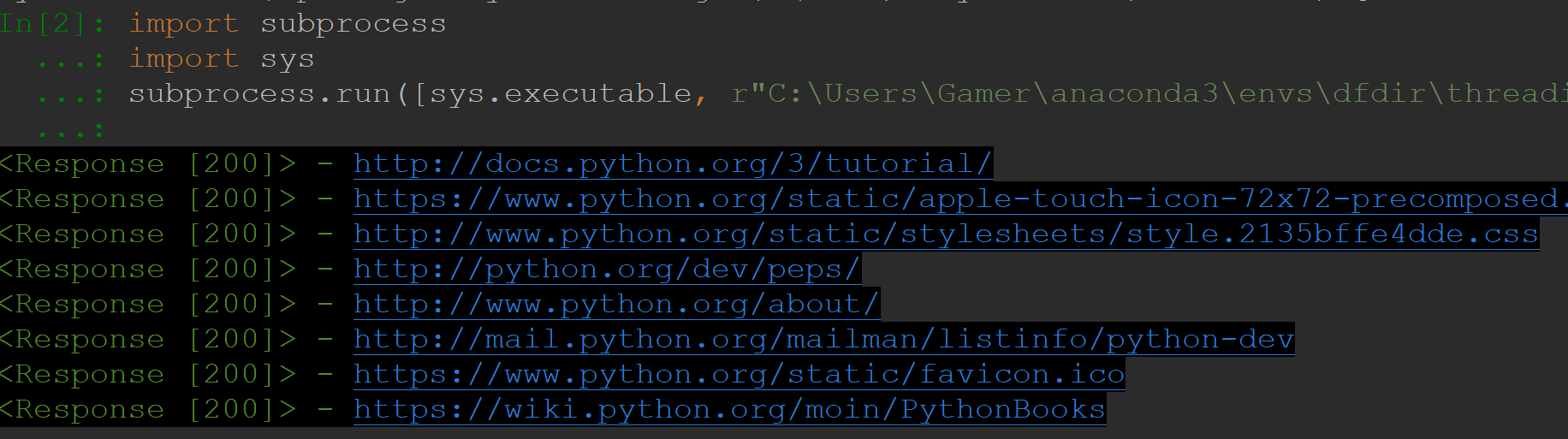
import subprocess

import sys


subprocess.run(

    [

        sys.executable,

        r"C:\Users\USERNAME\anaconda3\envs\ENVNAME\Lib\site-packages\site2hdd\__init__.py",

        r"C:\Users\USERNAME\anaconda3\envs\ENVNAME\pandaspyd.ini",

    ]

)


# This is how ini files should look like


r"""

[GENERAL]

ProxyPickleFile = c:\newfilepath\myproxiefile\proxyn.pkl

ProxyConfidenceLimit = 10

UrlsAtOnce = 100

; ThreadLimit - 50% of UrlsAtOnce is a good number

ThreadLimit = 50

RequestsTimeout = 10

; ThreadTimeout - Should be a little higher than RequestsTimeout

ThreadTimeout = 12

; SleepAfterKillThread - Don't put 0.0 here

SleepAfterKillThread = 0.1

; SleepAfterStartThread - Don't put 0.0 here

SleepAfterStartThread = 0.1

IgnoreExceptions = True

SaveFolder = f:\pythonsite

DomainName = python.org

DomainLink = https://www.python.org/

"""
Downloading a whole page using the command line
1 maintainer

Metadata
1 maintainer
Release files for site2hdd 0.15
For a detailed explanation of source distributions (sdists) and built distributions (wheels), please see the package formats documentation.
Source distribution (sdist)
| File | Size | Uploaded | Provenance | Actions |
|---|---|---|---|---|
| site2hdd-0.15.tar.gz | 12.8 kB | Without provenance | Details for site2hdd-0.15.tar.gz |
Built distribution (wheel)
| File | Interpreter | ABI | Platform | Actions Reset |
|---|---|---|---|---|
| site2hdd-0.15-py3-none-any.whl | Python 3 | none | any | Details for site2hdd-0.15-py3-none-any.whl |
Total release size: 26.1 kB
Release files / site2hdd-0.15.tar.gz
| Download URL | site2hdd-0.15.tar.gz |
|---|---|
| Size | 12.8 kB |
| Tags | Source |
|
SHA-256 checksum How to use checksums |
6e9eef1d5d165d875c903ecae92a620efaac1aa2446885192efc7fa79449ce0f
|
|
BLAKE2b-256 checksum How to use checksums |
5bec36c3de9601f033798cda75aa3dee7dd2dc6a6846c44dd673ccf74018db9d
|
| Upload date | |
|
Uploaded using Trusted Publishing? What is trusted publishing? |
No |
| Uploaded via |
twine/4.0.1 CPython/3.9.13
|
Release files / site2hdd-0.15-py3-none-any.whl
| Download URL | site2hdd-0.15-py3-none-any.whl |
|---|---|
| Size | 13.3 kB |
| Tags | Python 3 |
|
SHA-256 checksum How to use checksums |
5d0e93aff04e9d37214fcdddebdd27f0ddc87e1699f3bb61c7738b2acc444e4e
|
|
BLAKE2b-256 checksum How to use checksums |
aeacf49389badd7aad059a766c4271fbac993c46ce416c97e0436b3e8f9df479
|
| Upload date | |
|
Uploaded using Trusted Publishing? What is trusted publishing? |
No |
| Uploaded via |
twine/4.0.1 CPython/3.9.13
|
Security for site2hdd 0.15
Provenance
Provenance describes where a file came from. On PyPI, provenance is shared via attestations, which provide a verifiable record of the build or publishing details. View details, limitations and caveats.
No provenance found
None of the files in this release were uploaded with provenance metadata.
A note on package security
PyPI is a repository for distributing packages, not a service for auditing them. While third-party security researchers and our staff do their best to detect and remove malicious packages, PyPI cannot guarantee the quality, security or suitability of any given package.
To learn more about protecting yourself from malicious actors, visit our package security documentation.














