
snowmachine
A python script that allows your terminal to snow. View it in action here:
homebrew:
brew tap sontek/snowmachine
brew install sontek/snowmachine/snowmachine
pypi:
pip install snowmachine
nix:
nix-shell -p snowmachine --command snowmachine
docker:
docker run --rm -ti sontek/snowmachine
Getting Started
You can make it snow:
$ snowmachine snow

or render a tree:
$ snowmachine tree
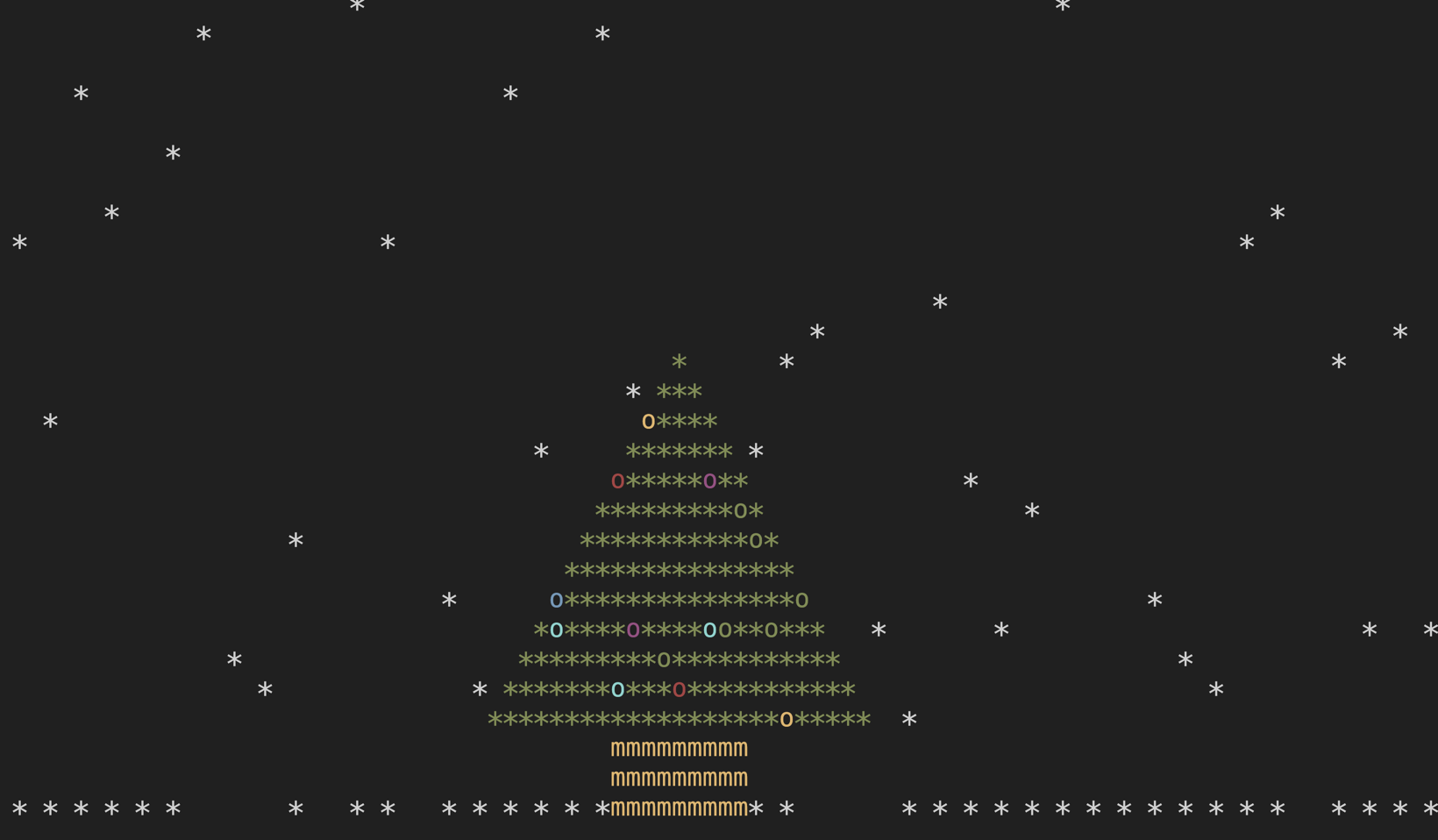
You can also tell it to stack the snow if you prefer.
$ snowmachine snow --stack=pile
If you don't like the unicode particles you can tell it to use asterisk or some other character. If you use cmd.exe for example, this will be required.
$ snowmachine snow --stack=pile --particle="*"
You can also change the particle colors if you would like:
$ snowmachine snow --color=rainbow
In addition you can change the speed of particles:
$ snowmachine --speed=5
You can find a bash(shell) script version of this here: https://gist.github.com/sontek/1505483
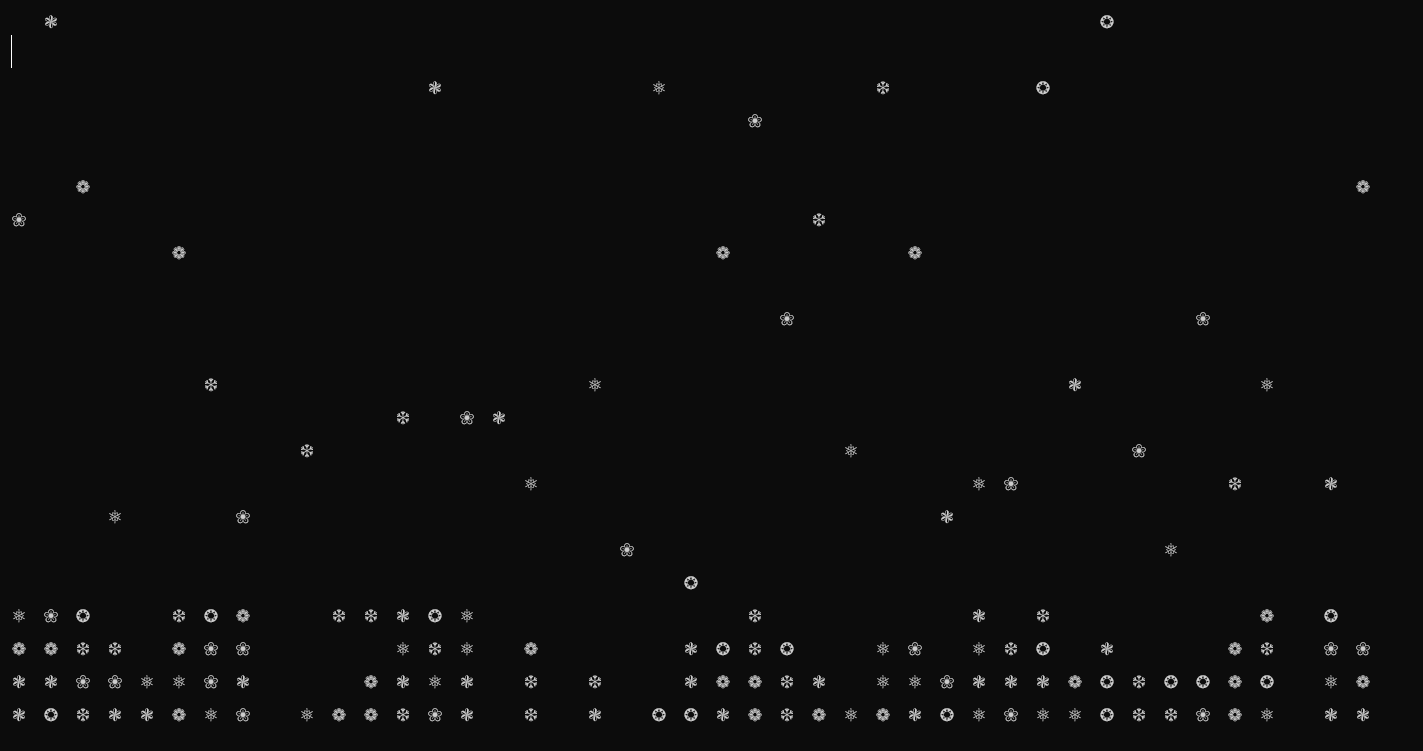
Screenshot:

Star Options
The Christmas tree can now be decorated with different star styles on top. Use the --star option with the tree command to add a star. Available styles are:
classic: A traditional 5-point star pattern made with asterisksdiamond: A diamond-shaped star patternpatrick: A playful star pattern resembling a starfish
Example usage:
$ snowmachine tree --star=classic
1 maintainer

Metadata
1 maintainer
Release files for snowmachine 2.0.2
For a detailed explanation of source distributions (sdists) and built distributions (wheels), please see the package formats documentation.
Source distribution (sdist)
| File | Size | Uploaded | Provenance | |
|---|---|---|---|---|
| snowmachine-2.0.2.tar.gz | 252.2 kB | Without provenance | Details |
Built distribution (wheel)
| File | Interpreter | ABI | Platform | Reset |
|---|---|---|---|---|
| snowmachine-2.0.2-py3-none-any.whl | Python 3 | none | any | Details |
Total release size: 259.0 kB
Release files / snowmachine-2.0.2.tar.gz
| Download URL | snowmachine-2.0.2.tar.gz |
|---|---|
| Size | 252.2 kB |
| Tags | Source |
|
SHA-256 checksum How to use checksums |
1a109f88c3c461af44182c950e772a2ad2caa523744b0210d179e61845c14392
|
|
BLAKE2b-256 checksum How to use checksums |
b8d5ea70b03a1666d19e35fe0f1a75e1b79fd9a9f4fba622e5854cb1c9a8f004
|
| Upload date | |
|
Uploaded using Trusted Publishing? What is trusted publishing? |
No |
| Uploaded via |
twine/6.0.1 CPython/3.12.4
|
Release files / snowmachine-2.0.2-py3-none-any.whl
| Download URL | snowmachine-2.0.2-py3-none-any.whl |
|---|---|
| Size | 6.8 kB |
| Tags | Python 3 |
|
SHA-256 checksum How to use checksums |
4d5c38b897caf1cc04a43c3d2d9c6aac56623fe244a00b65ea974a6b3eb49902
|
|
BLAKE2b-256 checksum How to use checksums |
4dac41e7861ac7a067e659e467d6519ef7ea53edba60abe7e0ae78f4db3025be
|
| Upload date | |
|
Uploaded using Trusted Publishing? What is trusted publishing? |
No |
| Uploaded via |
twine/6.0.1 CPython/3.12.4
|
Security for snowmachine 2.0.2
Provenance
Provenance describes where a file came from. On PyPI, provenance is shared via attestations, which provide a verifiable record of the build or publishing details. View details, limitations and caveats.
No provenance found
None of the files in this release were uploaded with provenance metadata.
A note on package security
PyPI is a repository for distributing packages, not a service for auditing them. While third-party security researchers and our staff do their best to detect and remove malicious packages, PyPI cannot guarantee the quality, security or suitability of any given package.














