
sphinxext-altair
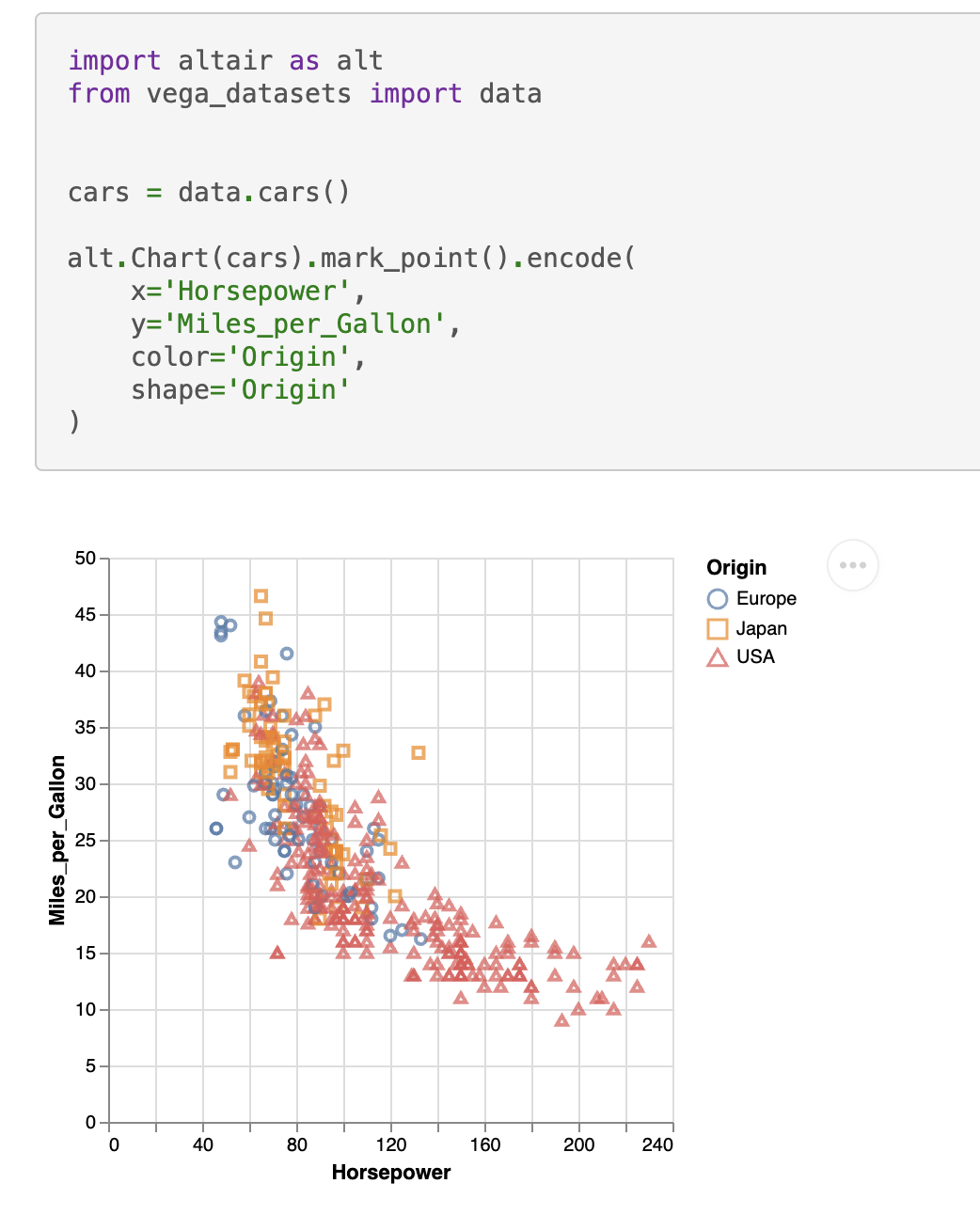
sphinxext-altair provides the directive altair-plot to insert live-rendered Altair plots within your Sphinx documentation:
    .. altair-plot::
        import altair as alt
        from vega_datasets import data


        cars = data.cars()

        alt.Chart(cars).mark_point().encode(
            x='Horsepower',
            y='Miles_per_Gallon',
            color='Origin',
            shape='Origin'
        )
You can enable the extension by adding it to your conf.py:
extensions = [
    ...
    "sphinxext_altair.altairplot",
    ...
]
You can find all available options in the docstring of sphinxext_altair/altairplot.py. For more examples on how to use this extension, see the test Sphinx documentation in tests/roots/test-altairplot or the official Altair documentation.
You can install the extension with:
pip install sphinxext-altair
Contributing
It's recommended to use a virtual environment for development:
python -m venv .venv
# Install the project in editable mode including development dependencies
pip install -e '.[dev]'
sphinxext-altair uses black for code formatting, mypy for static type checking, ruff for various linting rules, and pytest for testing. All these tools can be executed by running:
hatch run test
As part of those tests, a Sphinx documentation is built at tests/roots/test-altairplot. You can manually build this documentation and view it which is very useful during development of a new feature. For example, if you want to add a new option to the altair-plot directive, you can add another example in the file tests/roots/test-altairplot/index.rst and then build and view the documentation by running:
hatch run build-test-docs
hatch run serve-test-docs
The test documentation can now be viewed at http://localhost:8000.
3 maintainers


Release files for sphinxext-altair 0.2.0
For a detailed explanation of source distributions (sdists) and built distributions (wheels), please see the package formats documentation.
Source distribution (sdist)
| File | Size | Uploaded | |
|---|---|---|---|
| sphinxext_altair-0.2.0.tar.gz | 8.6 kB | Details |
Built distribution (wheel)
| File | Interpreter | ABI | Platform | Reset |
|---|---|---|---|---|
| sphinxext_altair-0.2.0-py3-none-any.whl | Python 3 | none | any | Details |
Total release size: 16.4 kB
Release files / sphinxext_altair-0.2.0.tar.gz
| Download URL | sphinxext_altair-0.2.0.tar.gz |
|---|---|
| Size | 8.6 kB |
| Tags | Source |
|
SHA-256 checksum How to use checksums |
eac920f97fdc9d44b669f442c24f6d96ea4f236179b96c25df41a8cd4385e5f6
|
|
BLAKE2b-256 checksum How to use checksums |
ea2c41b5f3079481f4e49a9451be1a429fda3dec1e51786875e104ef3c95d836
|
| Upload date | |
|
Uploaded using Trusted Publishing? What is trusted publishing? |
No |
| Uploaded via |
python-httpx/0.24.0
|
Release files / sphinxext_altair-0.2.0-py3-none-any.whl
| Download URL | sphinxext_altair-0.2.0-py3-none-any.whl |
|---|---|
| Size | 7.8 kB |
| Tags | Python 3 |
|
SHA-256 checksum How to use checksums |
4a307add6a530586794ba80204d724305009b5f499782cf1f828af0fc1d056b9
|
|
BLAKE2b-256 checksum How to use checksums |
81c915bd3bf427be9dc4f4d06bb7fcc4b0b7fb82aef07e25c5026bb52c819380
|
| Upload date | |
|
Uploaded using Trusted Publishing? What is trusted publishing? |
No |
| Uploaded via |
python-httpx/0.24.0
|














