

Stress tests and temperature plots for the Raspberry Pi







There are a million ways to cool down your Raspberry Pi: Small heat sinks, specific cases, and some extreme DIY solutions. stressberry is a package for testing the core temperature under different loads, and it produces nice plots which can easily be compared.
Raspberry Pi 4B
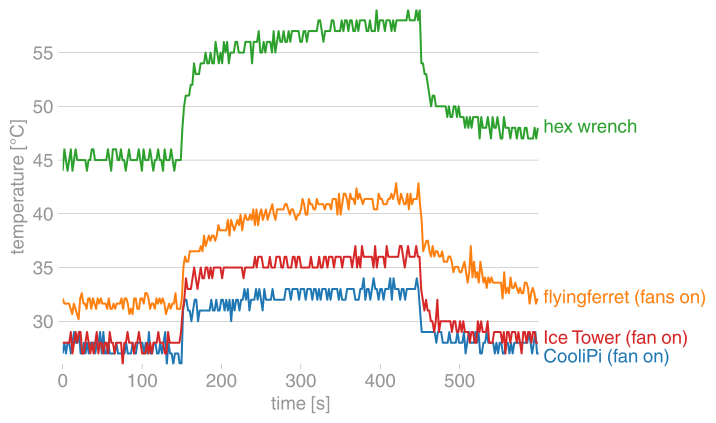 |
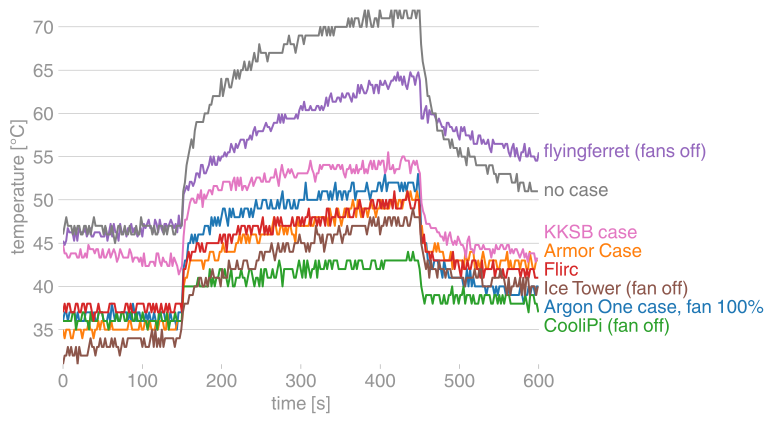 |
|---|---|
| active | passive |
 |
 |
 |
|---|---|---|
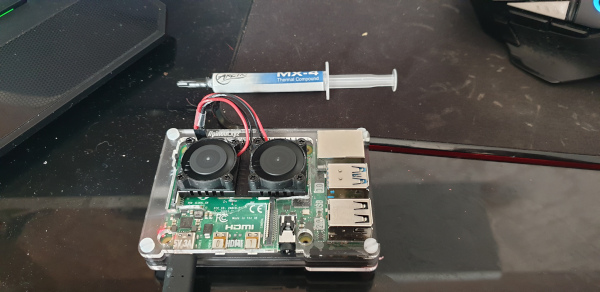
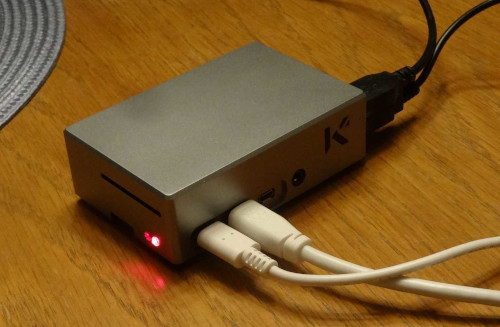
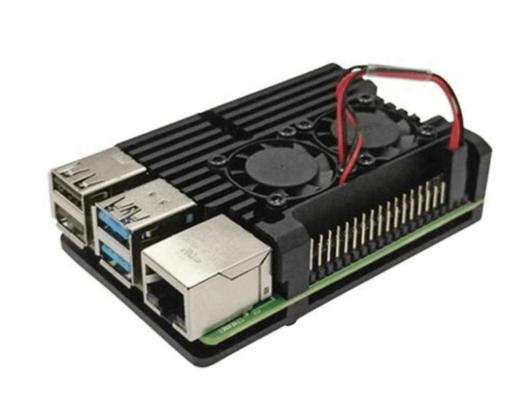
| custom case with fans (@flyingferret, #21) | KKSB case (@JohBod, #31) | Argon One case (@jholloway, #37) |
 |
 |
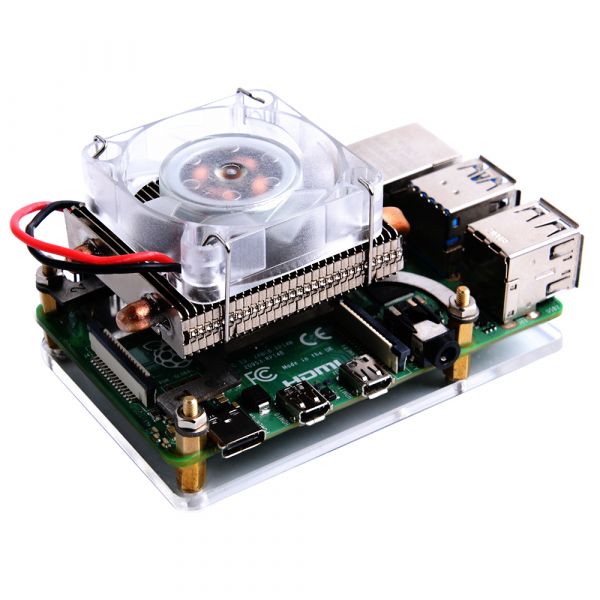 |
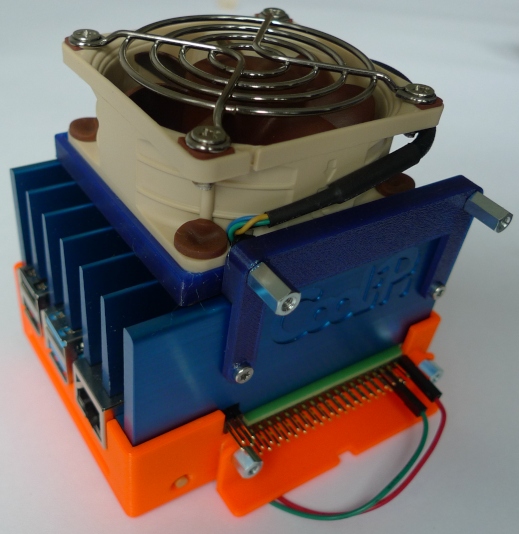
| hex wrench case (@patrickpoirier51, #45) | CooliPi (@CooliPi, #47, #48) | low-profile ice tower case (@leonhess, #54) |
 |
 |
|
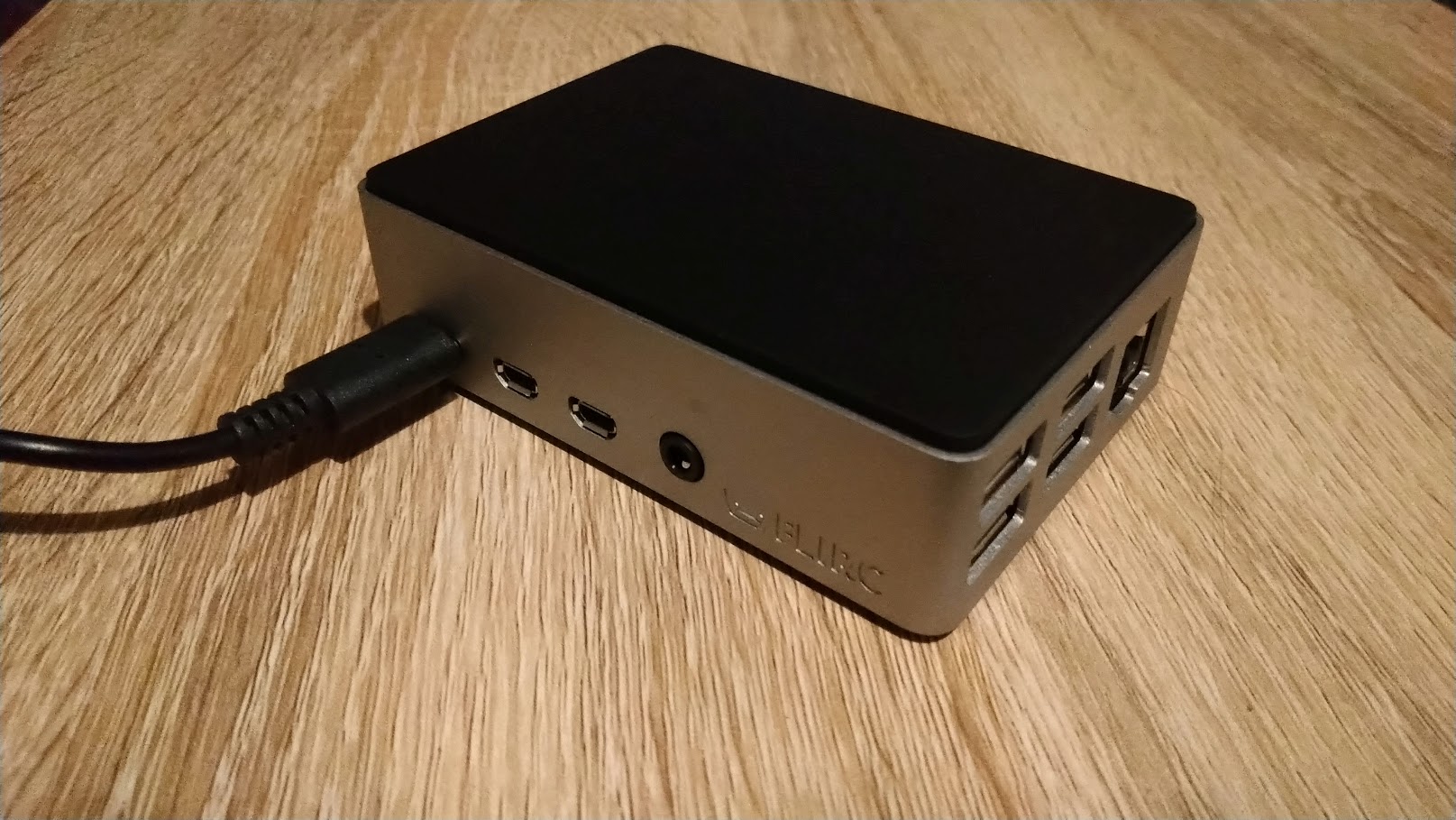
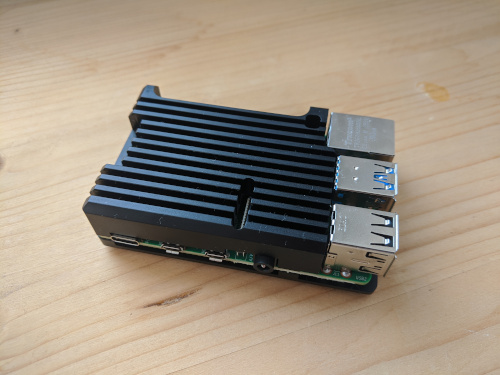
| Flirc case (@RichardKav, #73) | Armor Case |
Raspberry Pi 3B+
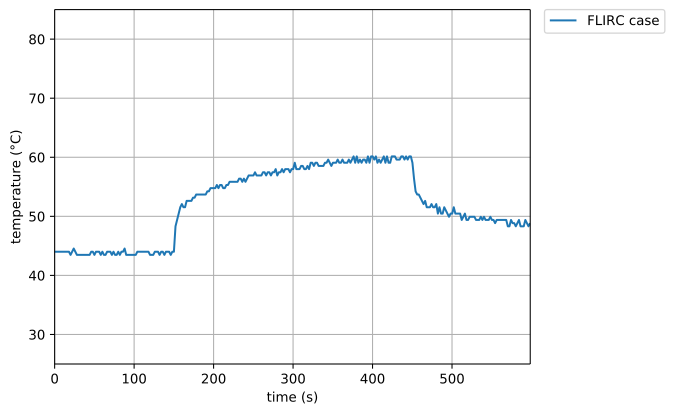
FLIRC case
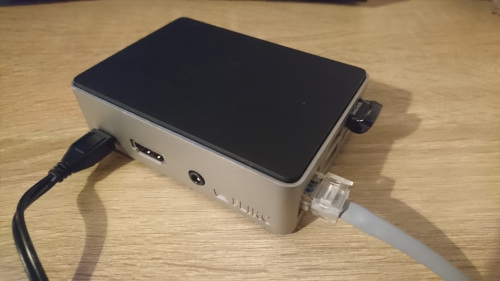
The famous FLIRC case. Thanks to @RichardKav for the measurements!
Raspberry Pi 3B
 |
 |
 |
|---|---|---|
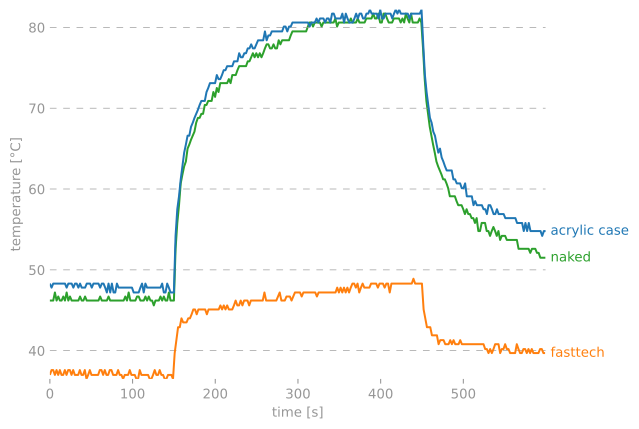
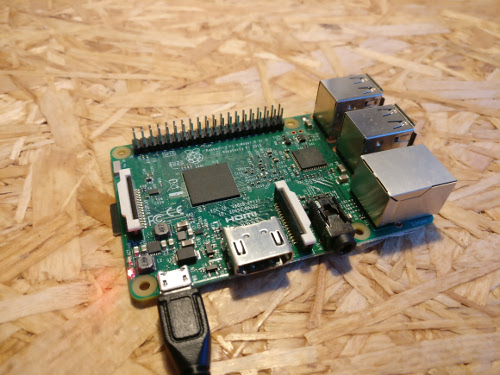
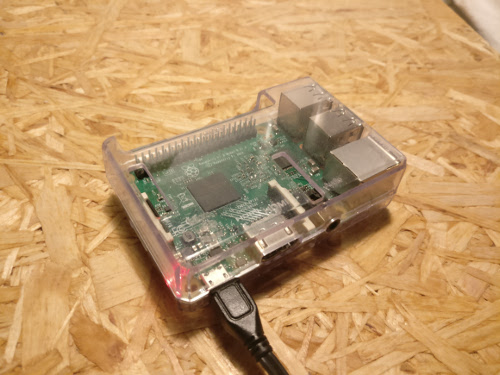
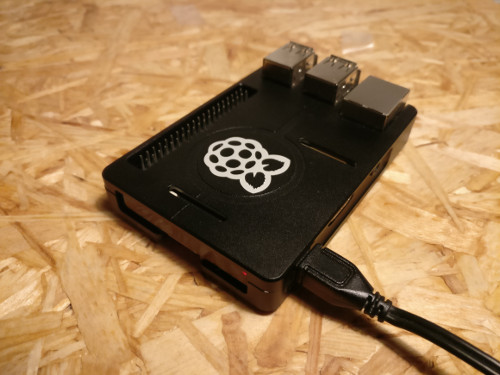
| No fans, heat sinks, or case. | Your average acrylic case from eBay. | FastTech case, full-body aluminum alloy with heat pads for CPU and RAM. |
How to
To run stressberry on your computer, simply install it with
[sudo] apt install stress
pip install stressberry
and run it with
stressberry-run out.dat
stressberry-plot out.dat -o out.png
(Use MPLBACKEND=Agg stressberry-plot out.dat -o out.png if you're running the script
on the Raspberry Pi itself.)
The run lets the CPU idle for a bit, then stresses it with maximum load for 5 minutes, and lets it cool down afterwards. The entire process takes 10 minutes. The resulting data is displayed to a screen or, if specified, written to a PNG file.
If you'd like to submit your own data for display here, feel free to open an issue and include the data file, a photograph of your setup, and perhaps some further information.
Testing
To run the tests, just check out this repository and type
pytest
License
This software is published under the GPLv3 license.
1 maintainer

Metadata
1 maintainer
Release files for stressberry 0.3.3
For a detailed explanation of source distributions (sdists) and built distributions (wheels), please see the package formats documentation.
Source distribution (sdist)
| File | Size | Uploaded | |
|---|---|---|---|
| stressberry-0.3.3.tar.gz | 10.4 kB | Details |
Built distribution (wheel)
| File | Interpreter | ABI | Platform | Reset |
|---|---|---|---|---|
| stressberry-0.3.3-py3-none-any.whl | Python 3 | none | any | Details |
Total release size: 34.2 kB
Release files / stressberry-0.3.3.tar.gz
| Download URL | stressberry-0.3.3.tar.gz |
|---|---|
| Size | 10.4 kB |
| Tags | Source |
|
SHA-256 checksum How to use checksums |
a5da3b751024c2b67021553bca27bc1b2e0a55d6bbc52bc344a657ba85fe7212
|
|
BLAKE2b-256 checksum How to use checksums |
2acb3d698274ece6a439dcb8ffdfc3f256a3220ff5a70e22547b97c72ddf5ca1
|
| Upload date | |
|
Uploaded using Trusted Publishing? What is trusted publishing? |
No |
| Uploaded via |
twine/3.3.0 pkginfo/1.7.0 requests/2.25.1 setuptools/51.3.3 requests-toolbelt/0.9.1 tqdm/4.56.0 CPython/3.9.1
|
Release files / stressberry-0.3.3-py3-none-any.whl
| Download URL | stressberry-0.3.3-py3-none-any.whl |
|---|---|
| Size | 23.8 kB |
| Tags | Python 3 |
|
SHA-256 checksum How to use checksums |
305ee11d1c264612f2543d663bf9d76a9e74f646db761269fd72c103c0b115b6
|
|
BLAKE2b-256 checksum How to use checksums |
149cea0ff54f477783581b1ebf955bad08cffad8444603ce787370c09aa38005
|
| Upload date | |
|
Uploaded using Trusted Publishing? What is trusted publishing? |
No |
| Uploaded via |
twine/3.3.0 pkginfo/1.7.0 requests/2.25.1 setuptools/51.3.3 requests-toolbelt/0.9.1 tqdm/4.56.0 CPython/3.9.1
|














