
textle


textle is software to automate the use of typesetting and their support tools, like LaTeX and pandoc.
Usage
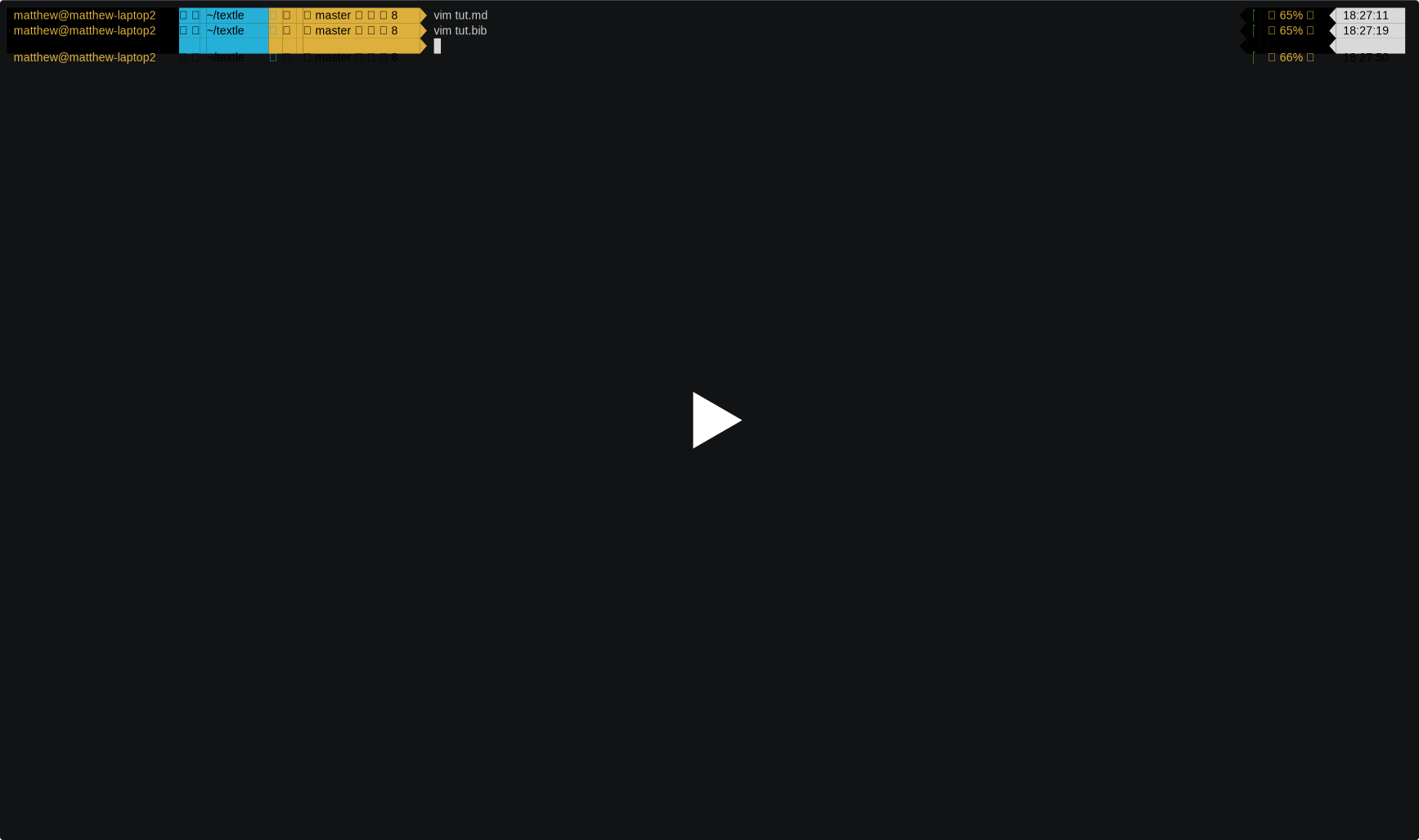
For more information, see the full documentation on read the docs, or in the docs/ folder.
Installation
$ # textle is python3 only
$ pip3 install textle
Alternatively, install from source by cloning this repo and using
$ python3 setup.py install
To build the documentation to the site folder,
$ mkdocs build
Why
This tool was created as I often create small one-off TeX (sometimes from markdown through pandoc) projects that need to be formatted in similar ways, and that I like building quickly.
textle aims to solve these problems: it makes it easy to not only build a project to a PDF once, but even to do it live; and it makes simple the definition of the project. All one has to
do is either use the CLI, which was designed to be powerful and simple, or write a Textlefile. The project also aimed to be lightweight, both binary-wise and filesystem-wise, the idea being to
not pollute a VCS with random files.
The Usage section demonstrates my common use cases.
Licensing
The logo is licensed under the CC BY-SA 4.0
This project is licensed under the MIT License, see LICENSE for more information.
1 maintainer

Metadata
1 maintainer
Release files for textle 0.1.post1
For a detailed explanation of source distributions (sdists) and built distributions (wheels), please see the package formats documentation.
Source distribution (sdist)
| File | Size | Uploaded | Provenance | Actions |
|---|---|---|---|---|
| textle-0.1.post1.tar.gz | 13.0 kB | Without provenance | Details for textle-0.1.post1.tar.gz |
Built distribution (wheel)
| File | Interpreter | ABI | Platform | Actions Reset |
|---|---|---|---|---|
| textle-0.1.post1-py3-none-any.whl | Python 3 | none | any | Details for textle-0.1.post1-py3-none-any.whl |
Total release size: 31.0 kB
Release files / textle-0.1.post1.tar.gz
| Download URL | textle-0.1.post1.tar.gz |
|---|---|
| Size | 13.0 kB |
| Tags | Source |
|
SHA-256 checksum How to use checksums |
904eb21a827b3b2e828049bc090beaa3fdfd671f972149cb18dca7dcf1276218
|
|
BLAKE2b-256 checksum How to use checksums |
248a39c497863471fa5373fdc876bf1f865054fc88ce25aa6baf66a0e4eed4b0
|
| Upload date | |
|
Uploaded using Trusted Publishing? What is trusted publishing? |
No |
| Uploaded via |
twine/1.12.1 pkginfo/1.4.2 requests/2.21.0 setuptools/40.8.0 requests-toolbelt/0.8.0 tqdm/4.24.0 CPython/3.6.7
|
Release files / textle-0.1.post1-py3-none-any.whl
| Download URL | textle-0.1.post1-py3-none-any.whl |
|---|---|
| Size | 18.0 kB |
| Tags | Python 3 |
|
SHA-256 checksum How to use checksums |
c43e9a450adde94594790123942ae1a80d50028d363b44395bb59012d06ed5ba
|
|
BLAKE2b-256 checksum How to use checksums |
670e46c595e2ec684a706f1f325fc7dafd25194bc23ae089cc7007cfc1e18a8d
|
| Upload date | |
|
Uploaded using Trusted Publishing? What is trusted publishing? |
No |
| Uploaded via |
twine/1.12.1 pkginfo/1.4.2 requests/2.21.0 setuptools/40.8.0 requests-toolbelt/0.8.0 tqdm/4.24.0 CPython/3.6.7
|
Security for textle 0.1.post1
Provenance
Provenance describes where a file came from. On PyPI, provenance is shared via attestations, which provide a verifiable record of the build or publishing details. View details, limitations and caveats.
No provenance found
None of the files in this release were uploaded with provenance metadata.
A note on package security
PyPI is a repository for distributing packages, not a service for auditing them. While third-party security researchers and our staff do their best to detect and remove malicious packages, PyPI cannot guarantee the quality, security or suitability of any given package.
To learn more about protecting yourself from malicious actors, visit our package security documentation.














