
Some image augmentation tools for yolov5 (and probably other models)
Before you start:
install Pytorch
install https://github.com/ultralytics/yolov5
install https://pypi.org/project/rembg/
pip install tools4yolo
Tested against Windows 10 / Python 3.10 / Anaconda

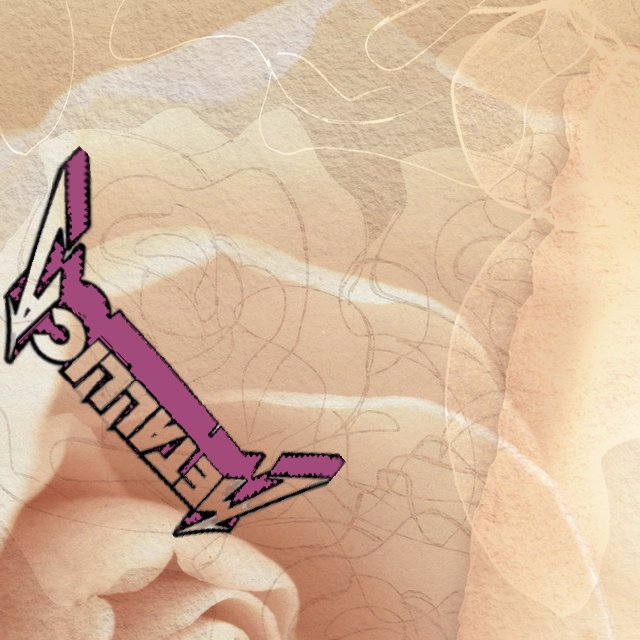


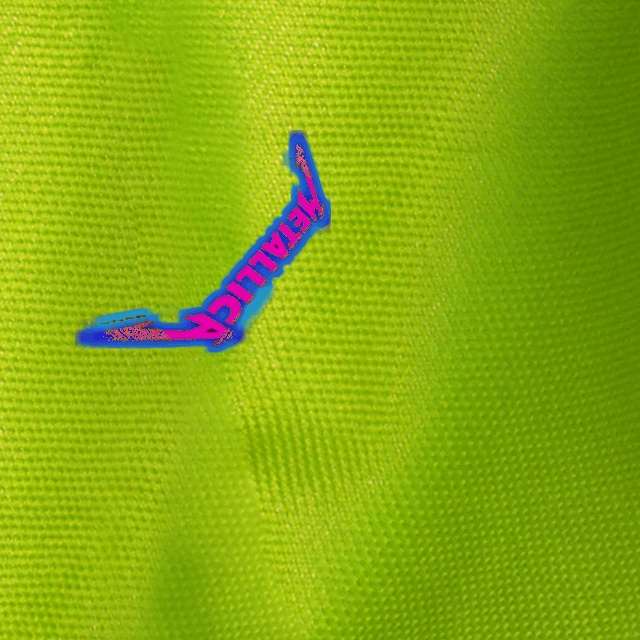







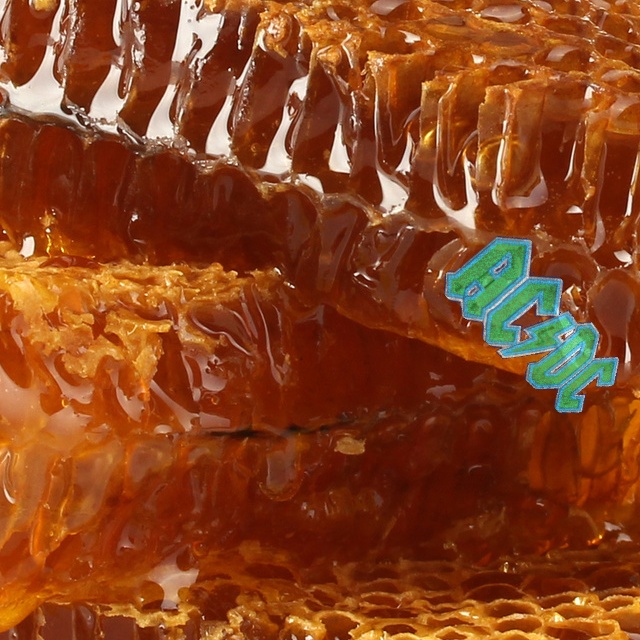
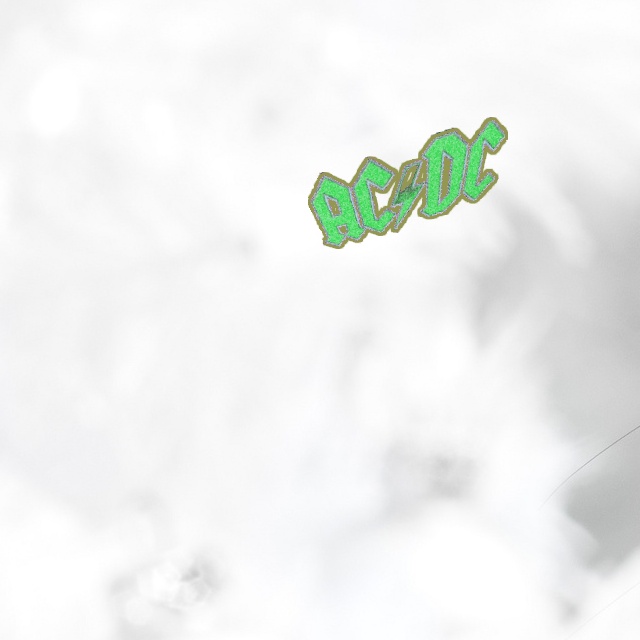
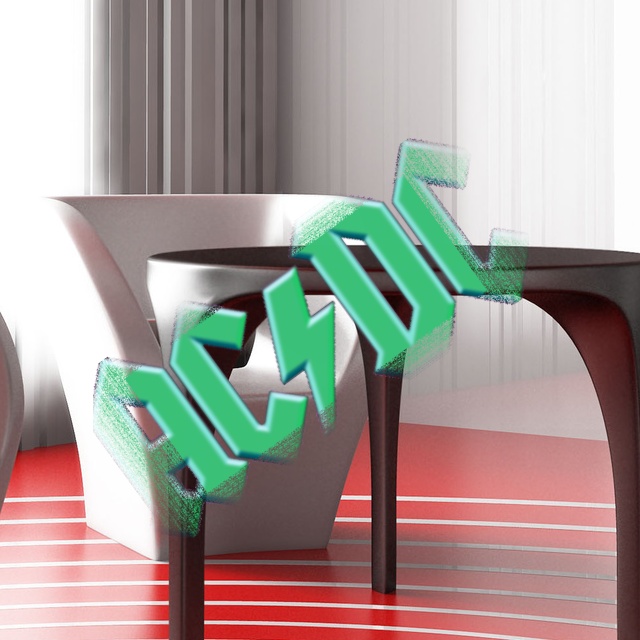
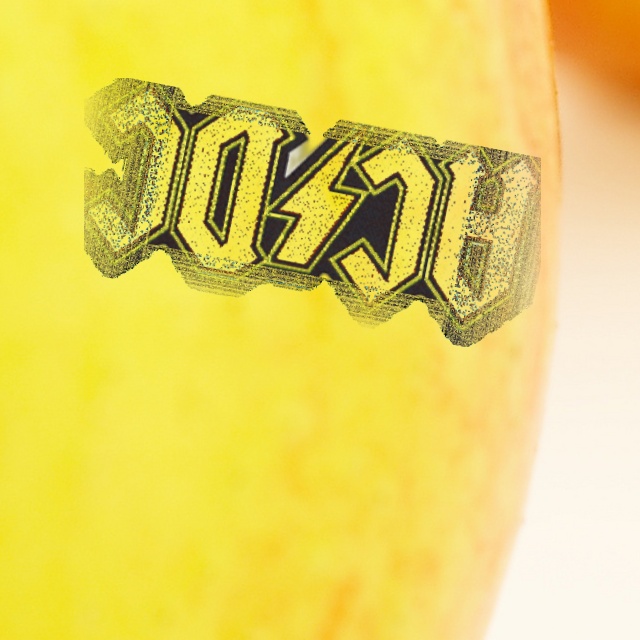
Formating the needle images
# Get some images from somewhere
# Important! The pictures need to have a transparent background

# The function remove_background_and_resize removes most of the background. If there is some background left, remove it using GIMP or Photoshop


from tools4yolo import remove_background_and_resize


bands = [
    r"C:\pics\aerosmith",
    r"C:\pics\anthrax",
    r"C:\pics\black_sabbath",
    r"C:\pics\iron_maiden",
    r"C:\pics\judas_priest",
    r"C:\pics\kiss",
    r"C:\pics\krokus",
    r"C:\pics\led_zeppelin",
    r"C:\pics\manowar",
    r"C:\pics\metalchurch",
    r"C:\pics\misfits",
    r"C:\pics\motorhead",
    r"C:\pics\ozzy",
    r"C:\pics\pantera",
    r"C:\pics\saint_vitus",
    r"C:\pics\saxon",
    r"C:\pics\scorpions",
    r"C:\pics\slayer",
    r"C:\pics\whitesnake",
    r"C:\pics\accept",
    r"C:\pics\acdc",
]

for folder in bands:
    folderband = folder.replace(r"C:\pics", r"C:\pics2")
    remove_background_and_resize(
        folder=folder, folderout=folderband, maxwidth=640, maxheight=640
    )
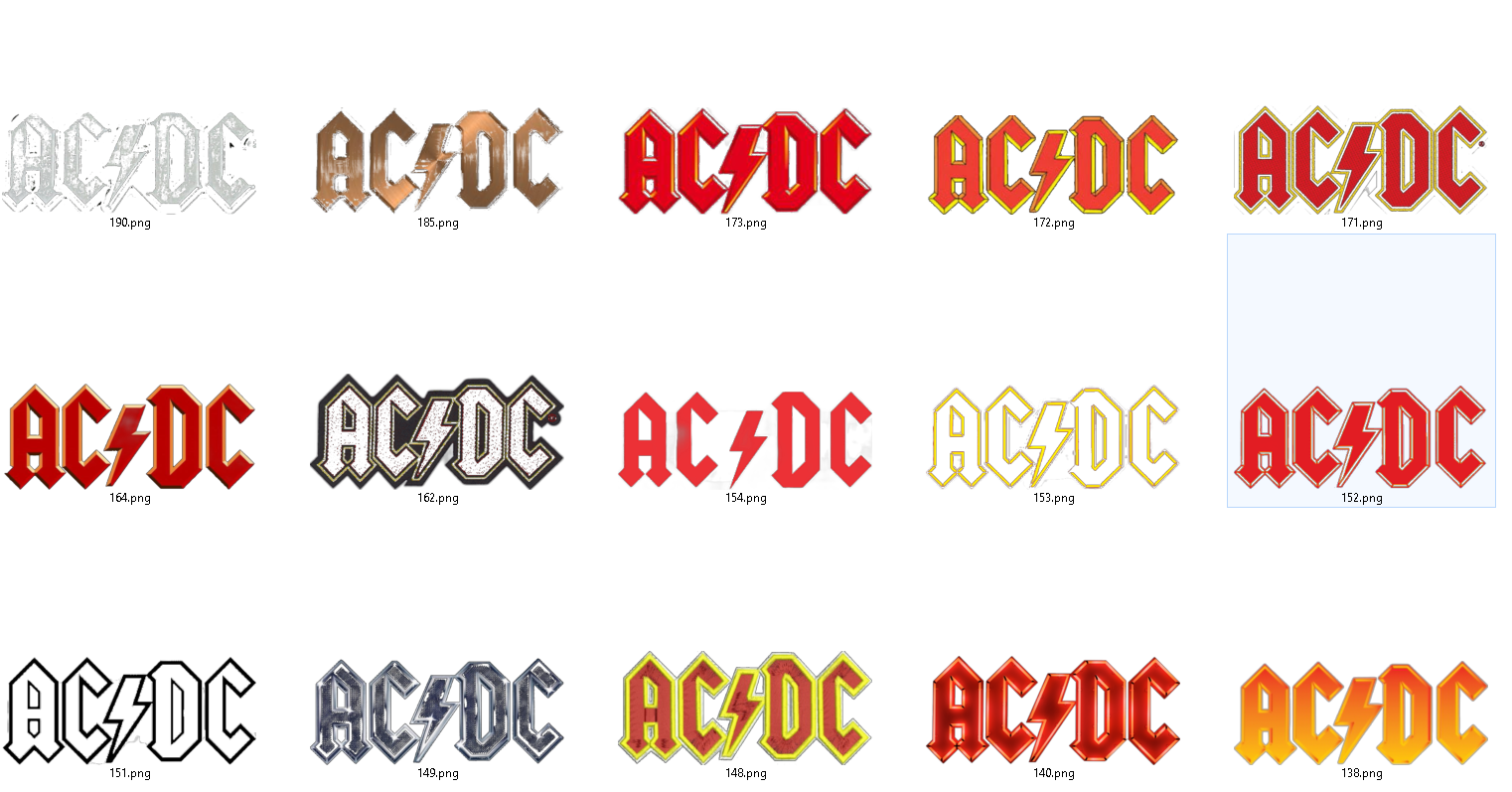
Augmenting the needle images
# To get some variations of the needle images, use:

from tools4yolo import augment_needle_images

augment_needle_images(
    folder="c:\\pics2",
    outputfolder="c:\\pics3",
    width=640,
    height=640,
)

# Make sure that there is no background after calling augment_needle_images

Generating the configuration file
import os
from tools4yolo import generate_ini_file

allbands = [
    r"C:\pics3\metallica",
    r"C:\pics3\acdc",
    r"C:\pics3\aerosmith",
    r"C:\pics3\anthrax",
    r"C:\pics3\black_sabbath",
    r"C:\pics3\iron_maiden",
    r"C:\pics3\judas_priest",
    r"C:\pics3\kiss",
    r"C:\pics3\krokus",
    r"C:\pics3\led_zeppelin",
    r"C:\pics3\manowar",
    r"C:\pics3\metalchurch",
    r"C:\pics3\misfits",
    r"C:\pics3\motorhead",
    r"C:\pics3\ozzy",
    r"C:\pics3\pantera",
    r"C:\pics3\saint_vitus",
    r"C:\pics3\saxon",
    r"C:\pics3\scorpions",
    r"C:\pics3\slayer",
    r"C:\pics3\whitesnake",
    r"C:\pics3\accept",
]
allclasses = []
backgroundfolder = r"C:\Backgrounds"
personal_yaml_file = "bandlogos.yaml" # name it however you want
outputfolder = "c:\\bandlogos1\\pics2"  # folder will be created if it does not exist
outputinifile = 'c:\\bandlogos1\\training2.ini' # file will be created if it does not exist
os.makedirs(outputfolder,exist_ok=True)
for i, k in enumerate(allbands):
    allclasses.append(
        {
            "classnumber": i,
            "classname": k.split(os.sep)[-1],
            "random_background_folder": backgroundfolder,
            "class_pictures": k,
            "personal_yaml_file": personal_yaml_file,
            "outputfolder": outputfolder,
            "howmany": 1000,
            "background_qty": 100,
            "processes": 2,
            "image_size_width": 640,
            "image_size_height": 640,
            "needle_size_percentage_min": 0.20,
            "needle_size_percentage_max": 0.9,
            "blur_image_kernel_min": 1,
            "blur_image_kernel_max": 5,
            "blur_image_frequency": 10,
            "sharpen_image_kernel_min": 1,
            "sharpen_image_kernel_max": 6,
            "sharpen_image_frequency": 10,
            "distorted_resizing_add_min_x": 0.01,
            "distorted_resizing_add_max_x": 0.15,
            "distorted_resizing_add_min_y": 0.01,
            "distorted_resizing_add_max_y": 0.15,
            "distorted_resizing_frequency": 10,
            "blur_borders_min_x0": 0.01,
            "blur_borders_max_x0": 0.1,
            "blur_borders_min_x1": 0.01,
            "blur_borders_max_x1": 0.1,
            "blur_borders_min_y0": 0.01,
            "blur_borders_max_y0": 0.1,
            "blur_borders_min_y1": 0.01,
            "blur_borders_max_y1": 0.1,
            "blur_borders_kernel_min": 1,
            "blur_borders_kernel_max": 6,
            "blur_borders_frequency": 30,
            "pixelborder_min": 1,
            "pixelborder_max": 20,
            "pixelborder_loop_min": 1,
            "pixelborder_loop_max": 2,
            "pixelborder_frequency": 30,
            "perspective_distortion_min_x": 0.01,
            "perspective_distortion_max_x": 0.15,
            "perspective_distortion_min_y": 0.01,
            "perspective_distortion_max_y": 0.15,
            "perspective_distortion_percentage": 15,
            "transparency_distortion_min": 140,
            "transparency_distortion_max": 255,
            "transparency_distortion_frequency": 40,
            "canny_edge_blur_thresh_lower_min": 10,
            "canny_edge_blur_thresh_lower_max": 20,
            "canny_edge_blur_thresh_upper_min": 80,
            "canny_edge_blur_thresh_upper_max": 90,
            "canny_edge_blur_kernel_min": 1,
            "canny_edge_blur_kernel_max": 6,
            "canny_edge_blur_frequency": 10,
            "random_crop_min_x": 0.01,
            "random_crop_max_x": 0.10,
            "random_crop_min_y": 0.01,
            "random_crop_max_y": 0.10,
            "random_crop_frequency": 30,
            "hue_shift_min": 1,
            "hue_shift_max": 180,
            "hue_shift_frequency": 90,
            "change_contrast_min": 0.8,
            "change_contrast_max": 1.2,
            "change_contrast_frequency": 30,
            "rotate_image_min": 2,
            "rotate_image_max": 359,
            "rotate_image_frequency": 90,
            "colors_to_change_percentage_max": 75,
            "colors_to_change_percentage_min": 1,
            "colors_to_change_frequency": 90,
            "colors_to_change_r_min": 5,
            "colors_to_change_r_max": 250,
            "colors_to_change_g_min": 5,
            "colors_to_change_g_max": 250,
            "colors_to_change_b_min": 5,
            "colors_to_change_b_max": 250,
            "flip_image_left_right_frequency": 2,
            "flip_image_up_down_frequency": 2,
            "verbose": True,
            "bloom_kernel_min": 1,
            "bloom_kernel_max": 25,
            "bloom_sigmaX_min": 140,
            "bloom_sigmaX_max": 240,
            "bloom_intensity_min": 4.5,
            "bloom_intensity_max": 20.5,
            "bloom_frequency": 30,
            "fish_distortion_min1": 0.01,
            "fish_distortion_max1": 0.4,
            "fish_distortion_min2": 0.01,
            "fish_distortion_max2": 0.4,
            "fish_distortion_min3": 0.01,
            "fish_distortion_max3": 0.4,
            "fish_distortion_min4": 0.01,
            "fish_distortion_max4": 0.03,
            "fish_divider_1_min": 1,
            "fish_divider_1_max": 2,
            "fish_divider_2_min": 1,
            "fish_divider_2_max": 4,
            "fish_divider_3_min": 1,
            "fish_divider_3_max": 2,
            "fish_divider_4_min": 2,
            "fish_divider_4_max": 4,
            "fish_border_add": 0.1,
            "fish_frequency": 50,
        }
    )
inifile=generate_ini_file(allclasses)
print(inifile)

with open(outputinifile,mode='w',encoding='utf-8') as f:
    f.write(inifile)


# Example of a generated config file.

[class0]
classnumber:0
classname:metallica
random_background_folder:C:\Backgrounds
class_pictures:C:\pics2\metallica
personal_yaml_file:bandlogos.yaml
outputfolder:c:\bandlogos1\pics
howmany:1400
background_qty:100
processes:4
image_size_width:640
image_size_height:640
needle_size_percentage_min:0.2
needle_size_percentage_max:0.9
blur_image_kernel_min:1
blur_image_kernel_max:5
blur_image_frequency:10
sharpen_image_kernel_min:1
sharpen_image_kernel_max:6
sharpen_image_frequency:10
distorted_resizing_add_min_x:0.01
distorted_resizing_add_max_x:0.15
distorted_resizing_add_min_y:0.01
distorted_resizing_add_max_y:0.15
distorted_resizing_frequency:10
blur_borders_min_x0:0.01
blur_borders_max_x0:0.1
blur_borders_min_x1:0.01
blur_borders_max_x1:0.1
blur_borders_min_y0:0.01
blur_borders_max_y0:0.1
blur_borders_min_y1:0.01
blur_borders_max_y1:0.1
blur_borders_kernel_min:1
blur_borders_kernel_max:6
blur_borders_frequency:30
pixelborder_min:1
pixelborder_max:20
pixelborder_loop_min:1
pixelborder_loop_max:2
pixelborder_frequency:30
perspective_distortion_min_x:0.01
perspective_distortion_max_x:0.15
perspective_distortion_min_y:0.01
perspective_distortion_max_y:0.15
perspective_distortion_percentage:15
transparency_distortion_min:140
transparency_distortion_max:255
transparency_distortion_frequency:40
canny_edge_blur_thresh_lower_min:10
canny_edge_blur_thresh_lower_max:20
canny_edge_blur_thresh_upper_min:80
canny_edge_blur_thresh_upper_max:90
canny_edge_blur_kernel_min:1
canny_edge_blur_kernel_max:6
canny_edge_blur_frequency:10
random_crop_min_x:0.01
random_crop_max_x:0.1
random_crop_min_y:0.01
random_crop_max_y:0.1
random_crop_frequency:30
hue_shift_min:1
hue_shift_max:180
hue_shift_frequency:90
change_contrast_min:0.8
change_contrast_max:1.2
change_contrast_frequency:30
rotate_image_min:2
rotate_image_max:359
rotate_image_frequency:90
colors_to_change_percentage_max:75
colors_to_change_percentage_min:1
colors_to_change_frequency:90
colors_to_change_r_min:5
colors_to_change_r_max:250
colors_to_change_g_min:5
colors_to_change_g_max:250
colors_to_change_b_min:5
colors_to_change_b_max:250
flip_image_left_right_frequency:2
flip_image_up_down_frequency:2
verbose:True
bloom_kernel_min:1
bloom_kernel_max:25
bloom_sigmaX_min:140
bloom_sigmaX_max:240
bloom_intensity_min:4.5
bloom_intensity_max:20.5
bloom_frequency:30
fish_distortion_min1:0.01
fish_distortion_max1:0.4
fish_distortion_min2:0.01
fish_distortion_max2:0.4
fish_distortion_min3:0.01
fish_distortion_max3:0.4
fish_distortion_min4:0.01
fish_distortion_max4:0.03
fish_divider_1_min:1
fish_divider_1_max:2
fish_divider_2_min:1
fish_divider_2_max:4
fish_divider_3_min:1
fish_divider_3_max:2
fish_divider_4_min:2
fish_divider_4_max:4
fish_border_add:0.1
fish_frequency:50


[class1]
classnumber:1
classname:acdc
random_background_folder:C:\Backgrounds
class_pictures:C:\pics2\acdc
personal_yaml_file:bandlogos.yaml
outputfolder:c:\bandlogos1\pics
howmany:1400
background_qty:100
processes:4
image_size_width:640
image_size_height:640
needle_size_percentage_min:0.2
needle_size_percentage_max:0.9
blur_image_kernel_min:1
blur_image_kernel_max:5
blur_image_frequency:10
sharpen_image_kernel_min:1
sharpen_image_kernel_max:6
sharpen_image_frequency:10
distorted_resizing_add_min_x:0.01
distorted_resizing_add_max_x:0.15
distorted_resizing_add_min_y:0.01
distorted_resizing_add_max_y:0.15
distorted_resizing_frequency:10
blur_borders_min_x0:0.01
blur_borders_max_x0:0.1
blur_borders_min_x1:0.01
blur_borders_max_x1:0.1
blur_borders_min_y0:0.01
blur_borders_max_y0:0.1
blur_borders_min_y1:0.01
blur_borders_max_y1:0.1
blur_borders_kernel_min:1
blur_borders_kernel_max:6
blur_borders_frequency:30
pixelborder_min:1
pixelborder_max:20
pixelborder_loop_min:1
pixelborder_loop_max:2
pixelborder_frequency:30
perspective_distortion_min_x:0.01
perspective_distortion_max_x:0.15
perspective_distortion_min_y:0.01
perspective_distortion_max_y:0.15
perspective_distortion_percentage:15
transparency_distortion_min:140
transparency_distortion_max:255
transparency_distortion_frequency:40
canny_edge_blur_thresh_lower_min:10
canny_edge_blur_thresh_lower_max:20
canny_edge_blur_thresh_upper_min:80
canny_edge_blur_thresh_upper_max:90
canny_edge_blur_kernel_min:1
canny_edge_blur_kernel_max:6
canny_edge_blur_frequency:10
random_crop_min_x:0.01
random_crop_max_x:0.1
random_crop_min_y:0.01
random_crop_max_y:0.1
random_crop_frequency:30
hue_shift_min:1
hue_shift_max:180
hue_shift_frequency:90
change_contrast_min:0.8
change_contrast_max:1.2
change_contrast_frequency:30
rotate_image_min:2
rotate_image_max:359
rotate_image_frequency:90
colors_to_change_percentage_max:75
colors_to_change_percentage_min:1
colors_to_change_frequency:90
colors_to_change_r_min:5
colors_to_change_r_max:250
colors_to_change_g_min:5
colors_to_change_g_max:250
colors_to_change_b_min:5
colors_to_change_b_max:250
flip_image_left_right_frequency:2
flip_image_up_down_frequency:2
verbose:True
bloom_kernel_min:1
bloom_kernel_max:25
bloom_sigmaX_min:140
bloom_sigmaX_max:240
bloom_intensity_min:4.5
bloom_intensity_max:20.5
bloom_frequency:30
fish_distortion_min1:0.01
fish_distortion_max1:0.4
fish_distortion_min2:0.01
fish_distortion_max2:0.4
fish_distortion_min3:0.01
fish_distortion_max3:0.4
fish_distortion_min4:0.01
fish_distortion_max4:0.03
fish_divider_1_min:1
fish_divider_1_max:2
fish_divider_2_min:1
fish_divider_2_max:4
fish_divider_3_min:1
fish_divider_3_max:2
fish_divider_4_min:2
fish_divider_4_max:4
fish_border_add:0.1
fish_frequency:50

...
Generating the data set, and training the model
from tools4yolo import start_yolov5_training

if __name__ == "__main__": # necessary - multiprocessing
    start_yolov5_training(

        cfgfile=r"C:\bandlogos1\training2.ini",
        ptfile=r"C:\bandlogos1\best1.pt",
        generate_images=True,
        train_model=True,
        model_file="yolov5m.yaml",
        hypfile="hyp.scratch-low.yaml",
        batch=16,
        epochs=35,
        workers=3,
        save_period=1,
        cache="disk",
    )
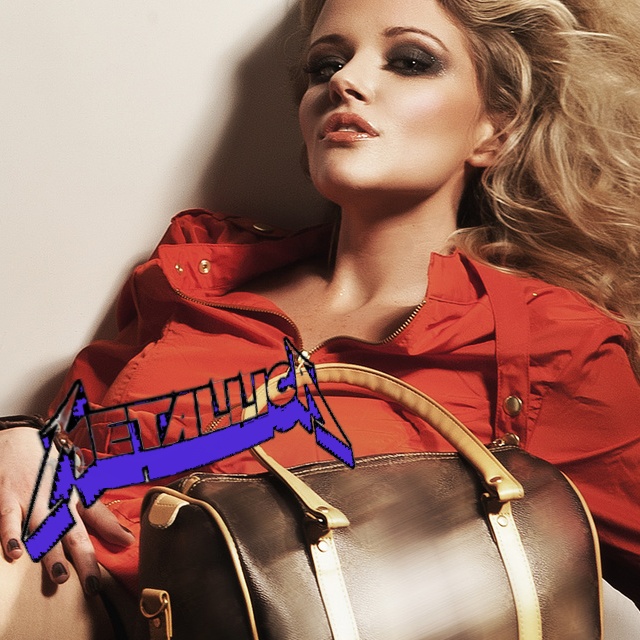

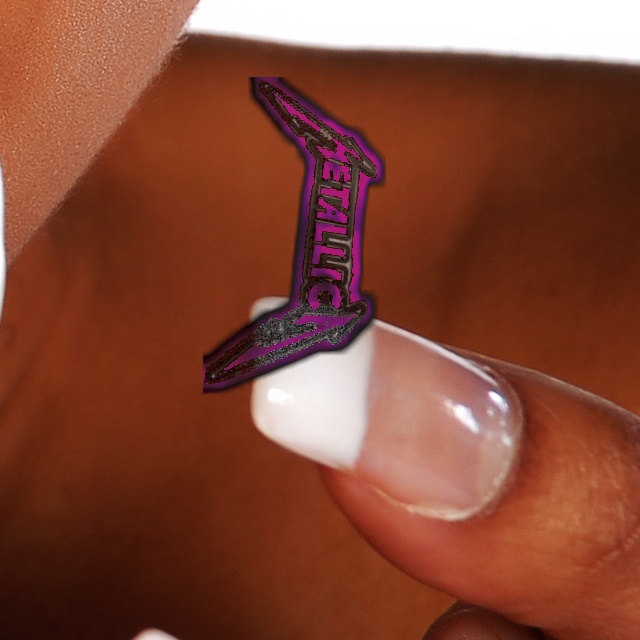
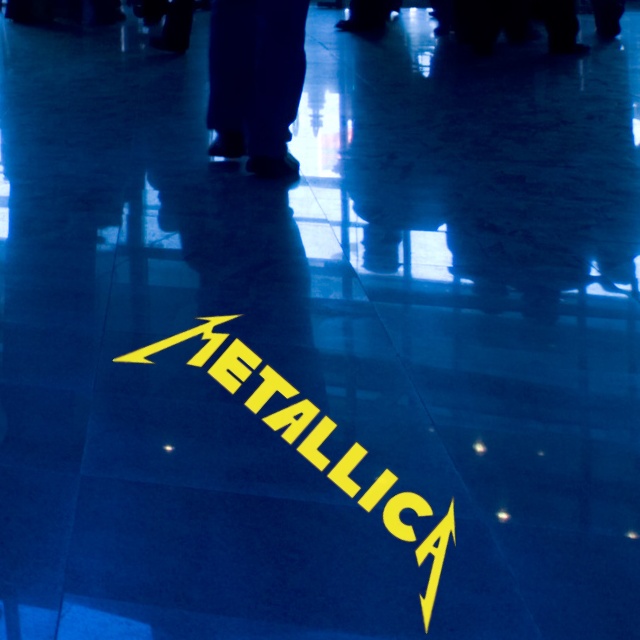

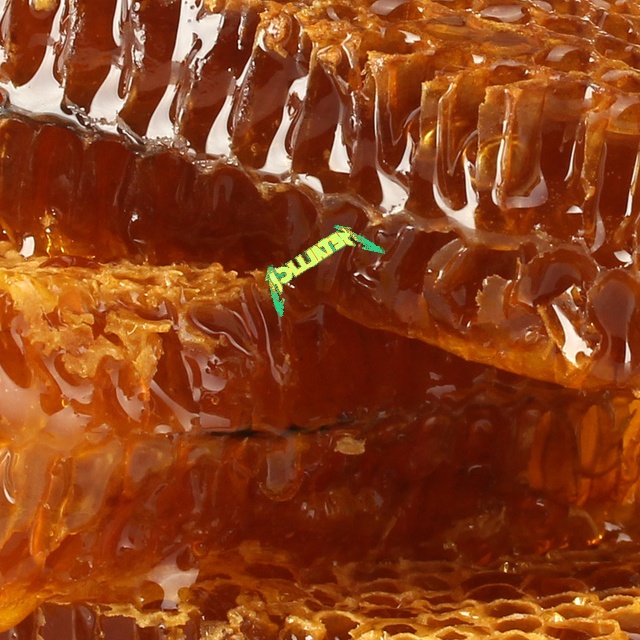

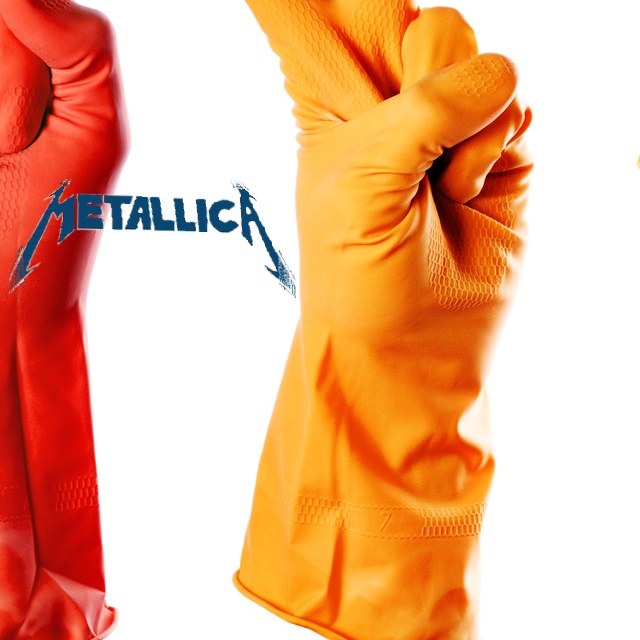

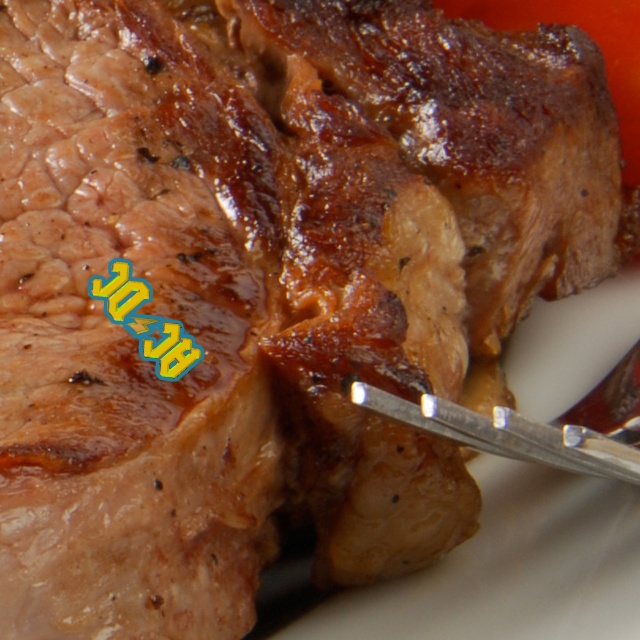


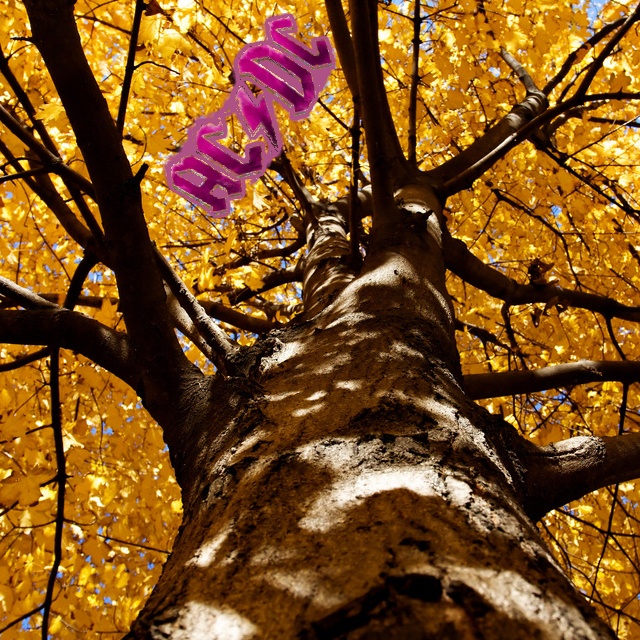

Using the trained model
from cv2imshow.cv2imshow import cv2_imshow_multi

from tools4yolo import Yolov5Detect
from fast_ctypes_screenshots import (
    ScreenshotOfOneMonitor,

)
ptfile = [r"C:\bandlogos1\pics1\dataset\splitset\bandlogos\weights\best.pt"]

yv = Yolov5Detect(
    modelfiles=ptfile, repo_or_dir="./yolov5", model="custom", source="local"
)
try:
    with ScreenshotOfOneMonitor(
            monitor=0, ascontiguousarray=False
    ) as screenshots_monitor:
        while True:

            img5 = screenshots_monitor.screenshot_one_monitor()
            li = yv.detect(
                images=[
                    img5
                ],
                confidence_thresh=.4,
                bgr_to_rgb=False,
                draw_output=True,
                #save_folder="c:\\outputfolderyolo3v",
            )
            cv2_imshow_multi(
                title="pic3",
                image=li[0][-1],
                killkeys="ctrl+alt+h",  # switch on/off
            )
except KeyboardInterrupt:
    pass

1 maintainer

Metadata
1 maintainer
Release files for tools4yolo 0.11
For a detailed explanation of source distributions (sdists) and built distributions (wheels), please see the package formats documentation.
Source distribution (sdist)
| File | Size | Uploaded | Provenance | Actions |
|---|---|---|---|---|
| tools4yolo-0.11.tar.gz | 128.6 kB | Without provenance | Details for tools4yolo-0.11.tar.gz |
Built distribution (wheel)
| File | Interpreter | ABI | Platform | Actions Reset |
|---|---|---|---|---|
| tools4yolo-0.11-py3-none-any.whl | Python 3 | none | any | Details for tools4yolo-0.11-py3-none-any.whl |
Total release size: 257.5 kB
Release files / tools4yolo-0.11.tar.gz
| Download URL | tools4yolo-0.11.tar.gz |
|---|---|
| Size | 128.6 kB |
| Tags | Source |
|
SHA-256 checksum How to use checksums |
c1abd6bc59bb946ad45e0a321d33fc074238b32a35a3b135c2ece72872d3f12f
|
|
BLAKE2b-256 checksum How to use checksums |
b7576e659feaf2f404a6f57eb9d52fce435355319b70619e930a2653228bbc3d
|
| Upload date | |
|
Uploaded using Trusted Publishing? What is trusted publishing? |
No |
| Uploaded via |
twine/4.0.2 CPython/3.10.12
|
Release files / tools4yolo-0.11-py3-none-any.whl
| Download URL | tools4yolo-0.11-py3-none-any.whl |
|---|---|
| Size | 128.9 kB |
| Tags | Python 3 |
|
SHA-256 checksum How to use checksums |
10c66f1053a0e2d5962f72afca17921eb1ec788c48c8fbb826604810b2adf88e
|
|
BLAKE2b-256 checksum How to use checksums |
a43b699241e8d45ef6122251526cb0e5c732706dc59fe6e93e9f56eba88bc745
|
| Upload date | |
|
Uploaded using Trusted Publishing? What is trusted publishing? |
No |
| Uploaded via |
twine/4.0.2 CPython/3.10.12
|
Security for tools4yolo 0.11
Provenance
Provenance describes where a file came from. On PyPI, provenance is shared via attestations, which provide a verifiable record of the build or publishing details. View details, limitations and caveats.
No provenance found
None of the files in this release were uploaded with provenance metadata.
A note on package security
PyPI is a repository for distributing packages, not a service for auditing them. While third-party security researchers and our staff do their best to detect and remove malicious packages, PyPI cannot guarantee the quality, security or suitability of any given package.
To learn more about protecting yourself from malicious actors, visit our package security documentation.














