

Python library to simplify the creation of impactful Voilà dashboards.
The online documentation for the vois library is available here
The PDF documentation for the vois library is available here
The source repository is available here
The vois library contains:
package vois: helper functions for tasks not directly related to ipyvuetify (manage geojson files, create an interactive map to display custom geojson, simplify visualization of hierarchical data in Plotly, create custom SVG visualizations, etc.)
package vois/vuetify: classes to simplify the development of GUIs using ipyvuetify (each source file contains a wrapper to simplify the usage of a ipyvuetify widget)
package vois/geo: classes to display geospatial content on an interactive map, using ipyleaflet
License
VOIS library is released under a EUPL Version 1.2 license.
Setup
The vois library can be installed using this command:
pip install vois
Vois is also available on conda-forge:

Repository is: https://anaconda.org/conda-forge/vois/
To install vois from conda-forge please run:
conda install conda-forge::vois
News
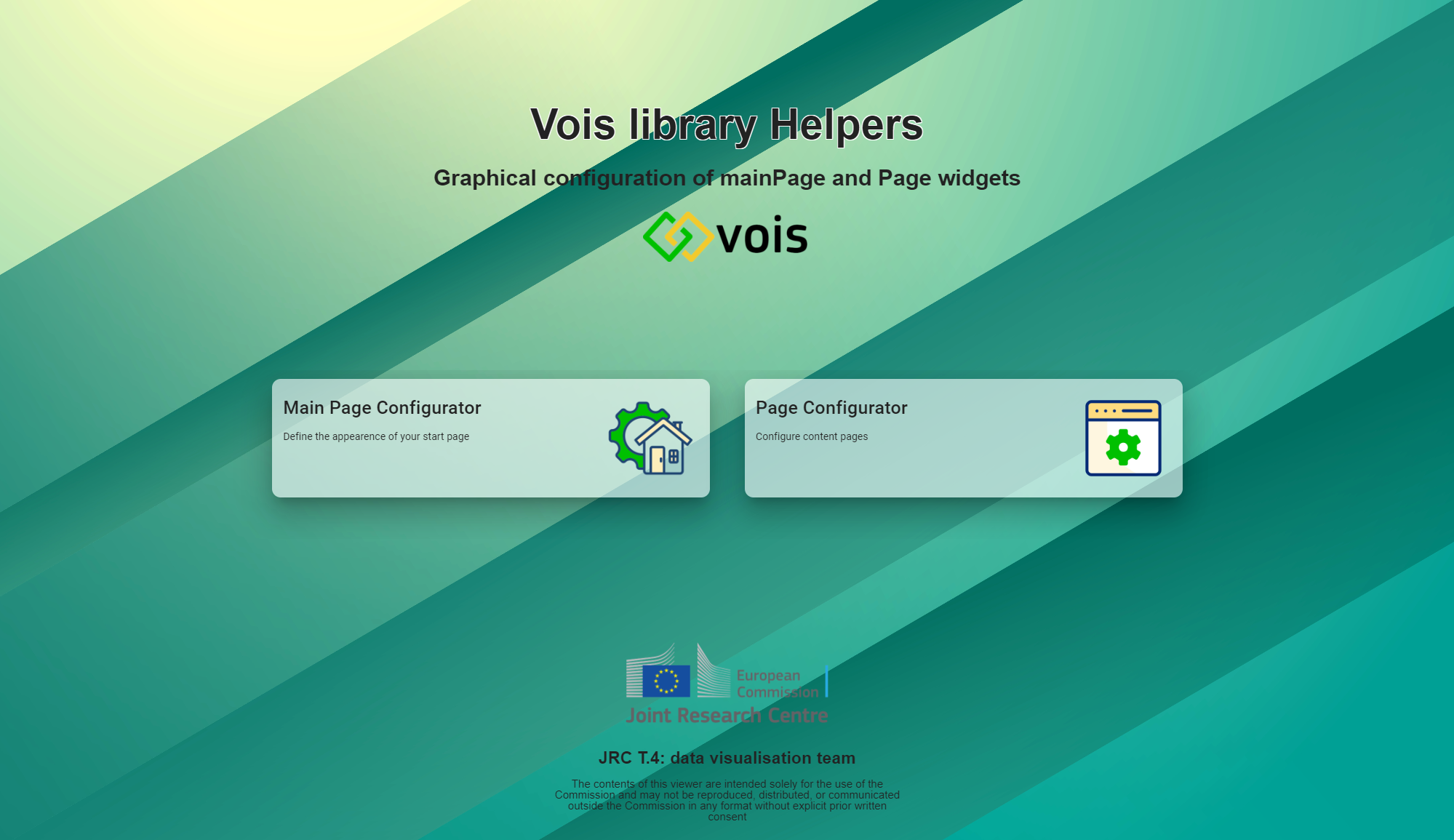
In order to help new users of the vois library to start using the library without the need to read all the documentation, we have created two dashboards that help in visually define a multipage application structure.
These tools are deployed as Voilà dashboards in Microsoft Azure Cloud at this URL: https://vois.azurewebsites.net/
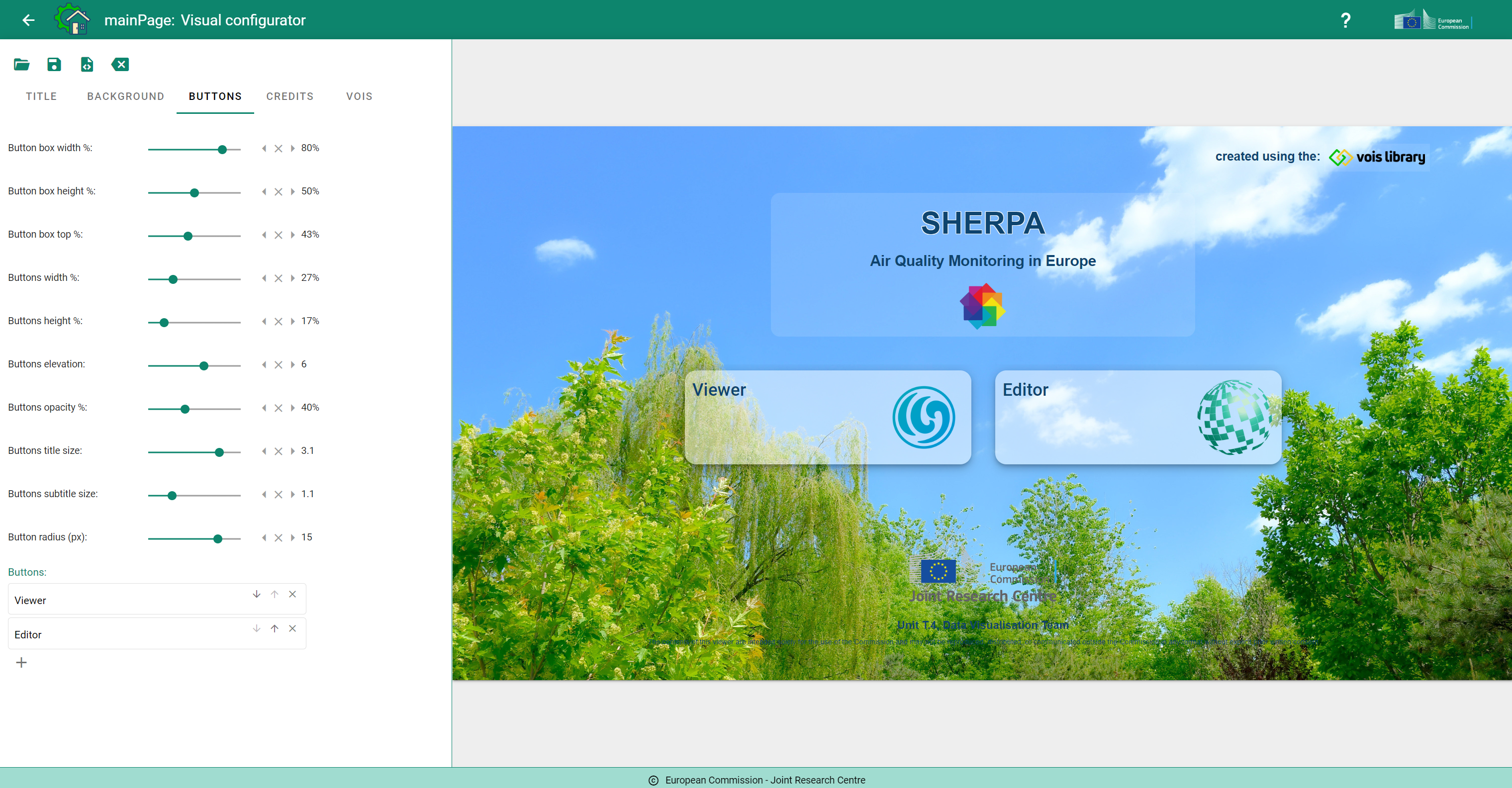
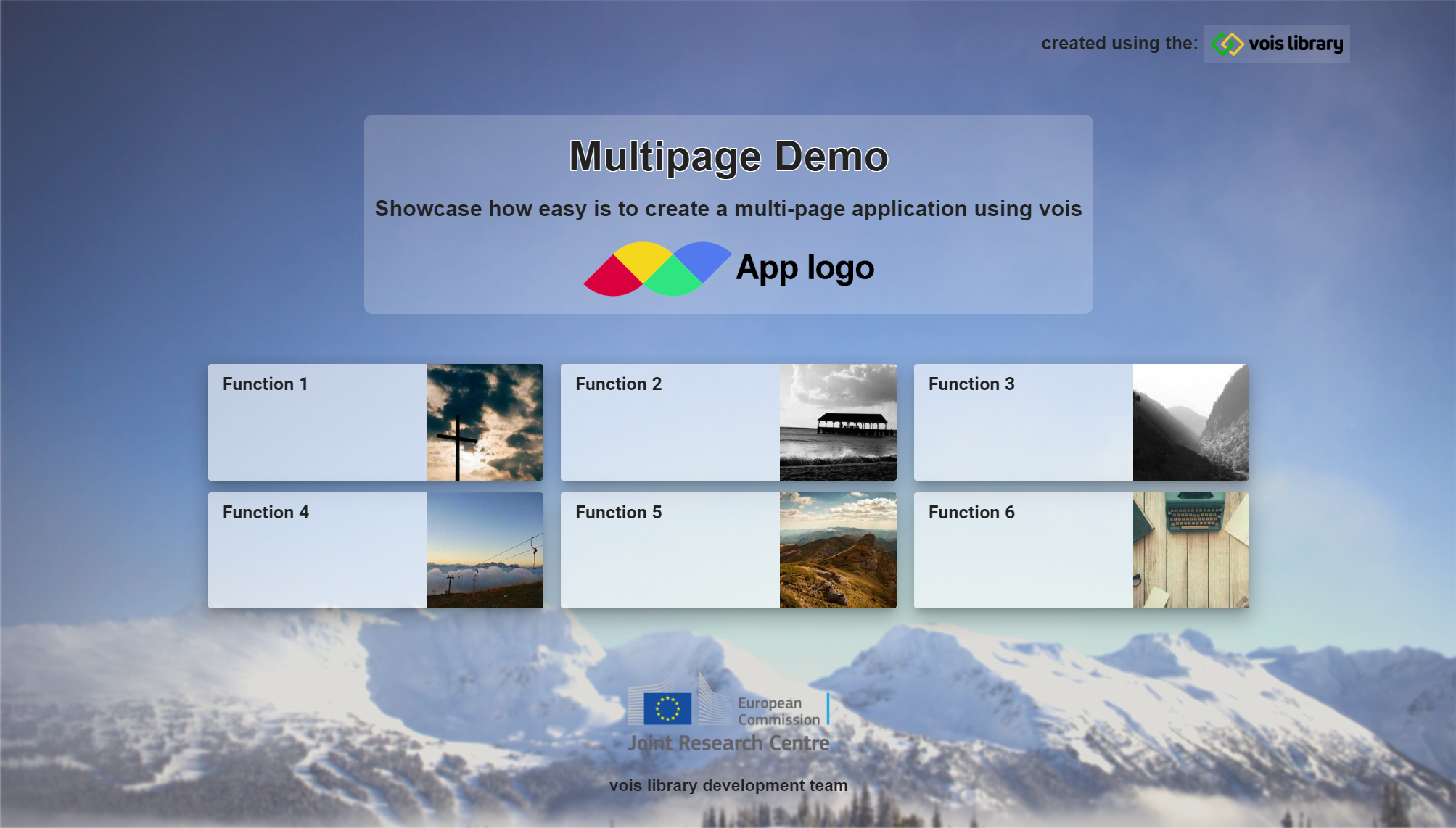
The "Main Page Configurator" is a visual tool to create the starting page of a multipage application, by visually position titles, logos, buttons, credits on top of a background image. Sixty predefined background images are available but also custom background images can be uploaded. The result of the visual configuration can be saved locally as a json file and a notebook .ipynb file and immediately used as the first building block of your application.
The "Page Configurator" enables the visual configuration of one of your application pages. Users can define the colors, the logos, the content of the page (one or more maps, charts, drawings, etc.) and the number of panels that will contain the widgets that control the application behaviour. Once done, the page configuration can be downloaded locally as a json file, a pyton file and a notebook, and immediately used in JupyterLab.
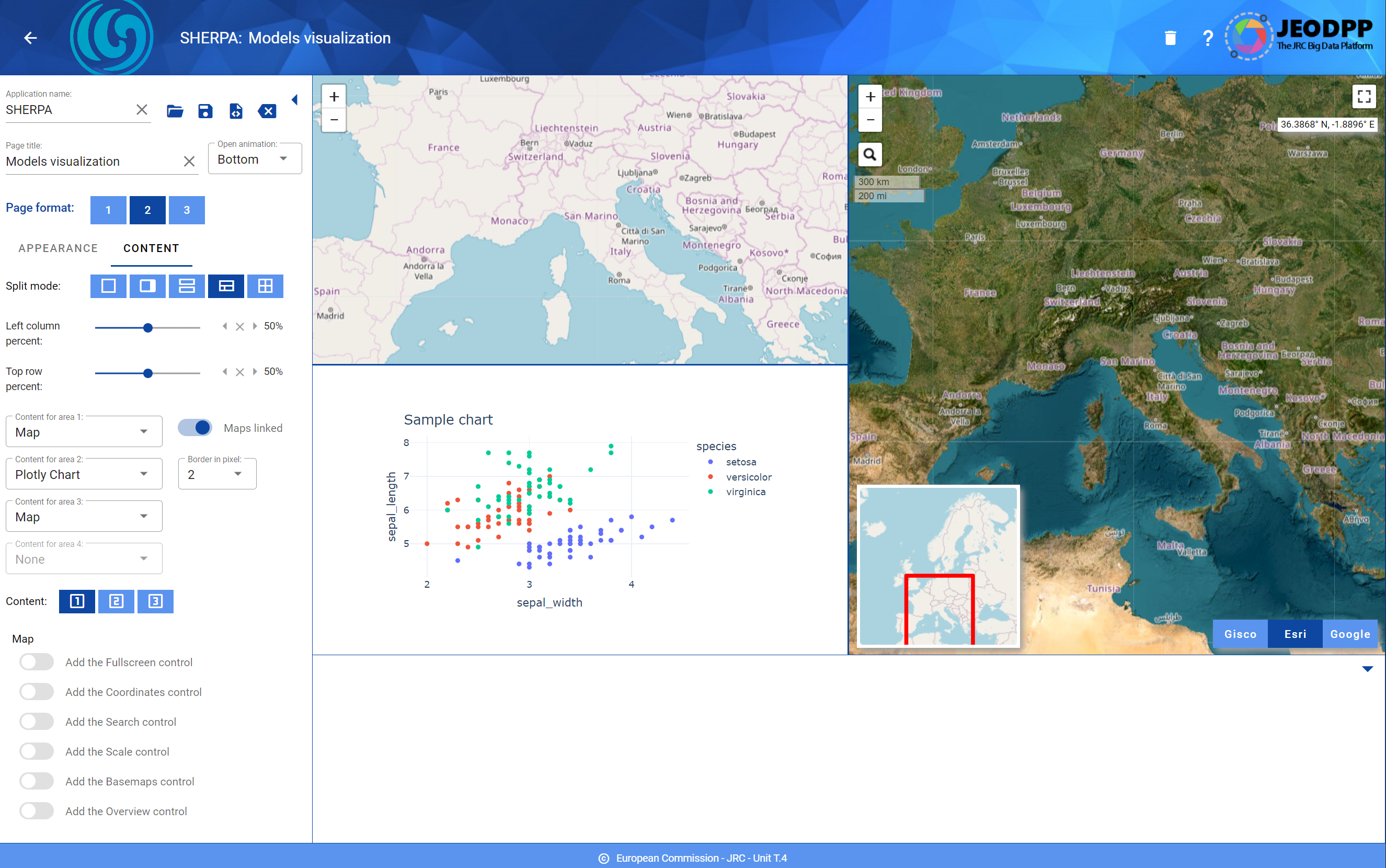
Example of a page with a left panel and a bottom panel. The content of the page consists of two maps and a chart.
Tutorial
The tutorial section of the documentation available here provides a step by step example for the construction of a dashboard to display EUROSTAT data on Energy Consumption in Europe.
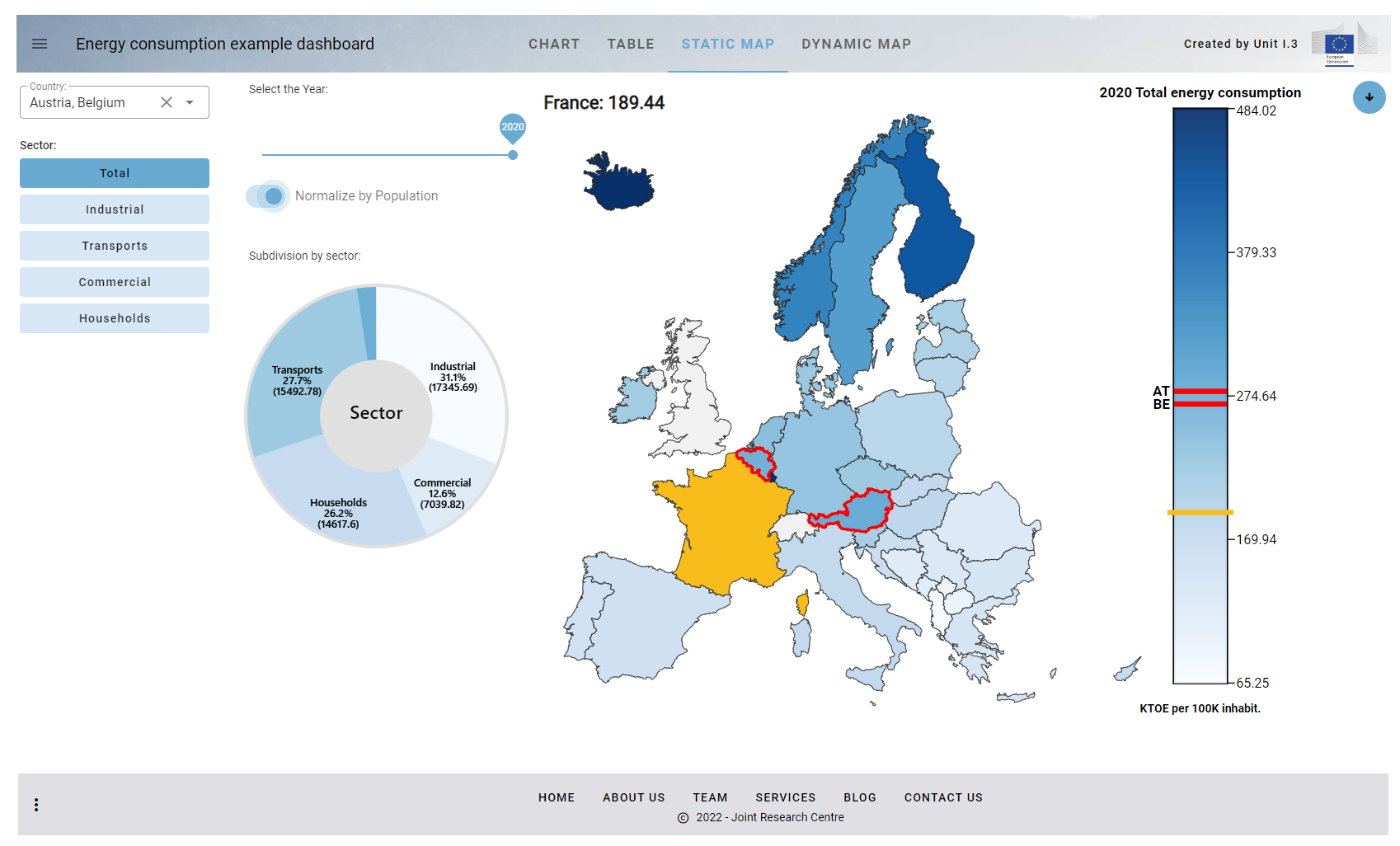
These are the links to all the steps of the example dashboard deployed and published by Hugginface Spaces:
Step.1: Creation of the dashboard structure using the app class
Step.2: Use Pandas to read the input CSVs and display the DataFrame as a table
Step.3: Add the filtering controls to the dashboard to select countries and sector
Step.4: Add the Plotly Bar Chart View
Step.5: Add the SVG Static Map View
Step.6: Add the Dynamic Map View
Step.7: Add the functions for downloading chart, table and map
Step.8: Manage the parameters passsed in the URL and open external URLs
Step.9: Add an interactive AnimatedPieChart in SVG to select the consumption sector
Step.Final.Dark: Dark version of the final dashboard
An example multi-page dashboard can be viewed at this link: Example multi-page dashboard
1 maintainer

Metadata
1 maintainer
Release files for vois 1.0.44
For a detailed explanation of source distributions (sdists) and built distributions (wheels), please see the package formats documentation.
Source distribution (sdist)
| File | Size | Uploaded | |
|---|---|---|---|
| vois-1.0.44.tar.gz | 749.3 kB | Details |
Built distribution (wheel)
| File | Interpreter | ABI | Platform | Reset |
|---|---|---|---|---|
| vois-1.0.44-py3-none-any.whl | Python 3 | none | any | Details |
Total release size: 1.6 MB
Release files / vois-1.0.44.tar.gz
| Download URL | vois-1.0.44.tar.gz |
|---|---|
| Size | 749.3 kB |
| Tags | Source |
|
SHA-256 checksum How to use checksums |
dd6696aef245c0343aebbb6709cbd8302c44192017779f82955cb984cc90c21c
|
|
BLAKE2b-256 checksum How to use checksums |
e5835acc9d5ba99e46c823cd5dcae5bf9fef1bba277c75255c4b9f01dbe75d40
|
| Upload date | |
|
Uploaded using Trusted Publishing? What is trusted publishing? |
No |
| Uploaded via |
twine/6.2.0 CPython/3.11.8
|
Release files / vois-1.0.44-py3-none-any.whl
| Download URL | vois-1.0.44-py3-none-any.whl |
|---|---|
| Size | 841.1 kB |
| Tags | Python 3 |
|
SHA-256 checksum How to use checksums |
809aa5aa690026526cb0a664bf29ad1e901efec75a22dfc909d17e9e9c1190cd
|
|
BLAKE2b-256 checksum How to use checksums |
6d40dbadba8dada750835f310ba9692be3513fad3581a0fc0d54e8cb8e7871cc
|
| Upload date | |
|
Uploaded using Trusted Publishing? What is trusted publishing? |
No |
| Uploaded via |
twine/6.2.0 CPython/3.11.8
|














