
webpageshot 

Take screenshot of webpage
webpageshot 是一个抓取整个网页截屏的工具
示例
抓取Google主页
$ webpageshot --url https://www.google.com/
结果如下
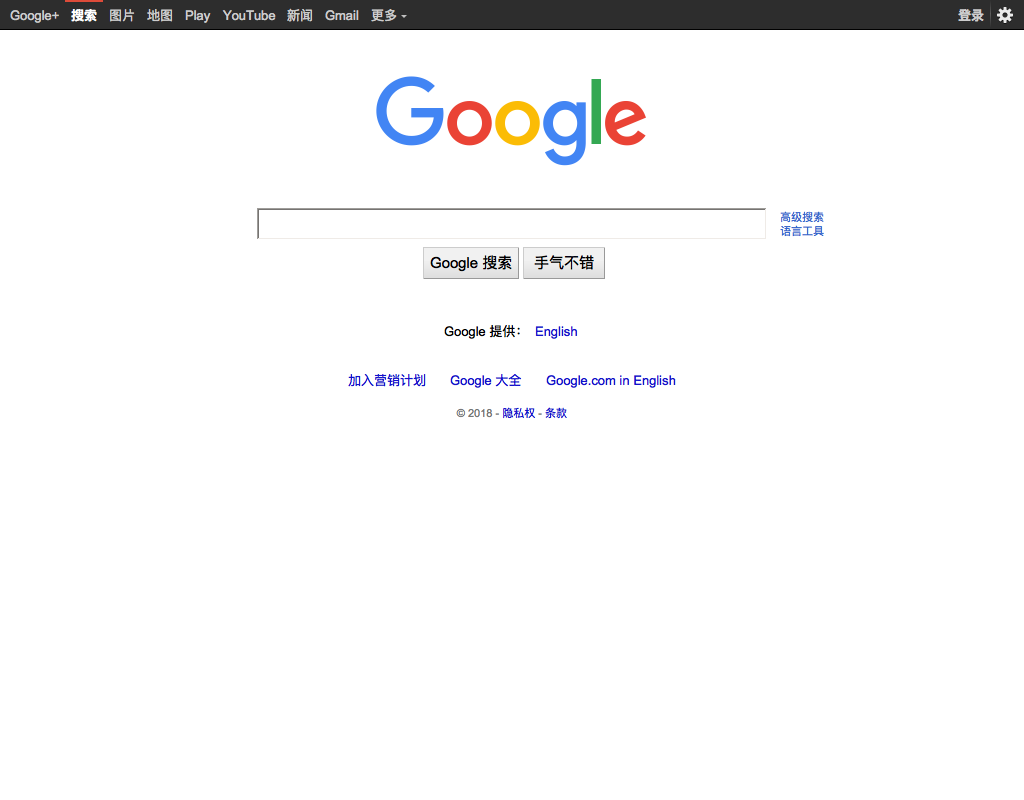
使用方式
usage: webpageshot [-h] [--url URL] [--outfile OUTFILE]

optional arguments:
  -h, --help         show this help message and exit
  --url URL          page url
  --outfile OUTFILE  output image location
安装
$ pip install webpageshot
License
1 maintainer

Metadata
1 maintainer
Release files for webpageshot 0.2
For a detailed explanation of source distributions (sdists) and built distributions (wheels), please see the package formats documentation.
Source distribution (sdist)
| File | Size | Uploaded | |
|---|---|---|---|
| webpageshot-0.2.tar.gz | 2.2 kB | Details |
Built distribution (wheel)
| File | Interpreter | ABI | Platform | Reset |
|---|---|---|---|---|
| webpageshot-0.2-py3-none-any.whl | Python 3 | none | any | Details |
Total release size: 4.9 kB
Release files / webpageshot-0.2.tar.gz
| Download URL | webpageshot-0.2.tar.gz |
|---|---|
| Size | 2.2 kB |
| Tags | Source |
|
SHA-256 checksum How to use checksums |
490c67118953b3044eefe69cb5f1681f76a90ad3948d284c3ca4bbe65cb8b788
|
|
BLAKE2b-256 checksum How to use checksums |
290a8adffa3b0761395ccb50227dba6bf63c92535a2f422afd1407b31a5bd0dc
|
| Upload date | |
|
Uploaded using Trusted Publishing? What is trusted publishing? |
No |
Release files / webpageshot-0.2-py3-none-any.whl
| Download URL | webpageshot-0.2-py3-none-any.whl |
|---|---|
| Size | 2.8 kB |
| Tags | Python 3 |
|
SHA-256 checksum How to use checksums |
8e9da1a03b2101dd032983c97b306d08cff50ac5fcfec35a535cb67624bc153c
|
|
BLAKE2b-256 checksum How to use checksums |
42eb927ec78048a103c531aeb3a9532a9588cdb71e3a057d1d7992810dd5ec01
|
| Upload date | |
|
Uploaded using Trusted Publishing? What is trusted publishing? |
No |














