
weo-reader





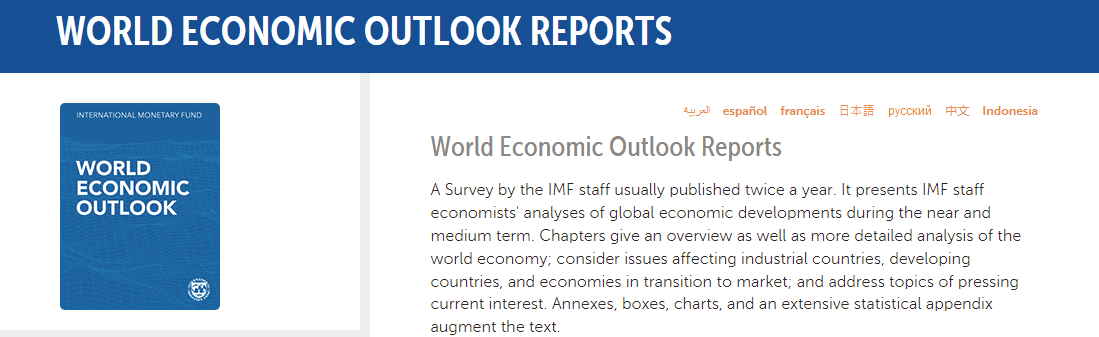
This is a Python client to download IMF World Economic Outlook Report dataset as pandas dataframes by release dates. You can explore:
- single country macroeconomic data and forecast,
- macro variables across countries for a given year,
- country-year panel for single macro variable.
Testimonials
Thanks for your contribution and am happy to be able to work off of your codes. This is really awesome.
I have been using your WEO API which is very great!
I wanted to express our appreciation for your package,
weo-reader. We have used the package extensively in our work. It has been an invaluable tool for efficiently updating our database and conducting research.
Dataset releases (vintages)
Dataset releases (vintages) are available back to 2007, the reported data goes back to 1980, forecast is three years ahead.
| Release | Date |
|---|---|
| Latest confirmed | April 2024 |
| First | October 2007 |
Confirmed release is tested to be processed with weo.
Usually, if something breaks in a new release users raise an issue here.
Install
The program runs with Python 3.9 or higher.
To install:
pip install weo
Latest version:
pip install git+https://github.com/epogrebnyak/weo-reader.git
First glance
Get US inflation forecast from April 2022 semiannual WEO release.
from weo import download, WEO

path, url = download(2022, 1)
# weo_2022_1.csv 18.8Mb
# Downloaded 2022-Apr WEO dataset

df_cpi = WEO(path).inflation()
print(df_cpi.USA.tail(8))
#         USA
# 2020  1.549
# 2021  7.426
# 2022  5.329
# 2023  2.337
# 2024  2.096
# 2025  1.970
# 2026  1.983
# 2027  2.017
Step 1. Download data
Save data from IMF web site as local file. Specify year and release:
import weo

weo.download(year=2020, release="Oct", filename="weo.csv")
- You can access WEO releases starting October 2007 with this client.
- WEO is normally released in April and October, one exception is September 2011.
- Release is referenced by:
- number
1or2; - month
'Apr'or'Oct', and'Sep'in 2011.
- number
Your can list all years and releases available for download with weo.all_releases().
Combine to create local dataset of WEO vintages from 2007 to present:
import pathlib
import weo

# create folder
pathlib.Path("weo_data").mkdir(parents=False, exist_ok=True)

# download all releases
for (year, release) in weo.all_releases():
  weo.download(year, release, directory="weo_data")
Step 2. Inspect data
Use WEO class to view and extract data. WEO is a wrapper around a pandas dataframe that ensures proper data import and easier access and slicing of data across time-country-variable dimensions.
Try code below:
from weo import WEO

w = WEO("weo.csv")
What variables and measurements are inside?
# variable listing
w.variables()

# units
w.units()
w.units("Gross domestic product, current prices")

# variable codes
w.codes
w.from_code("LUR")

# countries
w.countries("United")      # Dataframe with United Arab Emirates, United Kingdom
                           # and United States
w.iso_code3("Netherlands") # 'NLD'
The dataset is year-country-variable-value cube, you can fix any dimension to get a table.
w.get("General government gross debt", "Percent of GDP")
w.getc("NGDP_RPCH")
w.country("DEU")
w.fix_year(1994)
Plot a chart with the projected 12 largest economies in 2024 (current prices):
(w.gdp_usd(2024)
  .dropna()
  .sort_values()
  .tail(12)
  .plot
  .barh(title="GDP by country, USD billion (2024)")
)
Get GDP per capita data from 2000 to 2020:
w.gdp_pc_usd(start_year=2000, end_year=2020)
Code documentation
weo package documentation is here.
Alternative data sources
1. If you need the latest data as time series and not the vintages of WEO releases, and you know variables that you are looking for, DBnomics is a good choice:
Example:
from dbnomics import fetch_series_by_api_link
ts1 = fetch_series_by_api_link("https://api.db.nomics.world/v22/"
                               "series/IMF/WEO:latest/DEU.PCPI"
                               "?observations=1")
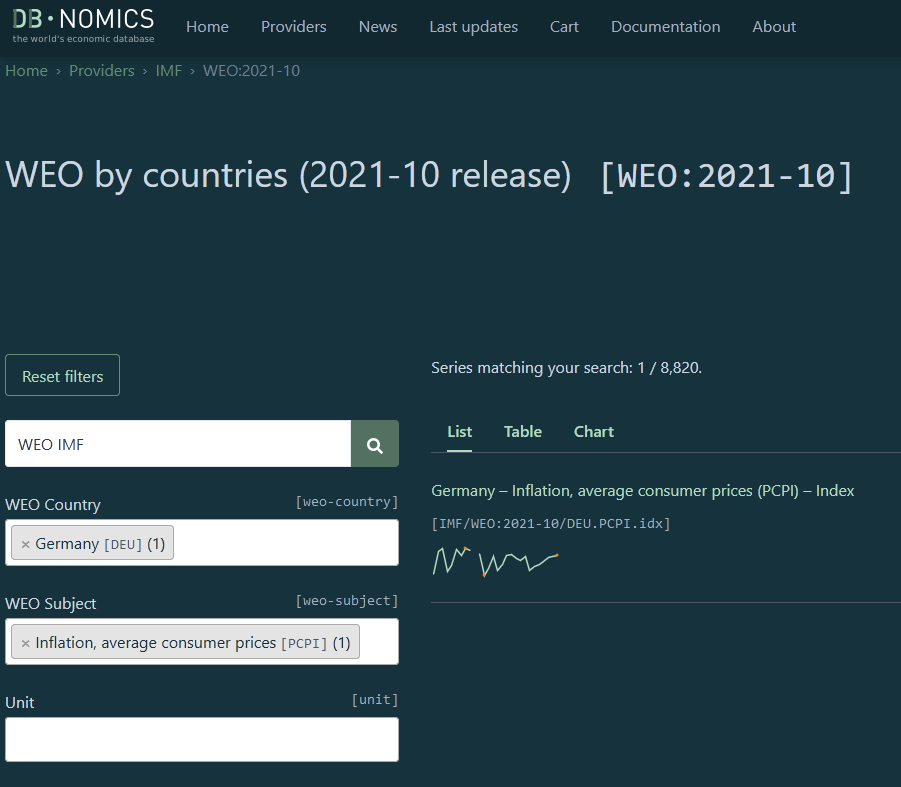
More on DBnomics:
2. Similar dataset, not updated since 2018, but with earlier years than weo-reader:
https://github.com/datasets/imf-weo
Development notes
- You can download the WEO file in command line with
curlcommand:
curl -o weo.csv https://www.imf.org/-/media/Files/Publications/WEO/WEO-Database/2020/02/WEOOct2020all.xls
WEOOct2020all.xlsfrom the web site is really a CSV file, not an Excel file.- There is an update of GDP figures in June 2020, but the file structure is incompatible with regular releases.
- Prior to 2020 the URL structure was similar to
https://www.imf.org/external/pubs/ft/weo/2019/02/weodata/WEOOct2019all.xls
1 maintainer

Metadata
1 maintainer
Release files for weo 0.8.4
For a detailed explanation of source distributions (sdists) and built distributions (wheels), please see the package formats documentation.
Source distribution (sdist)
| File | Size | Uploaded | |
|---|---|---|---|
| weo-0.8.4.tar.gz | 11.5 kB | Details |
Built distribution (wheel)
| File | Interpreter | ABI | Platform | Reset |
|---|---|---|---|---|
| weo-0.8.4-py3-none-any.whl | Python 3 | none | any | Details |
Total release size: 21.4 kB
Release files / weo-0.8.4.tar.gz
| Download URL | weo-0.8.4.tar.gz |
|---|---|
| Size | 11.5 kB |
| Tags | Source |
|
SHA-256 checksum How to use checksums |
4605624157c75e1500e94e124f34fb872a7f69bcacd04a0b3e201facded72fda
|
|
BLAKE2b-256 checksum How to use checksums |
d579f554cdfd97446647079acd466b597d9b9e11317d653c36eebbd606991545
|
| Upload date | |
|
Uploaded using Trusted Publishing? What is trusted publishing? |
No |
| Uploaded via |
poetry/1.8.2 CPython/3.10.13 Linux/6.2.0-1019-azure
|
Release files / weo-0.8.4-py3-none-any.whl
| Download URL | weo-0.8.4-py3-none-any.whl |
|---|---|
| Size | 9.9 kB |
| Tags | Python 3 |
|
SHA-256 checksum How to use checksums |
57fcb15ec76b1f0275cf4796e9bde64679842778aec24b4cfcf1bf044f20b8ef
|
|
BLAKE2b-256 checksum How to use checksums |
038feac5f3a22d256df18abf6da805c39473e04b6cb462bf6d87eef6ca5b1263
|
| Upload date | |
|
Uploaded using Trusted Publishing? What is trusted publishing? |
No |
| Uploaded via |
poetry/1.8.2 CPython/3.10.13 Linux/6.2.0-1019-azure
|














