
xrandr-extend



Extend a HIDPI screen to a normal DPI external display. This command line tool implements various solutions described in the HIDPI Arch Linux wiki page.
- Free software: GNU General Public License v3
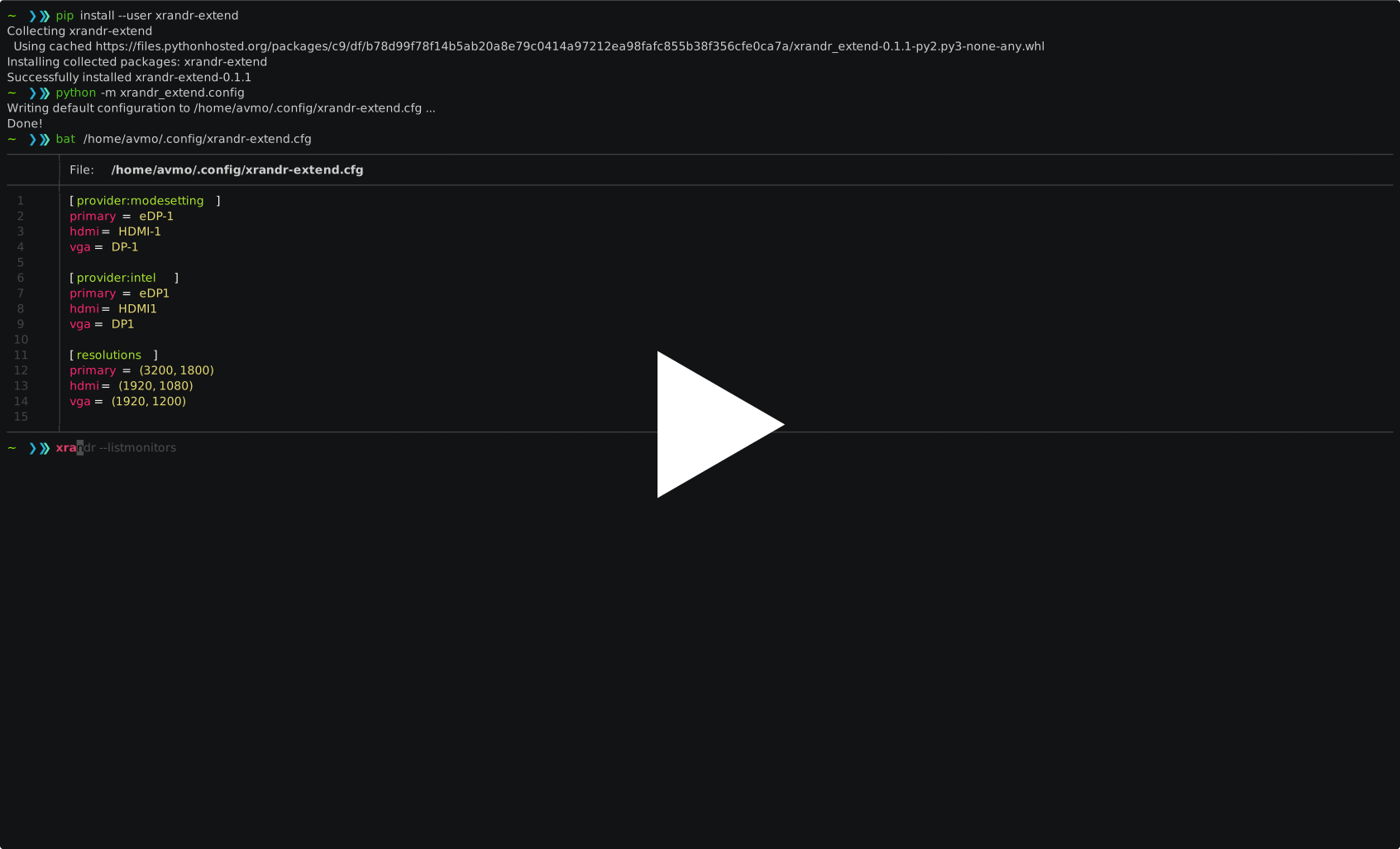
Installation
pip install xrandr-extend --user
or alternatively use pipx:
pipx install xrandr-extend
Configuration
python -m xrandr_extend.config
This creates a file ~/.config/xrandr-extend.cfg which looks like this:
[provider:modesetting]
primary = eDP-1
hdmi = HDMI-1
vga = DP-1

[provider:intel]
primary = eDP1
hdmi = HDMI1
vga = DP1

[resolutions]
primary = 3200, 1800
hdmi = 1920, 1080
vga = 1920, 1200

# [scaling]
# primary = 1.0
# hdmi = 2.0
# vga = 2.0

# [rotation]
# primary = left
# hdmi = left
# vga = right
The first few sections have the name in the format [provider:display_driver].
Run xrandr --listproviders to find what your system has. The values in this
section should be given as profile = monitor_name, as in the output of
xrandr --listmonitors command. You may even remove existing sections and
add more sections for your display driver.
Each line in the [resolutions] section signifies a resolution profile in
the format profile = [width_in_pixels, height_in_pixels]. The profile
primary should contain the resolution of your built-in display. You may edit
or remove the remaining values hdmi and vga.
The [scaling] section contains the scale factors, which if uncommented,
overrides the scale factor computed from the resolutions.
The [rotation] section specifies the directions to rotate the output contents
similarly to xrandr --rotate.
Quick reference
usage: xrandr-extend [-h] [-p PRI_RES PRI_RES] [-e EXT_RES EXT_RES]
                     [-x EXT_SCALE] [-m] [-n] [-o] [-s] [-d]
                     profile

Extend a HIDPI screen to a normal DPI external display

positional arguments:
  profile               Use preset external resolution profiles (available:
                        ['hdmi', 'vga']).

optional arguments:
  -h, --help            show this help message and exit
  -p PRI_RES PRI_RES, --pri-res PRI_RES PRI_RES
                        Modify preset resolution of primary display (default:
                        3200, 1800)
  -e EXT_RES EXT_RES, --ext-res EXT_RES EXT_RES
                        Modify preset resolution of external display (default
                        based on profile)
  -x EXT_SCALE, --ext-scale EXT_SCALE
                        Sets the scale factor of external display (DPI of
                        primary display / DPI of external display), overriding
                        scale factor estimation from resolutions
  -m, --mirror          Mirror the external display
  -n, --pan             Pan the position of external display
  -o, --only            Extend and use only external display
  -s, --pos             Set the position of external display explicitly
  -d, --dry-run         Preview command without executing it

Examples
--------
# Built-in options or user-configured options are used when only the display
# profile is mentioned

$ xrandr-extend --dry-run vga
$ xrandr-extend vga
$ xrandr-extend hdmi

# Other options to extend the display

$ xrandr-extend --pan hdmi
$ xrandr-extend --only hdmi
$ xrandr-extend -e 1024 768 -n vga  # Pan with custom external resolution
$ xrandr-extend -x 2.0 hdmi         # Custom scale factor
Credits
This package was created with Cookiecutter and the ashwinvis/cookiecutter-pypackage project template.
History
0.3.0 (2021-12-22)
- New option
-ror--rotateto orient the external display
0.2.0 (2019-07-15)
- New optional option
-xor--ext-scalefor the scaling factor (PR #4, #5)
0.1.1 (2019-05-16)
- Correct command
xrandr_extend->xrandr-extend
0.1.0 (2019-05-16)
- Flicker correction
- Use cookiecutter to generate src layout
0.0.3
- Deploy to PyPI
- Reorganize as a package and allow for configuration
- Use
pkg_resourcesto finddefault.cfg
0.0.2
- Simpler defaults which uses only scaling factors
- Parse args only inside
__main__and do not run any commands during dry run - Less bugs


Release files for xrandr-extend 0.3.0
For a detailed explanation of source distributions (sdists) and built distributions (wheels), please see the package formats documentation.
Source distribution (sdist)
| File | Size | Uploaded | Provenance | |
|---|---|---|---|---|
| xrandr_extend-0.3.0.tar.gz | 20.0 kB | Without provenance | Details |
Built distribution (wheel)
| File | Interpreter | ABI | Platform | Reset |
|---|---|---|---|---|
| xrandr_extend-0.3.0-py3-none-any.whl | Python 3 | none | any | Details |
Total release size: 28.8 kB
Release files / xrandr_extend-0.3.0.tar.gz
| Download URL | xrandr_extend-0.3.0.tar.gz |
|---|---|
| Size | 20.0 kB |
| Tags | Source |
|
SHA-256 checksum How to use checksums |
679e62f52e9503fb372b68be3bf1753e0f8b5b6904ffb3672e89949f6233ef87
|
|
BLAKE2b-256 checksum How to use checksums |
964f0f22f5975445f18762db1000c7487466f032bddac43510a8c414277c8fdc
|
| Upload date | |
|
Uploaded using Trusted Publishing? What is trusted publishing? |
No |
| Uploaded via |
twine/3.7.1 importlib_metadata/4.10.0 pkginfo/1.8.2 requests/2.26.0 requests-toolbelt/0.9.1 tqdm/4.62.3 CPython/3.8.9
|
Release files / xrandr_extend-0.3.0-py3-none-any.whl
| Download URL | xrandr_extend-0.3.0-py3-none-any.whl |
|---|---|
| Size | 8.8 kB |
| Tags | Python 3 |
|
SHA-256 checksum How to use checksums |
ccc3ebdf547de01c2cd62aaa1a2fa8d32792bf5ef6bf1a1a678a6b24d267968c
|
|
BLAKE2b-256 checksum How to use checksums |
4834c37fc61371aa3e4b9def2570c6d9a31c013178f88475cb877ca0e7de3367
|
| Upload date | |
|
Uploaded using Trusted Publishing? What is trusted publishing? |
No |
| Uploaded via |
twine/3.7.1 importlib_metadata/4.10.0 pkginfo/1.8.2 requests/2.26.0 requests-toolbelt/0.9.1 tqdm/4.62.3 CPython/3.8.9
|
Security for xrandr-extend 0.3.0
Provenance
Provenance describes where a file came from. On PyPI, provenance is shared via attestations, which provide a verifiable record of the build or publishing details. View details, limitations and caveats.
No provenance found
None of the files in this release were uploaded with provenance metadata.
A note on package security
PyPI is a repository for distributing packages, not a service for auditing them. While third-party security researchers and our staff do their best to detect and remove malicious packages, PyPI cannot guarantee the quality, security or suitability of any given package.














