
zython
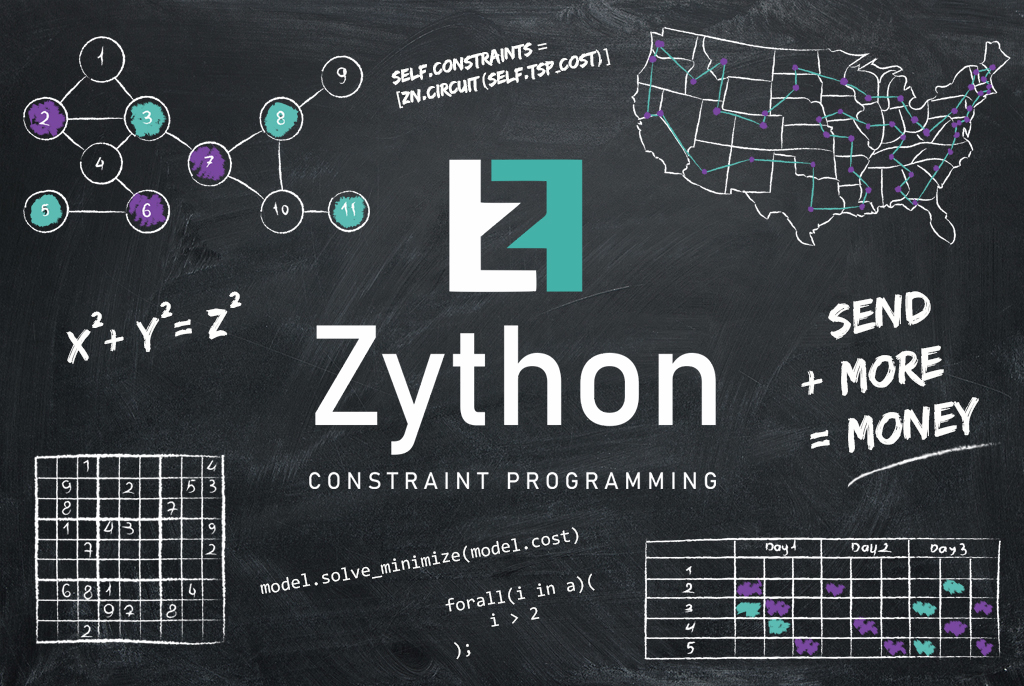
Constraint programming (CP) is a paradigm for solving combinatorial problems. Minizinc is used for model and optimization problems solving using CP. You can express a model as a number of parameter, variables and constraints - minizinc will solve it (or said it if there isn't any solution).
If you are wonder which digit should be assigned to letters, so the
expression SEND+MORE=MONEY will be hold, or how many color you should have
to brush map of Australia and two states with the same border won't have any
common color, or try to understand which units you should hire in your
favourite strategy game, so you will have the strongest army for that amount
of money you can use CP.
Zython lets you express such model with pure python, so there is no need to learn a new language, and you can easily integrate CP into your python programs.
Getting Started
Prerequisites
- You should have minizinc 2.6.0+ install and have it executable in
$PATH. You can download it from official site. - Python 3.8+
Installation
pip install zython
Usage
Our first example will be quadratic equation solving.
It can be expressed in minizinc as:
var -100..100: x;
int: a; int: b; int: c;
constraint a*(x*x) + b*x = c;
solve satisfy;
or using minizinc-python package as
import minizinc

# Create a MiniZinc model
model = minizinc.Model()
model.add_string("""
var -100..100: x;
int: a; int: b; int: c;
constraint a*(x*x) + b*x = c;
solve satisfy;
""")

# Transform Model into a instance
gecode = minizinc.Solver.lookup("gecode")
inst = minizinc.Instance(gecode, model)
inst["a"] = 1
inst["b"] = 4
inst["c"] = 0

# Solve the instance
result = inst.solve(all_solutions=True)
for i in range(len(result)):
    print("x = {}".format(result[i, "x"]))
While zython makes it possible to describe this model using python only:
class MyModel(zython.Model):
    def __init__(self, a: int, b: int, c: int):
        self.a = var(a)
        self.b = var(b)
        self.c = var(c)
        self.x = var(range(-100, 101))
        self.constraints = [self.a * self.x ** 2 + self.b * self.x + self.c == 0]

model = MyModel(1, 4, 0)
result = model.solve_satisfy(all_solutions=True)
Collaboration
Zython uses the following libraries:
- Test is created with pytest library
- nox for test execution
- ruff for coding style checking
- sphinx for documentation
Requirements necessary for zython run specified in requirements.txt file, while testing and development requirements are specified in requirements_dev.txt, and documentation requirements are in requirements_doc.txt. For example, if you decided to fix bug, and you need no documentation fixes, you shouldn't install requirements_doc.txt. Project can be cloned from github and all dependencies can be installed via pip.
git clone git@github.com:ArtyomKaltovich/zython.git
python -m venv /path/to/new/venv if needed
pip install -r requirements.txt
pip install -r requirements_dev.txt
The project has CI pipeline which check code stile and run some tests. Before submitting PR it is recommended to run all the checks locally by executing the following command:
nox --reuse-existing-virtualenvs
It is recommended to open new issue and describe a bug or feature request before submitting PR. While implementing new feature or fixing bug it is necessary to add tests to cover it.
Good Luck and thank you for improvements. :)
Coverage metric
To check coverage for all tests (both doc and unit tests) you should run the following command:
nox -rs testcov
1 maintainer

Metadata
1 maintainer
Release files for zython 0.6.0
For a detailed explanation of source distributions (sdists) and built distributions (wheels), please see the package formats documentation.
Built distribution (wheel)
| File | Interpreter | ABI | Platform | Reset |
|---|---|---|---|---|
| zython-0.6.0-py3-none-any.whl | Python 3 | none | any | Details |
Release files / zython-0.6.0-py3-none-any.whl
| Download URL | zython-0.6.0-py3-none-any.whl |
|---|---|
| Size | 33.9 kB |
| Tags | Python 3 |
|
SHA-256 checksum How to use checksums |
dcead50d7fe3e2d5918430a98d56d96f888d39642079c0858b85cd7e48538ad0
|
|
BLAKE2b-256 checksum How to use checksums |
502abd6e91f4ec7c12c22fcda5af527301811ce6b9b0668b70482ad107cdefc1
|
| Upload date | |
|
Uploaded using Trusted Publishing? What is trusted publishing? |
No |
| Uploaded via |
twine/6.1.0 CPython/3.8.18
|














