


Overview
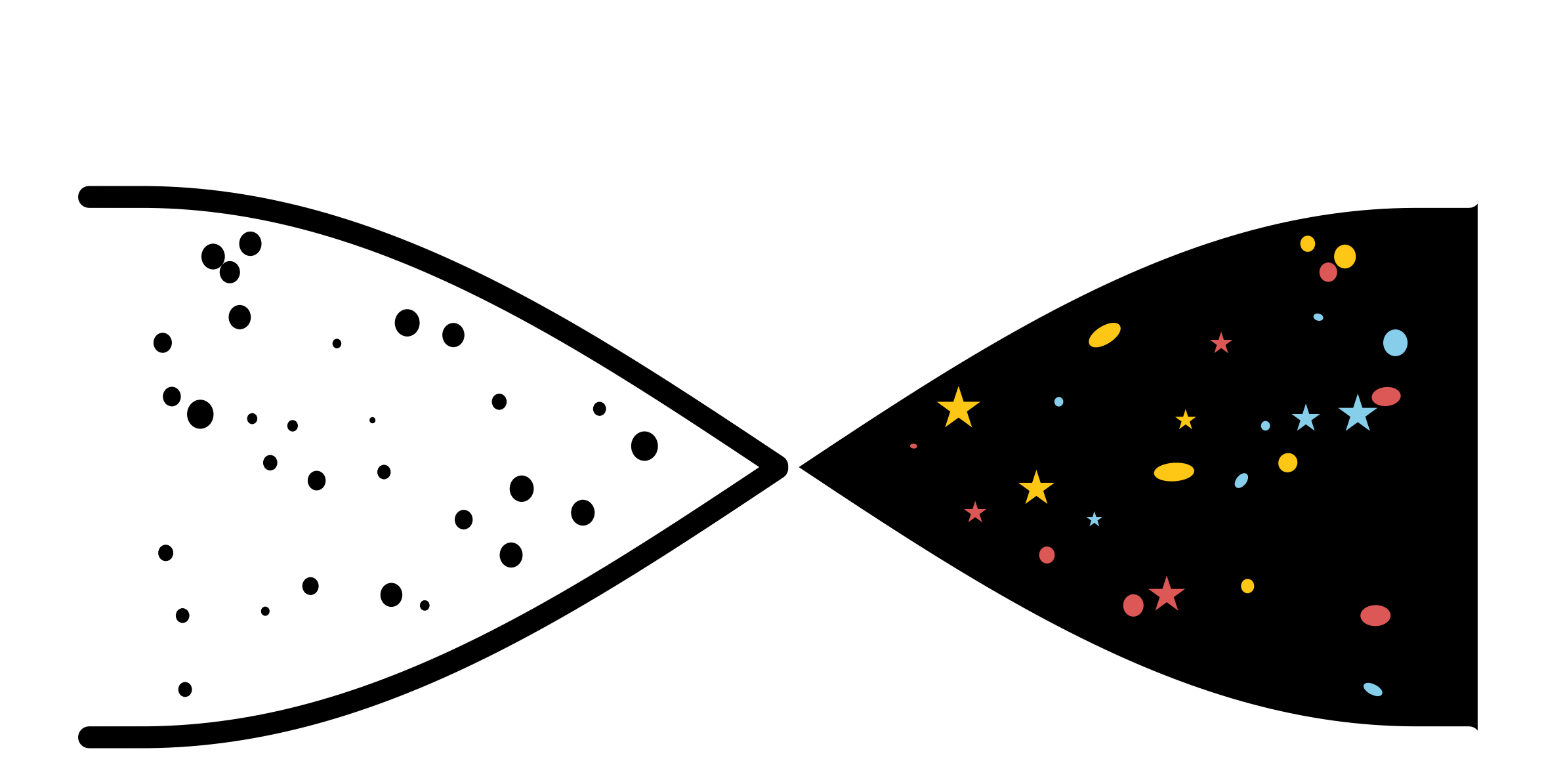
A pipeline for Baryonifying N-body simulations, by adding baryon-induced corrections to the density field and/or adding thermodynamic fields such as the gas pressure, temperature etc. The entire modelling pipeline is built out of the Core Cosmology Library (CCL).
Features
-
Baryonification & Painting: Modify density fields from N-body simulations and/or paint any field that has a halo profile associated with it
-
Maps, grids, and snapshots: Work directly with 2D fields (eg. HealPix maps or 2D grids) but can also use 3D grids or full particle snapshots
-
Parallelized: Painting and baryonification is parallelized under joblib.
A detailed documentation is available at readthedocs.
Environment
The BaryonForge pipeline is designed to have minimal dependencies on external packages. The environment.yaml file can be used to create an environment that contains all necessary packages prior to your installation. We only specify two hard requirements, which is pyccl==2.8 and numpy==1.*, to avoid API-breaking changes.
Installation
The package can be installed through PyPi
pip install BaryonForge
You can also install directly from source, by running the following command:
pip install git+https://github.com/DhayaaAnbajagane/BaryonForge.git
or alternatively you can download the repo yourself and set it up,
git clone https://github.com/DhayaaAnbajagane/BaryonForge.git
cd BaryonForge
pip install -e .
The latter will keep the source files in the location you git clone'd from, and is useful if you are developing on the pipeline and are making frequent edits to it.
Quickstart
import BaryonForge as bfg
import pyccl as ccl

#Add the healpix map and the lightcone halo catalog into the respective data objects
Shell   = bfg.utils.LightconeShell(map = HealpixMap, cosmo = cosmo_dict)
Catalog = bfg.utils.HaloLightConeCatalog(ra = ra, dec = dec, M = M200c, z = z, cdelta = c200c)

#Define a cosmology object, to be used in all profile calculations
cosmo   = ccl.Cosmology(Omega_c = 0.26, h = 0.7, Omega_b = 0.04, sigma8 = 0.8, n_s = 0.96)

#Define the DMO and DMB model which are the root of the baryonification routine
#The model params can be specified during initialization of the class.
#The Baryonification 2D class generates the offsets of density field.
#We setup an interpolator to speed up the calculations.
DMO     = bfg.Profiles.DarkMatterOnly(M_c = 1e14, proj_cutoff = 100)
DMB     = bfg.Profiles.DarkMatterBaryon(M_c = 1e14, proj_cutoff = 100)
model   = bfg.Profiles.Baryonification2D(DMO, DMB, cosmo)
model.setup_interpolator(z_min = Catalog.cat['z'].min(), z_max = Catalog.cat['z'].max(), N_samples_z = 10,
                         M_min = Catalog.cat['M'].min(), M_max = Catalog.cat['M'].max(), N_samples_M = 10,
                         R_min = 1e-3, R_max = 3e2, N_samples_R = 500,)

#The halo pressure profile as well. This is convolved with a Healpix window function
#and then tabulated for speedup
PRESS   = bfg.Profiles.Pressure(theta_ej = 8, theta_co = 0.1, mu_theta_ej = 0.1)
Pixel   = bfg.utils.HealPixel(NSIDE = 1024)
PRESS   = bfg.utils.ConvolvedProfile(PRESS, Pixel)
PRESS   = bfg.utils.TabulatedProfile(PRESS, cosmo)

#Run the baryonification on this one shell
Runner  = bfg.Runners.BaryonifyShell(Catalog, Shell, model = model, epsilon_max = 20)
New_map = Runner.process()

#Run the profile painting on this one shell
Runner  = bfg.Runners.PaintProfilesShell(Catalog, Shell, model = PRESS, epsilon_max = 20)
New_map = Runner.process()
See the /examples folder for more notebooks demonstrating how to use the code for different applications. Some examples also download simulations from the Ulagam Simulation Suite.
Attribution
If you use this code or derivatives of it, please cite Anbajagane, Pandey & Chang 2024.
@ARTICLE{Anbajagane:2024:Baryonification,
       author = {{Anbajagane}, Dhayaa and {Pandey}, Shivam and {Chang}, Chihway},
        title = "{Map-level baryonification: Efficient modelling of higher-order correlations in the weak lensing and thermal Sunyaev-Zeldovich fields}",
      journal = {arXiv e-prints},
     keywords = {Astrophysics - Cosmology and Nongalactic Astrophysics, Astrophysics - Astrophysics of Galaxies},
         year = 2024,
        month = sep,
          eid = {arXiv:2409.03822},
        pages = {arXiv:2409.03822},
archivePrefix = {arXiv},
       eprint = {2409.03822},
 primaryClass = {astro-ph.CO},
       adsurl = {https://ui.adsabs.harvard.edu/abs/2024arXiv240903822A},
      adsnote = {Provided by the SAO/NASA Astrophysics Data System}
}
Contact
Please contant Dhayaa Anbajagane (dhayaa at uchicago dot edu) for any questions on the pipeline (or bugs that you find!)
1 maintainer

Metadata
1 maintainer
Release files for BaryonForge 1.0.0
For a detailed explanation of source distributions (sdists) and built distributions (wheels), please see the package formats documentation.
Source distribution (sdist)
| File | Size | Uploaded | Provenance | Actions |
|---|---|---|---|---|
| BaryonForge-1.0.0.tar.gz | 64.2 kB | Without provenance | Details for BaryonForge-1.0.0.tar.gz |
Release files / BaryonForge-1.0.0.tar.gz
| Download URL | BaryonForge-1.0.0.tar.gz |
|---|---|
| Size | 64.2 kB |
| Tags | Source |
|
SHA-256 checksum How to use checksums |
9c1f6cd1b56952c8d59a89a40848637c626b98f8240867b3251abe9952d74661
|
|
BLAKE2b-256 checksum How to use checksums |
d18357ed9fc79badc289c77f7dcf69f1c073bb4f7674611af34e6a0705d56fda
|
| Upload date | |
|
Uploaded using Trusted Publishing? What is trusted publishing? |
No |
| Uploaded via |
twine/3.8.0 colorama/0.4.4 importlib-metadata/4.6.4 keyring/23.5.0 pkginfo/1.8.2 readme-renderer/34.0 requests-toolbelt/0.9.1 requests/2.25.1 rfc3986/1.5.0 tqdm/4.57.0 urllib3/1.26.5 CPython/3.10.6
|
Security for BaryonForge 1.0.0
Provenance
Provenance describes where a file came from. On PyPI, provenance is shared via attestations, which provide a verifiable record of the build or publishing details. View details, limitations and caveats.
No provenance found
None of the files in this release were uploaded with provenance metadata.
A note on package security
PyPI is a repository for distributing packages, not a service for auditing them. While third-party security researchers and our staff do their best to detect and remove malicious packages, PyPI cannot guarantee the quality, security or suitability of any given package.
To learn more about protecting yourself from malicious actors, visit our package security documentation.













