
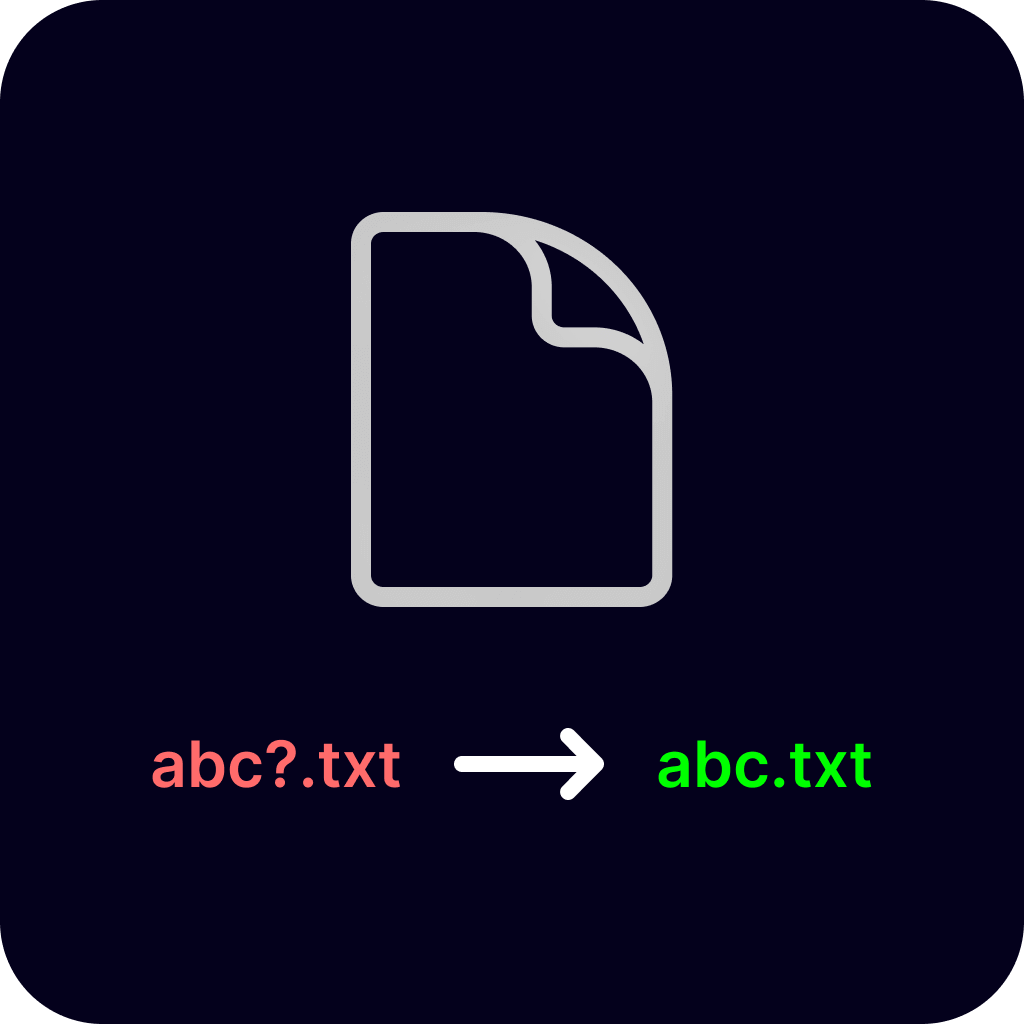
Harmonize file and directory names for Linux, Windows, and macOS.
Table of Contents
Introduction
CrossRename is a command-line tool designed to harmonize file and directory names across Linux, Windows, and macOS systems. It ensures that your file names are compatible with all three operating systems, eliminating naming conflicts when transferring files between different environments.
Features
Sanitizes file names to be Windows-compatible (and thus Linux-compatible and macOS-compatible)
Byte-aware filename truncation (correctly handles CJK, Cyrillic, emoji, and other multi-byte UTF-8 characters)
Option to replace forbidden characters with Unicode lookalikes instead of removing them
Optionally renames directories to be cross-platform compatible
Handles both individual files and entire directories
Supports recursive renaming of files in subdirectories
Preserves file extensions, including compound extensions like .tar.gz
Provides informative logging
Provides a dry-run mode to preview renaming changes without executing them
Interactive safety warnings with option to skip for automation
Skips recursive symlinks to avoid infinite loops
Installation
From PyPI (Using PIP)
pip install CrossRenameUsage
usage: crossrename [-h] [-p PATH] [-v] [-u] [-r] [-d] [-D] [-a] [--force] [-q] [--credits] [--max-filename-bytes N]

Harmonize file and directory names for Linux, Windows and macOS.

options:
  -h, --help                  show this help message and exit
  -p, --path PATH             The path to the file or directory to rename.
  -v, --version               Prints out the current version and quits.
  -u, --update                Check if a new version is available.
  -r, --recursive             Rename all files in the directory path given and its subdirectories. When used with -D, also renames subdirectories.
  -d, --dry-run               Perform a dry run, logging changes without renaming.
  -D, --rename-directories    Also rename directories to be cross-platform compatible. Use with caution!
  -a, --use-alternatives      Replace forbidden characters with Unicode lookalikes instead of removing them. May cause display issues on some systems.
  --force                     Skip safety prompts (useful for automated scripts)
  -q, --quiet                 Suppress 'No change needed' and other informational messages. Only shows files that are actually renamed, plus warnings and errors.
  --credits                   Show credits and support information
  --max-filename-bytes N      Maximum filename length in bytes (default: 255, valid range: 16-255). Filenames exceeding this limit will be truncated. The default of 255 bytes ensures compatibility with Linux filesystems (ext4, btrfs). Multi-byte characters (CJK, Cyrillic, emoji) consume more bytes per character.

Made with <3 by Emmanuel Jemeni | Send Feedback: https://tally.so/r/7Rjpgz?project=CrossRenameExamples
Rename a single file:
crossrename -p /path/to/file.txtRename all files in a directory (and its subdirectories):
crossrename -p /path/to/directory -rRename all files AND directories recursively:
crossrename -p /path/to/directory -r -DRename a single directory:
crossrename -p /path/to/problematic_directory -DPerform a dry run to preview renaming changes without executing them:
crossrename -p /path/to/directory -r -D -dSkip safety prompts for automated scripts:
crossrename -p /path/to/directory -r -D --forceUse Unicode alternatives instead of removing characters:
crossrename -p /path/to/file.txt -aCheck for an update:
crossrename -uShow credits and project information:
crossrename --creditsLimit filename length for Linux filesystems (useful for CJK or emoji-heavy filenames):
crossrename -p /path/to/directory -r --max-filename-bytes 255Suppress informational messages to see only files that will be renamed:
crossrename -p /path/to/directory -r -d -q
# Only shows [Dry-run] Would rename: ... lines and skips "No change needed" noiseUnicode Alternatives Mode
Use –use-alternatives to replace forbidden characters with similar Unicode characters instead of removing them:
crossrename -p "file<name>.txt" --use-alternatives
 # Result: "fileᐸnameᐳ.txt" instead of "filename.txt"
Character mappings:
< → ᐸ (Canadian Syllabics Pa)
> → ᐳ (Canadian Syllabics Po)
: → ∶ (Ratio)
" → ʺ (Modified Letter Double Prime)
/ → ∕ (Division Slash)
\ → ⧵ (Reverse Solidus Operator)
| → ∣ (Divides)
? → ﹖ (Small Question Mark)
* → 🞱 (Bold Five Spoked Asterisk)
Safety First
CrossRename will show interactive safety warnings before making any changes to help prevent accidental data loss. However, it’s strongly recommended to:
Run a dry run first to preview what will be changed:
crossrename -p /your/path -r -D -dBackup your data before running the tool on important files
Use --force flag for automation in CI/CD pipelines:
crossrename -p /your/path -r -D --force
Directory renaming is particularly powerful and potentially disruptive since it changes folder paths that other applications might reference.
Platform Compatibility
CrossRename works on:
Windows
Linux
macOS
The tool sanitizes filenames to be compatible with the most restrictive filesystem (Windows), ensuring files work everywhere. This means:
Removing Windows-forbidden characters: < > : " / \ | ? *
Handling Windows reserved names: CON, PRN, AUX, NUL, COM1-9, LPT1-9
Removing trailing spaces and periods
Removing control characters
Limiting filenames to 255 bytes (for ext4/btrfs compatibility; configurable via --max-filename-bytes)
Since Windows has the strictest rules, files renamed by CrossRename will work on Linux and macOS without issues.
Why did I build this?
So I was dual-booting Windows 10 and Lubuntu 22.04, and one day I’m trying to move some files between the two systems. Five files just wouldn’t copy over because of what I later found out were the differences in Windows and Linux’s file naming rules.
That got me thinking because I’d already built a Python package that had to deal with some file creation and renaming ( It’s called FicImage, please check it out 🫶) before, so I had an idea or two about how to go about this.
Long story short, I got annoyed enough to build CrossRename. Now I don’t have to deal with file naming headaches when switching between systems.
Contributing
Contributions are welcome! If you’d like to improve CrossRename please feel free to submit a pull request.
Especially welcome:
macOS/APFS testing and feedback (currently untested on real macOS hardware)
Linux testing and feedback (on native linux)
Edge case handling for Unicode normalization differences
Performance improvements for large directory trees
Other Operating Systems
Any other thing I forgot to list here
Wait a minute, who are you?
Hello there! I’m Emmanuel Jemeni, and while I primarily work as a Frontend Developer, Python holds a special place as my first programming language. You can find me on various platforms:
License
Changelog
1 maintainer

Metadata
1 maintainer
Release files for crossrename 1.6.0
For a detailed explanation of source distributions (sdists) and built distributions (wheels), please see the package formats documentation.
Source distribution (sdist)
| File | Size | Uploaded | |
|---|---|---|---|
| crossrename-1.6.0.tar.gz | 11.0 kB | Details |
Built distribution (wheel)
| File | Interpreter | ABI | Platform | Reset |
|---|---|---|---|---|
| crossrename-1.6.0-py3-none-any.whl | Python 3 | none | any | Details |
Total release size: 24.8 kB
Release files / crossrename-1.6.0.tar.gz
| Download URL | crossrename-1.6.0.tar.gz |
|---|---|
| Size | 11.0 kB |
| Tags | Source |
|
SHA-256 checksum How to use checksums |
1a1310af4f60cba1fa6aa348e7131906df29817da21ee1b0fb42ac65358eb462
|
|
BLAKE2b-256 checksum How to use checksums |
a175b676bba9d3ead9d20b2739fa1ab92a925e27ec7825237c0114ec5226124c
|
| Upload date | |
|
Uploaded using Trusted Publishing? What is trusted publishing? |
No |
| Uploaded via |
twine/6.2.0 CPython/3.14.6
|
Release files / crossrename-1.6.0-py3-none-any.whl
| Download URL | crossrename-1.6.0-py3-none-any.whl |
|---|---|
| Size | 13.8 kB |
| Tags | Python 3 |
|
SHA-256 checksum How to use checksums |
da6dce647271305653c0e17c30aa42c9801daeeabf1825ee10f66db44b2dd283
|
|
BLAKE2b-256 checksum How to use checksums |
d21fe10e1197d0b9f59f844a0abbf13bca0c0a6cc23f580c00a60b30d4d4c1af
|
| Upload date | |
|
Uploaded using Trusted Publishing? What is trusted publishing? |
No |
| Uploaded via |
twine/6.2.0 CPython/3.14.6
|














