
InvisibleCharm
InvisibleCharm is a python script that allows you to hide your files.
Requirements
- Python 3.x
- Microsoft Visual C++ 14.0 or greater (For Windows)
- python3-dev (For Linux)
- Cython
- setuptools
- log21
- pycryptodome
- Pillow
- python-magic
- importlib_resources
Note: You might need to install some of the requirements manually.
Install InvisibleCharm
To install InvisibleCharm, you can simply use the pip install InvisibleCharm command:
python -m pip install InvisibleCharm
Or you can clone the repository and run:
git clone https://github.com/MPCodeWriter21/InvisibleCharm
cd InvisibleCharm
python setup.py install
Usage
usage: InvisibleCharm [-h] [--ntfs-embed] [--win-attribute] [--embed] [--to-image] [--image-mode {
                      3, 4 }] --source-file SOURCE [--cover-file COVER] [--dest-file DESTINATION]
                      [--delete-source] [--compress] [--encrypt-aes] [--encrypt-aes-pass
                      AES_ENCRYPTION_PASS] [--encrypt-rsa RSA_ENCRYPTION_KEY]
                      [--rsa-key-passphrase RSA_KEY_PASS] [--verbose] [--quiet]
                      { hide, reveal, h, r }

positional arguments:
  { hide, reveal, h, r }
                        modes: hide, reveal

options:
  -h, --help
                        show this help message and exit
  --ntfs-embed, -we
                        Embed files invisibly (Only works on NTFS file system)
  --win-attribute, -wa
                        Change windows attributes to hide file
  --embed, -e
  --to-image, -i
                        Converts a file into a png image
  --image-mode { 3, 4 }, -I { 3, 4 }
                        Sets output image mode. Valid values: 3:RGB, 4:ARGB
  --source-file SOURCE, -s SOURCE
                        Sets the path of SOURCE file
  --cover-file COVER, -c COVER
                        Sets the path of COVER file
  --dest-file DESTINATION, -d DESTINATION, -o DESTINATION
                        Sets the path of DESTINATION file
  --delete-source, -D
                        Deletes source file
  --compress, -C
  --encrypt-aes, -aes
                        Enables AES encryption - Asks for an ENCRYPTION_PASSword
  --encrypt-aes-pass AES_ENCRYPTION_PASS, -aes-pass AES_ENCRYPTION_PASS
                        Enables AES encryption - Needs an ENCRYPTION_PASSword
  --encrypt-rsa RSA_ENCRYPTION_KEY, -rsa RSA_ENCRYPTION_KEY
                        Enables RSA encryption - Needs a path to a RSA private/public key
  --rsa-key-passphrase RSA_KEY_PASS, -rsa-pass RSA_KEY_PASS
                        A passphrase to decrypt the input RSA private key.
  --verbose, -v
                        Verbose mode
  --quiet, -q
                        Quiet mode
Changes
2.4.2
Encryption for auto generated names
Examples
- Embed
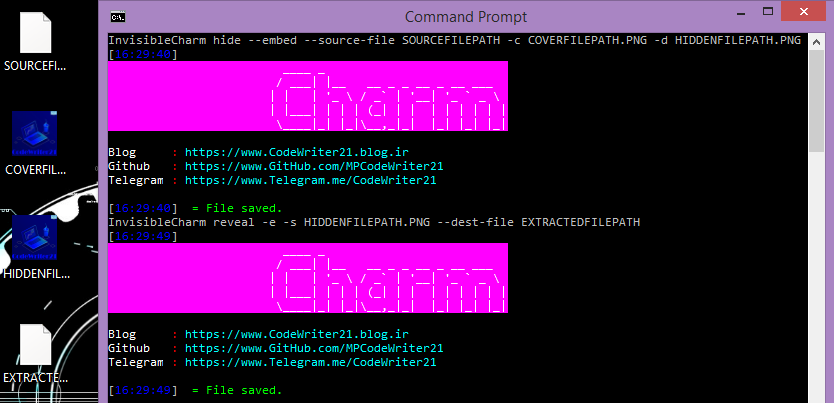
# Embeds the source file and the cover file into the destination file.
InvisibleCharm hide --embed --source-file SOURCEFILEPATH -c COVERFILEPATH.PNG -d HIDDENFILEPATH.PNG

# Extracts hidden data from the source file and write it into the destination file
InvisibleCharm reveal -e -s HIDDENFILEPATH.PNG --dest-file EXTRACTEDFILEPATH
- Convert to Image
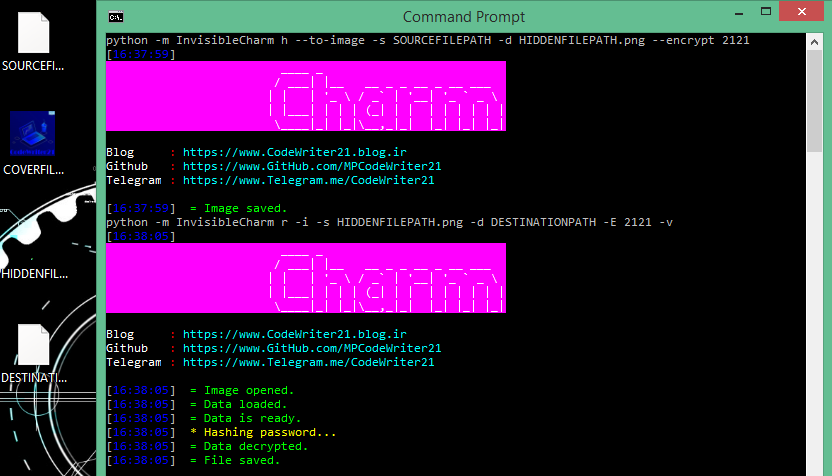
# Reads the source file and encrypts its data using 2121 password and convert the data into a PNG image and save it in the destination path
python -m InvisibleCharm h --to-image -s SOURCEFILEPATH -d HIDDENFILEPATH.png --encrypt 2121

# Reads the PNG image and extract the hidden data and decrypt it using 2121 password and write it into the destination path
python -m InvisibleCharm r -i -s HIDDENFILEPATH.png -d DESTINATIONPATH -E 2121 -v
- Windows Embed
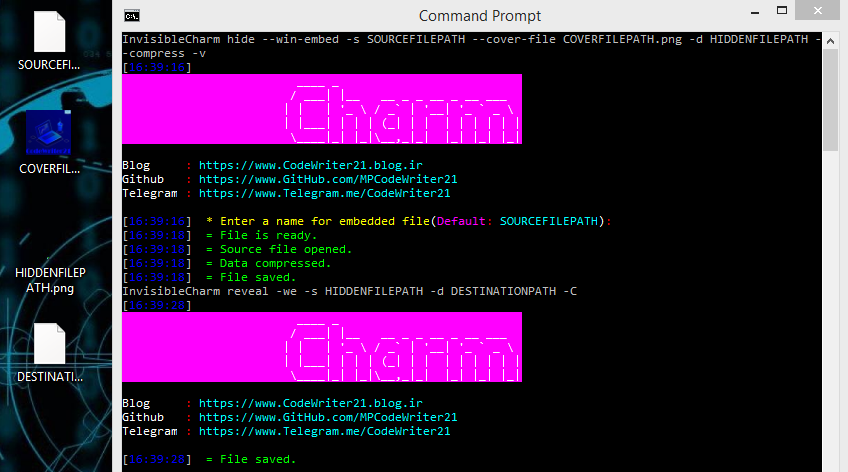
InvisibleCharm hide --win-embed -s SOURCEFILEPATH --cover-file COVERFILEPATH.png -d HIDDENFILEPATH --compress -v
InvisibleCharm reveal -we -s HIDDENFILEPATH -d DESTINATIONPATH -C
- Windows Attribute Change
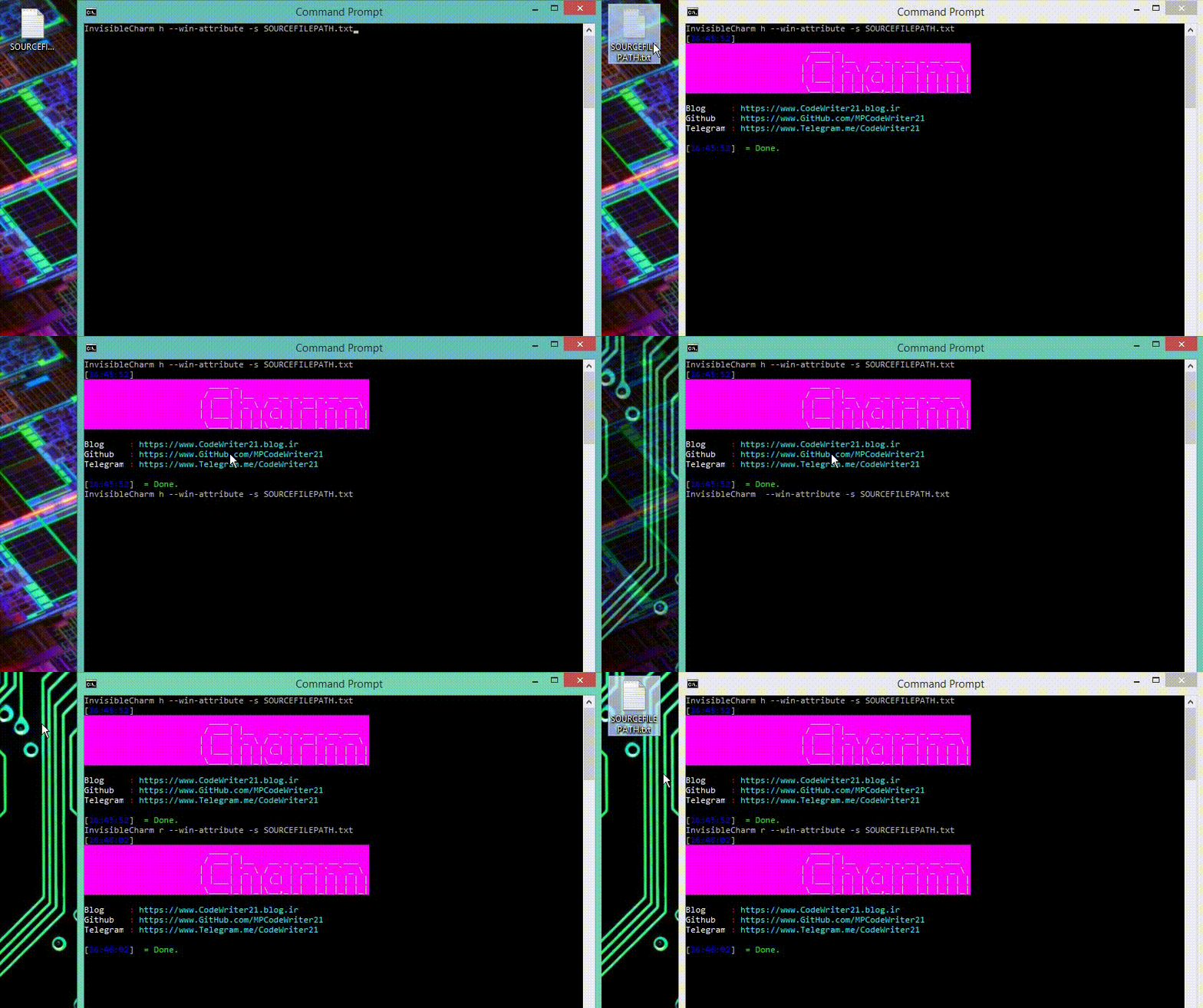
InvisibleCharm h --win-attribute -s SOURCEFILEPATH
InvisibleCharm r -wa -s SOURCEFILEPATH
About
Author: CodeWriter21 (Mehrad Pooryoussof)
GitHub: MPCodeWriter21
Telegram Channel: @CodeWriter21
Aparat Channel: CodeWriter21
Donate
If you like this project, please donate to me 8D!
1 maintainer

Metadata
1 maintainer
Release files for InvisibleCharm 2.4.2
For a detailed explanation of source distributions (sdists) and built distributions (wheels), please see the package formats documentation.
Source distribution (sdist)
| File | Size | Uploaded | Provenance | Actions |
|---|---|---|---|---|
| InvisibleCharm-2.4.2.tar.gz | 23.2 kB | Without provenance | Details for InvisibleCharm-2.4.2.tar.gz |
Release files / InvisibleCharm-2.4.2.tar.gz
| Download URL | InvisibleCharm-2.4.2.tar.gz |
|---|---|
| Size | 23.2 kB |
| Tags | Source |
|
SHA-256 checksum How to use checksums |
dd2f2dd008ea619e331af888c75a8aa365d60777dbe3239339ed7fbf9a2a2b37
|
|
BLAKE2b-256 checksum How to use checksums |
98558d477f763939d3dc6bc385541eb9d3d798f29f437d0933eb6aa2fed16c2e
|
| Upload date | |
|
Uploaded using Trusted Publishing? What is trusted publishing? |
No |
| Uploaded via |
twine/3.8.0 pkginfo/1.8.2 readme-renderer/32.0 requests/2.27.1 requests-toolbelt/0.9.1 urllib3/1.26.8 tqdm/4.63.0 importlib-metadata/4.11.2 keyring/23.5.0 rfc3986/2.0.0 colorama/0.4.4 CPython/3.9.10
|
Security for InvisibleCharm 2.4.2
Provenance
Provenance describes where a file came from. On PyPI, provenance is shared via attestations, which provide a verifiable record of the build or publishing details. View details, limitations and caveats.
No provenance found
None of the files in this release were uploaded with provenance metadata.
A note on package security
PyPI is a repository for distributing packages, not a service for auditing them. While third-party security researchers and our staff do their best to detect and remove malicious packages, PyPI cannot guarantee the quality, security or suitability of any given package.
To learn more about protecting yourself from malicious actors, visit our package security documentation.














