
IronPdf for Python


Project description






IronPDF - Create, Edit, and Read PDFs in Python Applications

Get Started | Tutorials | Code Examples | Licensing | Free Trial
IronPDF is a library developed and maintained by Iron Software that helps Engineers to create, edit and extract PDF content in projects in Python.
IronPDF excels at:
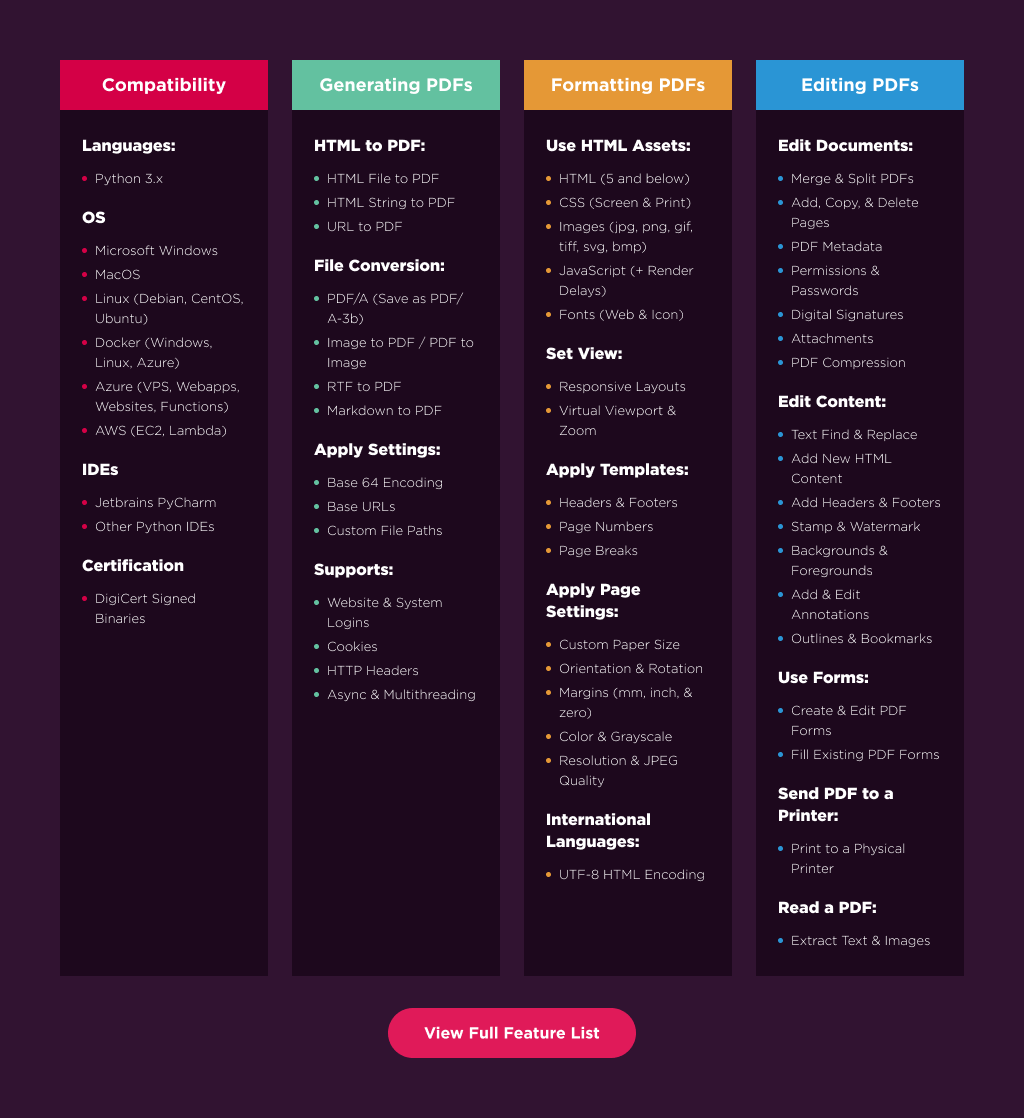
- Generating PDFs from: HTML, URL, JavaScript, CSS and many image formats
- Adding headers/footers, signatures, attachments, and passwords and security
- Performance optimization: Full Multithreading and Async support
- And many more! Visit our website to see all our code examples and a full list of our 50+ features
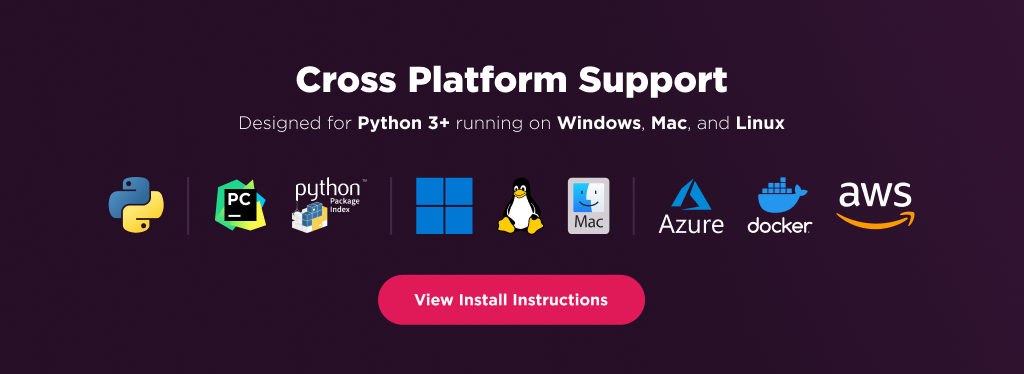
IronPDF has cross platform support compatibility with:
- Python 3.7+
- Windows, macOS, Linux, Docker, Azure, and AWS
Additionally, our API reference and full licensing information can easily be found on our website.
Using IronPDF
IronPDF Python relies on .NET 6.0 as its underlying technology. Therefore, it is necessary to have the .NET 6.0 runtime installed on your machine in order to use IronPDF Python.
Linux and Mac users may need to install .NET from https://dotnet.microsoft.com/en-us/download/dotnet/6.0 prior to using this Python package.
Install Using Pip
pip install ironpdf
IronPDF will then download additional dependencies the first time you run it.
Or Download the Full Package
Optionally, download the Python package specific to your platform from our downloads section at https://ironpdf.com/python/
Usage
Once installed, you can get started by adding from IronPyPdf import * to the top of your Python script. Here is a sample HTML to PDF example to get started:
# HTML to PDF
from ironpdf import *
renderer = ChromePdfRenderer()
pdf = renderer.RenderHtmlAsPdf("<h1>Hello World</h1>")
pdf.SaveAs("output.pdf")
And another option is to create from URL to PDF:
# URL to PDF
from ironpdf import *
renderer = ChromePdfRenderer()
pdf = renderer.RenderUrlAsPdf("https://ironpdf.com/python/")
pdf.SaveAs("output.pdf")
Features Table
Licensing & Support Available
For our full list of code examples, tutorials, licensing information, and documentation visit: https://ironpdf.com/python/
For more support and inquiries, please email us at: support@ironsoftware.com
Documentation Links
- Code Examples : https://ironpdf.com/python/examples/
- Tutorials : https://ironpdf.com/python/tutorials/
- Licensing : https://ironpdf.com/python/licensing/
- Live Chat Support : https://ironpdf.com/python/#helpscout-support
Release history Release notifications | RSS feed


Download files
Download the file for your platform. If you're not sure which to choose, learn more about installing packages.
Source Distributions
Built Distribution
Filter files by name, interpreter, ABI, and platform.
If you're not sure about the file name format, learn more about wheel file names.
Copy a direct link to the current filters
File details
Details for the file IronPdf-2024.4.1.2-py37-none-any.whl.
File metadata
- Download URL: IronPdf-2024.4.1.2-py37-none-any.whl
- Upload date:
- Size: 12.3 MB
- Tags: Python 3.7
- Uploaded using Trusted Publishing? No
- Uploaded via: twine/4.0.2 CPython/3.12.1
File hashes
| Algorithm | Hash digest | |
|---|---|---|
| SHA256 |
87875555ea6b10595a64d7babd578feb8a6e61bc8359e1382f166419ac7195cc
|
|
| MD5 |
a26e51d0f6e7a2ed43fb629fac0e1681
|
|
| BLAKE2b-256 |
6d074ee8bd3d08b650dff787d9d3cced22f778585c45e3fca9637a8bb61252a5
|






