

PyQt6-Frameless-Window
A cross-platform frameless window based on PyQt6



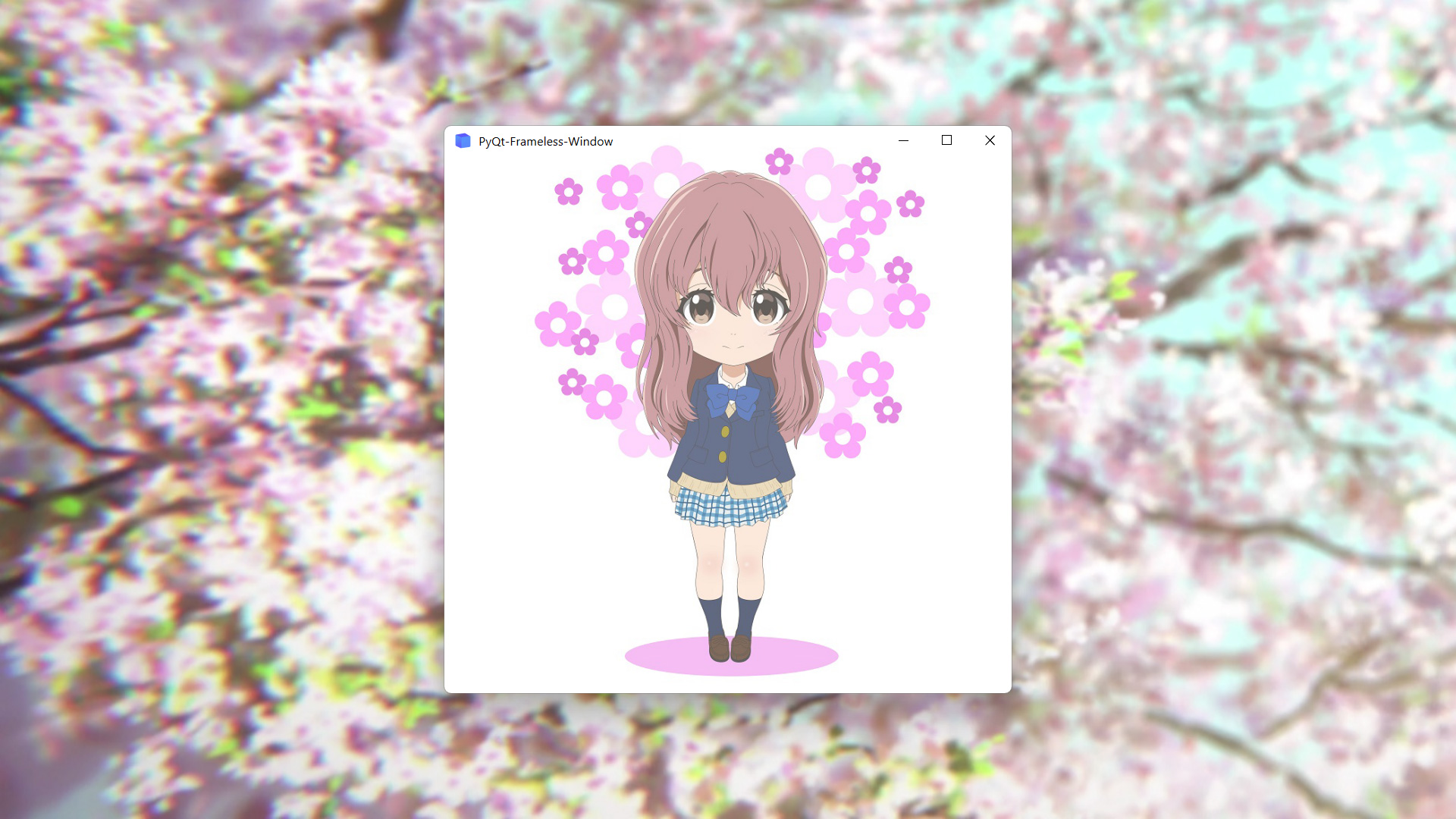
Features
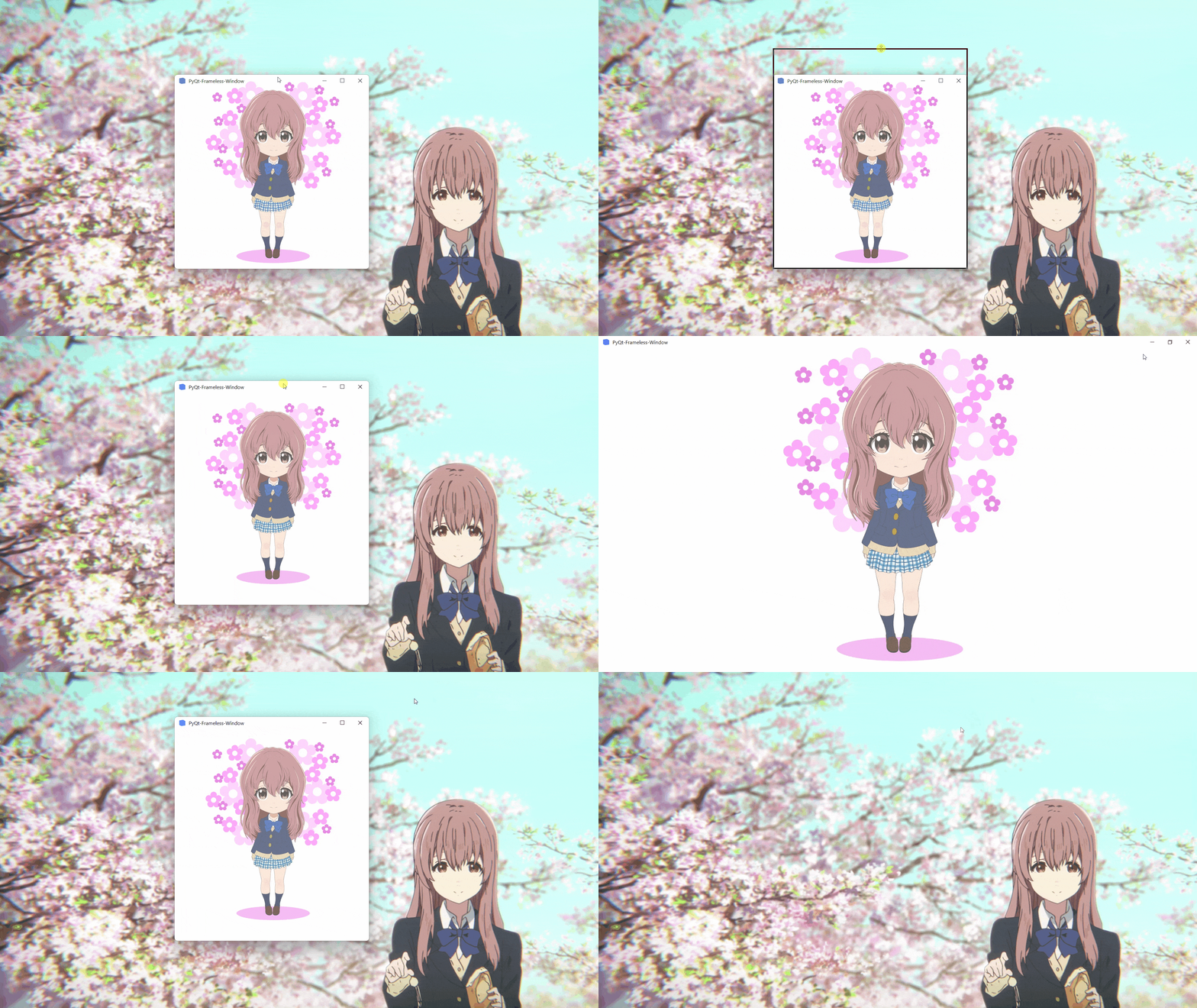
- Moving
- Stretching
- Window shadow
- Window animation
- Win11 snap layout
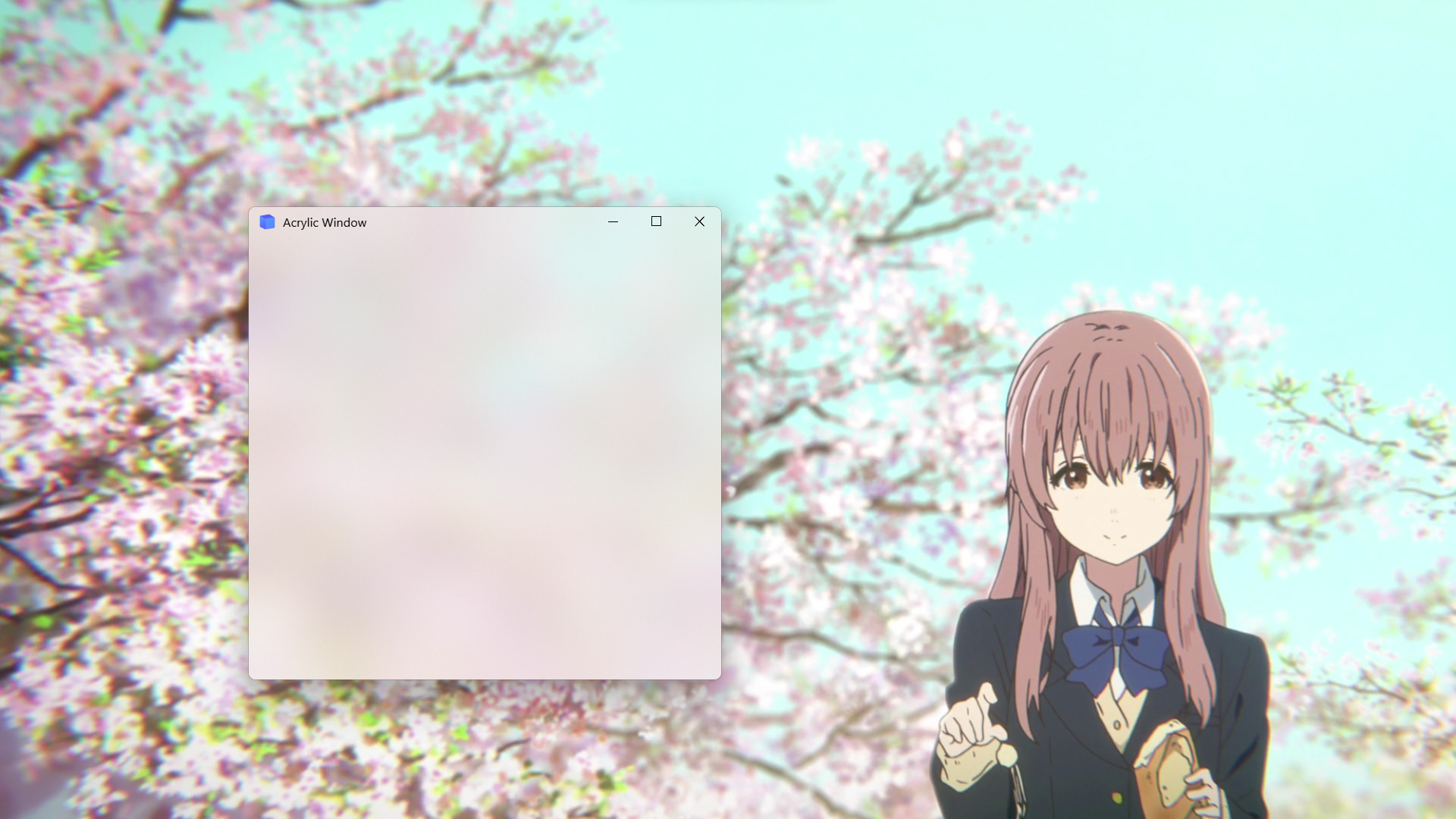
- Win10 acrylic blur
- Win11 mica blur
- Win7 Aero blur
- MacOS blur
Install
To install use pip:
pip install PyQt6-Frameless-Window
Or clone the repo:
git clone -b PyQt6 https://github.com/zhiyiYo/PyQt-Frameless-Window.git
python setup.py install
Requirements
Because the Qt resource system is used, the version of PyQt6 needs to be greater than 6.3.1. In addition, some third-party packages are required.
| Platform | Requirement |
|---|---|
| Win32 | pywin32 |
| MacOS | pyobjc |
Usage
To use the frameless window, you only need to inherit FramelessWindow or FramelessMainWindow. Here is a minimal example:
import sys

from PyQt6.QtWidgets import QApplication
from qframelesswindow import FramelessWindow


class Window(FramelessWindow):

    def __init__(self, parent=None):
        super().__init__(parent=parent)
        self.setWindowTitle("PyQt-Frameless-Window")
        self.titleBar.raise_()


if __name__ == '__main__':
    app = QApplication(sys.argv)
    demo = Window()
    demo.show()
    sys.exit(app.exec_())
For more complex requirements, see demo.py and main_window.py.
Examples
- Normal frameless window
- Acrylic frameless window
Documentation
Want to know more about PyQt6-Frameless-Window? Please read the help document 👈
Notes
-
FramelessWindowprovides a default custom title bar. If you don't like it, just rewrite it as demo.py does. -
Moving the acrylic window on Win10 may get stuck. At present, there is no good solution. Maybe you can disable the acrylic effect when moving the window, but I haven't done this in the source code.
-
Snap layout is not enabled by default. See #56 to learn how to enable it.
-
If you encounter this problem on Windows:
ImportError: DLL load failed while importing win32api
see my answer on stackoverflow or my blog for the solution.
-
If you are using PySide2, PySide6 or PyQt5, you can download the code in PySide2, PySide6 or PyQt5 branch.
See Also
Here are some projects that use PyQt-Frameless-Window:
- zhiyiYo/Groove: A cross-platform music player based on PyQt5
- zhiyiYo/Alpha-Gobang-Zero: A gobang robot based on reinforcement learning
- zhiyiYo/PyQt-Fluent-Widgets: A fluent design widgets library based on Qt
- zhiyiYo/QMaterialWidgets: A material design widgets library based on Qt
Reference
- wangwenx190/framelesshelper: Frameless windows for Qt Widgets and Qt Quick applications. Support Win32, X11, Wayland and macOS
- libxcb: Basic Graphics Programming With The XCB Library
License
PyQt6-Frameless-Window is licensed under GPLv3.
Copyright © 2021 by zhiyiYo.
1 maintainer

Metadata
1 maintainer
Release files for PyQt6-Frameless-Window-Fix 0.3.8
For a detailed explanation of source distributions (sdists) and built distributions (wheels), please see the package formats documentation.
Source distribution (sdist)
| File | Size | Uploaded | |
|---|---|---|---|
| PyQt6-Frameless-Window-Fix-0.3.8.tar.gz | 30.5 kB | Details |
Release files / PyQt6-Frameless-Window-Fix-0.3.8.tar.gz
| Download URL | PyQt6-Frameless-Window-Fix-0.3.8.tar.gz |
|---|---|
| Size | 30.5 kB |
| Tags | Source |
|
SHA-256 checksum How to use checksums |
78ab53c798d68e3622008d2f7000fdce4efa894ed7a1be72a0b152fbba857db2
|
|
BLAKE2b-256 checksum How to use checksums |
f9963cb75fe1a09aa84d23cbd6ef1895871ed773e8356f2d02c64b4ac06ac4ad
|
| Upload date | |
|
Uploaded using Trusted Publishing? What is trusted publishing? |
No |
| Uploaded via |
twine/4.0.2 CPython/3.11.6
|













